




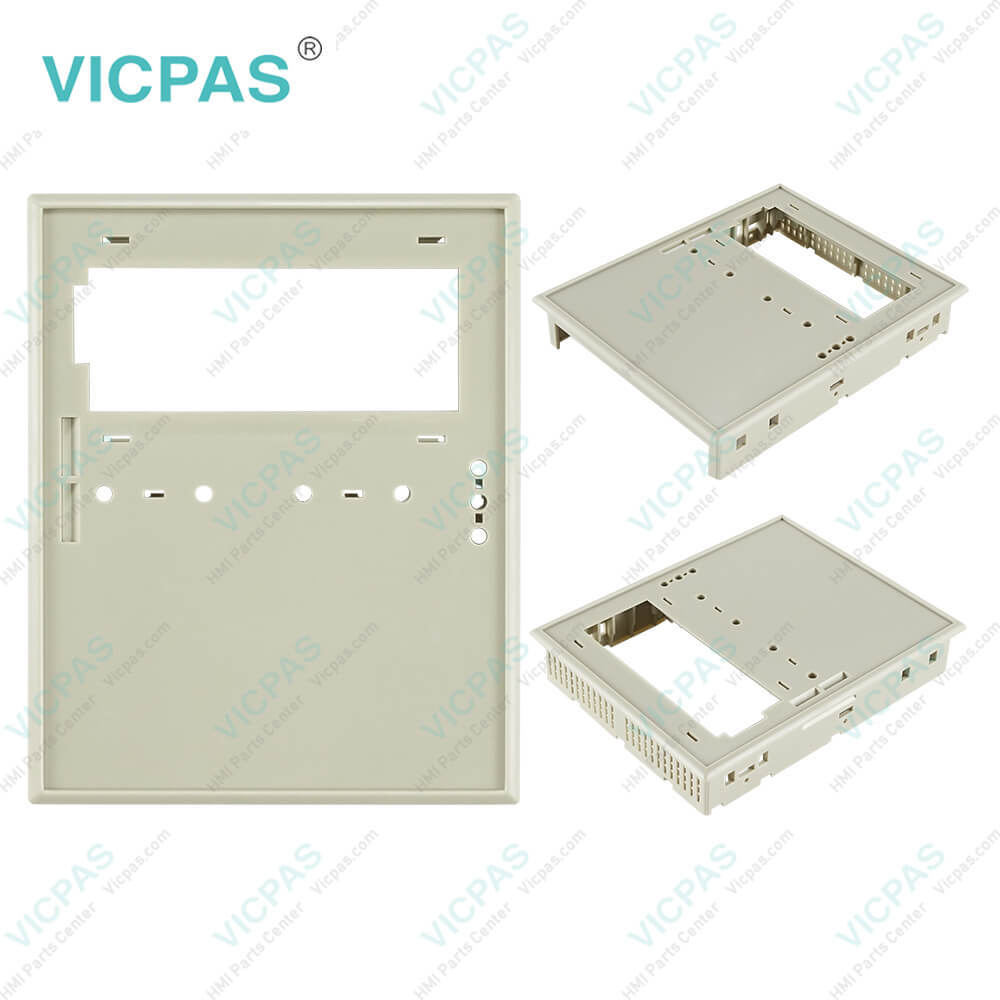
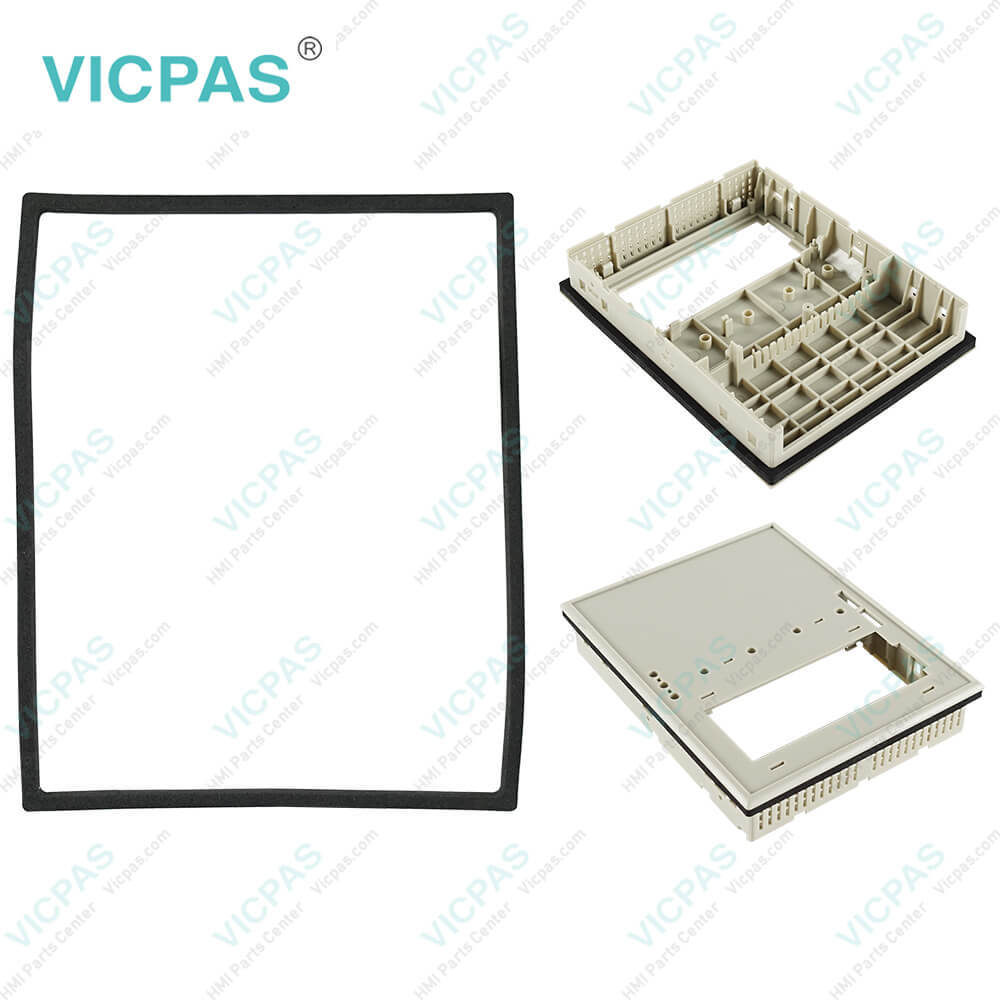
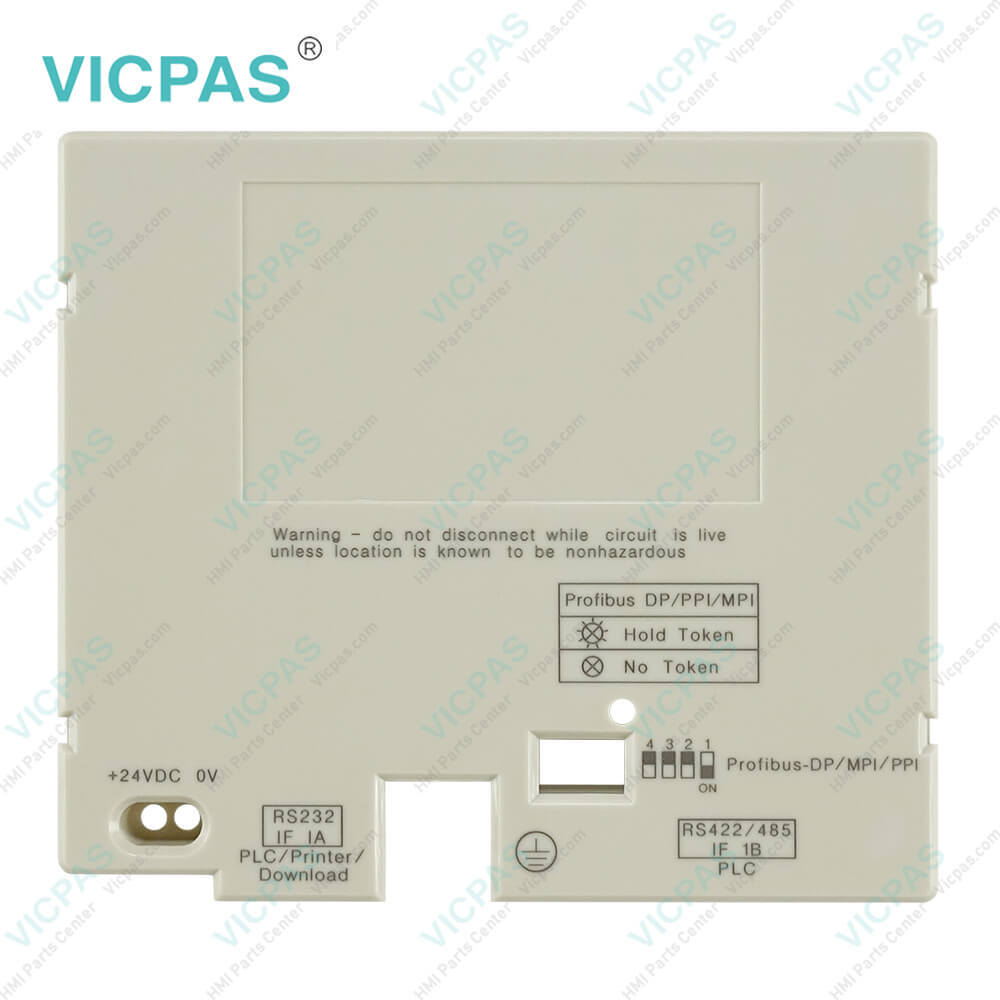
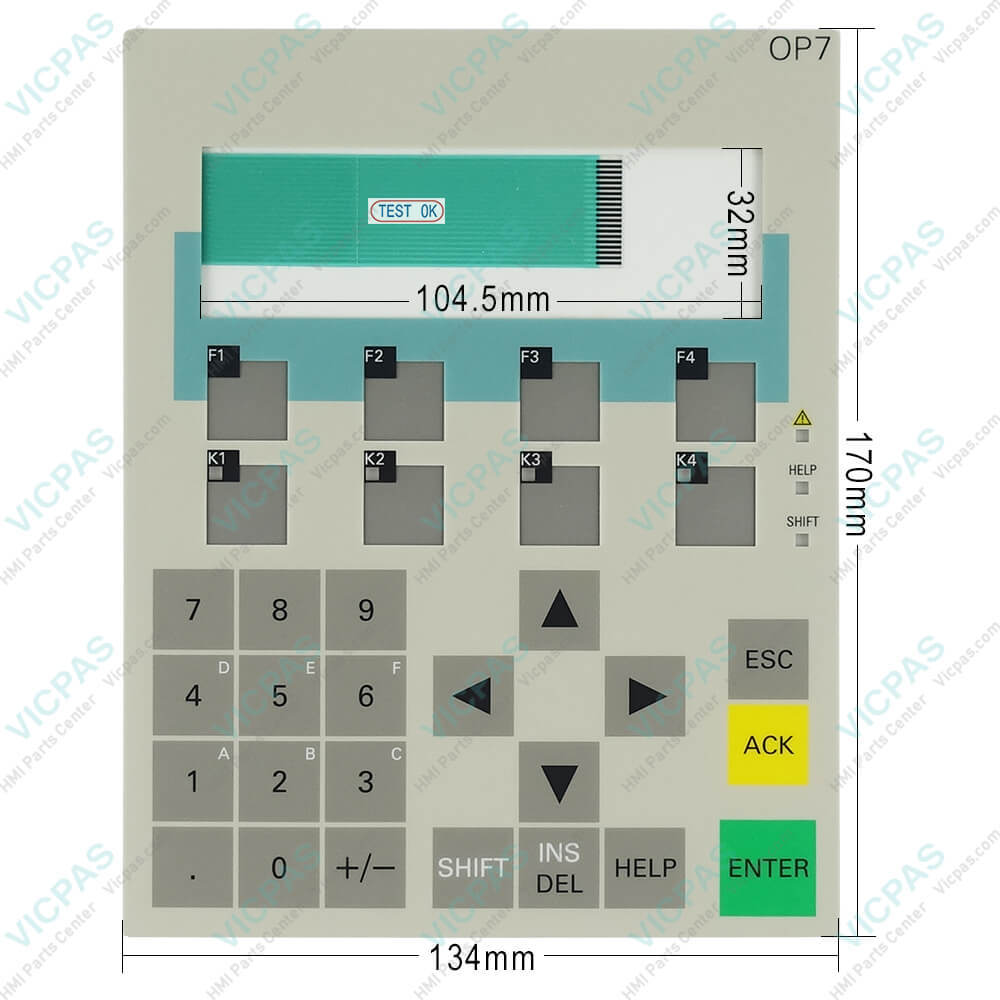
6AV3607-5BB00-0AE0 OP7 DP Siemens Keypad Plastic Shell
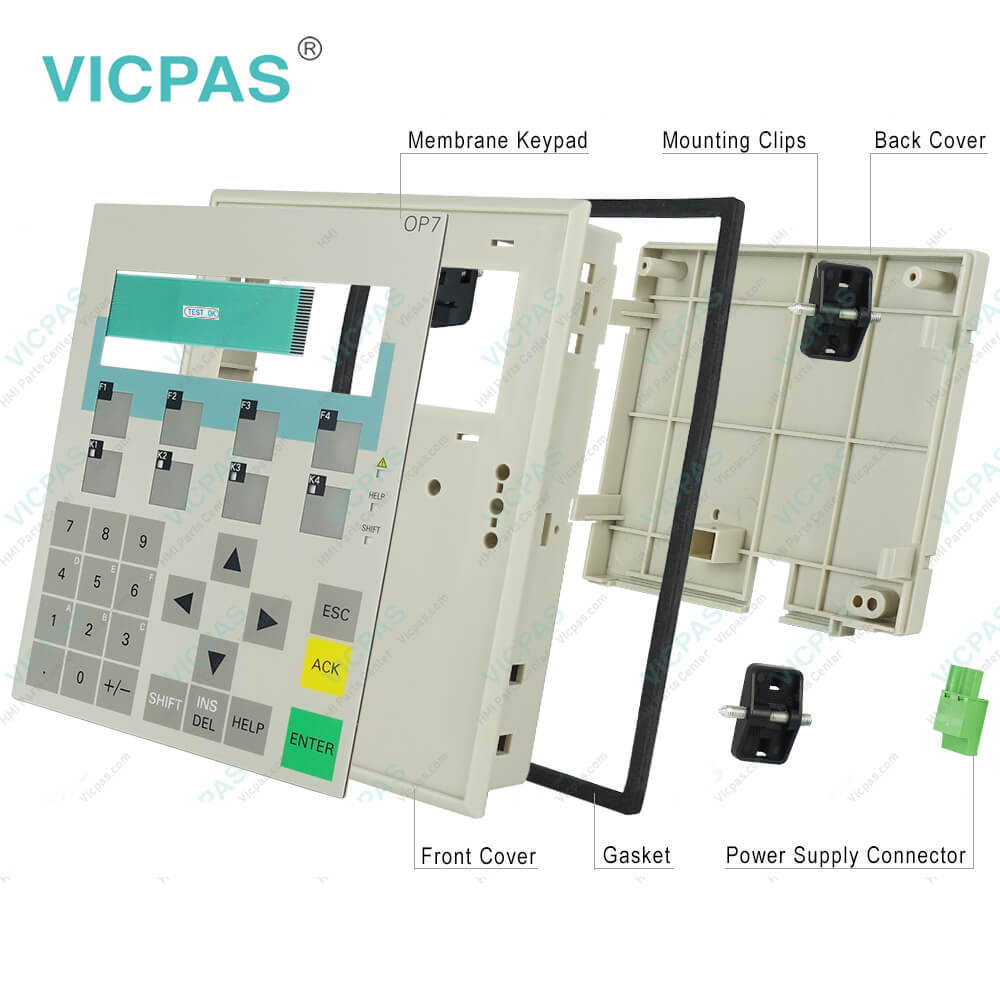
| Categories | Simatic OP7 OP73 OP77a/b |
|---|---|
| Model | 6AV3607-5BB00-0AE0 OP7 DP Siemens |
| Warranty | 180 Days |
| Supply parts | Membrane Keypad and protective plastic Case |
| Shipping | 2-4 workdays |
| FOB port | Guangzhou, Shenzhen, Hongkong |
| Terms of Payment | Western Union, MoneyGram, T/T, Paypal, PayPal, T/T ,Credit Card, Western Union |
| Update Time | 2026-01-30 20:26:03 |
Shipping
Related BB Teach Pendant Part No.:
| 6AV3607-5BB00-0AE0 OP7 DP Siemens | Description | Inventory status |
| 6AG1607-1JC20-4AX1 | SIPLUS HMI OP7/DP Keyboard and Case | In Stock |
| 6AG1607-1JC20-4AX2 | SIPLUS HMI OP7/DP switch and shell | In Stock |
| 6AG1607-1JC30-4AX1 | SIPLUS HMI OP7 switch and shell | Available Now |
| 6AG1607-1JC30-4AX2 | SIPLUS HMI OP7 Keyboard and Case | In Stock |
| 6AV3607-1JC00-0AX0 | OP7/PP OPERATOR PANEL keypad case | Available Now |
| 6AV3607-1JC00-0AX1 | OP7/PP OPERATOR PANEL keyboard case | In Stock |
| 6AV3607-1JC00-0AX2 | OP7/PP OPERATOR PANEL switch case | In Stock |
| 6AV3607-1JC20-0AX0 | OPERATOR PANEL OP7/DP keypad shell | In Stock |
| 6AV3607-1JC20-0AX1 | OPERATOR PANEL OP7/DP keyboard shell | In Stock |
| 6AV3607-1JC20-0AX2 | OP7/DP OPERATOR PANEL switch shell | In Stock |
| 6AV3607-1JC30-0AX0 | Siemens Operator Panel OP7/DP12 Keyboard and Case | In Stock |
| 6AV3607-1JC30-0AX1 | Siemens OP7/DP12 OPERATOR PANEL Keypad Case | In Stock |
| 6AV3607-1JC30-0AX2 | OPERATOR PANEL OP7/DP12 Keyboard Shell | Available Now |
| 6AV3607-5AA00-0AC0 | Simenes OP7 PP Keypad and Case | In Stock |
| 6AV3607-5BA00-0AK0 | Simatic OP7 DP Keyboard and Case | Available Now |
| 6AV3607-5BB00-0AE0 | Simenes OP7 DP Keypad and Case | In Stock |
| 6AV3607-5BB00-0AF0 | Simatic OP7 DP Keypad and Case | Available Now |
| 6AV3607-5BB00-0AG0 | Simenes OP7 DP switch and shell | In Stock |
| 6AV3607-5BB00-0AH0 | Simatic OP7 DP switch and shell | In Stock |
| 6AV3607-5BB00-0AL0 | Simenes OP7 DP Keyboard and Case | In Stock |
| 6AV3607-5CA00-0AD0 | Simatic OP7 DP12 switch and shell | Available Now |
6AV3607-5BB00-0AE0 OP7 DP Siemens Keypad Plastic Shell PDF Download:
FAQ:
Question: How to Backup and restore a program on Siemens 6AV3607-5BB00-0AE0 OP7 DP Siemens Operator Panel?
Answer: At first must connect to the OP directly. Then follow the instructions of Siemens technical support: Siemens Simatic OP7 Backup
Question: How do I to transfer Siemens 6AV3607-5BB00-0AE0 OP7 DP OPERATOR PANEL with mode or back up project?
Answer: When you use the buttons ESC + Cursor Right + Cursor Down and at the same time switch on the Power, you will go to Transfer mode, but also delete the project on panelWhen you use the buttons ESC + Cursor UP and at the same time switch on the power, you will go to Transfer mode and the project will stay on the panel.So you can use Prosave software to back up Siemens OP7 project. Please have a look in manual: OP7, OP17 Operator PanelSee chapter 3.1 (page 3-5)
Question: What is the 6AV3607-5BB00-0AE0 OP7 DP OPERATOR PANEL price of membrane keypad with case(shell)?
Answer: Submit a fast quote, send Kernfix an email for best price.

- Mobile Phone
- *Title
- *Content
 Fast Quote
 Fast Quote
 Worldwide Shipping
 12 Months Warranty
 Customize Service