




Case IH AFS Pro 700 Holland IntelliView GPS Display Touch
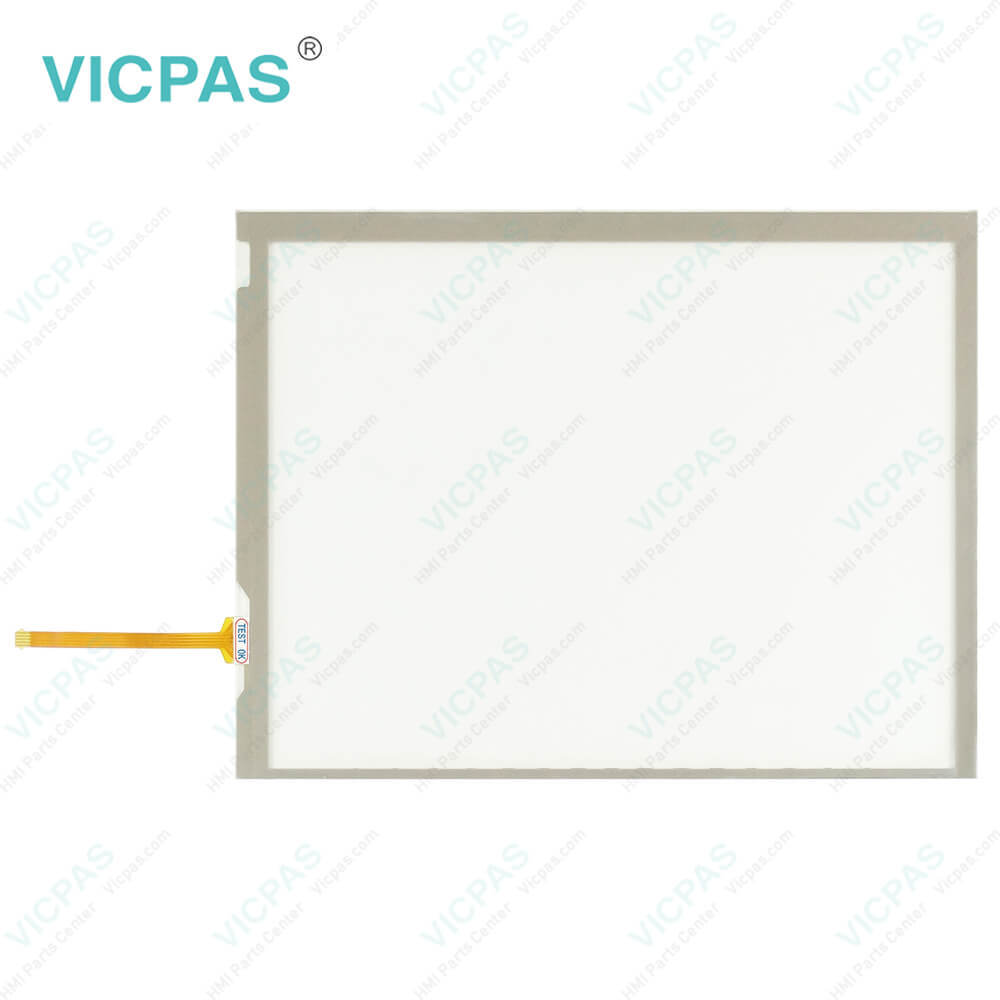
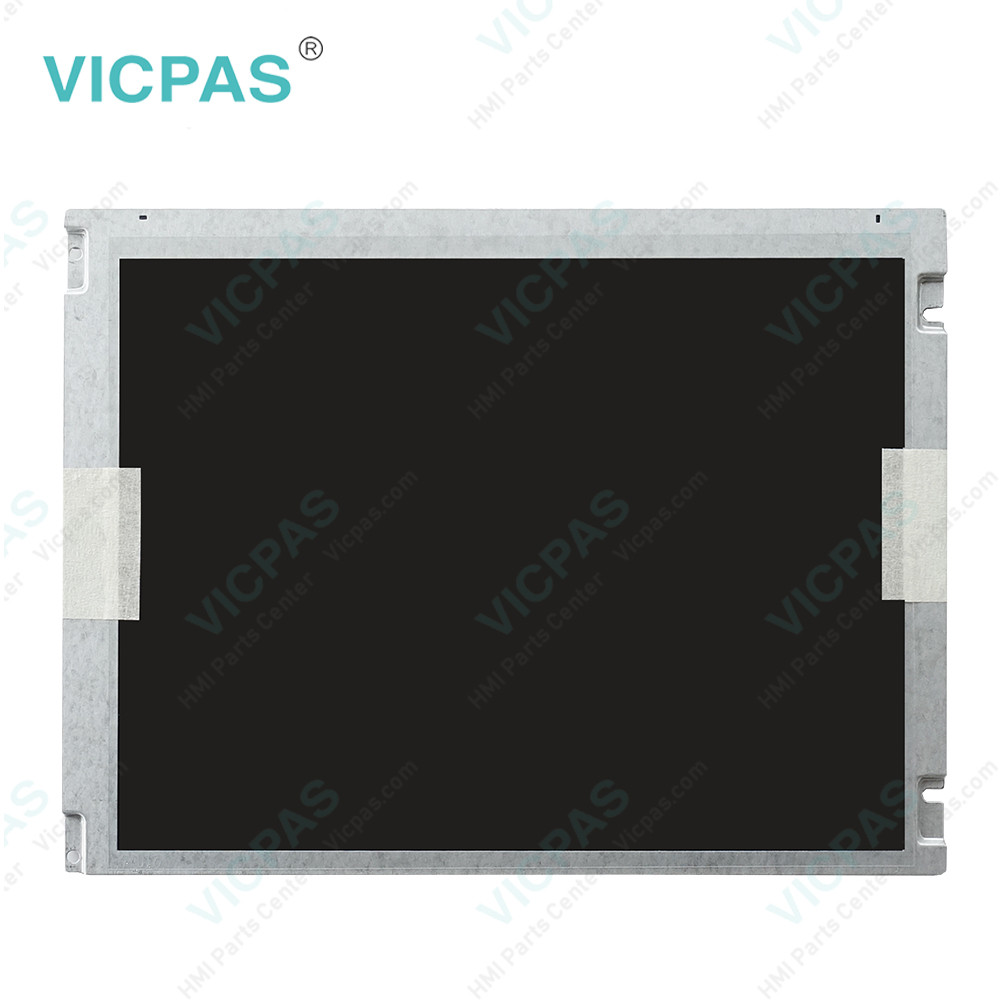
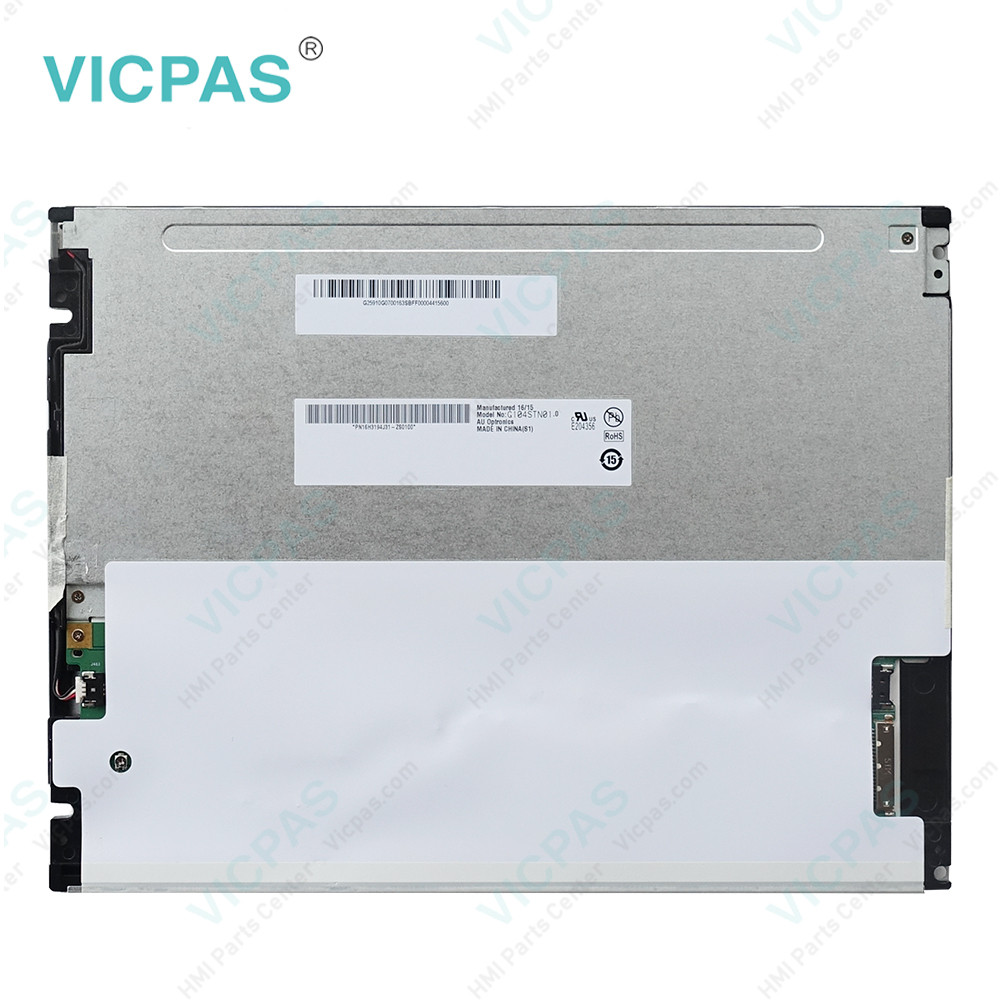
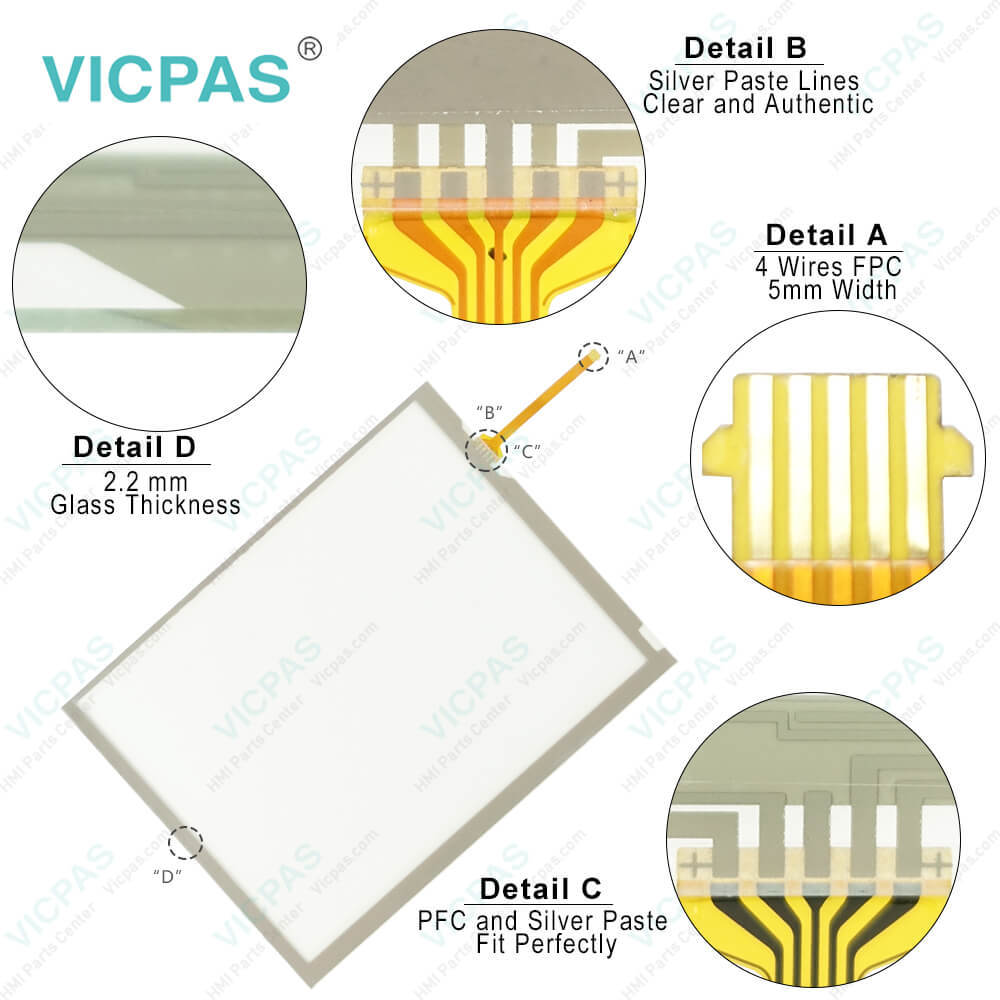
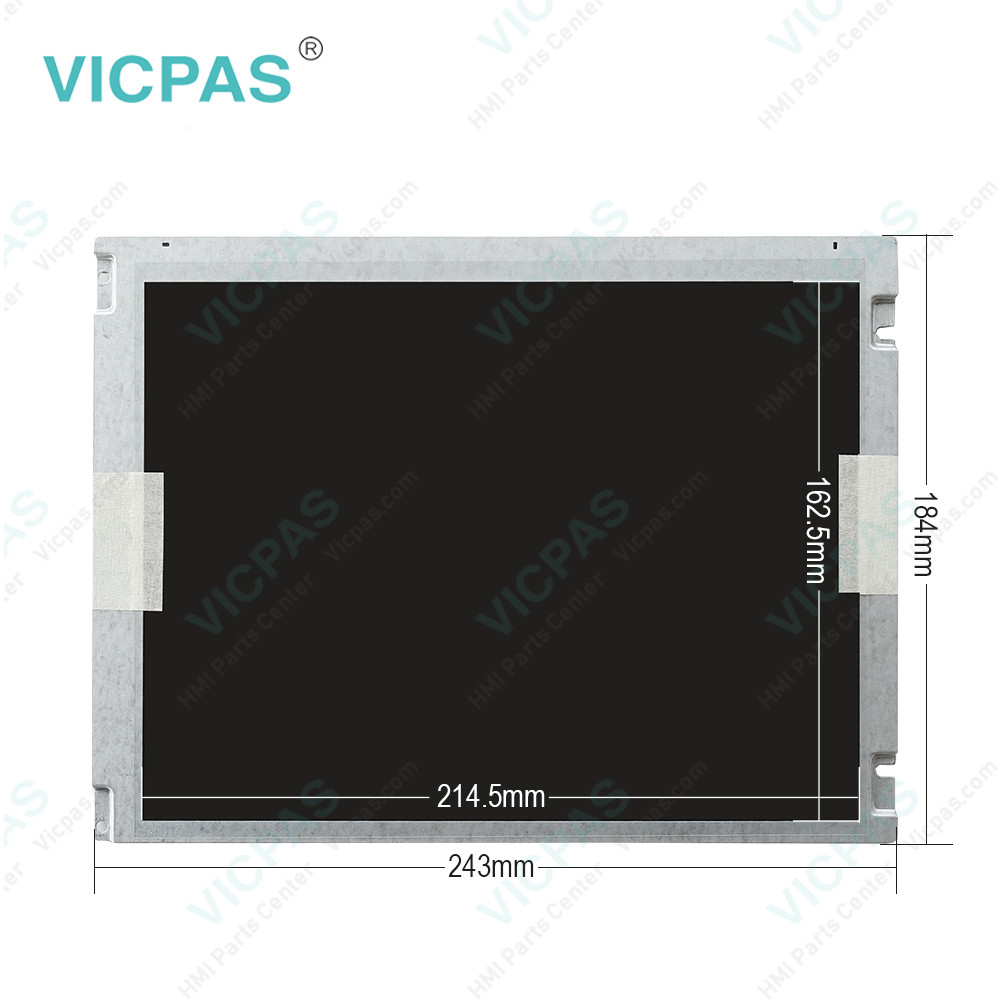
| Categories | Trimble |
|---|---|
| Model | Color Display Fred II 51479019 |
| Warranty | 365 Days |
| Product Line | Trimble Case IH AFS Pro 700 series |
| Supply | Case IH AFS Pro 700 Touch Glass Repair Parts |
| FOB port | Guangzhou, Shenzhen, Hongkong |
| Terms of Payment | Western Union, MoneyGram, T/T, Paypal, PayPal, Credit Card |
| Update Time | 2026-01-30 21:00:33 |
Shipping
Specifications:
| Part Number : | Case IH AFS Pro 700 |
| Display Type: | STN |
| Warranty: | 365 Days |
| Input Power: | +24 VDC +/-20% |
| Storage Temperature: | -20°C to 60°C |
| Product Line: | Trimble Case IH |
Related BB Teach Pendant Part No.:
| Color Display Fred II 51479019 | Description | Inventory status |
| Trimble FMX FM-1000 | Trimble Membrane Keypad Touchscreen Repair | In Stock |
| Trimble Slate | Trimble Keyboard Membrane Touch Screen Monitor | In Stock |
| Trimble T10 Tablet | Touch Screen Glass Operator Keyboard Trimble | Available Now |
| Trimble TCU3 | Trimble Touch Digitizer Glass Membrane Switch | In Stock |
| Trimble TCU5 | Trimble Touch Screen Panel Keypad Membrane | In Stock |
| Trimble TSC2 AMT98636 | Trimble Touch Screen Glass Membrane Keyboard | In Stock |
| Trimble TSC3 AMT10476 | Touch Digitizer Glass Trimble Membrane Keypad | Available Now |
| Trimble TSC7 | Trimble Membrane Keyboard Keypad Replacement | In Stock |
| Trimble YUMA 2 Rugged | Terminal Keypad HMI Panel Glass Trimble Repair | Available Now |
Case IH AFS Pro 700 Holland IntelliView GPS Display Touch PDF Download:
FAQ:
Question: What do I need to connect a Raven controller to my AFS Display?
Answer: Please contact your dealer to ensure that the appropriate software is loaded to your AFS display. Additional cabling required is required. The power/data cable (P/N 87732647) is available from your Case IH dealer. A Raven null modem cable will need to be sourced from Raven. If you are using a 100 series Raven controller (440, 460, etc), use Raven null modem P/N 115-0159-822. If you are using a 1000 series Raven controller (4000, 4600, etc), use Raven null modem P/N 115-0171-395.
Question: How do I check what software versions are installed on my AFS display?
Answer: To check the software versions installed on your AFS display, go to Home > Diagnostics > Version.

- Mobile Phone
- *Title
- *Content
 Fast Quote
 Fast Quote
 Worldwide Shipping
 12 Months Warranty
 Customize Service