Grideal.com-Leading global industrial mall.
Quick Service for Full HMI Parts Replacement
Touchscreen-Keypad-Display-Case & More Search 80000 Inventory
user photo
Account
Login
Cart
0
Home / All / Agricultural Terminal / Raven Displays / CASE IH Raven viper pro 4 Touch Screen Terminal Keypad
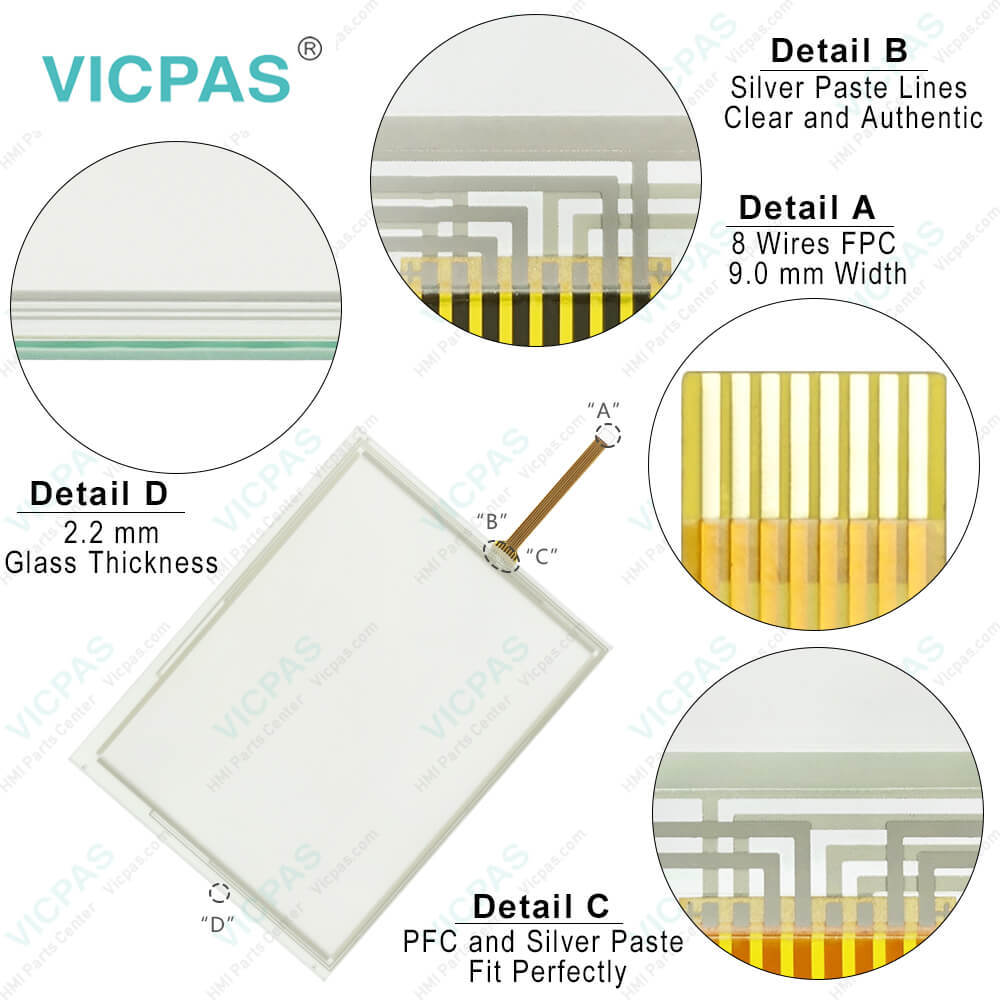
CASE IH Raven viper pro 4 Touch Screen Terminal Keypad
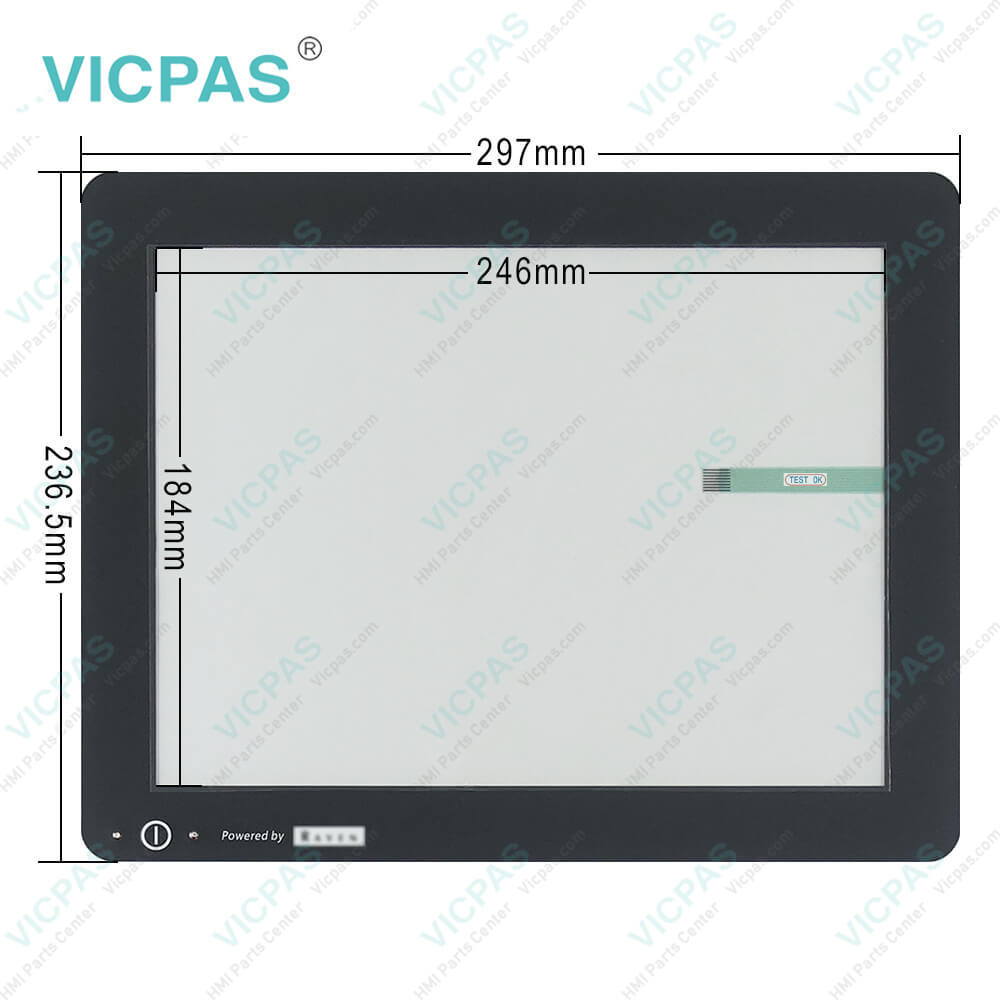
CASE IH Raven viper pro 4 Touch Screen Terminal Keypad
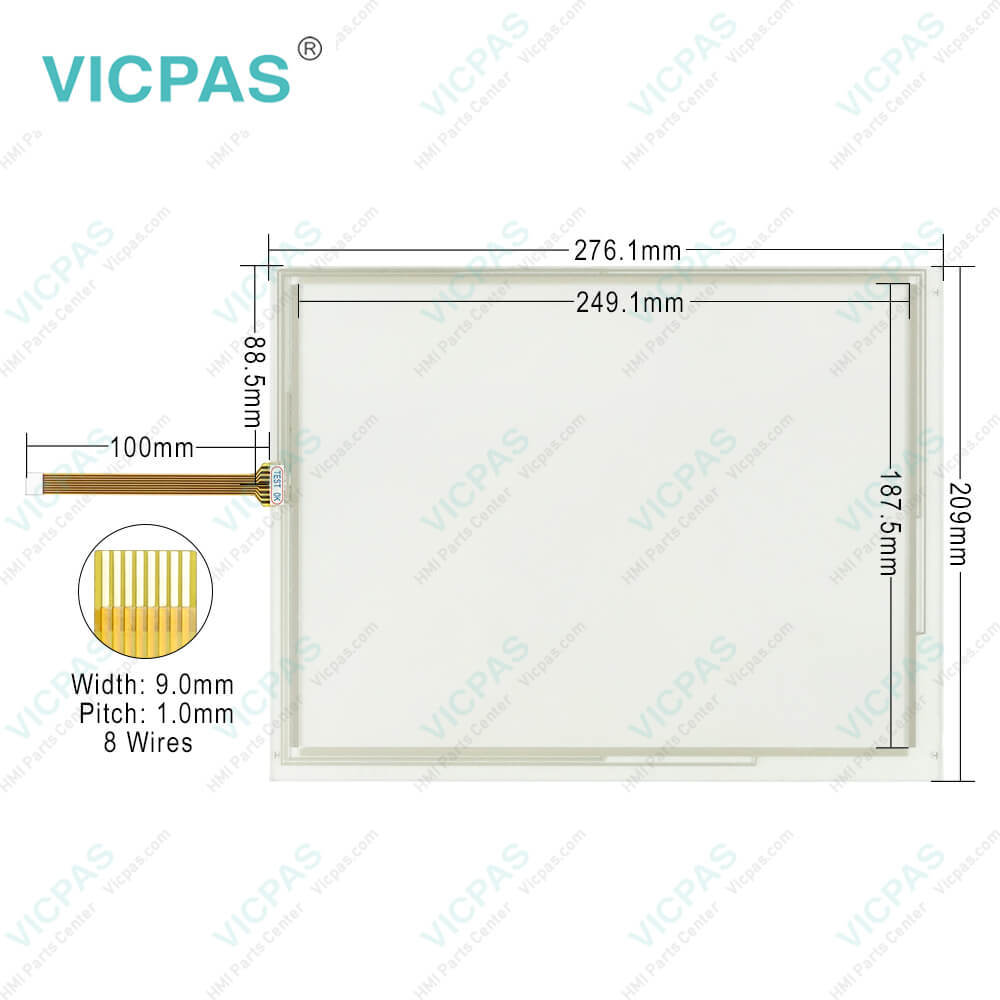
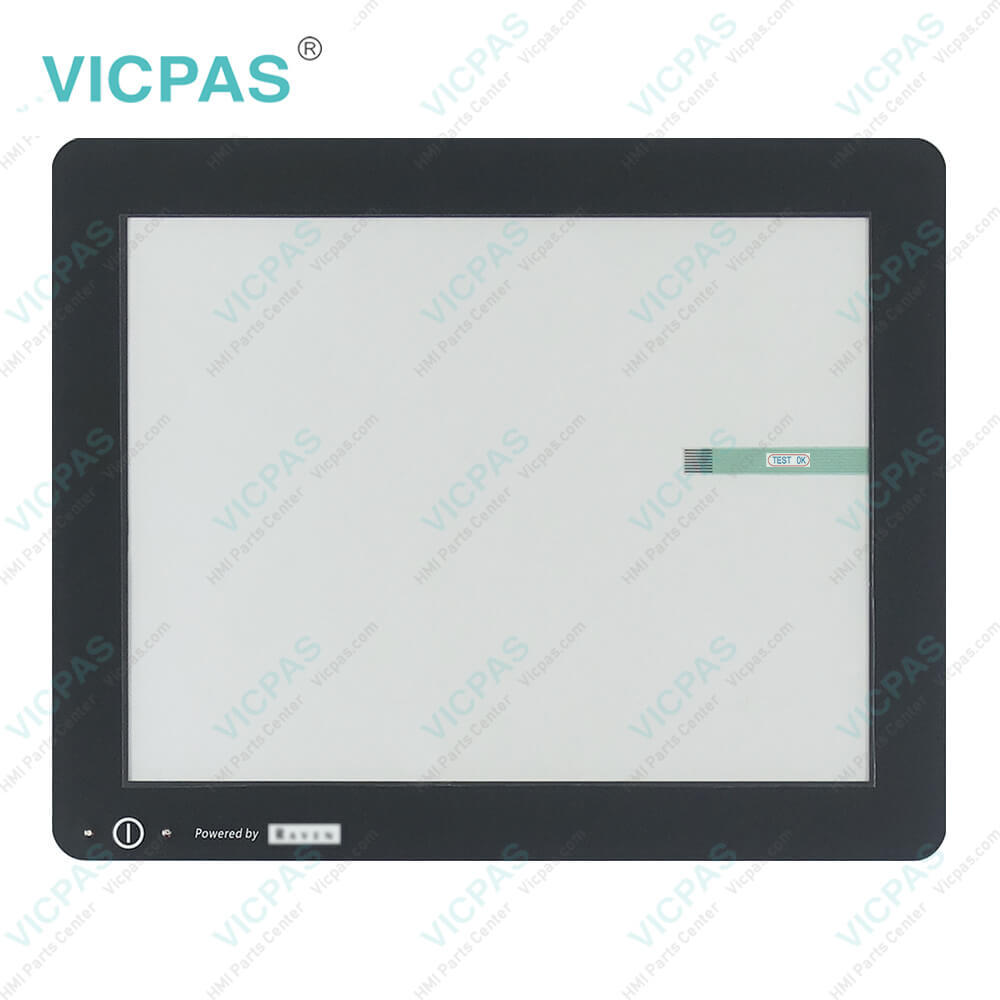
CASE IH Raven viper pro 4 Touch Screen Terminal KeypadCASE IH Raven viper pro 4 Touch Screen Terminal KeypadCASE IH Raven viper pro 4 Touch Screen Terminal KeypadCASE IH Raven viper pro 4 Touch Screen Terminal KeypadCASE IH Raven viper pro 4 Touch Screen Terminal Keypad
BrandVICPAS
ModelCASE IH Raven viper pro 4
Warranty365 Days
Product LineCASE IH series
SupplyViper® 4+ Touch Screen Membrane Keyboard
FOB portGuangzhou, Shenzhen, Hongkong
Terms of PaymentWestern Union, MoneyGram, T/T, Paypal, PayPal, Credit Card
Update Time2026-01-30 21:03:20
Leading Time{{selectedConditionObj.leading}}
{{item.value}}
{{nameObj.name}}{{nameObj.selectedValue}}
{{valueObj.name}}

Shipping

Free Shipping

Those shipping costs are only estimates, the actual shipping cost will be shown on the order page.

Detail Information

CASE IH Raven viper pro 4 Keyboard Membrane HMI Panel Glass Repair Replacement Kit

Order each part separately is available

CASE IH Raven viper pro 4 Keyboard Membrane Touch Screen Panel Repair Kit

The CASE IH Raven viper pro 4 Keyboard Membrane Touch PanelHMI (Human-Machine Interface) is a cutting-edge control system designed for precision agriculture. It serves as the central command hub for various agricultural machinery and equipment, allowing farmers to efficiently manage tasks such as planting, fertilizing, and spraying.


With its user-friendly interface, the CASE IH Raven Viper® 4+ Touch Screen Keyboard Membrane HMI provides intuitive navigation and control, enabling operators to monitor and adjust settings with ease. Its high-resolution display offers clear visibility even in bright sunlight, ensuring optimal performance in outdoor environments.


Key features of the Raven Viper Pro 4 HMI include:


1. Advanced Mapping and Guidance: The system integrates GPS technology to provide precise mapping and guidance, allowing farmers to optimize field coverage and reduce overlap.


2. Application Control: Users can accurately control the application of fertilizers, pesticides, and other inputs, minimizing waste and maximizing yield potential.


3. Data Management: The Raven Viper Pro 4 HMI facilitates data logging and analysis, enabling farmers to track productivity metrics, monitor crop health, and make informed decisions for improved efficiency and profitability.


4. Connectivity: With built-in connectivity options, including Wi-Fi and Bluetooth, the system supports seamless integration with precision agriculture software and equipment, enabling real-time data sharing and remote monitoring capabilities.


As a provider of Raven Viper® 4+ HMI accessories, Kernfix offers high-quality replacement parts, including touch screens and keypad boards, to ensure the continued functionality and performance of these essential agricultural tools. With Kernfix's reliable products and expertise in HMI components, farmers can trust in the durability and reliability of their Raven Viper Pro 4 systems, maximizing uptime and productivity in the field.


Specifications:

Part Number:viper 4+
Display Screen:High-resolution display screen
Warranty:365 Days
Product Line:Case IH
Input Power:+24 VDC +/-20%
Storage Temperature:-20°C to 60°C
Touchscreen:Responsive touchscreen
User Interface:Intuitive and user-friendly interface


CASE IH Raven viper pro 4 Touch Screen Terminal Keypad PDF Download:


FAQ:

Question: How do I calibrate the Raven Viper Pro 4 HMI for my specific equipment?

Answer: Calibration instructions can vary depending on the equipment and application. Typically, calibration involves configuring settings such as implement width, nozzle spacing, and application rates using the HMI interface.

Question: What maintenance tasks are required for the Raven Viper Pro 4 HMI?

Answer: Regular maintenance may include software updates, cleaning the touchscreen interface, and inspecting cables and connections for damage or wear.

Question: How do I calibrate the Raven Viper Pro 4 HMI for my specific equipment?

Answer: Calibration instructions can vary depending on the equipment and application. Typically, calibration involves configuring settings such as implement width, nozzle spacing, and application rates using the HMI interface.

Question: How do I troubleshoot common issues with the Raven Viper Pro 4 HMI?

Answer: Common troubleshooting steps may include restarting the system, checking for error messages or diagnostic codes, and verifying connections and settings.


Common misspellings:

Please send your message to us
*Email
Mobile Phone
*Title
*Content
Upload
  • Only supports .rar/.zip/.jpg/.png/.gif/.doc/.xls/.pdf, maximum 20MB.
Do you want to quickly know the product quotation you need?
  • Fast QuoteFast Quote
  • Worldwide ShippingWorldwide Shipping
  • 12 Months Warranty12 Months Warranty
  • Customize ServiceCustomize Service
subscription
KEEP IN TOUCH
Please send your message to us
*Email
Mobile Phone
*Title
*Content
Upload
  • Only supports .rar/.zip/.jpg/.png/.gif/.doc/.xls/.pdf, maximum 20MB.
CONTACT US
QR code
Mobile Web
2.276624s