



Grideal.com-Leading global industrial mall.
Quick Service for Full HMI Parts Replacement
Touchscreen-Keypad-Display-Case & More Search 80000 Inventory
user photo
Account
Login
Cart
0

2711P-B7C22A9P-A

2711P-B7C22A9P-A
2711P-B7C22A9P-A2711P-B7C22A9P-A2711P-B7C22A9P-A2711P-B7C22A9P-A2711P-B7C22A9P-A
BrandAllen Bradley
Model2711P-B7C22A9P-A
Warranty365 Days
Product LinePanelview Plus 7
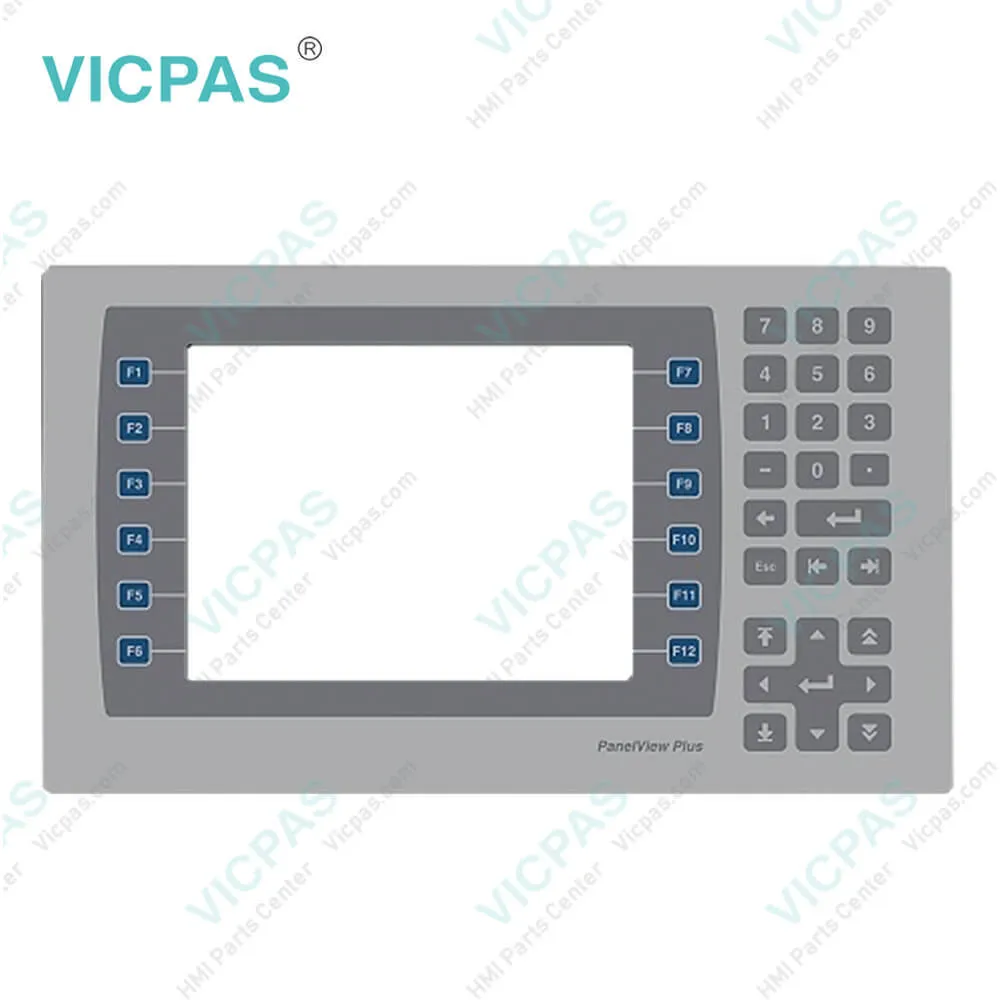
SupplyPanelview Plus 7 Keypad Keyboard
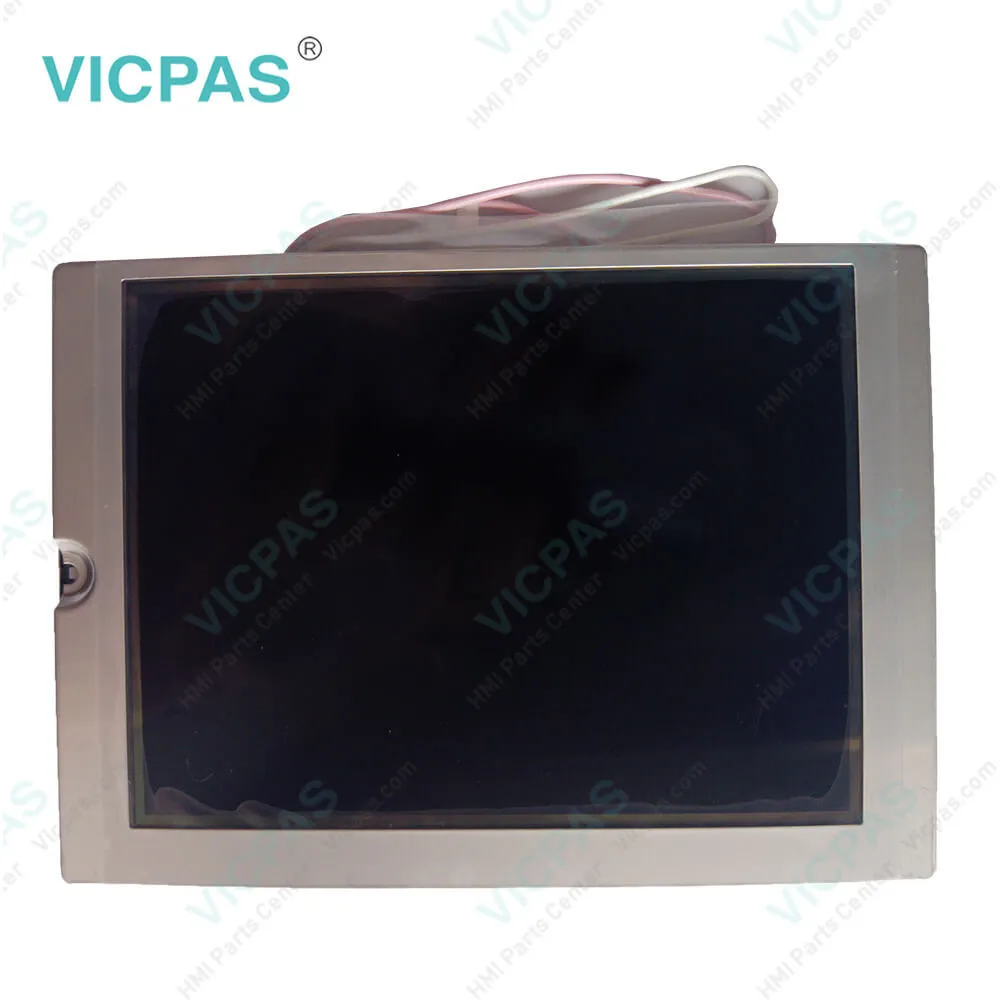
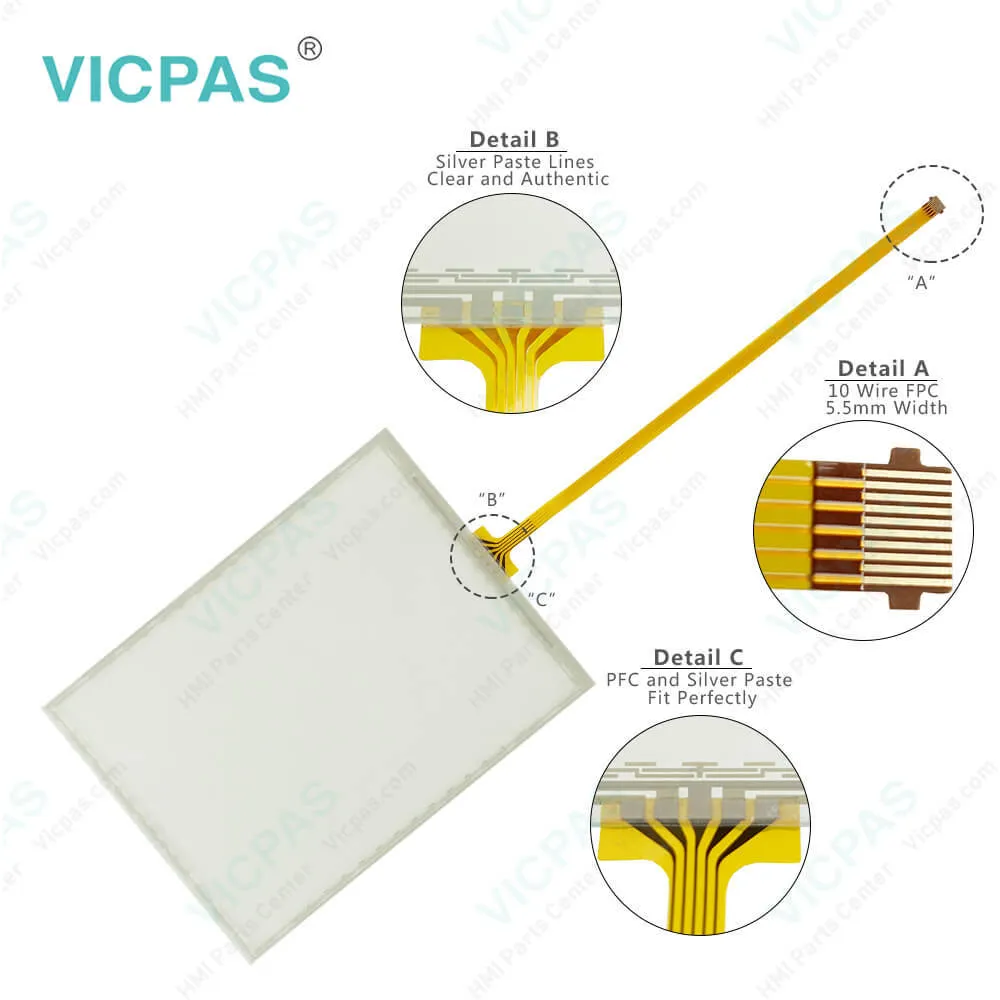
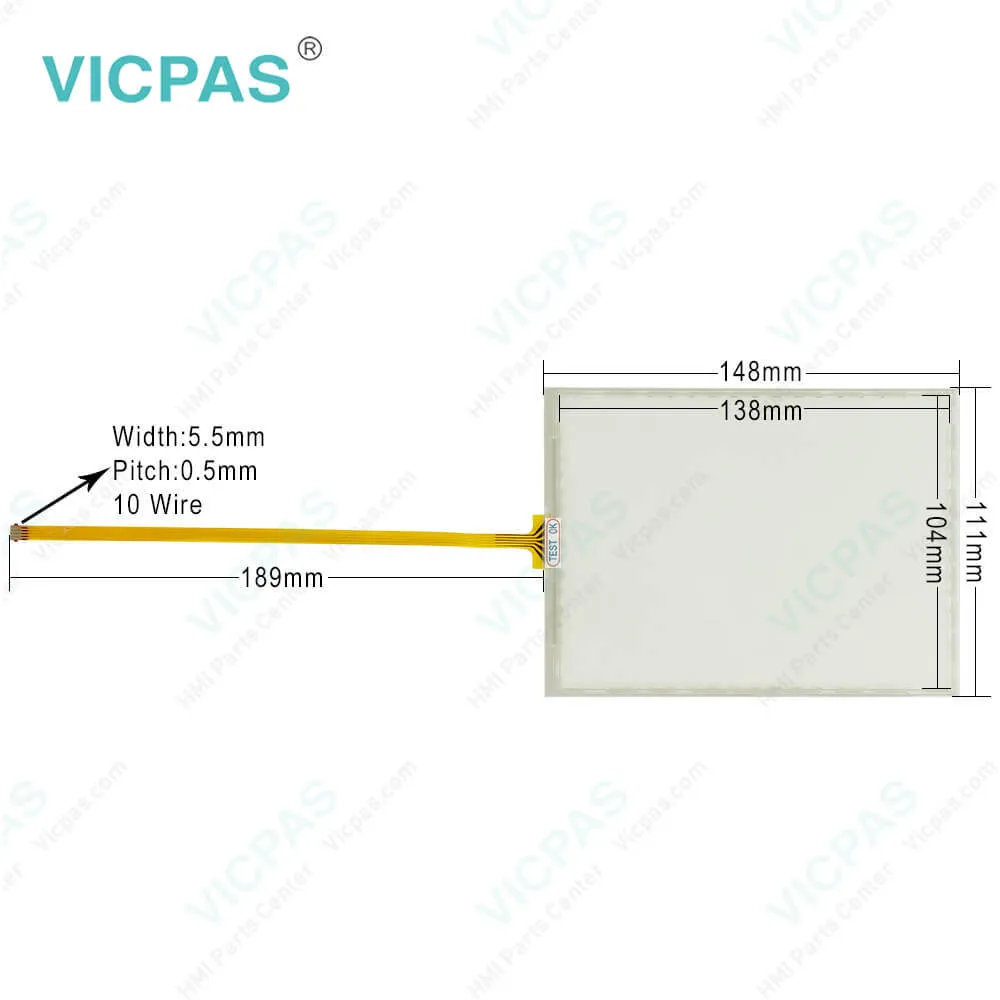
PartsTouchscreen Panel Glass Membrane Keypad LCD
Terms of PaymentWestern Union, MoneyGram, T/T, Paypal, PayPal, Credit Card
Download
Update Time2026-02-09 16:41:06
Leading Time{{selectedConditionObj.leading}}
{{item.value}}
{{nameObj.name}}{{nameObj.selectedValue}}
{{valueObj.name}}

Shipping

Free Shipping

Those shipping costs are only estimates, the actual shipping cost will be shown on the order page.

Detail Information

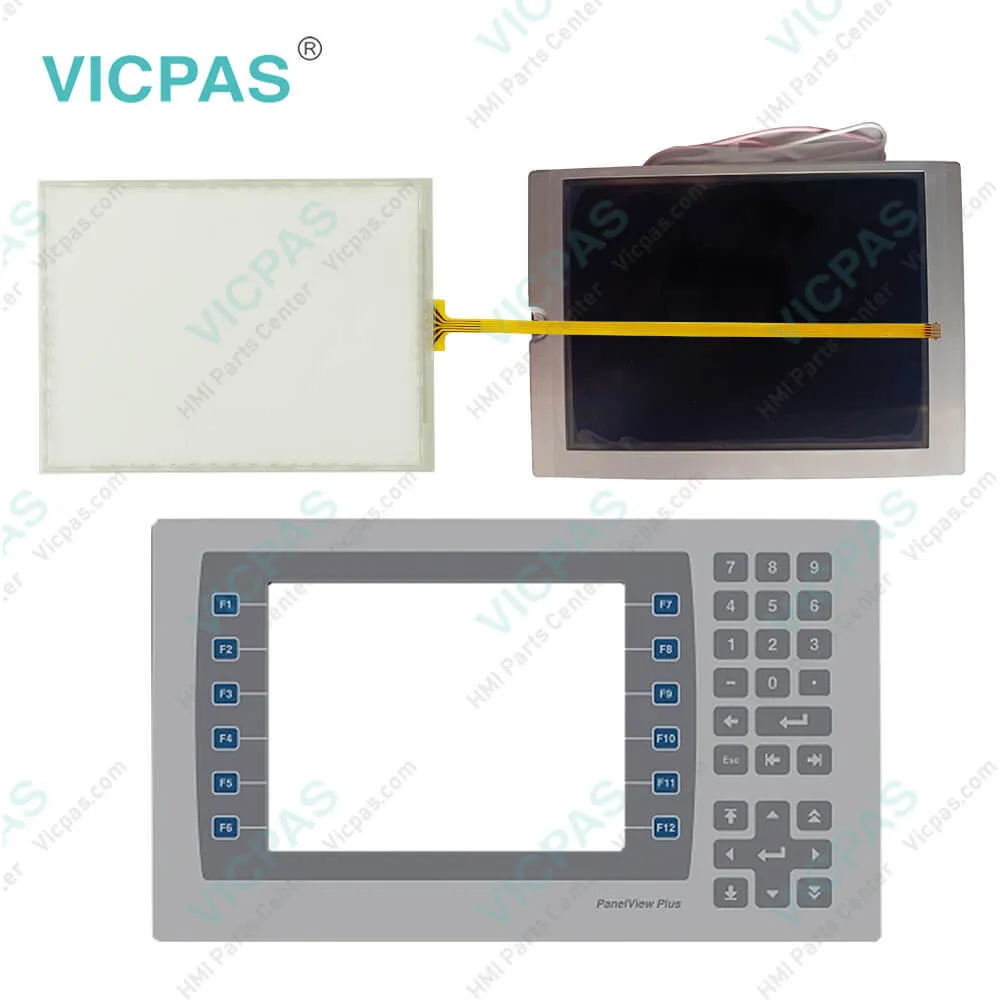
2711P-B7C22A9P-A Panelview Plus 7 Touch Screen Panel, Membrane Keypad Keyboard, and LCD Display Repair Replacement

Order each part separately is available

2711P-B7C22A9P-A Panelview Plus 7 Keypad Membrane Touch Screen Panel Repair Replacement


All Allen Bradley PanelView Plus 7 performance terminals 2711P-B7C22A9P-A have a color display with a touch screen, or touch screen and keypad, for operator control.
• Analog resistive touch screens provide accurate and durable touch control for industrial applications.
• Keypad models are similar except for the number of function keys to the left and right of the display. Larger models have more keys.


The terminal 2711P-B7C22A9P-A can perform one of three actions at startup:
• Launch a FactoryTalk View Machine Edition HMI application.
• Launch FactoryTalk View Machine Edition Station in Configuration mode. This mode lets you configure terminal settings and start-up options, load applications to run, and enable or disable desktop access.
• Launch the Windows desktop.


The PanelView Plus 7 Performance terminals 2711P-B7C22A9P-A use an EtherNet/IP embedded switch. These terminals communicate with ControlLogix and CompactLogix controllers over an Ethernet connection with DLR, linear, or star network topologies. The terminals can reside on EtherNet/IP networks that run integrated motion and CIP Sync™ applications without affecting performance. The terminal is not a consumer or producer of CIP Sync or motion packets.


Kernfix supply panelview Plus 7 2711P-B7C22A9P-A HMI Touch Screen, Front Overlay, and LCD display Screen. All of them with Kernfix 365 days warranty and support Urgent Worldwide Shipping.


Specifications:

Part Number:2711P-B7C22A9P-A
Display Size:6.5 inches
Display Color:Amber
Warranty:365 days Warranty
Product Line:Panelview Plus 7
Input Type:Membrane Keypad
Mounting position:vertical
Communication:ControlNet
Software:FactoryTalk


Related BB Teach Pendant Part No. :

2711P-B7C22A9P-ADescription Inventory status
2711P-B7C22A9PPanelView Plus 7 Membrane Keypad Touch Screen Panel Glass LCD DisplayIn Stock
2711P-B7C22A9P-APanelView Plus 7 Membrane Keyboard Touch Panel Glass LCD Display ScreenAvailable Now
2711P-B7C22A9P-BAllen Bradley Panel Plus 7 Keypad Touch Screen Panel LCD DisplayIn Stock
2711P-B7C22D9PAllen Bradley Panel View Plus 7 Keypad Touch Screen LCD DisplayIn Stock
2711P-B7C22D9P-APanelView Plus 7 Membrane Keypad Touchscreen LCD DisplayIn Stock
2711P-B7C22D9P-BPanelView Plus 7 Touch Panel Membrane Keyboard Keypad LCD Display ScreenIn Stock
2711P-B10C22A9PPanelView Plus 7 Membrane Keyboard HMI Touch Screen LCD DisplayAvailable Now
2711P-B10C22A9P-AAllen Bradley PanelView Plus 7 Keypad Touch Screen LCD Display ReplacementIn Stock
2711P-B10C22A9P-BPanelView Plus 7 Touchscreen Membrane Operator Panel Keypad LCD DisplayAvailable Now
2711P-B10C22D9PAllen Bradley Panel View Plus 7 HMI Panel Glass Keypad LCD ScreenIn Stock
2711P-B10C22D9P-AAllen Bradley Panel View Plus 7 Keyboard Keypad Touch Screen LCD DisplayIn Stock
2711P-B10C22D9P-BPanelView Plus 7 Touch Screen Glass Membrane Keypad Switch LCD DisplayIn Stock
2711P-B15C22A9PPanelView Plus 7 Touch Screen Monitor Keyboard Keypad LCD Display ScreenAvailable Now
2711P-B15C22A9P-AAllen Bradley PanelView Plus 7 Panel Glass Membrane Keyboard LCD DisplayIn Stock
2711P-B15C22A9P-BPanelView Plus 7 Membrane Keyboard HMI Touch Screen LCD DisplayAvailable Now
2711P-B15C22D9PPanelView Plus 7 Membrane Keyboard HMI Touch Screen LCD DisplayAvailable Now
2711P-B15C22D9P-AAllen Bradley PanelView Plus 7 Keypad Touch Screen LCD Screen ReplacementIn Stock
2711P-B15C22D9P-BPanelView Plus 7 Touchscreen Membrane Operator Panel Keypad LCD DisplayAvailable Now
2711P-B15C22D9PKAllen Bradley Panel View Plus 7 HMI Panel Glass Keypad LCD DisplayIn Stock
2711P-B7C22A9PPanelView Plus 7 Membrane Keypad Touch Screen Panel Glass LCD DisplayIn Stock
2711P-B7C22A9P-APanelView Plus 7 Membrane Keyboard Touch Panel Glass LCD Display ScreenAvailable Now
2711P-B7C22A9P-BAllen Bradley Panel Plus 7 Keypad Touch Screen Panel LCD DisplayIn Stock
2711P-B7C22D9PAllen Bradley Panel View Plus 7 Keypad Touch Screen LCD DisplayIn Stock
2711P-B7C22D9P-APanelView Plus 7 Membrane Keypad Touchscreen LCD DisplayIn Stock
2711P-B7C22D9P-BPanelView Plus 7 Touch Panel Membrane Keyboard Keypad LCD Display ScreenIn Stock
2711P-B10C22A9PPanelView Plus 7 Membrane Keyboard HMI Touch Screen LCD DisplayAvailable Now
2711P-B10C22A9P-AAllen Bradley PanelView Plus 7 Keypad Touch Screen LCD Display ReplacementIn Stock
2711P-B10C22A9P-BPanelView Plus 7 Touchscreen Membrane Operator Panel Keypad LCD DisplayAvailable Now
2711P-B10C22D9PAllen Bradley Panel View Plus 7 HMI Panel Glass Keypad LCD ScreenIn Stock
2711P-B10C22D9P-AAllen Bradley Panel View Plus 7 Keyboard Keypad Touch Screen LCD DisplayIn Stock
2711P-B10C22D9P-BPanelView Plus 7 Touch Screen Glass Membrane Keypad Switch LCD DisplayIn Stock
2711P-B15C22A9PPanelView Plus 7 Touch Screen Monitor Keyboard Keypad LCD Display ScreenAvailable Now
2711P-B15C22A9P-AAllen Bradley PanelView Plus 7 Panel Glass Membrane Keyboard LCD DisplayIn Stock
2711P-B15C22A9P-BPanelView Plus 7 Membrane Keyboard HMI Touch Screen LCD DisplayAvailable Now
2711P-B15C22D9PPanelView Plus 7 Membrane Keyboard HMI Touch Screen LCD DisplayAvailable Now
2711P-B15C22D9P-AAllen Bradley PanelView Plus 7 Keypad Touch Screen LCD Screen ReplacementIn Stock
2711P-B15C22D9P-BPanelView Plus 7 Touchscreen Membrane Operator Panel Keypad LCD DisplayAvailable Now
2711P-B15C22D9PKAllen Bradley Panel View Plus 7 HMI Panel Glass Keypad LCD DisplayIn Stock

2711P-B7C22A9P-A PDF Download:

  • Visualization Solutions PanelView Terminals and Industrial Computers
  • Allen Bradley PanelView Plus 7 Performance Terminals Technical Data
  • AB PanelView Plus 7 2711P-B7C22A9P-A Performance Terminals User Manuals
  • PanelView Plus 7 Operator Interface Standard and Performance
  • Visualization Solutions PanelView Terminals and Industrial Computers
  • Allen Bradley PanelView Plus 7 Performance Terminals Technical Data
  • AB PanelView Plus 7 2711P-B7C22A9P-A Performance Terminals User Manuals
  • PanelView Plus 7 Operator Interface Standard and Performance

  • FAQ:

    Question: How to enter characters in the display area above the 2711P-B7C22A9P-A keyboard?

    Answer: 1. Select a character on the keyboard. • On a touch screen terminal, touch a key. • On a keypad terminal, press the arrow keys to navigate to a key. 2. Press Select to copy the character to the display area. 3. Press Enter when done to exit the keyboard.

    Question: How to enable Allen Bradley Plus 7 Performance Terminals desktop access?

    Answer: 1. Press Terminal Settings, then choose Desktop Access Setup. 2. To select Allow, press Desktop Access. The Enter Password dialog box opens. Each time that you change desktop access from disallow to allow, you must enter a password. The default password is ‘password’. 3. To type the password, press Password. 4. Press Enter. 5. To return to Desktop Access Management, press Enter again. 6. Press OK to exit Desktop Access Management, then Close to exit terminal settings and return to the FactoryTalk View ME Station dialog box. 7. To access the desktop, press Exit. When desktop access is enabled, you are not required to enter a password.

    Question: What are the tips of configuring the 2711P-B7C22A9P-A Ethernet ports of the terminal?

    Answer: 1. Press Terminal Settings, then choose Networks and Communications>Network Connections>Network Adapters. 2. To access the Ethernet link settings, press Settings. 3. To enable or disable the ports that you want to use for your network configuration, press Ethernet Link1 and Ethernet Link2.

    Question: How to connect the operator terminal 2711P-B7C22A9P-A to an AC power source?

    Answer: 1. Verify that the wiring is not connected to a power source. 2. Strip 7 mm (0.28 in.) of insulation from the ends of the wire. 3. Secure the AC power wires to the marked terminals (L1 and L2N) on the terminal block.4. Secure the protective earth ground wire to the marked terminal on the terminal block. The protective earth terminal must be connected to a low-impedance earth ground.5. Apply power to the operator terminal.


    Common misspellings:

    2711P-B7C22A9P-2711P-B722A9P-A2711P-B7C229P-A7211P-B7C22A9P-A2711P-B7C22A99P-A2711P--B7C22A9P-A

    Please send your message to us
    *Email
    Mobile Phone
    *Title
    *Content
    Upload
    • Only supports .rar/.zip/.jpg/.png/.gif/.doc/.xls/.pdf, maximum 20MB.
    Do you want to quickly know the product quotation you need?
    • Fast QuoteFast Quote
    • Worldwide ShippingWorldwide Shipping
    • 12 Months Warranty12 Months Warranty
    • Customize ServiceCustomize Service
    subscription
    KEEP IN TOUCH
    Please send your message to us
    *Email
    Mobile Phone
    *Title
    *Content
    Upload
    • Only supports .rar/.zip/.jpg/.png/.gif/.doc/.xls/.pdf, maximum 20MB.
    CONTACT US
    QR code
    Mobile Web
    1.516509s