



Grideal.com-Leading global industrial mall.
Quick Service for Full HMI Parts Replacement
Touchscreen-Keypad-Display-Case & More Search 80000 Inventory
user photo
Account
Login
Cart
0
Home / All / Allen Bradley / PanelView Plus 7 Performance Terminals / 2711P-B15C22D9P-B Panelview Plus 7 Touch Screen Panel
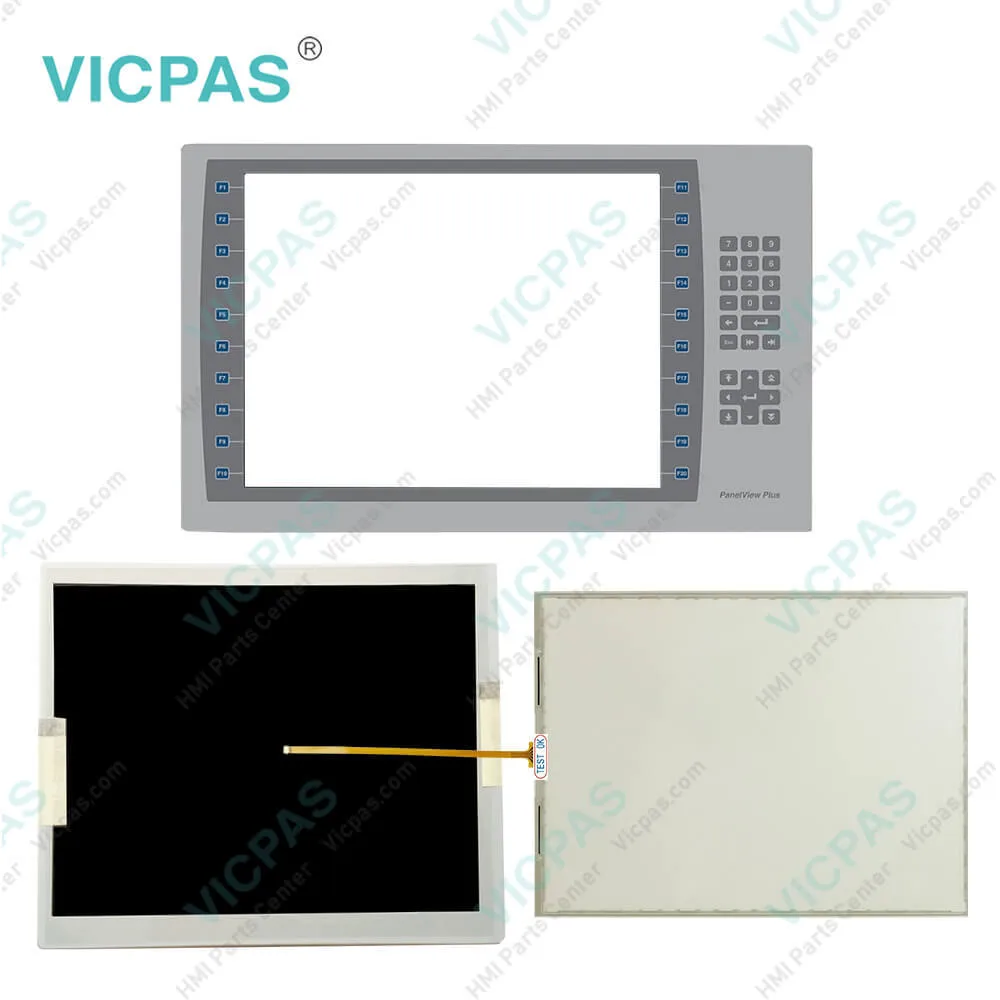
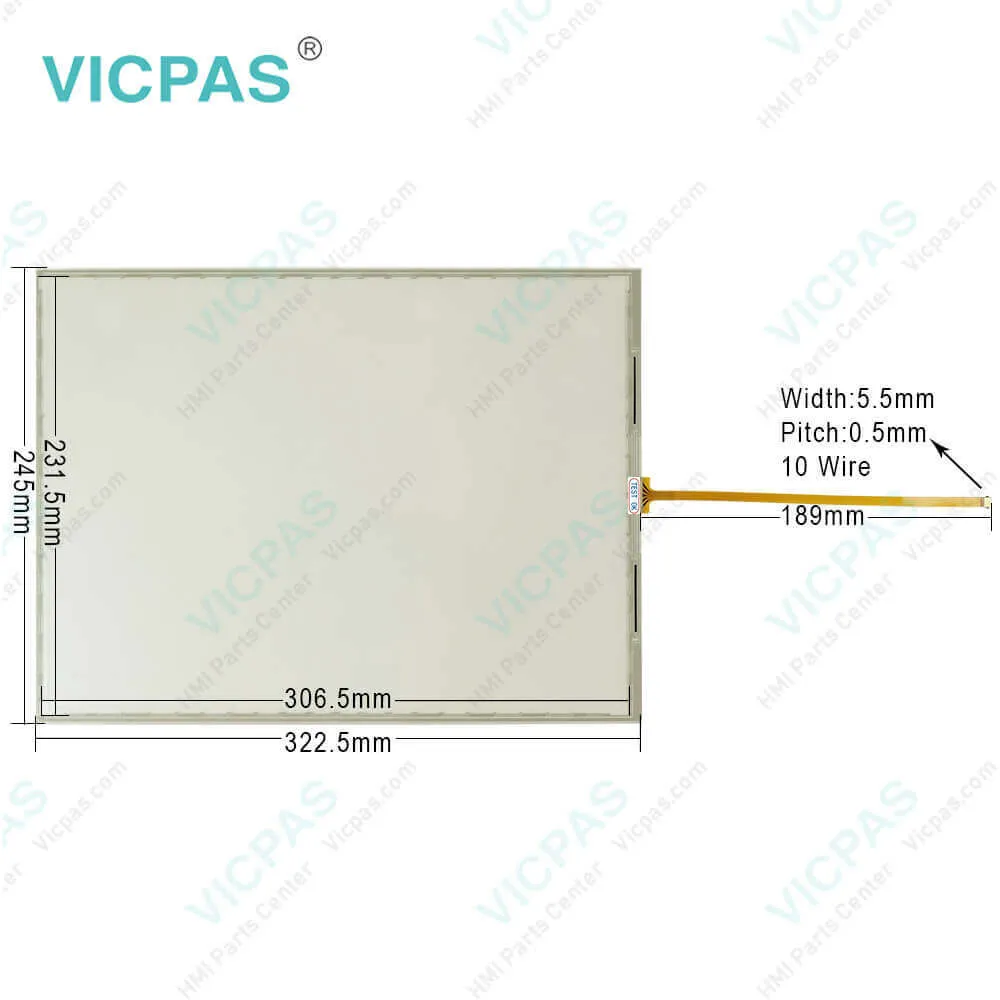
2711P-B15C22D9P-B Panelview Plus 7 Touch Screen Panel
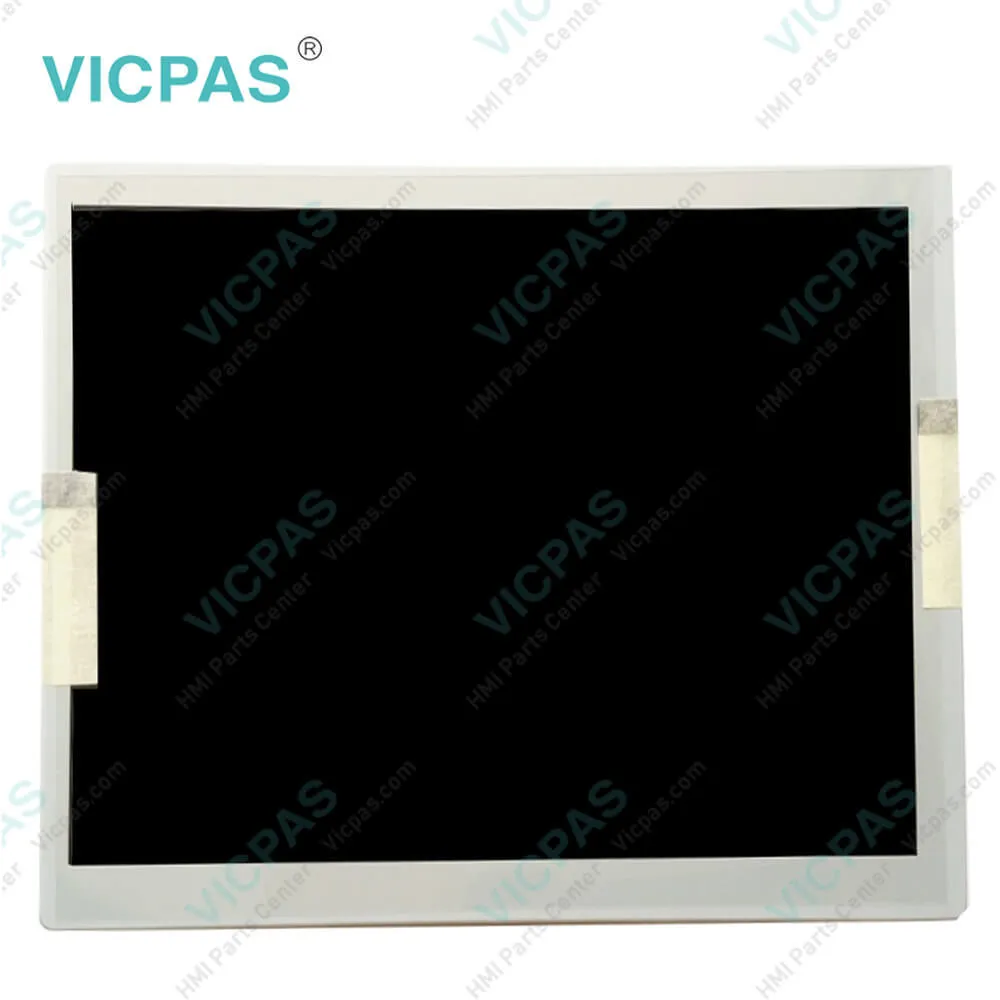
2711P-B15C22D9P-B Panelview Plus 7 Touch Screen Panel
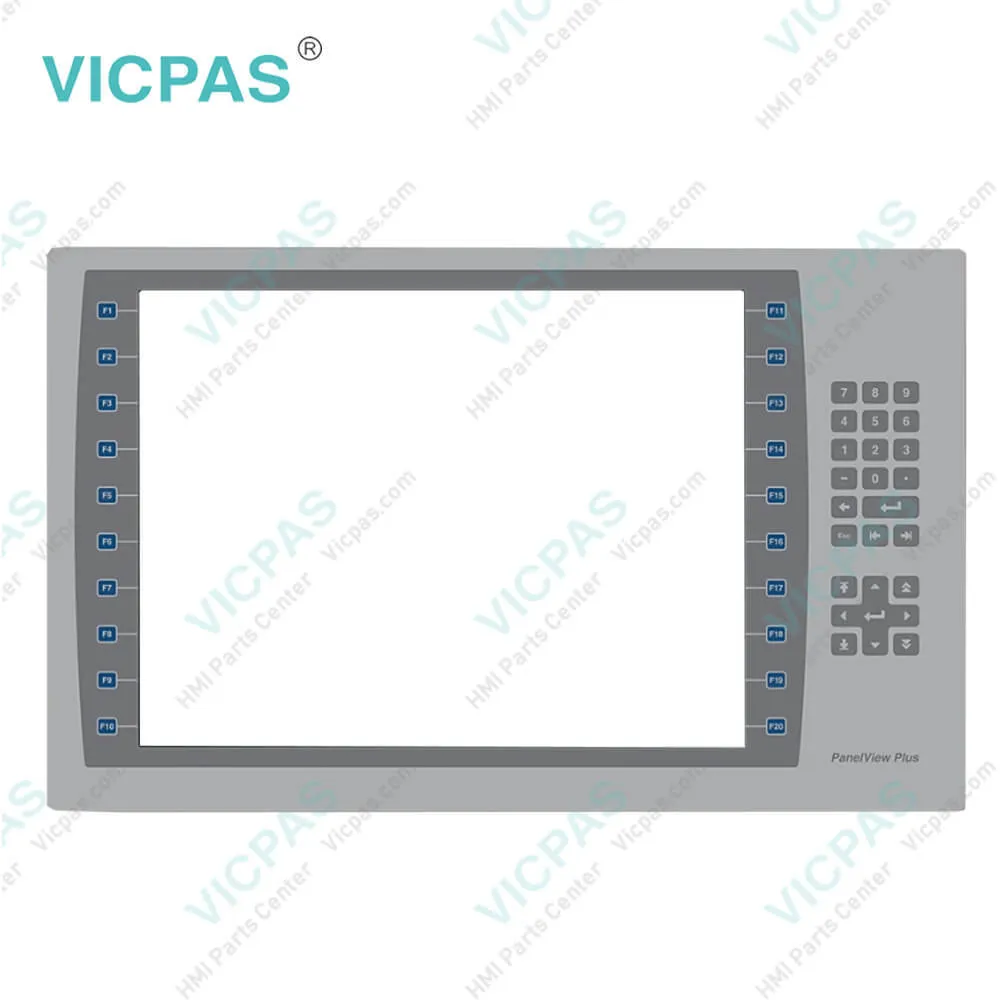
2711P-B15C22D9P-B Panelview Plus 7 Touch Screen Panel2711P-B15C22D9P-B Panelview Plus 7 Touch Screen Panel2711P-B15C22D9P-B Panelview Plus 7 Touch Screen Panel2711P-B15C22D9P-B Panelview Plus 7 Touch Screen Panel2711P-B15C22D9P-B Panelview Plus 7 Touch Screen Panel
BrandRockwell Automation Allen Bradley
Model2711P-B15C22D9P-B
Warranty365 Days
Product LinePanelview Plus 7
SupplyPanelview Plus 7 HMI Keypad Keyboard
PartsTouchscreen Panel Glass Membrane Keypad
Terms of PaymentWestern Union, MoneyGram, T/T, Paypal, PayPal, Credit Card
Download
Update Time2026-02-09 16:41:53
Leading Time{{selectedConditionObj.leading}}
{{item.value}}
{{nameObj.name}}{{nameObj.selectedValue}}
{{valueObj.name}}

Shipping

Free Shipping

Those shipping costs are only estimates, the actual shipping cost will be shown on the order page.

Detail Information

2711P-B15C22D9P-B Panelview Plus 7 Touch Screen Panel, Operator Panel Keypad, and LCD Display Repair Replacement

Order each part separately is available

2711P-B15C22D9P-B Panelview Plus 7 Touch Screen Panel Operator Keyboard LCD Display Repair Replacement
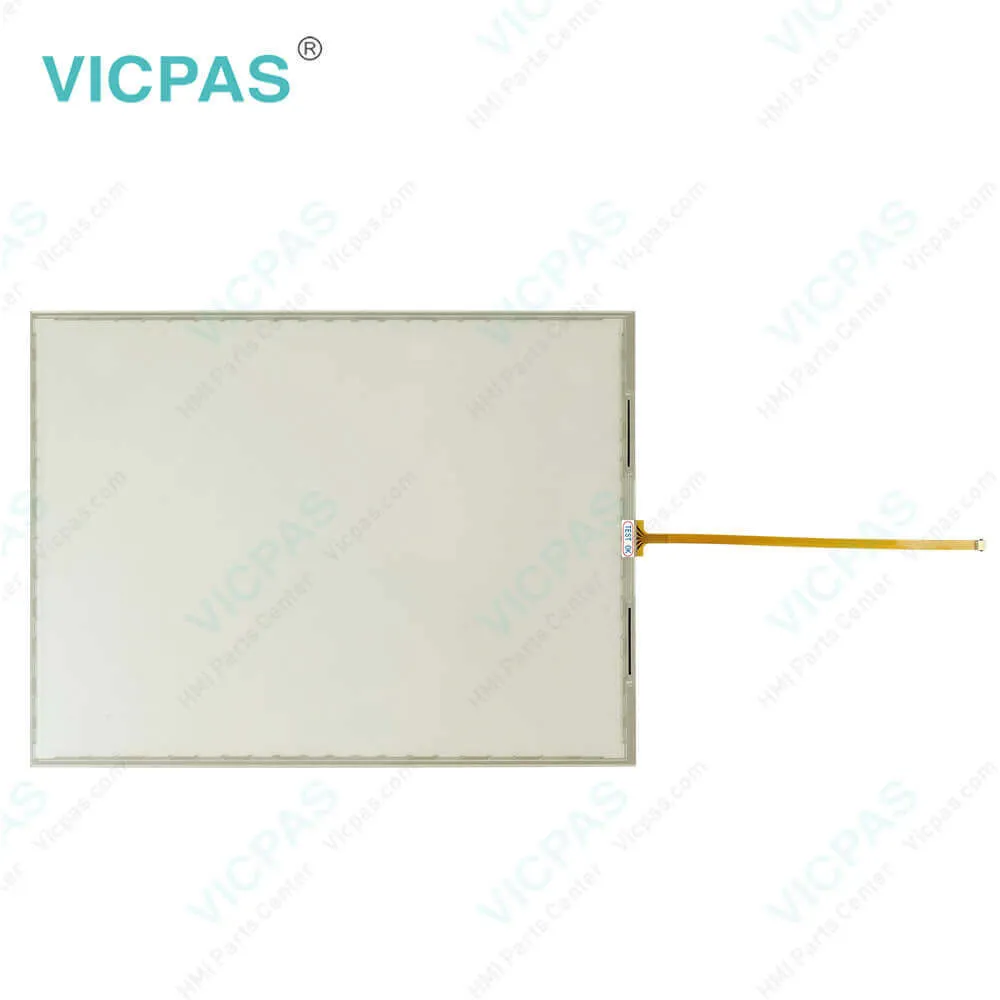

The Allen Bradley PanelView Plus 7 Performance terminals are panel-mount devices that mount in the door or wall of a NEMA rated, UL Type rated, or IP rated enclosure:
• Panels must have a thickness of 1.5…4.8 mm (0.060…0.188 in.).
• The material strength and stiffness of the panel must be sufficient to hold the terminal and maintain an appropriate seal against water and dust.
• The panel surface must be flat and free of imperfections to maintain an adequate seal, and NEMA and UL Type ratings.


The 2711P-B15C22D9P-B touch screen supports touch gestures to interact with screen elements during runtime. Standard touch gestures include:
• Tap – Briefly touch the target on the screen with your fingertip.
• Double-tap – Touch the target on the screen twice quickly with your fingertip.
• Drag – Touch the target and move your fingertip across the screen without losing contact.
• Long press – Touch and hold the target on the screen for several seconds.


The PanelView Plus 7 Performance Terminal 2711P-B15C22D9P-B a temperature code of T4 when operating in a 55 °C (131 °F) maximum ambient temperature. Do not install product in environments where atmospheric gases have ignition temperatures less than 135 °C (275 °F).


AB PanelView Plus 7 Performance HMI
 Machine builder and end user focus
 Sizes: 6.5”, 9”W, 10.4”, 12”W, 19”
 Stainless steel with conformal coating options available
 Dual Ethernet DLR connectivity
 Touch screen or keypad options
 Available in AC or DC
 No limitations
 FactoryTalk® View Machine Edition v8
 14 Catalogs – Allen-Bradley® branded
 14 Catalogs – No branding
 IECEx and ATEX Zone 2/22 Rated on DC touch models


Specifications:

Part Number:2711P-B15C22D9P-B
Display Size:15 inches
Display Color:Amber
Warranty:365 days Warranty
Product Line:Panelview Plus 7
Input Type:Membrane Keypad
Mounting position:vertical
Communication:ControlNet
Software:FactoryTalk


Related BB Teach Pendant Part No. :

2711P-B15C22D9P-BDescription Inventory status
2711P-B7C22A9PPanelView Plus 7 Membrane Keypad Touch Screen Panel Glass LCD DisplayIn Stock
2711P-B7C22A9P-APanelView Plus 7 Membrane Keyboard Touch Panel Glass LCD Display ScreenAvailable Now
2711P-B7C22A9P-BAllen Bradley Panel Plus 7 Keypad Touch Screen Panel LCD DisplayIn Stock
2711P-B7C22D9PAllen Bradley Panel View Plus 7 Keypad Touch Screen LCD DisplayIn Stock
2711P-B7C22D9P-APanelView Plus 7 Membrane Keypad Touchscreen LCD DisplayIn Stock
2711P-B7C22D9P-BPanelView Plus 7 Touch Panel Membrane Keyboard Keypad LCD Display ScreenIn Stock
2711P-B10C22A9PPanelView Plus 7 Membrane Keyboard HMI Touch Screen LCD DisplayAvailable Now
2711P-B10C22A9P-AAllen Bradley PanelView Plus 7 Keypad Touch Screen LCD Display ReplacementIn Stock
2711P-B10C22A9P-BPanelView Plus 7 Touchscreen Membrane Operator Panel Keypad LCD DisplayAvailable Now
2711P-B10C22D9PAllen Bradley Panel View Plus 7 HMI Panel Glass Keypad LCD ScreenIn Stock
2711P-B10C22D9P-AAllen Bradley Panel View Plus 7 Keyboard Keypad Touch Screen LCD DisplayIn Stock
2711P-B10C22D9P-BPanelView Plus 7 Touch Screen Glass Membrane Keypad Switch LCD DisplayIn Stock
2711P-B15C22A9PPanelView Plus 7 Touch Screen Monitor Keyboard Keypad LCD Display ScreenAvailable Now
2711P-B15C22A9P-AAllen Bradley PanelView Plus 7 Panel Glass Membrane Keyboard LCD DisplayIn Stock
2711P-B15C22A9P-BPanelView Plus 7 Membrane Keyboard HMI Touch Screen LCD DisplayAvailable Now
2711P-B15C22D9PPanelView Plus 7 Membrane Keyboard HMI Touch Screen LCD DisplayAvailable Now
2711P-B15C22D9P-AAllen Bradley PanelView Plus 7 Keypad Touch Screen LCD Screen ReplacementIn Stock
2711P-B15C22D9P-BPanelView Plus 7 Touchscreen Membrane Operator Panel Keypad LCD DisplayAvailable Now
2711P-B15C22D9PKAllen Bradley Panel View Plus 7 HMI Panel Glass Keypad LCD DisplayIn Stock
2711P-B7C22A9PPanelView Plus 7 Membrane Keypad Touch Screen Panel Glass LCD DisplayIn Stock
2711P-B7C22A9P-APanelView Plus 7 Membrane Keyboard Touch Panel Glass LCD Display ScreenAvailable Now
2711P-B7C22A9P-BAllen Bradley Panel Plus 7 Keypad Touch Screen Panel LCD DisplayIn Stock
2711P-B7C22D9PAllen Bradley Panel View Plus 7 Keypad Touch Screen LCD DisplayIn Stock
2711P-B7C22D9P-APanelView Plus 7 Membrane Keypad Touchscreen LCD DisplayIn Stock
2711P-B7C22D9P-BPanelView Plus 7 Touch Panel Membrane Keyboard Keypad LCD Display ScreenIn Stock
2711P-B10C22A9PPanelView Plus 7 Membrane Keyboard HMI Touch Screen LCD DisplayAvailable Now
2711P-B10C22A9P-AAllen Bradley PanelView Plus 7 Keypad Touch Screen LCD Display ReplacementIn Stock
2711P-B10C22A9P-BPanelView Plus 7 Touchscreen Membrane Operator Panel Keypad LCD DisplayAvailable Now
2711P-B10C22D9PAllen Bradley Panel View Plus 7 HMI Panel Glass Keypad LCD ScreenIn Stock
2711P-B10C22D9P-AAllen Bradley Panel View Plus 7 Keyboard Keypad Touch Screen LCD DisplayIn Stock
2711P-B10C22D9P-BPanelView Plus 7 Touch Screen Glass Membrane Keypad Switch LCD DisplayIn Stock
2711P-B15C22A9PPanelView Plus 7 Touch Screen Monitor Keyboard Keypad LCD Display ScreenAvailable Now
2711P-B15C22A9P-AAllen Bradley PanelView Plus 7 Panel Glass Membrane Keyboard LCD DisplayIn Stock
2711P-B15C22A9P-BPanelView Plus 7 Membrane Keyboard HMI Touch Screen LCD DisplayAvailable Now
2711P-B15C22D9PPanelView Plus 7 Membrane Keyboard HMI Touch Screen LCD DisplayAvailable Now
2711P-B15C22D9P-AAllen Bradley PanelView Plus 7 Keypad Touch Screen LCD Screen ReplacementIn Stock
2711P-B15C22D9P-BPanelView Plus 7 Touchscreen Membrane Operator Panel Keypad LCD DisplayAvailable Now
2711P-B15C22D9PKAllen Bradley Panel View Plus 7 HMI Panel Glass Keypad LCD DisplayIn Stock

2711P-B15C22D9P-B Panelview Plus 7 Touch Screen Panel PDF Download:
  • Visualization Solutions PanelView Terminals and Industrial Computers
  • Allen Bradley PanelView Plus 7 Performance Terminals Technical Data
  • AB PanelView Plus 7 2711P-B15C22D9P-B Performance Terminals User Manuals
  • PanelView Plus 7 Operator Interface Standard and Performance
  • Visualization Solutions PanelView Terminals and Industrial Computers
  • Allen Bradley PanelView Plus 7 Performance Terminals Technical Data
  • AB PanelView Plus 7 2711P-B15C22D9P-B Performance Terminals User Manuals
  • PanelView Plus 7 Operator Interface Standard and Performance

  • FAQ:

    Question: How to change the PanelView Plus 7 Performance 2711P-B15C22D9P-B Popup for String Entry?

    Answer: 1. Press Terminal Settings, then choose Input Devices>String Popup.2. To select the preferred method for character input, press Invoke pop-up character input instead of pop-up keyboard. 3. Press OK.

    Question: How to define a new 2711P-B15C22D9P-B desktop password?

    Answer: 1. Press Set Password. The Desktop Access Set Password dialog box opens.2. Press Set Password, enter an 8…20 character password, then press Enter.3. Press Set Challenge to enter a challenge question that you must correctly respond to when resetting the desktop password. 4. Press Set Response to enter a response to the challenge question, then press Enter. 5. Press OK. The Desktop Access Management Dialog shows that a password and challenge question are set. 6. Press OK to return to terminal settings.

    Question: How to launch AB PanelView Plus 7 FactoryTalk View ME Station in Configuration mode on startup?

    Answer: 1. Press Terminal Settings, then choose Startup Options. 2. To select Go to Configuration Mode, press On Startup. 3. To view or change optional settings, press Configuration Mode Options. 4. To specify whether you want to load the current application on startup, press Load Current Application. 5. To specify what configuration settings are used when the loaded application is run, press Replace RSLinx® Enterprise Communications: • To use the RSLinx communication settings in the terminal, select No. • To replace the terminal settings with the communication settings in the application, select Yes. Any changes to RSLinx device addresses or driver properties on the terminal are lost. 6. To return to the previous dialog box, press OK. 7. To return to terminal settings, press OK.

    Question: What is the size of Allen Bradley 2711P-B15C22D9P-B Membrane Keypad Keyborad?

    Answer: The PanelView Plus 7 2711P-B15C22D9P-B Touch Screen Panel is 15-inch.


    Common misspellings:

    2711PB15C22D9P-B2711P-B15C2D9P-B2711P-B15C22D9P-2711-PB15C22D9P-B2711P-B15C22D9-PB27211P-B15C22D9P-B27111P-B15C22D9P-B2711P-B15C22DD9P-B

    Please send your message to us
    *Email
    Mobile Phone
    *Title
    *Content
    Upload
    • Only supports .rar/.zip/.jpg/.png/.gif/.doc/.xls/.pdf, maximum 20MB.
    Do you want to quickly know the product quotation you need?
    • Fast QuoteFast Quote
    • Worldwide ShippingWorldwide Shipping
    • 12 Months Warranty12 Months Warranty
    • Customize ServiceCustomize Service
    subscription
    KEEP IN TOUCH
    Please send your message to us
    *Email
    Mobile Phone
    *Title
    *Content
    Upload
    • Only supports .rar/.zip/.jpg/.png/.gif/.doc/.xls/.pdf, maximum 20MB.
    CONTACT US
    QR code
    Mobile Web
    1.832905s