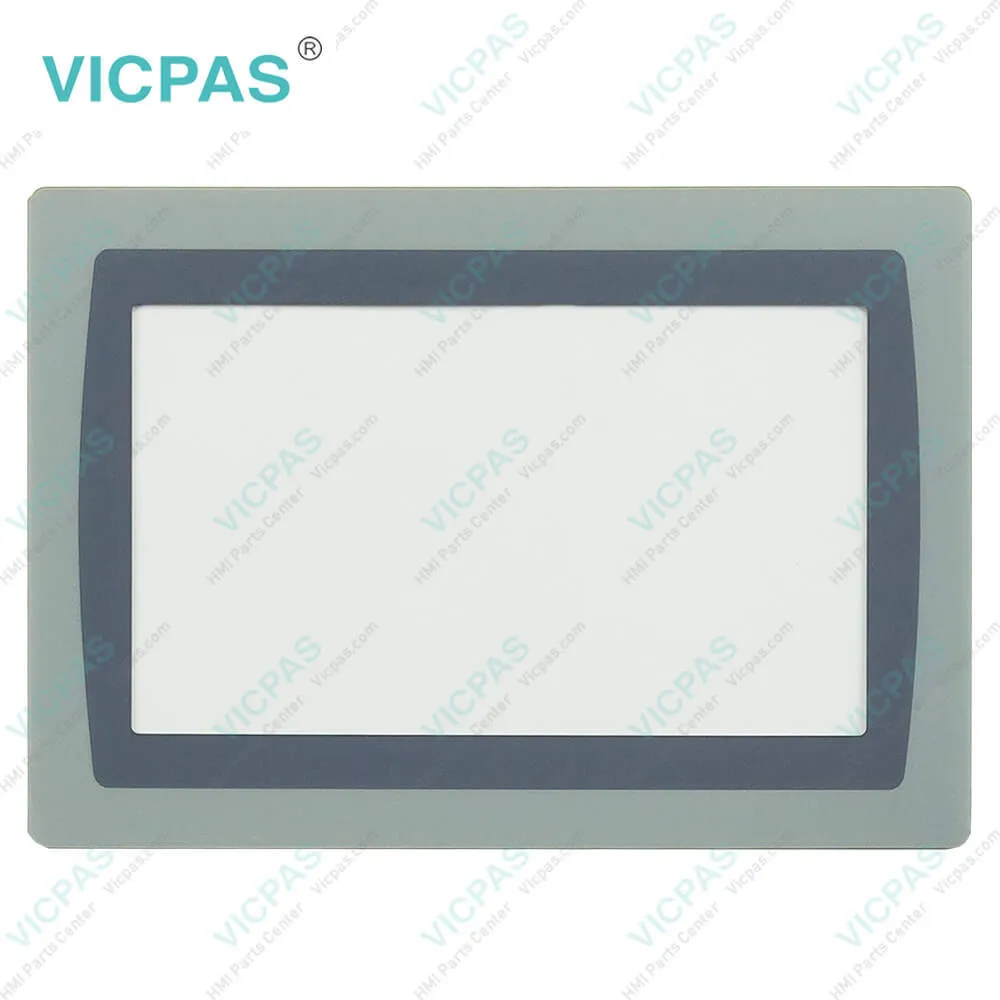
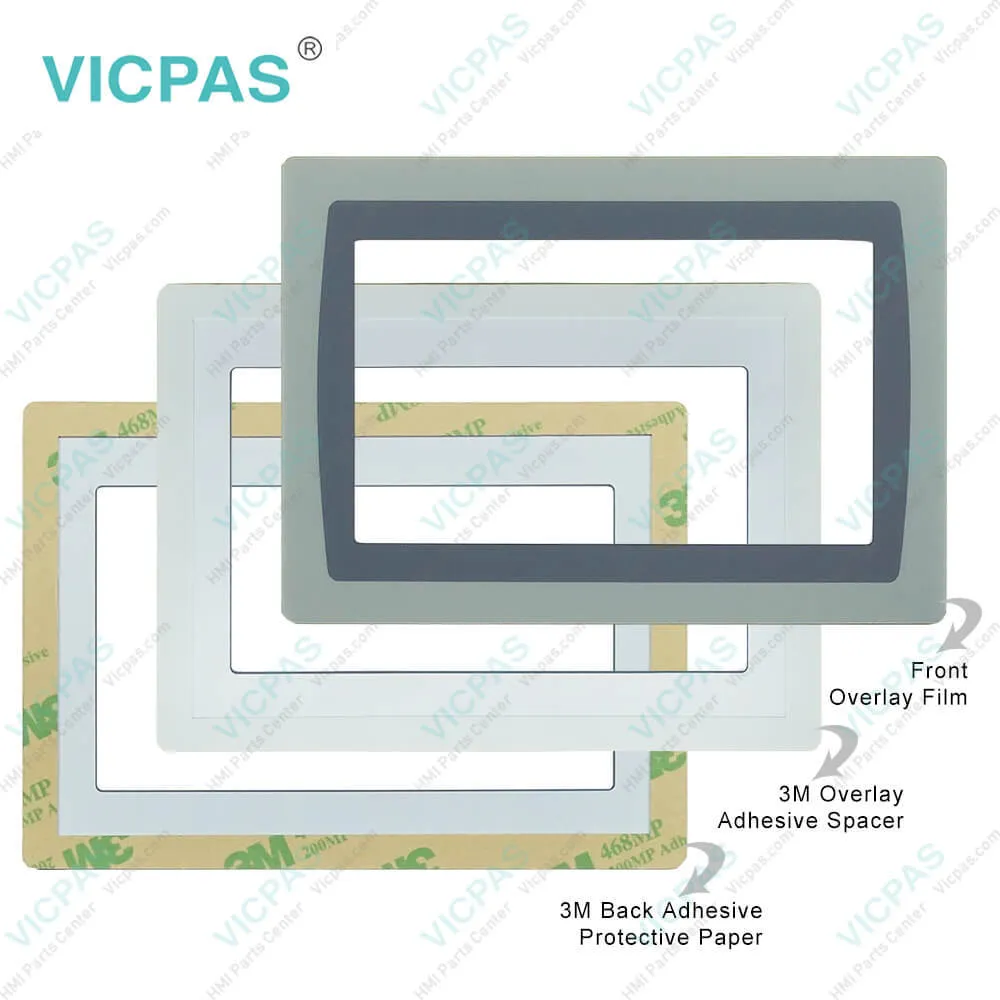
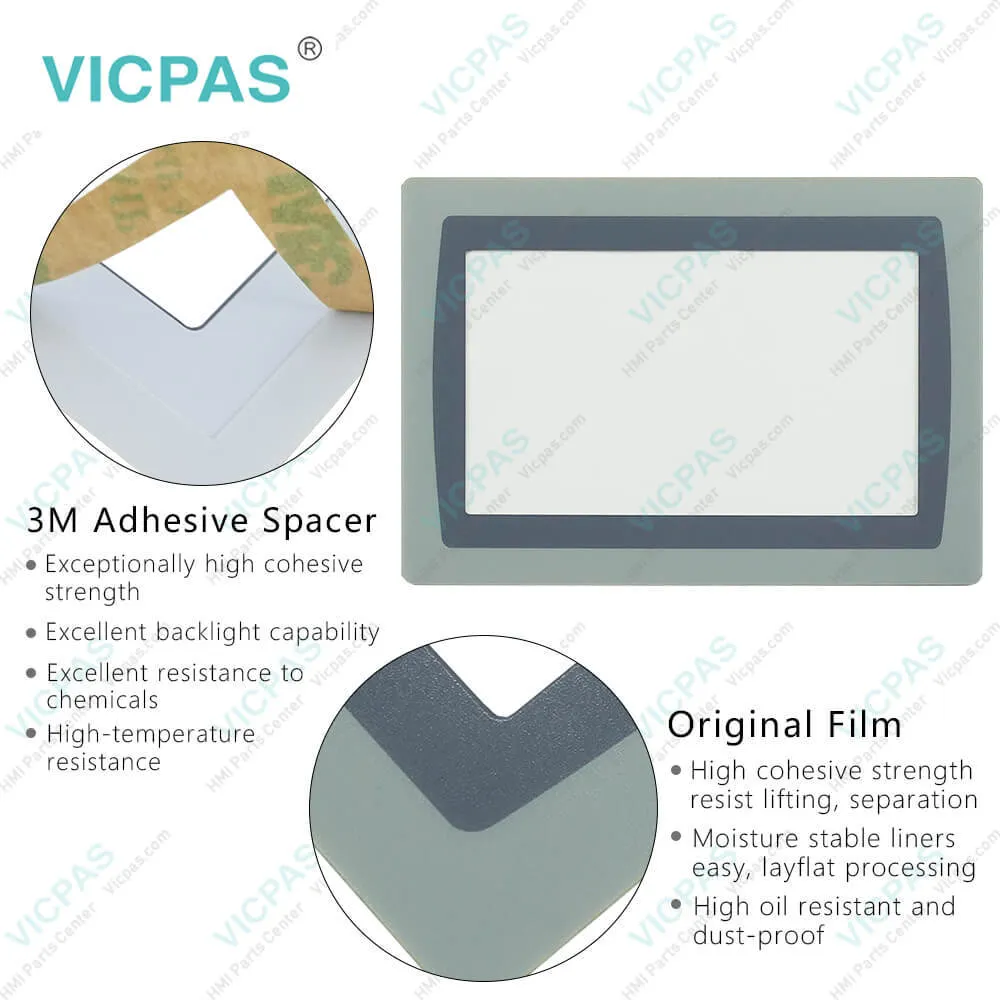
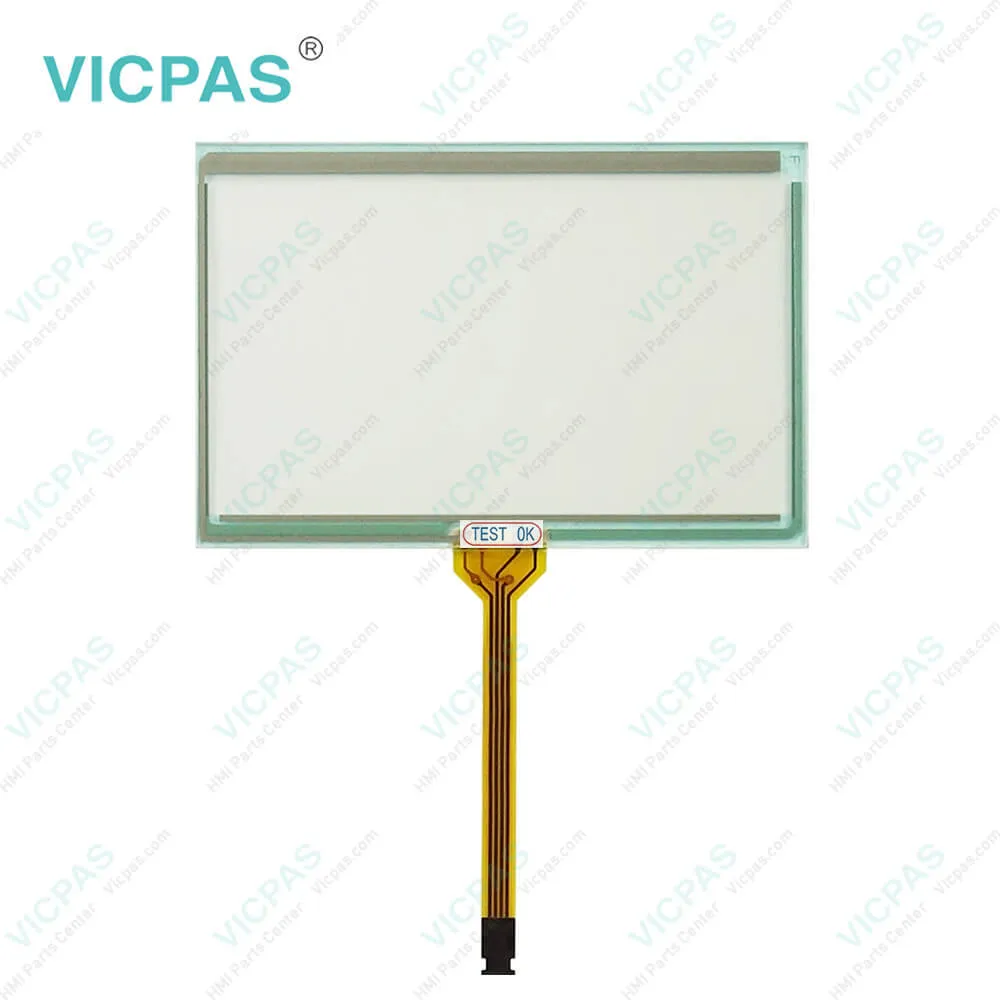
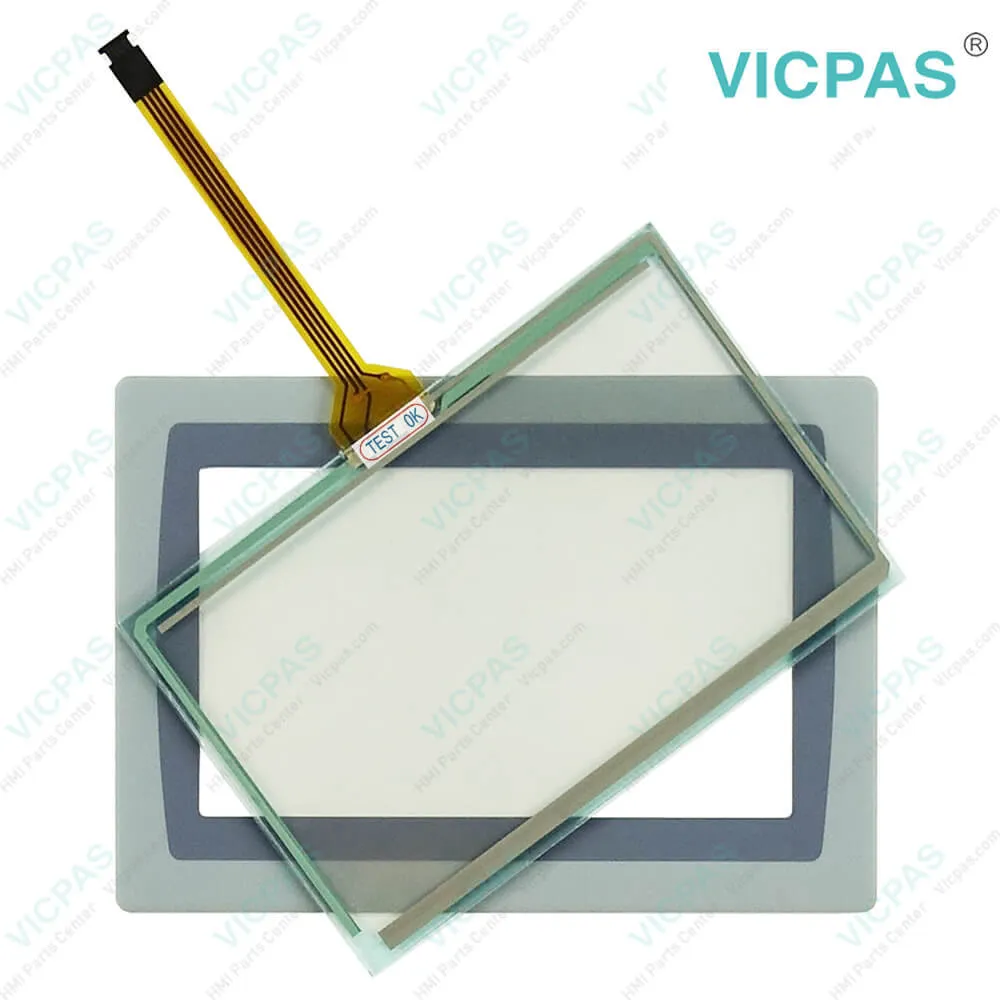
Panelview Plus 7 2711P-T4W22D8S Touch Panel Screen

| Categories | Allen Bradley |
|---|---|
| Brand | Rockwell Automation Allen Bradley |
| Model | 2711P-T4W22D8S |
| Warranty | 365 Days |
| Product Line | Panelview Plus 7 |
| Supply | Panelview Plus 7 Terminals Touchscreen |
| Parts | Touchscreen Panel Glass Protective Film |
| Terms of Payment | Western Union, MoneyGram, T/T, Paypal, PayPal, Credit Card |
| Download | |
| Update Time | 2026-02-09 16:45:54 |
Shipping
Free Shipping
Those shipping costs are only estimates, the actual shipping cost will be shown on the order page.
2711P-T4W22D8S Panelview Plus 7 Touch Screen Panel, Protective Films Overlay, and LCD Display Repair Replacement
Order each part separately is available

Animated graphic and text displays provide operators a view into the operating state of a machine or process. Operators interact with the control system by using touch screen input. The 5.7-in. and 10.4-in. touch-screen terminals are shown for illustrative purposes. All other terminal sizes look similar. For information on proper mounting clamp installation, refer to the PanelView Plus 7 Standard Terminals User Manual, publication 2711P-UM007.
PanelView Plus 7 Standard and Performance Models
Lead product for new applications
Extends our portfolio with more display sizes and certifications
Reflects our commitment to application longevity
Same FactoryTalk View software across all PanelView Plus product lines
The Standard and Performance clamps look different:
The clamps for the PanelView Plus 7 line are designed to create the right amount of clamping pressure around the unit with breakaway tabs to prevent over torqueing. Each clamp is two sided, so if you break one side, you can use the other.
The system is designed to allow customers to mount the terminals with no tools. See product literature for the clamping sequence.
At full release, there will be two different clamp styles. One for Standard (Grey) and one for Performance (Black). They are not meant to be used cross platform because the Performance (Black) clamps allow for a higher clamping torque and can crack the bezel on the Standard terminal.The PanelView Plus 7 Performance stainless steel models use 2711P-RTMC clamps
Standard Model – Single Ethernet
Machine Builder Focus
Sizes: 4”-15”
Single Ethernet or DLR
Touch Screen
Low Profile, Composite Bezel
FactoryTalk View Machine Edition - supporting MER files back to 5.1
7 Catalogs – Allen-Bradley® Branded
7 Catalogs – No Branding
Specifications:
| Part Number: | 2711P-T4W22D8S |
| Display Size: | 4.3 inches |
| Display Color: | Amber |
| Warranty: | 365 days Warranty |
| Product Line: | Panelview Plus 7 |
| Input Type: | Touchscreen |
| Mounting Position: | vertical |
| Communication: | ControlNet |
| Software: | FactoryTalk |
Related BB Teach Pendant Part No. :
| 2711P-T4W22D8S | Description | Inventory status |
| 2711P-T4W21D8S | PanelView Plus 7 Touch Membrane Overlay LCD Display Repair | Available Now |
| 2711P-T4W21D8S-A | Allen Bradley PanelView Plus 7 HMI Touchscreen Front Film LCD Display | In Stock |
| 2711P-T4W21D8S-B | PanelView Plus 7 Touchscreen Membrane Switch Overlay LCD Screen | Available Now |
| 2711P-T4W22D8S | AB Panel View Plus 7 HMI Panel Glass Overlay LCD Display | In Stock |
| 2711P-T4W22D8S-A | Allen Bradley Panel View Plus 7 Touchscreen Film LCD Display | In Stock |
| 2711P-T4W22D8S-B | PanelView Plus 7 Touch Glass Front Overlay LCD Display Panel | In Stock |
| 2711P-T4W21D8S | PanelView Plus 7 Touch Membrane Overlay LCD Display Repair | Available Now |
| 2711P-T4W21D8S-A | Allen Bradley PanelView Plus 7 HMI Touchscreen Front Film LCD Display | In Stock |
| 2711P-T4W21D8S-B | PanelView Plus 7 Touchscreen Membrane Switch Overlay LCD Screen | Available Now |
| 2711P-T4W22D8S | AB Panel View Plus 7 HMI Panel Glass Overlay LCD Display | In Stock |
| 2711P-T4W22D8S-A | Allen Bradley Panel View Plus 7 Touchscreen Film LCD Display | In Stock |
| 2711P-T4W22D8S-B | PanelView Plus 7 Touch Glass Front Overlay LCD Display Panel | In Stock |
Panelview Plus 7 2711P-T4W22D8S Touch Panel Screen PDF Download:
FAQ:
Question: How to configure the Ethernet ports of the terminal 2711P-T4W22D8S?
Answer: 1. Press Terminal Settings, then choose Networks and Communications>Network Connections>Network Adapters. 2. To access the Ethernet link settings, press Settings. 3. To enable or disable the ports that you want to use for your network configuration, press Ethernet Link1 and Ethernet Link2. 4. To select Auto, press Ethernet Configuration. 5. To save the configuration, press OK. 6. For the changes to take effect, restart the terminal.
Question: How to change the Popup for String 2711P-T4W22D8S Entry?
Answer: You can use a string popup for character input instead of the popup keyboard or input panel. 1. Press Terminal Settings, then choose Input Devices>String Popup. 2. To select the preferred method for character input, press ‘Invoke pop-up character input instead of pop-up keyboard’. 3. Press OK.
Question: What are the steps to view the 2711P-T4W22D8S log generated by runtime files?
Answer: 1. Press View Log from the File Integrity Check dialog box. 2. To display details for that event, select an event and press More Details. 3. To clear all details from the log, press Clear All. 4. To return to previous dialog box, press Close.
Question: What is the size of Allen Bradley 2711P-T4W22D8S Toucshcreen Panel Glass?
Answer: The PanelView Plus 7 2711P-T4W22D8S Touch Screen Panel is 4.3-inch.
Common misspellings:
2711P-T4C22D82711-T4W22D8S2711P-TC422D8S271P1-T4W22D8S2711-PT4W22D8S27111P-T4W22D8S2711P-TT4W22D8S2711P-T4C222D8S
- 2711P-T4W22D8S Panelview Plus 7 Touchscreen
- 2711P-T4W22D8S Touch Screen Panel
- 2711P-T4W22D8S Protective Film Overlay Repair
- AB Panelview Plus 7 Terminals Repair
- 2711P-T4W22D8S Panelview Plus 7 Touchscreen
- 2711P-T4W22D8S Touch Screen Panel
- 2711P-T4W22D8S Protective Film Overlay Repair
- AB Panelview Plus 7 Terminals Repair
- Mobile Phone
- *Title
- *Content


Fast Quote
Fast Quote
Worldwide Shipping
12 Months Warranty
Customize Service