Grideal.com-Leading global industrial mall.
Quick Service for Full HMI Parts Replacement
Touchscreen-Keypad-Display-Case & More Search 80000 Inventory
user photo
Account
Login
Cart
0
Home / All / B&R Power Panel / Power Panel PP15 PP21 PP35 PP41 PP45 / Membrane switch for 4P3040.01-490 membrane keypad keyboard
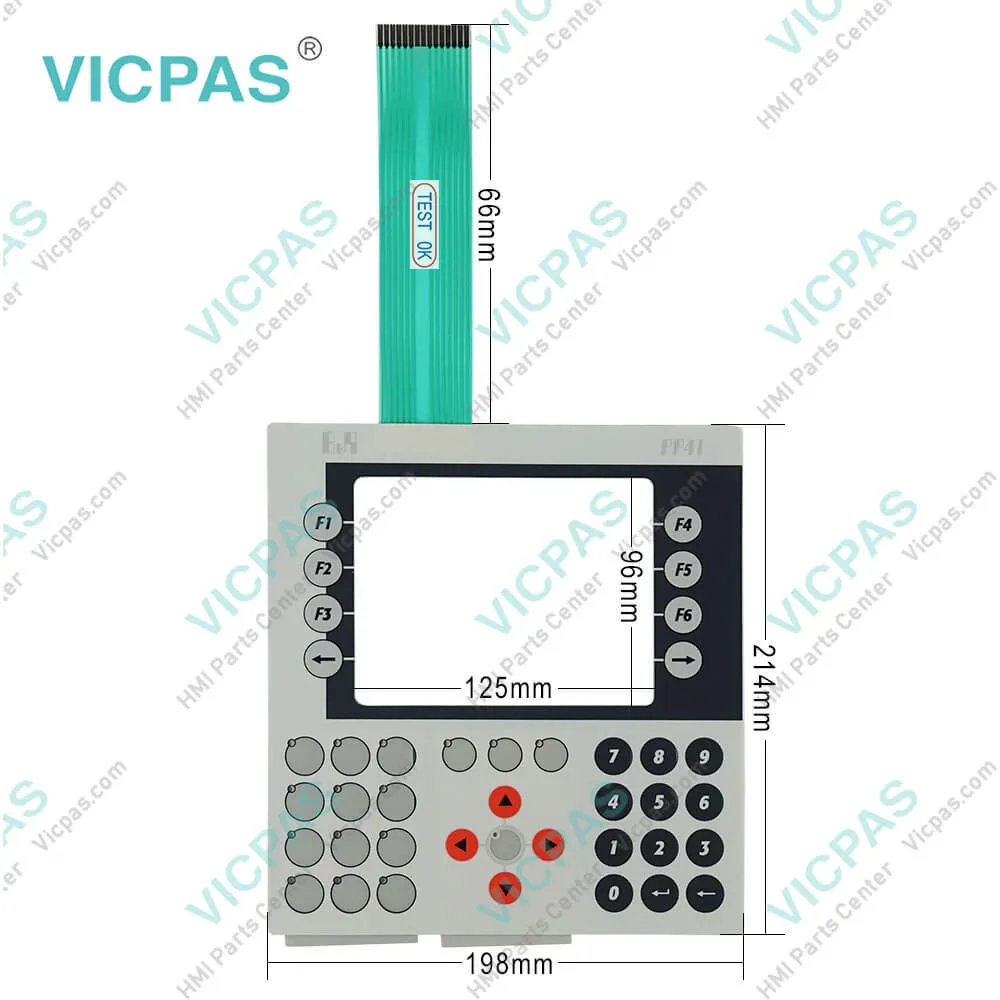
Membrane switch for 4P3040.01-490 membrane keypad keyboard
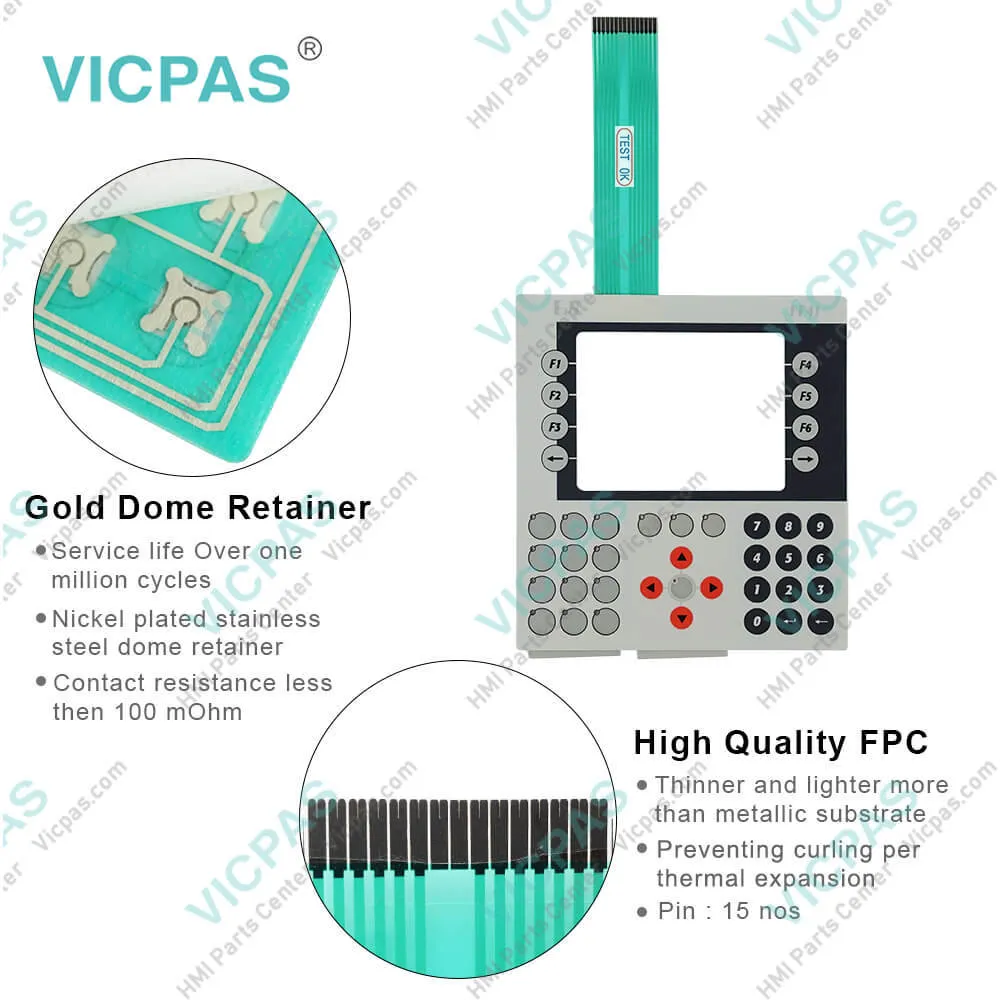
Membrane switch for 4P3040.01-490 membrane keypad keyboard
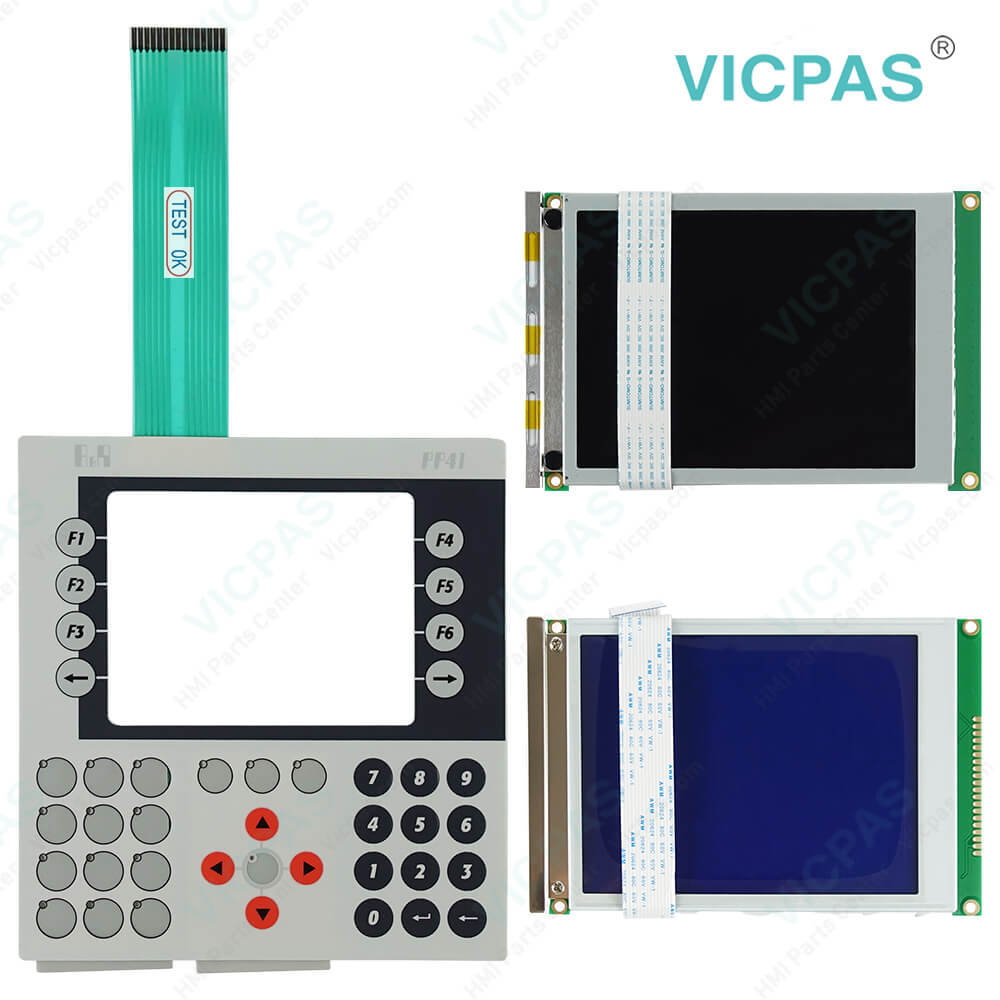
Membrane switch for 4P3040.01-490 membrane keypad keyboardMembrane switch for 4P3040.01-490 membrane keypad keyboardMembrane switch for 4P3040.01-490 membrane keypad keyboardMembrane switch for 4P3040.01-490 membrane keypad keyboardMembrane switch for 4P3040.01-490 membrane keypad keyboard
BrandB&R
ModelB&R Power Panel 41 4P3040.01-490
Warranty1 Year VICPAS Warranty
ShippingDHL/FedEx/UPS/TNT/EMS/Aramex /DPEX
Terms of PaymentWestern Union, T/T, PayPal, T/T ,Credit Card, Western Union
Download
Update Time2026-02-09 17:32:36
Leading Time{{selectedConditionObj.leading}}
{{item.value}}
{{nameObj.name}}{{nameObj.selectedValue}}
{{valueObj.name}}

Shipping

Free Shipping

Those shipping costs are only estimates, the actual shipping cost will be shown on the order page.

Detail Information

B&R Power Panel 41 4P3040.01-490 Keyboard Membrane LCD Screen Repair Replacement

Order each part separately is available

Power Panel 41 4P3040.01-490 Keyboard Membrane LCD Display

In a distributed system, two or more Power Panel devices (PP21, PP41) are connected to each other over a CAN bus. Control programs run on each Power Panel. The sensors and actuators are connected to the integrated and insertable inputs and outputs as well as the remote CAN bus stations.


B&R Automation Runtime guarantees a uniform runtime environment for Automation Studio programs on all target systems. This ensures uniform programming and operation on all devices. Automation Runtime possesses a multitasking operating system adapted specially for use with control technology. The cycle time for your application can be separated among several task classes. Automation Runtime ensures that all application programs are executed within defined time periods, proving itself to be a configurable, deterministic real-time multitasking system. An extensive project can be divided into small individual tasks. This way of working increases modularity and makes it much easier to maintain projects.


Specifications:

Part Number:4P3040.01-490
Product Line:Power Panel 41
Screen diagonal:5.7 in
Warranty:365 Days Warranty
Input Power:24 VDC
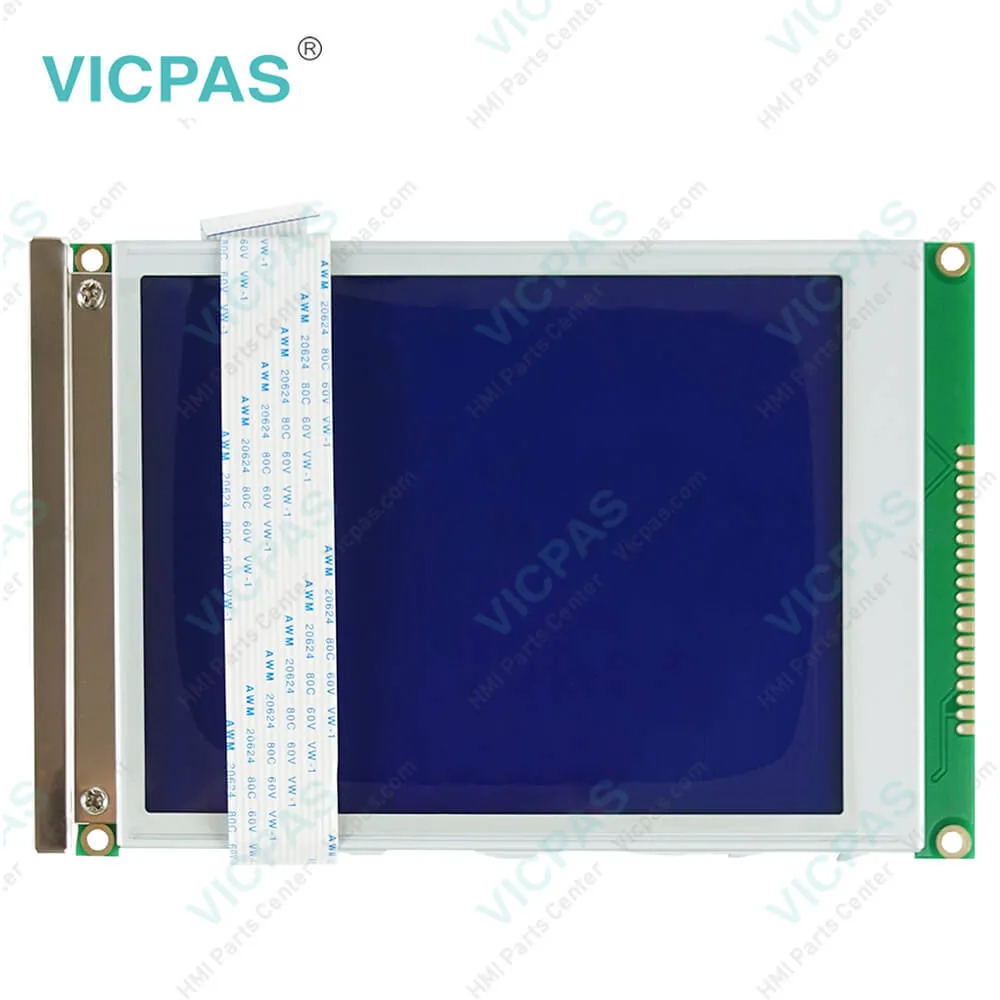
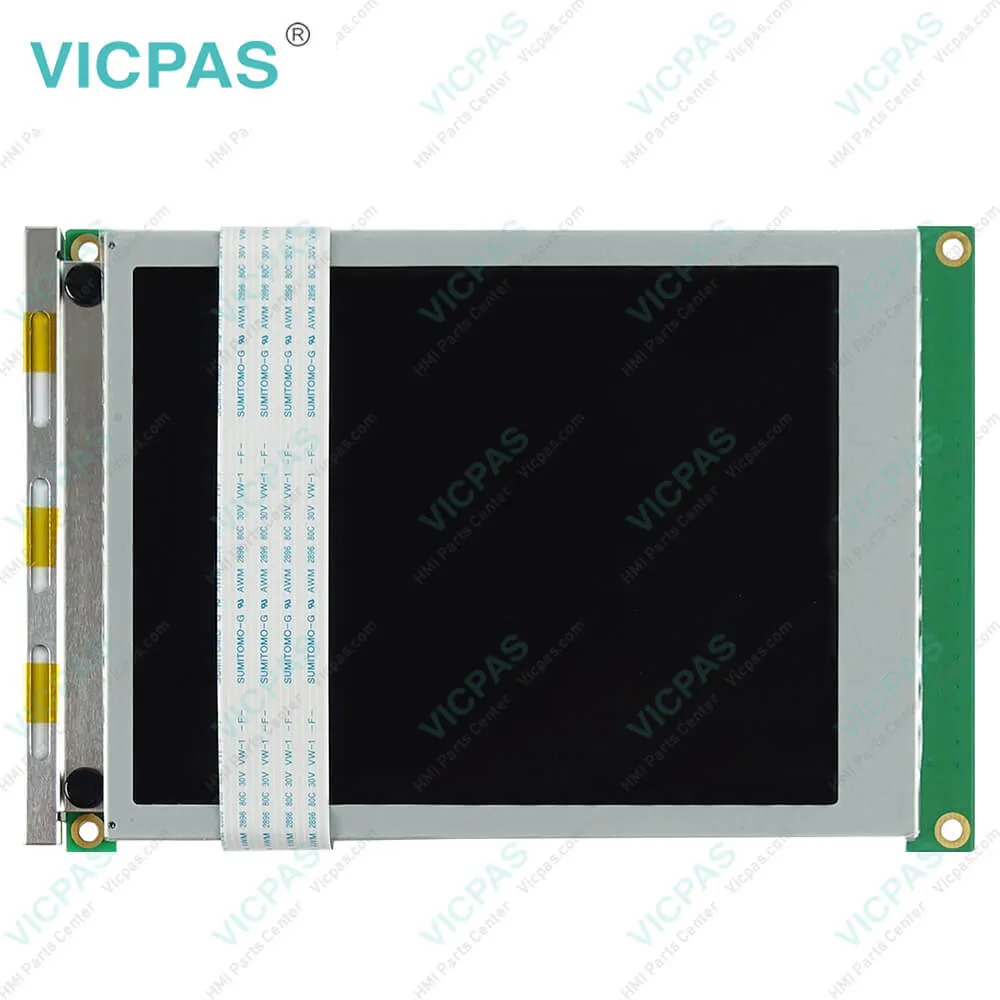
Display Type:TFT color
Mounting position:Vertical
Input Type:Keypad
Serial interface Type:RS232
Storage:-20 to 70°C


Related BB Teach Pendant Part No. :

B&R Power Panel 41 4P3040.01-490Description Inventory status
4P3040.00-490B and R Power Panel 41 Membrane Switch ReplacementIn Stock
4P3040.00-K12Power Panel 41 B&R HMI Membrane Keyboard KeypadIn Stock
4P3040.00-K21B and R Power Panel 41 Switch Membrane RepairIn Stock
4P3040.00-K32PP41 B&R Membrane Keypad Keyboard ReplacementAvailable Now
4P3040.00-K43Power Panel 41 B&R Membrane Keypad SwitchIn Stock
4P3040.00-K47B and R Power Panel 41 Operator Panel KeypadAvailable Now
4P3040.00-K50B&R Power Panel 41 Keypad Membrane Repair ReplacementIn Stock
4P3040.01-490B&R Power Panel 41 Membrane Keypad Switch LCD DisplayIn Stock
4P3040.01-K16PP41 B and R Membrane Keyboard KeypadAvailable Now
4P3040.00-490B and R Power Panel 41 Membrane Switch ReplacementIn Stock
4P3040.00-K12Power Panel 41 B&R HMI Membrane Keyboard KeypadIn Stock
4P3040.00-K21B and R Power Panel 41 Switch Membrane RepairIn Stock
4P3040.00-K32PP41 B&R Membrane Keypad Keyboard ReplacementAvailable Now
4P3040.00-K43Power Panel 41 B&R Membrane Keypad SwitchIn Stock
4P3040.00-K47B and R Power Panel 41 Operator Panel KeypadAvailable Now
4P3040.00-K50B&R Power Panel 41 Keypad Membrane Repair ReplacementIn Stock
4P3040.01-490B&R Power Panel 41 Membrane Keypad Switch LCD DisplayIn Stock
4P3040.01-K16PP41 B and R Membrane Keyboard KeypadAvailable Now

Membrane switch for 4P3040.01-490 membrane keypad keyboard PDF Download:
  • Power Panel 15/21/35/41/45
  • B&R Power Panel User's Manual
  • B&R Power Panel 15/21/35/41 User's Manual
  • Power Panel 15/21/35/41/45
  • B&R Power Panel User's Manual
  • B&R Power Panel 15/21/35/41 User's Manual

  • FAQ:

    Question: What are the functions of B&R Automation Device Interface (ADI) - Control Center?

    Answer: The functions provided by the Automation Device Interface (ADI) - Control Center vary according to the device series. To carry out a firmware upgrade, the following steps should be taken: • Changing display-specific parameters • Reading device-specific keys • Updating the key configuration • Enabling device-specific LEDs on a membrane keypad or keys •Reading and calibrating control devices (e.g. key switches, handwheels, joysticks, potentiometers) • Reading temperatures, fan speeds, statistical data and switch settings • Reading operating hours (power-on hours) • Reading user and factory settings • Reading software versions • Updating and backing up BIOS and firmware • Creating reports about the current system (support assistance) • Setting the SDL equalizer value when adjusting SDL cables • Changing the user serial ID

    Question: How can Power Panel 41 4P3040.01-490 screen burn-in be avoided?

    Answer: • By constantly changing between static and dynamic images• By avoiding excessive brightness differences between foreground and background elements• By using colors with similar brightness• By using complementary colors in follow-up images• By using a screensaver

    Question: What causes B&R 4P3040.01-490 image sticking?

    Answer: • Static images• Screensaver not enabled• Sharp contrast transitions (e.g. black / white)• High ambient temperatures• Operation outside of the specifications


    Common misspellings:

    4P300.01-490

    4P3040.1-490

    4P3040.0l-490

    4P3040.01-49o

    4PP3040.01-490

    Please send your message to us
    *Email
    Mobile Phone
    *Title
    *Content
    Upload
    • Only supports .rar/.zip/.jpg/.png/.gif/.doc/.xls/.pdf, maximum 20MB.
    Do you want to quickly know the product quotation you need?
    • Fast QuoteFast Quote
    • Worldwide ShippingWorldwide Shipping
    • 12 Months Warranty12 Months Warranty
    • Customize ServiceCustomize Service
    subscription
    KEEP IN TOUCH
    Please send your message to us
    *Email
    Mobile Phone
    *Title
    *Content
    Upload
    • Only supports .rar/.zip/.jpg/.png/.gif/.doc/.xls/.pdf, maximum 20MB.
    CONTACT US
    QR code
    Mobile Web
    1.529009s