Grideal.com-Leading global industrial mall.
Quick Service for Full HMI Parts Replacement
Touchscreen-Keypad-Display-Case & More Search 80000 Inventory
user photo
Account
Login
Cart
0
Home / All / B&R Power Panel / Power Panel PP15 PP21 PP35 PP41 PP45 / 4PP045.0571-062 B&R Front Overlay Touch Screen Panel
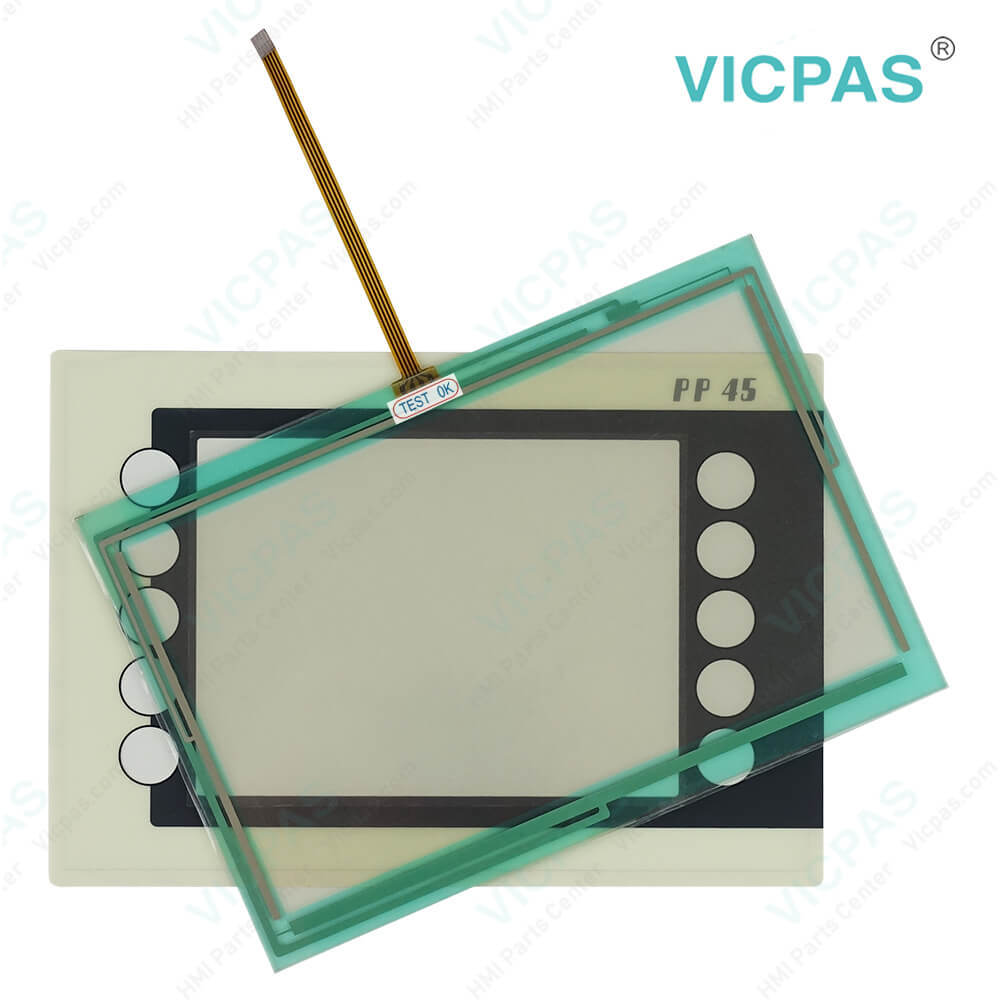
4PP045.0571-062 B&R Front Overlay Touch Screen Panel
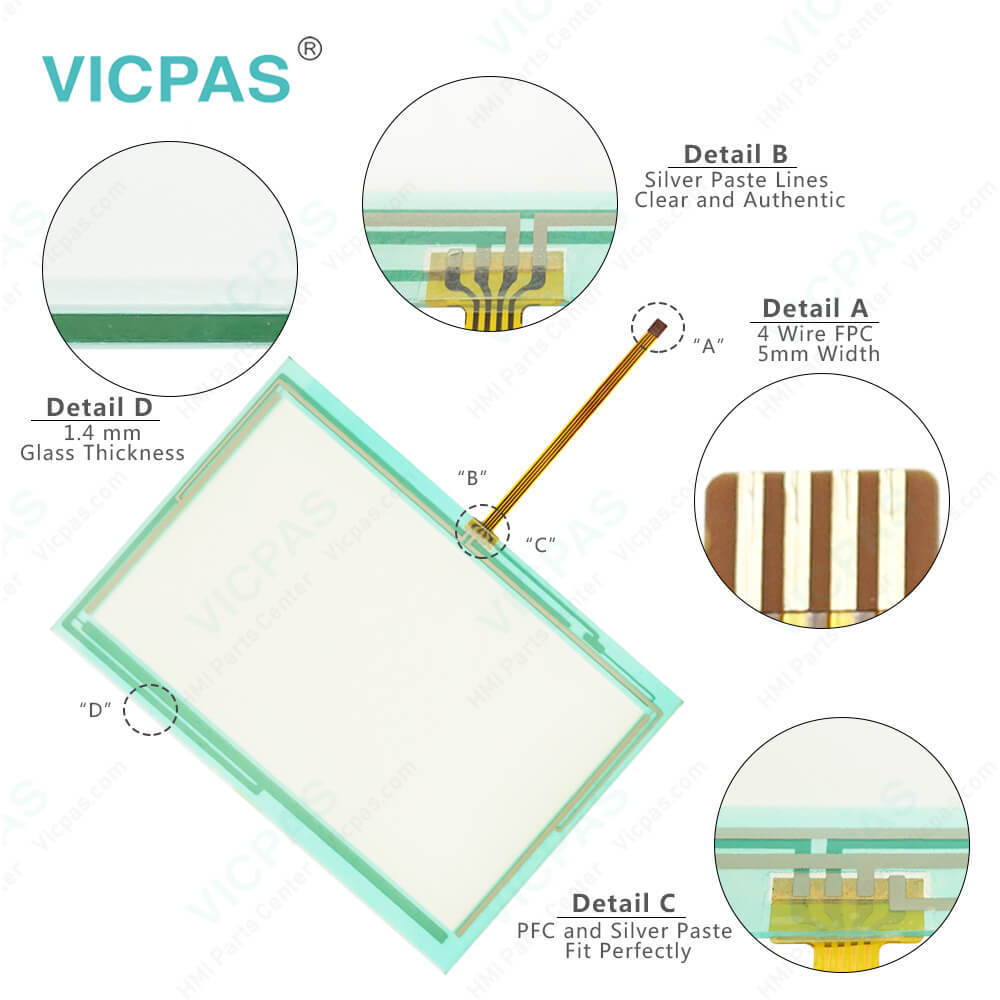
4PP045.0571-062 B&R Front Overlay Touch Screen Panel
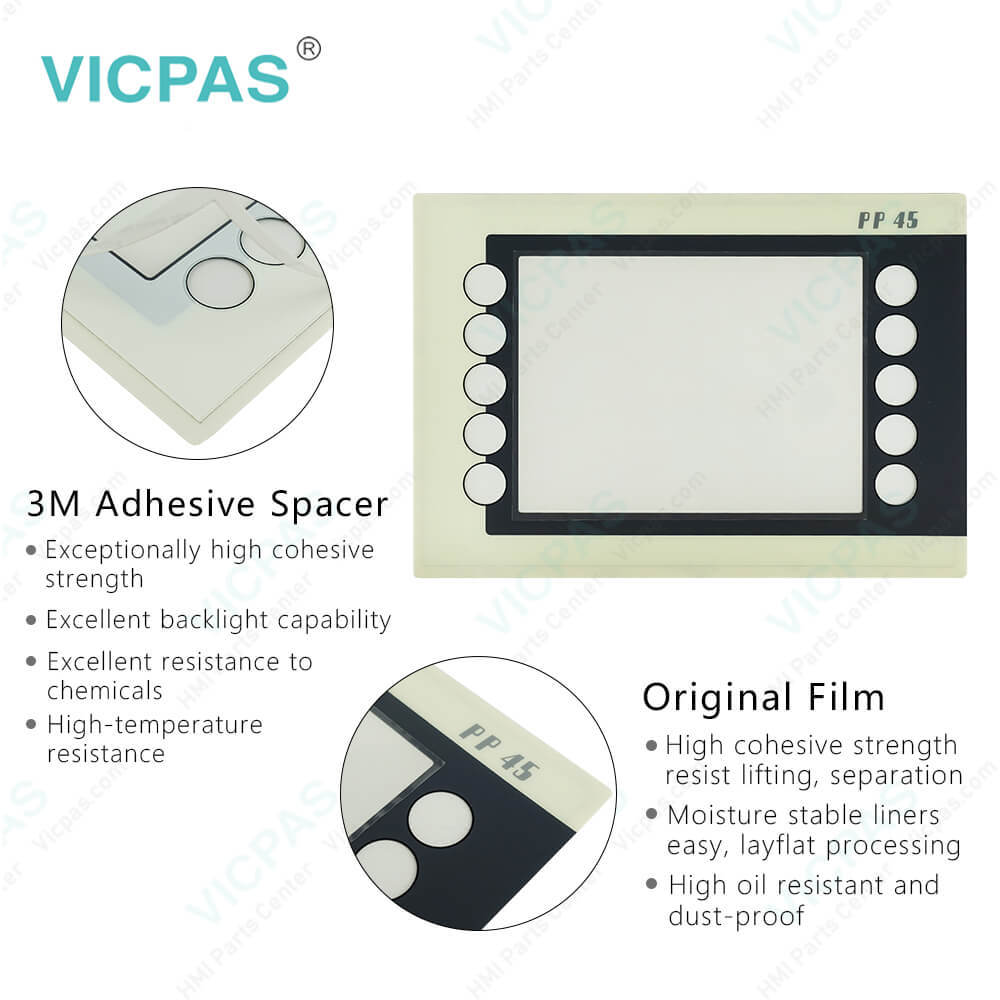
4PP045.0571-062 B&R Front Overlay Touch Screen Panel4PP045.0571-062 B&R Front Overlay Touch Screen Panel4PP045.0571-062 B&R Front Overlay Touch Screen Panel4PP045.0571-062 B&R Front Overlay Touch Screen Panel4PP045.0571-062 B&R Front Overlay Touch Screen Panel
BrandB&R
ModelB&R Power Panel 45 4PP045.0571-062
Warranty1 Year VICPAS Warranty
Touch Screen Panel TypeResistance touch screen
ShippingDHL/FedEx/UPS/TNT/EMS/Aramex /DPEX
FOB portGuangzhou, Shenzhen, Hongkong
Terms of PaymentWestern Union, T/T, PayPal, Credit Card
Download
Update Time2026-02-09 17:33:41
Leading Time{{selectedConditionObj.leading}}
{{item.value}}
{{nameObj.name}}{{nameObj.selectedValue}}
{{valueObj.name}}

Shipping

Free Shipping

Those shipping costs are only estimates, the actual shipping cost will be shown on the order page.

Detail Information

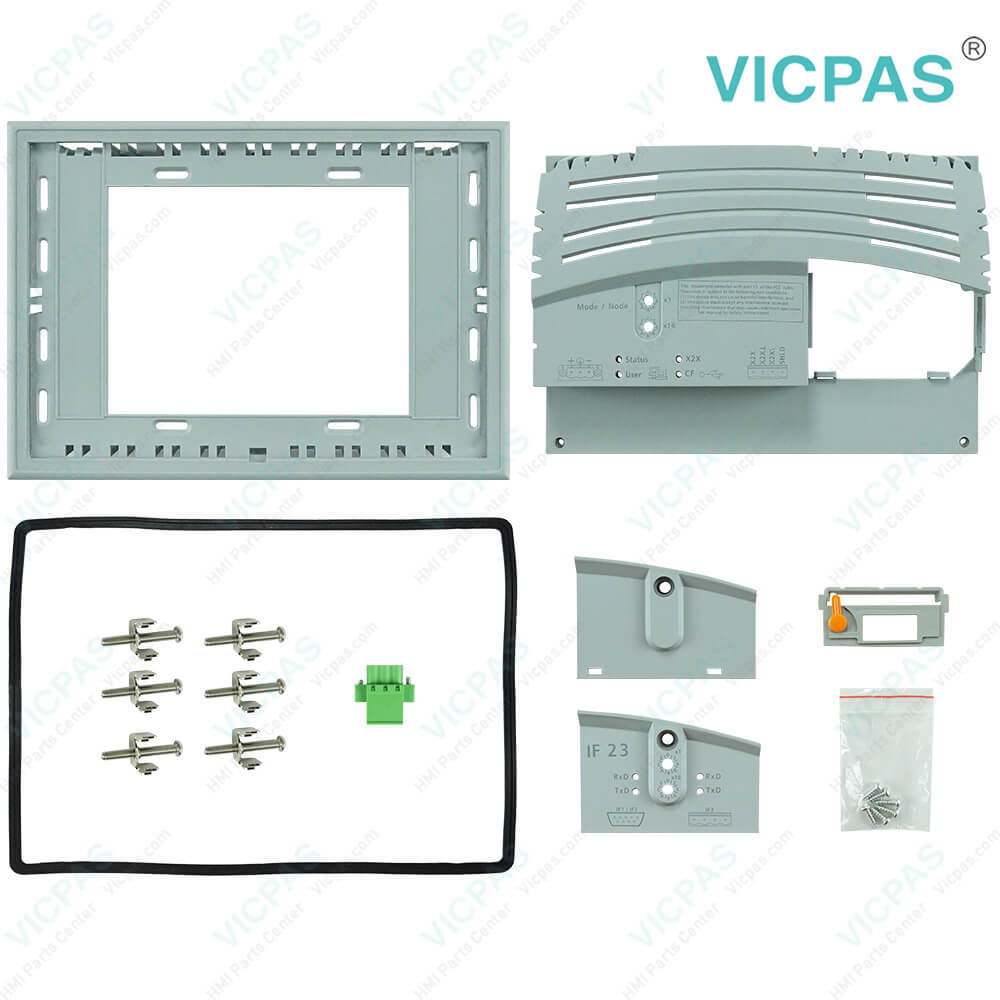
B&R Power Panel 45 4PP045.0571-062 Touch Screen Glass Plastic Case LCD Display Protective Film HMI Repair Parts Replacement

Order each part separately is available

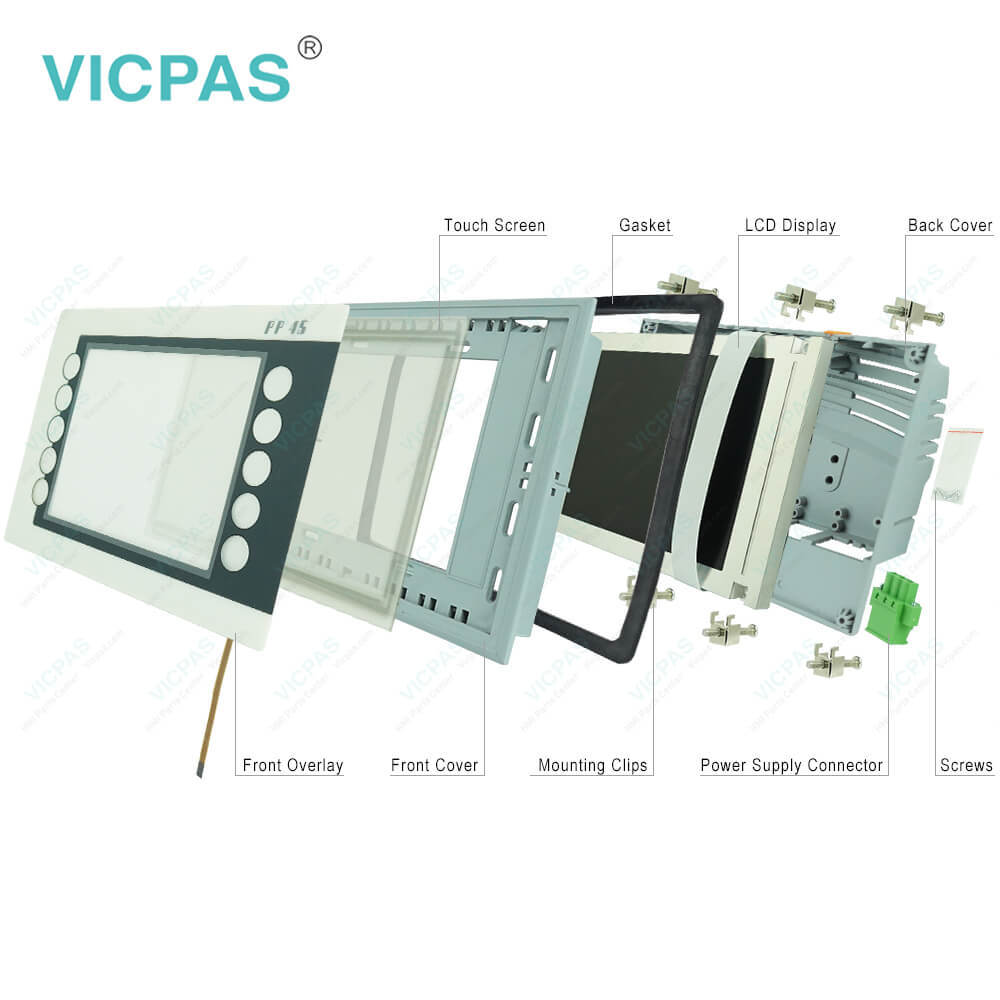
Power Panel 45 4PP045.0571-062 Touch Screen Display, Front Case, Back Cover, LCD Panel, Front Overlay, Interface Module Cover, Battery Cover, Gasket, Mounting Clips, Power Supply Connector and Screws Repair

Power Panel PP45 B&R Features
• 24 VDC supply voltage
• RS232 interface
• CAN bus interface
• 8-16 digital inputs and outputs
• 0-12 analog outputs
• 0-24 analog inputs
• PCMCIA slot
• 1 potential-free relay contact
• 6 slots for B&R SYSTEM 2003 screw-in modules, 3 of which support additional functions (TPU) such as event counting, trigger functions, stepper motor control, frequency measurement or communication modules
• Expansion module for the Power Panel 41 which allows the operation of B&R SYSTEM 2005 interface module inserts


B&R Automation Device Interface (ADI) 4PP045.0571-062 Development Kit Features:
• One Microsoft Visual Basic module with ADI function declarations
• Header files and import libraries for Microsoft Visual C++
• Help files for Visual Basic and Visual C++
• Sample projects for Visual Basic and Visual C++
• ADI DLL (for application testing if no ADI driver is installed)
It includes spare parts LCD Display, Interface Module Cover, Touch Screen Tablet, Gasket, Battery Cover, Mounting Clips, Power Supply Connector, Screws, Protective Film, HMI Case.


Kernfix supplies B and R Power Panel 45 4PP045.0571-062 Front Case, Back Cover, Gasket, Screws, Mounting Clips, Power Supply Connector, Interface Module Cover, Battery Cover, Front Overlay, Touch Screen Panel and LCD Screen for repair replacement, make the HMI running. We provide a 365-day Kernfix warranty for most products, which include most touch screen panel, membrane keypad, protective film, LCD display and protective case shell housing.


Specifications:

Part Number:4PP045.0571-062
Product Line:Power Panel 45
Screen diagonal:5.7 in
Warranty:365 Days Warranty
Input Power:24 VDC
Display Type:TFT color
Mounting position:Vertical
Input Type:Touchscreen
Serial interface Type:RS232
Storage:-20 to 70°C


Related BB Teach Pendant Part No. :

B&R Power Panel 45 4PP045.0571-062Description Inventory status
4PP045.0571-042B and R Power Panel 45 Touch Screen Glass Overlay ReplacementIn Stock
4PP045.0571-062Power Panel 45 B&R HMI Touch Glass Protective FilmIn Stock
4PP045.0571-K01B and R Power Panel 45 Touch Screen Monitor Front OverlayIn Stock
4PP045.0571-K03PP45 B&R HMI Touch Screen ReplacementAvailable Now
4PP045.0571-K23Power Panel 45 B&R Touch Screen OrganizerIn Stock
4PP045.0571-K24B and R Power Panel 45 Touch Screen TabletAvailable Now
4PP045.0571-K26B&R Power Panel 45 Touch Screen Front Overlay ReplacementIn Stock
4PP045.0571-K30B&R Power Panel 45 Touch Digitizer RepairIn Stock
4PP045.0571-K32PP45 B and R Touch Screen Glass ReplacementAvailable Now
4PP045.0571-K37B and R Power Panel 45 Touch Panel Protective FilmIn Stock
4PP045.0571-042B and R Power Panel 45 Touch Screen Glass Overlay ReplacementIn Stock
4PP045.0571-062Power Panel 45 B&R HMI Touch Glass Protective FilmIn Stock
4PP045.0571-K01B and R Power Panel 45 Touch Screen Monitor Front OverlayIn Stock
4PP045.0571-K03PP45 B&R HMI Touch Screen ReplacementAvailable Now
4PP045.0571-K23Power Panel 45 B&R Touch Screen OrganizerIn Stock
4PP045.0571-K24B and R Power Panel 45 Touch Screen TabletAvailable Now
4PP045.0571-K26B&R Power Panel 45 Touch Screen Front Overlay ReplacementIn Stock
4PP045.0571-K30B&R Power Panel 45 Touch Digitizer RepairIn Stock
4PP045.0571-K32PP45 B and R Touch Screen Glass ReplacementAvailable Now
4PP045.0571-K37B and R Power Panel 45 Touch Panel Protective FilmIn Stock

4PP045.0571-062 B&R Front Overlay Touch Screen Panel PDF Download:
  • Power Panel 15/21/35/41/45
  • B&R Power Panel User's Manual
  • B&R Power Panel PP45 PDF
  • B&R Power Panel 15/21/35/41 User's Manual
  • Power Panel 15/21/35/41/45
  • B&R Power Panel User's Manual
  • B&R Power Panel PP45 PDF
  • B&R Power Panel 15/21/35/41 User's Manual

  • FAQ:

    Question: What is the B&R Power Panel 45 4PP045.0571-062 touch screen panel LCD display enclosure protective film price?

    Answer: Submit a fast quote, send Kernfix an email for best price.

    Question: How to clean the B&R Power Panel 45 4PP045.0571-062 Terminal Devices?

    Answer: • Right-click on the 3?" floppy icon and select "Format...". This device should be cleaned with a moist cloth. The cloth should be moistened with water and detergent, a screen cleaning agent or alcohol (ethanol). The cleaning agent should be applied to the cloth beforehand, not sprayed directly on the device! Aggressive solvents, chemicals, scouring agents, pressurized air or steam jets should never be used.

    Question: How can the Power Panel 45 4PP045.0571-062 lifespan of backlights be extended?

    Answer: • Set the display brightness to the lowest value that is still comfortable for the eyes• Use dark images• Reducing the brightness by 50% can result in an approximate 50% increase of the halfbrightness time.


    Common misspellings:

    4PP05.0571-062

    4P045.0571-062

    4PP045.057l-062

    4PP045.o571-062

    4PP045.05711-062

    Please send your message to us
    *Email
    Mobile Phone
    *Title
    *Content
    Upload
    • Only supports .rar/.zip/.jpg/.png/.gif/.doc/.xls/.pdf, maximum 20MB.
    Do you want to quickly know the product quotation you need?
    • Fast QuoteFast Quote
    • Worldwide ShippingWorldwide Shipping
    • 12 Months Warranty12 Months Warranty
    • Customize ServiceCustomize Service
    subscription
    KEEP IN TOUCH
    Please send your message to us
    *Email
    Mobile Phone
    *Title
    *Content
    Upload
    • Only supports .rar/.zip/.jpg/.png/.gif/.doc/.xls/.pdf, maximum 20MB.
    CONTACT US
    QR code
    Mobile Web
    2.286698s