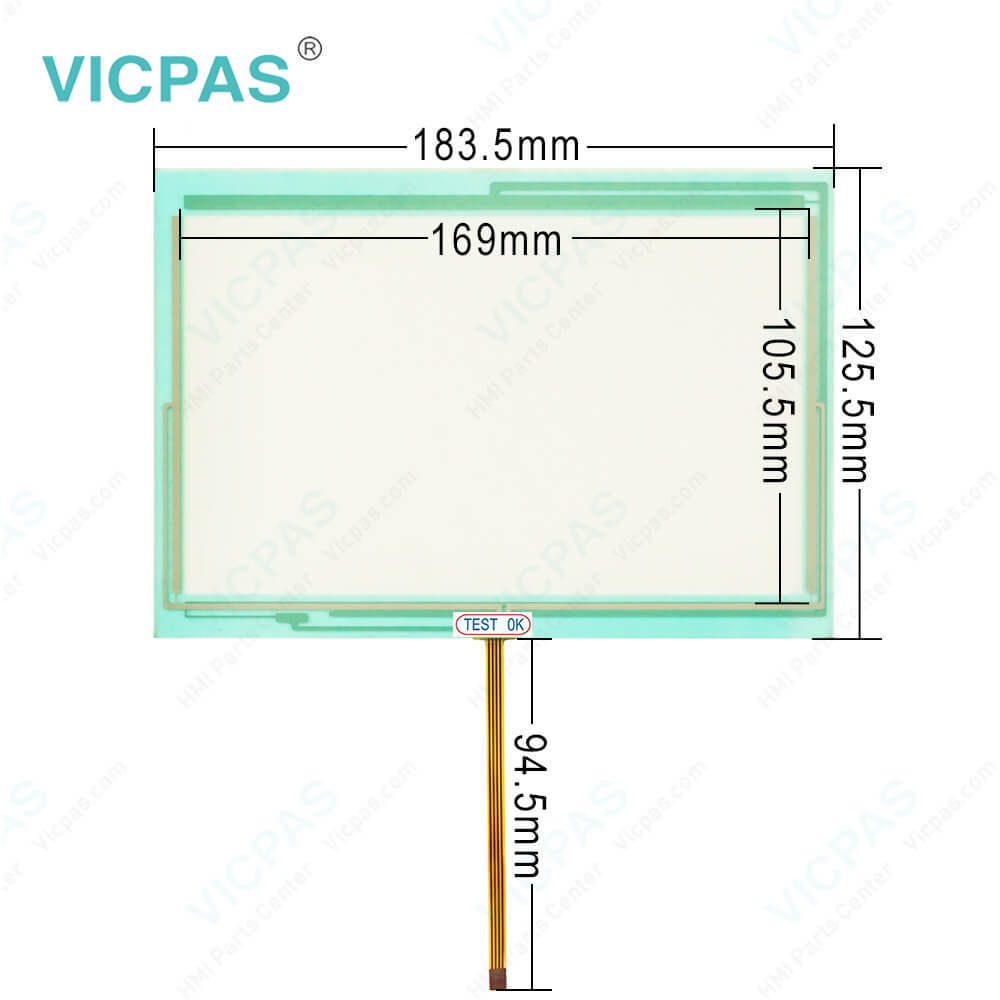
4PP045.0571-K03 B&R Touch Digitizer Glass

| Brand | B&R |
|---|---|
| Model | B&R Power Panel 45 4PP045.0571-K03 |
| Warranty | 1 Year VICPAS Warranty |
| Shipping | DHL/FedEx/UPS/TNT/EMS/Aramex /DPEX |
| Terms of Payment | Western Union, T/T, PayPal, T/T ,Credit Card, Western Union |
| Download | |
| Update Time | 2026-02-09 17:33:45 |
Shipping
Free Shipping
Those shipping costs are only estimates, the actual shipping cost will be shown on the order page.
B&R Power Panel 45 4PP045.0571-K03 Touch Screen Glass Plastic Shell LCD Panel Front Overlay HMI Repair Parts Replacement
Order each part separately is available

B&R Automation Device Interface (ADI) 4PP045.0571-K03 Development Kit Features:
• One Microsoft Visual Basic module with ADI function declarations
• Header files and import libraries for Microsoft Visual C++
• Help files for Visual Basic and Visual C++
• Sample projects for Visual Basic and Visual C++
• ADI DLL (for application testing if no ADI driver is installed)
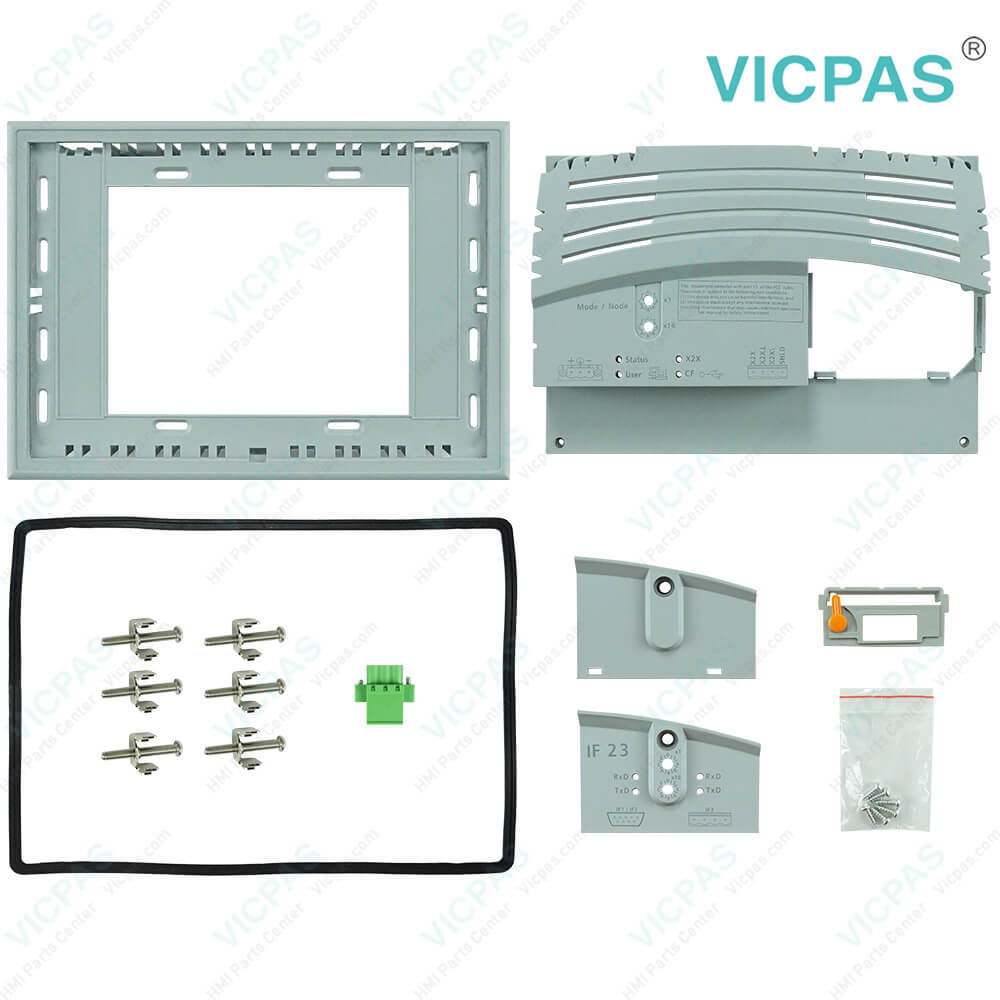
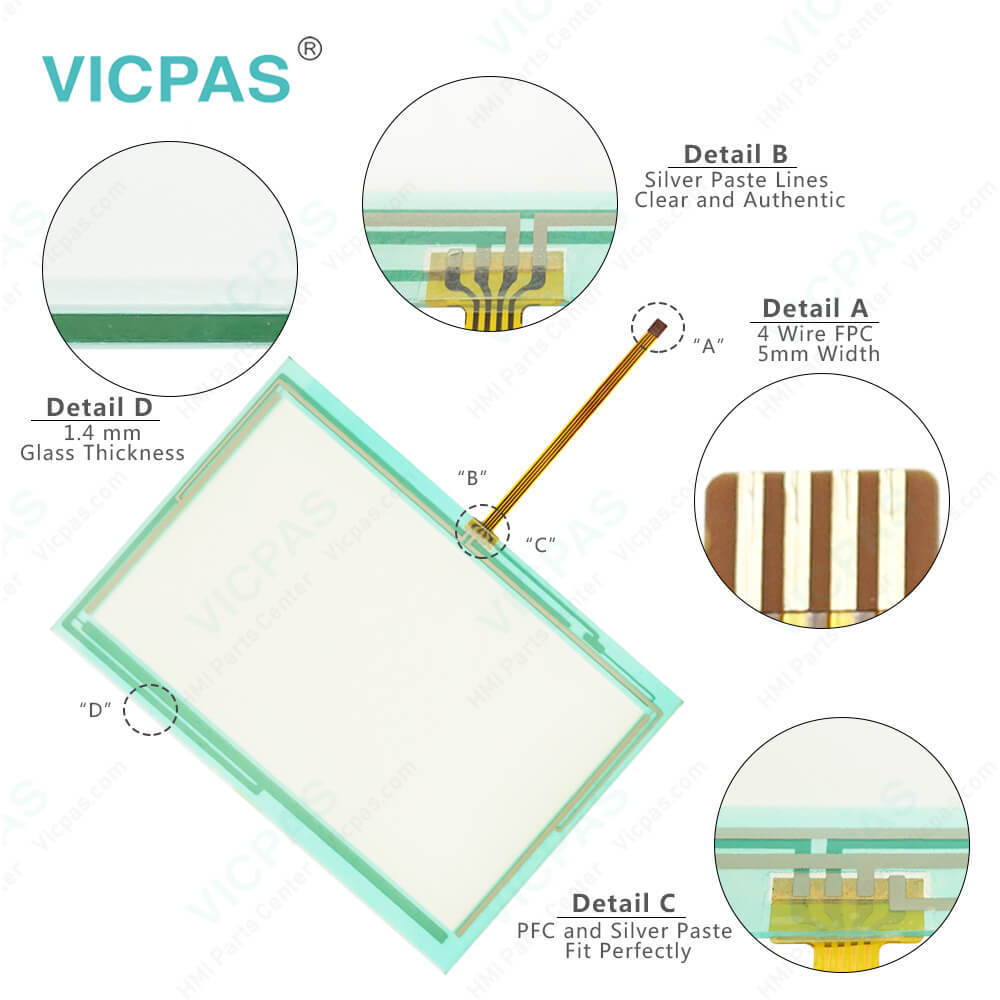
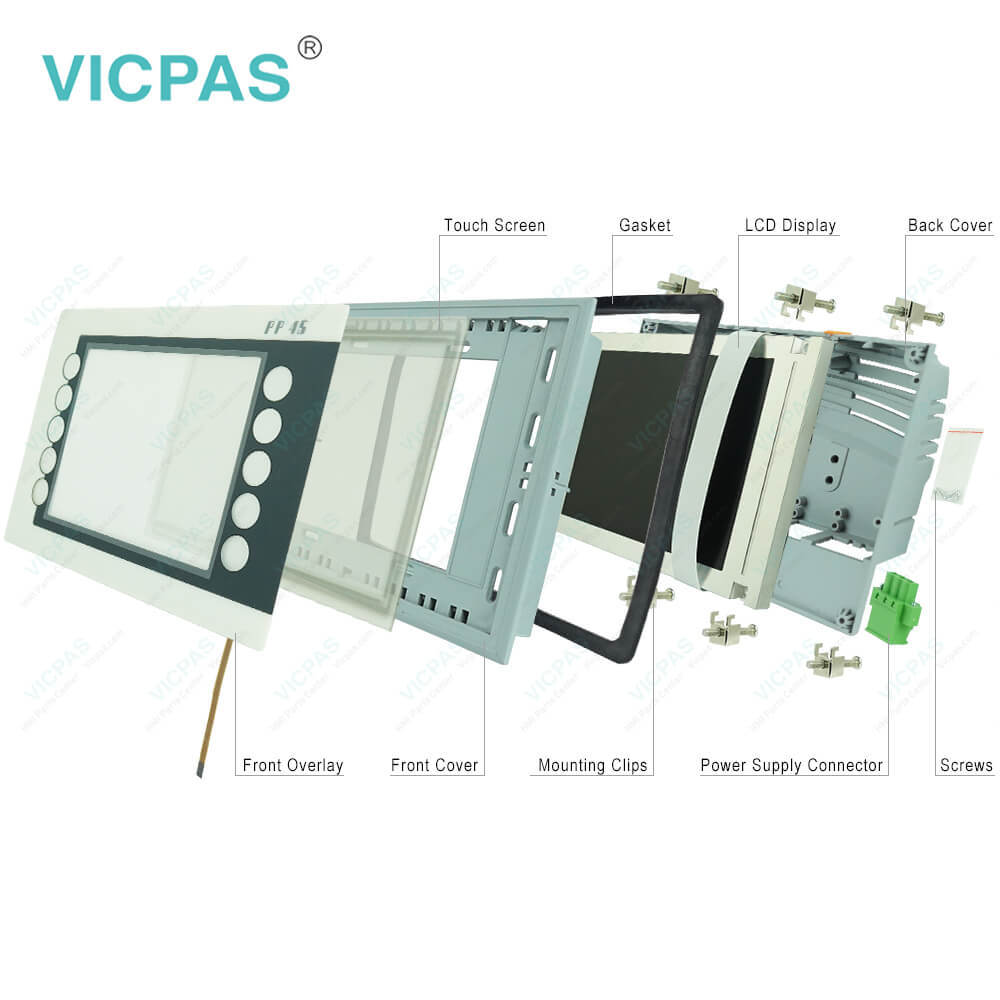
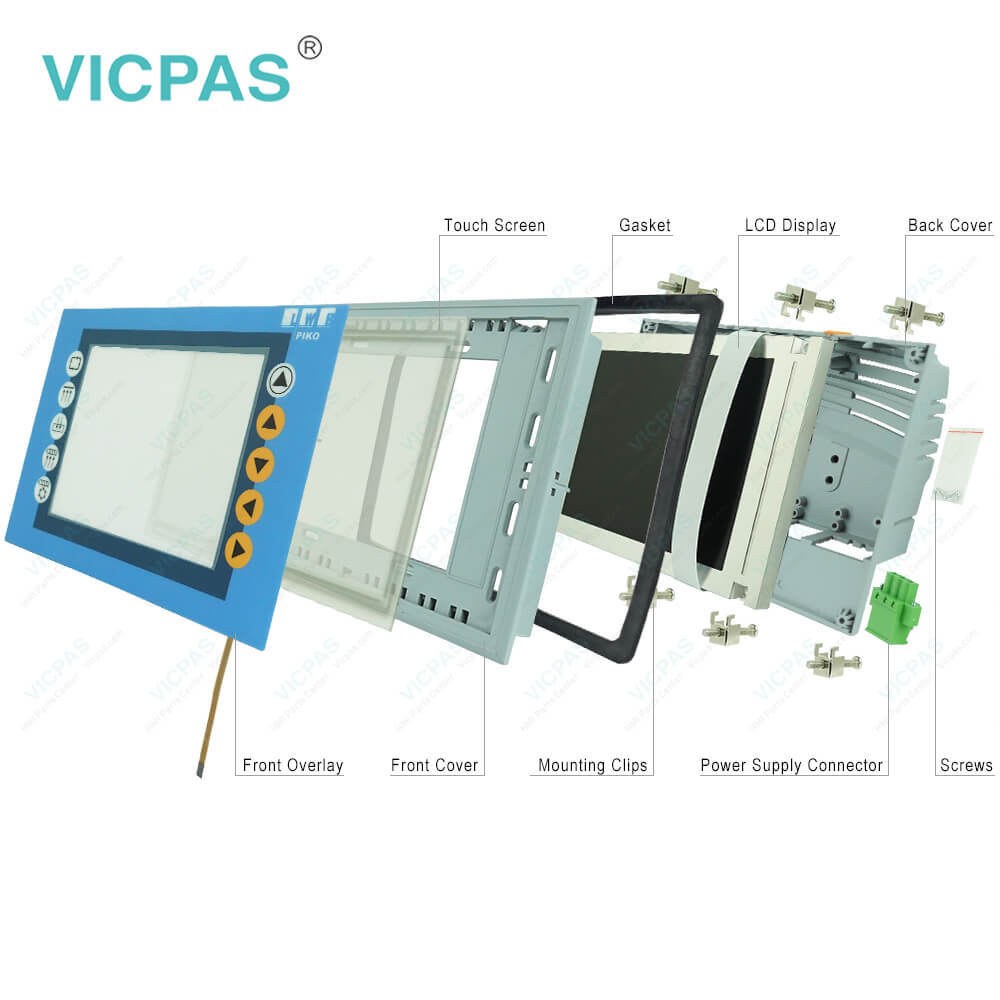
Kernfix supply B and R Power Panel 45 4PP045.0571-K03 Power Supply Connector, LCD Display, Housing, Screws, Interface Module Cover, Battery Cover, Protective Film, Touch Screen Glass, Mounting Clips and Gasket for repair replacement, make the HMI running. We provide a 365-day Kernfix warranty for most products, which includes most LCD Display, Interface Module Cover, Touch Screen Tablet, Gasket, Battery Cover, Mounting Clips, Power Supply Connector, Screws, Protective Film, HMI Case.
Specifications:
| Part Number: | 4PP045.0571-K03 |
| Product Line: | Power Panel 45 |
| Screen diagonal: | 5.7 in |
| Warranty: | 365 Days Warranty |
| Input Power: | 24 VDC |
| Display Type: | TFT color |
| Mounting position: | Vertical |
| Input Type: | Touchscreen |
| Serial interface Type: | RS232 |
| Storage: | -20 to 70°C |
Related BB Teach Pendant Part No. :
| B&R Power Panel 45 4PP045.0571-K03 | Description | Inventory status |
| 4PP045.0571-042 | B and R Power Panel 45 Touch Screen Glass Overlay Replacement | In Stock |
| 4PP045.0571-062 | Power Panel 45 B&R HMI Touch Glass Protective Film | In Stock |
| 4PP045.0571-K01 | B and R Power Panel 45 Touch Screen Monitor Front Overlay | In Stock |
| 4PP045.0571-K03 | PP45 B&R HMI Touch Screen Replacement | Available Now |
| 4PP045.0571-K23 | Power Panel 45 B&R Touch Screen Organizer | In Stock |
| 4PP045.0571-K24 | B and R Power Panel 45 Touch Screen Tablet | Available Now |
| 4PP045.0571-K26 | B&R Power Panel 45 Touch Screen Front Overlay Replacement | In Stock |
| 4PP045.0571-K30 | B&R Power Panel 45 Touch Digitizer Repair | In Stock |
| 4PP045.0571-K32 | PP45 B and R Touch Screen Glass Replacement | Available Now |
| 4PP045.0571-K37 | B and R Power Panel 45 Touch Panel Protective Film | In Stock |
| 4PP045.0571-042 | B and R Power Panel 45 Touch Screen Glass Overlay Replacement | In Stock |
| 4PP045.0571-062 | Power Panel 45 B&R HMI Touch Glass Protective Film | In Stock |
| 4PP045.0571-K01 | B and R Power Panel 45 Touch Screen Monitor Front Overlay | In Stock |
| 4PP045.0571-K03 | PP45 B&R HMI Touch Screen Replacement | Available Now |
| 4PP045.0571-K23 | Power Panel 45 B&R Touch Screen Organizer | In Stock |
| 4PP045.0571-K24 | B and R Power Panel 45 Touch Screen Tablet | Available Now |
| 4PP045.0571-K26 | B&R Power Panel 45 Touch Screen Front Overlay Replacement | In Stock |
| 4PP045.0571-K30 | B&R Power Panel 45 Touch Digitizer Repair | In Stock |
| 4PP045.0571-K32 | PP45 B and R Touch Screen Glass Replacement | Available Now |
| 4PP045.0571-K37 | B and R Power Panel 45 Touch Panel Protective Film | In Stock |
4PP045.0571-K03 B&R Touch Digitizer Glass PDF Download:
FAQ:
Question: What is the B&R Power Panel 45 4PP045.0571-K03 touchscreen housing front overlay LCD panel price?
Answer: Submit a fast quote, send Kernfix an email for best price.
Question: How to change the B&R Power Panel 45 4PP045.0571-K03 battery?
Answer: The product design allows the battery to be changed with the Power Panel switched on or off. In some countries, safety regulations do not allow batteries to be changed while the module is switched on. The battery is changed as follows: • Touch the mounting rail or ground connection (not the power supply!) in order to discharge any electrostatic charge from your body. • Remove the cover from the lithium battery holder using a screwdriver. • Remove the battery from the holder by pulling the removal strip (don't use uninsulated tools -> risk of short circuiting). • The battery should not be held by its edges. Insulated tweezers may also be used for removing the battery. • Insert the new battery with correct polarity. The removal strip should be protruding from the battery holder and the "+" side of the battery should be facing downward. In order to be able to remove the battery again in future, the removal strip must protrude from the upper side of the battery. • Now wrap the end of the removal strip over the top of the battery and insert it underneath the battery so that it does not protrude from the battery holder.
Question: How can the Power Panel 45 4PP045.0571-K03 lifespan of backlights be extended?
Answer: • Set the display brightness to the lowest value that is still comfortable for the eyes• Use dark images• Reducing the brightness by 50% can result in an approximate 50% increase of the halfbrightness time.
Common misspellings:
4P045.0571-K03
PP045.0571-K03
4PP045.057l-K03
4PP045.0571-KO3
4PP0450.0571-K03
- 4PP045.0571-K03 HMI Touch Screen LCD Display
- PP45 Plastic Shell Case Touch Membrane Repair
- 4PP045.0571-K03 Front Overlay Housing Replacement
- B&R PP45 Manual LCD Protective Film Replacement
- 4PP045.0571-K03 HMI Touch Screen LCD Display
- PP45 Plastic Shell Case Touch Membrane Repair
- 4PP045.0571-K03 Front Overlay Housing Replacement
- B&R PP45 Manual LCD Protective Film Replacement
- Mobile Phone
- *Title
- *Content


Fast Quote
Fast Quote
Worldwide Shipping
12 Months Warranty
Customize Service