




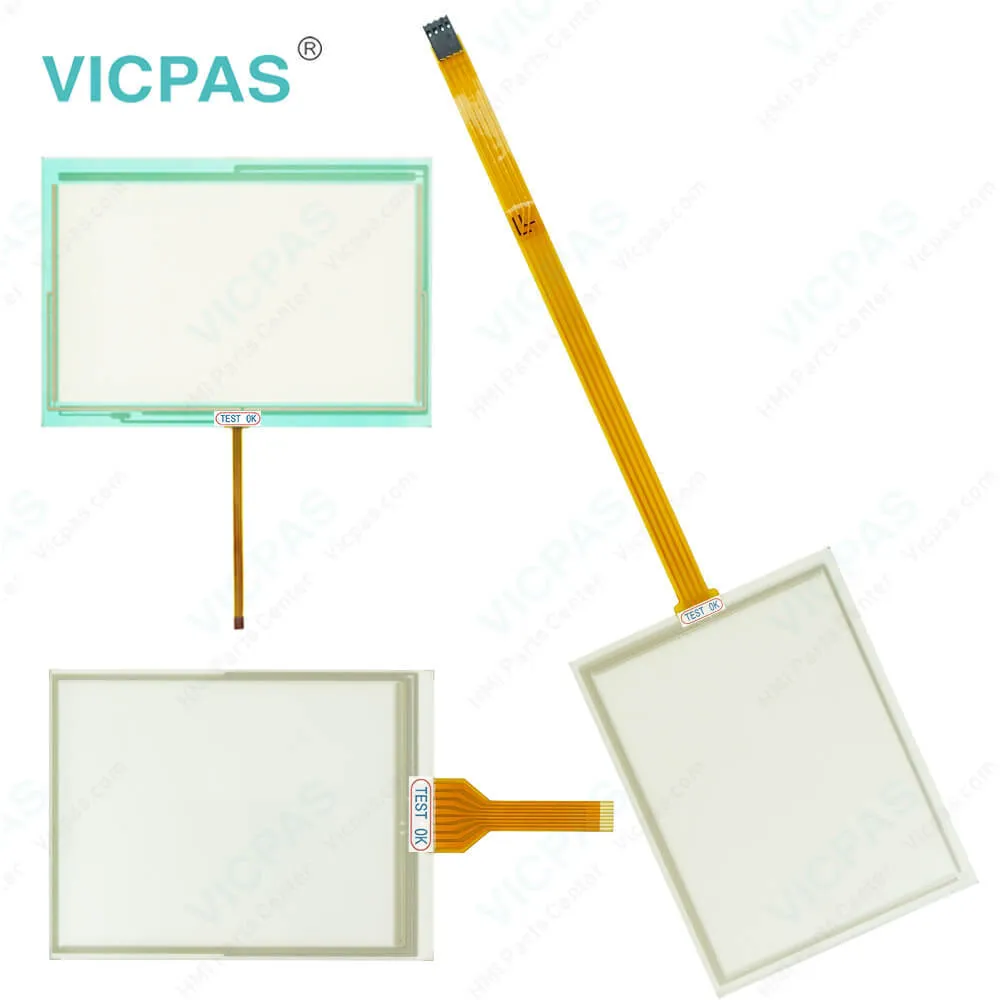
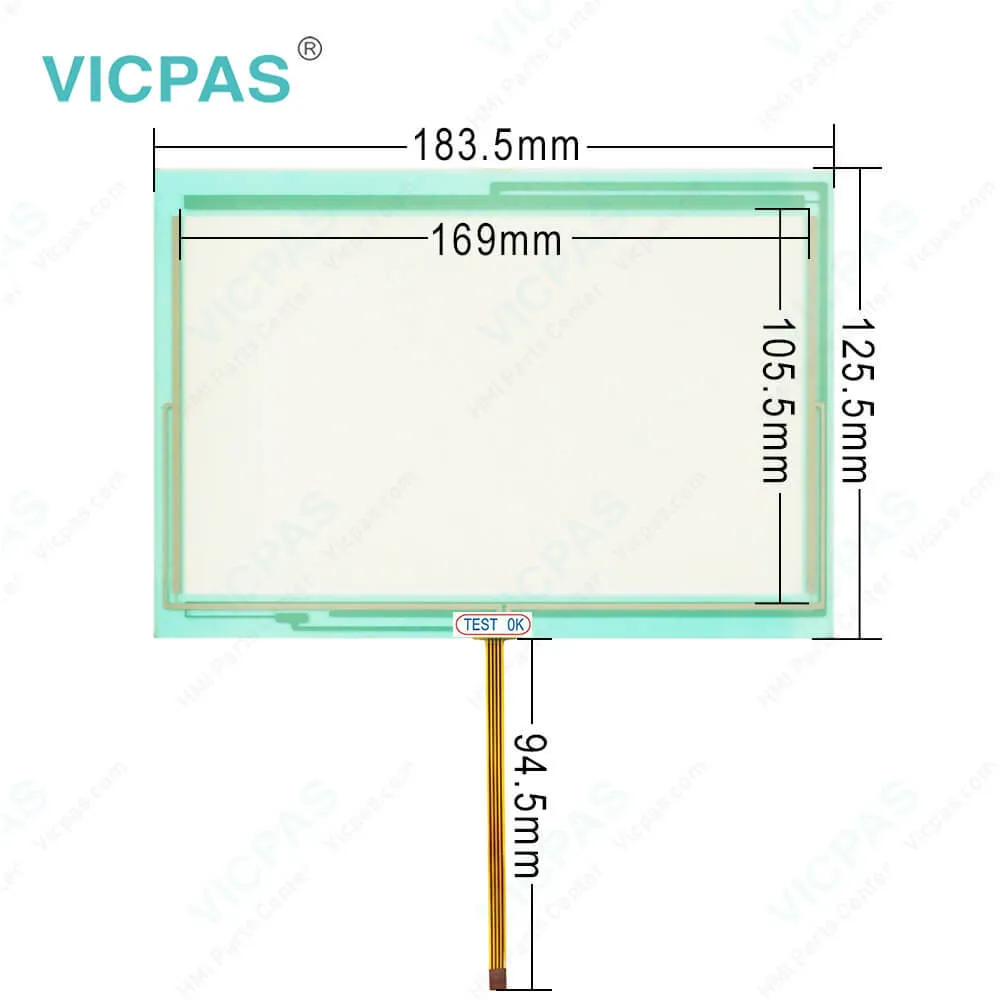
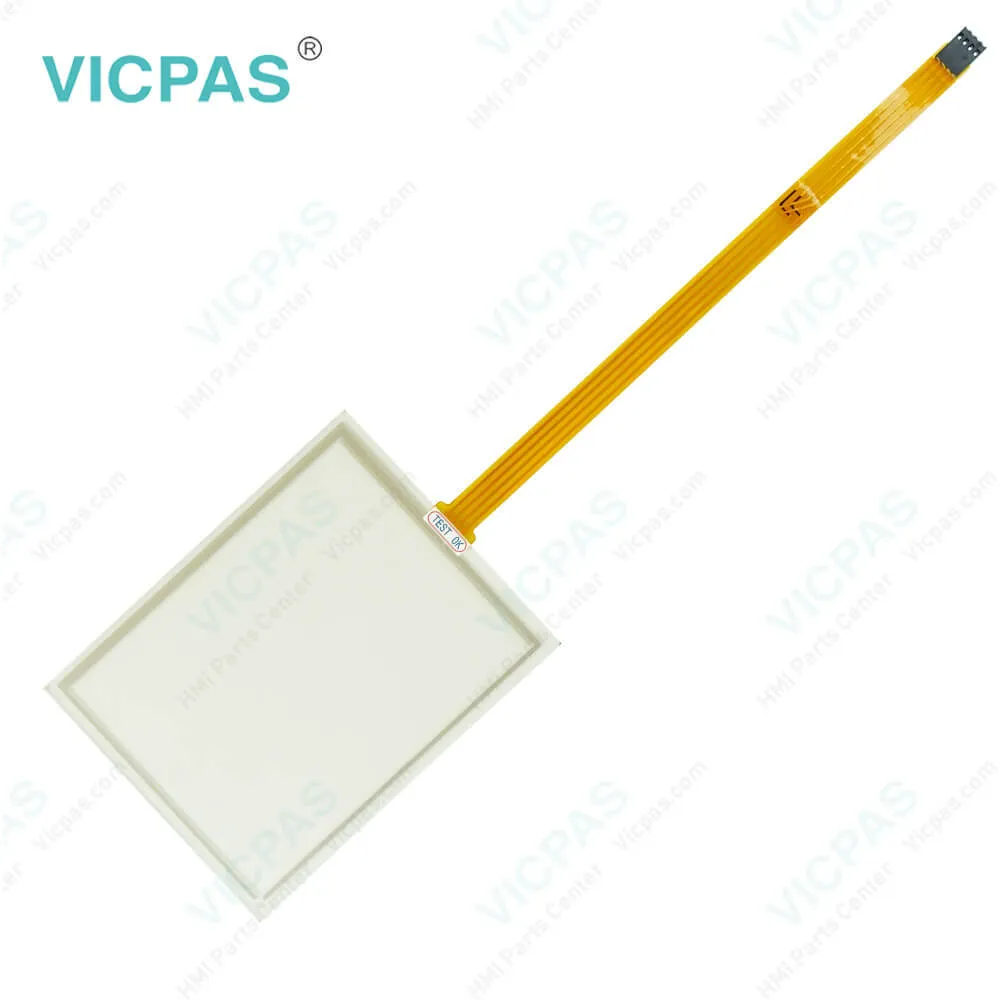
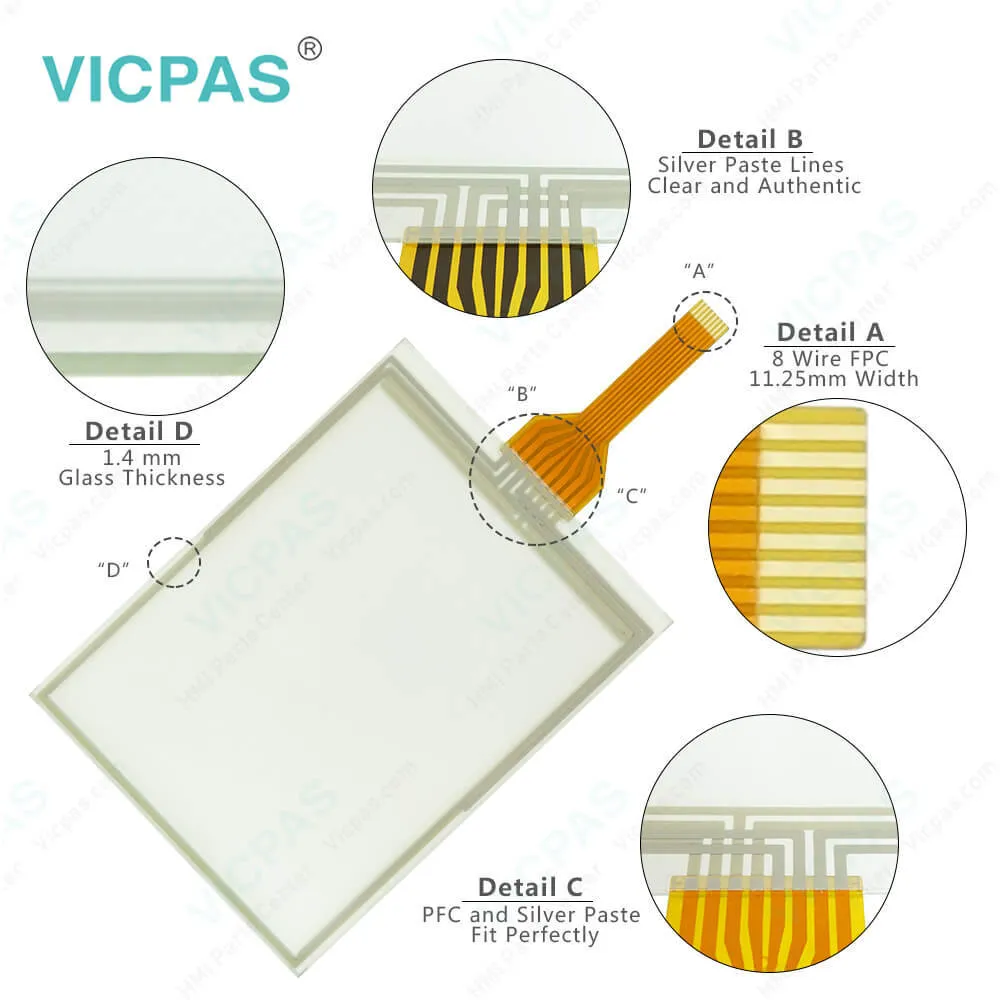
B&R PP400 4PP420.0571-K40 Touch Screen Replacement
| Categories | B&R Power Panel 400 |
|---|---|
| Brand | B&R |
| Model | B&R Power Panel 400 4PP420.0571-K40 |
| Warranty | 1 Year VICPAS Warranty |
| Shipping | DHL/FedEx/UPS/TNT/EMS/Aramex /DPEX |
| FOB port | Guangzhou, Shenzhen, Hongkong |
| Terms of Payment | Western Union, T/T, PayPal, Credit Card |
| Update Time | 2026-01-30 23:23:24 |
Shipping
Specifications:
| Part Number : | 4PP420.0571-K40 |
| Product Line: | Power Panel 400 |
| Screen diagonal: | 5.7 in |
| Warranty: | 365 days Warranty |
| Input Power: | 24 VDC |
| Display Type: | TFT color |
| Mounting position: | vertical |
| Input Type: | Touchscreen |
| Serial interface Type: | RS232 |
| Storage: | -20 to 70°C |
Related BB Teach Pendant Part No.:
| B&R Power Panel 400 4PP420.0571-K40 | Description | Inventory status |
| 4PP420-0571-85 | B&R Power Panel 400 Touch Screen Panel Glass Repair | In Stock |
| 4PP420-0571-K02 | Power Panel 400 B&R Touch Panel Glass HMI | Available Now |
| 4PP420-0571-K06 | B and R Power Panel 400 Touch Digitizer Replacement | In Stock |
| 4PP420-0571-K14 | Power Panel 400 B and R HMI Touch Screen Organizer | In Stock |
| 4PP420-0571-K22 | Power Panel 400 HMI Touch Panel Glass Repair | In Stock |
| 4PP420-0571-K30 | Power Panel 400 B&R HMI Touch Screen Panel | Available Now |
| 4PP420-0571-K40 | Power Panel 400 B&R Overlay Touch Screen Monitor | In Stock |
| 4PP450-0571-K28 | Power Panel 400 B&R HMI Touch Screen Panel Glass | Available Now |
B&R PP400 4PP420.0571-K40 Touch Screen Replacement PDF Download:
FAQ:
Question: How can the B&R Power Panel 400 4PP420.0571-K40 lifespan of backlights be extended?
Answer: • Set the display brightness to the lowest value that is still comfortable for the eyes • Use dark images • Reducing the brightness by 50% can result in an approximate 50% increase of the half-brightness time.
Question: How to upgrade the B&R Power Panel 400 aPCI module firmware?
Answer: The following steps should be taken to upgrade the aPCI module firmware: • Create bootable media.• Copy the contents of the *.zip file to the bootable media. If the B&R upgrade was already added when the bootable media was created using the B&R Embedded OS Installer, then this step is not necessary.• If there are already aPCI modules connected to the Power Panel and BIOS V1.04 is installed, then the file name can be determined automatically by XFLASH.EXE. Otherwise, the filename is queried by XFLASH.EXE or a default file name is used: "apci1.rom" for aPCI slot 1, "apci2.rom" for aPCI slot 2 -> the aPCI firmware file must be renamed beforehand!• Connect the bootable media to the Power Panel and reboot the device. • The following start menu will be shown after booting: • The system must be rebooted after a successful upgrade.
Question: What measures can be taken against preventing after-image effect in Power Panel 400 4PP420.0571-K40 LCD/TFT monitors?
Answer: There is no total solution; however, measures can be taken to significantly reduce this effect: • Avoid static pictures or screen content • Use screen savers (moving) when the display is not in use • Frequent picture change • Shut off the display when not in use Turning off the background lighting (backlight) does not influence the prevention of the afterimage effect.
Common misspellings:
4PP420.0571-K6
4PP42o.0571-K06
4PP420.0571-KO6
4PP420.057l-K06
4PP4420.0571-K06

- Mobile Phone
- *Title
- *Content
 Fast Quote
 Fast Quote
 Worldwide Shipping
 12 Months Warranty
 Customize Service