




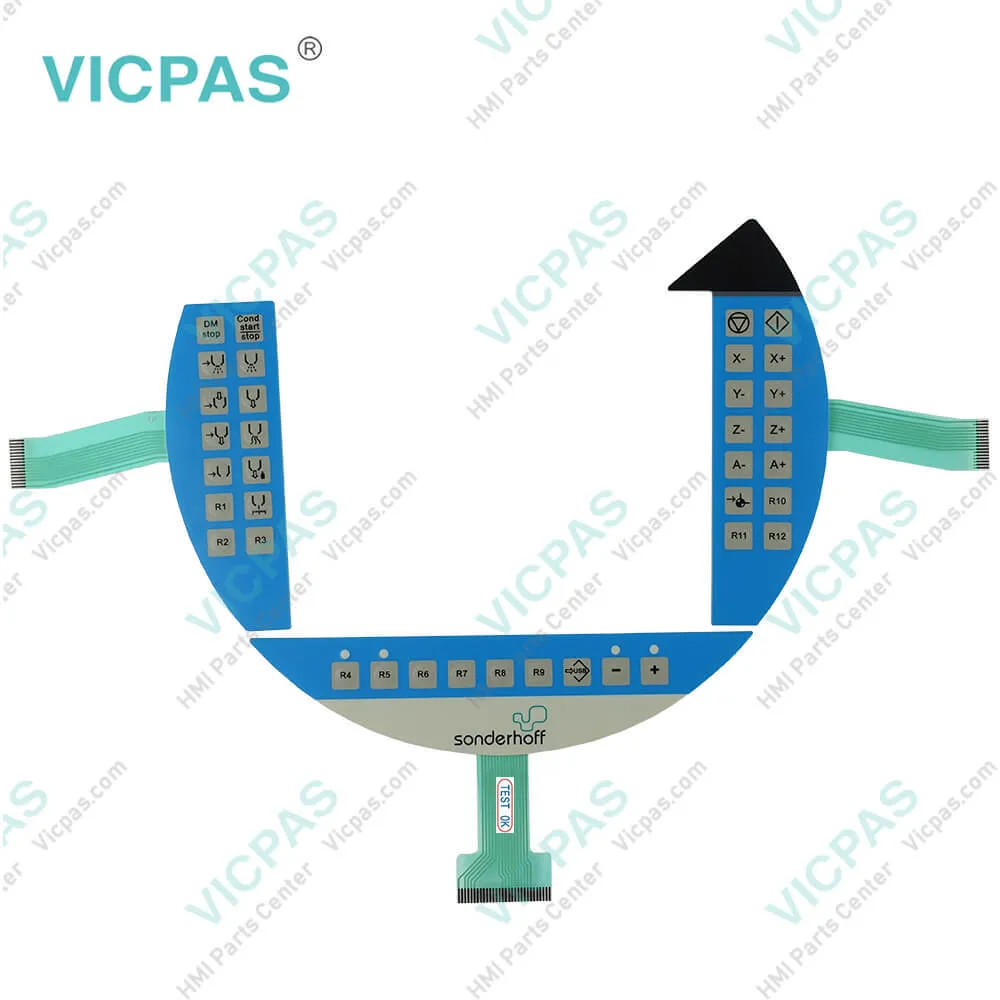
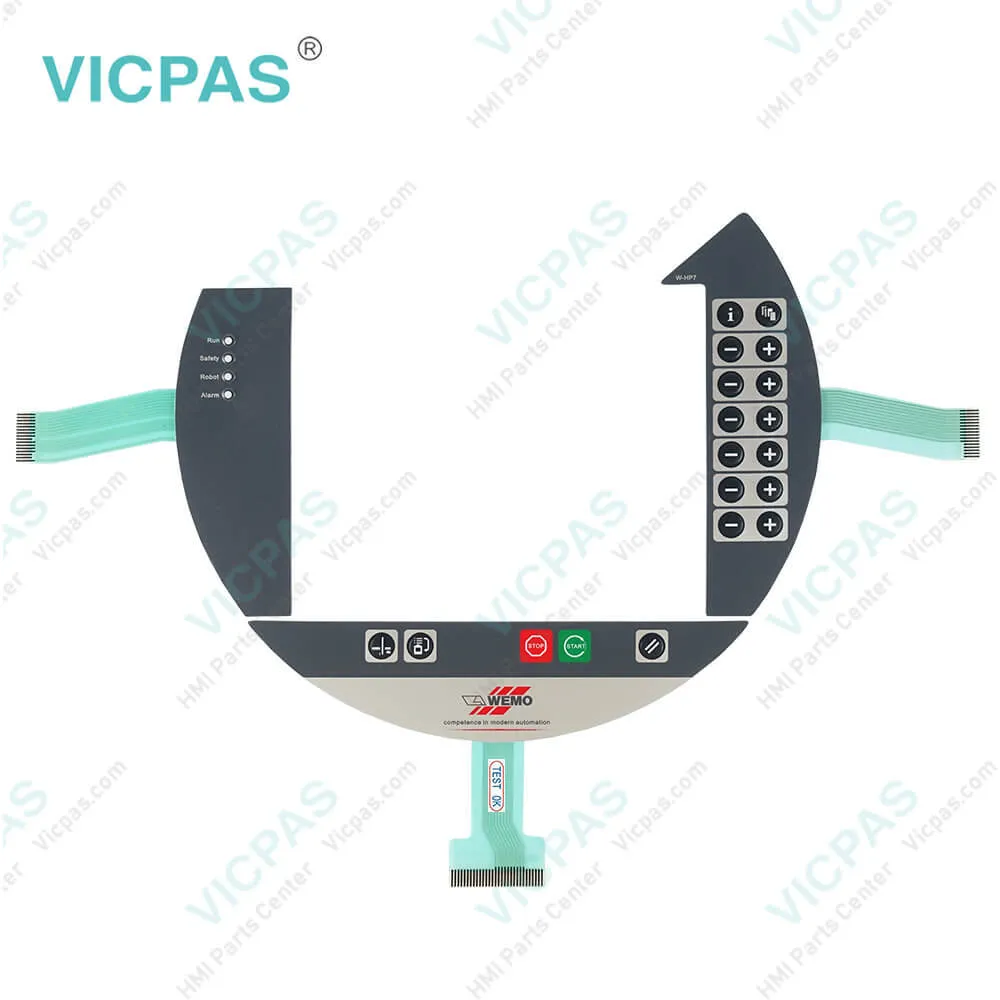
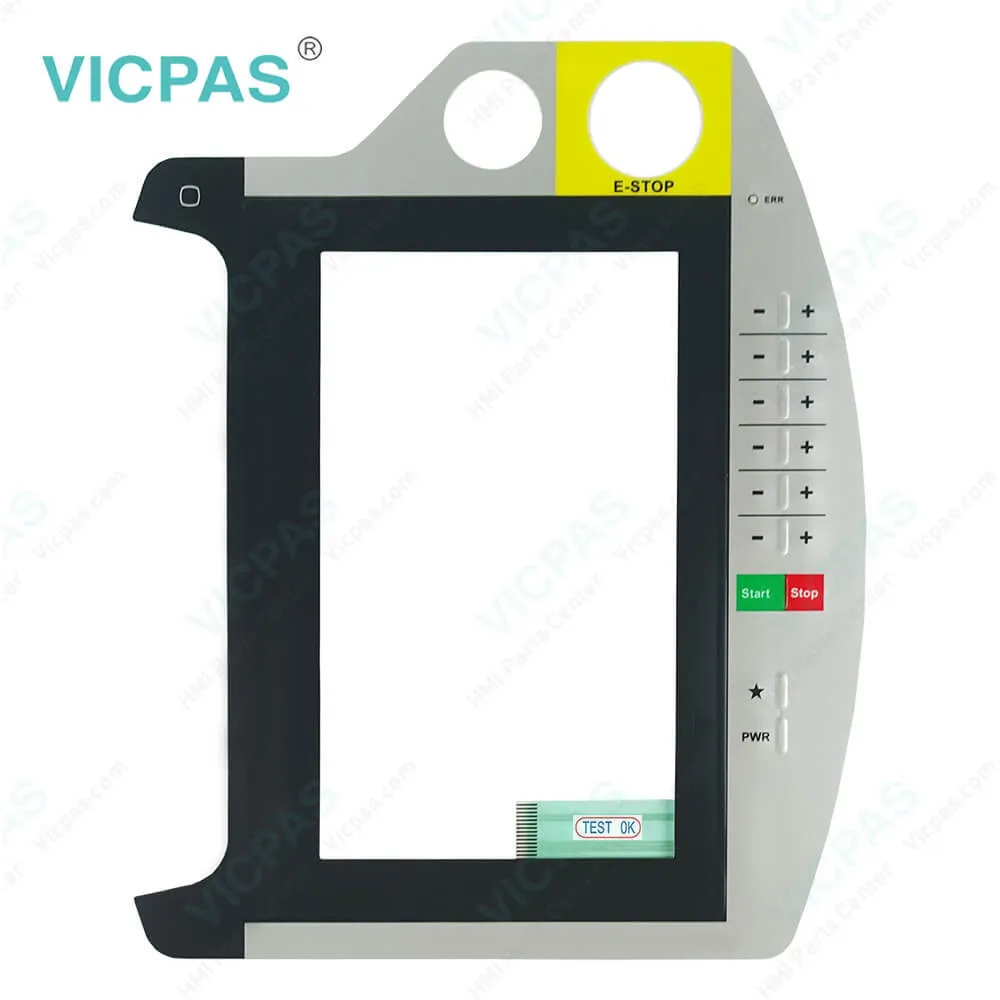
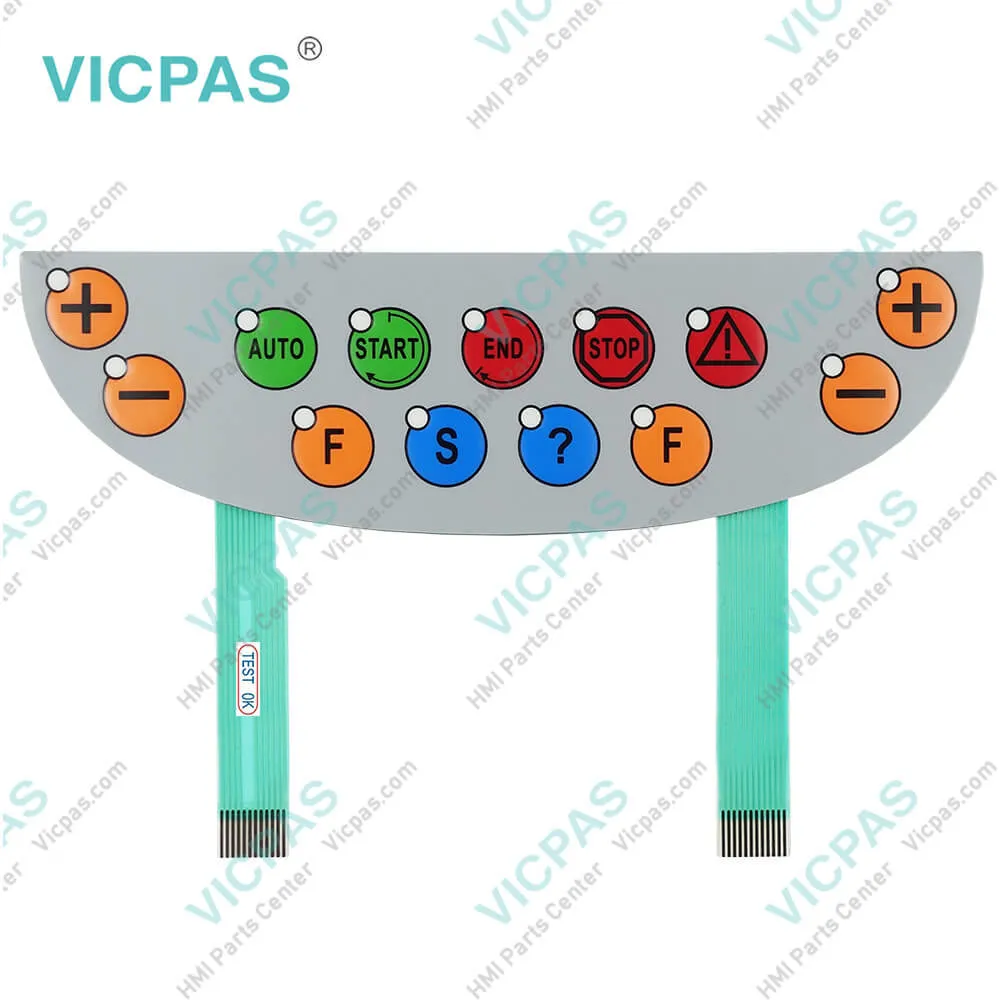
B&R 4MP251.0571-12 Mobile Panel 200 Membrane Keypad
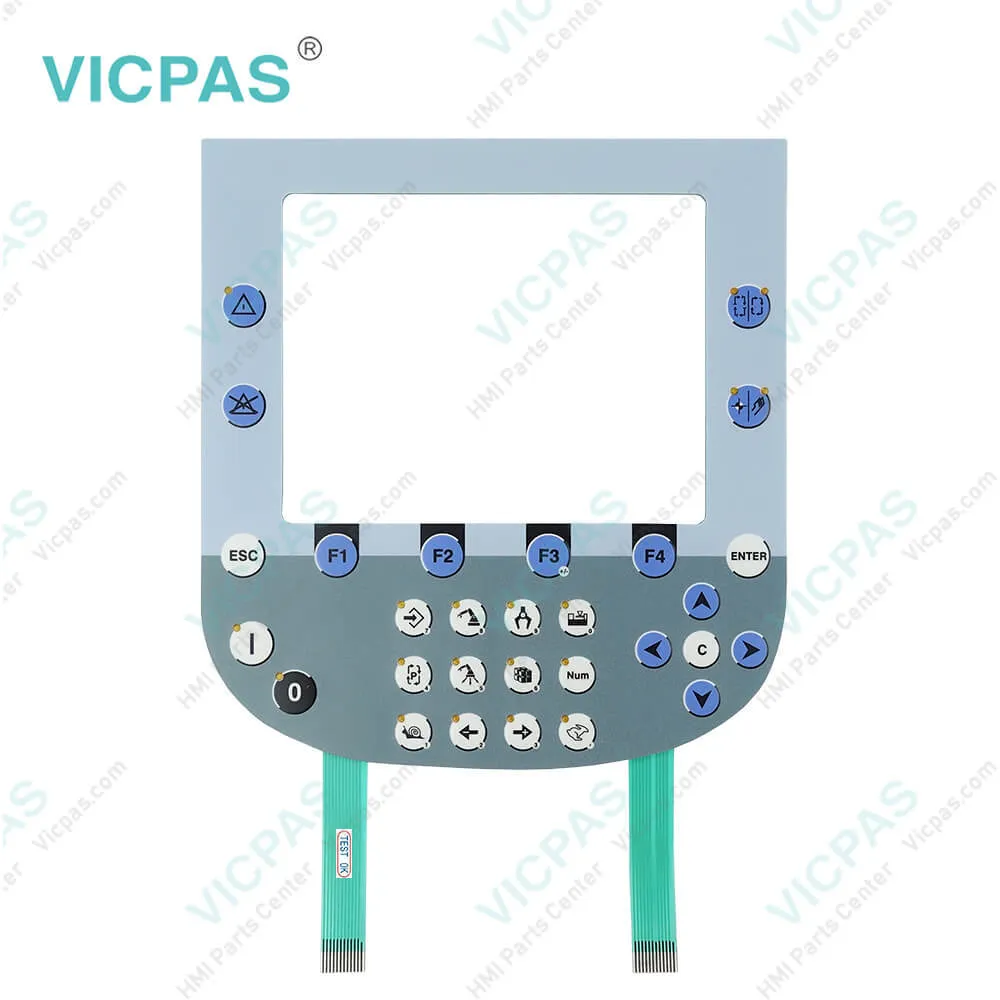
| Categories | Mobile Panel |
|---|---|
| Brand | B&R |
| Model | B&R Mobile Panel 200 4MP251.0571-12 |
| Warranty | 1 Year VICPAS Warranty |
| Shipping | DHL/FedEx/UPS/TNT/EMS/Aramex /DPEX |
| Terms of Payment | Western Union, T/T, PayPal, T/T ,Credit Card, Western Union |
| Update Time | 2026-01-30 23:48:15 |
Shipping
Specifications:
| Part Number : | 4MP251.0571-12 |
| Product Line: | Mobile Panel 200 |
| Screen diagonal: | 5.7 in |
| Warranty: | 365 days Warranty |
| Input Power: | 24 VDC |
| Display Type: | TFT color |
| Mounting position: | vertical |
| Input Type: | Keypad |
| Serial interface Type: | RS232 |
| Storage: | -20 to 70°C |
Related BB Teach Pendant Part No.:
| B&R Mobile Panel 200 4MP251.0571-12 | Description | Inventory status |
| 4MP251.0571-12 | B&R Mobile Panel 200 Operator Keyboard Repair | In Stock |
| 4MP251.0571-K02 | Mobile Panel 200 Keyboard Membrane Replacement | Available Now |
| 4MP281.0571-12 | B&R Mobile Panel 200 Touch Screen Panel Switch Membrane Repair | In Stock |
| 4MP281.0571-K01 | B and R Mobile Panel 200 Touch Digitizer LCD Display Screen | Available Now |
| 4MP281.0843-13 | Mobile Panel 200 HMI Touch Screen Organizer Switch Membrane | Available Now |
| 4MP281.0843-K03 | Mobile Panel 200 Touch Panel Keyboard Membrane Repair | In Stock |
| 4MP281.0843-K04 | B&R Mobile Panel 200 Touch Screen Membrane Keypad Keyboard | In Stock |
B&R 4MP251.0571-12 Mobile Panel 200 Membrane Keypad PDF Download:
FAQ:
Question: What is Image Persistence of Mobile Panel 200 4MP251.0571-12?
Answer: Image persistence refers to the "burning in" of a static image on a display after being displayed for a long time. It does not only occur with static images, however. Image persistence is also referred to in the technical literature as screen burn-in, image retention, memory effect, memory sticking or ghost image. There are 2 different types: • Area type: This type can be seen in a dark gray image. The effect disappears if the display is switched off for a long time. • Line type: This can result in permanent damage.
Question: How can Mobile Panel 200 4MP251.0571-12 image persistence be reduced?
Answer: • Switch continuously between static and dynamic images.• Prevent excessive differences in brightness between foreground and background elements.• Use colors with similar brightness.• Use complementary colors for subsequent images.• Use screensavers.
Common misspellings:
4MP25.0571-12
4MP251.571-12
4MP251.057l-12
4MP251.O571-12
4MP251.0571--12

- Mobile Phone
- *Title
- *Content
 Fast Quote
 Fast Quote
 Worldwide Shipping
 12 Months Warranty
 Customize Service