




B&R 5D5201.02 Provit 5200 Touch Screen Replacement
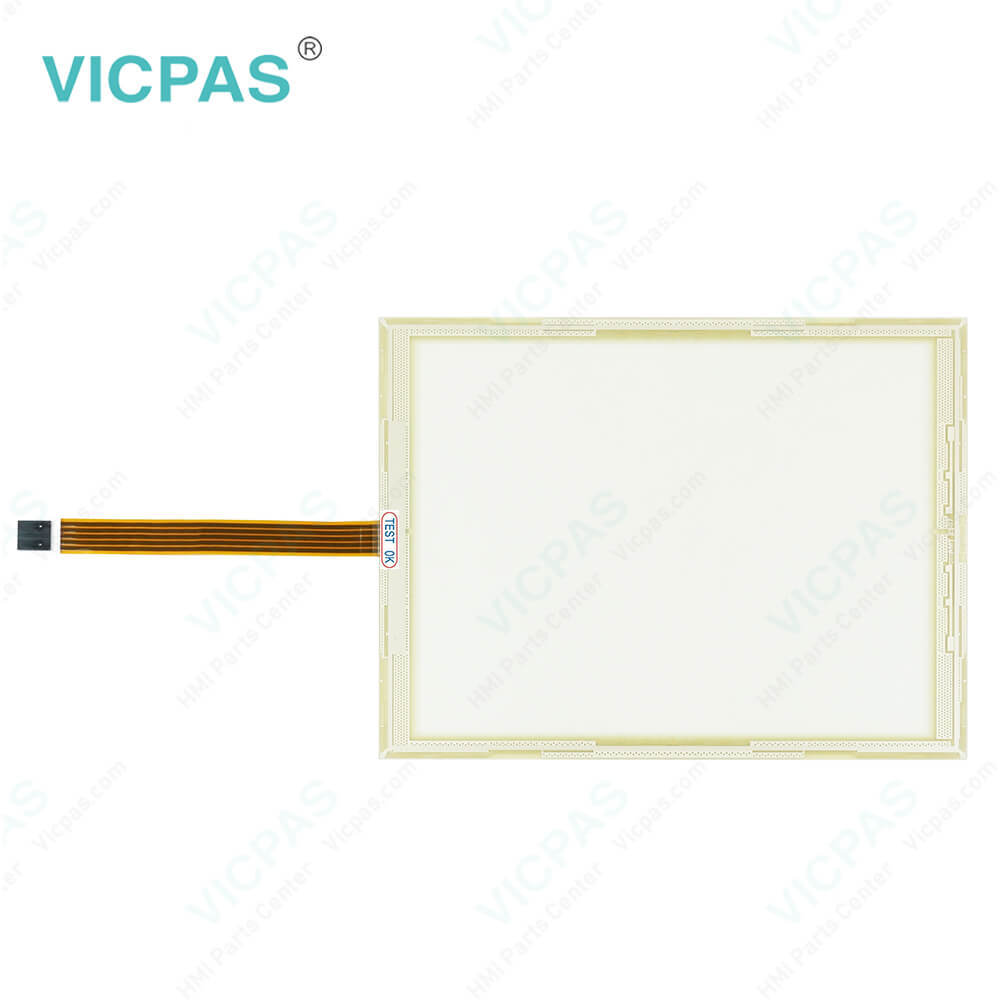
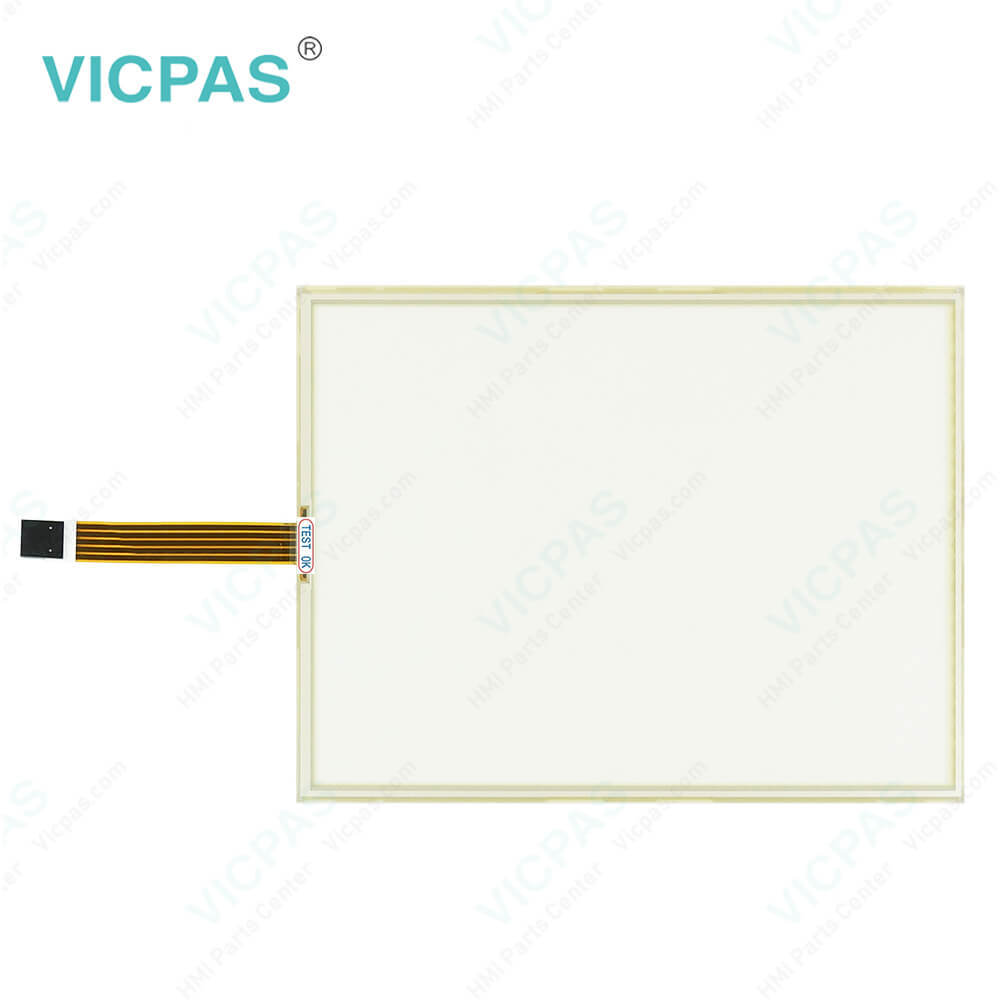
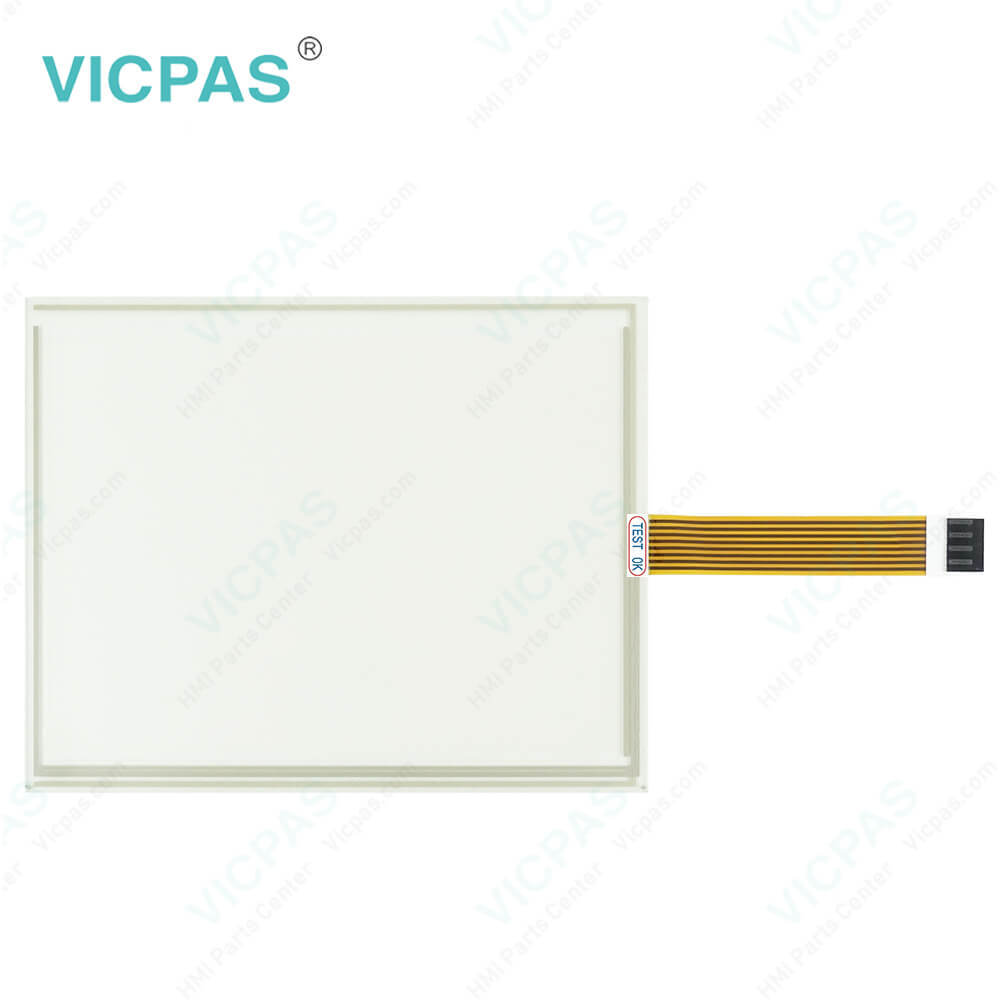
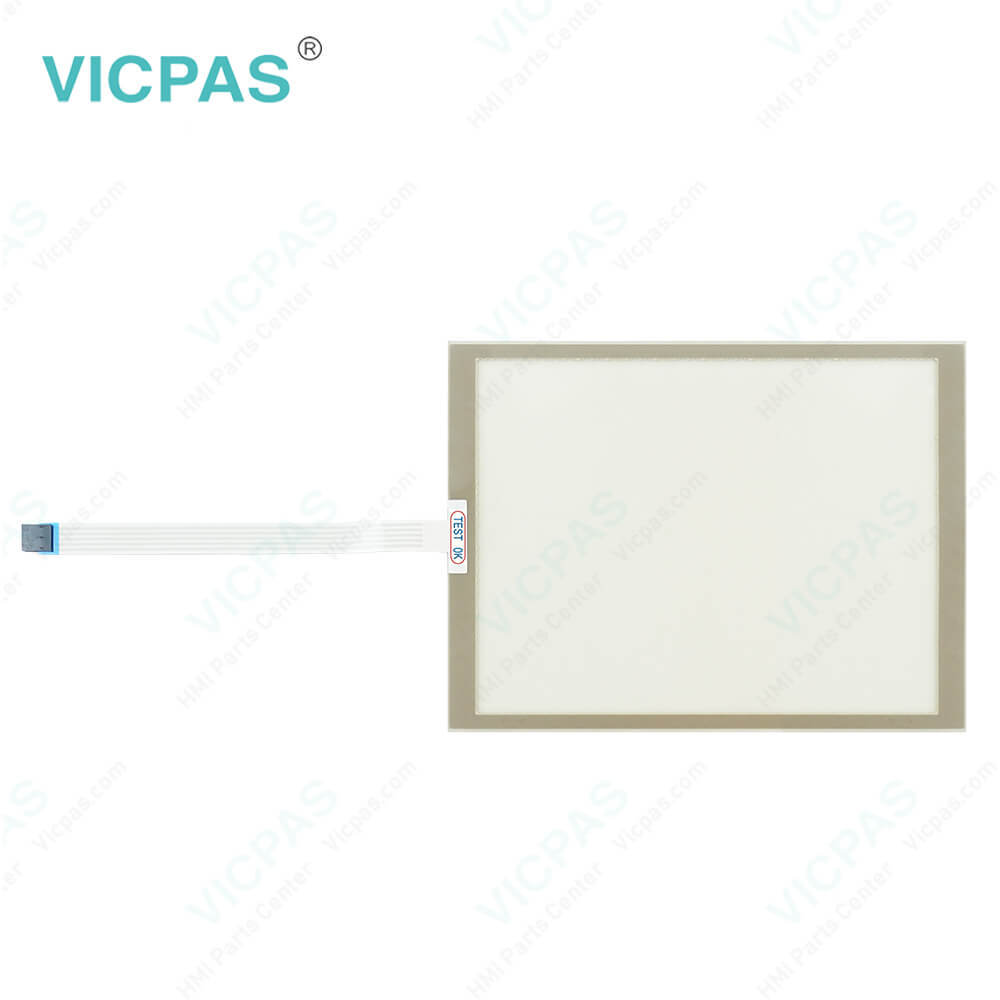

| Categories | Provit 2000/5000 |
|---|---|
| Brand | B&R |
| Model | B&R Provit 5200 5D5201.02 |
| Warranty | 1 Year VICPAS Warranty |
| Shipping | DHL/FedEx/UPS/TNT/EMS/Aramex /DPEX |
| FOB port | Guangzhou, Shenzhen, Hongkong |
| Terms of Payment | Western Union, T/T, PayPal, Credit Card |
| Update Time | 2026-01-30 23:52:41 |
Shipping
Specifications:
| Part Number : | 5D5201.02 |
| Product Line: | Provit 5200 |
| Warranty: | 365 days Warranty |
| Input Power: | 24 VDC |
| Display Type: | TFT color |
| Mounting position: | vertical |
| Input Type: | Touchscreen |
| Serial interface Type: | RS232 |
Related BB Teach Pendant Part No.:
| B&R Provit 5200 5D5201.02 | Description | Inventory status |
| 5D5200.01 | B&R Provit 5200 Touch Screen Protective Film | In Stock |
| 5D520001 | Provit 5200 B and R Touch Digitizer Glass | Available Now |
| 5D5201.02 | B&R Provit 5200 HMI Touch Glass Repair | In Stock |
| 5D5210.01 | Provit 5200 B and R HMI Touch Digitizer Glass | Available Now |
| 5D5211.02 | Provit 5200 B and R Touch Screen Monitor | In Stock |
| 5D5500.10 | B&R Provit 5500 Membrane Keyboard | In Stock |
| 5D5500.32 | B&R Provit 5500 HMI Membrane Keypad Repair | In Stock |
| 5D5501.01 | B and R Provit 5500 Membrane Keyboard Keypad | Available Now |
| 5D5510.10 | B&R Provit 5500 Membrane Switch Repair | Available Now |
| 5D5600.01 | Provit 5600 B&R Keyboard Membrane Replacement | In Stock |
| 5D5600.02 | B and R Provit 5600 Terminal Keypad Touch Membrane | In Stock |
| 5D5600.03 | Provit 5600 B and R Keypad Membrane Touch Panel | Available Now |
| 5D5201.03 | B&R Provit 5200 Touch Screen Panel Repair | In Stock |
| 5D5211.03 | Provit 5200 B and R Touch Screen Glass | In Stock |
FAQ:
Question: When does a B&R Provit 5200 5D5201.02 BIOS upgrade become necessary?
Answer: An Provit 5200 5D5201.02 upgrade might be necessary for several reasons: • BIOS was destroyed or damaged and the IPC can no longer be booted. • To upgrade functions implemented in BIOS Setup or to add new functions or components. • To guarantee that the MTC function libraries run on Provit 5000 IPCs.
Question: How to change the B and R Provit 5200 5D5201.02 power supply?
Answer: 1. Disconnect the power supply.2. Unlock fuse holders by turning the slotted bolt in the direction of arrow3. Remove the fuse holder.4. Remove the old fuse from the fuse holder.5. Insert the new fuse.6. Replace the fuse holder. It can be fastened by using a flat head screwdriver in the opposite direction of the arrow.7. Reconnect the power supply.
Question: What measures can be taken against preventing after-image effect in Provit 5200 5D5201.02 LCD/TFT monitors?
Answer: There is no total solution; however, measures can be taken to significantly reduce this effect: • Avoid static pictures or screen content • Use screen savers (moving) when the display is not in use • Frequent picture change • Shut off the display when not in use Turning off the background lighting (backlight) does not influence the prevention of the afterimage effect.
Common misspellings:
5D520.02
5D201.02
5D520l.02
5D52O1.02
5D52011.02

- Mobile Phone
- *Title
- *Content
 Fast Quote
 Fast Quote
 Worldwide Shipping
 12 Months Warranty
 Customize Service