




B&R 5D5600.01 Provit 5600 Membrane Keyboard Keypad
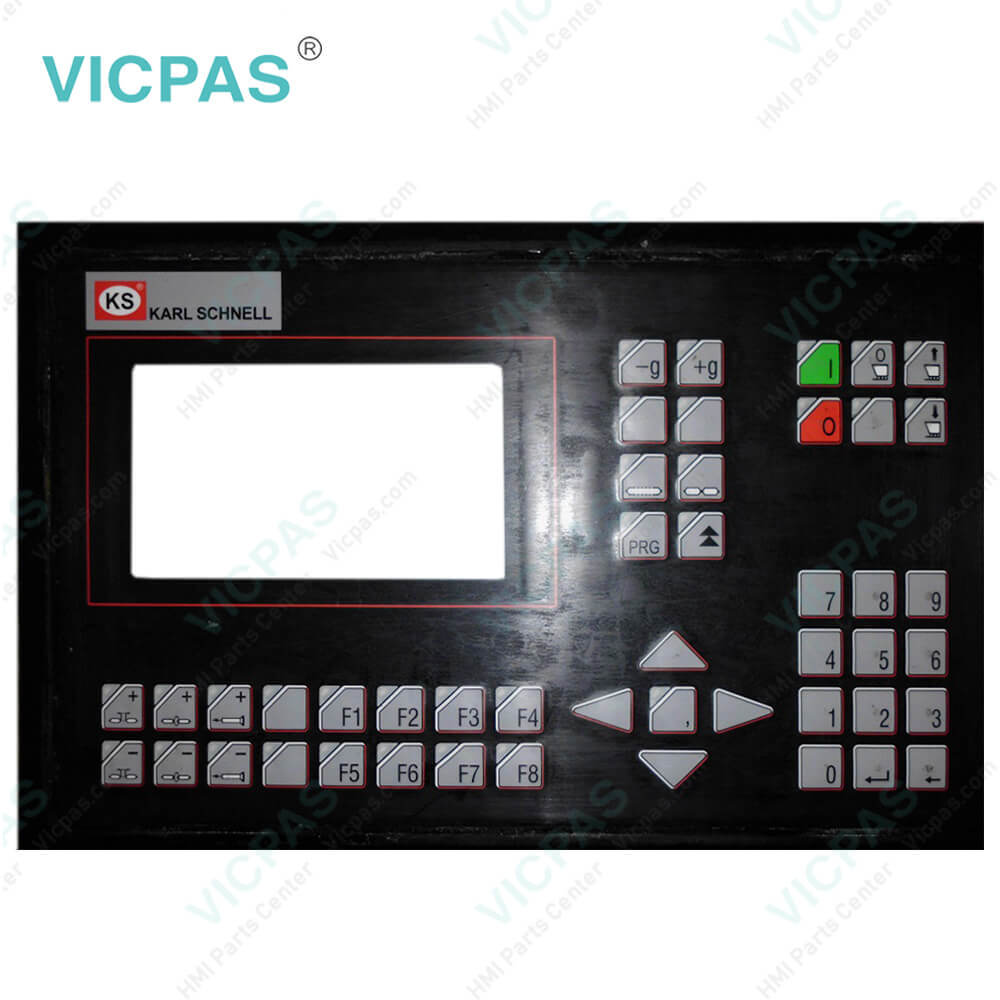
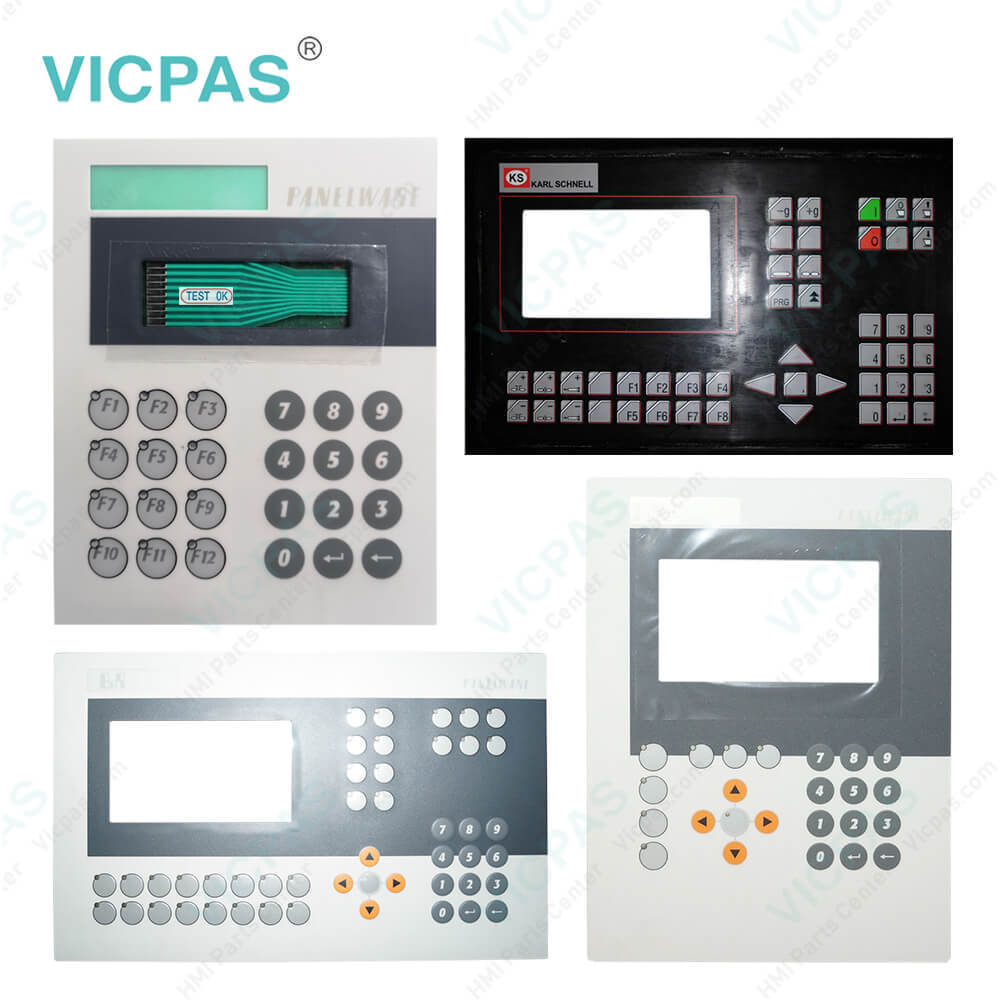
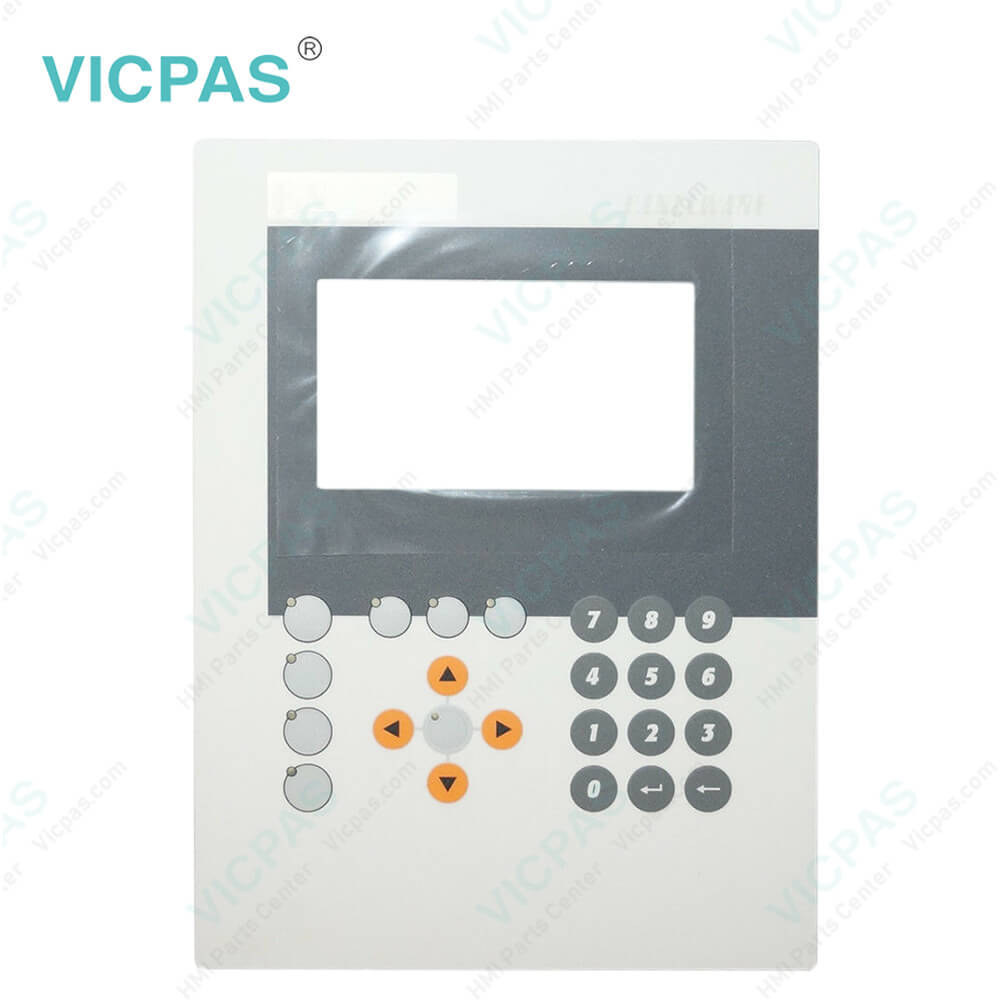
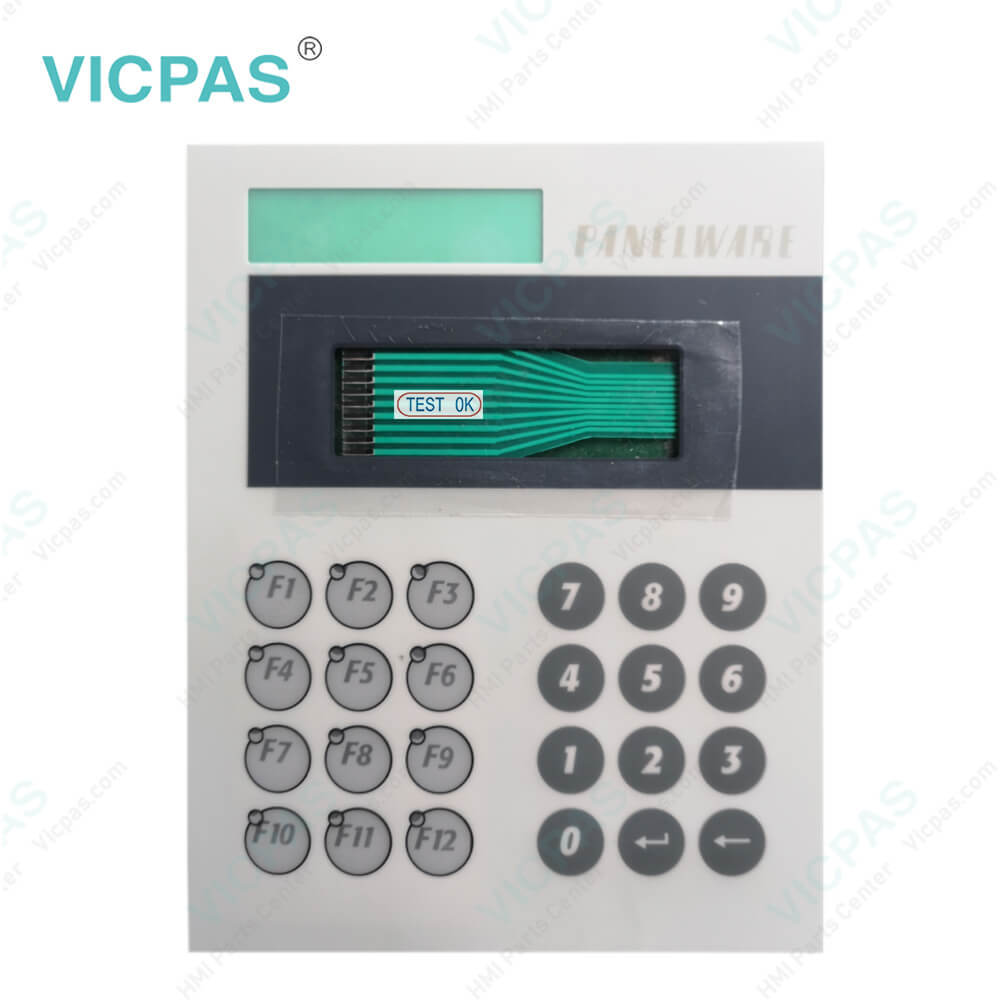
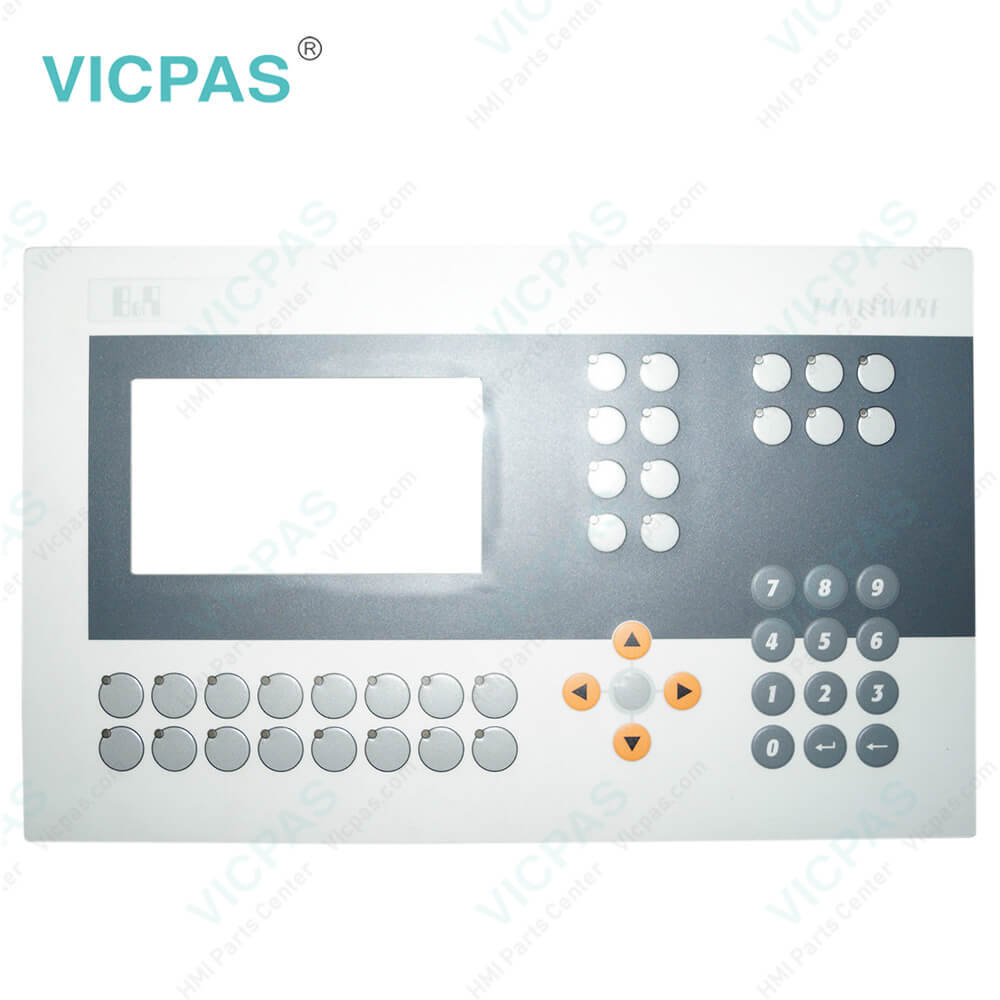
| Categories | Provit 2000/5000 |
|---|---|
| Brand | B&R |
| Model | B&R Provit 5600 5D5600.01 |
| Warranty | 1 Year VICPAS Warranty |
| Shipping | DHL/FedEx/UPS/TNT/EMS/Aramex /DPEX |
| FOB port | Guangzhou, Shenzhen, Hongkong |
| Terms of Payment | Western Union, T/T, PayPal, Credit Card |
| Update Time | 2026-01-30 23:53:18 |
Shipping
Specifications:
| Part Number : | 5D5600.01 |
| Product Line: | Provit 5600 |
| Screen diagonal: | 10.4 in |
| Warranty: | 365 days Warranty |
| Input Power: | 24 VDC |
| Display Type: | TFT color |
| Mounting position: | vertical |
| Input Type: | Keypad |
| Serial interface Type: | RS232 |
| Storage: | -20 to 50°C |
Related BB Teach Pendant Part No.:
| B&R Provit 5600 5D5600.01 | Description | Inventory status |
| 5D5200.01 | B&R Provit 5200 Touch Screen Protective Film | In Stock |
| 5D520001 | Provit 5200 B and R Touch Digitizer Glass | Available Now |
| 5D5201.02 | B&R Provit 5200 HMI Touch Glass Repair | In Stock |
| 5D5210.01 | Provit 5200 B and R HMI Touch Digitizer Glass | Available Now |
| 5D5211.02 | Provit 5200 B and R Touch Screen Monitor | In Stock |
| 5D5500.10 | B&R Provit 5500 Membrane Keyboard | In Stock |
| 5D5500.32 | B&R Provit 5500 HMI Membrane Keypad Repair | In Stock |
| 5D5501.01 | B and R Provit 5500 Membrane Keyboard Keypad | Available Now |
| 5D5510.10 | B&R Provit 5500 Membrane Switch Repair | Available Now |
| 5D5600.01 | Provit 5600 B&R Keyboard Membrane Replacement | In Stock |
| 5D5600.02 | B and R Provit 5600 Terminal Keypad Touch Membrane | In Stock |
| 5D5600.03 | Provit 5600 B and R Keypad Membrane Touch Panel | Available Now |
| 5D5201.03 | B&R Provit 5200 Touch Screen Panel Repair | In Stock |
| 5D5211.03 | Provit 5200 B and R Touch Screen Glass | In Stock |
FAQ:
Question: How to replace the B&R Provit 5600 5D5600.01 processor fan?
Answer: 1) Disconnect the power supply. 2) Touch the housing or ground connection (not the power supply!) in order to discharge any electrostatic charge from your body. 3) Open the device. 4) Loosen screws and unplug the fan's power supply. Remove fan. 5) Set the replacement fan on the heat sink at a slight angle (see image). Place the screws in the specified order and (using a Phillips head screwdriver) tighten as shown in the following image (1, 2, 3). Use three of the screws from the previously removed fan. Connect the fan's power supply. 6) Close the device. 7) Connect the lines to the power supply. 8) There are then two ways to check if the fan is working properly.
Question: What is the B&R Provit 5600 5D5600.01 Membrane Keypad Switch price?
Answer: Submit a fast quote, send Kernfix an email for best price.
Common misspellings:
5D560.01
5D5600.0
5D6500.01
5D5600.0l
5D56600.01

- Mobile Phone
- *Title
- *Content
 Fast Quote
 Fast Quote
 Worldwide Shipping
 12 Months Warranty
 Customize Service