




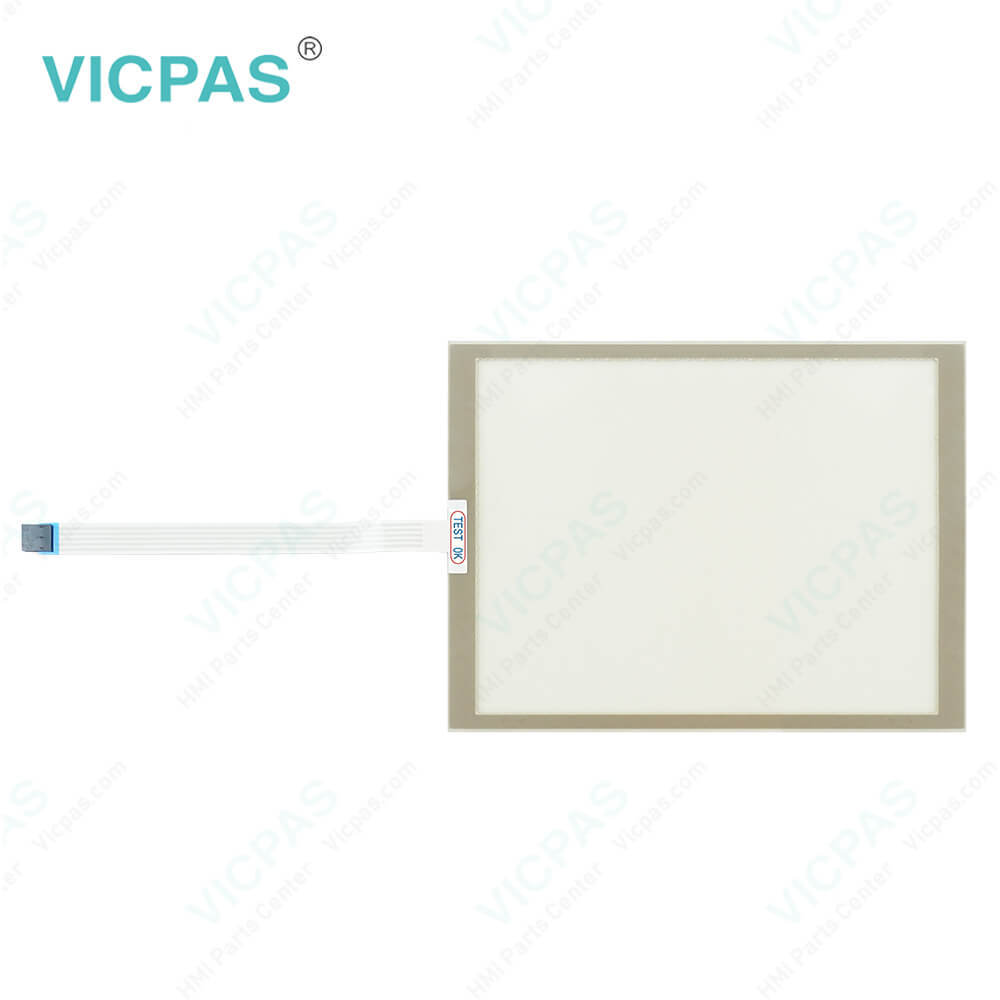
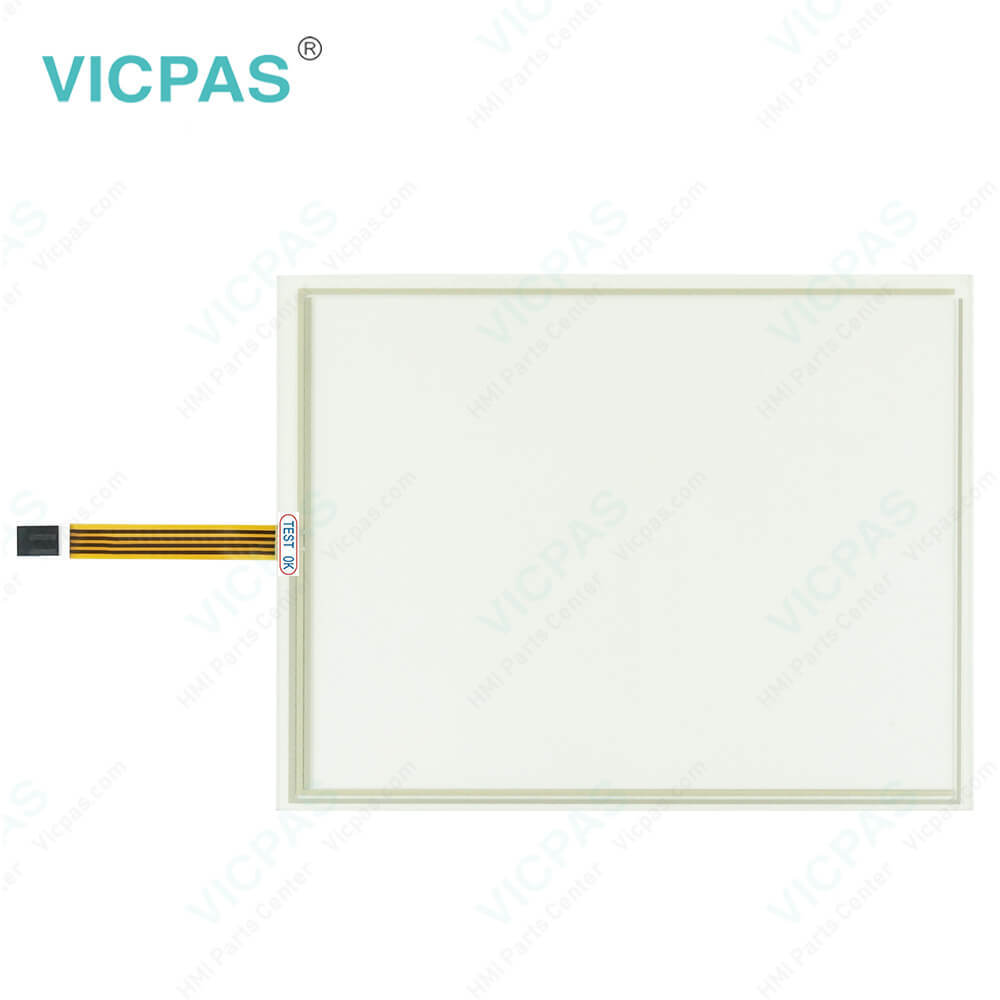
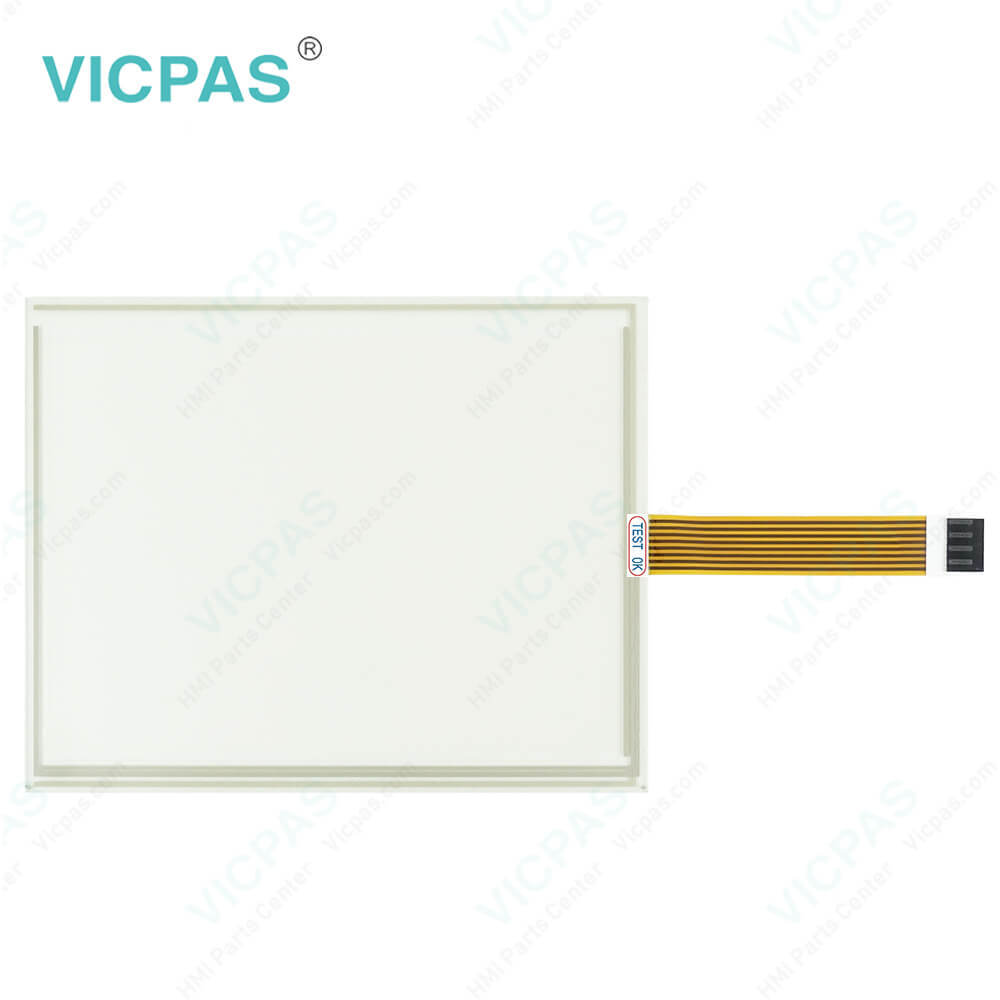
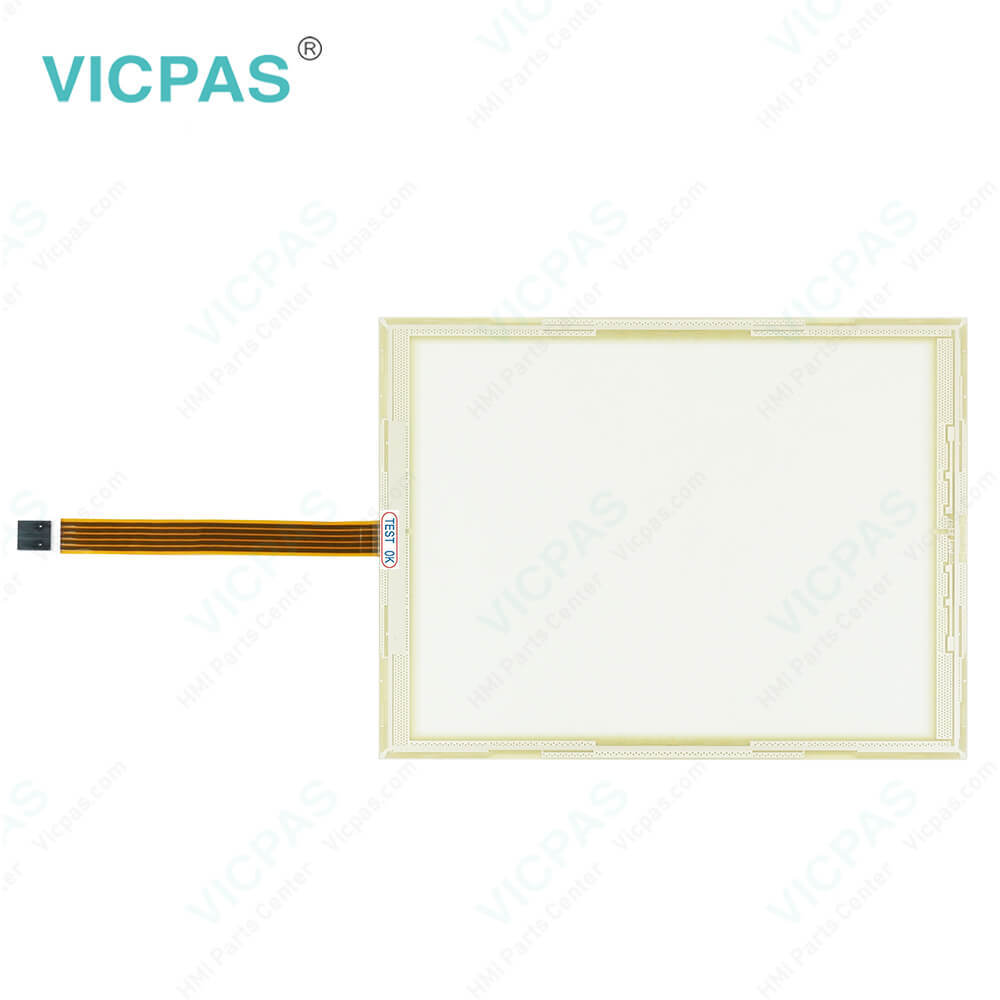
B&R 5D5202.03 Provit 5200 Touch Screen Organizer

| Categories | Provit 2000/5000 |
|---|---|
| Brand | B&R |
| Model | B&R Provit 5200 5D5202.03 |
| Warranty | 1 Year VICPAS Warranty |
| Touch Screen Panel Type | Resistance touch screen |
| Shipping | DHL/FedEx/UPS/TNT/EMS/Aramex /DPEX |
| FOB port | Guangzhou, Shenzhen, Hongkong |
| Terms of Payment | Western Union, T/T, PayPal, Credit Card |
| Update Time | 2026-01-30 23:54:18 |
Shipping
Specifications:
| Part Number : | 5D5202.03 |
| Product Line: | Provit 5200 |
| Screen diagonal: | 13.8 in |
| Warranty: | 365 days Warranty |
| Input Power: | 24 VDC |
| Display Type: | TFT color |
| Mounting position: | vertical |
| Input Type: | Touchscreen |
| Serial interface Type: | RS232 |
| Storage: | -20 to 50°C |
Related BB Teach Pendant Part No.:
| B&R Provit 5200 5D5202.03 | Description | Inventory status |
| 5D5200.04 | B&R Provit 5200 Touch Digitizer Glass | In Stock |
| 5D5202.01 | Provit 5200 B and R Touch Screen Panel | Available Now |
| 5D5202.03 | B&R Provit 5200 HMI Touch Glass Repair | In Stock |
| 5D5212.01 | Provit 5200 B and R Touch Digitizer Glass | Available Now |
| 5D5202.05 | Provit 5200 B and R Touch Screen Monitor | In Stock |
| 5D5212.02 | B&R Provit 5200 Touch Screen Protective Film | In Stock |
| 5D5212.04 | B&R Provit 5200 Touch Screen Glass Repair | In Stock |
| 5D5212.26 | Provit 5200 B and R Touch Digitizer Glass | Available Now |
| 5D5213.01 | B and R Provit 5200 HMI Panel Glass Repair | Available Now |
| 5D5213.02 | B&R Provit 5200 Touch Screen Monitor | Available Now |
| 5D5501.20 | Provit 5500 B&R Keyboard Membrane Touch Screen | In Stock |
FAQ:
Question: How to change the B&R Provit 5200 5D5202.03 Battery?
Answer: 1. Disconnect the power supply 2. Touch the housing or ground connection (not the power supply!) in order to discharge any electrostatic charge from your body. 3. Remove the battery compartment cover. 4. Remove the battery by pulling the removal strip (do not use - pliers or uninsulated tools! --> risk of short circuiting). 5. The battery should not be held by its ends. Insulated tweezers may also be used for removing the battery. 6. Insert the new battery with correct polarity. The removal strip should be protruding from the battery holder and the "+" side of the battery should be facing downward. To be able to remove the battery again, the removal strip must protrude from the upper side of the battery. 7. Now wrap the end of the removal strip over the top of the battery and insert it underneath the battery so that it does not protrude from the battery holder. 8. Replace cover. 9. Reconnect the power supply. 10. Set the date and time
Question: What is the B&R Provit 5200 5D5202.03 touch screen panel price?
Answer: Submit a fast quote, send Kernfix an email for best price.
Common misspellings:
5D5202.3
5D202.03
5D5220.03
5D5202..03

- Mobile Phone
- *Title
- *Content
 Fast Quote
 Fast Quote
 Worldwide Shipping
 12 Months Warranty
 Customize Service