Grideal.com-Leading global industrial mall.
Quick Service for Full HMI Parts Replacement
Touchscreen-Keypad-Display-Case & More Search 80000 Inventory
user photo
Account
Login
Cart
0
Home / All / BECKHOFF HMI operator Repair / CP2XXX CP3XXX / CP2719-0030 CP3219-0010 CP3219-0020 CP3219-0030 Touch Screen Panel Replacement
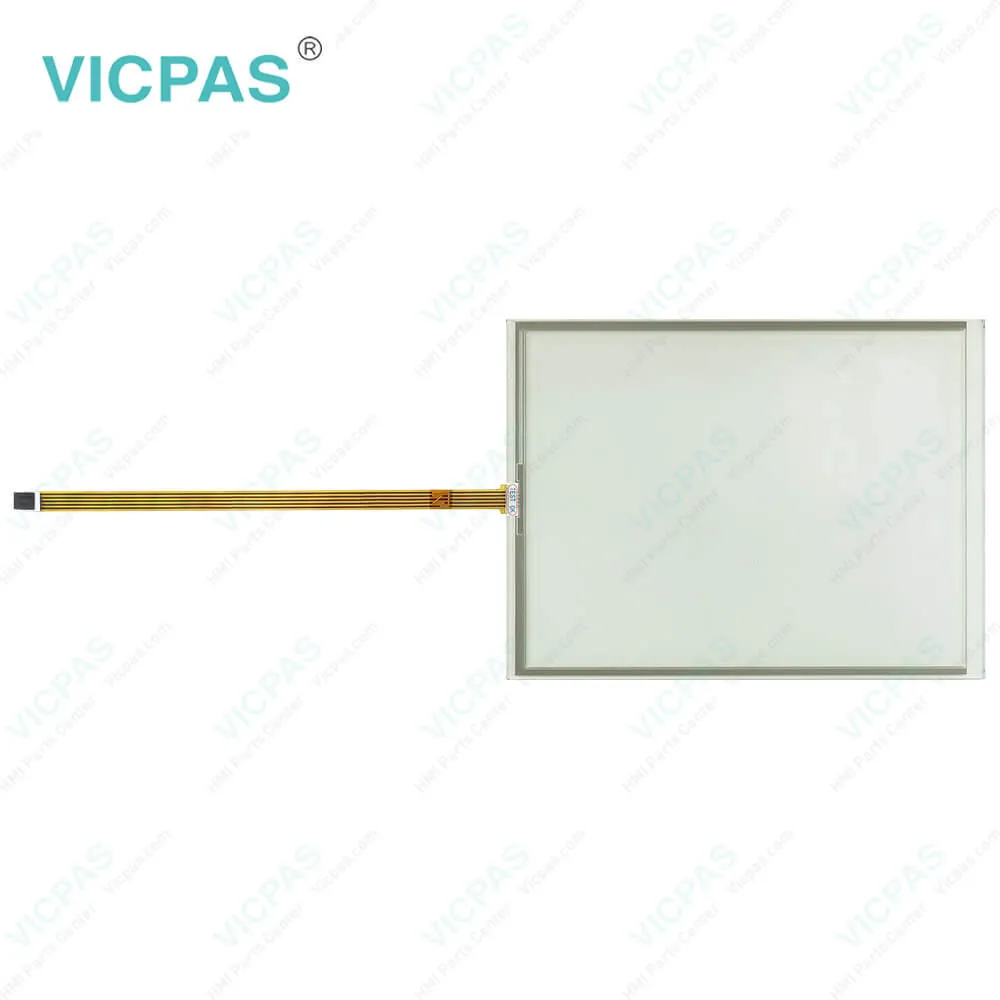
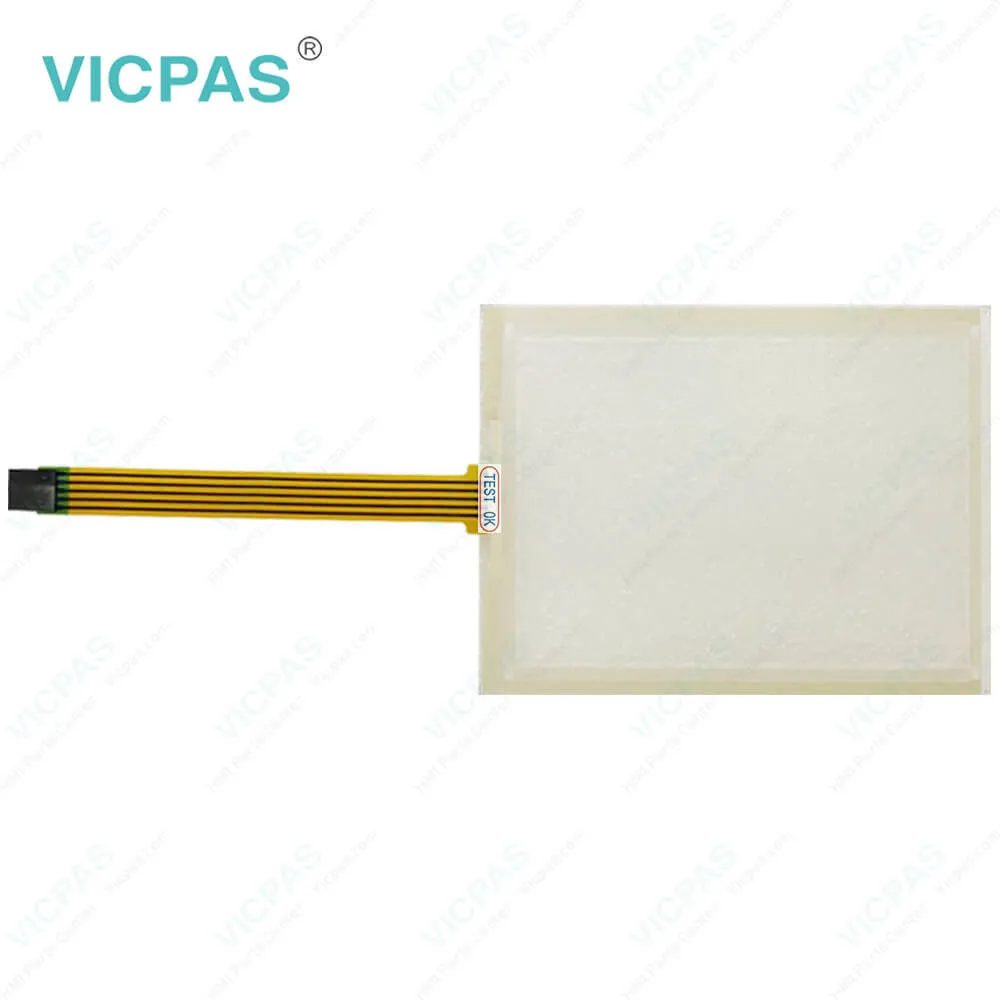
CP2719-0030 CP3219-0010 CP3219-0020 CP3219-0030 Touch Screen Panel Replacement
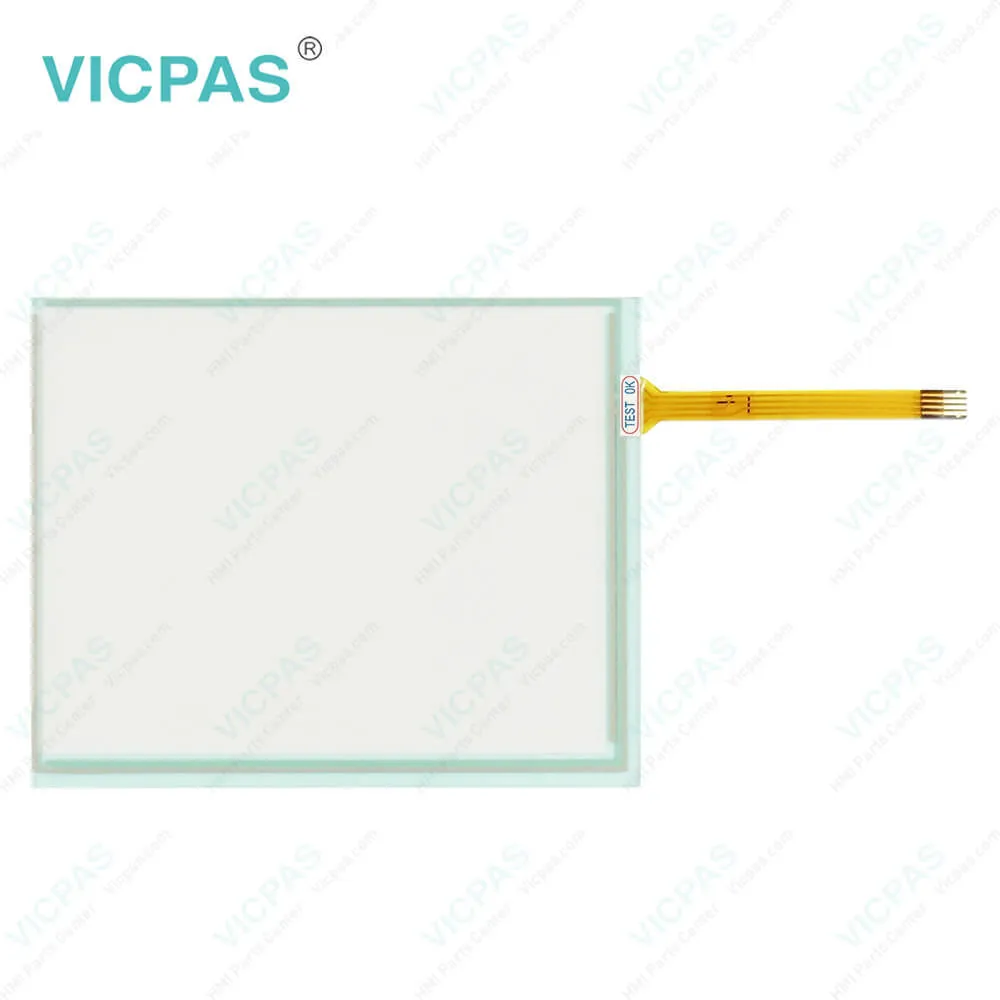
CP2719-0030 CP3219-0010 CP3219-0020 CP3219-0030 Touch Screen Panel Replacement
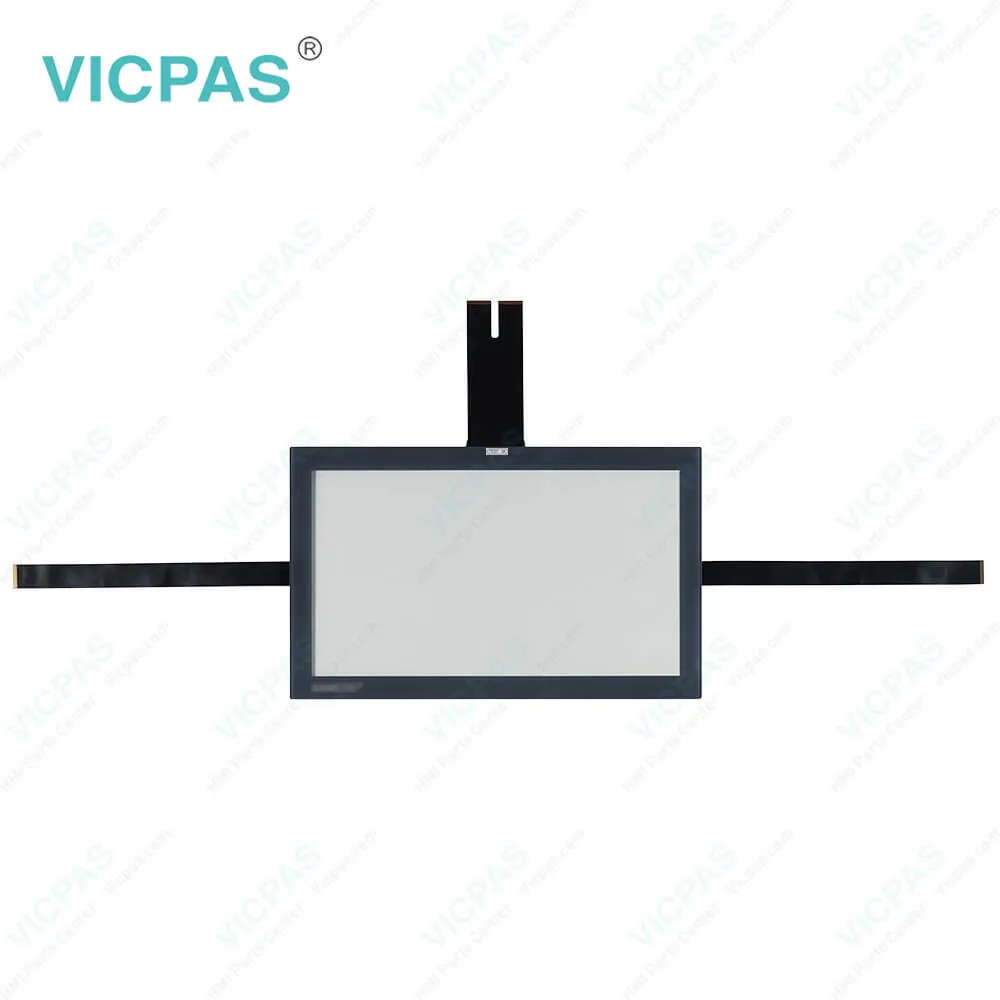
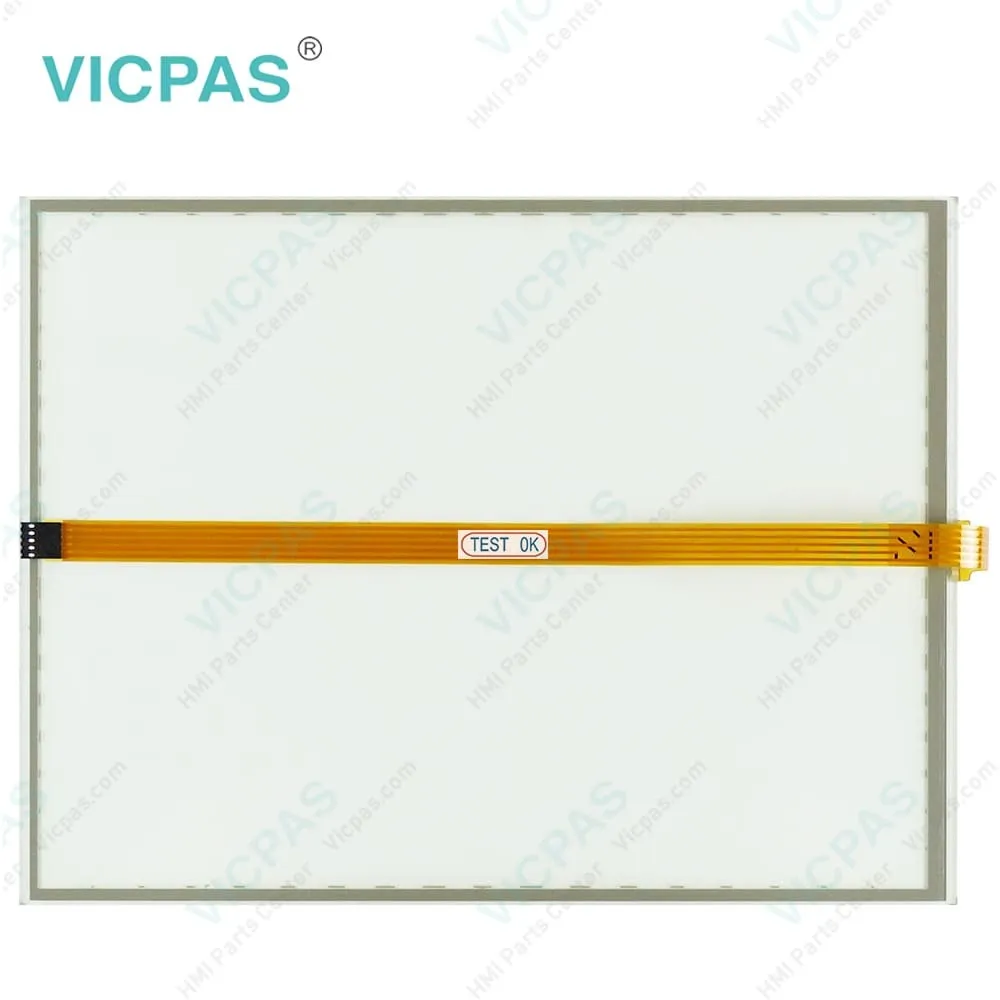
CP2719-0030 CP3219-0010 CP3219-0020 CP3219-0030 Touch Screen Panel ReplacementCP2719-0030 CP3219-0010 CP3219-0020 CP3219-0030 Touch Screen Panel ReplacementCP2719-0030 CP3219-0010 CP3219-0020 CP3219-0030 Touch Screen Panel ReplacementCP2719-0030 CP3219-0010 CP3219-0020 CP3219-0030 Touch Screen Panel ReplacementCP2719-0030 CP3219-0010 CP3219-0020 CP3219-0030 Touch Screen Panel Replacement
ModelCP2719-0030 CP3219-0010 CP3219-0020 CP3219-0030
Product LineCP2XXX CP3XXX
Supply partsTouch Screen Tablet
FOB portGuangzhou, Shenzhen, Hongkong
Terms of PaymentWestern Union, MoneyGram, T/T, Paypal, PayPal, Credit Card
Download
Update Time2026-01-30 23:56:36
Leading Time{{selectedConditionObj.leading}}
{{item.value}}
{{nameObj.name}}{{nameObj.selectedValue}}
{{valueObj.name}}

Shipping

Free Shipping

Those shipping costs are only estimates, the actual shipping cost will be shown on the order page.

Detail Information

Beckhoff CP2719-0030 CP3219-0010 CP3219-0020 CP3219-0030 HMI Touch Glass Replacement

Order each part separately is available

Beckhoff CP2719-0030 CP3219-0010 CP3219-0020 CP3219-0030 Touch Screen Glass Repair

You can clean CP2719-0030 CP3219-0010 CP3219-0020 CP3219-0030 HMI Touch Glass of the device during operation. In order to avoid inadvertent touch entries when doing this, you must first set the device to "Cleaning Mode" with the help of the Beckhoff Display Control Tool. Also make sure that you not only clean the display area, but also the edge of the CP2719-0030 CP3219-0010 CP3219-0020 CP3219-0030 Touch Screen Monitor. Impurities in the edge area or liquids that do not run down the glass pane as drops but as a long short-circuit bridge create an electrically conductive connection between Beckhoff HMI CP2719-0030 CP3219-0010 CP3219-0020 CP3219-0030 Touchscreen area and the metal housing of the device. This unintentionally triggers a touch event at the edge of the touch screen, which can lead to incorrect operation.


The Beckhoff Display Control Tool does not start automatically when the device starts up. Proceed as follows to activate the "Cleaning Mode" of Beckhoff Touch Screen CP2719-0030 CP3219-0010 CP3219-0020 CP3219-0030 Touch Digitizer Glass:


1. Click the Beckhoff Display Control Tool icon to start it. When the tool is started, a small sun symbol appears in the taskbar.
2. Right-click the sun symbol.
3. Select the "Cleaning Mode". "Cleaning Mode" is activated. You can now clean the front panel.
4. You can set the duration for which the device should remain in "Cleaning Mode". The period can be set between 5 and 120 seconds. Right-click the sun symbol again and click "Options". Now select the appropriate duration.


Specifications:

Brand:Vicpas
Size:19''
Product Line:CP2XXX CP3XXX
Cooling Method:Natural Air Cooling
Operating Temperature:0 °C ... +55 °C
Environment:Free From Corrosive Gases
Warranty:365 Days
Storage Temperature:-25 °C ... +65 °C
Relative Humidity:95%
LCD Type:TFT


Related BB Teach Pendant Part No. :

CP2719-0030 CP3219-0010 CP3219-0020 CP3219-0030Description Inventory status
CP2719-0030Beckhoff CP27XX Touch Membrane ReplacementIn Stock
CP2721-0020Beckhoff CP27XX Touch Screen Glass RepairAvailable Now
CP2721-0030Beckhoff CP27XX Touch Screen Film ReplacementIn Stock
CP2724-0020Beckhoff CP27XX Touch Digitizer Glass RepairAvailable Now
CP2724-0030Beckhoff CP27XX Touch Panel ReplacementIn Stock
CP2912-1002-0000Beckhoff CP29XX Touch Screen Tablet RepairAvailable Now
CP2921-0000Beckhoff CP29XX Touch Screen Monitor ReplacementIn Stock
CP2921-0010Beckhoff CP29XX Touch Screen Display RepairAvailable Now
CP2924-0000Beckhoff CP29XX Touch Membrane ReplacementIn Stock
CP2924-0010Beckhoff CP29XX Touch Screen Panel RepairAvailable Now
CP3212-0000Beckhoff CP32XX HMI Touch Glass ReplacementIn Stock
CP3212-0010Beckhoff CP32XX Touchscreen RepairAvailable Now
CP3212-0020Beckhoff CP32XX Touch Screen Tablet ReplacementIn Stock
CP3219-0010Beckhoff CP32XX Touch Screen Glass RepairAvailable Now
CP3219-0020Beckhoff CP32XX HMI Touch Glass ReplacementIn Stock
CP3219-0030Beckhoff CP32XX Touch Screen Monitor RepairAvailable Now

CP2719-0030 CP3219-0010 CP3219-0020 CP3219-0030 Touch Screen Panel Replacement PDF Download:
  • CP22xx_en.pdf
  • CP26xxen.pdf
  • CP27xx_en.pdf
  • CP29xx.pdf
  • CP32xx_en.pdf
  • CP32xx-1600_en.pdf
  • CP37xx_en.pdf
  • CP37xx-1600_en.pdf
  • CP39xx.pdf
  • CPx29xx-0000en.pdf
  • CPX3921-0010.pdf
  • CPX39xx-0010en.pdf

  • FAQ:

    Question: How to mount and disassemble arm tube installation?

    Answer:


    Common misspellings:

    CP27119-0030

    CP2719-0031

    CP2791-0030

    CP3219-000

    CP3299-0010

    CP3219-00010

    CP32190020

    CP3129-0020

    CP3219-9020

    CP321-0030

    CP3219-0090

    CP32190030

    Please send your message to us
    *Email
    Mobile Phone
    *Title
    *Content
    Upload
    • Only supports .rar/.zip/.jpg/.png/.gif/.doc/.xls/.pdf, maximum 20MB.
    Do you want to quickly know the product quotation you need?
    • Fast QuoteFast Quote
    • Worldwide ShippingWorldwide Shipping
    • 12 Months Warranty12 Months Warranty
    • Customize ServiceCustomize Service
    subscription
    KEEP IN TOUCH
    Please send your message to us
    *Email
    Mobile Phone
    *Title
    *Content
    Upload
    • Only supports .rar/.zip/.jpg/.png/.gif/.doc/.xls/.pdf, maximum 20MB.
    CONTACT US
    QR code
    Mobile Web
    2.524366s