




CP6911-0000-0010 CP6911-0001-0010 CP6921-0000-0010 CP6921-0001-0010 Touch Digitizer
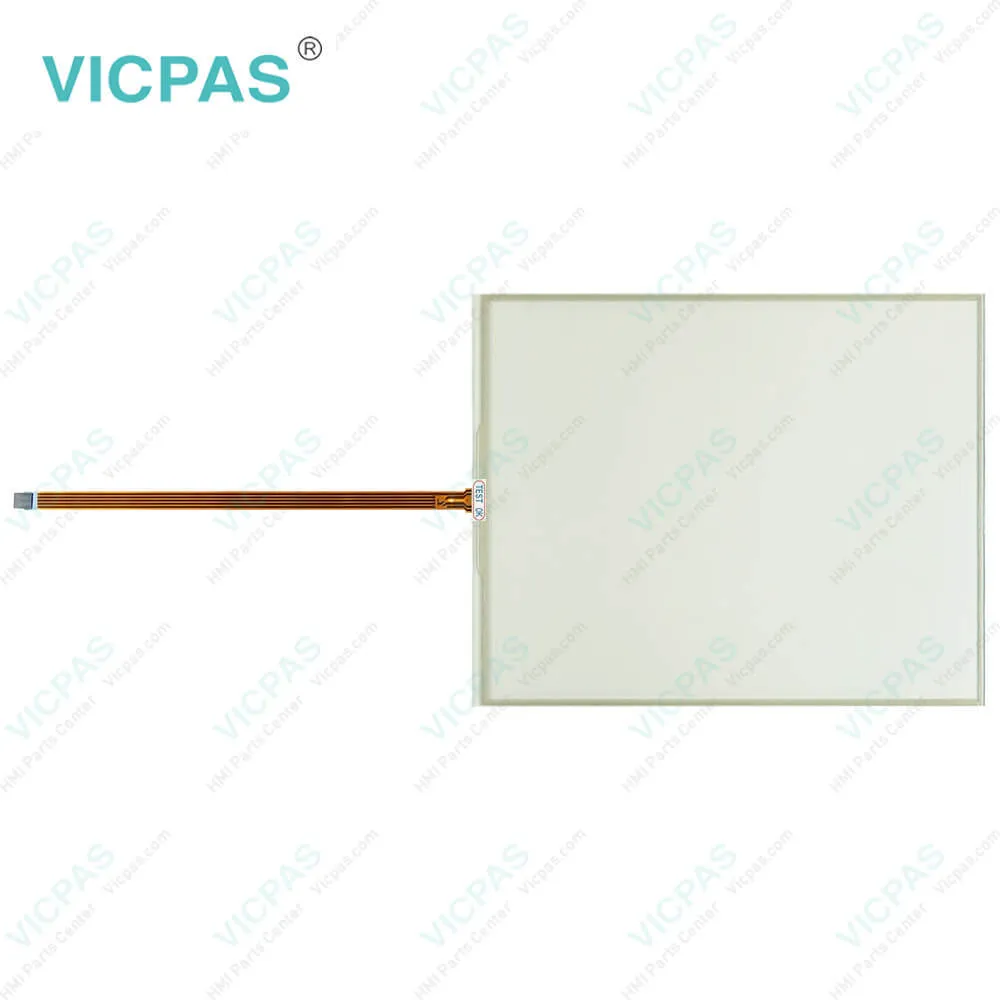
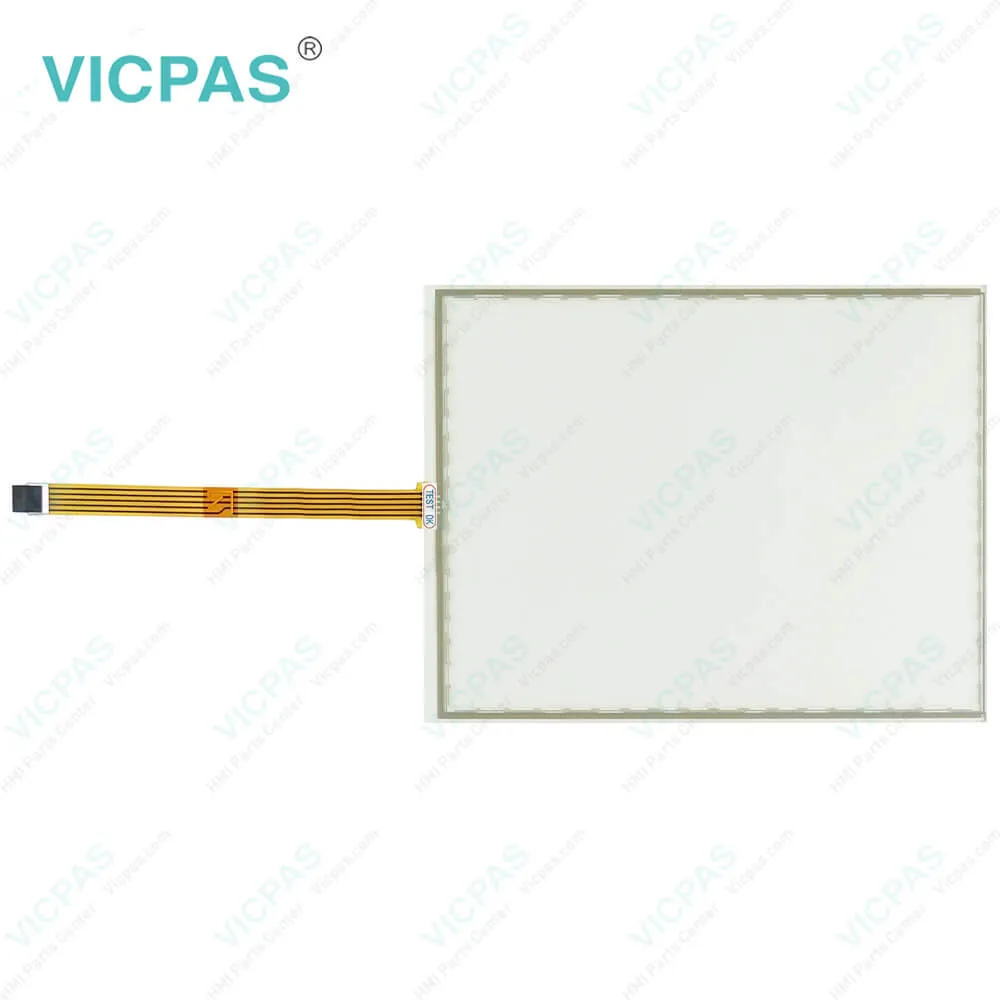
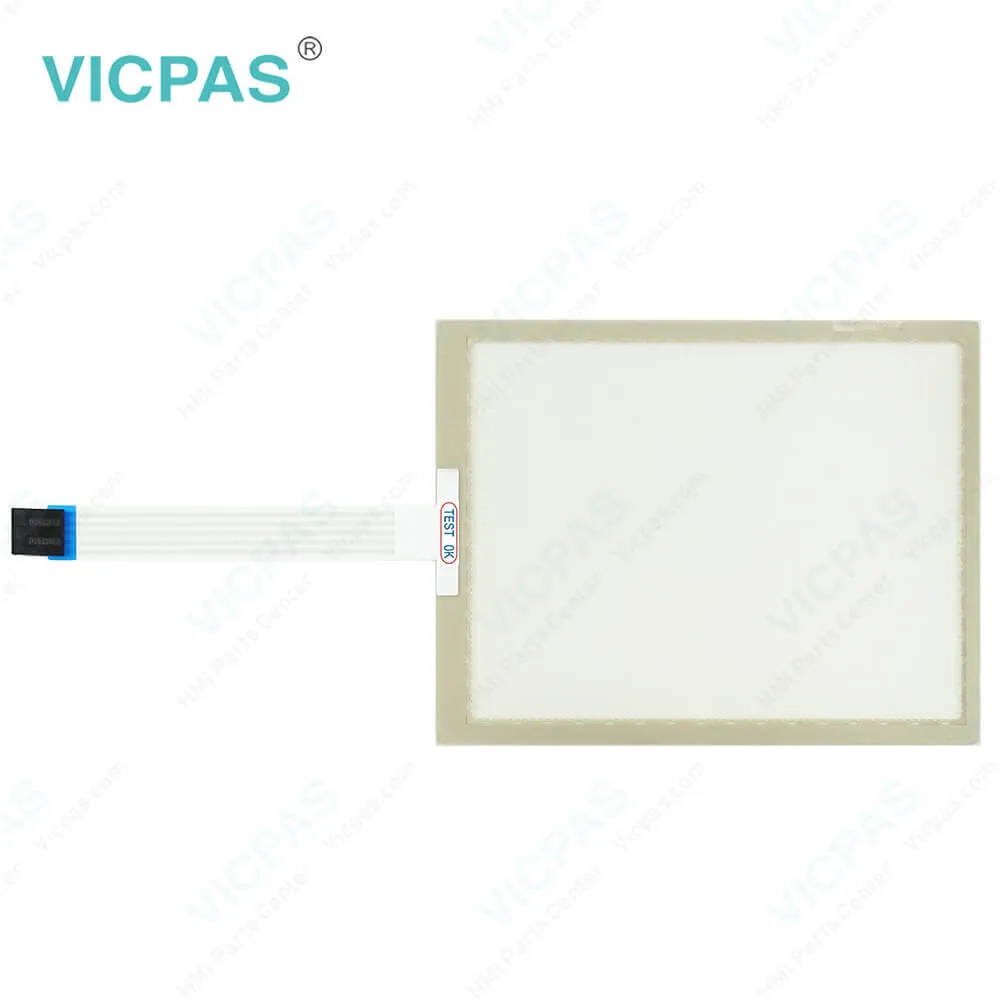
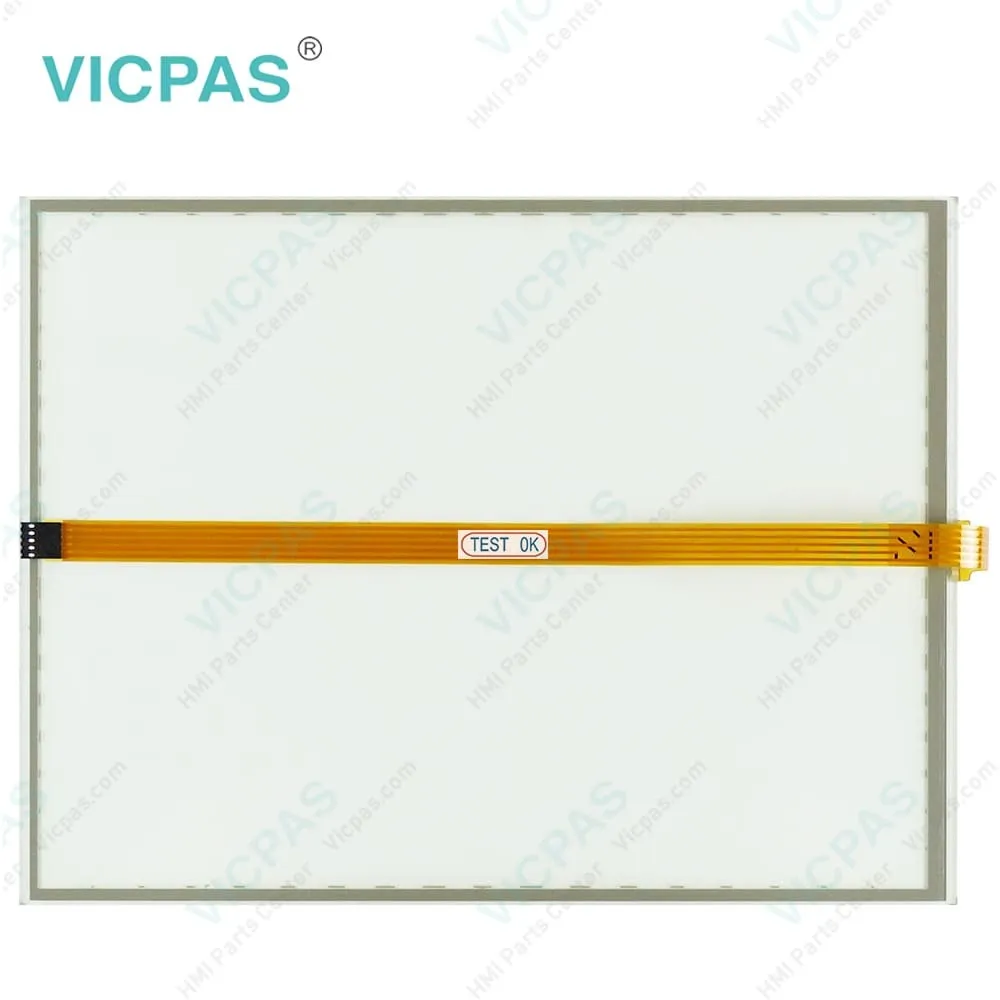
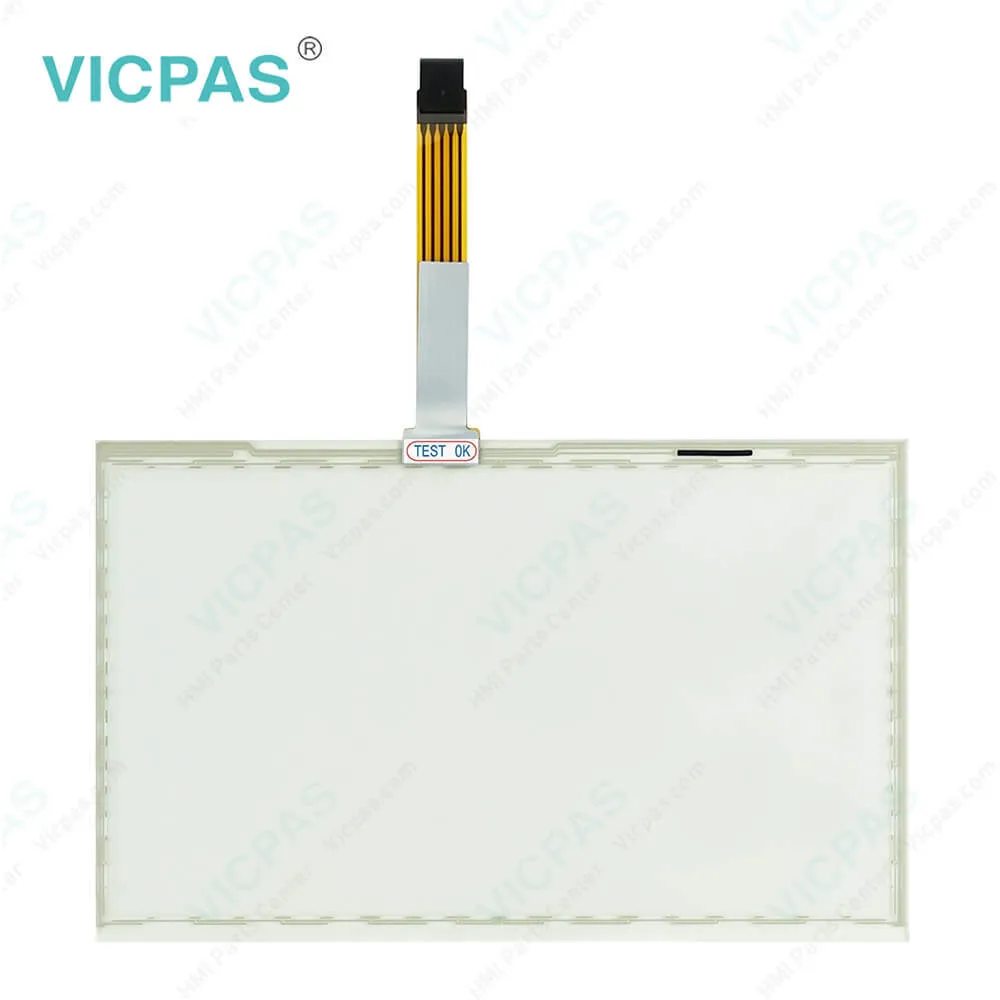
| Categories | CP68XX CP69XX |
|---|---|
| Model | CP6911-0000-0010 CP6911-0001-0010 CP6921-0000-0010 CP6921-0001-0010 |
| Warranty | 1 Year |
| Product Line | CP68XX CP69XX |
| Supply parts | Touch Membrane |
| FOB port | Guangzhou, Shenzhen, Hongkong |
| Terms of Payment | Western Union, T/T, PayPal, Credit Card |
| Update Time | 2026-01-31 00:21:43 |
Shipping
Specifications:
| Size: | 12'' |
| Design of Display: | TFT |
| Environment: | Free From Corrosive Gases |
| Cooling Method: | Natural Air Cooling |
| Brand: | VICPAS |
| Product Line: | CP68XX CP69XX |
| Warranty: | 365 Days |
| Storage Temperature: | -25 °C ... +65 °C |
| relative humidity: | 95% |
| Operating Temperature: | 0 °C ... +55 °C |
Related BB Teach Pendant Part No.:
| CP6911-0000-0010 CP6911-0001-0010 CP6921-0000-0010 CP6921-0001-0010 | Description | Inventory status |
| CP6909-0000-0010 | Beckhoff CP69XX Touch Screen Display Replacement | In Stock |
| CP6909-0001-0000 | Beckhoff CP69XX LCD Panel Touch Screen Glass Front Overlay Repair | Available Now |
| CP6909-0001-0010 | Beckhoff CP69XX Touch Screen Panel Replacement | In Stock |
| CP6911-0000-0000 | Beckhoff CP69XX Operator Keyboard Touch Digitizer Glass Repair | Available Now |
| CP6911-0000-0010 | Beckhoff CP69XX HMI Touch Glass Replacement | In Stock |
| CP6911-0001-0000 | Beckhoff CP69XX Touch Screen Tablet Terminal Keypad Repair | Available Now |
| CP6911-0001-0010 | Beckhoff CP69XX Touch Membrane Replacement | In Stock |
| CP6912-0000-0000 | Beckhoff CP69XX Switch Membrane Touch Screen Display Repair | Available Now |
| CP6912-0001-0000 | Beckhoff CP69XX Touch Screen Monitor Membrane Keypad Replacement | In Stock |
| CP6919-0000-0010 | Beckhoff CP69XX Touch Screen Film Repair | Available Now |
| CP6921-0000-0000 | Beckhoff CP69XX Operator Panel Keypad Touch Screen Tablet Replacement | In Stock |
| CP6921-0000-0010 | Beckhoff CP69XX Touch Screen Glass Repair | Available Now |
| CP6921-0001-0010 | Beckhoff CP69XX Touch Screen Panel Replacement | In Stock |
| CP6922-0000-0000 | Beckhoff CP69XX Touch Screen Monitor Membrane Keyboard Repair | Available Now |
CP6911-0000-0010 CP6911-0001-0010 CP6921-0000-0010 CP6921-0001-0010 Touch Digitizer PDF Download:
FAQ:
Question: How to clean the Control Panel of CP6911-0000-0010 CP6911-0001-0010 CP6921-0000-0010 CP6921-0001-0010 Touch Digitizer Glass?
Answer: Switch off the Control Panel and all devices connected to it, so that keys cannot be unintentionally actuated. The front of the Control Panel can be cleaned with a soft, damp cleaning cloth. Do not use any aggressive cleaning materials, thinners, scouring material or hard objects that could cause scratches.
Question: What should I do when I received the package of Beckhoff CP6911-0000-0010 CP6911-0001-0010 CP6921-0000-0010 CP6921-0001-0010 Touch Screen Film?
Answer: 1. Inspect the packaging for any damage that may have occurred during transit.
Common misspellings:
CP6911-000-0010
CP6911-0000-00010
CP69111-0000-0010
CP6911-1001-0010
CP6911-0001-0110
CP61911-0001-0010
CP6921-0009-0010
CP6921-0000-0019
CP6922-0000-0010
CP6921-000-0010
CP6921-0001-00010
CP6912-0001-0010

- Mobile Phone
- *Title
- *Content
 Fast Quote
 Fast Quote
 Worldwide Shipping
 12 Months Warranty
 Customize Service