




CP7101-0010-0040 CP7101-0011-0040 CP7101-0020-0040 Touch Screen Panel
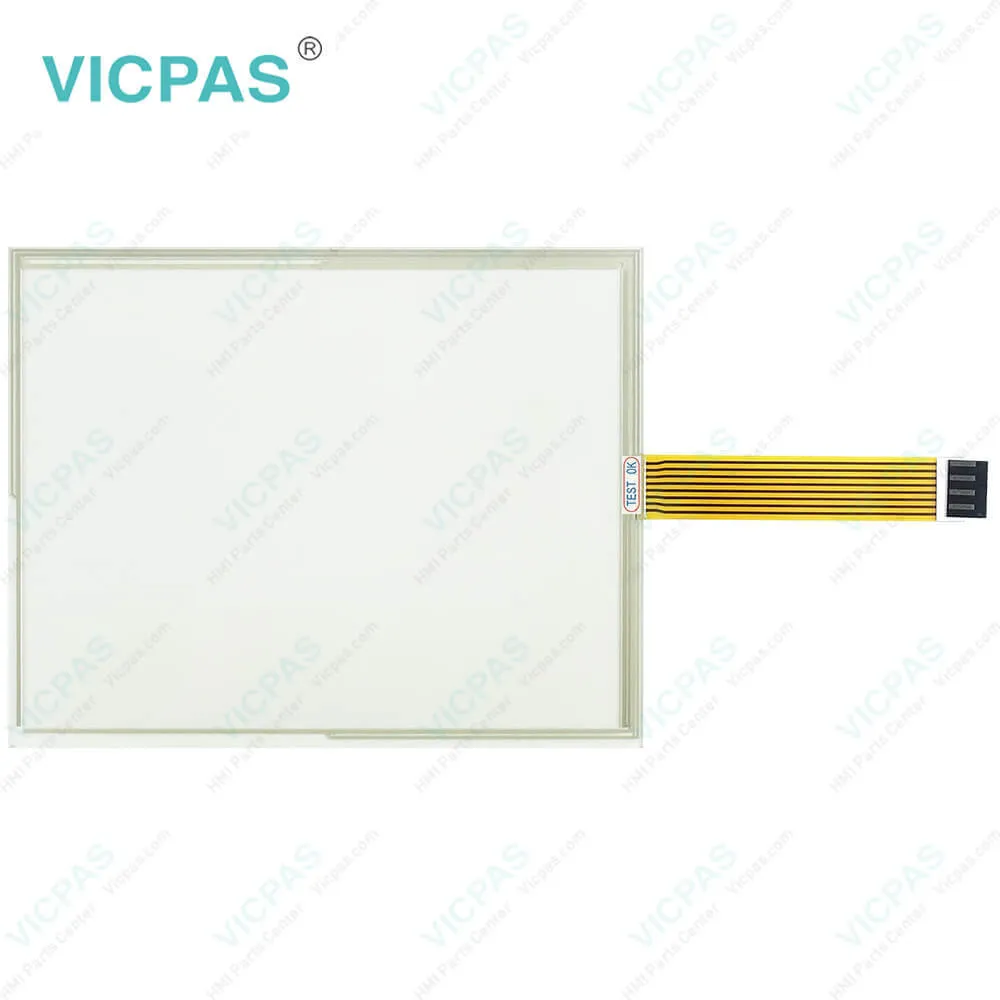
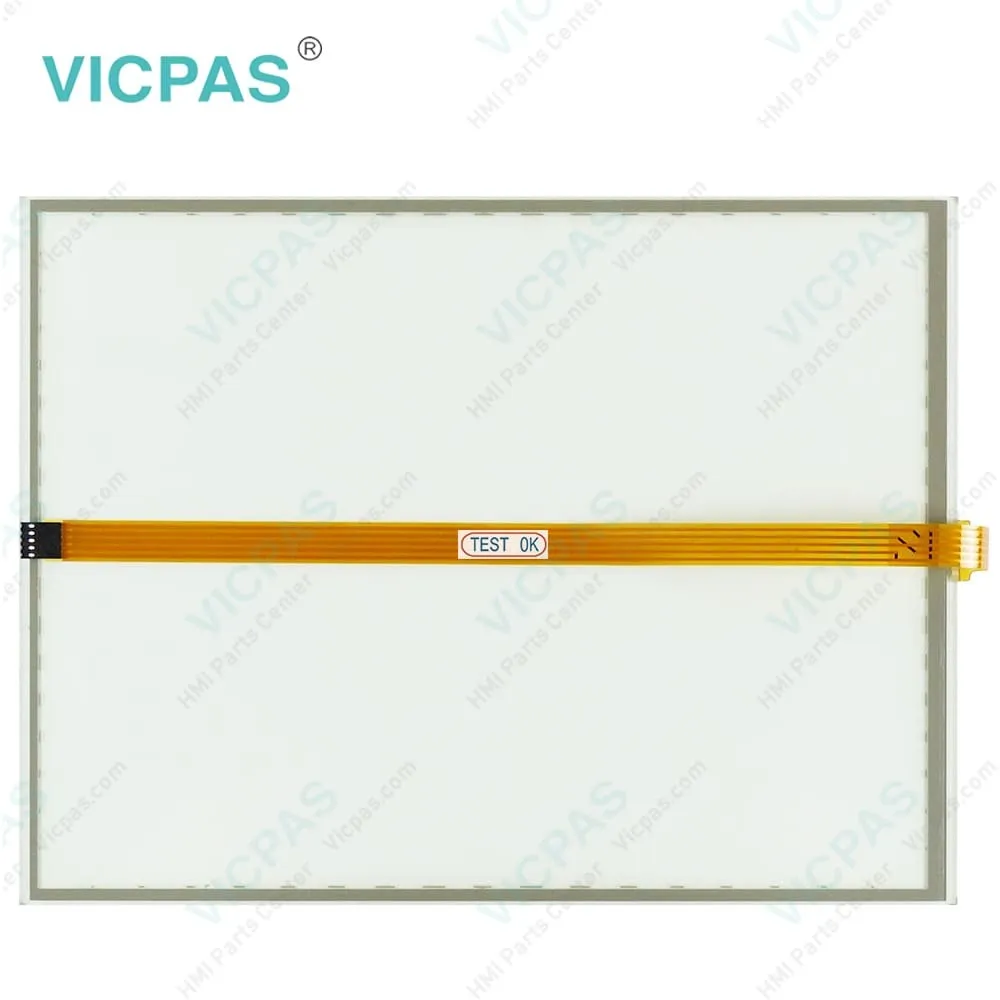
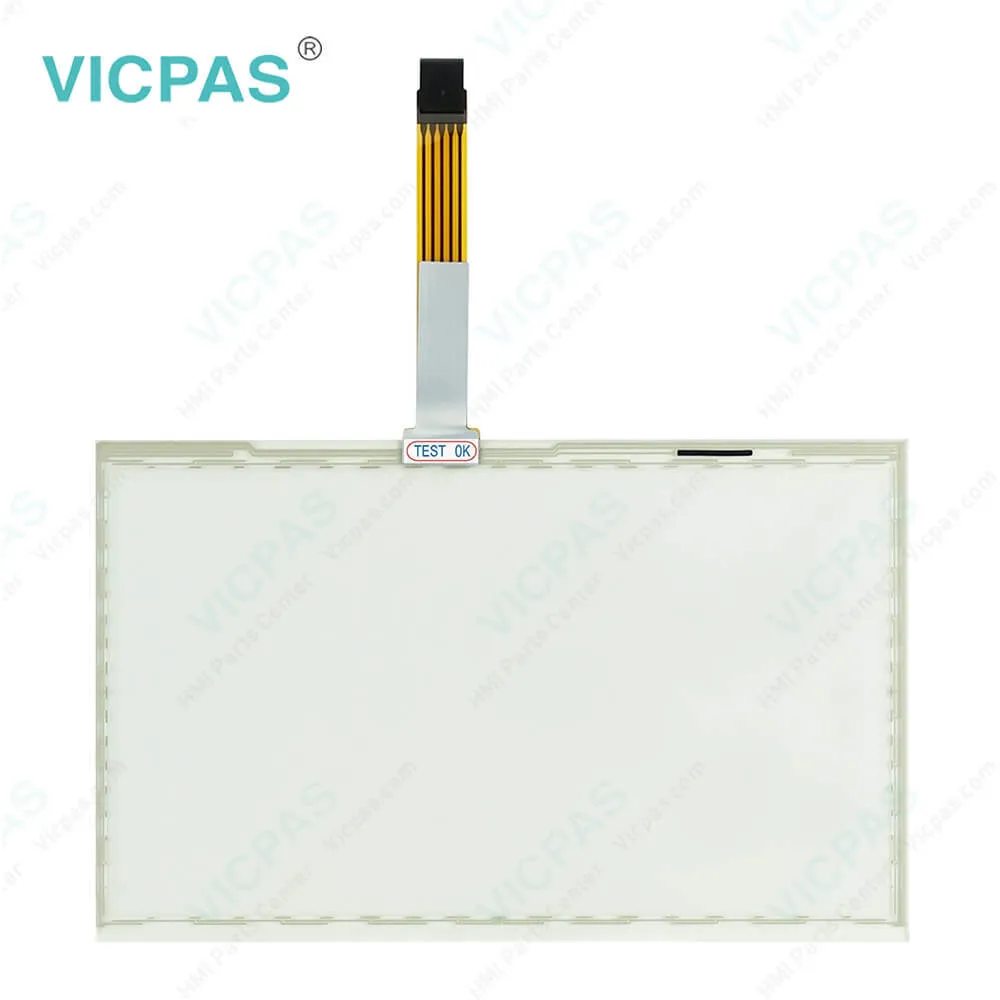
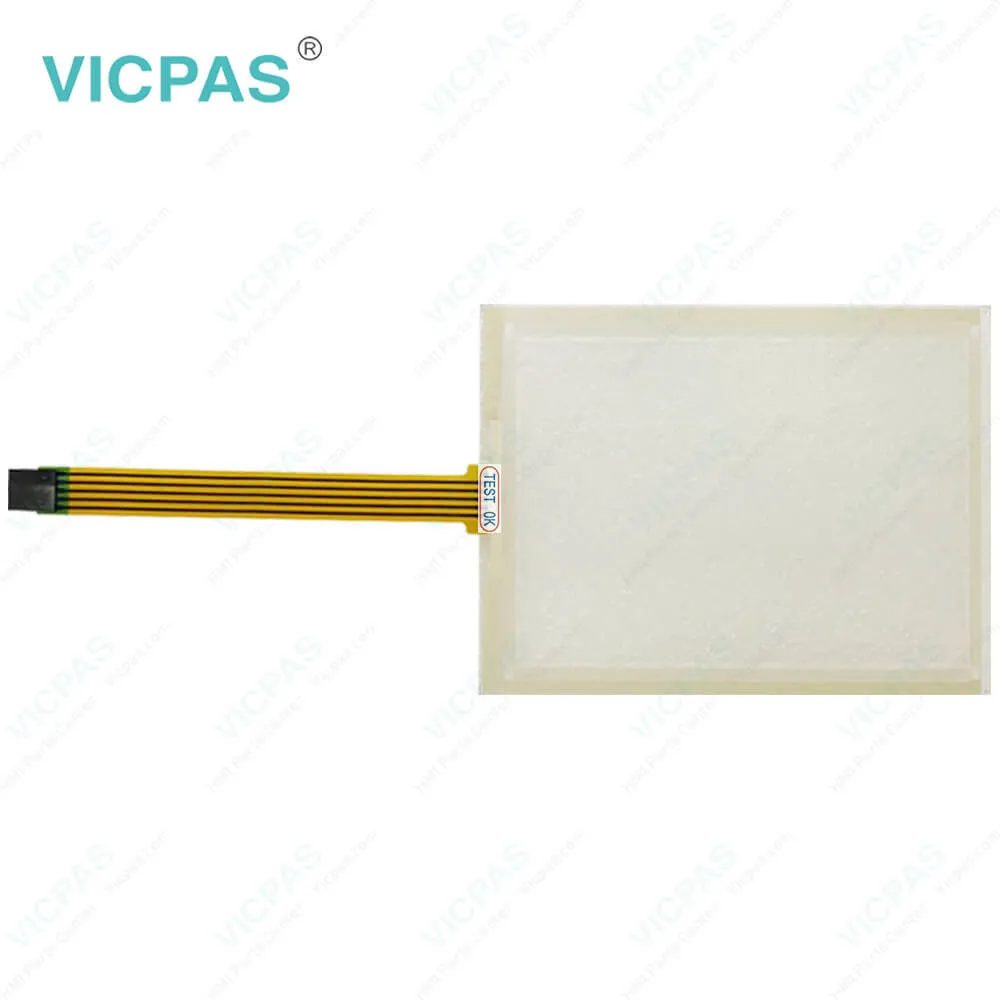
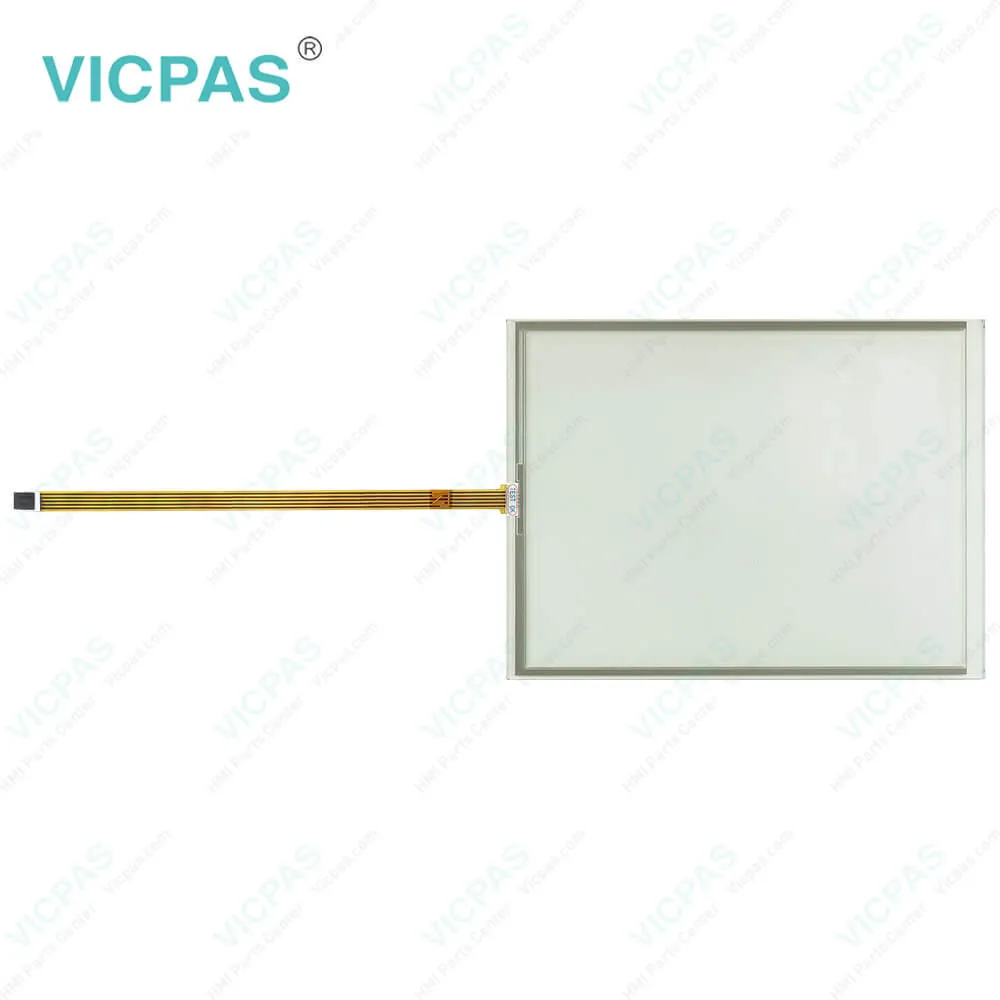
| Categories | CP71XX |
|---|---|
| Model | CP7101-0010-0040 CP7101-0011-0040 CP7101-0020-0040 |
| Product Line | CP71XX |
| Supply parts | Touch Screen Film |
| FOB port | Guangzhou, Shenzhen, Hongkong |
| Terms of Payment | Western Union, MoneyGram, T/T, Paypal, PayPal, Credit Card |
| Update Time | 2026-01-31 00:27:00 |
Leading Time{{selectedConditionObj.leading}}
{{item.value}}
{{nameObj.name}}{{nameObj.selectedValue}}
{{valueObj.name}}
Shipping
Detail Information
Specifications:
| Light Transmission: | Above 75% |
| Size: | 12.1'' |
| Environment: | Free From Corrosive Gases |
| Storage Temperature: | -25 °C ... +65 °C |
| Operating Temperature: | 0 °C ... +55 °C |
| Brand: | VICPAS |
| Warranty: | 365 Days |
| Cooling Method: | Natural Air Cooling |
| Product Line: | CP71XX |
| relative humidity: | 95% |
Related BB Teach Pendant Part No.:
| CP7101-0010-0040 CP7101-0011-0040 CP7101-0020-0040 | Description | Inventory status |
| CP7100 | Beckhoff CP71XX Touch Screen Glass Replacement | In Stock |
| CP7101-0000-0040 | Beckhoff CP71XX Touch Screen Panel Repair | Available Now |
| CP7101-0000-0050 | Beckhoff CP71XX Touch Screen Film Replacement | In Stock |
| CP7101-0001-0040 | Beckhoff CP71XX Touch Digitizer Glass Repair | Available Now |
| CP7101-0001-0050 | Beckhoff CP71XX Touch Screen Monitor Replacement | In Stock |
| CP7101-0010-0040 | Beckhoff CP71XX Touch Screen Tablet Repair | Available Now |
| CP7101-0011-0040 | Beckhoff CP71XX Touch Membrane Replacement | In Stock |
| CP7101-0020-0040 | Beckhoff CP71XX HMI Touch Glass Repair | Available Now |
| CP7101-0020-0050 | Beckhoff CP71XX Touch Digitizer Glass Replacement | In Stock |
| CP7101-0021-0040 | Beckhoff CP71XX Touch Screen Monitor Repair | Available Now |
| CP7101-0021-0050 | Beckhoff CP71XX Touch Screen Display Replacement | In Stock |
| CP7102-0000-0040 | Beckhoff CP71XX Touch Screen Tablet Repair | Available Now |
| CP7102-0000-0050 | Beckhoff CP71XX Touch Screen Panel Replacement | In Stock |
| CP7102-0001-0040 | Beckhoff CP71XX Touch Screen Film Repair | Available Now |
| CP7102-0001-0050 | Beckhoff CP71XX HMI Touch Glass Replacement | In Stock |
CP7101-0010-0040 CP7101-0011-0040 CP7101-0020-0040 Touch Screen Panel PDF Download:
FAQ:
Question: How to replace the battery and the storage medium?
Answer:
Question: What should I pay attention to during install CP7101-0010-0040 CP7101-0011-0040 CP7101-0020-0040 Touch Screen Glass?
Answer: Extreme environmental conditions should be avoided as far as possible. Protect the rear of your PC from dust, humidity and heat. The clearance above and below the housing must be at least 50cm in order to ensure adequate ventilation of the PC. The cooling ribs of the PC must not be covered.
Common misspellings:
CP7101-000-0040
CP7101-0010-0010
CP7111-0010-0040
CP7104-0011-0040
CP7101-00101-0040
CP7101-0011-040
CP7101-00020-0040
CP7101-0020-0004
CP7011-0020-0040

Please send your message to us
- Mobile Phone
- *Title
- *Content
 Fast Quote
 Fast Quote
 Worldwide Shipping
 12 Months Warranty
 Customize Service