




CP7802-0000-0010 CP7802-0001-0010 CP7802-0020-0010 CP7802-0021-0010 Touch Digitizer

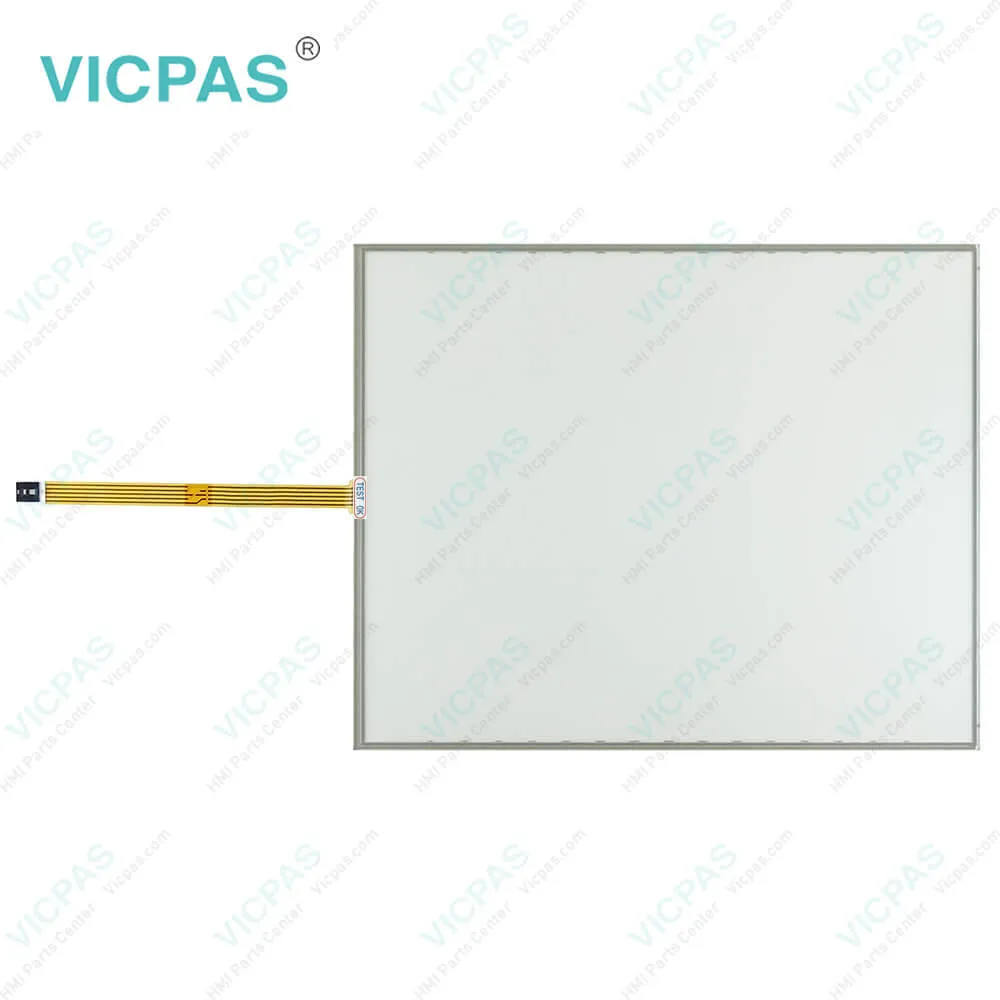
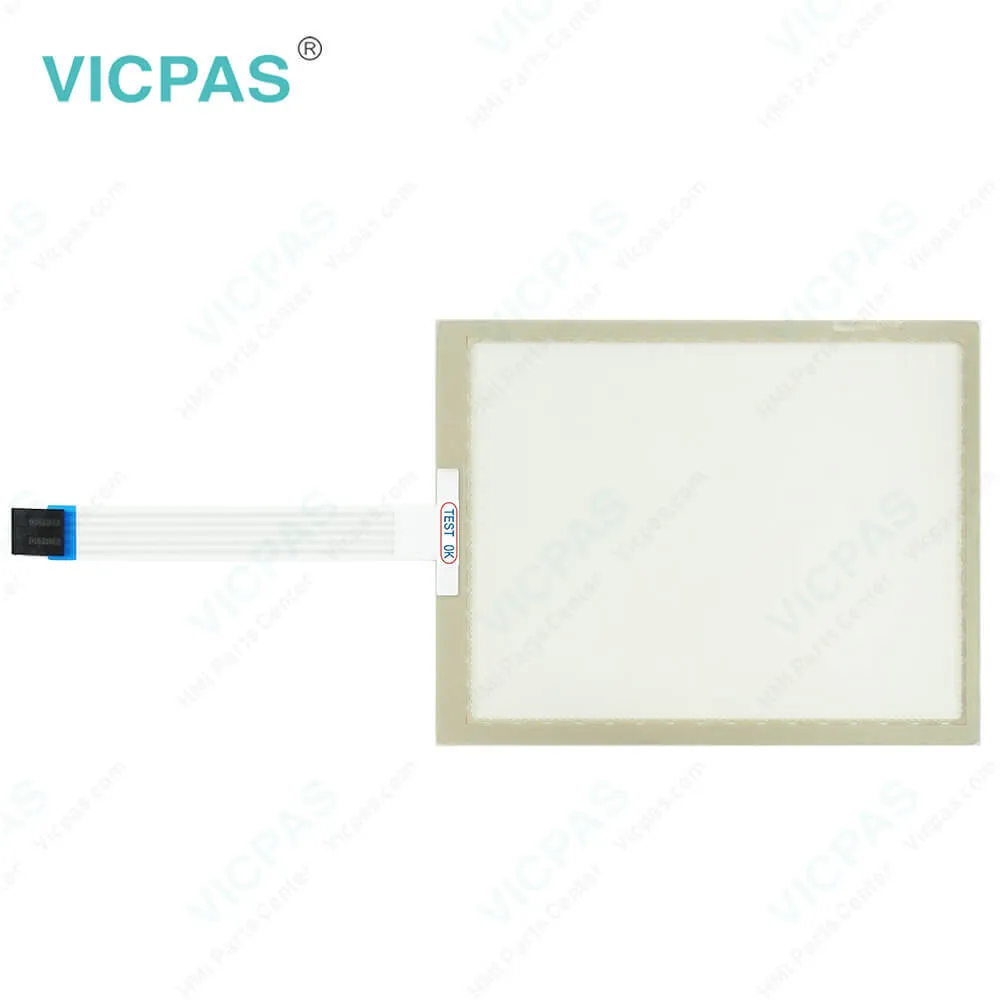
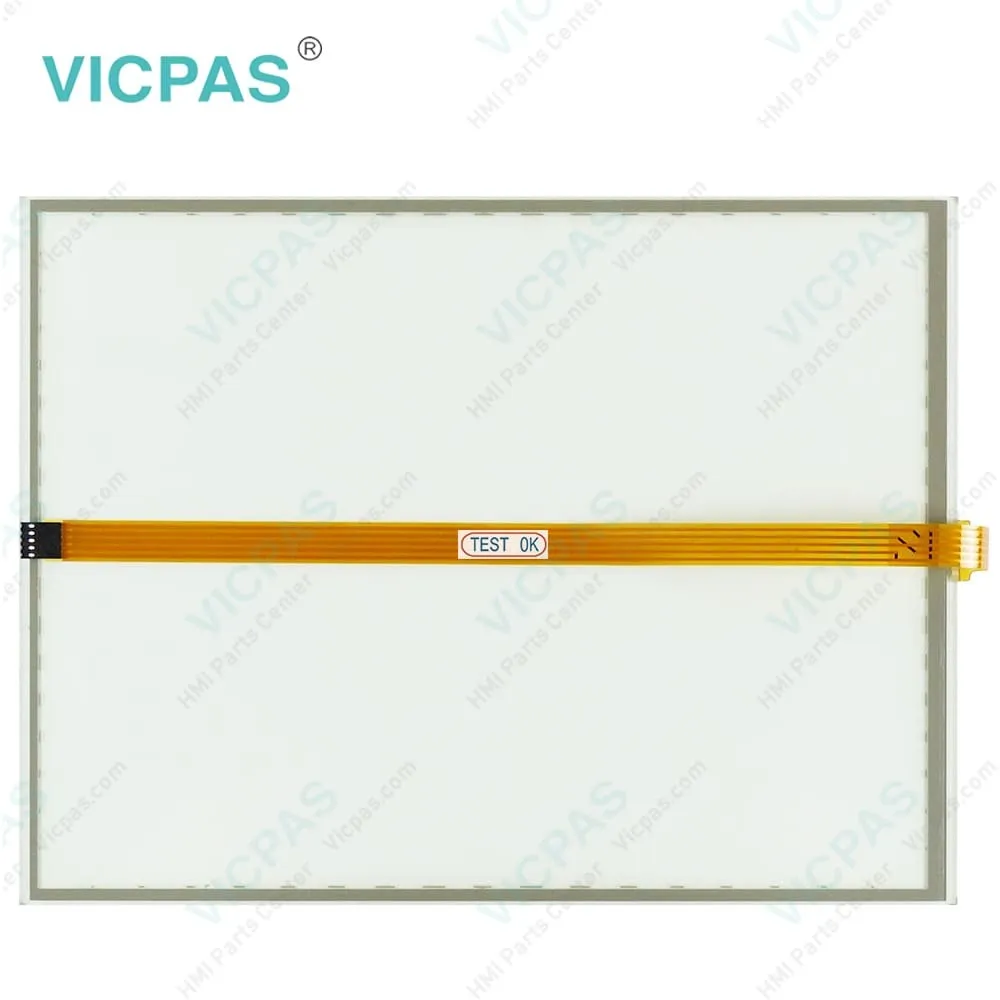
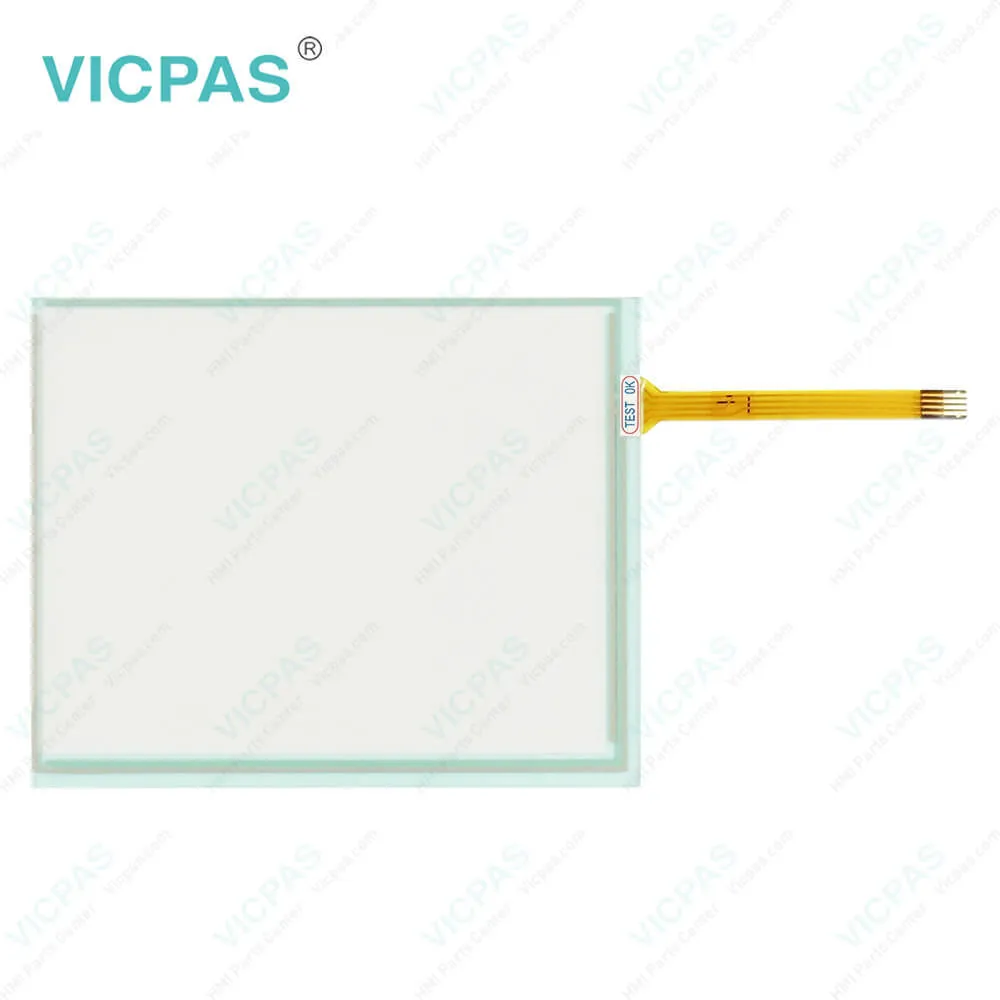
| Categories | CP78XX CP79XX |
|---|---|
| Model | CP7802-0000-0010 CP7802-0001-0010 CP7802-0020-0010 CP7802-0021-0010 |
| Product Line | CP78XX CP79XX |
| Supply parts | Touch Screen Monitor |
| FOB port | Guangzhou, Shenzhen, Hongkong |
| Terms of Payment | Western Union, MoneyGram, T/T, Paypal, PayPal, Credit Card |
| Update Time | 2026-01-31 00:36:00 |
Shipping
Specifications:
| Brand: | VICPAS |
| Size: | 15'' |
| Product Line: | CP78XX CP79XX |
| Cooling Method: | Natural Air Cooling |
| Operating Temperature: | 0 °C ... +55 °C |
| Environment: | Free From Corrosive Gases |
| Warranty: | 365 Days |
| Storage Temperature: | -25 °C ... +65 °C |
| relative humidity: | 95% |
| Design of Display: | TFT |
Related BB Teach Pendant Part No.:
| CP7802-0000-0010 CP7802-0001-0010 CP7802-0020-0010 CP7802-0021-0010 | Description | Inventory status |
| CP7801-0000-0010 | Beckhoff CP78XX Touch Screen Glass Replacement | In Stock |
| CP7801-0001-0010 | Beckhoff CP78XX Touch Screen Tablet Repair | Available Now |
| CP7801-0020-0010 | Beckhoff CP78XX Touch Screen Film Replacement | In Stock |
| CP7801-0021-0010 | Beckhoff CP78XX Touch Digitizer Glass Repair | Available Now |
| CP7802-0000-0010 | Beckhoff CP78XX Touch Membrane Replacement | In Stock |
| CP7802-0001-0010 | Beckhoff CP78XX Touch Screen Display Repair | Available Now |
| CP7802-0020-0010 | Beckhoff CP78XX HMI Touch Glass Replacement | In Stock |
| CP7802-0021-0010 | Beckhoff CP78XX Touch Screen Panel Repair | Available Now |
| CP7932-0000-0010 | Beckhoff CP79XX Touch Screen Glass Keypad Membrane Replacement | In Stock |
| CP7932-0001-0000 | Beckhoff CP79XX Membrane Keyboard Touch Screen Film Repair | Available Now |
| CP7932-0001-0010 | Beckhoff CP79XX Touch Screen Monitor Terminal Keypad Replacement | In Stock |
| CP7932-0002-0010 | Beckhoff CP79XX Operator Panel Keypad HMI Touch Glass Repair | Available Now |
| CP7932-1192-0000 | Beckhoff CP79XX Touch Screen Panel Membrane Switch Replacement | In Stock |
| CP7933-0001-0000 | Beckhoff CP79XX Membrane Keypad LCD Display Repair | Available Now |
| CP7942-0000-0000 | Beckhoff CP79XX Touch Digitizer Glass Operator Keyboard Replacement | In Stock |
| CP7942-0001-0000 | Beckhoff CP79XX Keyboard Membrane Touch Screen Panel Repair | Available Now |
CP7802-0000-0010 CP7802-0001-0010 CP7802-0020-0010 CP7802-0021-0010 Touch Digitizer PDF Download:
FAQ:
Question: How to mount the Panel PC of CP7802-0000-0010 CP7802-0001-0010 CP7802-0020-0010 CP7802-0021-0010?
Answer:
Question: How can I maintain CP7802-0000-0010 CP7802-0001-0010 CP7802-0020-0010 CP7802-0021-0010 Touch Screen Glass?
Answer: Do not work on the panel PC when live can lead to electric shock. Turn off the supply voltage before cleaning the device or replacing touch screen panel. Maintenance measures increase the efficiency of the device by ensuring long-term functionality. Cleaning and maintenance of certain device components and the replacement of touch screen monitor contribute to this. Use spare parts that you have ordered from Vicpas can ensure your safe and excellent operation.
Common misspellings:
CP7802-000-0010
CP7820-0000-0010
CP7802-0000-010
CP7802-0001-0011
CP7802-0101-0010
CP7822-0001-0010
CP7802-0002-0010
CP7802-00200-0010
CP7802-0020-00010
CP780200210010
CP7802-0012-0010
CP78002-0021-0010

- Mobile Phone
- *Title
- *Content
 Fast Quote
 Fast Quote
 Worldwide Shipping
 12 Months Warranty
 Customize Service