




Beijer Graphic Touch HMI EXTER T70 bl 602220033 Touch Screen
| Categories | Beijer EXTER Terminals HMI |
|---|---|
| Brand | BEIJER |
| Model | EXTER T70 bl |
| Warranty | 365 Days |
| Product Line | EXTER Operator Panel |
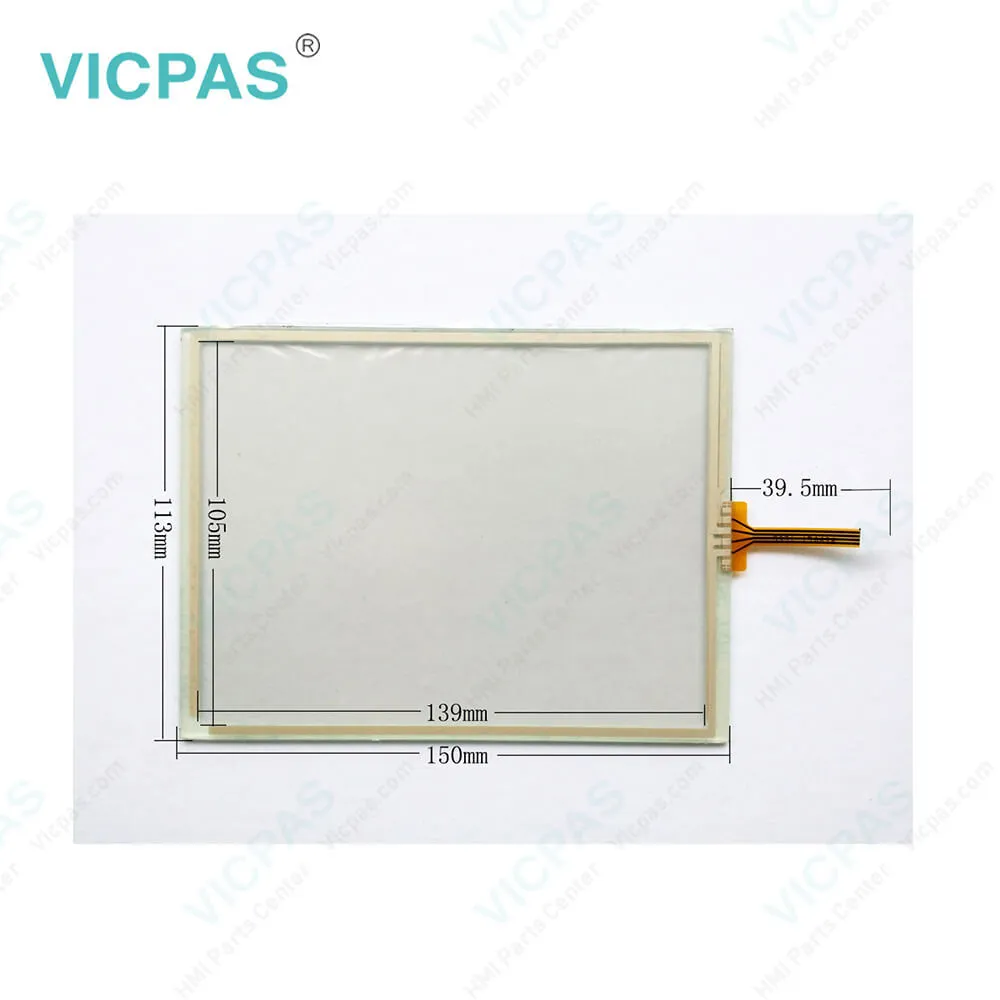
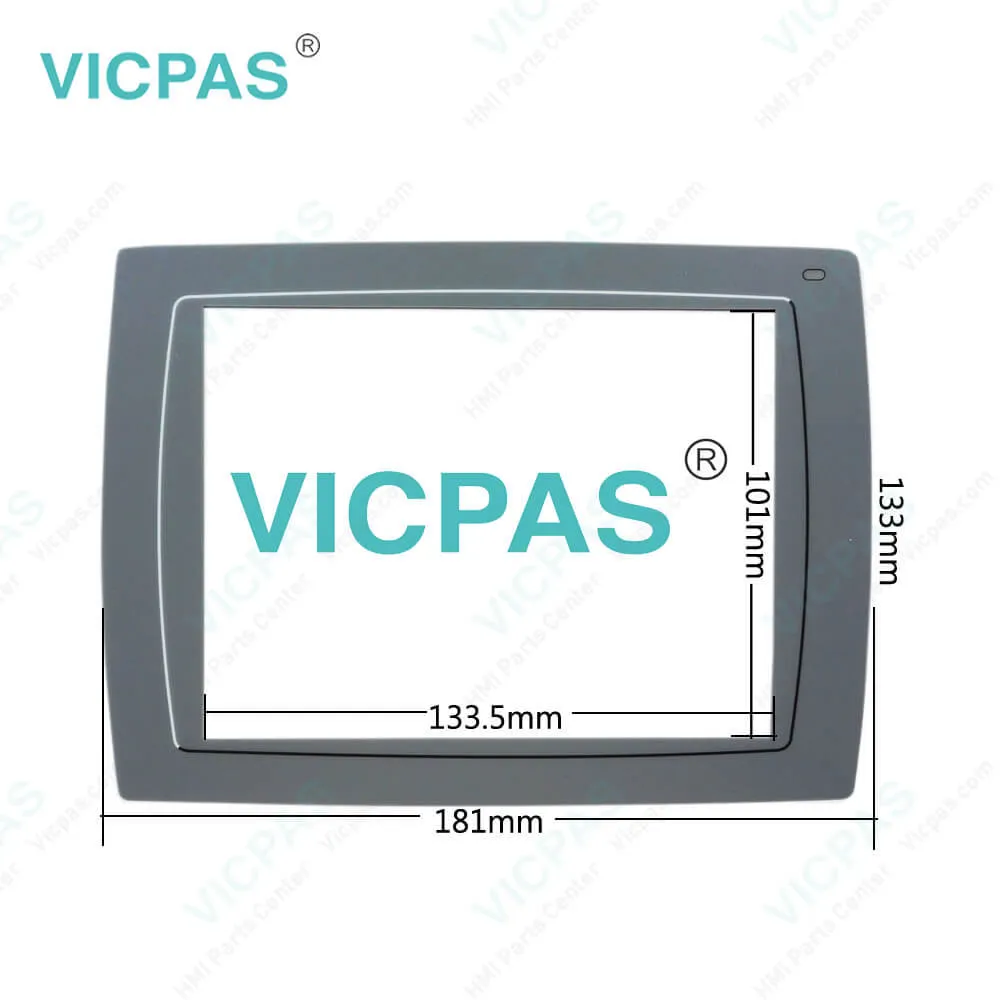
| Supply | Beijer EXTER T70 bl Touch Screen and Overlay |
| FOB port | Guangzhou, Shenzhen, Hongkong |
| Terms of Payment | Western Union, T/T, PayPal, Credit Card |
| Update Time | 2026-01-31 00:44:16 |
Shipping
Specifications:
| Brand: | Beijer |
| Size: | 6.5" |
| Input fuse: | Internal DC fuse |
| Warranty: | 365 days Warranty |
| Product Line: | Beijer T70-bl |
| Resolution: | 640 x 480 Pixels |
| Backlight: | CCFL with dimming |
| Part Number : | 602220033 |
| Input Voltage: | 20 - 30 V DC |
| Display Type: | TFT CCFL |
Beijer Graphic Touch HMI EXTER T70 bl 602220033 Touch Screen PDF Download:
FAQ:
Question: How to ground the Beijer EXTER T70-bl Operator Panel?
Answer: 1. The operator panel’s mounting clamps do not provide a secure grounding connectionbetween the panel and the device cabinet.2. Connect a 2.5 mm2 wire between the operator panel’s quick-connect plinth andthe panel chassis.3. Connect a 6 or 4 mm2 wire or grounding braid between the panel’s chassis andthe closest grounding point on the door.4. Connect a strong but short grounding braid between the door and the devicecabinet.5. Twist the cables onto the 24 V DC feed.6. A ferrite core suppresses disturbances to the 24 V feed.
Question: Why are Beijer Touch Panel with the chemical resisitace?
Answer: Beacuse Autotex F157 covers the Touch Screen.
Question: What is EXTER T70-bl Beijer EXTER Series Operator Panel touchscreen HMI parts price?
Answer: Submit a fast quote, send Kernfix an email for best price.

- Mobile Phone
- *Title
- *Content
 Fast Quote
 Fast Quote
 Worldwide Shipping
 12 Months Warranty
 Customize Service