



Grideal.com-Leading global industrial mall.
Quick Service for Full HMI Parts Replacement
Touchscreen-Keypad-Display-Case & More Search 80000 Inventory
user photo
Account
Login
Cart
0
Home / All / Beijer HMI / iX TxX Operator Panels / Beijer HMI iX T7B-SC 640002001 Touchscreen Replacement

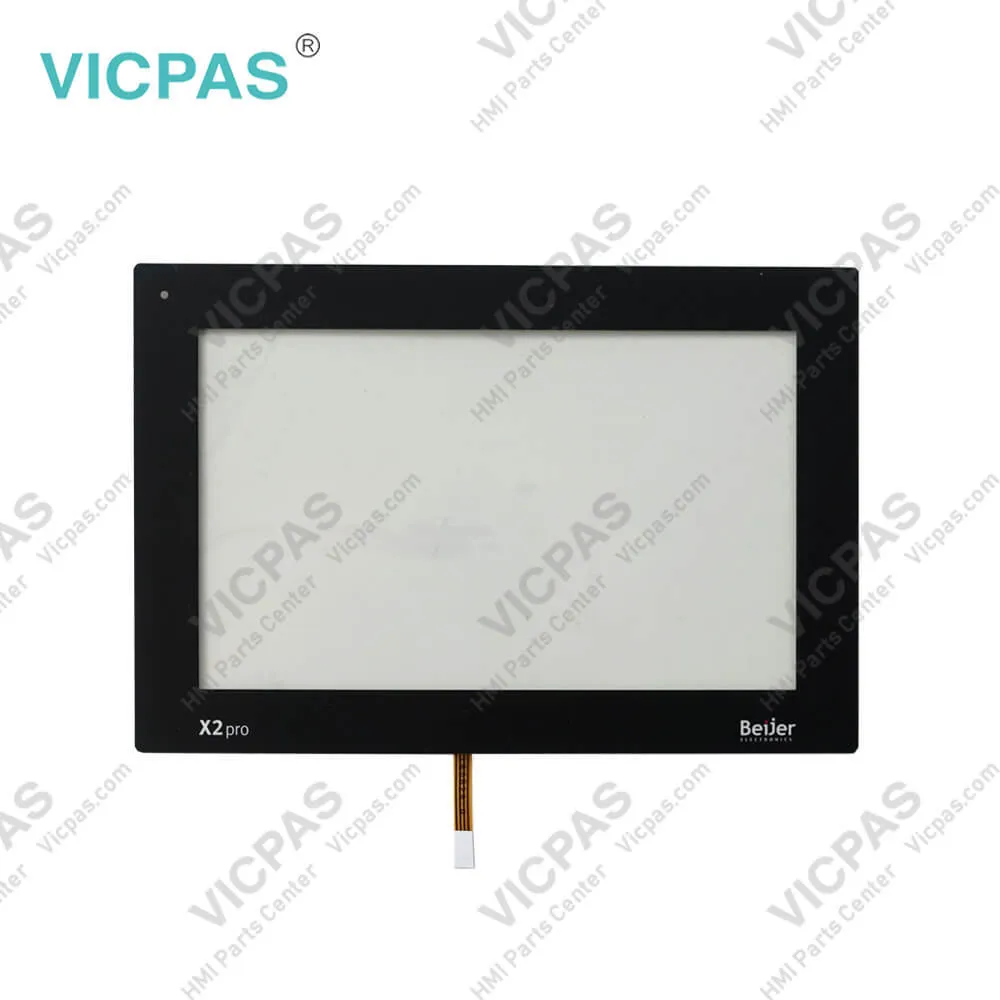
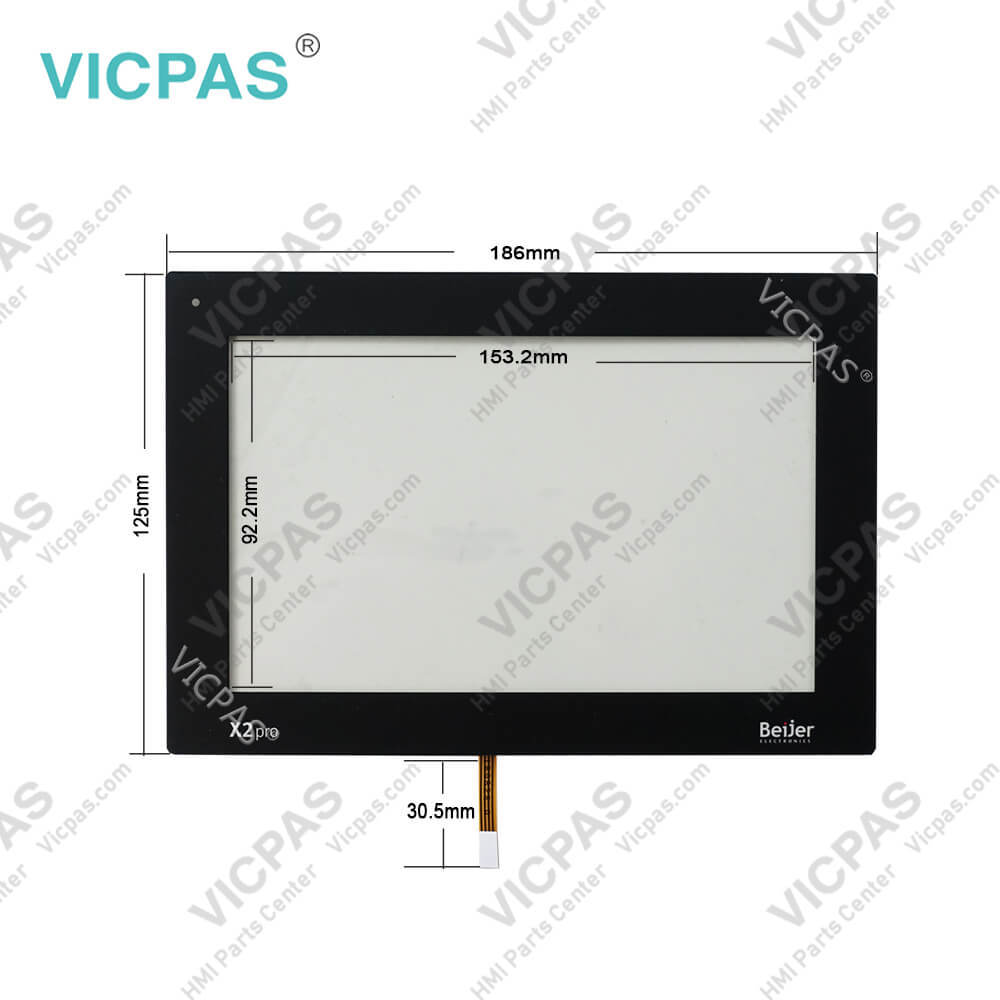
Beijer HMI iX T7B-SC 640002001 Touchscreen Replacement

Beijer HMI iX T7B-SC 640002001 Touchscreen Replacement
Beijer HMI iX T7B-SC 640002001 Touchscreen ReplacementBeijer HMI iX T7B-SC 640002001 Touchscreen Replacement
BrandBEIJER
ModeliX T7B-SC
Warranty365 Days
Product LineiX TxX
SupplyBeijer iX T7A-SC Touchscreen
FOB portGuangzhou, Shenzhen, Hongkong
Terms of PaymentWestern Union, T/T, PayPal, Credit Card
Download
Update Time2026-01-31 00:48:10
Leading Time{{selectedConditionObj.leading}}
{{item.value}}
{{nameObj.name}}{{nameObj.selectedValue}}
{{valueObj.name}}

Shipping

Free Shipping

Those shipping costs are only estimates, the actual shipping cost will be shown on the order page.

Detail Information

Beijer HMI iX T7B-SC 640002001 Touchscreen Repair Replacement


 Beijer HMI iX T7B-SC 640002001 Touchscreen Repair Replacement

Beijer iX T7B-SC 640002001 7 INCH HMI with iX runtime HMI Repair kit


• 7" TFT-LCD touch screen
• 800 × 480 (16:9)
• Application storage 80 MB
• Operating temperature -10 to +60 °C
• CE, UL508 and DNV approvals

iX TxX operator panelsRanging from 21-inch industrial PCs to ultra-compact 4-inch panels, all models have high performance CPUs and the latest screen technology.

Kernfix supply Beijer iX T7B-SC Touch Panel with 365 days warranty and support Urgent Worldwide Shipping.


Specifications:

Brand:Beijer
Part number:640002001
Size:7 INCH
Warranty:365 Days Warranty
Product Line:iX T7B-SC
Size diagonal:800 × 480 pixel
Display type:TFT-LCD
Touch type:Resistive
Input voltage:20 - 30 V DC
Power:12W


Beijer HMI iX T7B-SC 640002001 Touchscreen Replacement PDF Download:

  • iX TxX Operator Panels
  • Beijer iX TxX Series Maintenance Manuals
  • Beijer iX T7B-SC HMI manual pdf

  • FAQ:

    Question: How to ground the iX TxX Series Operator Panel?

    Answer: 1. Connect a 2.5mm2 wire between the operator panel’s quick-connect plinth and the panel’s chassis, see 2 in drawing above.2. Connect a 6mm2 or 4mm2 wire or grounding braid between the operator panel’s chassis and the closest grounding point on the door, see 3 in drawing above. 3. Connect a strong but short grounding braid between the door and the devicecabinet, see 4 in drawing above.4. Twist the cables onto the 24VDCfeed, see 5 in drawing above. Minimumcross-section of the cable is 2.5mm2.2 turns around the ferrite core provide 4 times the suppression of 1 turn.3 turns around the ferrite core provide 9 times the suppression of 1 turn.

    Question: Why the Beijer iX T7B-SC HMI have the chemical resistance?

    Answer: Autoflex EBA180L covers the overlay surrounding the screen.

    Question: What is Beijer iX T7B-SC Touchscreen and Overlay HMI parts price?

    Answer: Submit a fast quote, send Kernfix an email for best price.


    Common misspellings:

    60002001

    64002001

    Please send your message to us
    *Email
    Mobile Phone
    *Title
    *Content
    Upload
    • Only supports .rar/.zip/.jpg/.png/.gif/.doc/.xls/.pdf, maximum 20MB.
    Do you want to quickly know the product quotation you need?
    • Fast QuoteFast Quote
    • Worldwide ShippingWorldwide Shipping
    • 12 Months Warranty12 Months Warranty
    • Customize ServiceCustomize Service
    subscription
    KEEP IN TOUCH
    Please send your message to us
    *Email
    Mobile Phone
    *Title
    *Content
    Upload
    • Only supports .rar/.zip/.jpg/.png/.gif/.doc/.xls/.pdf, maximum 20MB.
    CONTACT US
    QR code
    Mobile Web
    2.583004s
