Grideal.com-Leading global industrial mall.
Quick Service for Full HMI Parts Replacement
Touchscreen-Keypad-Display-Case & More Search 80000 Inventory
user photo
Account
Login
Cart
0
Home / All / Beijer HMI / Beijer Hitech PWS Series / PWS6700T-PC Front Overlay Touch Screen Keyboard LCD Enclosure
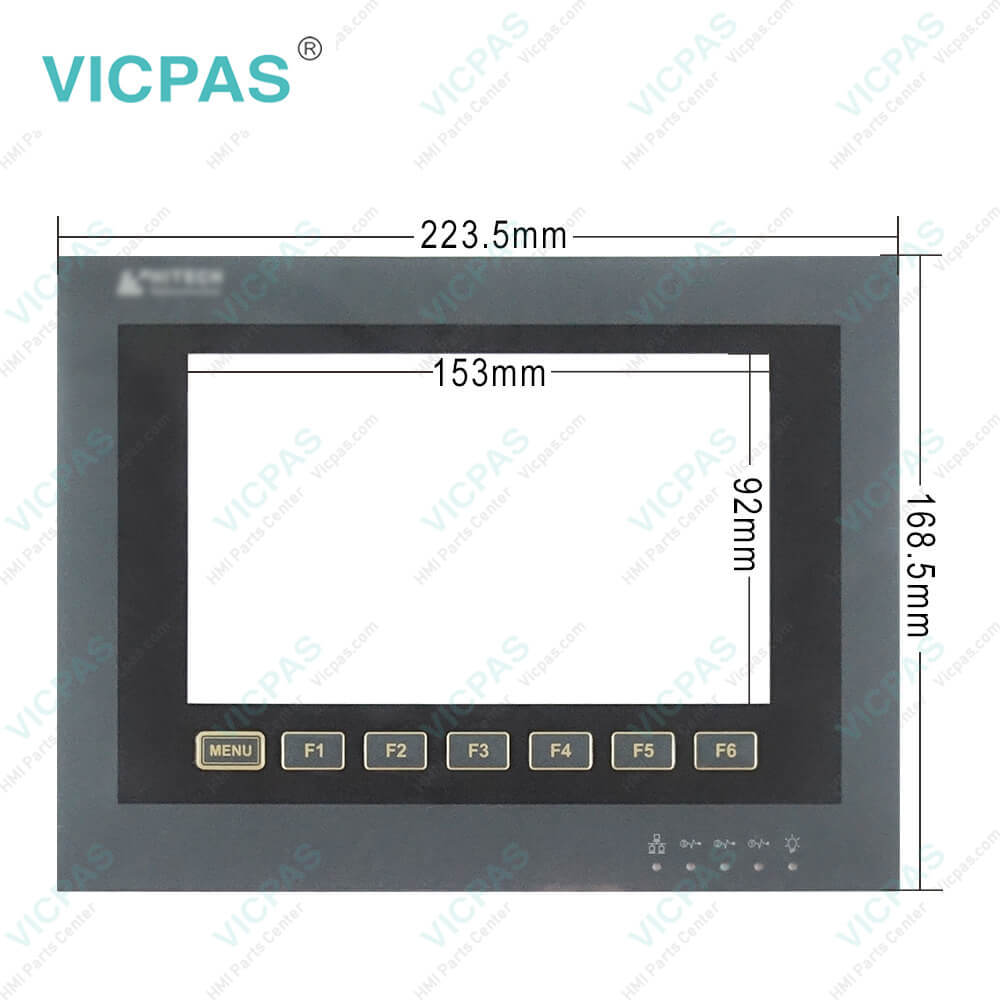
PWS6700T-PC Front Overlay Touch Screen Keyboard LCD Enclosure
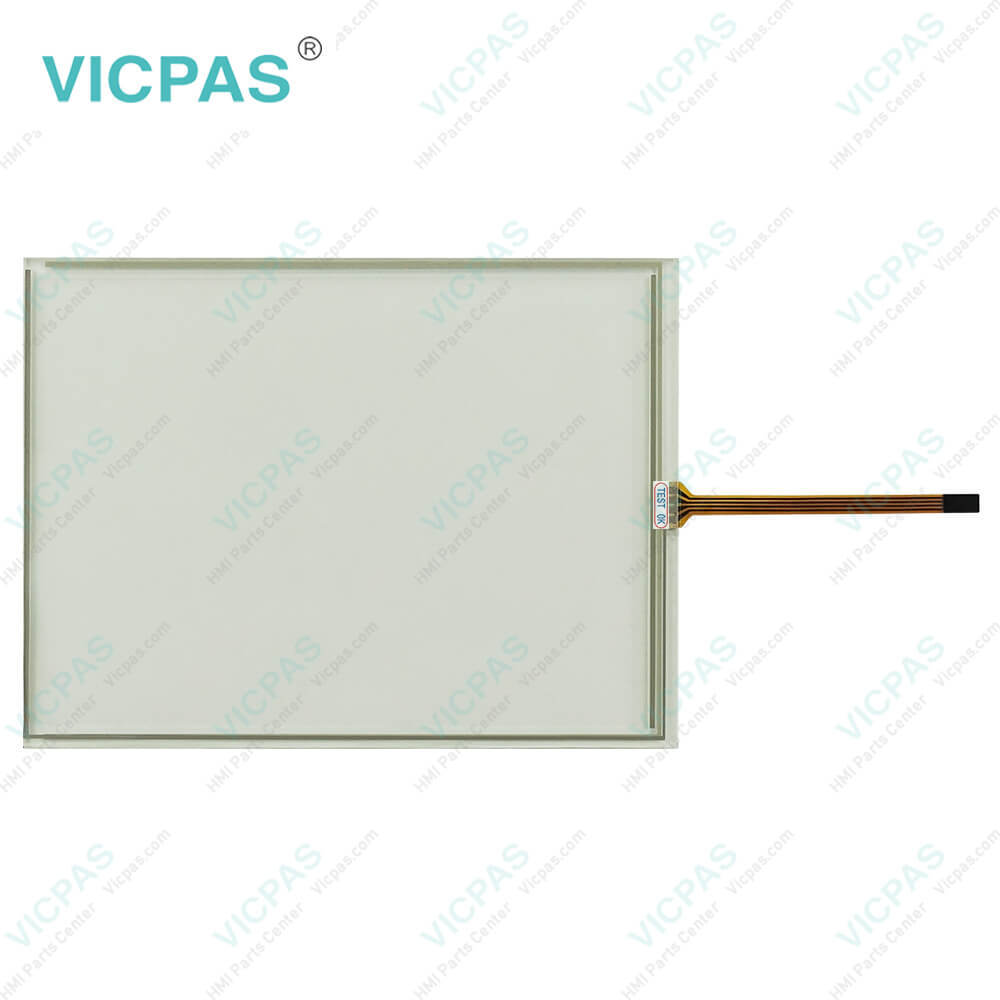
PWS6700T-PC Front Overlay Touch Screen Keyboard LCD Enclosure
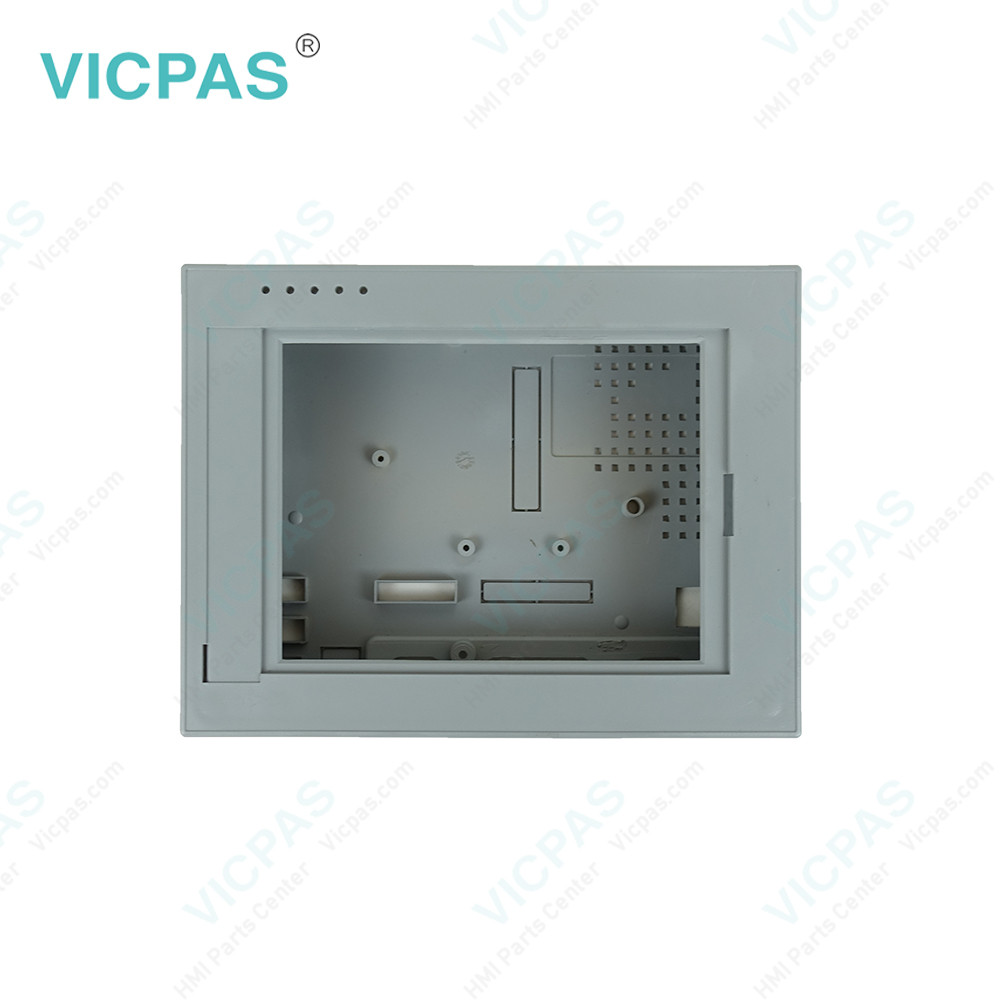
PWS6700T-PC Front Overlay Touch Screen Keyboard LCD EnclosurePWS6700T-PC Front Overlay Touch Screen Keyboard LCD EnclosurePWS6700T-PC Front Overlay Touch Screen Keyboard LCD EnclosurePWS6700T-PC Front Overlay Touch Screen Keyboard LCD EnclosurePWS6700T-PC Front Overlay Touch Screen Keyboard LCD Enclosure
BrandBEIJER
ModelPWS6700T-PC
Warranty365 Days
Product LinePWS Series
SupplyPWS6700T-PC Repair Kit
FOB portGuangzhou, Shenzhen, Hongkong
Terms of PaymentWestern Union, MoneyGram, T/T, Paypal, PayPal, Credit Card
Download
Update Time2026-01-31 00:52:30
Leading Time{{selectedConditionObj.leading}}
{{item.value}}
{{nameObj.name}}{{nameObj.selectedValue}}
{{valueObj.name}}

Shipping

Free Shipping

Those shipping costs are only estimates, the actual shipping cost will be shown on the order page.

Detail Information

Beijer HMI PWS6700T-PC Plastic Cover Body Touch Screen Panel Overlay LCD Display Screen Repair Replacement

Order each part separately is available

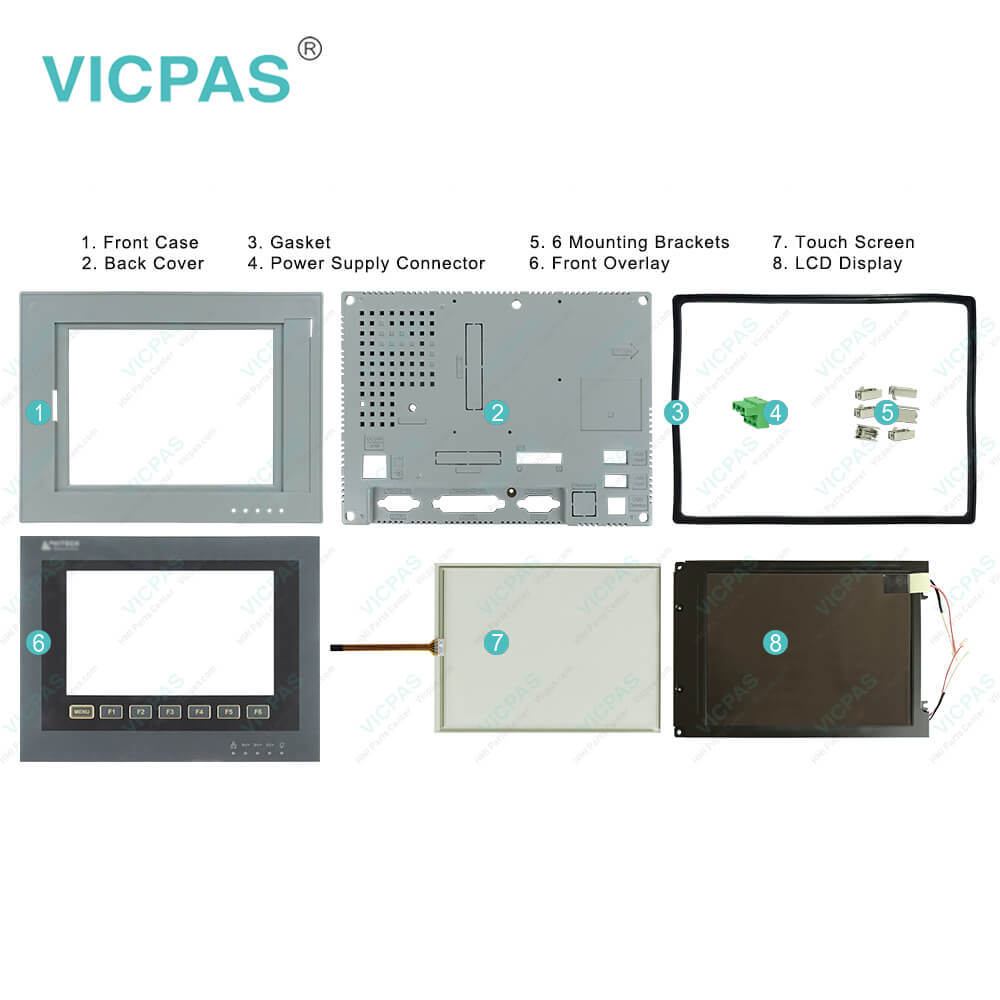
Beijer PWS6700T-PC Operator Panel Housing, Protective Film, Touch screen, LCD Display Panel, Mounting Clips, Power Supply Connector, Gasket Repair Replacement

Beijer PWS6700T-PC 7'' graphic touch HMI kits include touchscreen, Plastic Shell, LCD Display, Gasket, Mounting Clips, Power Supply Connector and overlay


• 16 shades of blue
• STN display
• COM Port x1
• 800x480 pixels


HITECH-PWS series offers valuable fundamental HMI functionality. The series include keypad and touchscreen interfaces and will be available in seven different sizes. The PWS series provides valuable basic HMI functions. This series includes a keyboard and touch screen interface, from 3 to 10.4 inches in 7 different sizes. The PWS series provides three functional levels: Standard, Plus and Network, and you can select and purchase the required HMI technology level. As an operating terminal, the Standard version contains most of the hardware and software requirements that should exist in terms of existing sizes. The Plus version has the same functions as the Standard version, and has expanded memory for data/recipe processing, and a multi-function port for output.


Kernfix supply Beijer PWS6700T-PC touchscreen, Front Overlay, LCD Screen, Mounting Clips, Power Supply Connector, Gasket and Enclosure with 12 months warranty and support Urgent Worldwide Shipping.


Specifications:

Brand:Beijer
Touch type:Resistive
Housing material:Plastic, Gray
Warranty:6-Months Warranty
Product Line:Beijer HITECH PWS
Display Type:LCD
Size:7 INCH
Resolution:800x480 pixels
Part Number:PWS6700T-PC
Display type:Color TFT LCD


PWS6700T-PC Front Overlay Touch Screen Keyboard LCD Enclosure PDF Download:

  • Hitech PWS Series
  • Beijer H-Series Maintenance Manuals
  • Beijer PWS6710T-N datasheet pdf

  • FAQ:

    Question: How to install PWS6700T-PC Terminal?

    Answer: The basic H-Designer system requirements are as follows:– PC - CPU 80586 or higher;– Memory - 64 MB RAM or more;– Hardware - 60 MB or more available hard drive space;– Display - VGA or SVGA. Microsoft Windows with 256 colors or higher, and a resolution of 800×600 or higher.Since all the programs in the H-Designer suite have been compressed, you need to uncompress and install the software before using it.

    Question: What is the Ladder Programming of Beijer H-Series operator panel?

    Answer: TLadder logic is a method of drawing electrical logic schematics. It can also be used for programming controllers. A program in ladder logic, also called a ladder diagram, is similar to a schematic for a set of relay circuits.H-series operator terminals and H-Designer support ladder programming and functions in a continuous, cyclical series of tasks called scan. When the operator terminal is running, your program should be in one of the following statuses: RUN, STOP, PAUSE, and ERROR, and you can control the status change by using debug commands and inserting instructions in your program.Detailed information about using ladder programming as well as examples are available by selecting Help/LadderPlus in H-Designer

    Question: What is PWS6700T-PC Overlay HMI parts price?

    Answer: Submit a fast quote, send Kernfix an email for best price.


    Common misspellings:

    Please send your message to us
    *Email
    Mobile Phone
    *Title
    *Content
    Upload
    • Only supports .rar/.zip/.jpg/.png/.gif/.doc/.xls/.pdf, maximum 20MB.
    Do you want to quickly know the product quotation you need?
    • Fast QuoteFast Quote
    • Worldwide ShippingWorldwide Shipping
    • 12 Months Warranty12 Months Warranty
    • Customize ServiceCustomize Service
    subscription
    KEEP IN TOUCH
    Please send your message to us
    *Email
    Mobile Phone
    *Title
    *Content
    Upload
    • Only supports .rar/.zip/.jpg/.png/.gif/.doc/.xls/.pdf, maximum 20MB.
    CONTACT US
    QR code
    Mobile Web
    2.946608s