Grideal.com-Leading global industrial mall.
Quick Service for Full HMI Parts Replacement
Touchscreen-Keypad-Display-Case & More Search 80000 Inventory
user photo
Account
Login
Cart
0
Home / All / Delta / Delta DOP-B Series HMI / Delta DOP-B10S411 Protective Film Touch Panel Repair
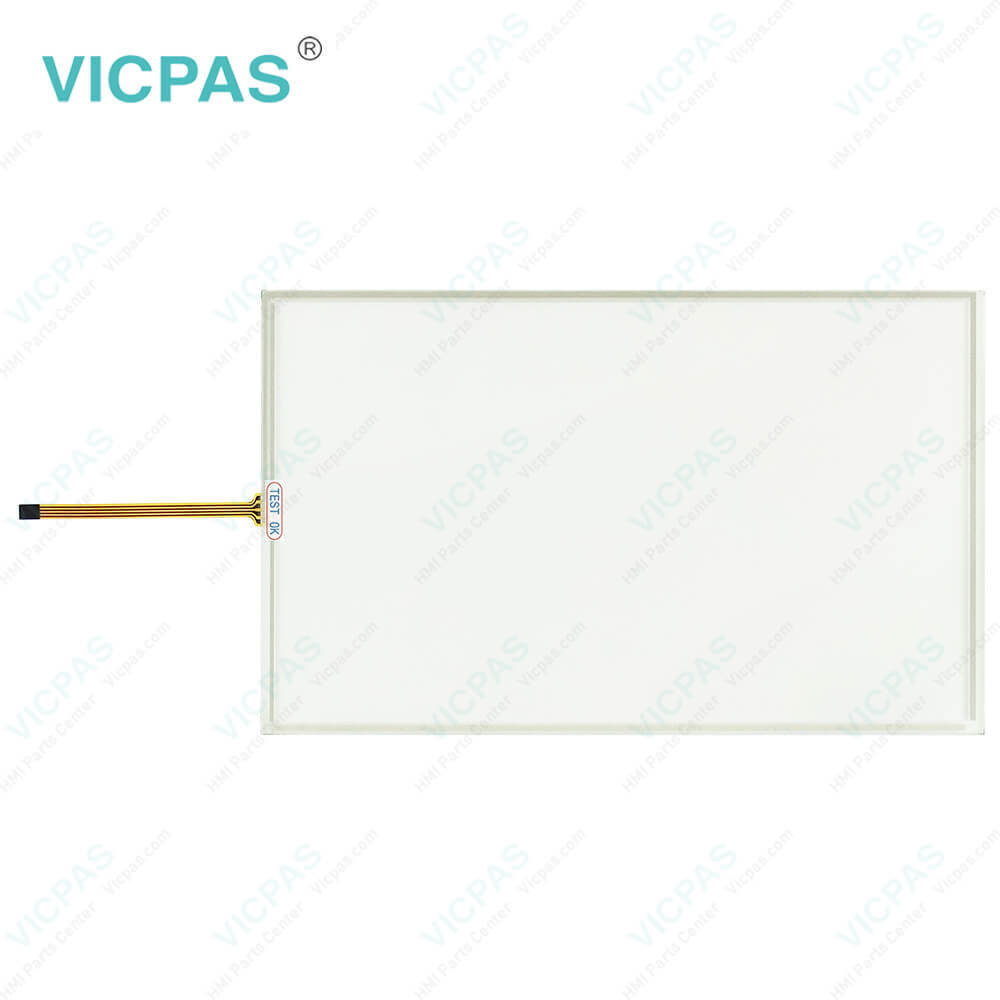
Delta DOP-B10S411 Protective Film Touch Panel Repair
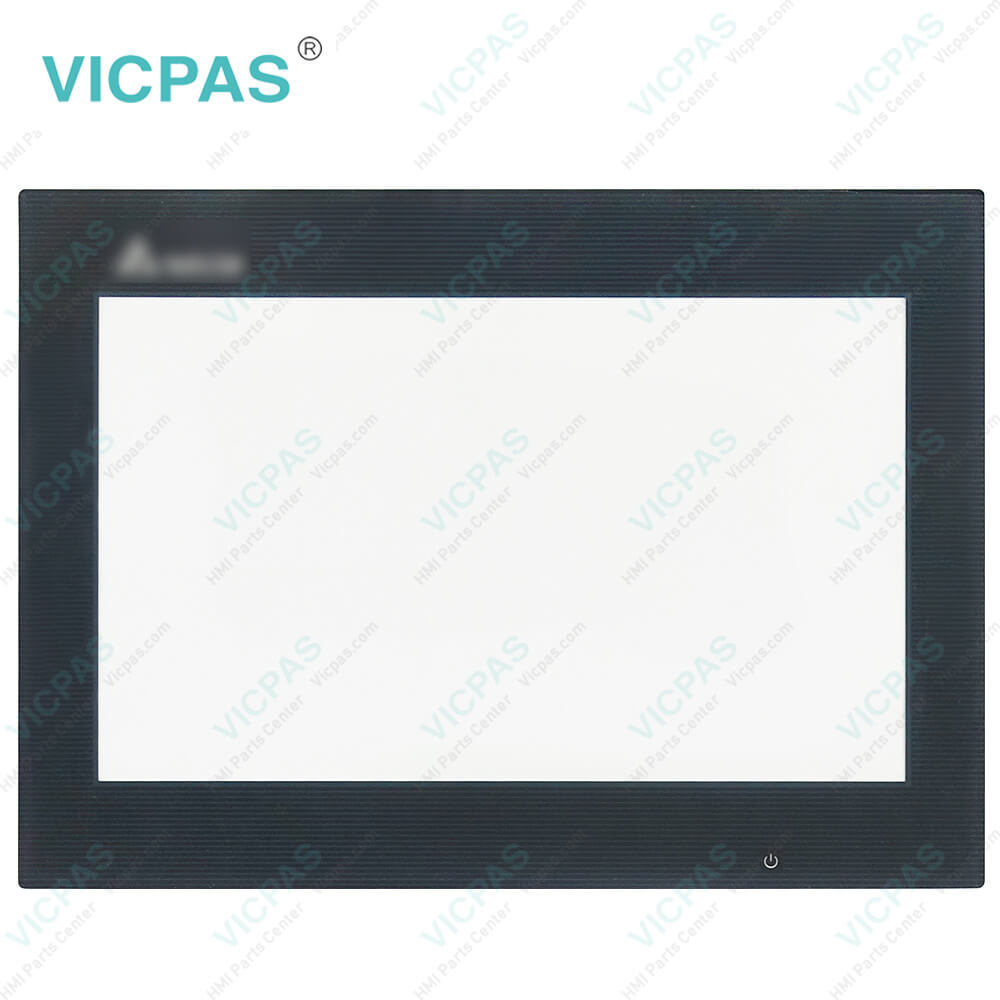
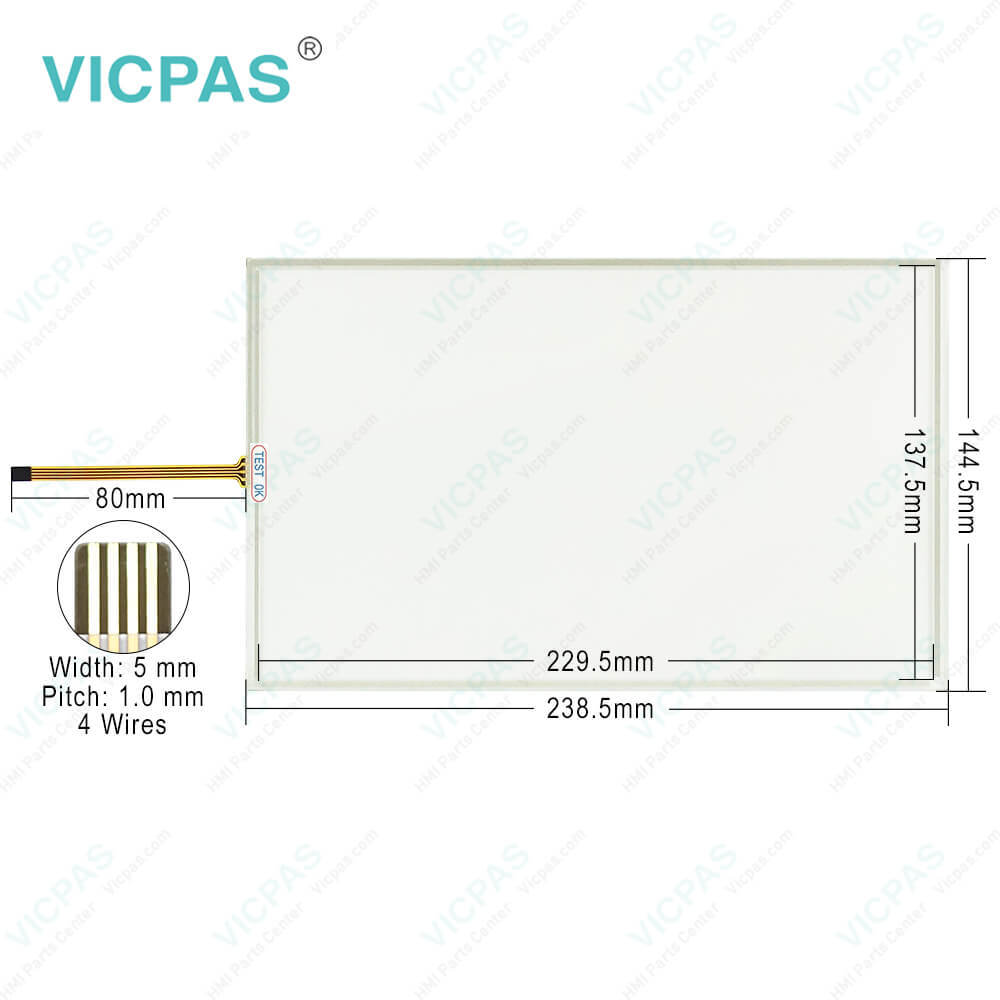
Delta DOP-B10S411 Protective Film Touch Panel Repair
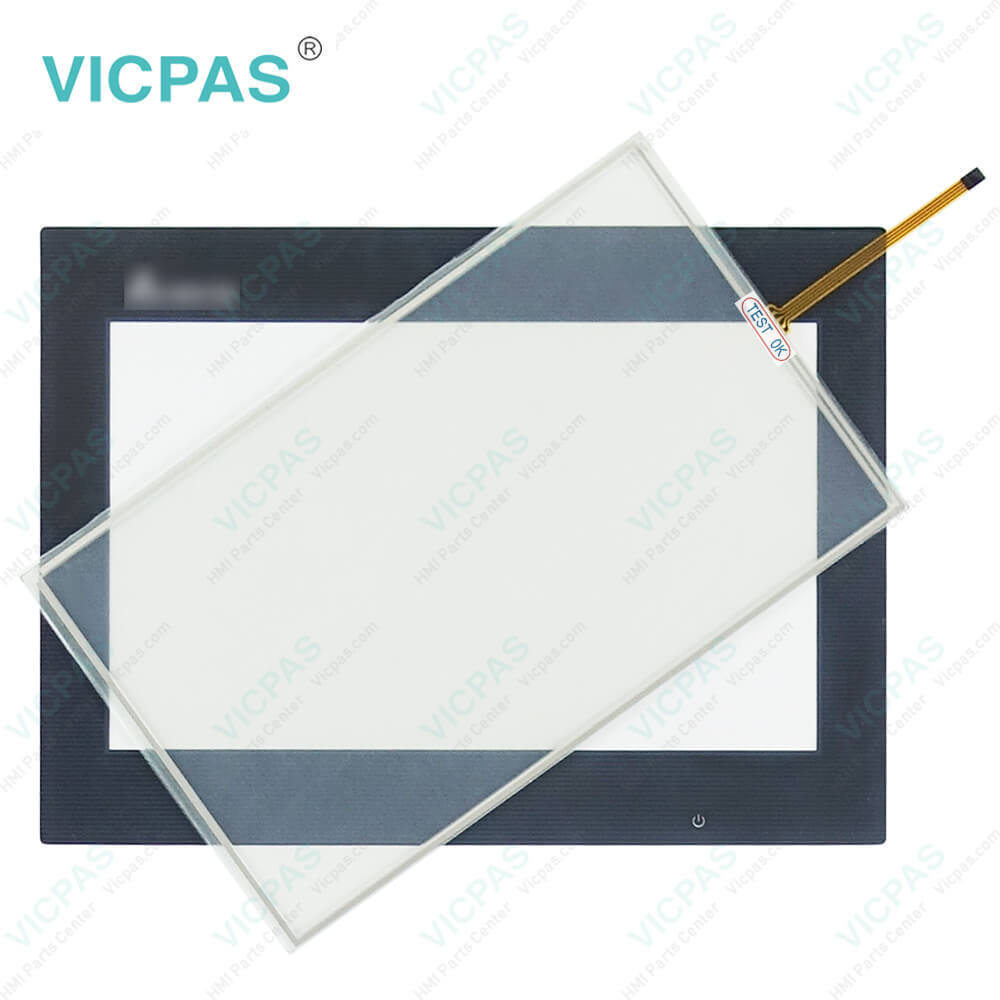
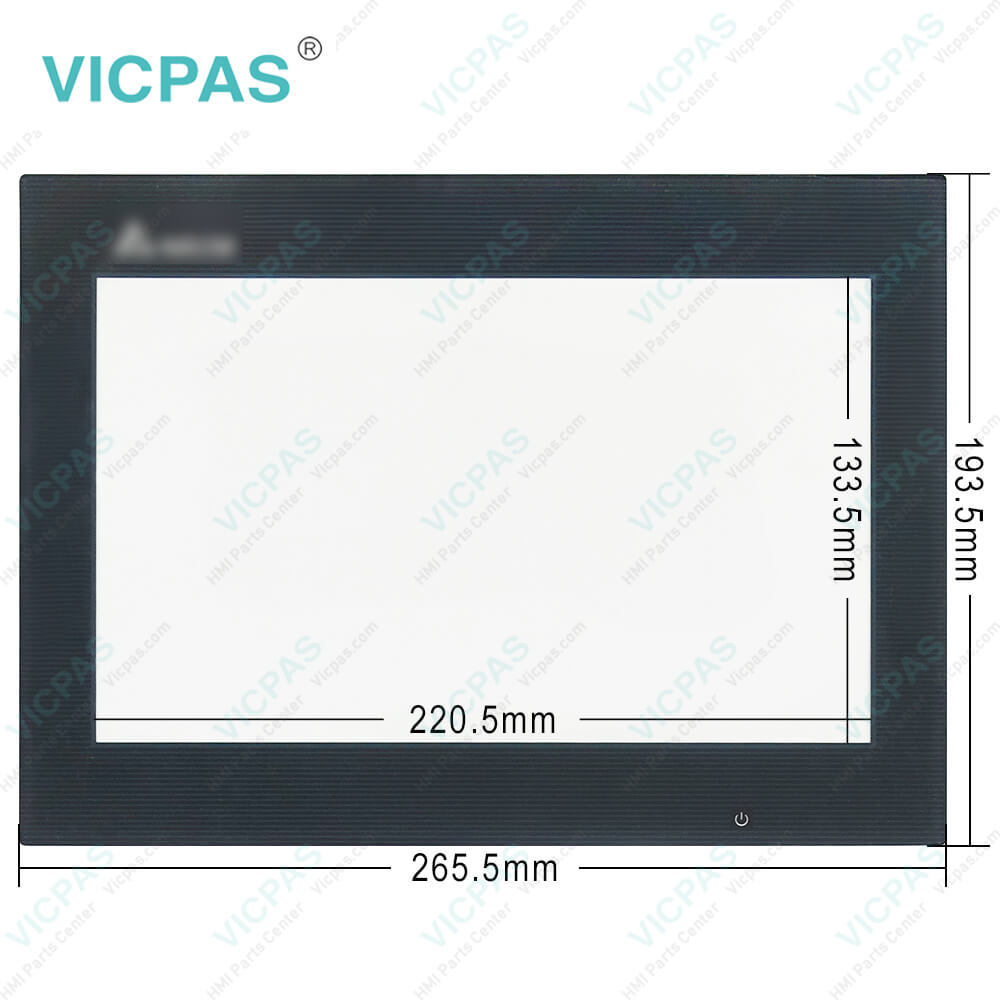
Delta DOP-B10S411 Protective Film Touch Panel RepairDelta DOP-B10S411 Protective Film Touch Panel RepairDelta DOP-B10S411 Protective Film Touch Panel RepairDelta DOP-B10S411 Protective Film Touch Panel RepairDelta DOP-B10S411 Protective Film Touch Panel Repair
BrandDELTA
ModelDOP-B10S411
Warranty365 Days
Product LineDelta DOP-B Series
SupplyDOP-B Touch Screen Protective Film
Shipping2-4 workdays
Terms of PaymentWestern Union, T/T, PayPal, Credit Card
Download
Update Time2026-01-31 01:10:55
Leading Time{{selectedConditionObj.leading}}
{{item.value}}
{{nameObj.name}}{{nameObj.selectedValue}}
{{valueObj.name}}

Shipping

Free Shipping

Those shipping costs are only estimates, the actual shipping cost will be shown on the order page.

Detail Information

Delta DOP-B Series DOP-B10S411 Touch Digitizer Protective Film Replacement

Order each part separately is available

Delta DOP-B DOP-B10S411 Touch Screen Front Overlay Repair Replacement

Kernfix supply Delta DOP-B Series DOP-B10S411 Protective Film and Touch Panel with 365 days warranty and support Urgent Worldwide Shipping.


Installation and Storage Conditions
The product should be kept in the shipping carton before installation. In order to retain the warranty coverage, the DOP-B10S411 Touch Screen Front Overlay HMI should be stored properly when it is not to be used for an extended period of time. Some storage suggestions are:
 Store in a clean and dry location free from direct sunlight.
 Store within an ambient temperature range of -20°C to +60°C (-4°F to 140°F).
 Store within a relative humidity range of 10% to 90% and non-condensing.
 Do not store the DOP-B10S411 Touch Digitizer Glass Protective Film HMI in a place subjected to corrosive gases and liquids.
 Correctly packaged and placed on a solid and durable surface.
 Do not mount the DOP-B10S411 Front Overlay Touch Screen HMI adjacent to heat-radiating elements or in direct sunlight.
 Do not mount the DOP-B10S411 Protective Film Touch Panel HMI in a location subjected to corrosive gases, liquids, or airborne dust or metallic particles.
 Do not mount the DOP-B10S411 Touchscreen Panel Front Overlay HMI in a location where temperatures and humidity will exceed specification.
 Do not mount the DOP-B10S411 Touch Digitizer Protective Film HMI in a location where vibration and shock will exceed specification.
 Do not mount the DOP-B10S411 Front Overlay Touchscreen HMI in a location where it will be subjected to high levels of electromagnetic radiation.


Specifications:

Backlight:LED Back Light
Display Resolution:800 x 480 pixels
Cooling Method:Natural air circulation
Product Line:Delta DOP-B
Touch Size:10.1"
Brand:Delta
Display Type:TFT LCD
Operation Temperature:0 °C ~ 50 °C
Storage Temperature:-20 °C ~ +60 °C
Warranty:365 Days


Related BB Teach Pendant Part No. :

DOP-B10S411Description Inventory status
DOP-B07S515Delta DOP-B Series Touch Screen Protective Film ReplacementIn Stock
DOP-B07SS411Delta DOP-B Series Touch Panel Protective Film RepairAvailable Now
DOP-B08E515Delta DOP-B Series Touchscreen Protective Film RepairIn Stock
DOP-B08S515Delta DOP-B Series Protective Film HMI Panel GlassAvailable Now
DOP-B10E515Delta DOP-B Series Front Overlay Touch Screen MonitorIn Stock
DOP-B10E615Delta DOP-B Series HMI Touch Screen Glass Protective FilmAvailable Now
DOP-B10PE515Delta DOP-B Series Touch Screen Panel Front Overlay RepairIn Stock
DOP-B10S411Delta DOP-B Series Front Overlay Touch MembraneIn Stock
DOP-B10S511Delta DOP-B Series Touch Glass Front Overlay RepairIn Stock
DOP-B10S615Delta DOP-B Series Touch Digitizer Glass Overlay RepairAvailable Now

Delta DOP-B10S411 Protective Film Touch Panel Repair PDF Download:
  • Delta DOP-B Series
  • DELTA DOP-B Guide
  • Delta HMI-DOP Manual
  • DOP-B10S411-MANUAL-DE-INSTALACAO
  • DOP-B Series HMI Manual
  • DOP Series HMI Connection Manual

  • FAQ:

    Question: How do I fix the problem if the Delta DOP-B10S411 Front Overlay Touch Screen Human Machine Interface (HMI) is unable to connect to the computer through the connection cable?

    Answer: Generally, the connection between the DOP-B10S411 Touch Panel Protective Film HMI and the computer is established through a USB type B connection wire for uploading and downloading. The user has to configure the HMI in accordance with different computer operating systems. Go to Options > Configuration > Others > USB Download


    Common misspellings:

    DOP-B10411

    OP-B10S411

    DOP-B1S0411

    DOP-B10S4ll

    DOP--B10S411

    Please send your message to us
    *Email
    Mobile Phone
    *Title
    *Content
    Upload
    • Only supports .rar/.zip/.jpg/.png/.gif/.doc/.xls/.pdf, maximum 20MB.
    Do you want to quickly know the product quotation you need?
    • Fast QuoteFast Quote
    • Worldwide ShippingWorldwide Shipping
    • 12 Months Warranty12 Months Warranty
    • Customize ServiceCustomize Service
    subscription
    KEEP IN TOUCH
    Please send your message to us
    *Email
    Mobile Phone
    *Title
    *Content
    Upload
    • Only supports .rar/.zip/.jpg/.png/.gif/.doc/.xls/.pdf, maximum 20MB.
    CONTACT US
    QR code
    Mobile Web
    2.457122s