




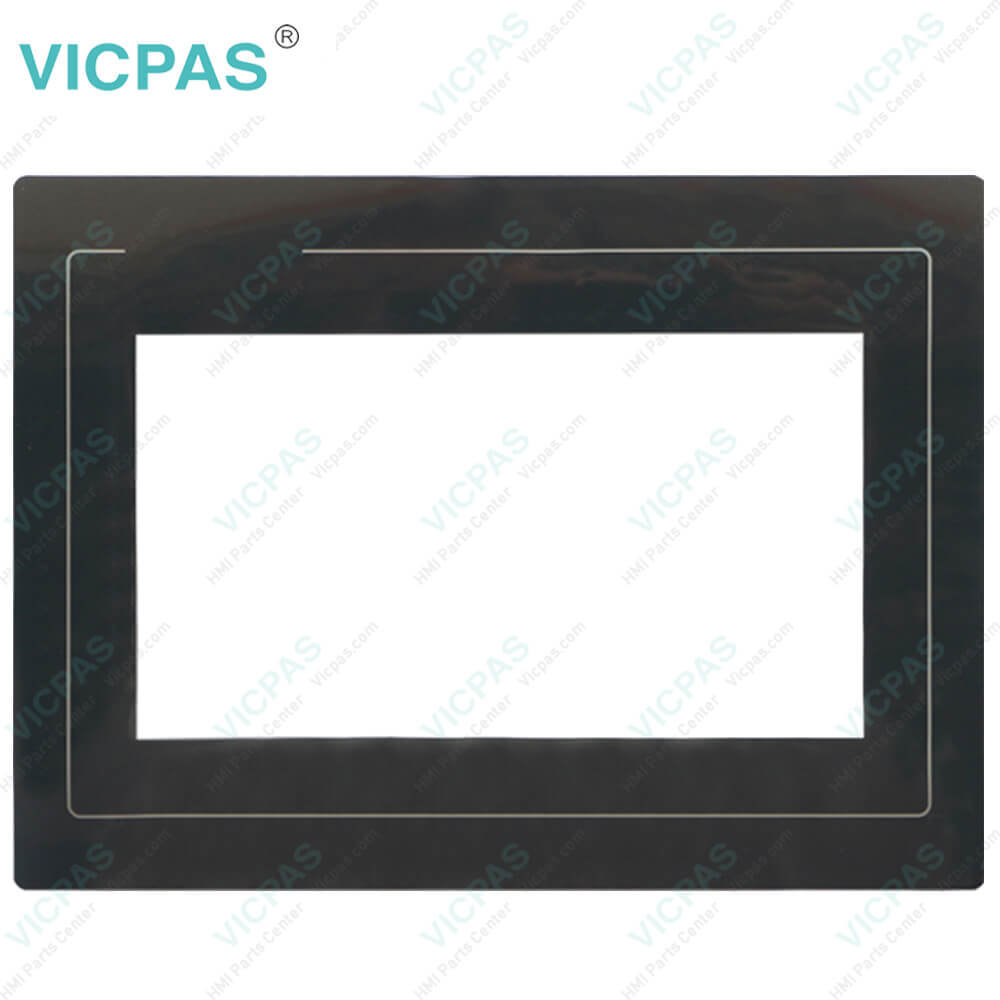
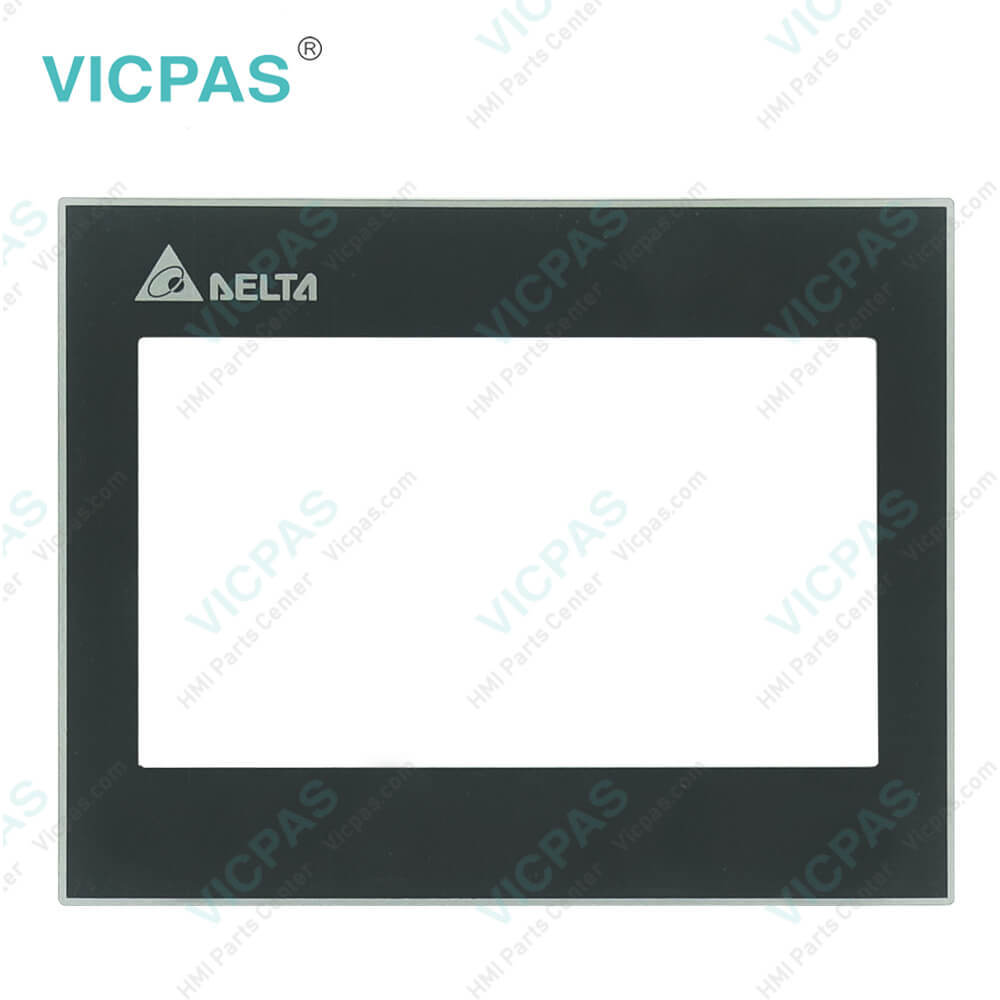
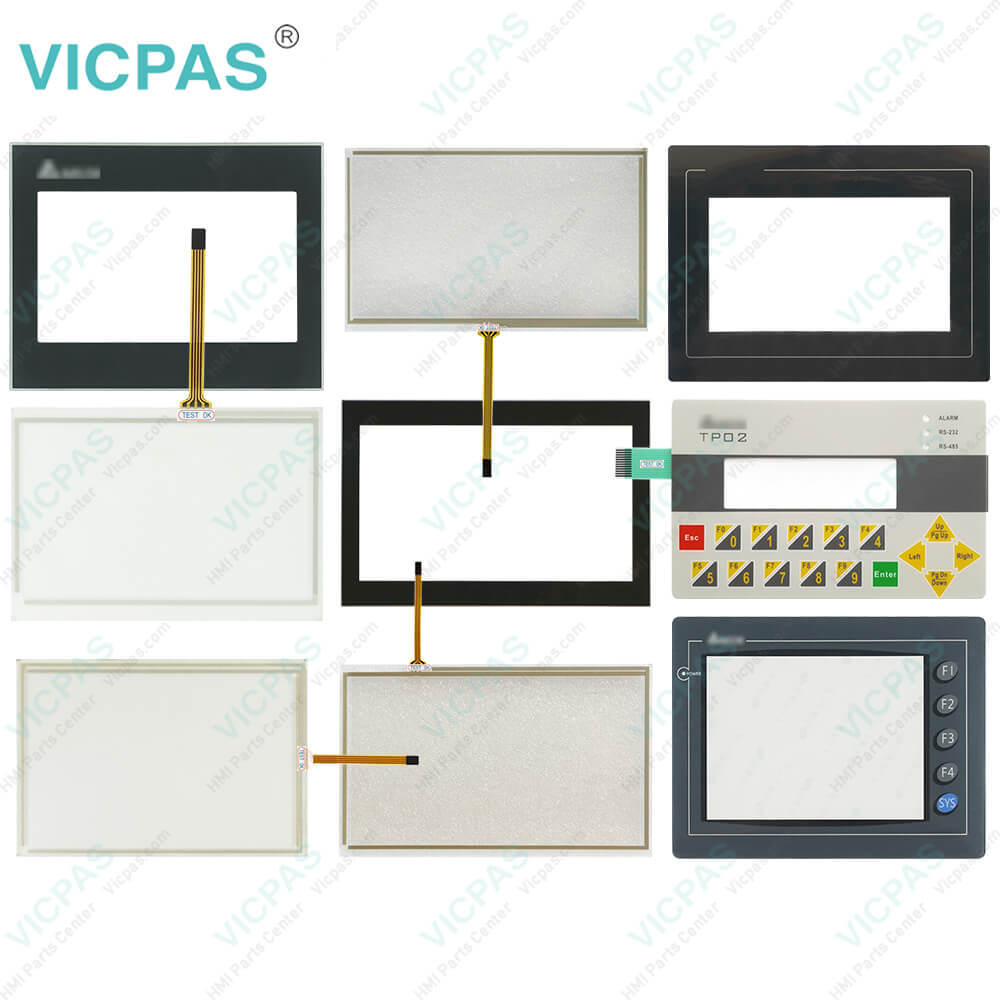
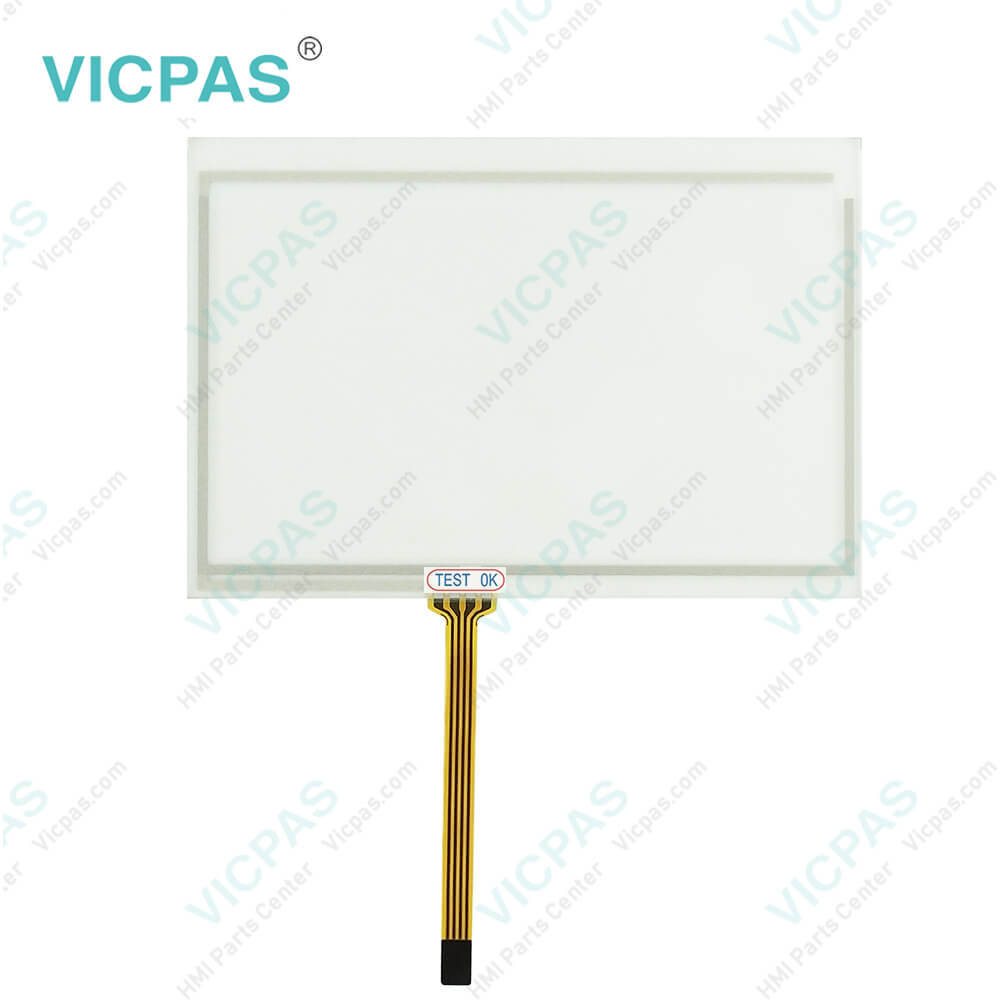
Delta DOP-105CQ Protective Film Touch Panel Repair
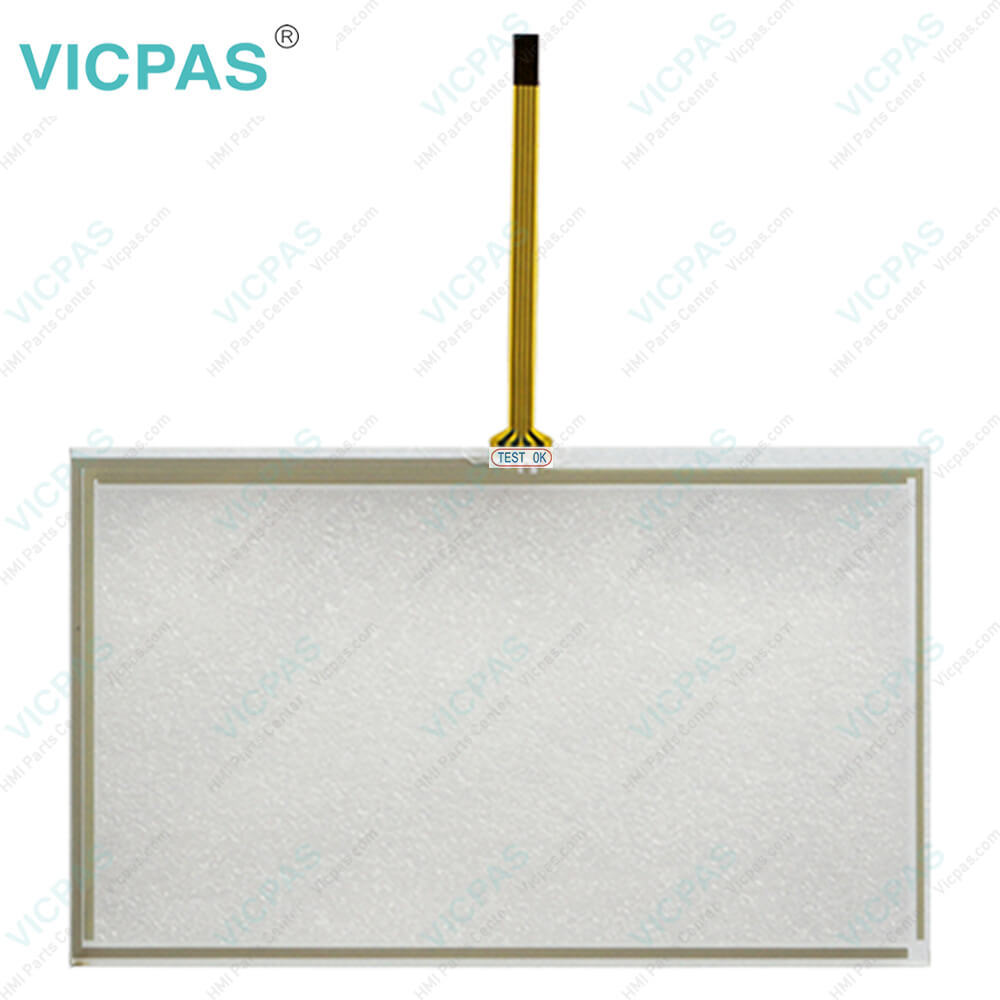
| Categories | Other Delta HMI Replacement |
|---|---|
| Brand | DELTA |
| Model | DOP-105CQ |
| Warranty | 365 Days |
| Product Line | Delta DOP-100 Series |
| Supply | DOP-100 Touch Screen Protective Film |
| Shipping | 2-4 workdays |
| Terms of Payment | Western Union, T/T, PayPal, Credit Card |
| Update Time | 2026-01-31 01:11:58 |
Leading Time{{selectedConditionObj.leading}}
{{item.value}}
{{nameObj.name}}{{nameObj.selectedValue}}
{{valueObj.name}}
Shipping
Detail Information
Specifications:
| Backlight: | LED Back Light |
| Display Resolution: | 320 x 234 pixels |
| Cooling Method: | Natural air circulation |
| Product Line: | Delta DOP-100 |
| Touch Size: | 5.6" |
| Brand: | Delta |
| Display Type: | TFT LCD |
| Operation Temperature: | 0 °C ~ 50 °C |
| Storage Temperature: | -20 °C ~ +60 °C |
| Warranty: | 365 Days |
Related BB Teach Pendant Part No.:
| DOP-105CQ | Description | Inventory status |
| DOP-103BQ | Delta DOP-100 Series Touch Screen Protective Film Replacement | In Stock |
| DOP-103WQ | Delta DOP-100 Series Protective Film Touch Panel Repair | Available Now |
| DOP-105CQ | Delta DOP-100 Series Touchscreen Protective Film Repair | In Stock |
| DOP-107BV | Delta DOP-100 Series Protective Film HMI Panel Glass | Available Now |
| DOP-107CV | Delta DOP-100 Series Front Overlay Touch Screen Monitor | In Stock |
| DOP-107DV | Delta DOP-100 Series HMI Touch Screen Glass Protective Film | Available Now |
| DOP-107EG | Delta DOP-100 Series Touch Screen Panel Front Overlay Repair | In Stock |
| DOP-107EV | Delta DOP-100 Series Front Overlay Touch Membrane | In Stock |
| DOP-107IV | Delta DOP-100 Series Touch Glass Front Overlay Repair | In Stock |
| DOP-107WV | Delta DOP-100 Series Touch Digitizer Glass Overlay Repair | Available Now |
Delta DOP-105CQ Protective Film Touch Panel Repair PDF Download:
FAQ:
Question: How do I fix the problem if the Delta DOP-105CQ Front Overlay Touch Screen Human Machine Interface (HMI) is unable to connect to the computer through the connection cable?
Answer: Generally, the connection between the DOP-105CQ Touch Panel Protective Film HMI and computer is established through a USB type B connection wire for uploading and downloading. The user has to configure the HMI in accordance with different computer operating systems. Go to Options > Configuration > Others > USB Download
Common misspellings:
DOP-05CQ
DOP-10CQ
DPO-105CQ
DOP-1O5CQ
DOP--105CQ

Please send your message to us
- Mobile Phone
- *Title
- *Content
 Fast Quote
 Fast Quote
 Worldwide Shipping
 12 Months Warranty
 Customize Service