




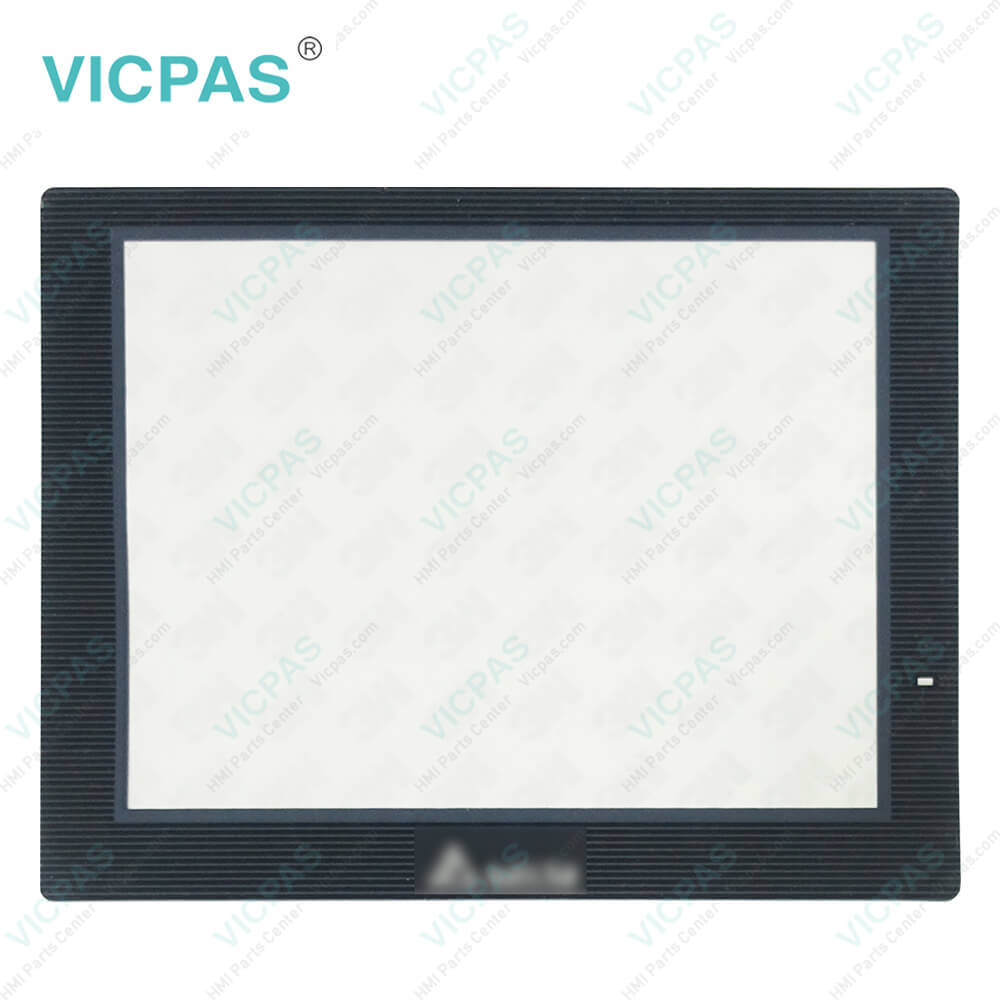
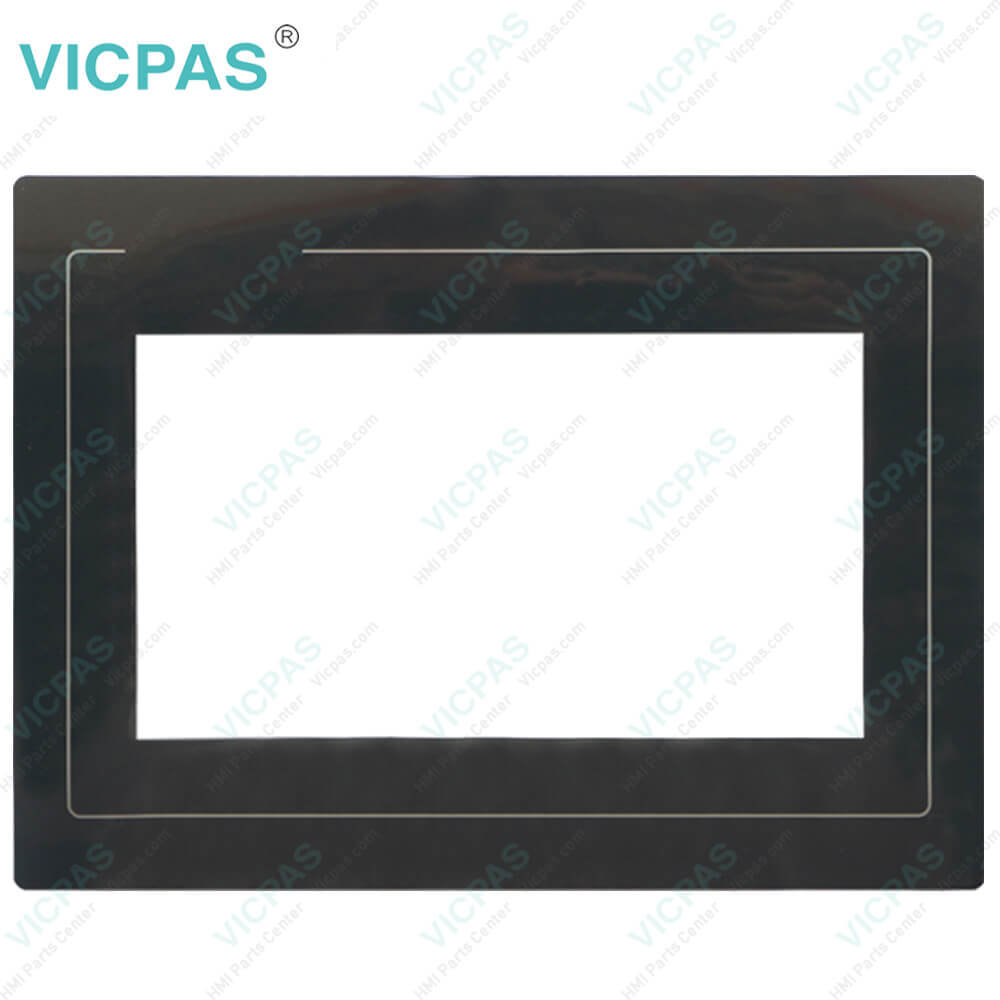
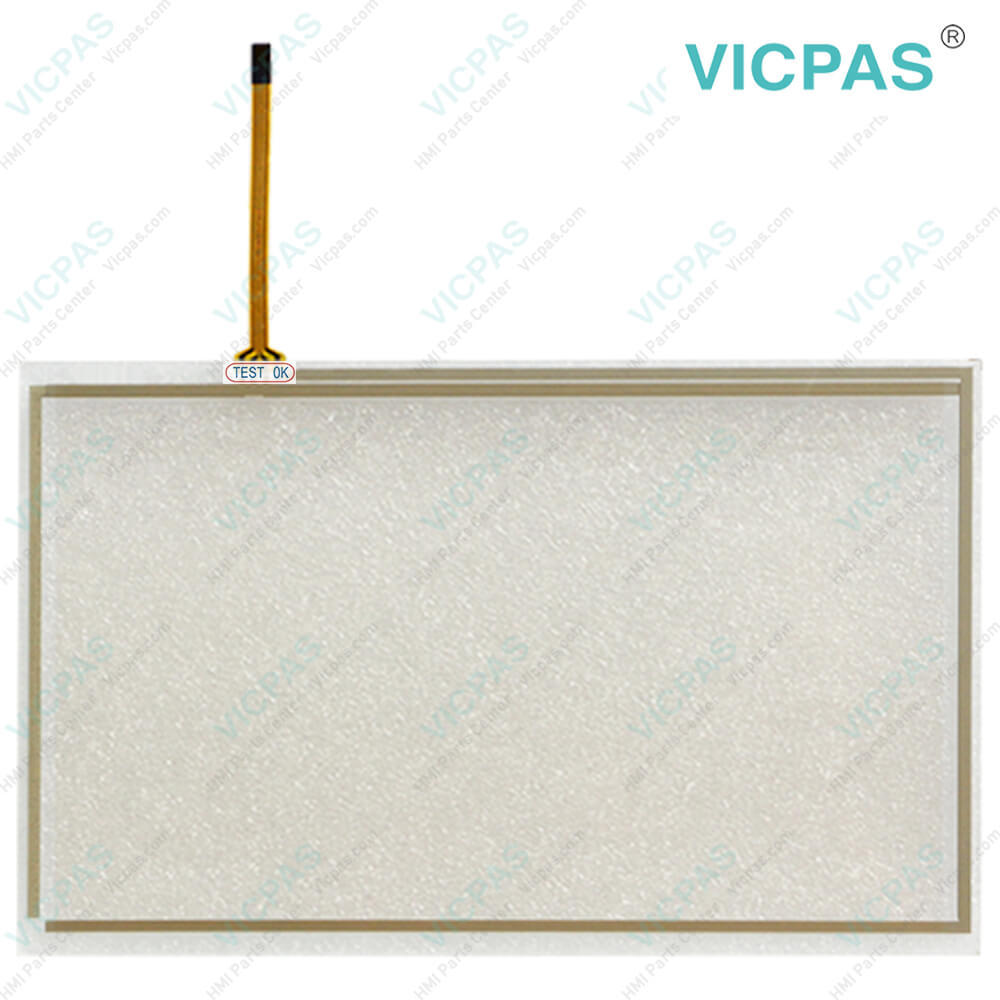
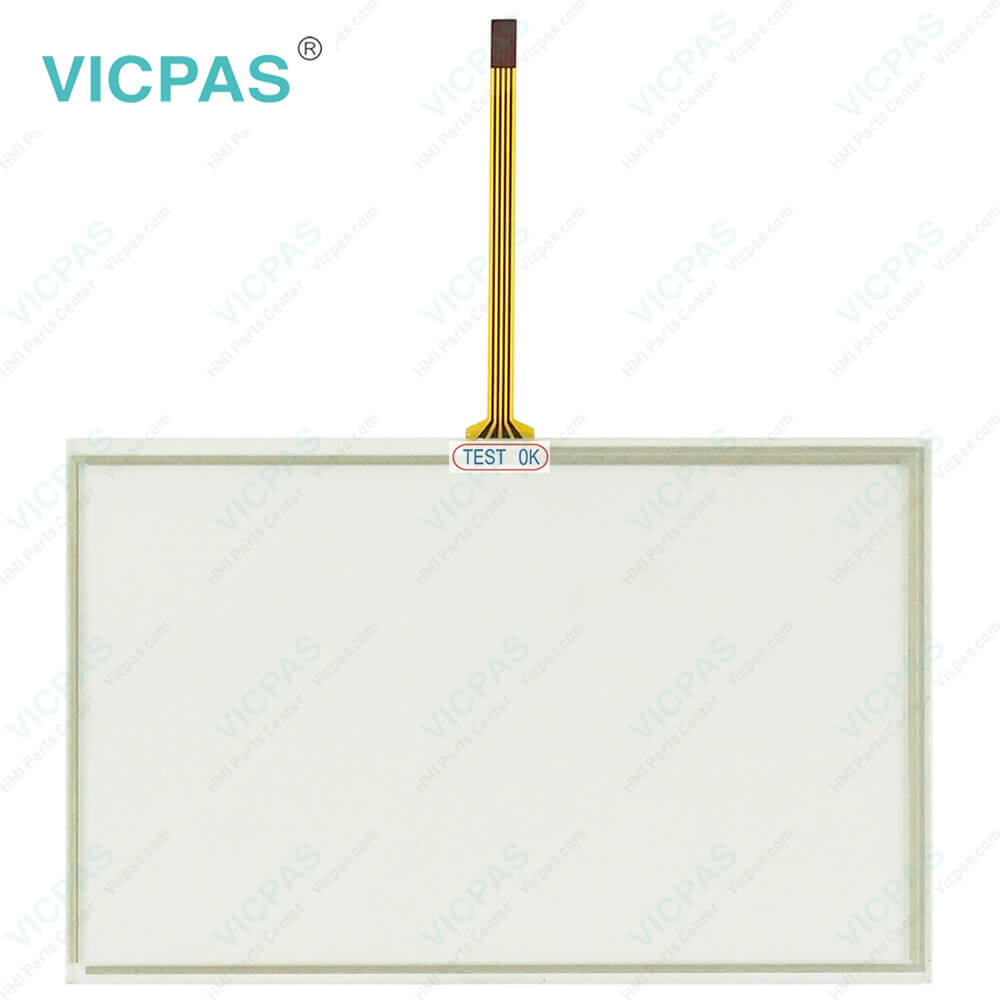
Delta DOP-107EV Touch Screen Protective Film Repair
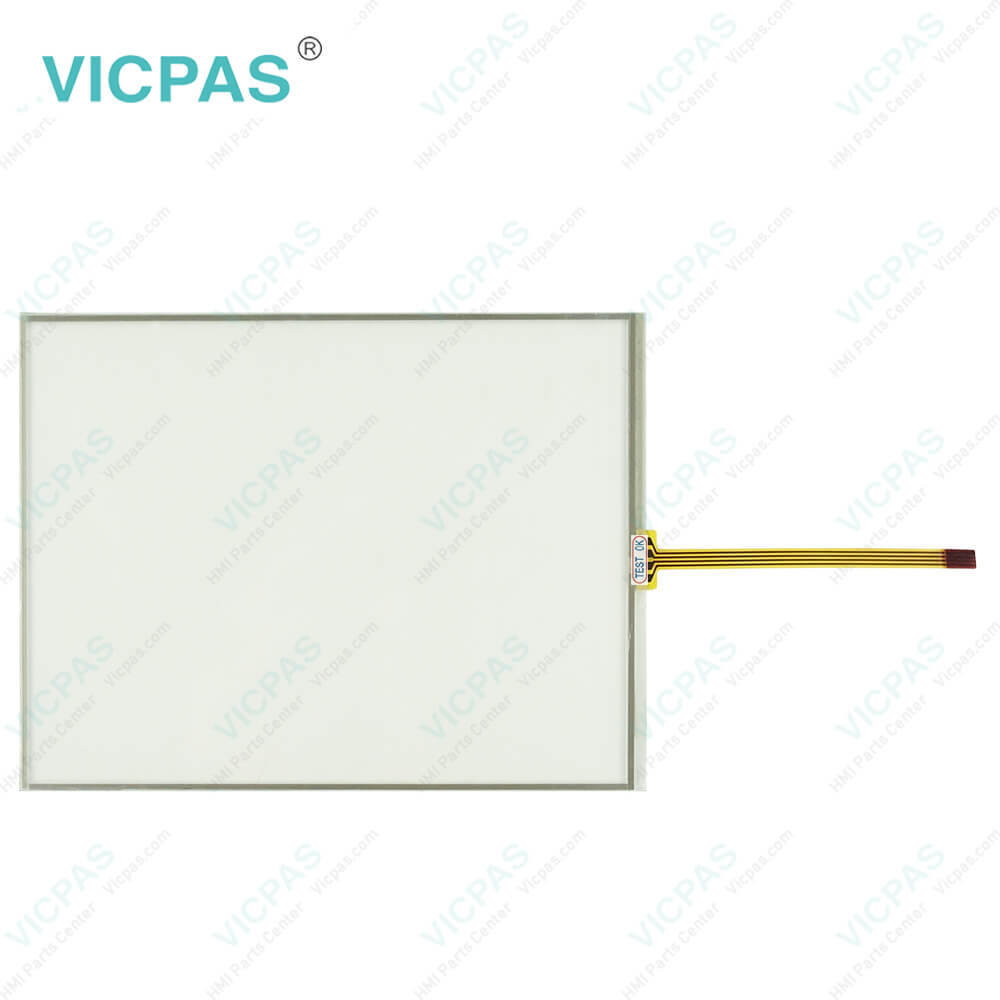
| Categories | Other Delta HMI Replacement |
|---|---|
| Brand | DELTA |
| Model | DOP-107EV |
| Warranty | 365 Days |
| Product Line | Delta DOP-100 Series |
| Supply | DOP-100 Series Touch Screen Protective Film |
| Shipping | 2-4 workdays |
| Terms of Payment | Western Union, T/T, PayPal, Credit Card |
| Update Time | 2026-01-31 01:12:02 |
Shipping
Specifications:
| Backlight: | LED Back Light |
| Display Resolution: | 800 x 480 Pixels |
| Part Number : | DOP-107EV |
| Product Line: | Delta DOP-100 |
| Touch Size: | 7" |
| Brand: | Delta |
| Display Type: | TFT LCD |
| Type of Supply Voltage: | 24 V DC |
| Storage Temperature: | -20 °C ~ +60 °C |
| Warranty: | 365 Days |
Related BB Teach Pendant Part No.:
| DOP-107EV | Description | Inventory status |
| DOP-103BQ | Delta DOP-100 Series Touch Screen Protective Film Replacement | In Stock |
| DOP-103WQ | Delta DOP-100 Series Protective Film Touch Panel Repair | Available Now |
| DOP-105CQ | Delta DOP-100 Series Touchscreen Protective Film Repair | In Stock |
| DOP-107BV | Delta DOP-100 Series Protective Film HMI Panel Glass | Available Now |
| DOP-107CV | Delta DOP-100 Series Front Overlay Touch Screen Monitor | In Stock |
| DOP-107DV | Delta DOP-100 Series HMI Touch Screen Glass Protective Film | Available Now |
| DOP-107EG | Delta DOP-100 Series Touch Screen Panel Front Overlay Repair | In Stock |
| DOP-107EV | Delta DOP-100 Series Front Overlay Touch Membrane | In Stock |
| DOP-107IV | Delta DOP-100 Series Touch Glass Front Overlay Repair | In Stock |
| DOP-107WV | Delta DOP-100 Series Touch Digitizer Glass Overlay Repair | Available Now |
Delta DOP-107EV Touch Screen Protective Film Repair PDF Download:
FAQ:
Question: After updating the firmware of Delta's DOP-107EV Protective Film Touchscreen Panel Human Machine Interface (HMI), the language display on the system menu becomes Chinese. How do I switch it back to English?
Answer: Please go to taskbar Options > Configuration and find the “Main” tab in the Configuration dialog box. Under the “Main” tab bar, go to the “System Message Language” box to set the desired System Message Language.
Question: Does DOP-107EV Touch Panel Front Ovelray HMI have a timer function?
Answer: Sorry to say that the DOP-107EV Touch Screen Protective Film HMI does not have a timer function. However, Delta HMI supports a Macro Command Function which can also work as well as timers. For example, if we set the DOP-107EV Front Overlay Touch Digitizer Glass HMI's internal memory as $10, macro commands can continue to add numbers. For example, “$10 = $10 + 1” means that every time the macro command executes, 1 unit (=0.1 second) is added. Used as a timer function, we can set the macro command to $10 ==100 to activate after 10 seconds.
Common misspellings:
DOP-10EV
OP-107EV
DOP1-07EV
DOP-10TEV
DOP--107EV

- Mobile Phone
- *Title
- *Content
 Fast Quote
 Fast Quote
 Worldwide Shipping
 12 Months Warranty
 Customize Service