Grideal.com-Leading global industrial mall.
Quick Service for Full HMI Parts Replacement
Touchscreen-Keypad-Display-Case & More Search 80000 Inventory
user photo
Account
Login
Cart
0
Home / All / Allen Bradley / PanelView Plus 7 Standard Terminals / Panelview Plus 7 2711P-T15C22D8S-B Touchscreen Panel
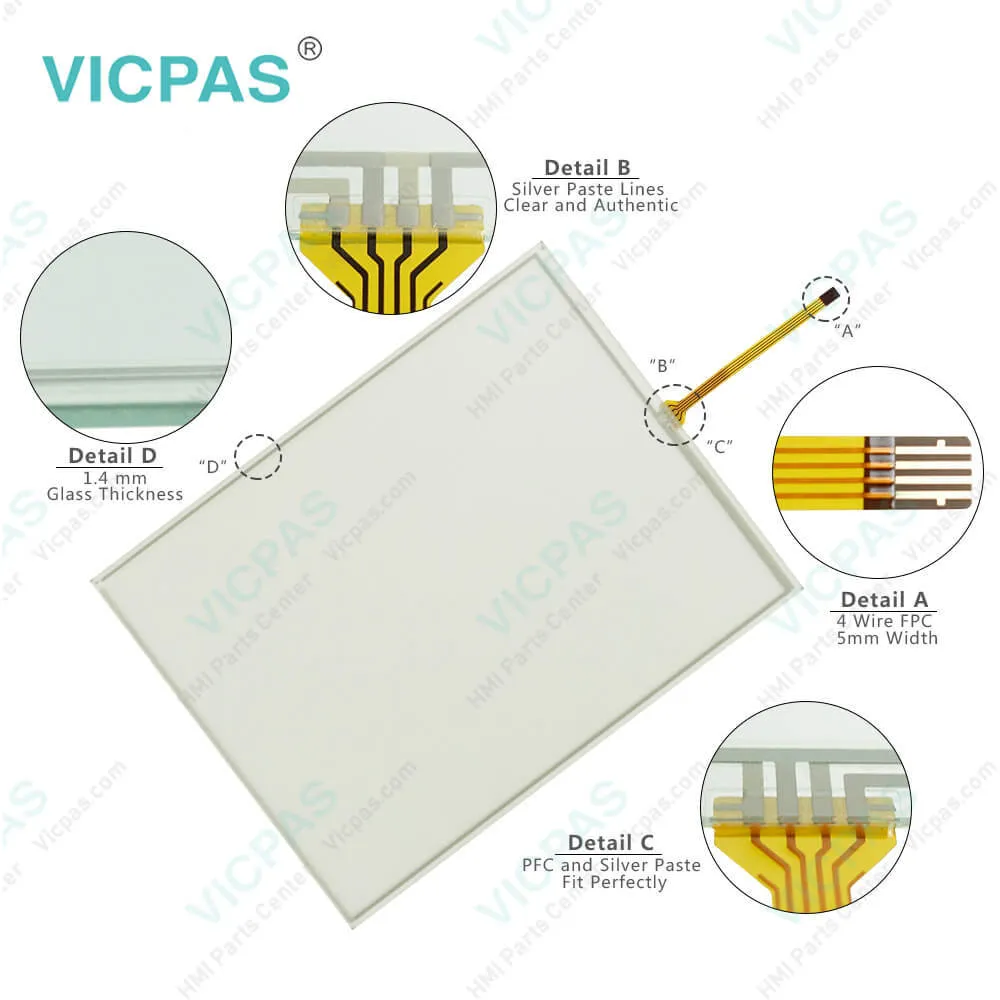
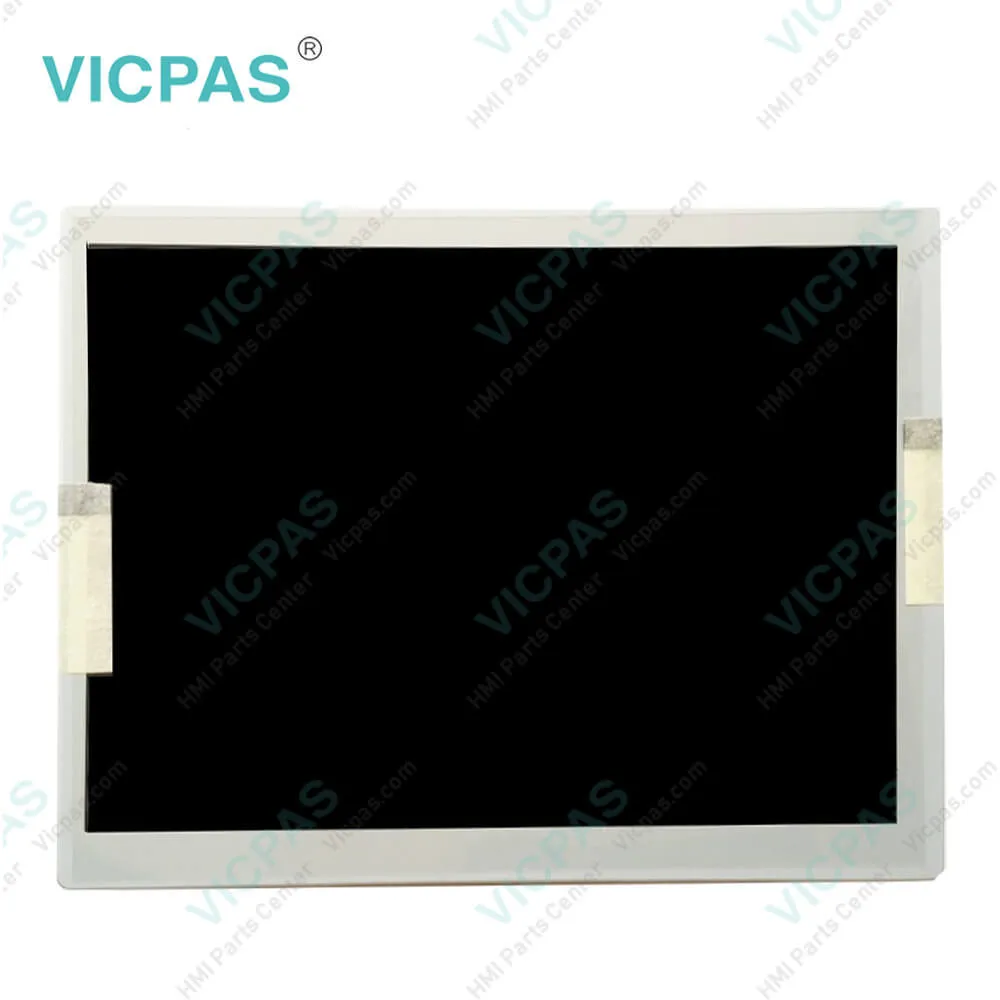
Panelview Plus 7 2711P-T15C22D8S-B Touchscreen Panel
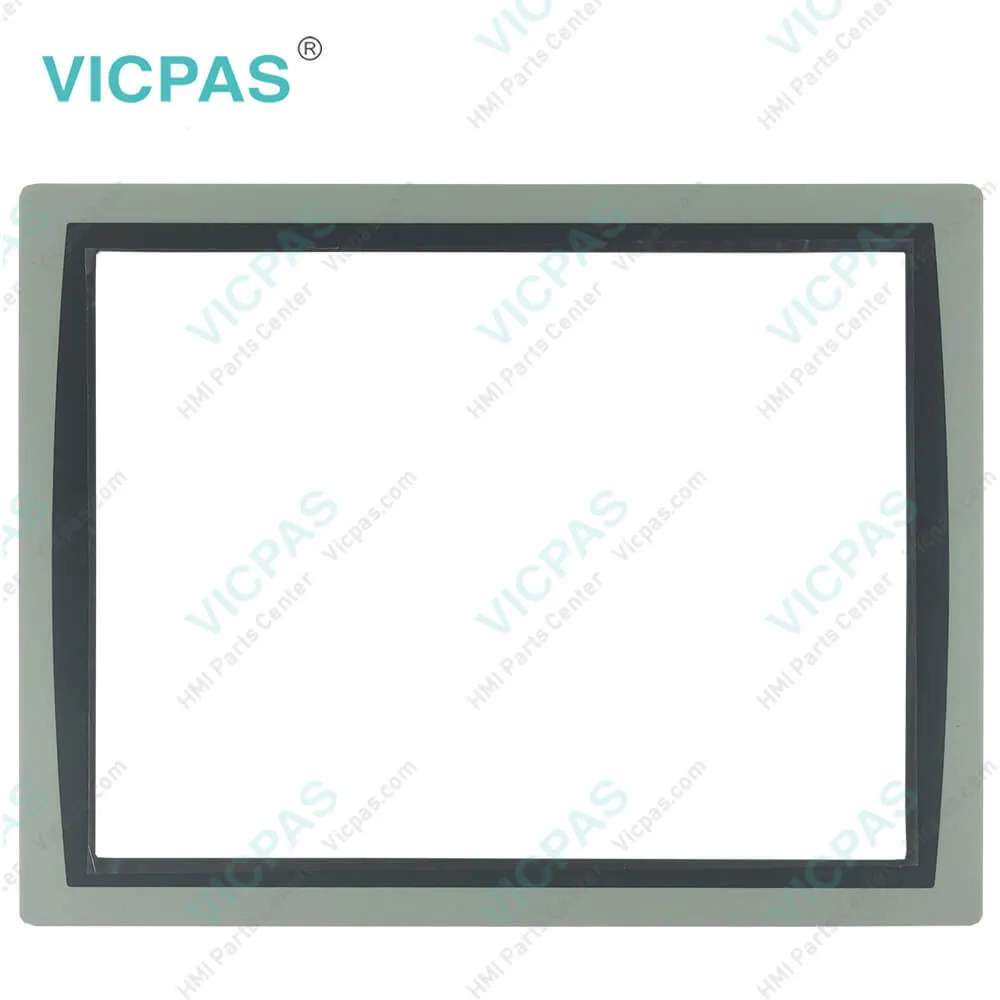
Panelview Plus 7 2711P-T15C22D8S-B Touchscreen Panel
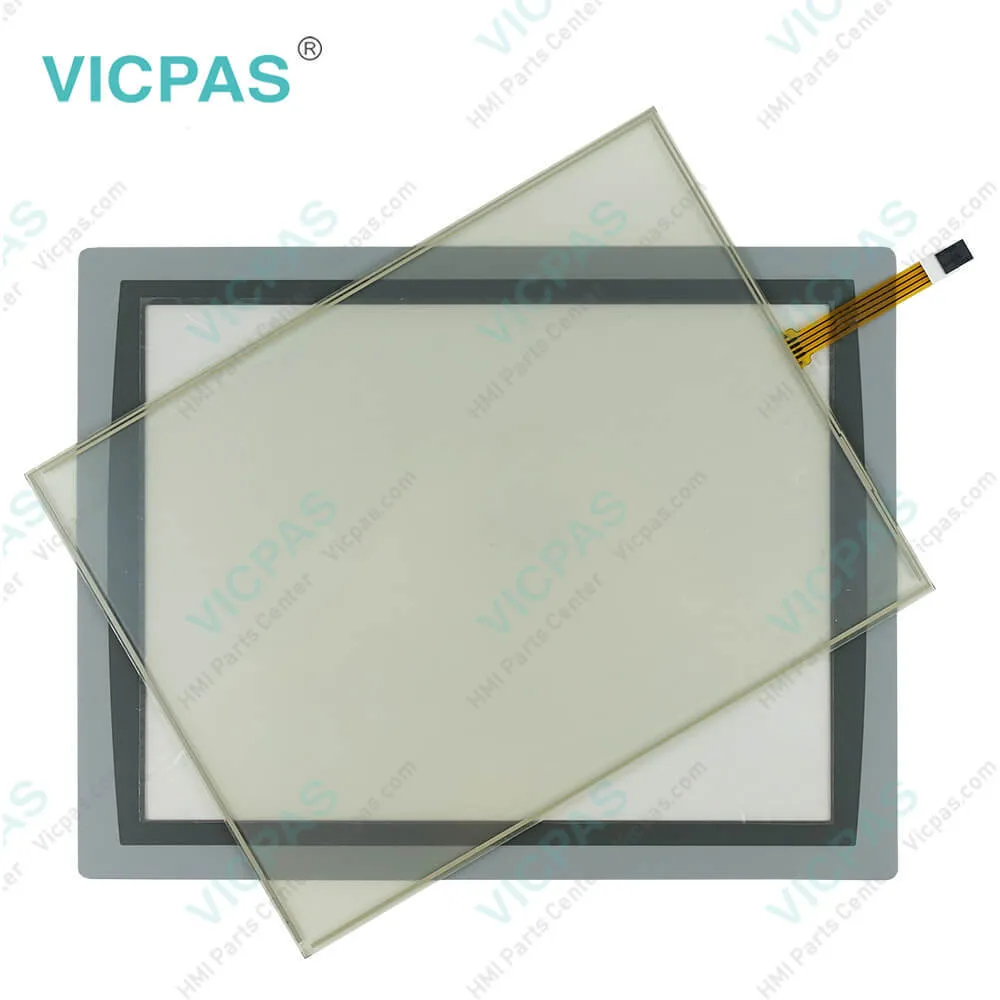
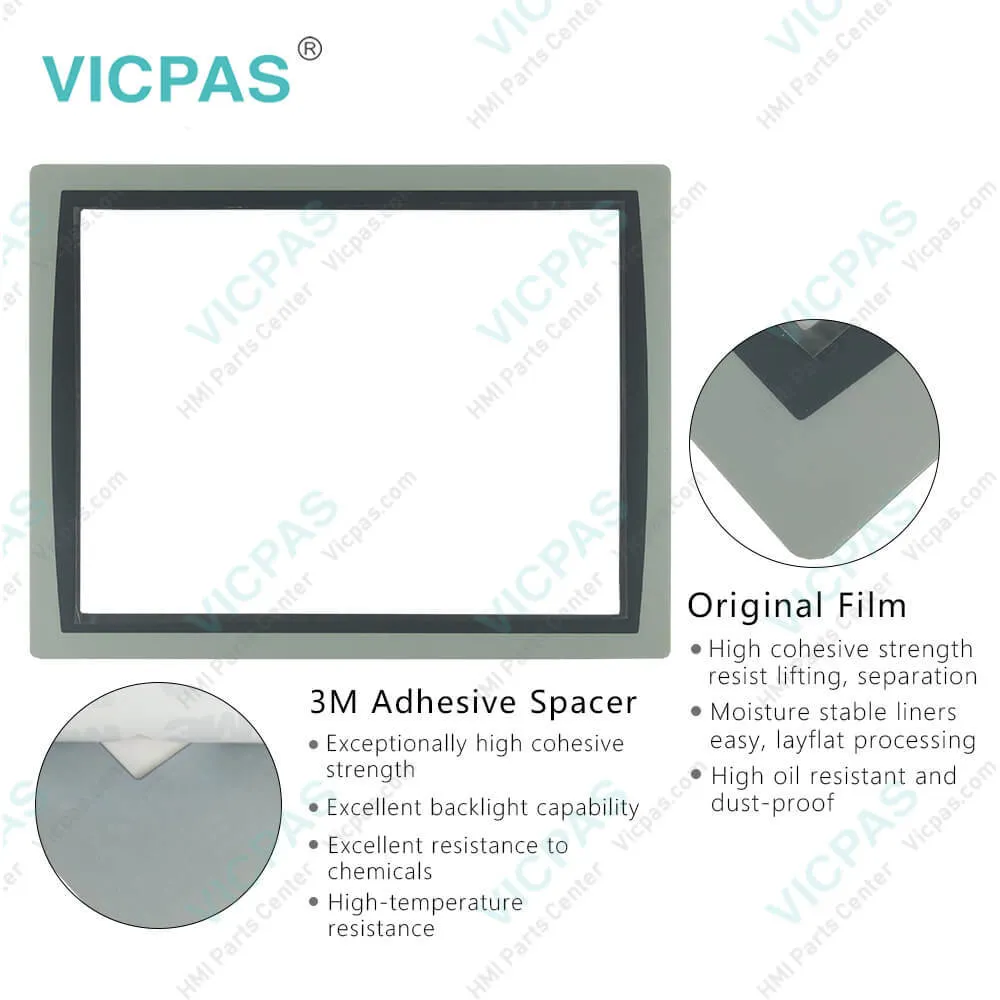
Panelview Plus 7 2711P-T15C22D8S-B Touchscreen PanelPanelview Plus 7 2711P-T15C22D8S-B Touchscreen PanelPanelview Plus 7 2711P-T15C22D8S-B Touchscreen PanelPanelview Plus 7 2711P-T15C22D8S-B Touchscreen PanelPanelview Plus 7 2711P-T15C22D8S-B Touchscreen Panel
CategoriesAllen Bradley
BrandRockwell Automation Allen Bradley
Model2711P-T15C22D8S-B
Warranty365 Days
Product LinePanelview Plus 7
SupplyPanelview Plus 7 HMI Touchscreen
PartsTouchscreen Panel Glass Protective Film
Terms of PaymentWestern Union, MoneyGram, T/T, Paypal, PayPal, Credit Card
Download
Update Time2026-02-09 16:47:37
Leading Time{{selectedConditionObj.leading}}
{{item.value}}
{{nameObj.name}}{{nameObj.selectedValue}}
{{valueObj.name}}

Shipping

Free Shipping

Those shipping costs are only estimates, the actual shipping cost will be shown on the order page.

Detail Information

2711P-T15C22D8S-B Panelview Plus 7 Touch Screen Panel, Protective Films Overlay, and LCD Display Repair Replacement

Order each part separately is available

2711P-T15C22D8S-B Panelview Plus 7 Touch Screen Panel Protective Film LCD Display Screen Repair Replacement


PanelView Plus 7 Standard and Performance Models
Lead product for new applications
Extends our portfolio with more display sizes and certifications
Reflects our commitment to application longevity
Same FactoryTalk View software across all PanelView Plus product lines


The Standard and Performance clamps look different:
The clamps for the PanelView Plus 7 line are designed to create the right amount of clamping pressure around the unit with breakaway tabs to prevent over torqueing. Each clamp is two sided, so if you break one side, you can use the other.
The system is designed to allow customers to mount the terminals with no tools. See product literature for the clamping sequence.
At full release, there will be two different clamp styles. One for Standard (Grey) and one for Performance (Black). They are not meant to be used cross platform because the Performance (Black) clamps allow for a higher clamping torque and can crack the bezel on the Standard terminal.
The PanelView Plus 7 Performance stainless steel models use 2711P-RTMC clamps.


The PanelView Plus 7 Standard terminals 2711P-T15C22D8S-B are operator interface devices. 2711P-T15C22D8S-B monitor and control devices that are attached to ControlLogix 5570 and CompactLogix 5370 controllers on an EtherNet/IP network. Animated graphic and text displays provide operators a view into the operating state of a machine or process. Operators interact with the control system by using touch screen input.


FactoryTalk ViewPoint software, an add-on to FactoryTalk View Studio software, allows plant managers, production supervisors, system integrators, and other key stakeholders to view and control real-time plant floor operations remotely from a web browser. FactoryTalk ViewPoint enabled displays are fully scalable and animated in the browser. The remote user can also view displays that are not the active display of the terminal.


Specifications:

Part Number:2711P-T15C22D8S-B
Display Size:15 inches
Display Color:Amber
Warranty:365 days Warranty
Product Line:Panelview Plus 7
Input Type:Touchscreen
Mounting position:vertical
Communication:ControlNet
Software:FactoryTalk


Related BB Teach Pendant Part No. :

2711P-T15C22D8S-BDescription Inventory status
2711P-T12W21D8SPanelView Plus 7 Touch Screen Panel Glass Overlay LCD DisplayIn Stock
2711P-T12W21D8S-APanelView Plus 7 Touch Panel Glass Front Overlay LCD ScreenAvailable Now
2711P-T12W21D8S-BAllen Bradley Panel Plus 7 Touchscreen Protective Film LCD DisplayIn Stock
2711P-T12W22D8SAllen Bradley Panel View Plus 7 Touch Screen Overlay DisplayIn Stock
2711P-T12W22D8S-APanelView Plus 7 Touch Panel Front Overlay LCD Display ScreenIn Stock
2711P-T12W22D8S-BPanelView Plus 7 Touch Panel Protective Film LCD Display PanelIn Stock
2711P-T15C21D8SPanelView Plus 7 Touch Membrane Overlay LCD Display RepairAvailable Now
2711P-T15C21D8S-AAllen Bradley PanelView Plus 7 HMI Touchscreen Front Film LCD DisplayIn Stock
2711P-T15C21D8S-BPanelView Plus 7 Touchscreen Membrane Switch Overlay LCD ScreenAvailable Now
2711P-T15C22D8SAB Panel View Plus 7 HMI Panel Glass Overlay LCD DisplayIn Stock
2711P-T15C22D8S-AAllen Bradley Panel View Plus 7 Touchscreen Film LCD DisplayIn Stock
2711P-T15C22D8S-BPanelView Plus 7 Touch Glass Front Overlay LCD Display PanelIn Stock
2711P-T12W21D8SPanelView Plus 7 Touch Screen Panel Glass Overlay LCD DisplayIn Stock
2711P-T12W21D8S-APanelView Plus 7 Touch Panel Glass Front Overlay LCD ScreenAvailable Now
2711P-T12W21D8S-BAllen Bradley Panel Plus 7 Touchscreen Protective Film LCD DisplayIn Stock
2711P-T12W22D8SAllen Bradley Panel View Plus 7 Touch Screen Overlay DisplayIn Stock
2711P-T12W22D8S-APanelView Plus 7 Touch Panel Front Overlay LCD Display ScreenIn Stock
2711P-T12W22D8S-BPanelView Plus 7 Touch Panel Protective Film LCD Display PanelIn Stock
2711P-T15C21D8SPanelView Plus 7 Touch Membrane Overlay LCD Display RepairAvailable Now
2711P-T15C21D8S-AAllen Bradley PanelView Plus 7 HMI Touchscreen Front Film LCD DisplayIn Stock
2711P-T15C21D8S-BPanelView Plus 7 Touchscreen Membrane Switch Overlay LCD ScreenAvailable Now
2711P-T15C22D8SAB Panel View Plus 7 HMI Panel Glass Overlay LCD DisplayIn Stock
2711P-T15C22D8S-AAllen Bradley Panel View Plus 7 Touchscreen Film LCD DisplayIn Stock
2711P-T15C22D8S-BPanelView Plus 7 Touch Glass Front Overlay LCD Display PanelIn Stock

Panelview Plus 7 2711P-T15C22D8S-B Touchscreen Panel PDF Download:
  • PanelView Plus 7 Standard
  • PanelView Plus 7 HMI Standard Terminals Manuals
  • Allen Bradley PanelView Plus 7 Standard Terminals Technical Data
  • AB PanelView Plus 7 Standard Terminals 2711P-T15C22D8S-B User Manuals
  • PanelView Plus 7 Operator Interface Standard and Performance
  • PanelView Plus 7 Standard
  • PanelView Plus 7 HMI Standard Terminals Manuals
  • Allen Bradley PanelView Plus 7 Standard Terminals Technical Data
  • AB PanelView Plus 7 Standard Terminals 2711P-T15C22D8S-B User Manuals
  • PanelView Plus 7 Operator Interface Standard and Performance

  • FAQ:

    Question: How to disable the Allen Bradley PanelView Plus 7 Standard Terminals 2711P-T15C22D8S-B Screen Cursor?

    Answer: The terminal 2711P-T15C22D8S-B has a screen cursor that you can disable or enable. 1. Press Terminal Settings, then choose Display>Cursor. 2. To disable or enable the cursor, press Enable Cursor. 3. To exit and return to terminal settings, press OK.

    Question: How to edit the device address of the 2711P-T15C22D8S-B controller?

    Answer: 1. Press Terminal Settings, then choose Networks and Communications>RSLinx Enterprise Communications.2. Select the controller in the tree. 3. To view the device name and current address, press Edit Device. 4. To modify the address, press Device Address. The input panel opens with the current address. 5. Enter the address in the input panel and press Enter. 6. Press OK.

    Question: What is the size of Allen Bradley 2711P-T15C22D8S-B Toucshcreen Panel Glass?

    Answer: The PanelView Plus 7 2711P-T15C22D8S-B Touch Screen Panel is 15-inch.

    Question: How to view or enter an IP address for terminal 2711P-T15C22D8S-B?

    Answer: 1. Press Terminal Settings, then choose Networks and Communications>Network Connections>Network Adapters.2. To view or modify the IP address, press IP Address. 3. To enable or disable DHCP assignment of addresses, press Use DHCP. • If DHCP is enabled or set to Yes, IP addresses are automatically assigned to newly attached devices on the network. • If DHCP is disabled or set to No, you can manually enter the IP address. Press IP Address, Subnet Mask, and Gateway to enter IP formatted addresses. 4. Press OK when done. If prompted, reset the device from the FactoryTalk View ME Station dialog box. 5. Press Close.


    Common misspellings:

    2711PT15C22D8S-B2711P-T15C2D8S-B2711P-T15C22D8S-2711-PT15C22D8S-B2711P-T15C22D8-SB27211P-T15C22D8S-B27111P-T15C22D8S-B2711P-T15C22DD8S-B

    Please send your message to us
    *Email
    Mobile Phone
    *Title
    *Content
    Upload
    • Only supports .rar/.zip/.jpg/.png/.gif/.doc/.xls/.pdf, maximum 20MB.
    Do you want to quickly know the product quotation you need?
    • Fast QuoteFast Quote
    • Worldwide ShippingWorldwide Shipping
    • 12 Months Warranty12 Months Warranty
    • Customize ServiceCustomize Service
    subscription
    KEEP IN TOUCH
    Please send your message to us
    *Email
    Mobile Phone
    *Title
    *Content
    Upload
    • Only supports .rar/.zip/.jpg/.png/.gif/.doc/.xls/.pdf, maximum 20MB.
    CONTACT US
    QR code
    Mobile Web
    1.473606s