




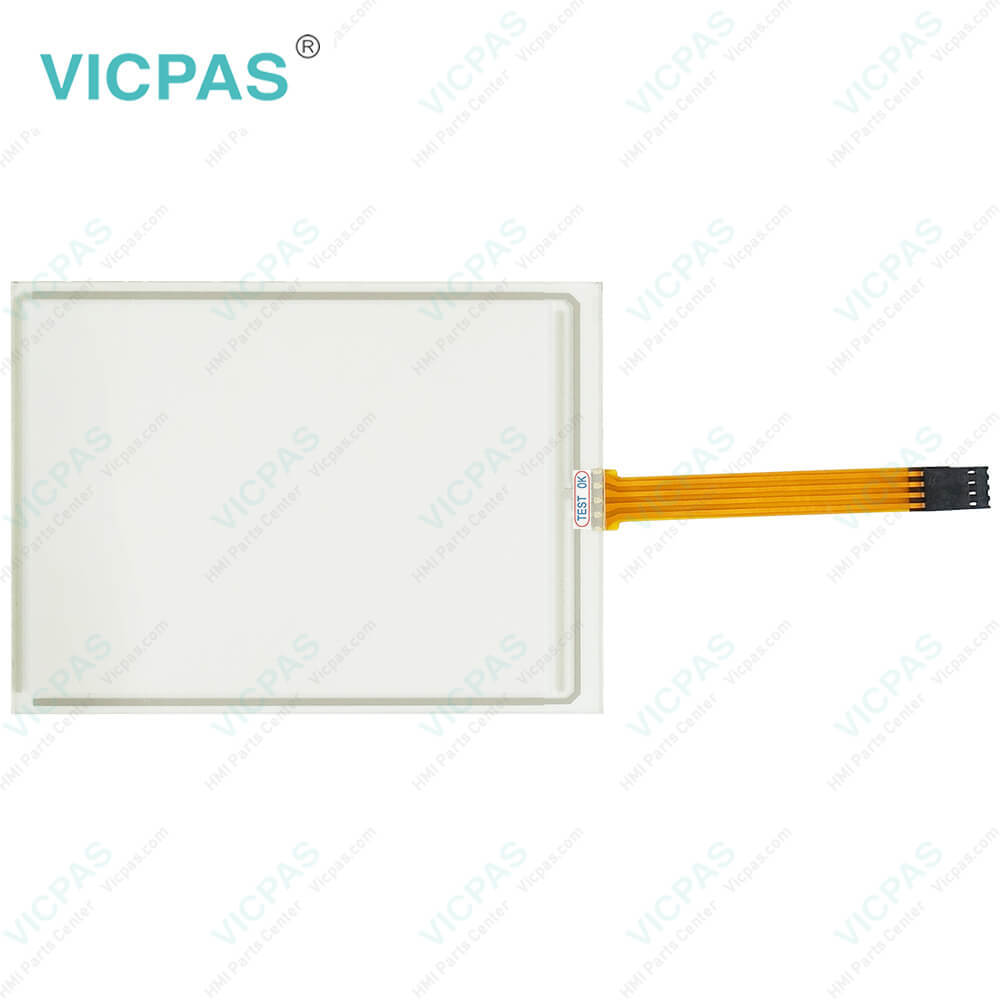
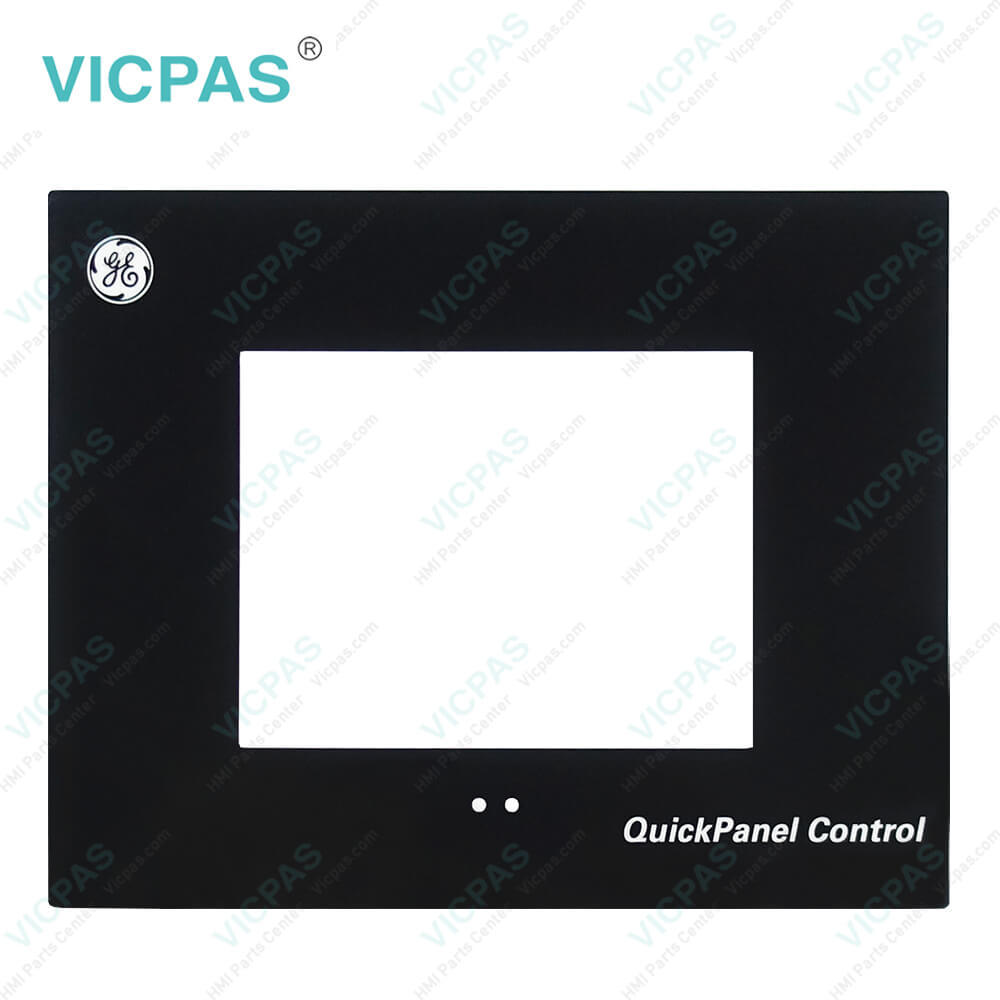
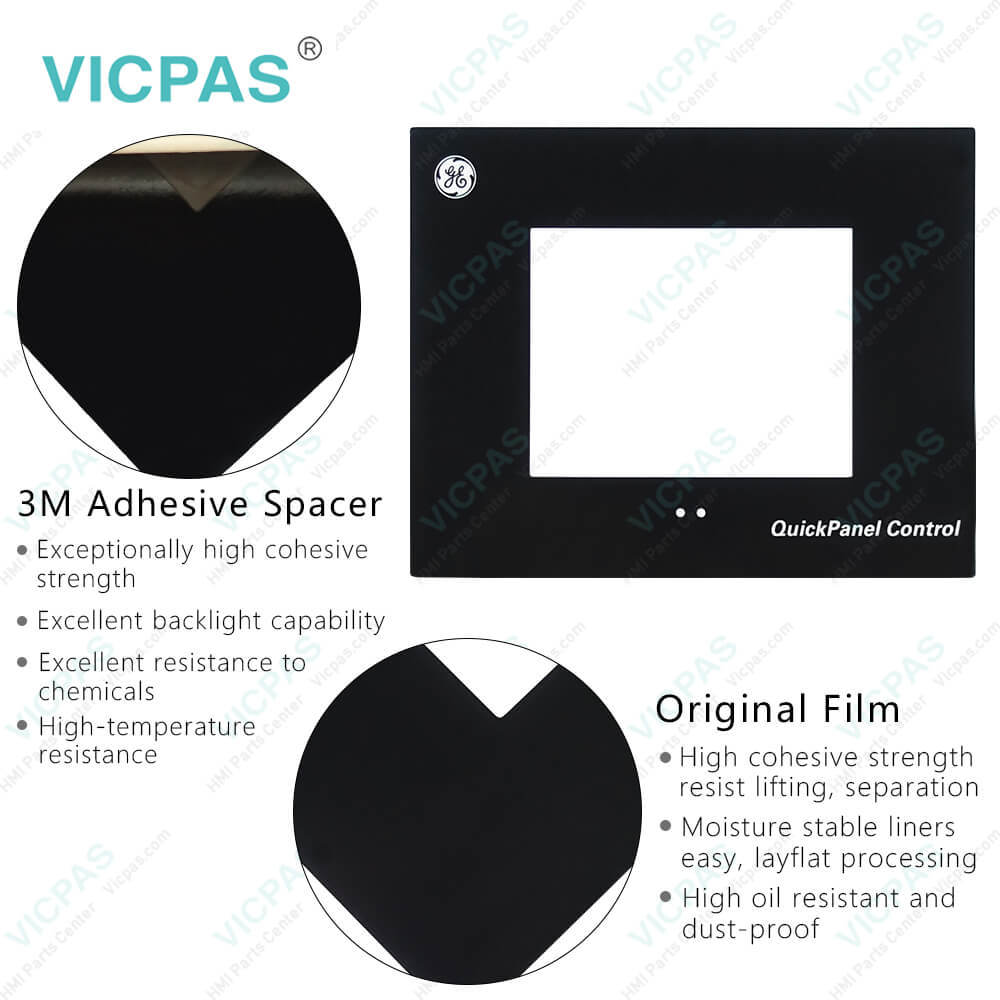
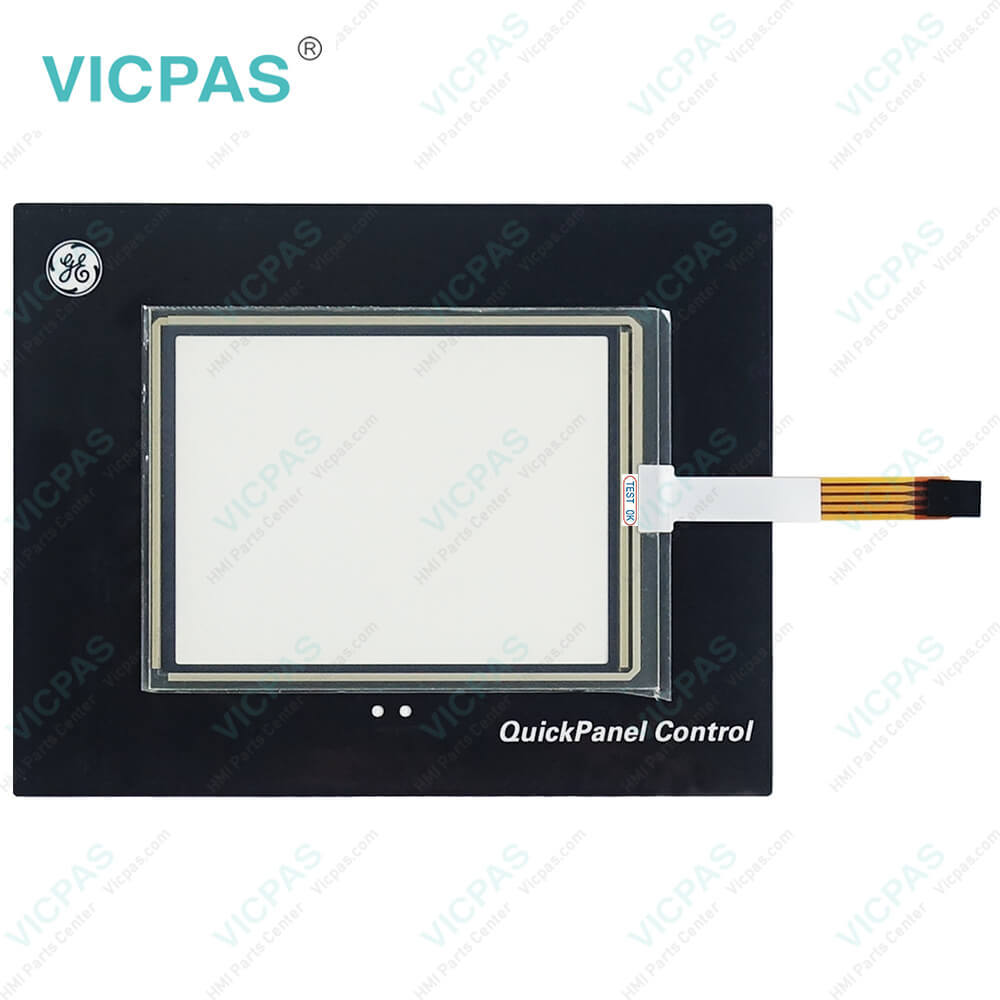
IC754VBI06STD IC754VBI06STD-GF IC754VBL06CTD Protective Film Touch Glass
| Categories | QuickPanel View |
|---|---|
| Model | IC754VBI06STD IC754VBI06STD-GF IC754VBL06CTD |
| Warranty | 365 Days |
| Product Line | GE Fanuc QuickPanel View Series |
| Supply | GE Fanuc QuickPanel View Front Overlay Touch Panel |
| Shipping | 2-4 workdays |
| Terms of Payment | Western Union, T/T, PayPal, Credit Card |
| Update Time | 2026-02-04 01:44:05 |
Leading Time{{selectedConditionObj.leading}}
{{item.value}}
{{nameObj.name}}{{nameObj.selectedValue}}
{{valueObj.name}}
Shipping
Detail Information
Specifications:
| Display Size: | 5.7" (Diagonal) |
| Front of Panel & Depth: | 203 mm x 157 mm x 22 mm |
| Input Voltage: | 10.8 to 30.0 VDC |
| Product Line: | GE Fanuc QuickPanel View |
| Touchscreen: | Resistiv |
| Brand: | GE Fanuc |
| Display Type: | 6" Mono |
| Panel Cut-Out (W x H x D): | 158 mm x 126 mm x 70 mm |
| Power: | Less than 24W |
| Warranty: | 365 Days |
Related BB Teach Pendant Part No.:
| IC754VBI06STD IC754VBI06STD-GF IC754VBL06CTD | Description | Inventory status |
| IC754VBI06SKD | GE FANUC QuickPanel View Membrane Keyboard Keypad Replacement | In Stock |
| IC754VBI06STD | GE FANUC QuickPanel View Touch Panel Protective Film Repair | Available Now |
| IC754VBI06STD-GF | GE FANUC QuickPanel View HMI Touch Screen Glass Protective Film | Available Now |
| IC754VBI08CTD | GE Fanuc QuickPanel View Touch Screen Panel Front Overlay Repair | In Stock |
| IC754VBI08CTD-BB | GE FANUC Quickpanel View Front Overlay Touch Membrane Replacement | In Stock |
| IC754VBI10MTD | GE Fanuc QuickPanel View Touch Glass Front Overlay Repair | In Stock |
| IC754VBI10MTD-BB | GE Fanuc QuickPanel View Touch Digitizer Glass Overlay Repair | Available Now |
| IC754VBI12CTD | GE FANUC Quickpanel View HMI Panel Glass Protective Film | Available Now |
| IC754VBI12CTD-BB | GE FANUC QuickPanel View Touch Screen Monitor Front Overlay | In Stock |
| IC754VBI12CTD-JJ | GE Fanuc QuickPanel View MMI Touch Screen Front Overlay Replacement | In Stock |
| IC754VBI12MTD | GE Fanuc QuickPanel View HMI Touch Screen Protective Film | Available Now |
| IC754VBI12MTD-FE | GE FANUC QuickPanel View Protective Film Touchscreen Repair | In Stock |
| IC754VBL06CTD | GE Fanuc QuickPanel View Touchscreen Protective Film Repair | In Stock |
| IC754VBL06MTD | GE Fanuc QuickPanel View HMI Protective Film Touch Screen Glass | Available Now |
| IC754VBL12CTD | GE Fanuc QuickPanel View Front Overlay Touch Screen Panel Repair | In Stock |
IC754VBI06STD IC754VBI06STD-GF IC754VBL06CTD Protective Film Touch Glass PDF Download:
FAQ:
Question: Are there any recommended maintenance procedures for the QuickPanel View?
Answer: Regular cleaning of the touch screen with a soft, lint-free cloth is recommended to remove dirt and smudges. Avoid using harsh chemicals or abrasive materials that can damage the screen. Additionally, ensure proper ventilation and keep the device away from excessive heat or moisture.
Question: How to connect a DC power supply?
Answer: 1. Using the three screw terminals shown in the following diagram, attach a 24VDC, 24W power supply to the QuickPanel View/Control plug.
Common misspellings:
IC754VBI06STD
IC754VBI06STD-GF
IC754VBL06CD
IC754VBI06SD
IC754VBL06CTD
IC754VBI06ST-DGF
ICT54VBL06CTD
IC754VBII06STD
Related Products

Please send your message to us
- Mobile Phone
- *Title
- *Content
 Fast Quote
 Fast Quote
 Worldwide Shipping
 12 Months Warranty
 Customize Service