




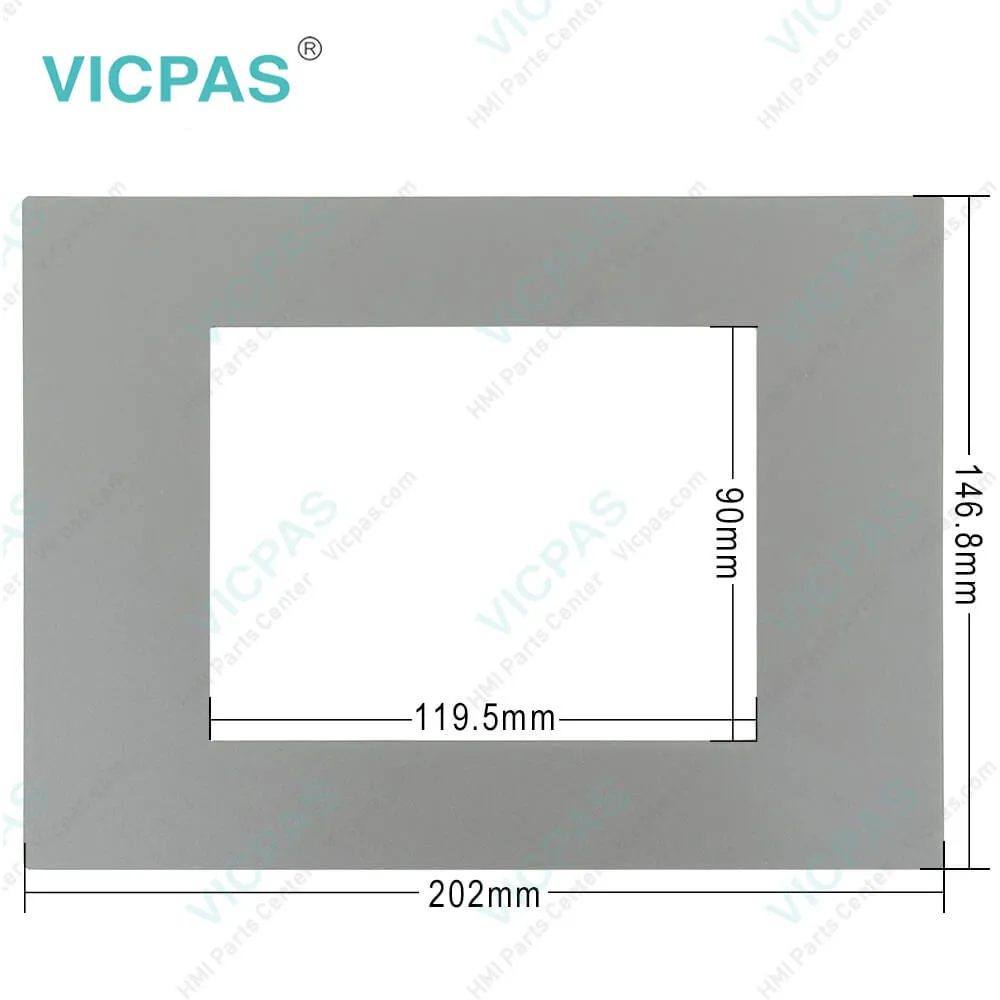
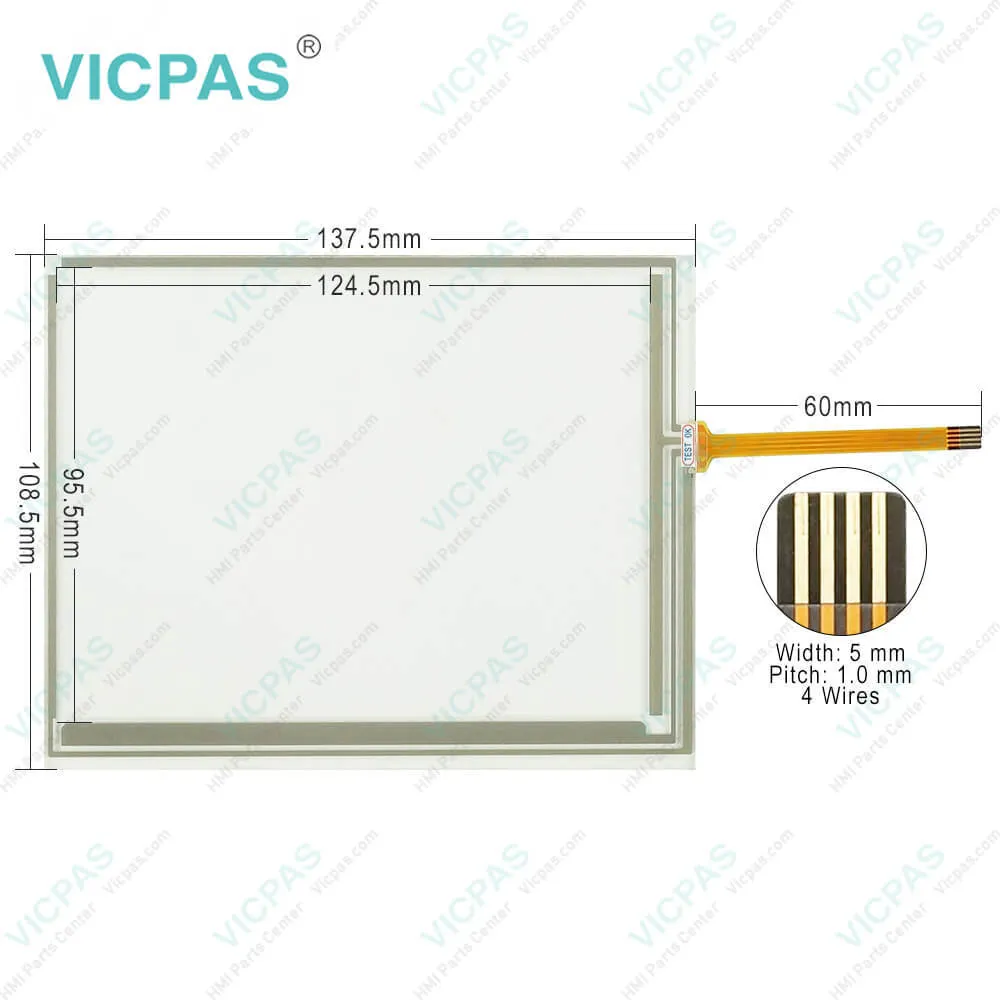
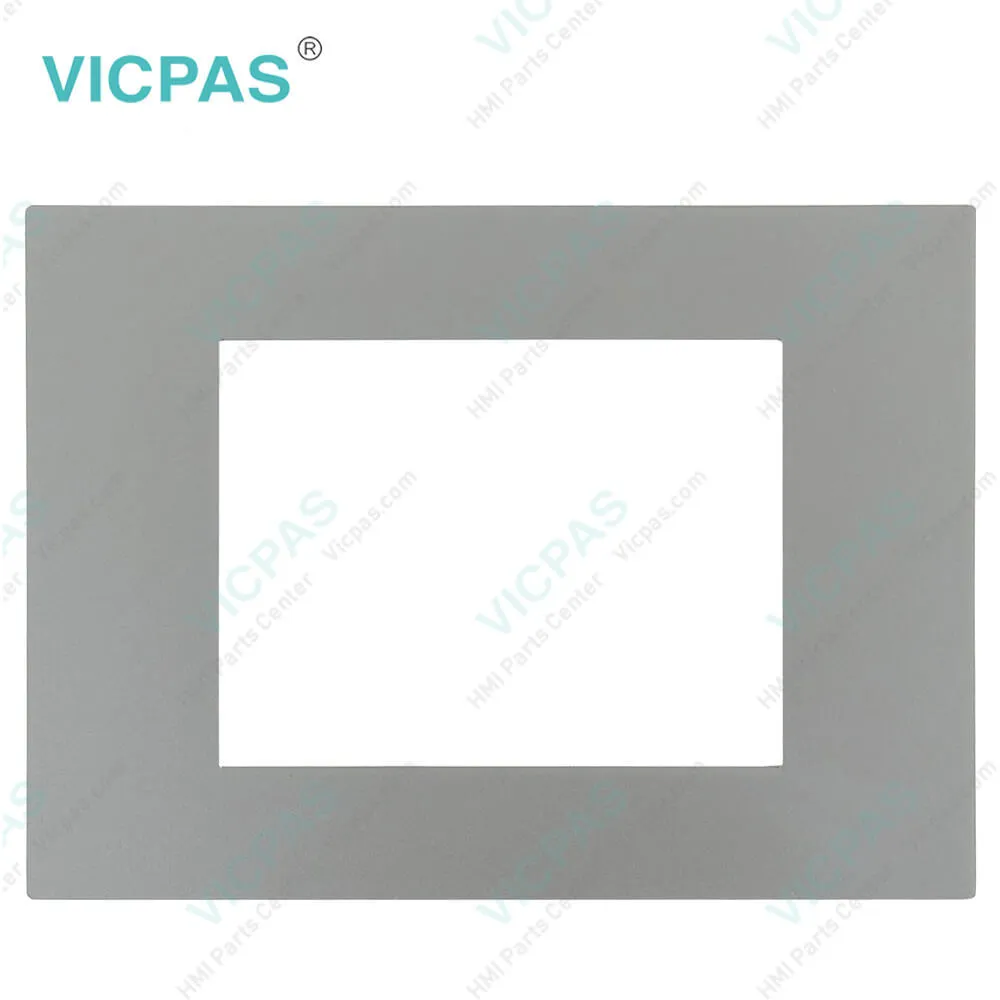
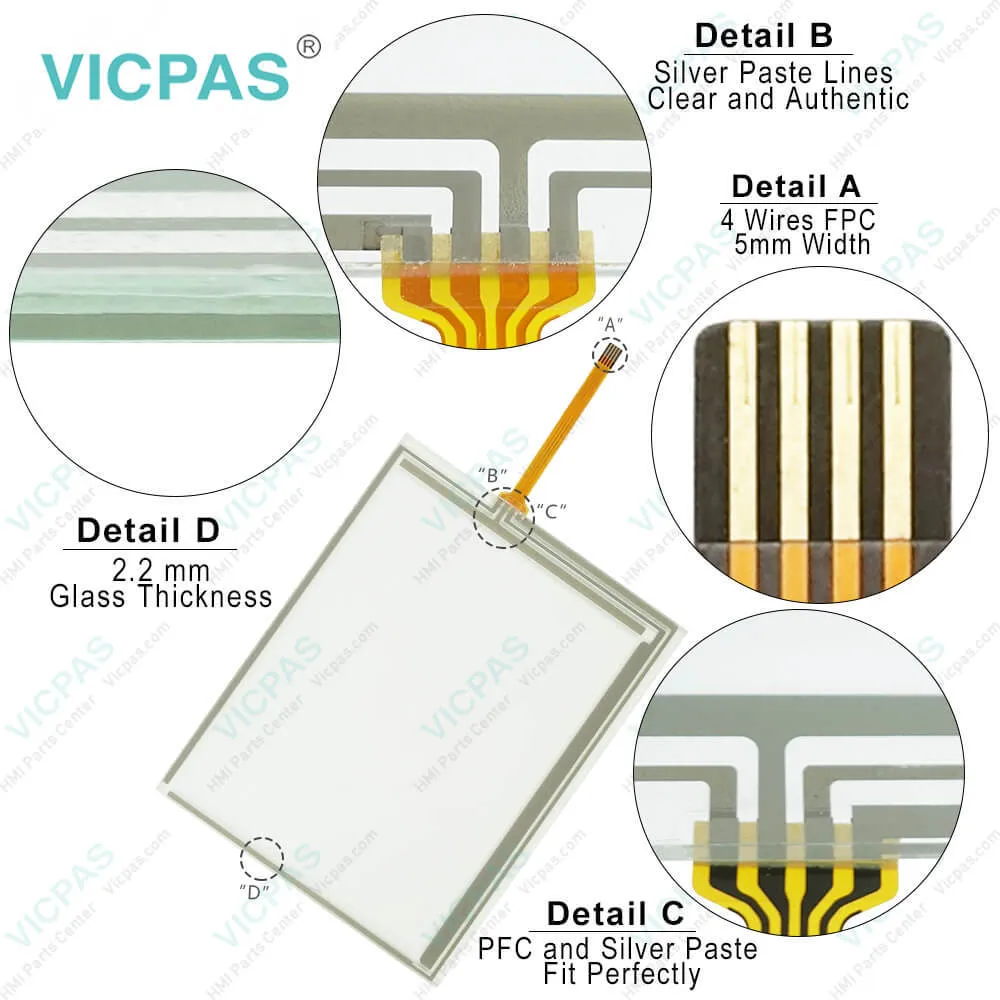
EL 105 EL 105C Monforts 3251-0003 EL 105C P/N: 3251-11 Protective Film Touch Screen Panel
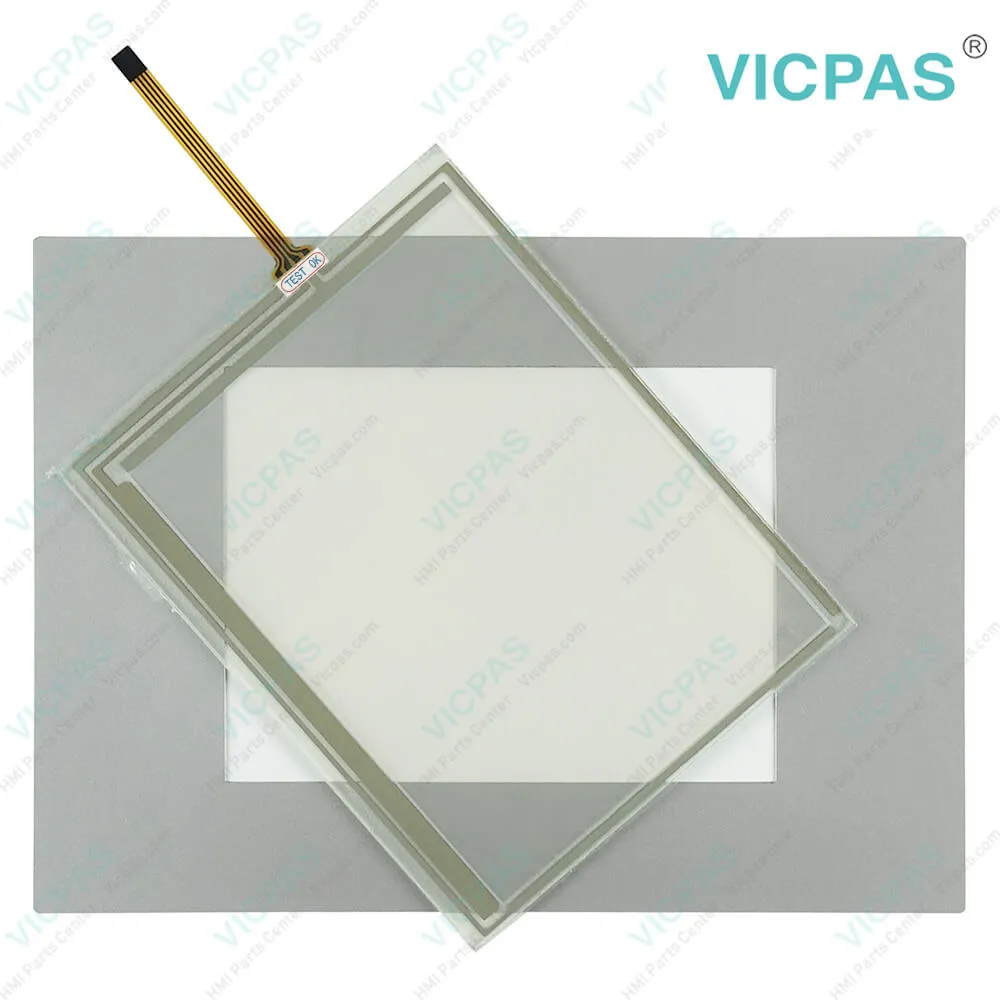
| Categories | Panel PC EL Series |
|---|---|
| Brand | LENZE |
| Model | EL 105 EL 105C Monforts 3251-0003 EL 105C P/N: 3251-11 |
| Warranty | 365 Days |
| Product Line | LENZE EL 100 Series |
| Supply | LENZE EL 100 Series Touch Panel Protective Film |
| Shipping | 2-4 workdays |
| Terms of Payment | Western Union, T/T, PayPal, Credit Card |
| Update Time | 2026-02-04 02:01:28 |
Shipping
Specifications:
| Backlight: | LED |
| Display Resolution: | 320x240 pixels |
| Part Number : | EL 105 EL 105C |
| Product Line: | Lenze EL 100 Series |
| Touchscreen: | Resistiv |
| Brand: | Lenze |
| Power Consumption: | 12.0 W |
| Power Supply: | +24 VDC, (+18 ... 32 VDC) |
| Storage Temperature: | -20 °C ~ +60 °C |
| Warranty: | 365 Days |
Related BB Teach Pendant Part No.:
| EL 105 EL 105C Monforts 3251-0003 EL 105C P/N: 3251-11 | Description | Inventory status |
| EL 105m P/N: 3250-11 | LENZE EL 100 Series Touch Screen Glass Protective Film Replacement | In Stock |
| EL 105m PLC | LENZE EL 100 Series Front Overlay Touch Screen Panel Repair | Available Now |
| EL 105N PLC P/N: 3351-12 | LENZE EL 100 Series Protective Film Touch Panel Repair | In Stock |
| EL 106 | LENZE EL 100 Series HMI Touch Glass Front Overlay Replacement | Available Now |
| EL 106 CAN | LENZE EL 100 Series Touch Screen Panel Front Overlay Repair | In Stock |
| EL 106 CAN P/N:3252-0003 | LENZE EL 100 Series HMI Protective Film Touch Membrane Replacement | In Stock |
| El 106 MPI P/N: 3262-21 | LENZE EL 100 Series Front Overlay Touch Glass Replacement Repair | In Stock |
| EL 106 PLC | LENZE EL 100 Series Touch Digitizer Glass Protective Film | Available Now |
| EL 106 PLC P/N:3352-11 | LENZE EL 100 Series Front Overlay Touch Digitizer Glass Replacement | Available Now |
| EL 108 | LENZE EL 100 Series Protective Film Touch Screen Monitor | In Stock |
| EL 108 3253-11 | LENZE EL 100 Series MMI Touch Screen Front Overlay Replacement | In Stock |
| EL 108 CAN | LENZE EL 100 Series HMI Touch Screen Protective Film | In Stock |
| EL 108 KSTG P/N:3150-1807 | LENZE EL 100 Series Front Overlay Touch Screen Panel Repair | In Stock |
| EL 108 KSTG P/N:3150-1811 | LENZE EL 100 Series Protective Film HMI Panel Glass Repair | Available Now |
| EL 108 KSTG P/N:3150-1812 | LENZE EL 100 Series Touch Screen Monitor Front Overlay Repair | In Stock |
EL 105 EL 105C Monforts 3251-0003 EL 105C P/N: 3251-11 Protective Film Touch Screen Panel PDF Download:
FAQ:
Question: How can I create recipes or recipe management on my Lenze EL100 series HMI?
Answer: The Lenze EL100 series HMIs support recipe management, allowing you to create and manage different sets of process parameters or configurations for different products or recipes. You can configure recipe settings, create recipe templates, and manage recipe data using the HMI's built-in recipe management tool or through the Lenze HMI software. You can also integrate recipe management with other HMI functions such as data logging or data display. Refer to the user manual or online resources for your specific EL100 series HMI model for detailed instructions on how to set up recipes or recipe management.
Question: How can I create custom graphics or user interface designs on my Lenze EL100 series HMI?
Answer: You can create custom graphics or user interface designs on your Lenze EL100 series HMI using the Lenze HMI software. The software provides a graphical editor that allows you to design custom screens, buttons, displays, and other elements for your HMI interface. You can create custom graphics, animations, or visual elements to suit your specific application requirements. Refer to the user manual or online resources for Lenze HMI software for detailed instructions on how to create custom graphics or user interface designs on your EL100 series HMI.
Common misspellings:
EL
105
105C
Monforts
3251-0003
10C
P/N
3251-11
Monfors
LE
1o5
32551-11

- Mobile Phone
- *Title
- *Content
 Fast Quote
 Fast Quote
 Worldwide Shipping
 12 Months Warranty
 Customize Service