Grideal.com-Leading global industrial mall.
Quick Service for Full HMI Parts Replacement
Touchscreen-Keypad-Display-Case & More Search 80000 Inventory
user photo
Account
Login
Cart
0
Home / All / Lenze / Other Lenze Series / Lenze EPM-H502 Protective Film Touch Screen Panel Repair
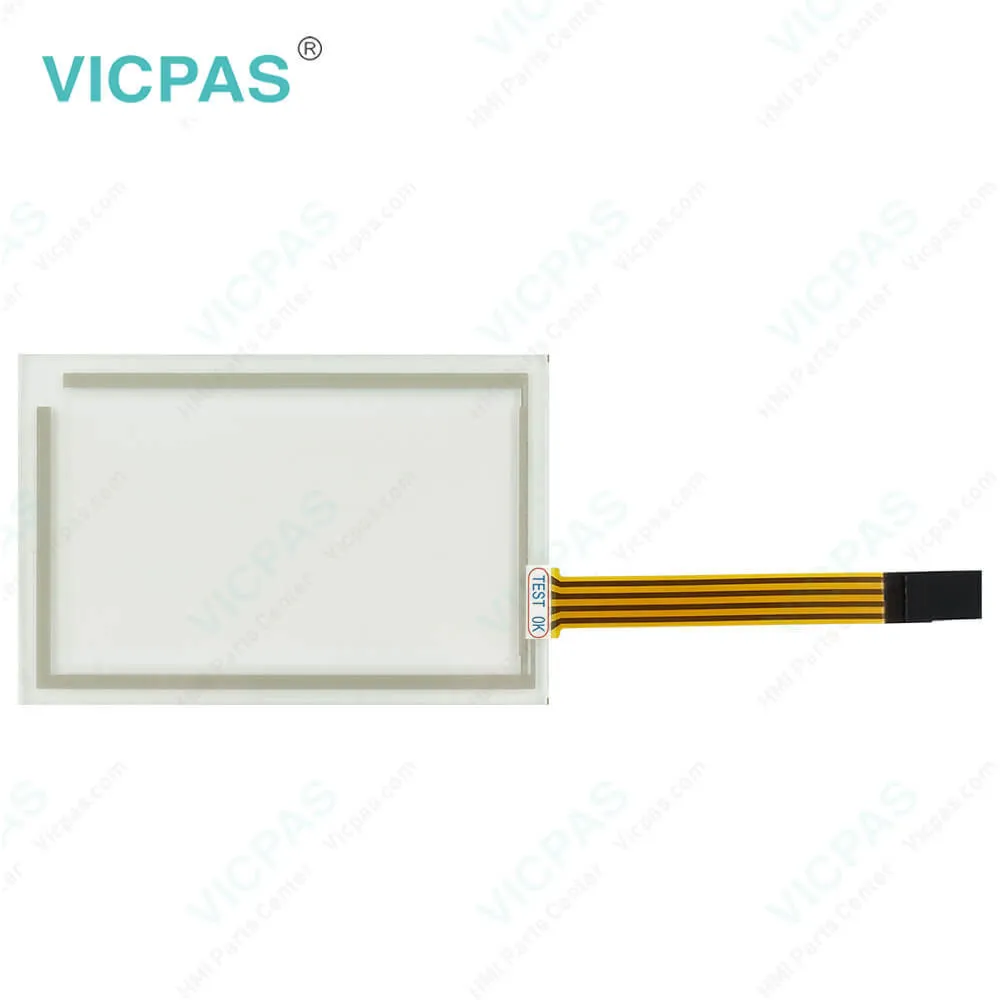
Lenze EPM-H502 Protective Film Touch Screen Panel Repair
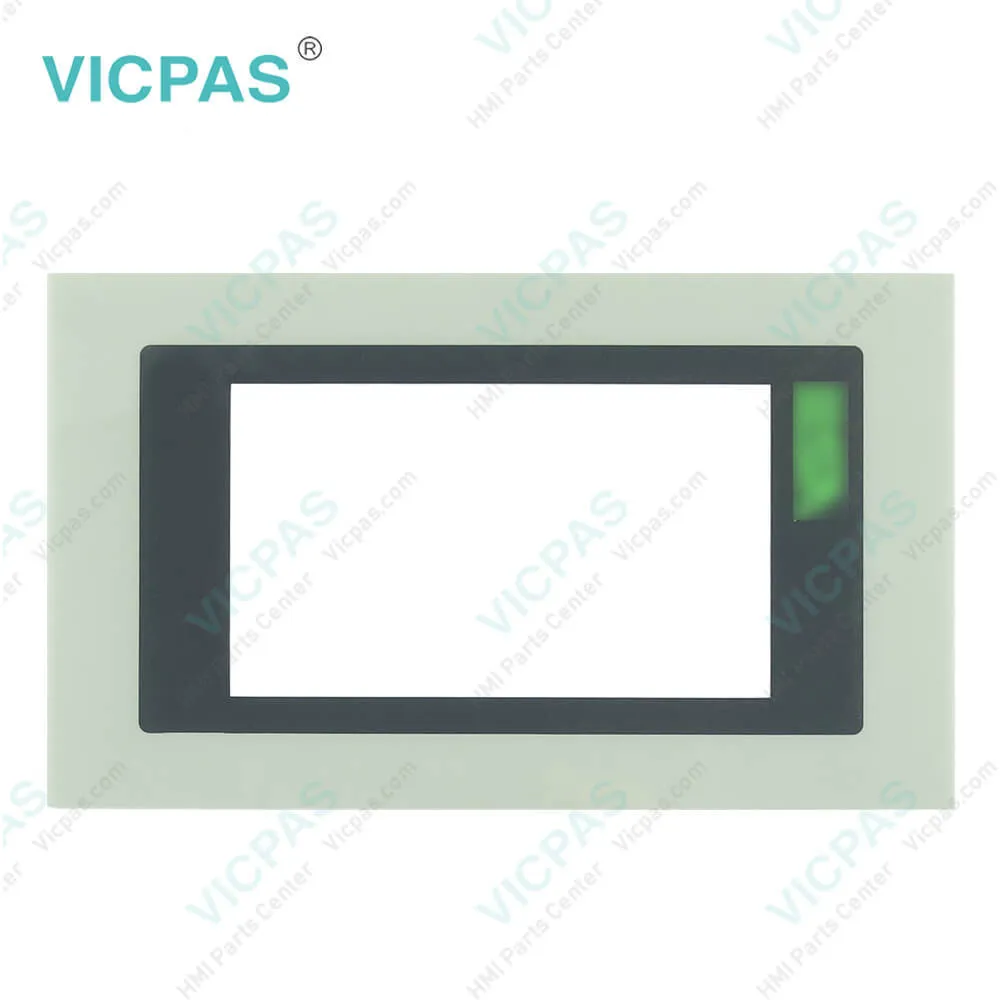
Lenze EPM-H502 Protective Film Touch Screen Panel Repair
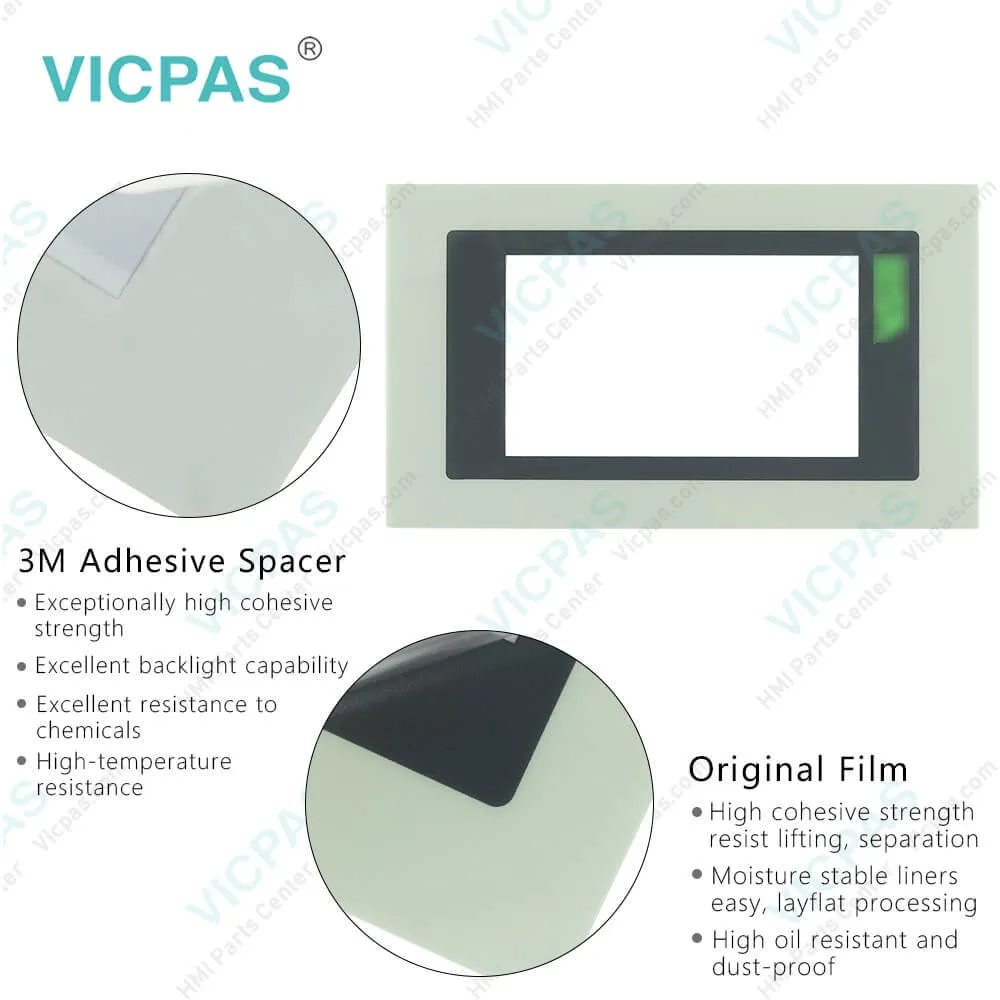
Lenze EPM-H502 Protective Film Touch Screen Panel RepairLenze EPM-H502 Protective Film Touch Screen Panel RepairLenze EPM-H502 Protective Film Touch Screen Panel RepairLenze EPM-H502 Protective Film Touch Screen Panel RepairLenze EPM-H502 Protective Film Touch Screen Panel Repair
BrandLENZE
ModelEPM-H502
Warranty365 Days
Product LineLENZE EPM Series
SupplyLENZE EPM Series Touch Panel Protective Film
Shipping2-4 workdays
Terms of PaymentWestern Union, T/T, PayPal, Credit Card
Download
Update Time2026-02-04 02:04:22
Leading Time{{selectedConditionObj.leading}}
{{item.value}}
{{nameObj.name}}{{nameObj.selectedValue}}
{{valueObj.name}}

Shipping

Free Shipping

Those shipping costs are only estimates, the actual shipping cost will be shown on the order page.

Detail Information

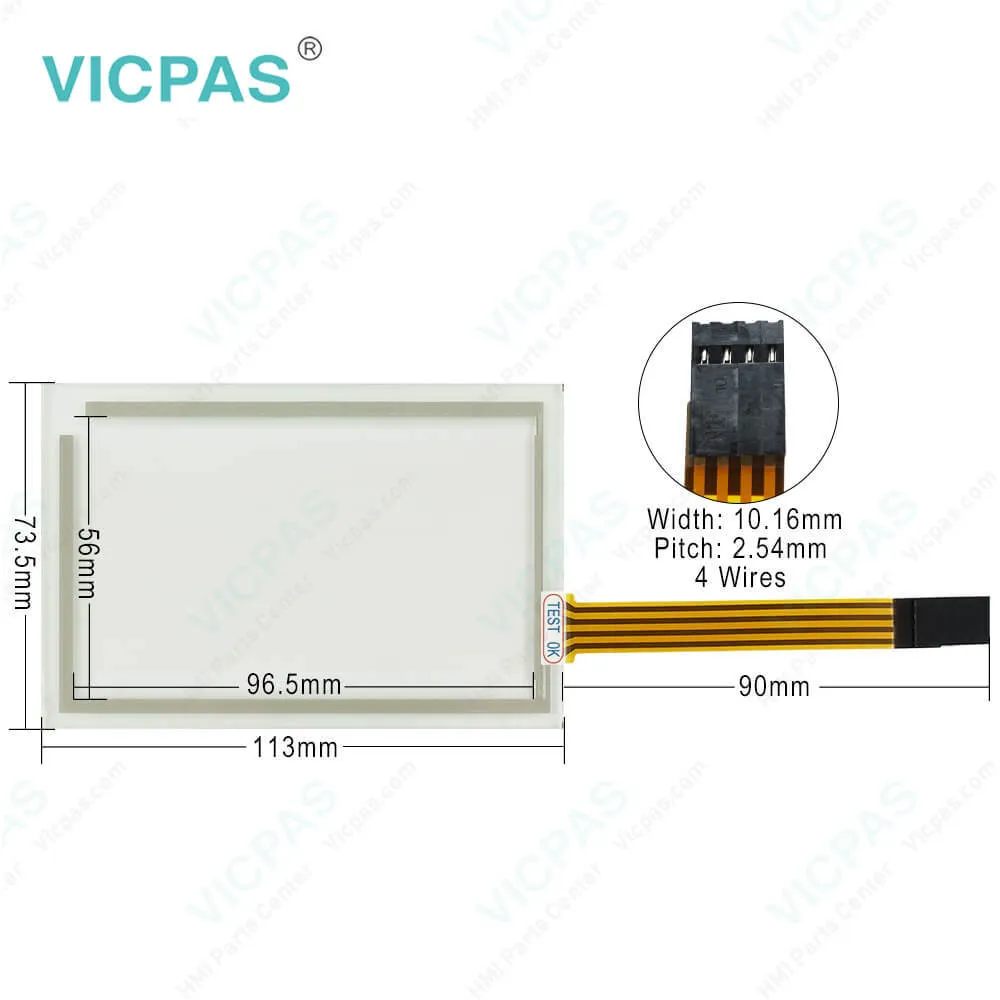
LENZE EPM Series EPM-H502 Touch Digitizer Glass Protective Film Replacement

Order each part separately is available

LENZE EPM Series EPM-H502 Touch Screen Front Overlay Repair Replacement

Kernfix supplies LENZE EPM Series EPM-H502 Protective Film and Touch Panel with 365 days warranty and support Urgent Worldwide Shipping.


The Lenze EPM-H502 Touch Screen Glass Protective Film human-machine interface (HMI) is a state-of-the-art device that boasts a sleek design and boasts a high-resolution touchscreen for seamless user interaction. This advanced HMI offers a wide range of functionalities, including real-time monitoring, parameter adjustment, and diagnostics, allowing operators to effectively monitor and control their machinery. With its user-friendly interface and customizable options, the Lenze EPM-H502 Front Overlay Touch Digitizer Glass HMI seamlessly integrates with Lenze drives and automation systems, enabling operators to optimize machine performance and productivity. Equipped with advanced features such as multi-language support, data logging, and remote access, the EPM-H502 Protective Film Touch Screen Panel provides efficient and intuitive control over machinery operations. Its rugged design ensures durability and reliability even in demanding industrial environments. With its cutting-edge technology and robust capabilities, the Lenze EPM-H502 Touch Panel Front Overlay HMI is an ideal choice for modern industrial applications where efficient and user-friendly machine control is essential.


Specifications:

Backlight:LED
Display Resolution:240 x 128 pixels
Part Number:EPM-H502
Product Line:LENZE EPM Series
Touchscreen:Matrix 20 × 8 (12 × 16 pixels each)
Brand:Lenze
Display Type:LCD 4 grey scale STN
Power Supply:+24 VDC, (+18 ... 32 VDC)
Storage Temperature:-20 °C ~ +60 °C
Warranty:365 Days


Related BB Teach Pendant Part No. :

EPM-H502Description Inventory status
EPM-H310LENZE EPM Series Membrane Keyboard Keypad ReplacementIn Stock
EPM-H312LENZE EPM Series Keyboard Membrane RepairAvailable Now
EPM-H315LENZE EPM Series Operator Panel Keypad RepairIn Stock
EPM-H410LENZE EPM Series Membrane Keypad Switch ReplacementAvailable Now
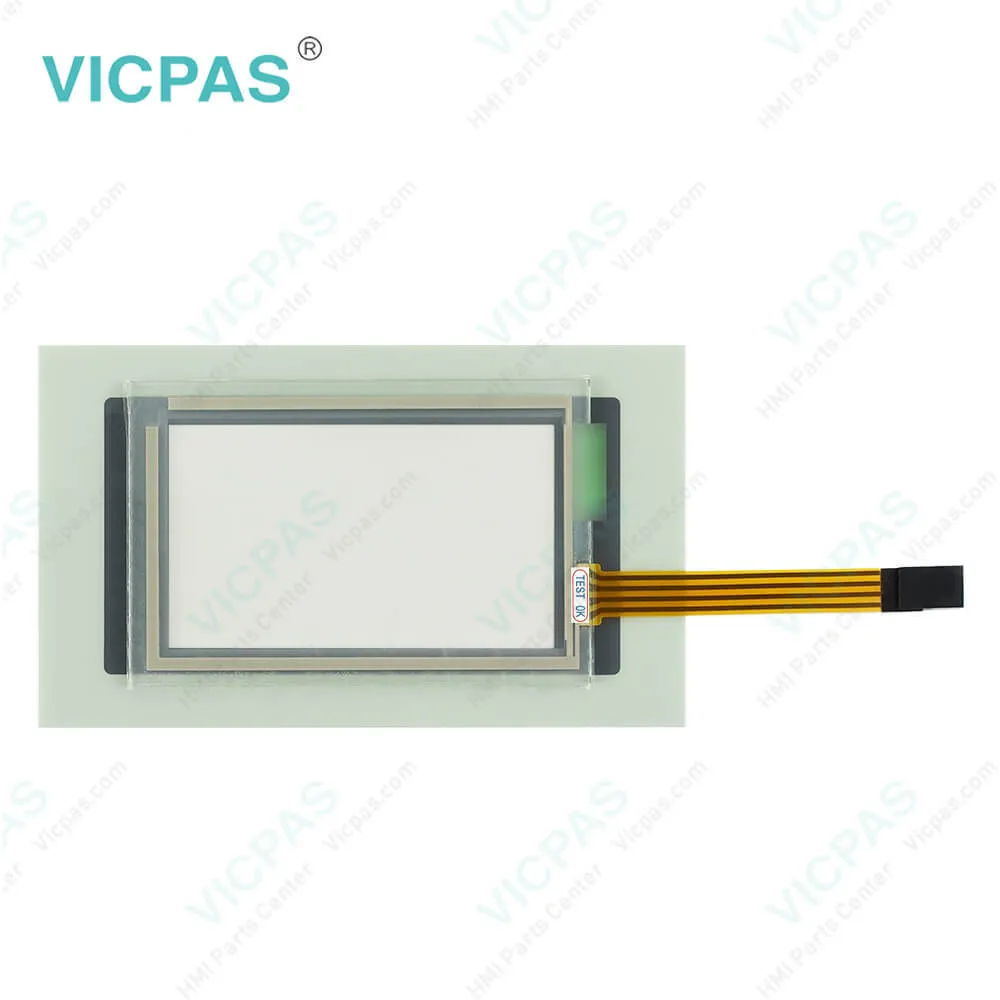
EPM-H502LENZE EPM Series Touch Screen Panel Front Overlay RepairIn Stock
EPM-H505LENZE EPM Series HMI Protective Film Touch Membrane ReplacementIn Stock
EPM-H507LENZE EPM Series Front Overlay Touch Glass Replacement RepairIn Stock
EPM-H510LENZE EPM Series Touch Digitizer Glass Protective FilmAvailable Now
EPM-H515LENZE EPM Series Switch Membrane ReplacementAvailable Now
EPM-H520LENZE EPM Series Protective Film Touch Screen MonitorIn Stock
EPM-H521LENZE EPM Series MMI Touch Screen Front Overlay ReplacementIn Stock
EPM-H605LENZE EPM Series HMI Touch Screen Protective FilmIn Stock
EPM-H606LENZE EPM Series Front Overlay Touch Screen Panel RepairIn Stock

Lenze EPM-H502 Protective Film Touch Screen Panel Repair PDF Download:
  • PC-based automation__v2011-04__EN
  • Conformity__EPM-Hxxx__2227021.03__DE_EN
  • EPM__EPM-H510__v4-0__DE_EN_FR
  • EPM__EPZ-H220-EPZ-H221 accessory__v1-0__DE_EN_FR_ES_IT
  • EPM__HMI EPM-H310__v7-1__DE_EN_FR
  • EPM__HMI EPM-H312__v2-0__DE_EN_FR
  • EPM__HMI EPM-H315__v7-1__DE_EN_FR
  • EPM__HMI EPM-H410__v4-1__DE_EN_FR
  • EPM__HMI EPM-H502__v5-1__DE_EN_FR
  • EPM__HMI EPM-H505-EPM-H507__v6-1__DE_EN_FR
  • EPM__HMI EPM-H515__v2-0__DE_EN_FR
  • EPM__HMI EPM-H520__v4-0__DE_EN_FR
  • EPM__HMI EPM-H521__v2-0__DE_EN_FR
  • EPM__HMI EPM-H605-EPM-H606__v7-2__DE_EN_FR
  • EPM-H310-00413188-PANEL-OPERATORSKI-ALPHANUMERIC-LENZE-MANUAL

  • FAQ:

    Question: How do I connect the Lenze human-machine interface (HMI) to my Lenze drive or controller?

    Answer: You can connect the Lenze HMI to your Lenze drive or controller using standard communication protocols such as EtherCAT, CANopen, or Modbus, depending on the specific model and configuration. Please refer to the user manual or documentation of your Lenze HMI and drive/controller for detailed instructions on how to establish the communication link.

    Question: How can I configure the Lenze HMI to display my specific parameters or data?

    Answer: You can configure the Lenze HMI using the Lenze Designer software, which allows you to create custom screens, buttons, and displays to suit your specific needs. You can also use the pre-defined templates and libraries provided by Lenze for common applications. Refer to the user manual or online resources for Lenze Designer for detailed instructions on how to configure the HMI for your specific requirements.


    Common misspellings:

    EPM-H52

    EP-H502

    EPMH-502

    EPM-H5o2

    EPM-H5022

    Please send your message to us
    *Email
    Mobile Phone
    *Title
    *Content
    Upload
    • Only supports .rar/.zip/.jpg/.png/.gif/.doc/.xls/.pdf, maximum 20MB.
    Do you want to quickly know the product quotation you need?
    • Fast QuoteFast Quote
    • Worldwide ShippingWorldwide Shipping
    • 12 Months Warranty12 Months Warranty
    • Customize ServiceCustomize Service
    subscription
    KEEP IN TOUCH
    Please send your message to us
    *Email
    Mobile Phone
    *Title
    *Content
    Upload
    • Only supports .rar/.zip/.jpg/.png/.gif/.doc/.xls/.pdf, maximum 20MB.
    CONTACT US
    QR code
    Mobile Web
    1.486540s