




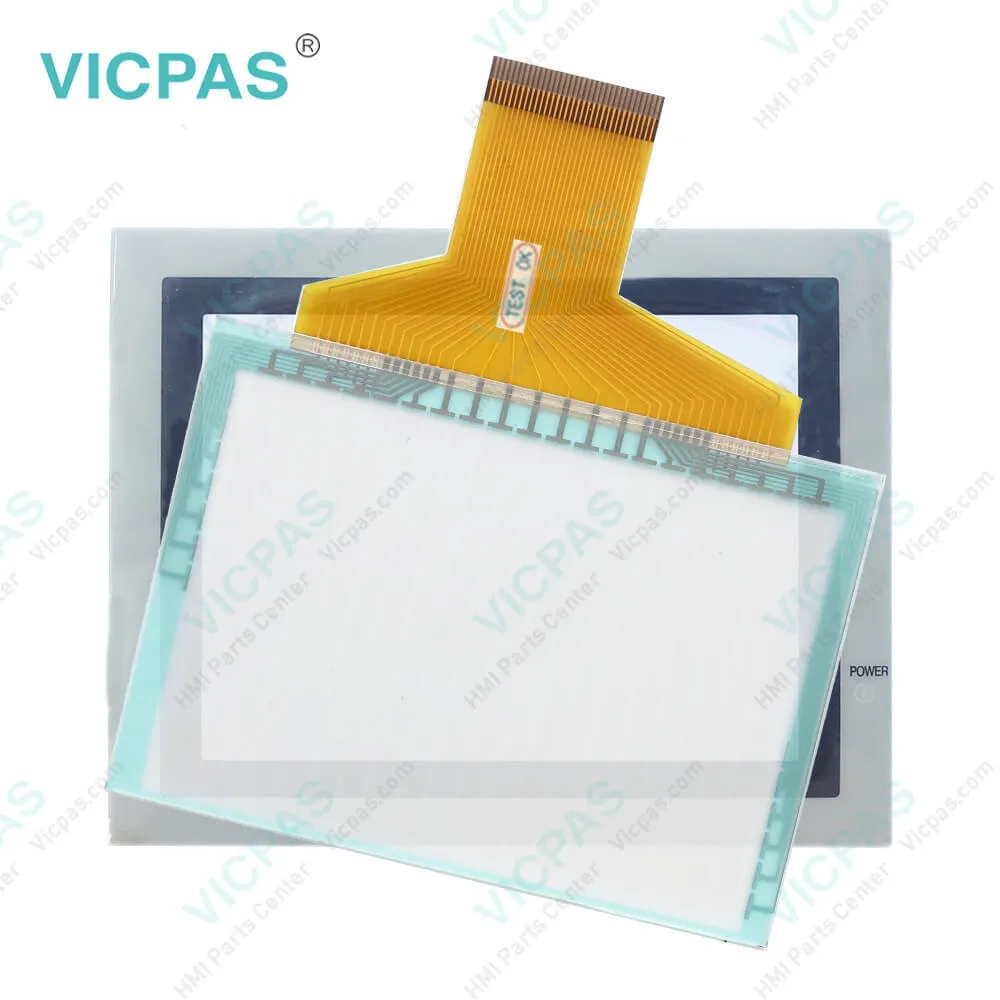
F940GOT-LWD-E GOT900 Touch Screen Protective Film
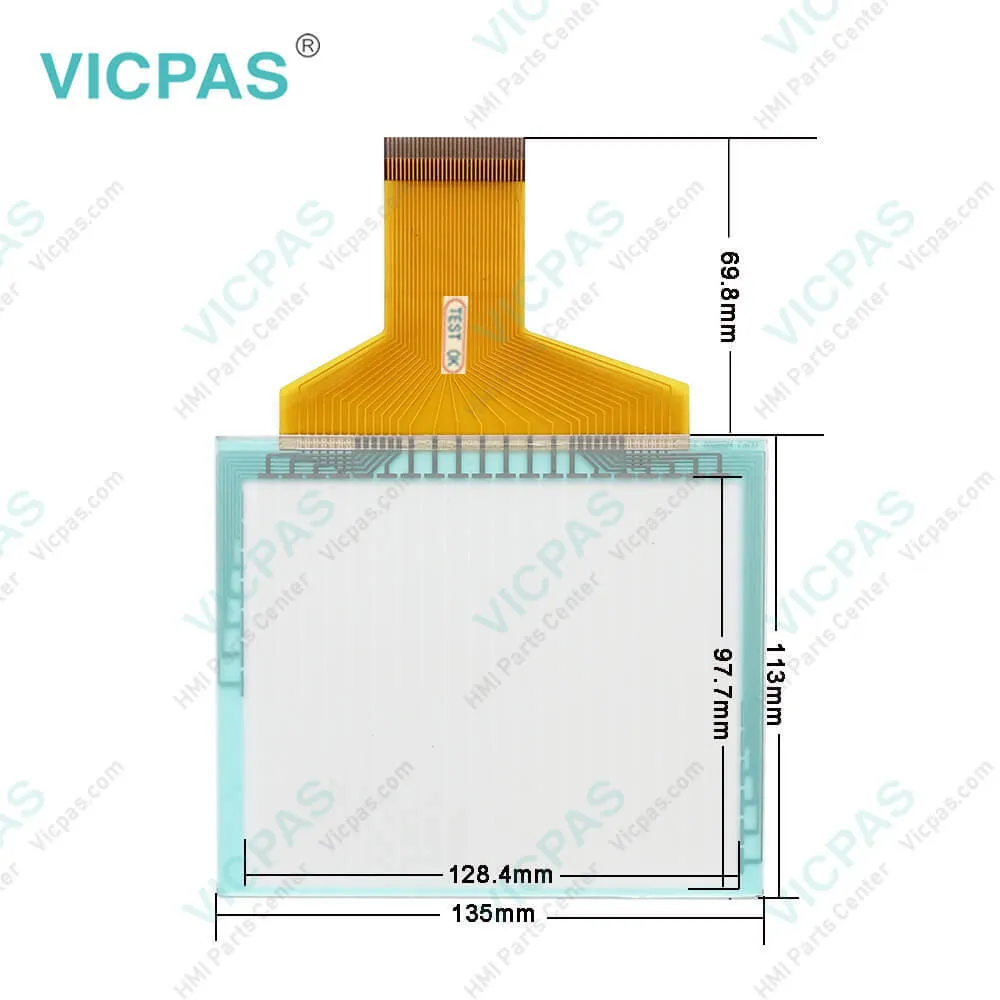
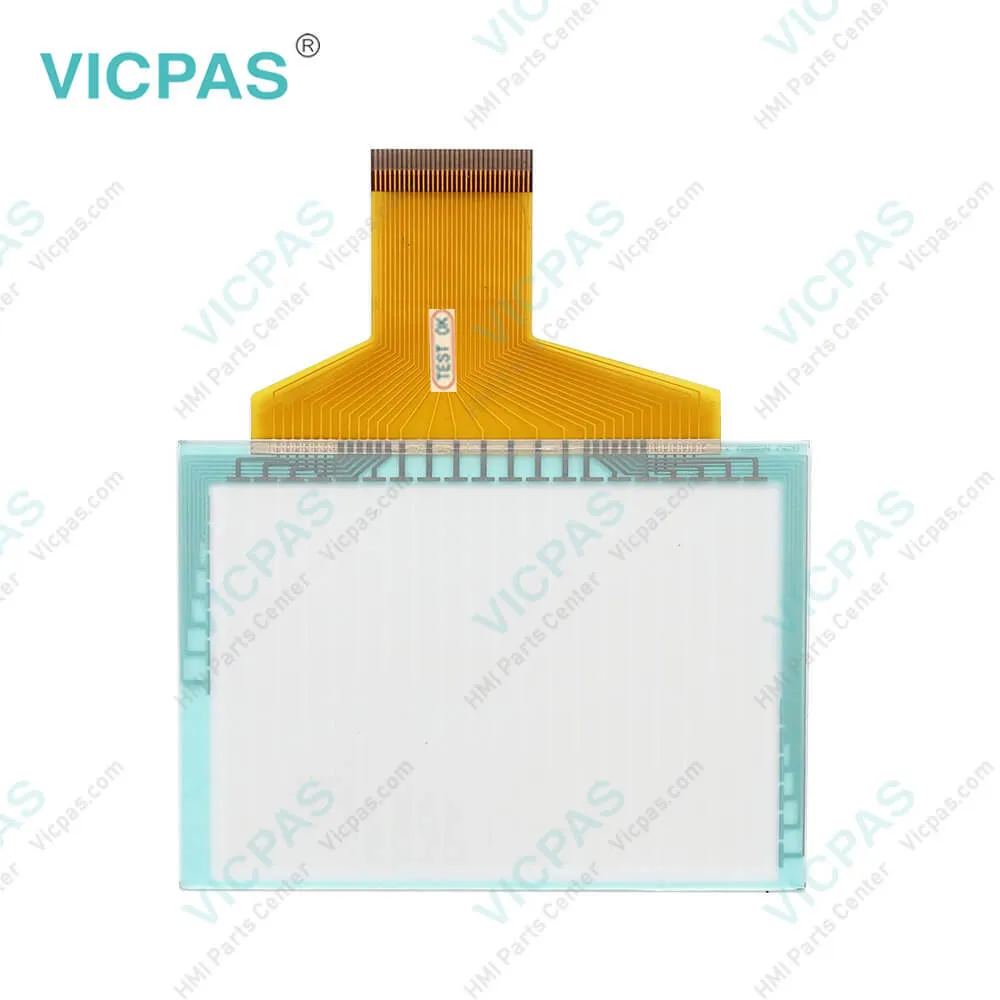
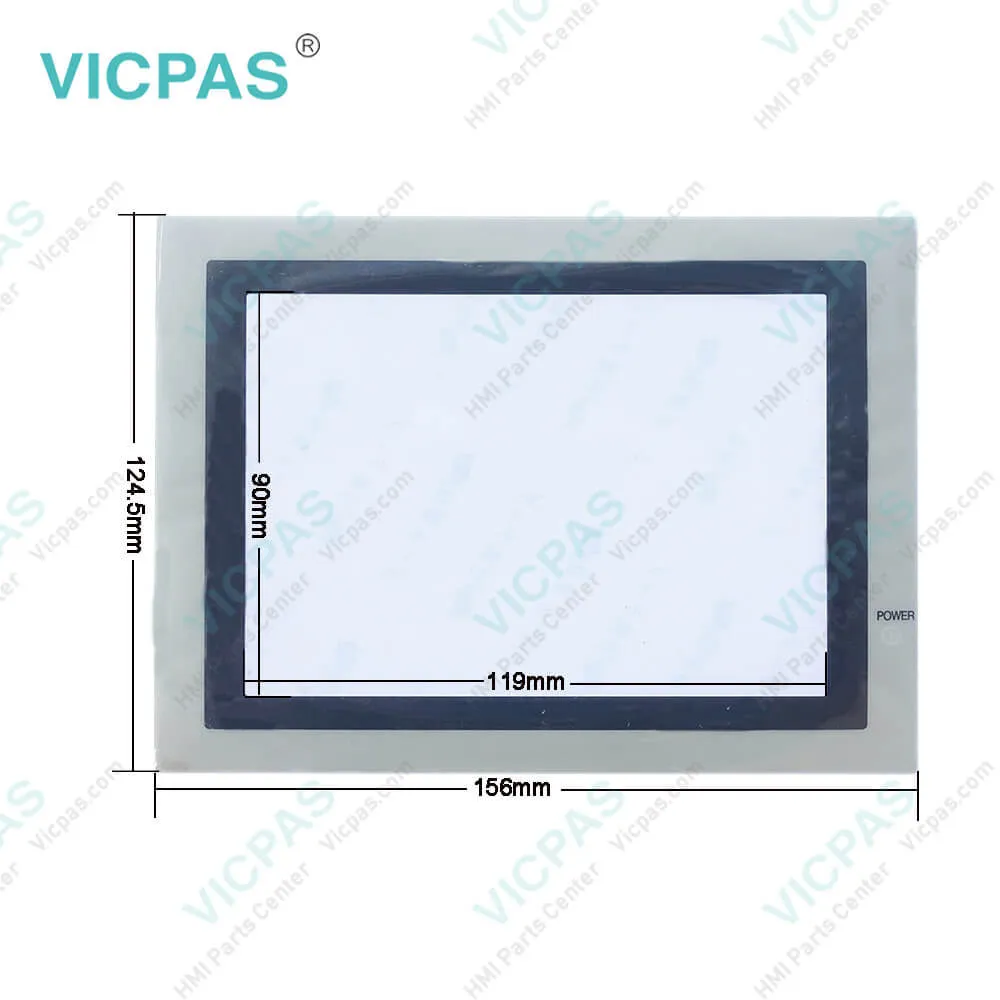
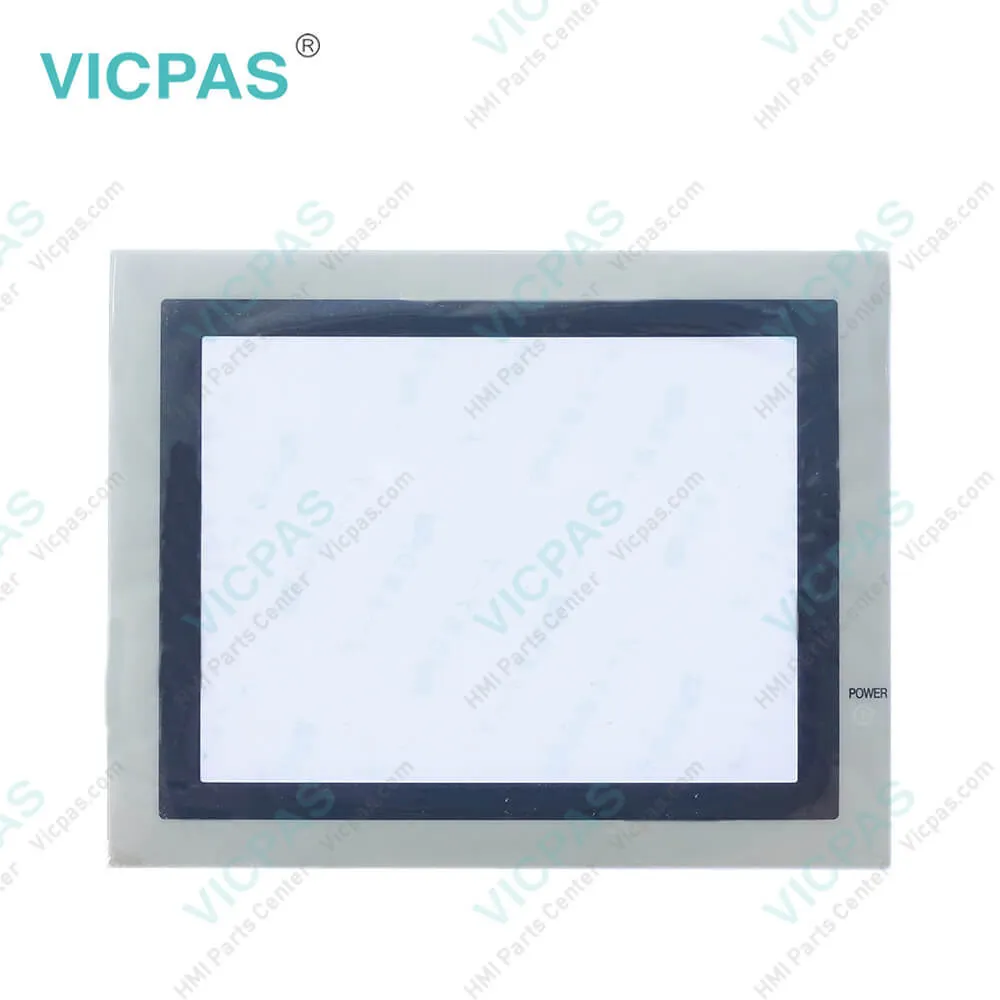
| Categories | GOT-F900 Series |
|---|---|
| Brand | MITSUBISHI |
| Model | F940GOT-LWD-E |
| Warranty | 365 Days |
| Product Line | Mitsubishi GOT-F900 F940GOT series |
| Supply | F940GOT-LWD-E Panel Glass Front Overlay |
| FOB port | Guangzhou, Shenzhen, Hongkong |
| Terms of Payment | Western Union, MoneyGram, T/T, Paypal, PayPal, Credit Card |
| Update Time | 2026-02-04 02:10:32 |
Leading Time{{selectedConditionObj.leading}}
{{item.value}}
{{nameObj.name}}{{nameObj.selectedValue}}
{{valueObj.name}}
Shipping
Detail Information
Specifications:
| Part Number : | F940GOT-LWD-E |
| Display Device: | STN monochrome LCD |
| Screen diagonal: | 5.7 in |
| Warranty: | 365 Days |
| Product Line: | Mitsubishi F940GOT Series |
| Input Power: | 24VDC (+10%, -15%) |
| Operating Temperature: | 0 to 55°C |
| Resolution: | 320 x 240 dot |
| Storage Temperature: | -20°C to 60°C |
| Cooling Method: | Self-cooling |
Related BB Teach Pendant Part No.:
| F940GOT-LWD-E | Description | Inventory status |
| F940GOT-BWD-C | Mitsubishi GOT-F900 Touch Screen Monitor Overlay Repair | In Stock |
| F940GOT-LWD | Touch Screen Protective Film Mitsubishi GOT900 F940GOT | Available Now |
| F940GOT-LWD-C | Mitsubishi F940GOT Touch Screen Glass Front Overlay | In Stock |
| F940GOT-LWD-E | Mitsubishi GOT900 F940GOT Touch Protective Film | In Stock |
| F940GOT-SWD | Mitsubishi F940GOT Touch Screen Overlay Replacement | In Stock |
| F940GOT-SWD-C | HMI Panel Glass Overlay GOT-F900 F940GOT Repair | Available Now |
| F940GOT-SWD-E | Mitsubishi GOT900 Front Overlay Touch Panel Glass | In Stock |
| F940GOT-TWD | Mitsubishi GOT-F900 Touch Screen Protective Film Repair | Available Now |
| F940GOT-TWD-E | HMI Panel Glass Overlay GOT900 F940GOT Repair | Available Now |
F940GOT-LWD-E GOT900 Touch Screen Protective Film PDF Download:
FAQ:
Question: What is the size of F940GOT-LWD-E Touch Screen Panel Glass?
Answer: The Mitsubishi GOT-F900 F940GOT F940GOT-LWD-E touch panel is 5.7-inch.
Question: How to replace the backlight of Mitsubishi GOT-F900 F940GOT-LWD-E Terminal?
Answer: Replace the backlight (spare part) using the following procedure.
Common misspellings:
F940GOT-SW
F940OT-SWD
F940G0T-SWD
F904GOT-SWD
F940GOT-SSWD

Please send your message to us
- Mobile Phone
- *Title
- *Content
 Fast Quote
 Fast Quote
 Worldwide Shipping
 12 Months Warranty
 Customize Service