




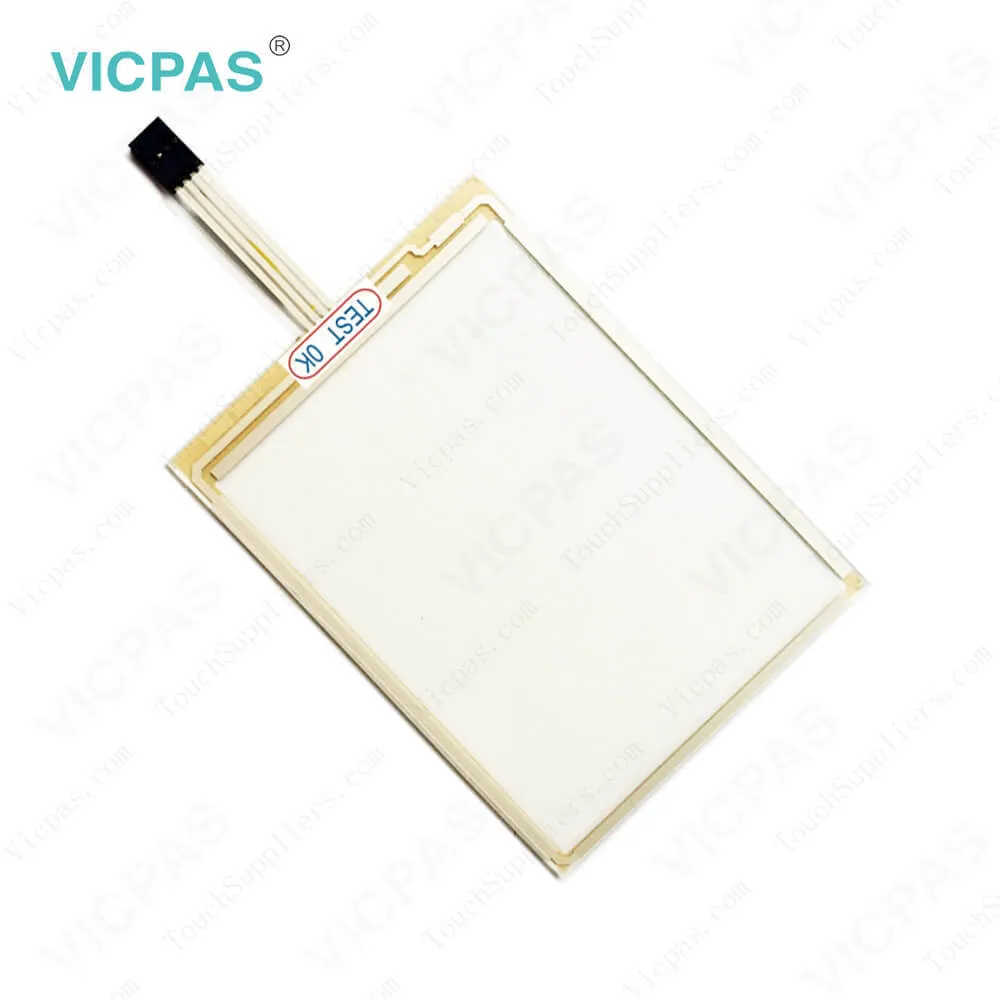
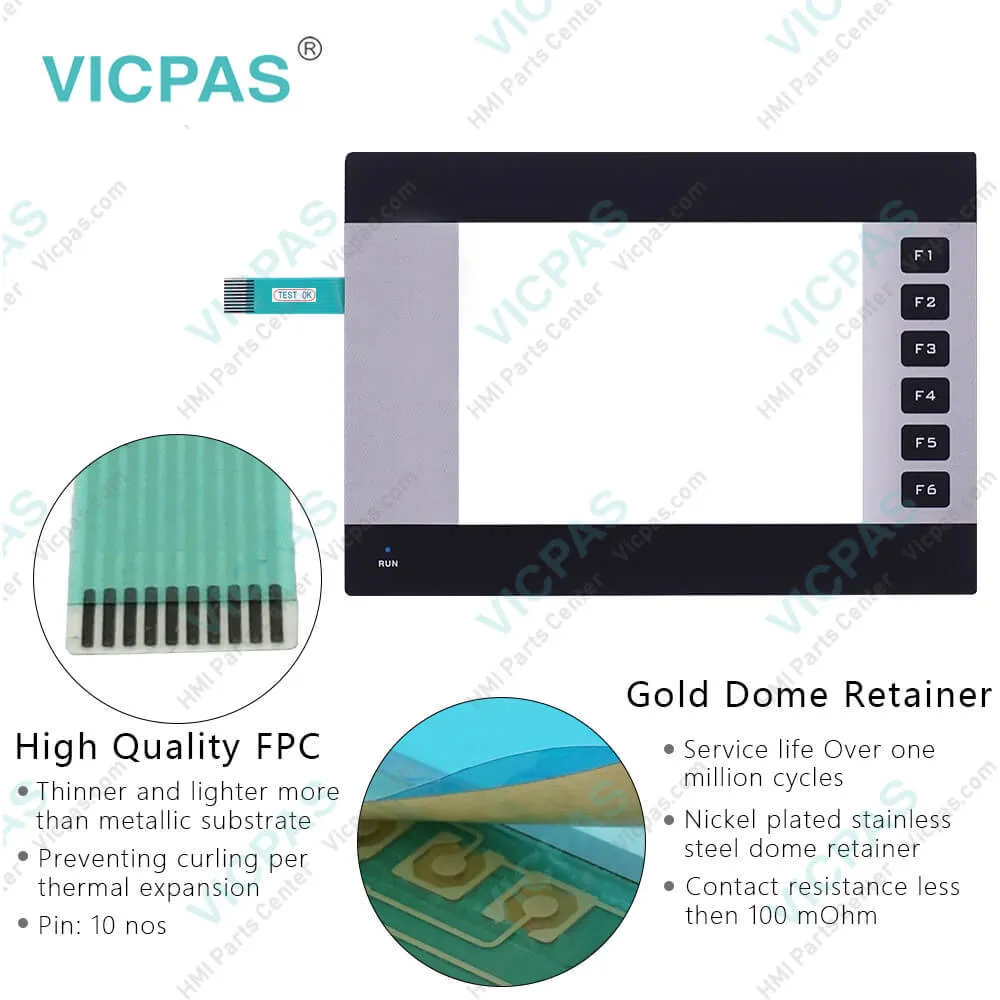
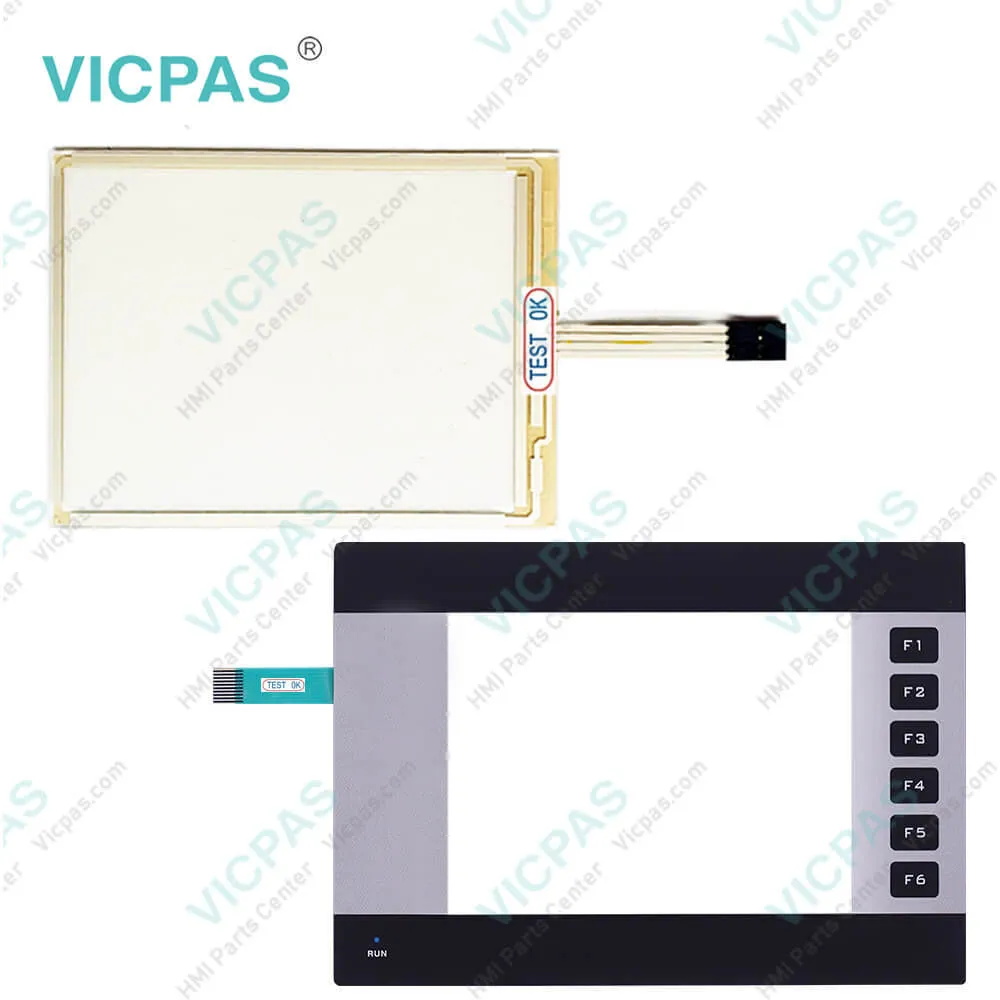
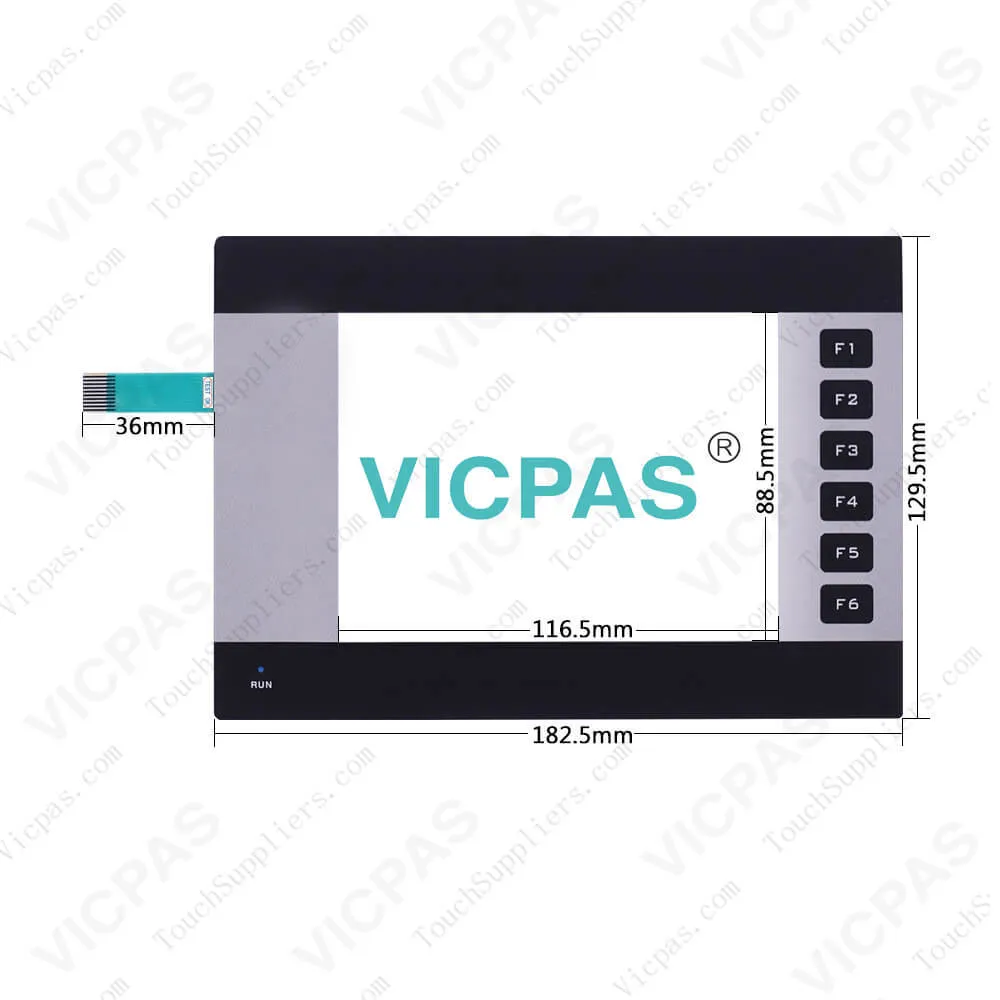
NQ5-MQ000-B Omron NQ5 HMI Membrane Keyborad Replacement
| Categories | Omron NQ Series HMI |
|---|---|
| Brand | OMRON |
| Model | NQ5-MQ000-B |
| Warranty | 365 Days |
| Product Line | Omron NQ5 series |
| Supply | Omron NQ5 Touchscreen,Keypad and Display |
| FOB port | Guangzhou, Shenzhen, Hongkong |
| Terms of Payment | Western Union, MoneyGram, T/T, Paypal, PayPal, Credit Card |
| Update Time | 2026-02-04 02:20:57 |
Shipping
Specifications:
| Part Number : | NQ5-MQ000-B |
| Design of display: | STN |
| Screen diagonal: | 5.7 in |
| Warranty: | 365 Days |
| Product Line: | Omron NQ5 Series |
| Monochrome/colour: | mono |
| Number Of Colors: | 16 gradations |
| Contrast Ratio: | 4 |
| Backlight Lifetime: | 50,000 hours |
| Function keys: | 6 |
Related BB Teach Pendant Part No.:
| NQ5-MQ000-B | Description | Inventory status |
| NQ5-MQ001-B | Omron NQ5 series HMI | In Stock |
| NQ5-SQ001-B | Omron NQ5 series HMI | In Stock |
| NQ5-SQ000-B | Omron NQ5 series HMI | Available Now |
| NQ5-TQ010-B | Omron NQ5 series HMI | In Stock |
| NQ5-MQ000-B | Omron NQ5 series HMI | Available Now |
NQ5-MQ000-B Omron NQ5 HMI Membrane Keyborad Replacement PDF Download:
FAQ:
Question: What is the dimension of NQ5-MQ000-B Omron Touch Panel??
Answer: The Touch Screen is 5.7 inch.
Question: How to calibrate the NQ5 touch screen?
Answer: To calibrate the touch screen proceed as follows.For accurate calibration use a stylus or wooden pencil.• Press the centre of the touch screen for more than 2 seconds duringpower-up.• A cross is displayed at the bottom in the left corner. This cross remains onthe touch screen for approximately 4 seconds. If the centre of the cross isnot pressed at this moment, the NQ-Series resumes to normal operation.Touch the centre of the cross with a pointed object (stylus).
Question: What is the NQ5-MQ000-B Omron NQ5 touchscreen, overlay ,diplay and other HMI parts price?
Answer: Submit a fast quote, send Kernfix an email for best price.
Common misspellings:
NQ-MQ000-B
NQ5MQ000-B
NQ5-Q000-B
NQ5-M000-B

- Mobile Phone
- *Title
- *Content
 Fast Quote
 Fast Quote
 Worldwide Shipping
 12 Months Warranty
 Customize Service