




Panasonic Toughpad FZ-M1CCAAXBA Touch Screen Panel
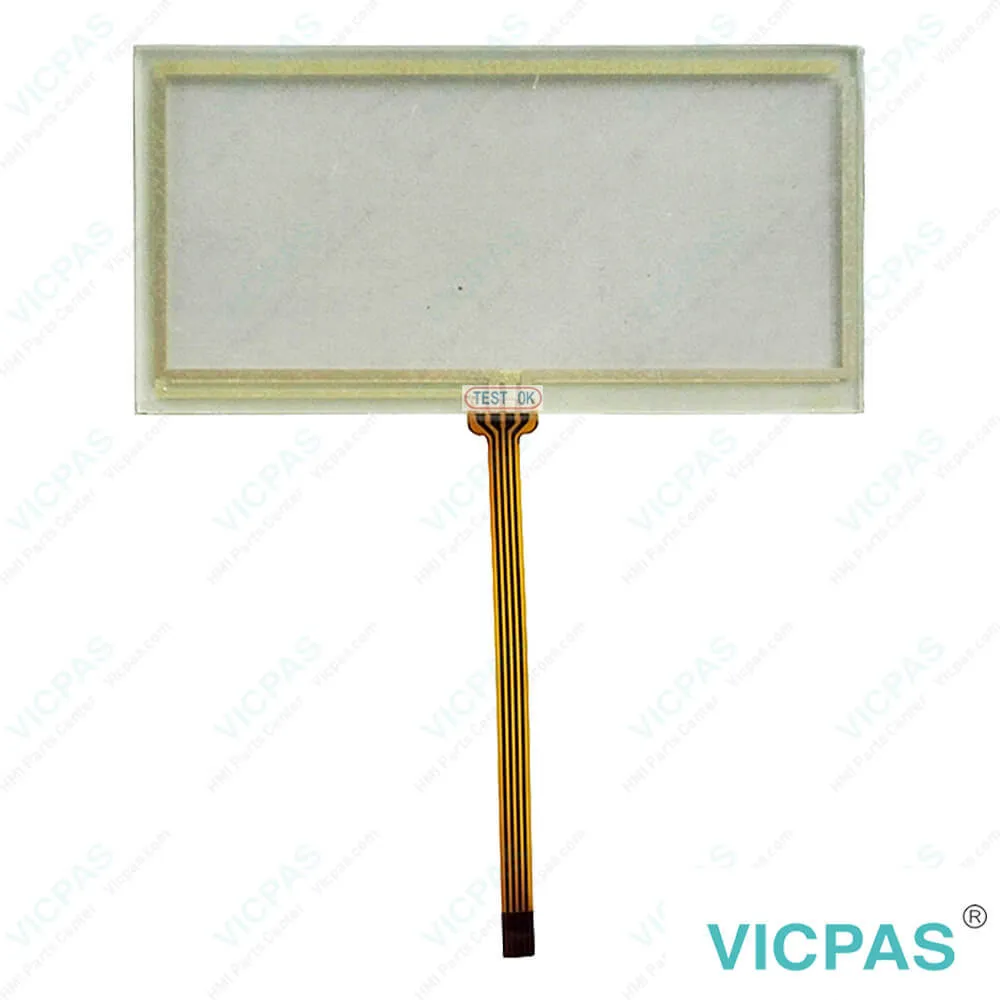
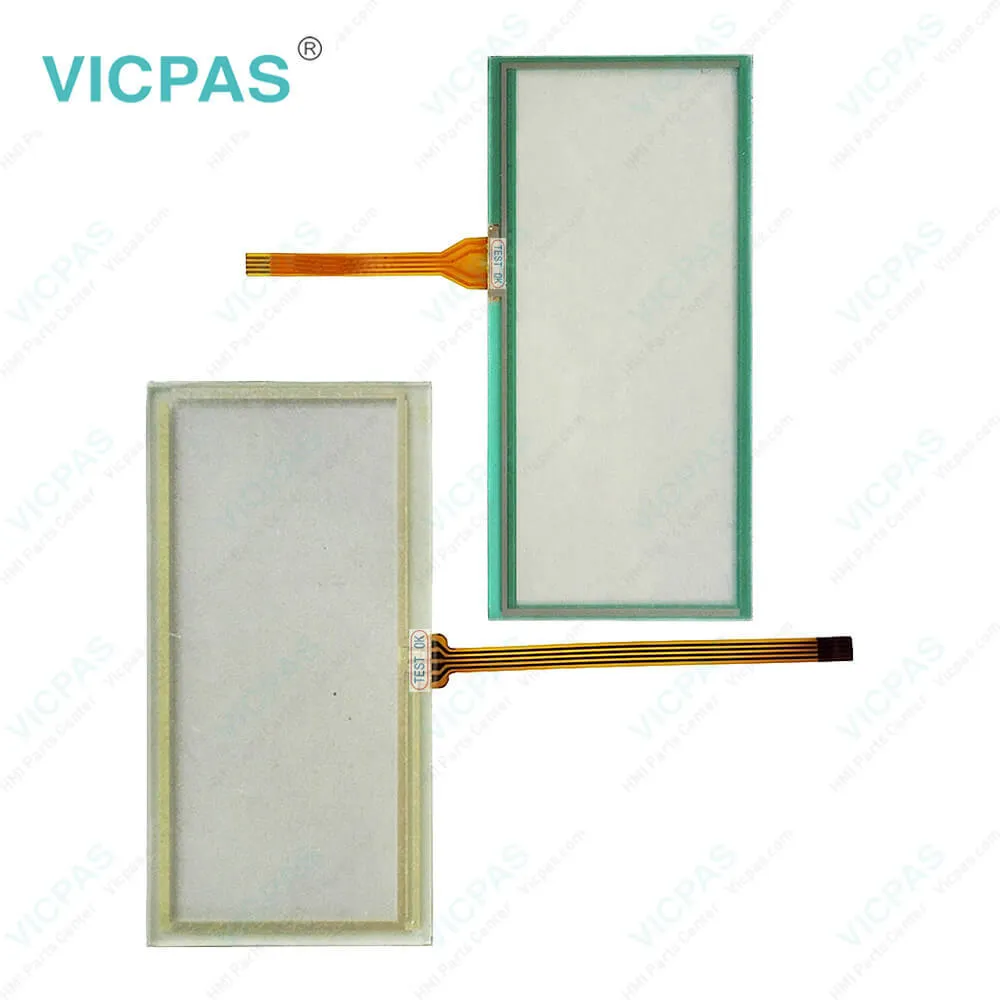
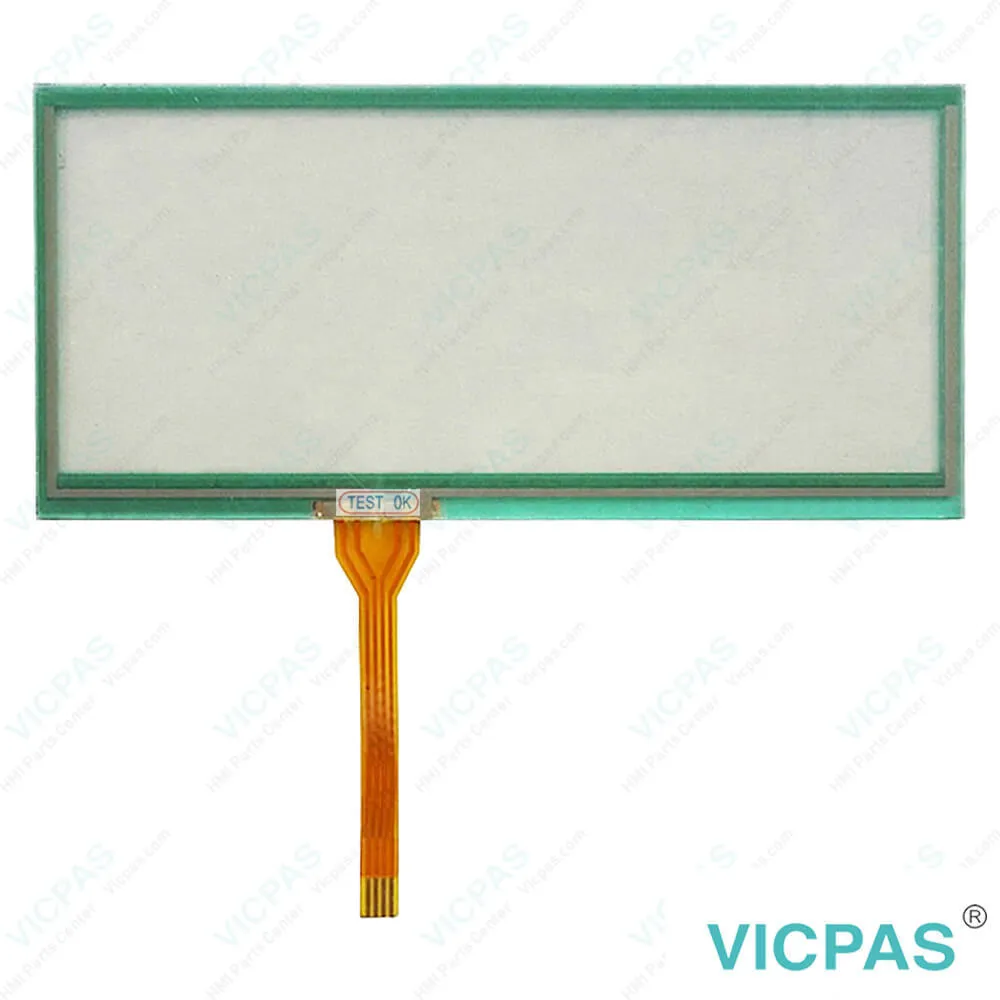
| Categories | Other Panasonic Terminal Repair Kit |
|---|---|
| Model | FZ-M1CCAAXBA |
| Warranty | 365 Days |
| Shipping | 2-4 workdays |
| FOB port | Guangzhou, Shenzhen, Hongkong |
| Terms of Payment | Western Union, MoneyGram, T/T, Paypal, PayPal, Credit Card |
| Update Time | 2026-02-04 02:27:13 |
Shipping
Specifications:
| Brand: | Panasonic |
| Warranty: | 365 Days |
| Operation Temperature: | -10°C to 50°C |
| Touch Size: | 10.1" |
| Form Factor: | Fully Rugged Tablet |
| Operating system: | Windows 8.1 Pro (64-bit) |
| RAM: | 4GB ram |
| Storage: | 128 GB SSD |
Related BB Teach Pendant Part No.:
| FZ-M1CCAAXBA | Description | Inventory status |
| Panasonic Toughpad FZ-M1CEFCXBM 7" Tablet PC | Panasonic HMI Touch Screen Panel Repair | In Stock |
| FZ-M1CCAAXBA Panasonic Toughpad | Touch Screen Glass Panasonic Toughpad | Available Now |
| Panasonic Toughpad FZ-M1ABACXJM / E179240 94VTM-0 | Panasonic Toughpad Touch Digitizer Glass | In Stock |
FAQ:
Question: The Panasonic Toughpad FZ-M1CCAAXBA Touch Screen Tablet becomes disordered, what should we do?
Answer: The screen display may become distorted if the resolution or number of colors is changed, or if an external display is connected or disconnected while the computer is operating. Restart the computer.
Question: Unable to input using the Panasonic Toughpad FZ-M1 CCAAXBA touch pad, what should we do?
Answer: If the Panasonic Toughpad FZ-M1 CCAAXBA Touch Membrane is unresponsive, try restarting the device, cleaning the screen, and using an external mouse to navigate. Then, go to Device Manager to update or re-enable the “HID-compliant touch screen” driver. Also, check for Windows updates and calibrate the touchscreen. If the issue persists, contact Panasonic support for further assistance or hardware repair.
Common misspellings:
Panasonic
Toughpad
FZ-M1
CAAXBA
CCAAXXBA
F2-M1
CCAAXBA
CCAAX8A
FZ-N1

- Mobile Phone
- *Title
- *Content
 Fast Quote
 Fast Quote
 Worldwide Shipping
 12 Months Warranty
 Customize Service