




P21-3C1-A5-1D3 P21-3C1-A6-1D3 P21-3C1-A7-1D2 HMI Panel Glass
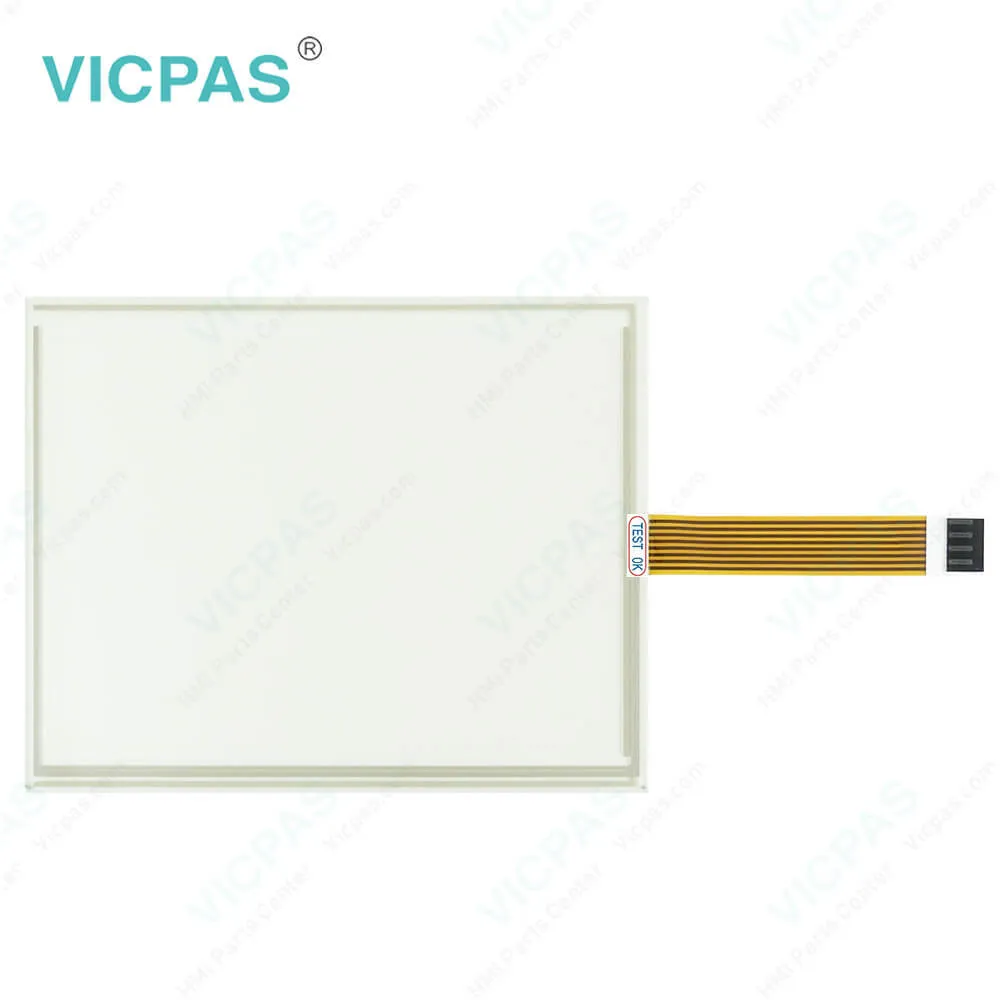
| Categories | P2 PowerStation |
|---|---|
| Model | P21-3C1-A5-1D3 P21-3C1-A6-1D3 P21-3C1-A7-1D2 |
| Warranty | 365 Days |
| Product Line | Parker P2 PowerStation |
| Supply parts | Parker P2 PowerStation Touch Screen Monitor |
| Shipping | 2-4 workdays |
| FOB port | Guangzhou, Shenzhen, Hongkong |
| Terms of Payment | Western Union, MoneyGram, T/T, Paypal, PayPal, T/T ,Credit Card, Western Union |
| Update Time | 2026-02-04 02:29:06 |
Shipping
Specifications:
| Brightness: | 50 cd/m2 (NIT) |
| Product Line: | Parker P2 PowerStation |
| Resolution: | 640x480 pixels |
| Warranty: | 1-Year Warranty |
| Input Freq.: | 10kHz max. |
| Minimum Pulse: | 40μs |
| Supply Supply: | 12VDC or 24VDC |
| Storage Temp.: | -20℃~+60℃ |
| Transport Temp.: | −20 ... +60 °C |
| Operation Temp.: | 0 ... +50 °C |
Related BB Teach Pendant Part No.:
| P21-3C1-A5-1D3 P21-3C1-A6-1D3 P21-3C1-A7-1D2 | Description | Inventory status |
| P21-3B1-A6-1D3 | Parker P2 PowerStation Touch Screen Repair Replacement | In Stock |
| P21-3B1-A7-1D3 | Parker HMI P2 PowerStation Touch Panel Replacement | Available Now |
| P21-3B2-A3-1D3 | HMI Parker P2 PowerStation Touchscreen Replacement | In Stock |
| P21-3B2-A4-1D3 | Parker P2 PowerStation HMI Panel Glass Repair | Available Now |
| P21-3B2-A5-1D3 | Parker P2 PowerStation Touch Screen Glass Repair | Available Now |
| P21-3B2-A6-1D3 | Parker P2 PowerStation Touch Screen Panel Replacement | In Stock |
| P21-3B2-A7-1D3 | Parker P2 PowerStation Touch Membrane Repair | In Stock |
| P21-3B3-A2-1D1 | Parker P2 PowerStation HMI Touch Glass Replacement | In Stock |
| P21-3C1-A4-1D2 | Parker P2 PowerStation Touch Digitizer Glass Replacement | Available Now |
| P21-3C1-A4-1D3 | Parker P2 PowerStation Touch Screen Monitor Replacement | In Stock |
| P21-3C1-A4-1D5 | Parker P2 PowerStation HMI Panel Glass Replacement | Available Now |
| P21-3C1-A5-1D3 | Parker P2 PowerStation Touch Digitizer Replacement Repair | In Stock |
| P21-3C1-A6-1D3 | Parker P2 PowerStation MMI Touch Membrane Replacement | In Stock |
| P21-3C1-A7-1D2 | Parker P2 PowerStation HMI Touch Screen Replacement Repair | Available Now |
| P21-3C1-A7-1D3 | Parker P2 PowerStation Touch Panel Repair Replacement | In Stock |
P21-3C1-A5-1D3 P21-3C1-A6-1D3 P21-3C1-A7-1D2 HMI Panel Glass PDF Download:
FAQ:
Question: What should I do if my P21-3C1-A5-1D3 P21-3C1-A6-1D3 P21-3C1-A7-1D2 HMI Touch Screen HMI is overheating?
Answer: - Ensure that the HMI is installed in a well-ventilated area.
Question: Are there specific maintenance schedules recommended for Parker PowerStation P21-3C1-A5-1D3 P21-3C1-A6-1D3 P21-3C1-A7-1D2 Touch Screen Monitor HMIs?
Answer: Regular maintenance schedules typically include cleaning the P21-3C1-A5-1D3 P21-3C1-A6-1D3 P21-3C1-A7-1D2 MMI Touch Screen, inspecting connections and cables, updating software and firmware, and checking for signs of wear or damage.
Question: What are the steps to calibrate the touchscreen on my Parker PowerStation HMI?
Answer: Touchscreen calibration can typically be accessed through the system settings menu. Detailed calibration instructions are provided in the user manual specific to your model.
Common misspellings:
P21-3C1-A5-1D3
P21-3C1-A6-1D3
P21-3C1-7-1D2
21-3C1-A7-1D2
P21-3C1A-6-1D3
P21-3C1-A7-1D2
P21-3C1-A5-lD3
P21-33C1-A5-1D3

- Mobile Phone
- *Title
- *Content
 Fast Quote
 Fast Quote
 Worldwide Shipping
 12 Months Warranty
 Customize Service