



Grideal.com-Leading global industrial mall.
Quick Service for Full HMI Parts Replacement
Touchscreen-Keypad-Display-Case & More Search 80000 Inventory
user photo
Account
Login
Cart
0
Home / All / Proface / LT3000 LT4000M / LM4201TADDC PFXLM4201TADDC Front Overlay Touch Membrane
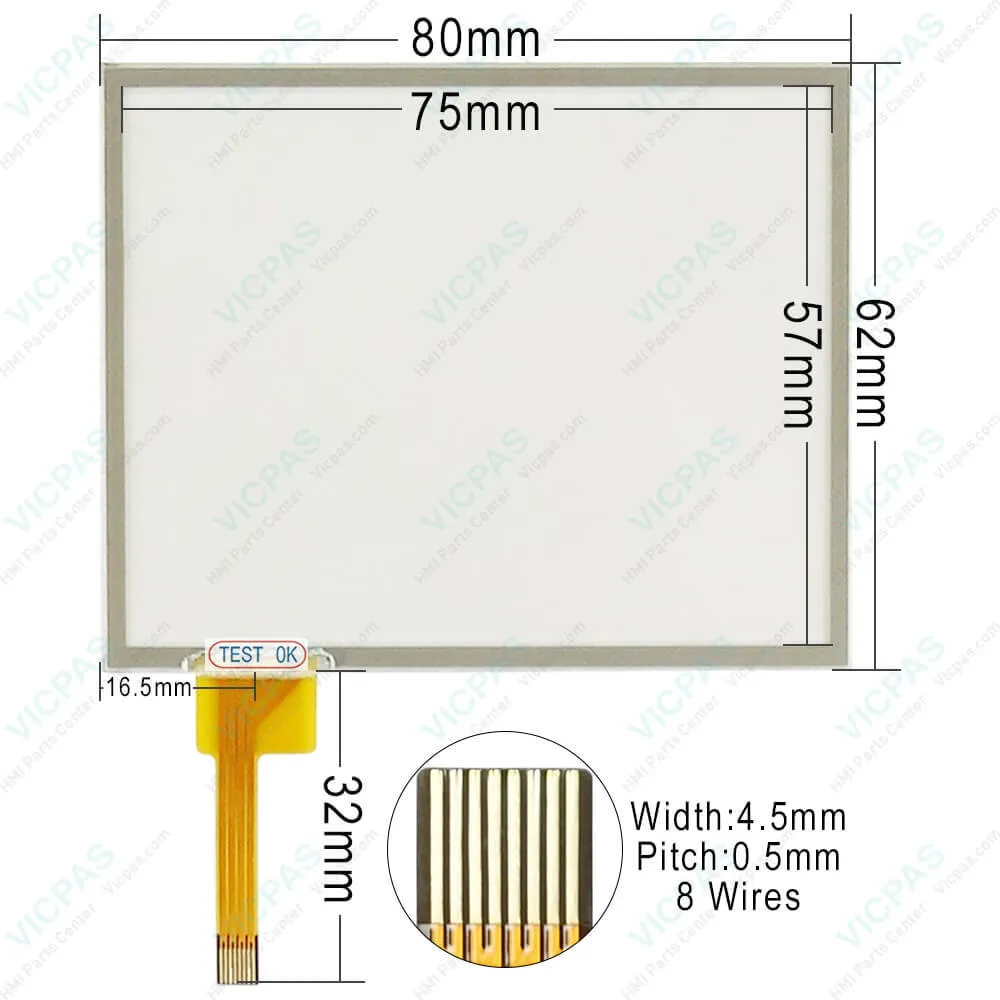
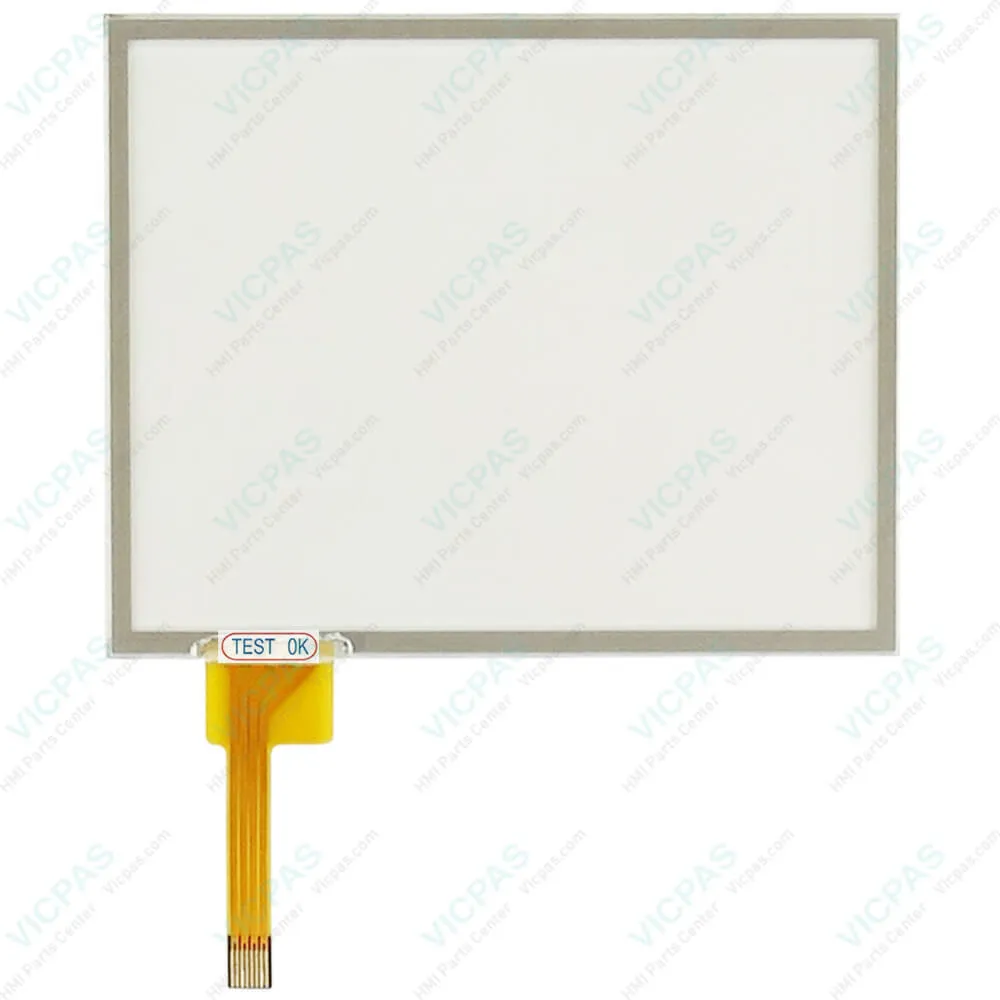
LM4201TADDC PFXLM4201TADDC Front Overlay Touch Membrane
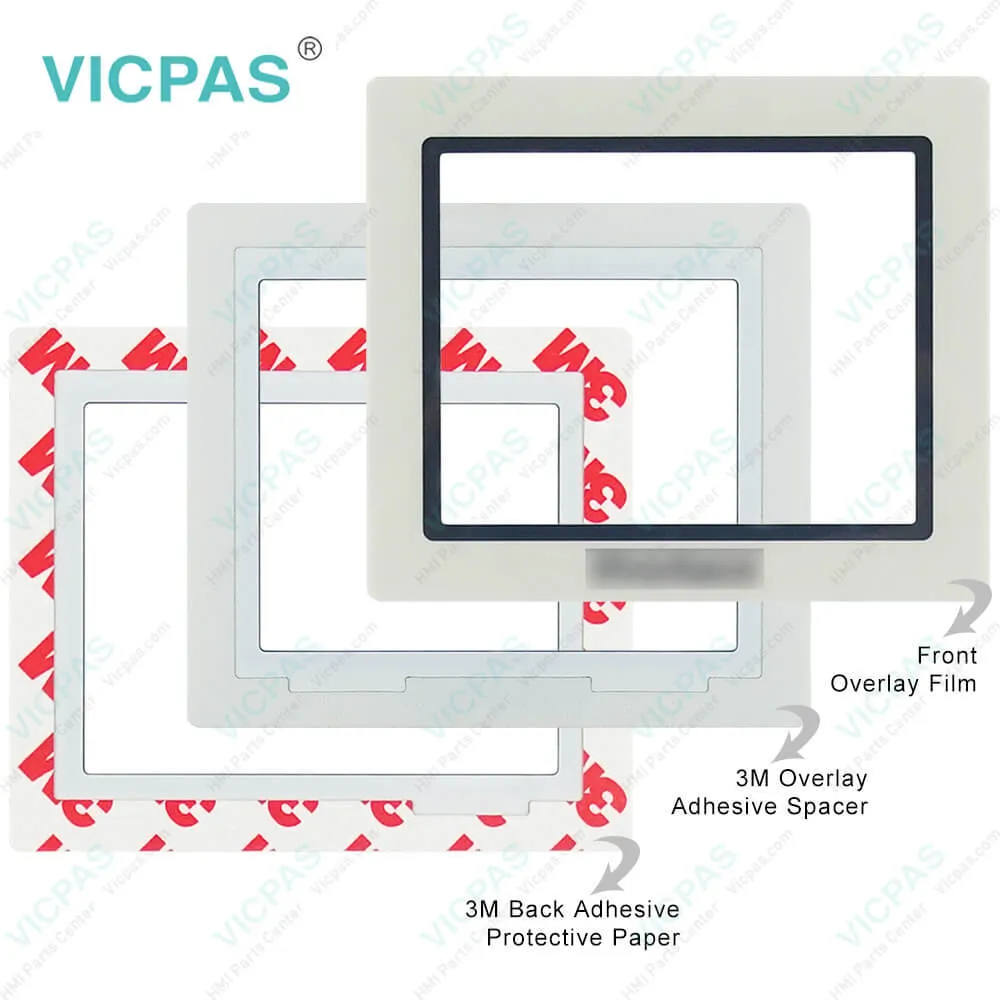
LM4201TADDC PFXLM4201TADDC Front Overlay Touch Membrane
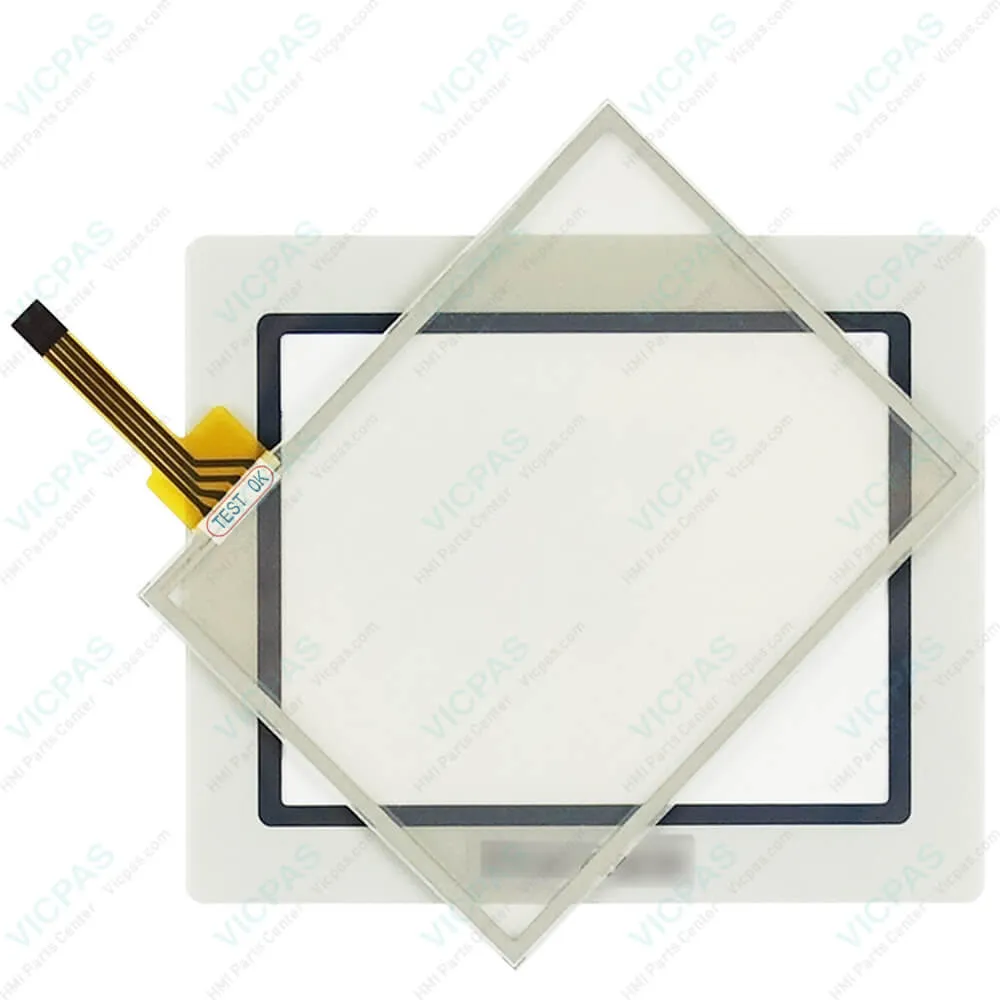
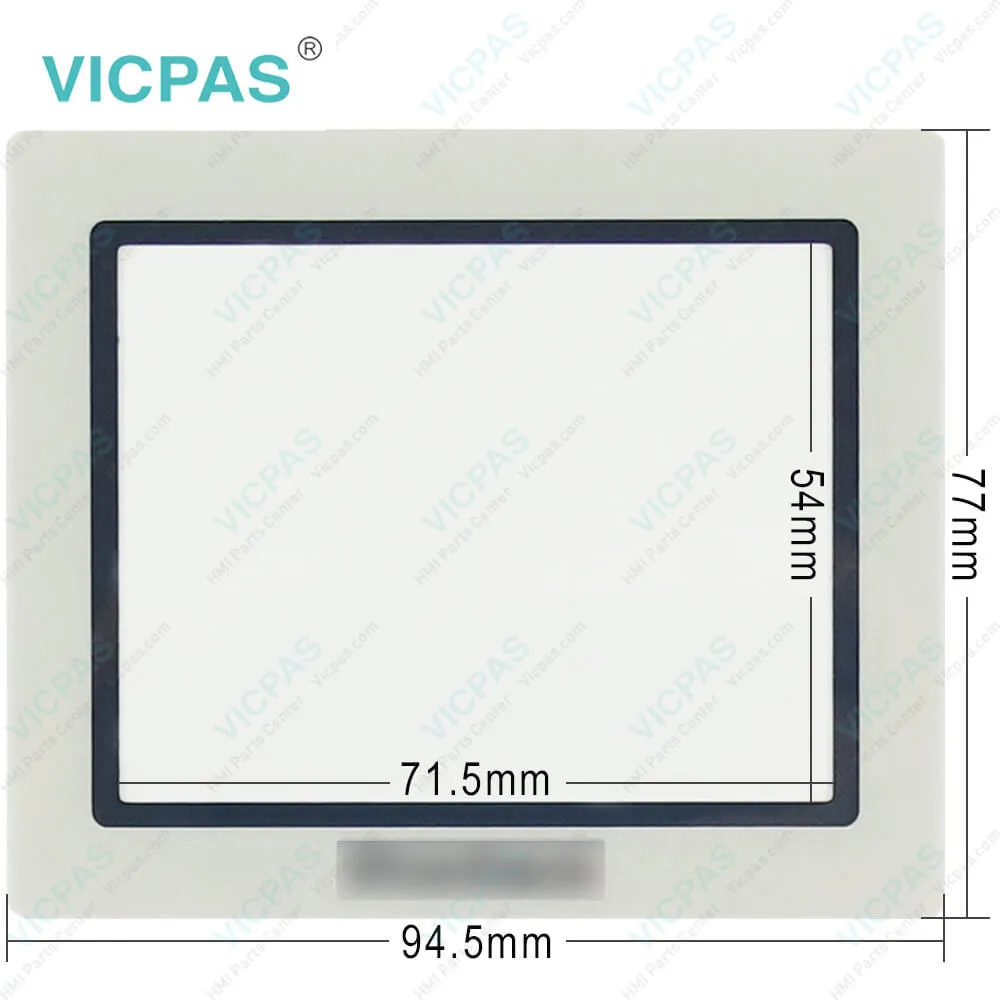
LM4201TADDC PFXLM4201TADDC Front Overlay Touch MembraneLM4201TADDC PFXLM4201TADDC Front Overlay Touch MembraneLM4201TADDC PFXLM4201TADDC Front Overlay Touch MembraneLM4201TADDC PFXLM4201TADDC Front Overlay Touch MembraneLM4201TADDC PFXLM4201TADDC Front Overlay Touch Membrane
BrandPROFACE
ModelLM4201TADDC PFXLM4201TADDC
Warranty365 Days
Product LineProface LT4000M Series
SupplyLT4000M Touch Screen Monitor Front Overlay
Shipping2-4 workdays
Terms of PaymentWestern Union, T/T, PayPal, Credit Card
Download
Update Time2026-02-04 02:48:41
Leading Time{{selectedConditionObj.leading}}
{{item.value}}
{{nameObj.name}}{{nameObj.selectedValue}}
{{valueObj.name}}

Shipping

Free Shipping

Those shipping costs are only estimates, the actual shipping cost will be shown on the order page.

Detail Information

Proface LT4000M LM4201TADDC PFXLM4201TADDC Protective Film Touch Membrane

Order each part separately is available

Proface LT4000M LM4201TADDC PFXLM4201TADDC Front Overlay HMI Panel Glass Repair Replacement

The following rules must be applied when wiring a LM4201TADDC PFXLM4201TADDC Touch Membrane Protective Film LT:
Input/Output and communication wiring must be kept separate from the power wiring. Route these 2 types of wiring in separate cable ducting.
Verify that the operating conditions and environment are within specification.
Use proper wire sizes to meet voltage and current requirements.
Use copper conductors.
Use twisted-pair, shielded cables for analog, and/or fast Input/Output.
Use twisted-pair, shielded cables for networks, and fieldbus.
For the power connector, refer to DC power supply wiring diagram.
When terminals A2 and B2 (signal name: Q1, Q0) are wired to external I/O, use the same power source for external I/O and the LM4201TADDC PFXLM4201TADDC Front Overlay HMI Panel Glass LT. Refer to Power Supply Connections.
If you use a temperature sensor with thermocouple inputs, make sure you use the compensation cable.
Prevent temperature changes to the thermocouple connection terminal. Correct temperature measurement may not be possible if the thermocouple cold junction (LT's thermocouple compensation wiring to the connection terminal) experiences temperature changes.


Be aware of the following items when building the LM4201TADDC PFXLM4201TADDC Protective Film Touch Panel LT into an end-use product:
The LT unit's rear face is not approved as an enclosure. When building the LT unit into an end-use product, be sure to use an enclosure that satisfies standards as the end-use product's overall enclosure.
The LM4201TADDC PFXLM4201TADDC Protective Film Touch Digitizer Glass LT unit must be used indoors only.
Install and operate the LM4201TADDC PFXLM4201TADDC Front Overlay Touch Membrane LT with its front panel facing outwards.
If the LT is mounted so as to cool itself naturally, be sure to install it in a vertical panel. Also, it's recommended that the LT should be mounted at least 100 mm away from any other adjacent structures or machine parts. The temperature must be checked on the final product in which the LT is installed.
For use on a flat surface of a Type 4X (Indoor Use Only) and/or Type 13 Enclosure.


Specifications:

Brand:Proface
Display Resolution:320 x 240 pixels
Part Number:LM4201TADDC
Storage Humidity:10%RH to 90%RH (non-condensing)
Touch Size:3.5"
Display Type:TFT Color LCD
Power Supply:24 V DC
Product Line:Proface LT4000M
Storage Temperature:-20°C to 60°C
Warranty:365 Days


Related BB Teach Pendant Part No. :

LM4201TADDC PFXLM4201TADDCDescription Inventory status
LM4201TADACPro-face LT4000M HMI Panel Glass Protective FilmAvailable Now
LM4201TADAKProface LT4000M Front Overlay Touch Screen MonitorIn Stock
LM4201TADDCProface LT4000M Touch Screen Protective Film ReplacementIn Stock
LM4201TADDKProface LT4000M Protective Film Touch Panel RepairAvailable Now
LM4301TADACProface LT4000M Protective Film Touchscreen RepairIn Stock
LM4301TADAKProface LT4000M HMI Touch Screen Glass Protective FilmAvailable Now
LM4301TADDCProface LT4000M Touch Screen Panel Front Overlay RepairIn Stock
LM4301TADDKPro-face LT4000M Front Overlay Touch MembraneIn Stock

LM4201TADDC PFXLM4201TADDC Front Overlay Touch Membrane PDF Download:
  • LT4000M 3.5 in. Datasheet
  • LT4000M 5.7 in. Datasheet
  • LT-4201TM LT-4301TM Hardware Manual
  • LT-4201TM LT-4301TM Installation Guide
  • PFXLM4201TADDC Specifications

  • FAQ:

    Question: What is Proface LM4201TADDC PFXLM4201TADDC Touch Screen Panel Glass Protective Film HMI parts price?

    Answer: Submit a fast quote, send Kernfix an email for best price.

    Question: LM4201TADDC PFXLM4201TADDC USB Cable Clamp Removal

    Answer: (1) Pull out the USB cover from the USB holder by pressing down the tab on the USB cover.


    Common misspellings:

    LM4201TADDC

    PFXLM4201TDDC

    LM420TADDC

    PFXLM4201TADDC

    PFLXM4201TADDC

    PFXLM42017ADDC

    LM4201TAADDC

    Please send your message to us
    *Email
    Mobile Phone
    *Title
    *Content
    Upload
    • Only supports .rar/.zip/.jpg/.png/.gif/.doc/.xls/.pdf, maximum 20MB.
    Do you want to quickly know the product quotation you need?
    • Fast QuoteFast Quote
    • Worldwide ShippingWorldwide Shipping
    • 12 Months Warranty12 Months Warranty
    • Customize ServiceCustomize Service
    subscription
    KEEP IN TOUCH
    Please send your message to us
    *Email
    Mobile Phone
    *Title
    *Content
    Upload
    • Only supports .rar/.zip/.jpg/.png/.gif/.doc/.xls/.pdf, maximum 20MB.
    CONTACT US
    QR code
    Mobile Web
    2.075305s