




PL5901-T12 PL5901-T12-233 PL5901-T12-24V-233 Front Overlay Touch Screen
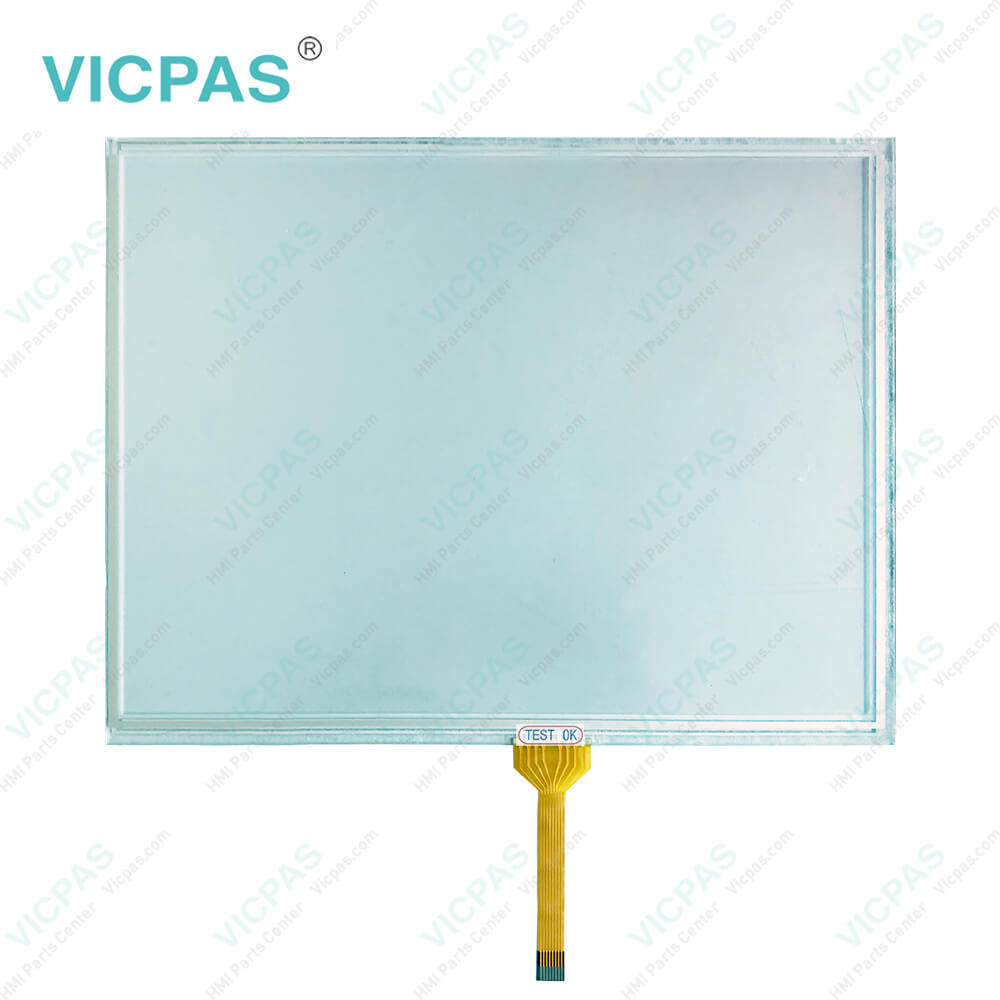
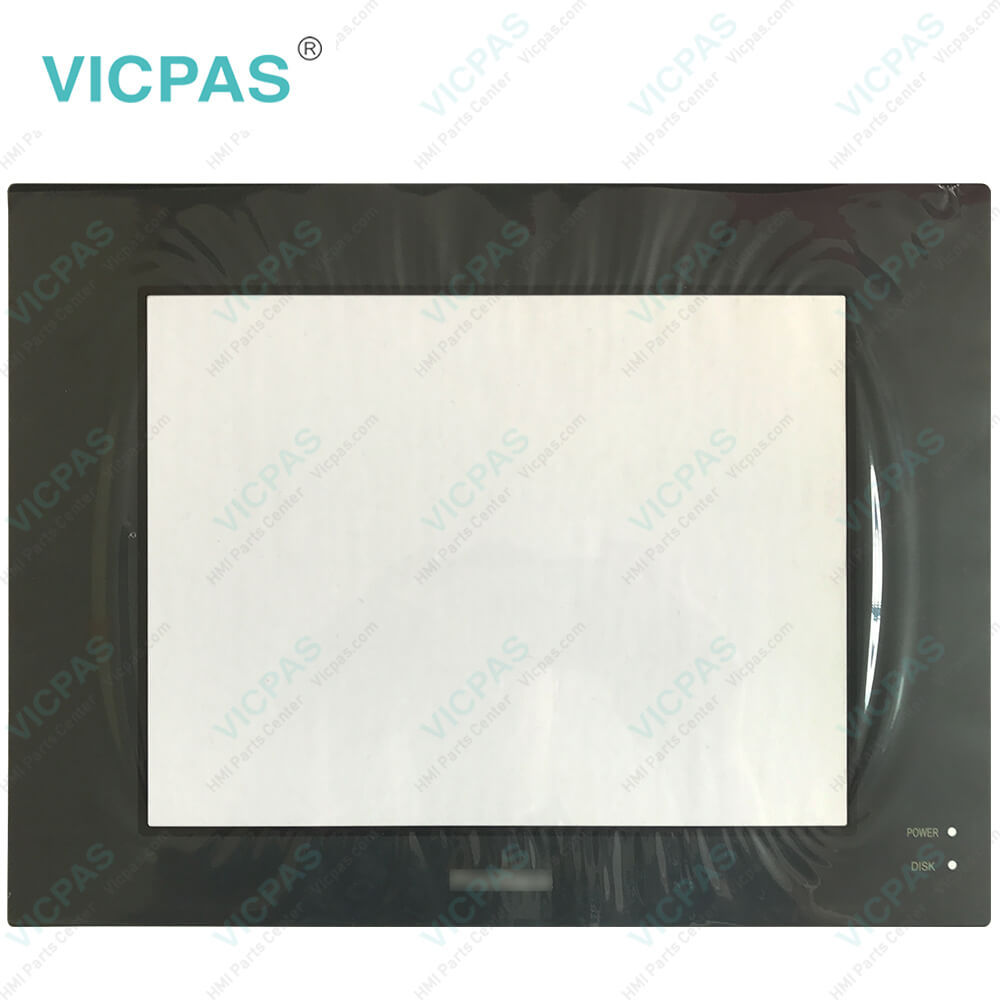
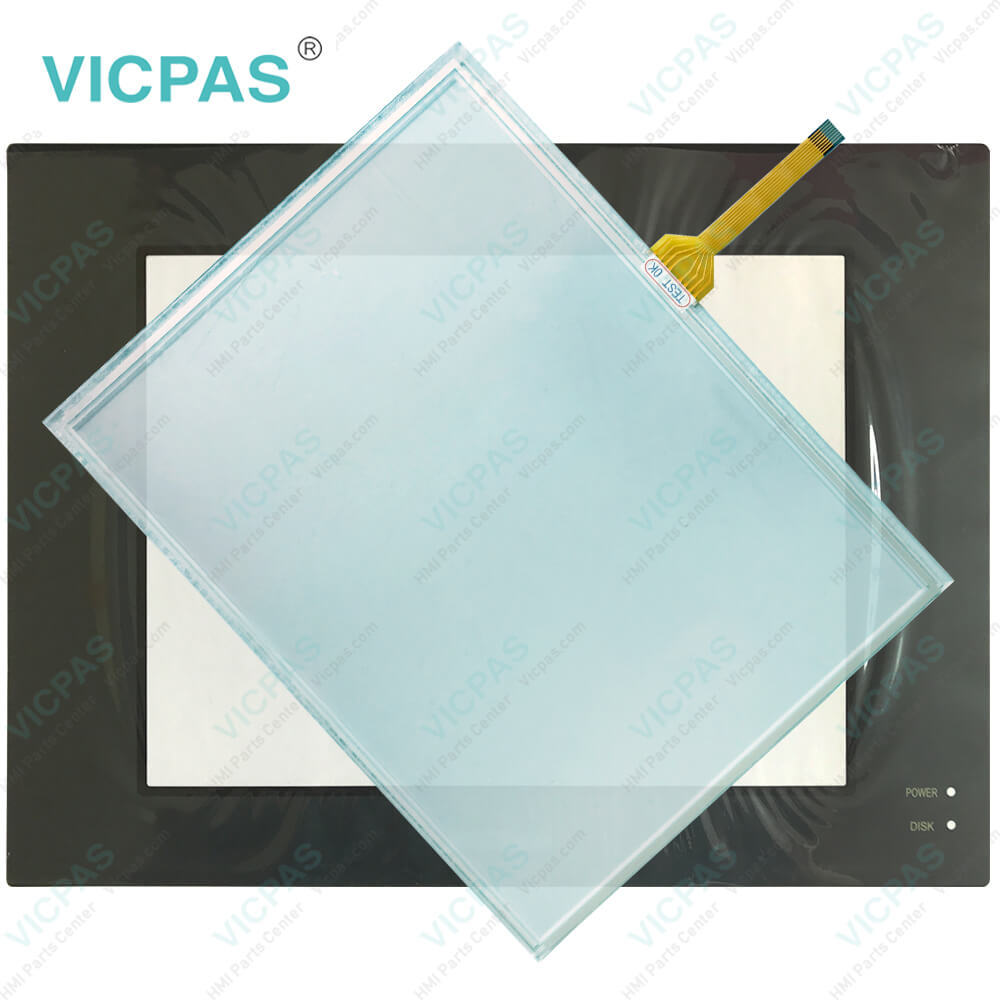
| Categories | PL Series |
|---|---|
| Brand | PROFACE |
| Model | PL5901-T12 PL5901-T12-233 PL5901-T12-24V-233 |
| Warranty | 365 Days |
| Product Line | Proface PL Series |
| Supply | PL-5900 Touch Screen Panel Protective Film |
| Touch Screen Panel Type | Resistance touch screen |
| Shipping | 2-4 workdays |
| FOB port | Guangzhou, Shenzhen, Hongkong |
| Terms of Payment | Western Union, T/T, PayPal, Credit Card |
| Update Time | 2026-02-04 02:50:11 |
Leading Time{{selectedConditionObj.leading}}
{{item.value}}
{{nameObj.name}}{{nameObj.selectedValue}}
{{valueObj.name}}
Shipping
Detail Information
Specifications:
| Ambient Humidity: | 10 to 90%RH (no condensation) |
| Allowable Voltage Drop: | 10 ms or less |
| Product Line: | Proface PL |
| Size: | 10.4 inch |
| Rated Voltage: | DC19.2V to DC28.8V |
| Brand: | Proface |
| Type of Supply Voltage: | 24 V DC |
| Storage Temperature: | -20°C to +60°C |
| Storage Humidity: | 10%RH to 90%RH |
| Warranty: | 365 Days |
Related BB Teach Pendant Part No.:
| PL5901-T12 PL5901-T12-233 PL5901-T12-24V-233 | Description | Inventory status |
| PL5900-T11 | Proface PL-5900 Front Overlay Touch Screen Replacement | In Stock |
| PL5900-T11-W901 | Proface PL-5900 Touch Panel Protective Film Repair | Available Now |
| PL5900-T12 | Proface PL-5900 Touchscreen Protective Film Replacement | In Stock |
| PL5900-T12-233 | Proface PL-5900 HMI Front Overlay Touch Screen Glass Repair | Available Now |
| PL5900-T12-24V-233 | Proface PL-5900 Touch Screen Panel Protective Film Repair | In Stock |
| PL5900-T41-24V | Pro-face PL-5900 Protective Film Touch Membrane Repair | In Stock |
| PL5900-T42-24V | Proface PL-5900 HMI Touch Glass Front Overlay Repair Replacement | In Stock |
| PL5901-T11 | Proface PL-5900 Touch Digitizer Glass Front Overlay Repair | Available Now |
| PL5901-T11-W901 | Pro-face PL-5900 Protective Film HMI Panel Glass Repair | Available Now |
| PL5901-T12 | Proface PL-5900 Touch Screen Monitor Front Overlay | In Stock |
| PL5901-T12-233 | Proface PL-5900 Front Overlay MMI Touch Screen Replacement | In Stock |
| PL5901-T12-24V-233 | Proface PL-5900 HMI Touch Screen Glass Protective Film | Available Now |
PL5901-T12 PL5901-T12-233 PL5901-T12-24V-233 Front Overlay Touch Screen PDF Download:
FAQ:
Question: How to clean the PL5901-T12 PL5901-T12-233 PL5901-T12-24V-233 Display?
Answer: When the display surface or frame becomes dirty, use a soft cloth moistened with neutral detergent to wipe away any dust or stains.
Common misspellings:
PL5901-T12
PL5901-T12-233
PL591-T12-24V-233
PL5901-12
PL5901-T12-24V-233
PL5901-1T2-233
PL5901-T1Z-24V-233
PL5901--T12
Related Products

Please send your message to us
- Mobile Phone
- *Title
- *Content
 Fast Quote
 Fast Quote
 Worldwide Shipping
 12 Months Warranty
 Customize Service