Grideal.com-Leading global industrial mall.
Quick Service for Full HMI Parts Replacement
Touchscreen-Keypad-Display-Case & More Search 80000 Inventory
user photo
Account
Login
Cart
0
Home / All / Robotic Controller / KUKA Teach Pendant Repair Kit / KUKA KRC4 00-168-334 KCP4 Controller Parts for Repair
KUKA KRC4 00-168-334 KCP4 Controller Parts for Repair
KUKA KRC4 00-168-334 KCP4 Controller Parts for Repair
KUKA KRC4 00-168-334 KCP4 Controller Parts for RepairKUKA KRC4 00-168-334 KCP4 Controller Parts for RepairKUKA KRC4 00-168-334 KCP4 Controller Parts for RepairKUKA KRC4 00-168-334 KCP4 Controller Parts for RepairKUKA KRC4 00-168-334 KCP4 Controller Parts for Repair
CategoriesKUKA SmartPAD
BrandKUKA
ModelKUKA KRC4 00-168-334 KCP4 Controller
FOB portGuangzhou, Shenzhen, Hongkong.
Terms of PaymentWestern Union, MoneyGram, T/T, Paypal
Download
Update Time2026-02-05 18:19:48
Leading Time{{selectedConditionObj.leading}}
{{item.value}}
{{nameObj.name}}{{nameObj.selectedValue}}
{{valueObj.name}}

Shipping

Free Shipping

Those shipping costs are only estimates, the actual shipping cost will be shown on the order page.

Detail Information

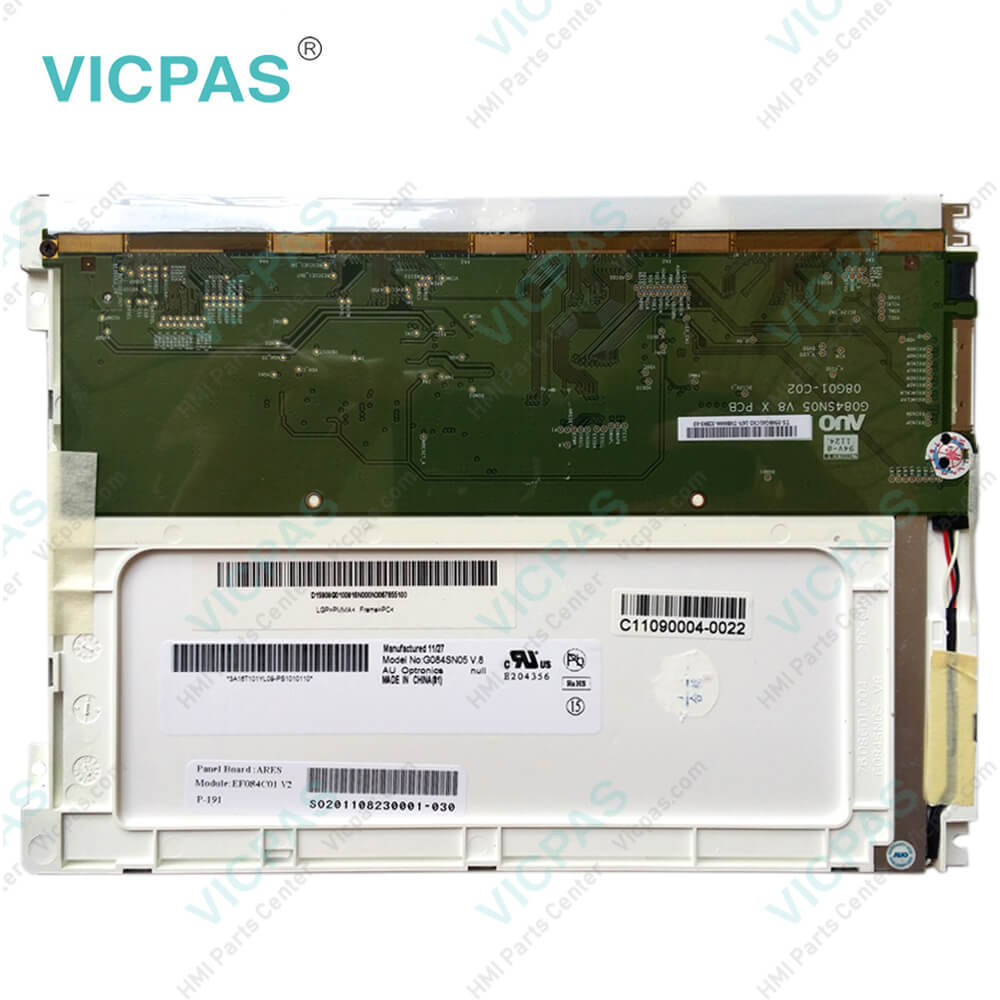
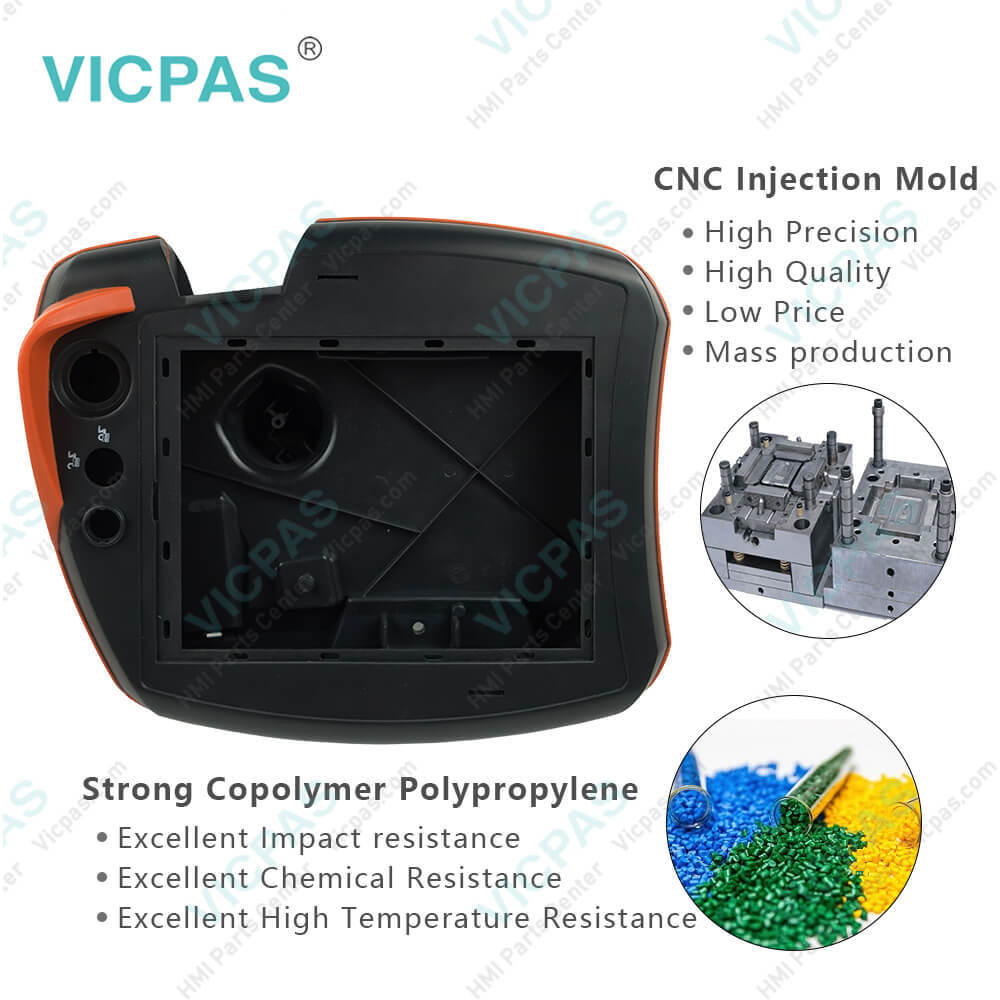
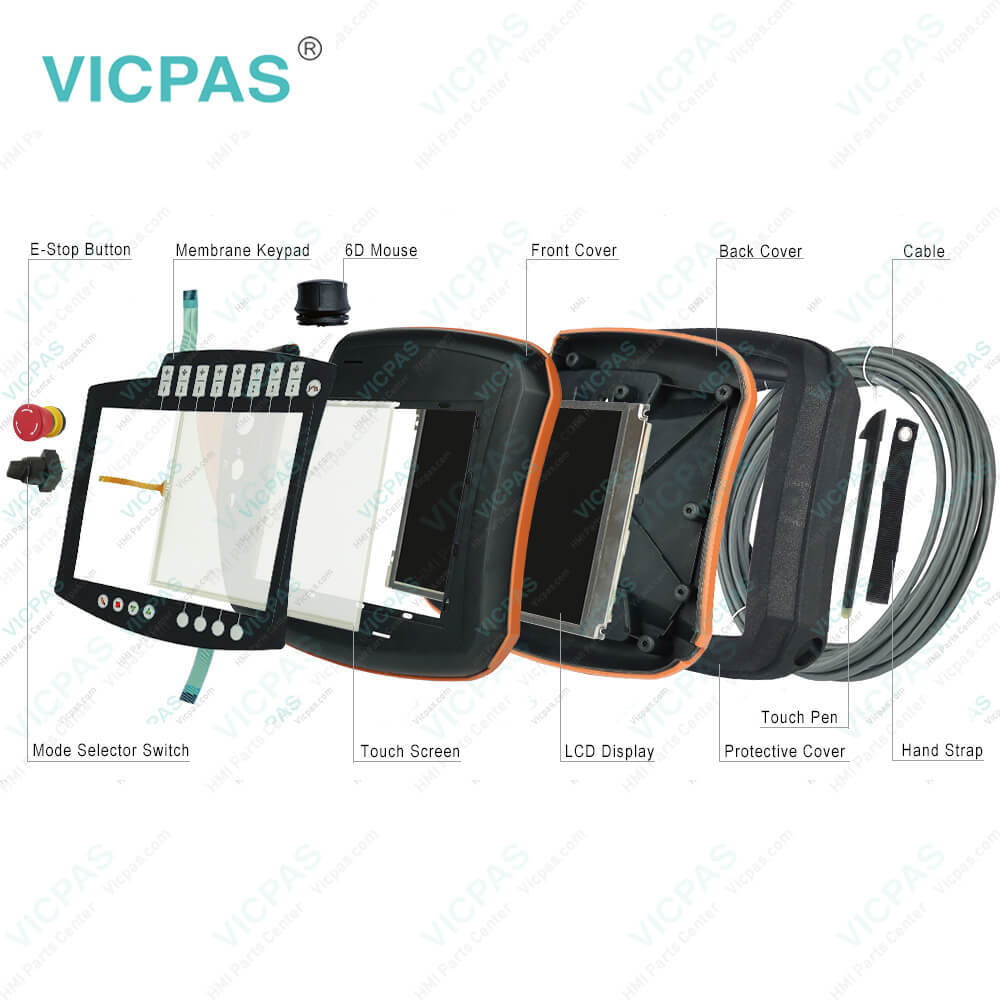
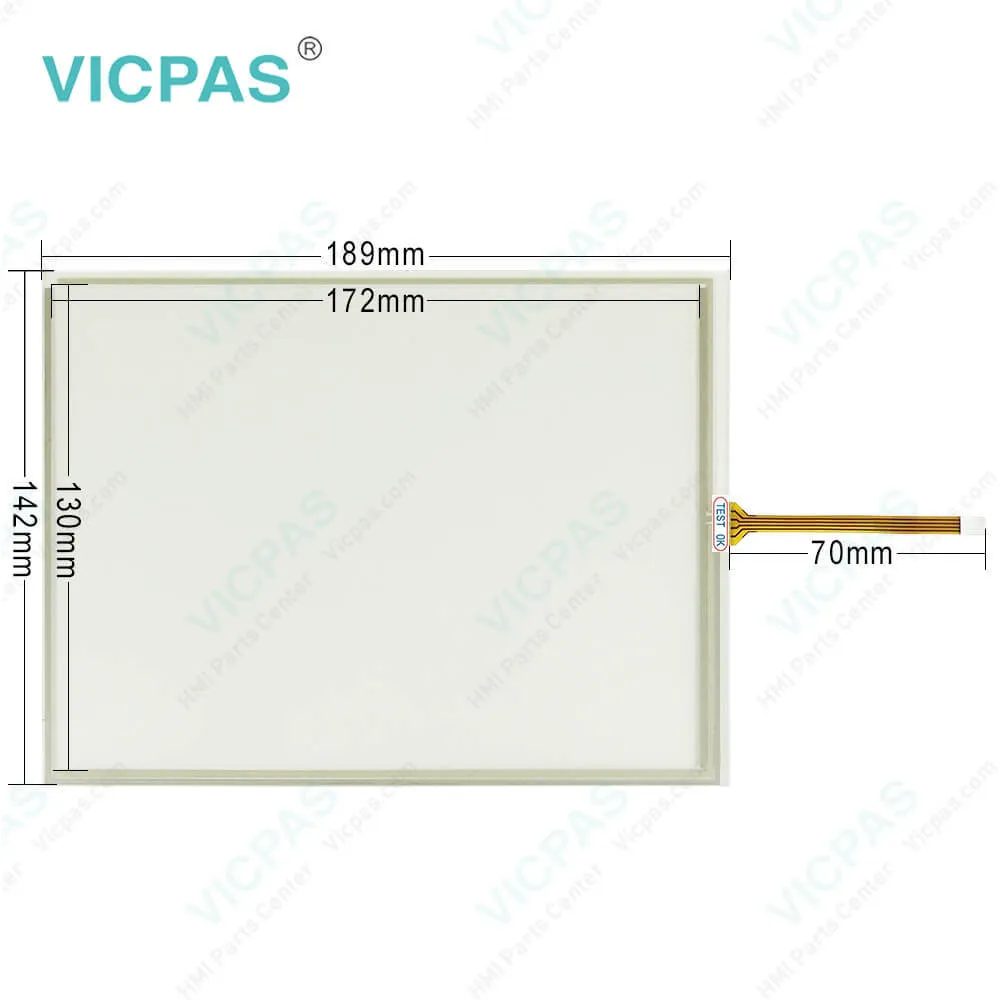
KUKA KRC4 00-168-334 KCP4 Teach Pendant Membrane Keyboard Switch, LCD Display, E-Stop Button Rubber Protector, 6D Mouse, Touch Pen, Mode Selector Switch, Cable, Hand Strap, Enabling Switch Cover, Start Key Cover, Main Board, Conversion Switch Board, PET Screen Protector and Protective Case

Order each part separately is available

Supply KUKA KRC4 Controller KUKA KRC4 00-168-334 Parts, Cable, Mode Selector Switch, Protective Cover, E-Stop Contact, E-Stop Button, Back Cover, Touch Digitizer, LCD Screen, 6D Mouse, Hand Strap, Front Case, Touch Pen, Disconnecting Button, Terminal Keypad, Start Key Cover, Motherboard, Conversion Switch Board, PET Screen Protector, Enabling Switch Cover and PTOO Switch Contact Replacement

The KUKA KRC4 00-168-334 KCP4 Controller Back Cover, Front Case, Touch Panel, Cable, Mode Selector Switch, Protective Cover, E-Stop Contact, 6D Mouse, PTOO Switch Contact, Hand Strap, LCD Display Panel, Touch Pen, Disconnecting Button, Membrane Switch, Main Board, Conversion Switch Board, PET Screen Protector, Enabling Switch Cover, Start Key Cover and E-Stop Button are Kuka SmartsPAD Controller repair, make your kuku krc4 kcp4 controller normal operation.
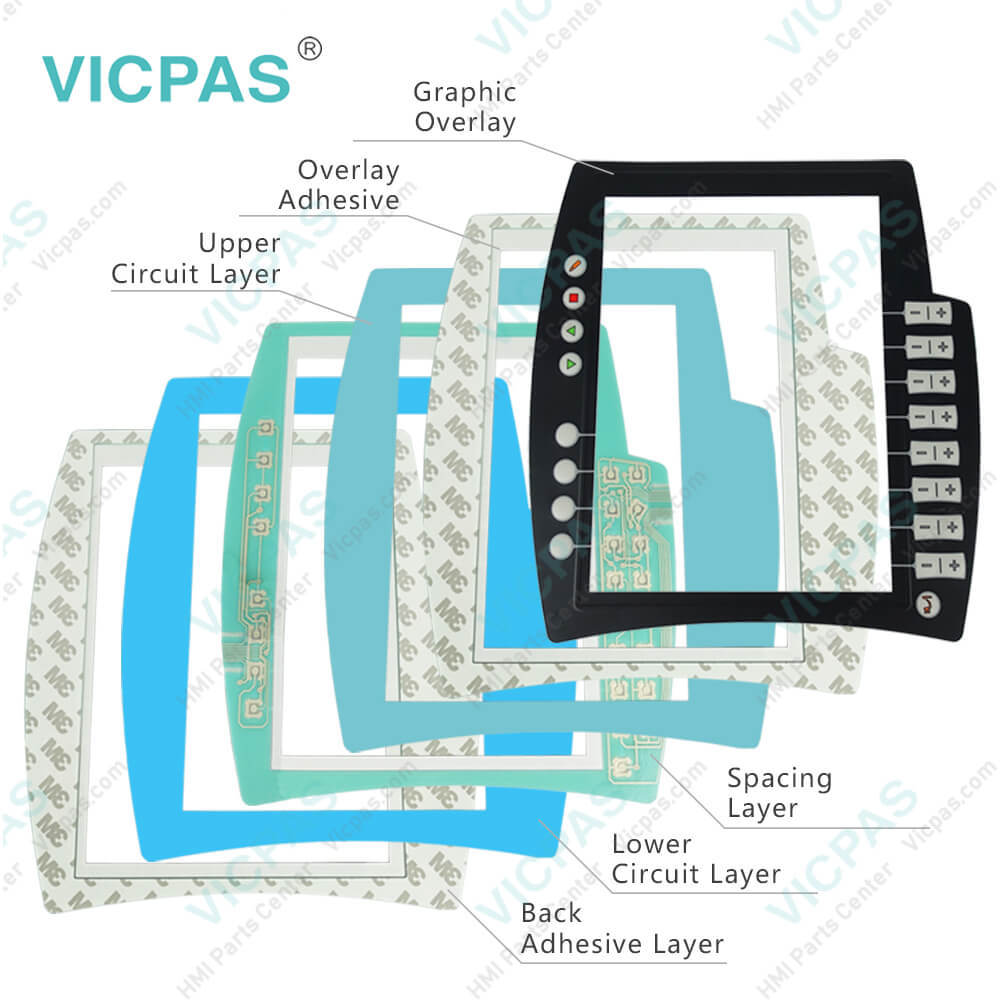
The membrane keypad functions of KUKA smartPAD teach pendant.
We analyze from the right button of the keypad to the left button. First, the buttons on the right side of the 8th minus and plus signs. These button functions are
Jog keys: For moving the robot manually Key for setting the program override Key for setting the jog to override Main menu key: Shows the menu items on the smart HMI located at the bottom right corner of the kuka krc4 keypad..
.
Blank button in the lower left corner of the membrane switch Status keys. The status keys are used primarily for setting parameters in technology packages. Their exact function depends on the technology packages installed..
.
The button functions of the KUKA KRC4 00-168-334 KCP4 Controller keypad other three function keys are Start key: The Start key is used to start a program. Start backward key: The Start backward key is used to start a program backward. The program is executed step by step. STOP key: The STOP key is used to stop a program that is running. Displays the keyboard. It is generally not necessary to press this key to display the keyboard, as the smart HMI detects when keyboard input is required and displays the keyboard automatically.


Specifications:


Related BB Teach Pendant Part No. :

KUKA KRC4 00-168-334 KCP4 ControllerDescription Inventory status
KUKA KRC4 00-216-801 00-189-002KUKA Krc4 Kit Repair PartsIn Stock
KUKA KRC4 6D MouseKUKA Krc4 6D MouseAvailable Now
KUKA KRC4 AMT9552KUKA Krc4 Touchscreen RepairIn Stock
KUKA KRC4 Mode Selector SwitchKrc4 Mode Selector Switch RepairAvailable Now
KRC4 RAFIX 22 FS+ 1.30.273.501/0300KUKA Krc4 E-Stop Switch RepairIn Stock
KUKA KRC4 Rubber Protective CoverKrc4 Rubber Protective Cover RepairAvailable Now
KUKA KRC4 Touch PenKUKA Krc4 Touch Pen ReplacementIn Stock
KUKA KRC5 00-291-556 SMARTPAD-2Cable for KUKA Krc5 ReplacementAvailable Now
KUKA KRC5 00-320-102KUKA Krc5 Cable RepairIn Stock
KRC5 00-320-104 SMARTPAD-2KUKA Krc5 Cable 10m ReplacementAvailable Now
KUKA KRC5 6D Mouse6D Mouse for Krc5In Stock
KUKA KRC5 Mode Selector SwitchCable for KUKA Krc5 replacementIn Stock
KUKA Smartpad ControllerKrc1 Krc2 Krc4 Kit RepairIn Stock
LM8V302LCD for Krc1 Krc2 ReplacementIn Stock
NEW! KUKA KRC4 CKKUKA Krc4 Kit ReplacementIn Stock
KUKA KRC4 00-216-801 00-189-002KUKA Krc4 Kit Repair PartsIn Stock
KUKA KRC4 6D MouseKUKA Krc4 6D MouseAvailable Now
KUKA KRC4 AMT9552KUKA Krc4 Touchscreen RepairIn Stock
KUKA KRC4 Mode Selector SwitchKrc4 Mode Selector Switch RepairAvailable Now
KRC4 RAFIX 22 FS+ 1.30.273.501/0300KUKA Krc4 E-Stop Switch RepairIn Stock
KUKA KRC4 Rubber Protective CoverKrc4 Rubber Protective Cover RepairAvailable Now
KUKA KRC4 Touch PenKUKA Krc4 Touch Pen ReplacementIn Stock
KUKA KRC5 00-291-556 SMARTPAD-2Cable for KUKA Krc5 ReplacementAvailable Now
KUKA KRC5 00-320-102KUKA Krc5 Cable RepairIn Stock
KRC5 00-320-104 SMARTPAD-2KUKA Krc5 Cable 10m ReplacementAvailable Now
KUKA KRC5 6D Mouse6D Mouse for Krc5In Stock
KUKA KRC5 Mode Selector SwitchCable for KUKA Krc5 replacementIn Stock
KUKA Smartpad ControllerKrc1 Krc2 Krc4 Kit RepairIn Stock
LM8V302LCD for Krc1 Krc2 ReplacementIn Stock
NEW! KUKA KRC4 CKKUKA Krc4 Kit ReplacementIn Stock

KUKA KRC4 00-168-334 KCP4 Controller Parts for Repair PDF Download:
  • KUKA SmartPAD
  • KUKA SmartPAD
  • KUKA SmartPAD
  • KUKA SmartPAD
  • KUKA KR C4 CK Operating Instructions
  • KR C4 compact Specification Manual
  • KUKA KR C4 and smartPAD the control system
  • KUKA SmartPAD
  • KUKA SmartPAD
  • KUKA SmartPAD
  • KUKA SmartPAD
  • KUKA KR C4 CK Operating Instructions
  • KR C4 compact Specification Manual
  • KUKA KR C4 and smartPAD the control system

  • FAQ:

    Question: How to backup a KUKA KRC4 00-168-334 KCP4 teach pendant?

    Answer: Actually,you don't have to do anything, all archives are stored in root of the USB stick. default name for archive files is serial number of the robot - ensuring they are all unique. And you can find the backup by select the path: File>Archive>USB(KCP).

    Question: What is the KUKA KRC4 00-168-334 KCP4 controller price of membrane keypad with case(shell), LCD Display?

    Answer: Submit a fast quote, send Kernfix an email for best price.


    Common misspellings:

    Please send your message to us
    *Email
    Mobile Phone
    *Title
    *Content
    Upload
    • Only supports .rar/.zip/.jpg/.png/.gif/.doc/.xls/.pdf, maximum 20MB.
    Do you want to quickly know the product quotation you need?
    • Fast QuoteFast Quote
    • Worldwide ShippingWorldwide Shipping
    • 12 Months Warranty12 Months Warranty
    • Customize ServiceCustomize Service
    subscription
    KEEP IN TOUCH
    Please send your message to us
    *Email
    Mobile Phone
    *Title
    *Content
    Upload
    • Only supports .rar/.zip/.jpg/.png/.gif/.doc/.xls/.pdf, maximum 20MB.
    CONTACT US
    QR code
    Mobile Web
    1.471716s