



Grideal.com-Leading global industrial mall.
Quick Service for Full HMI Parts Replacement
Touchscreen-Keypad-Display-Case & More Search 80000 Inventory
user photo
Account
Login
Cart
0
Home / All / Other Terminal Brand / KEBA / KEBA OP 321/C OP 331/C bzw. /E Keyboard Touch Glass
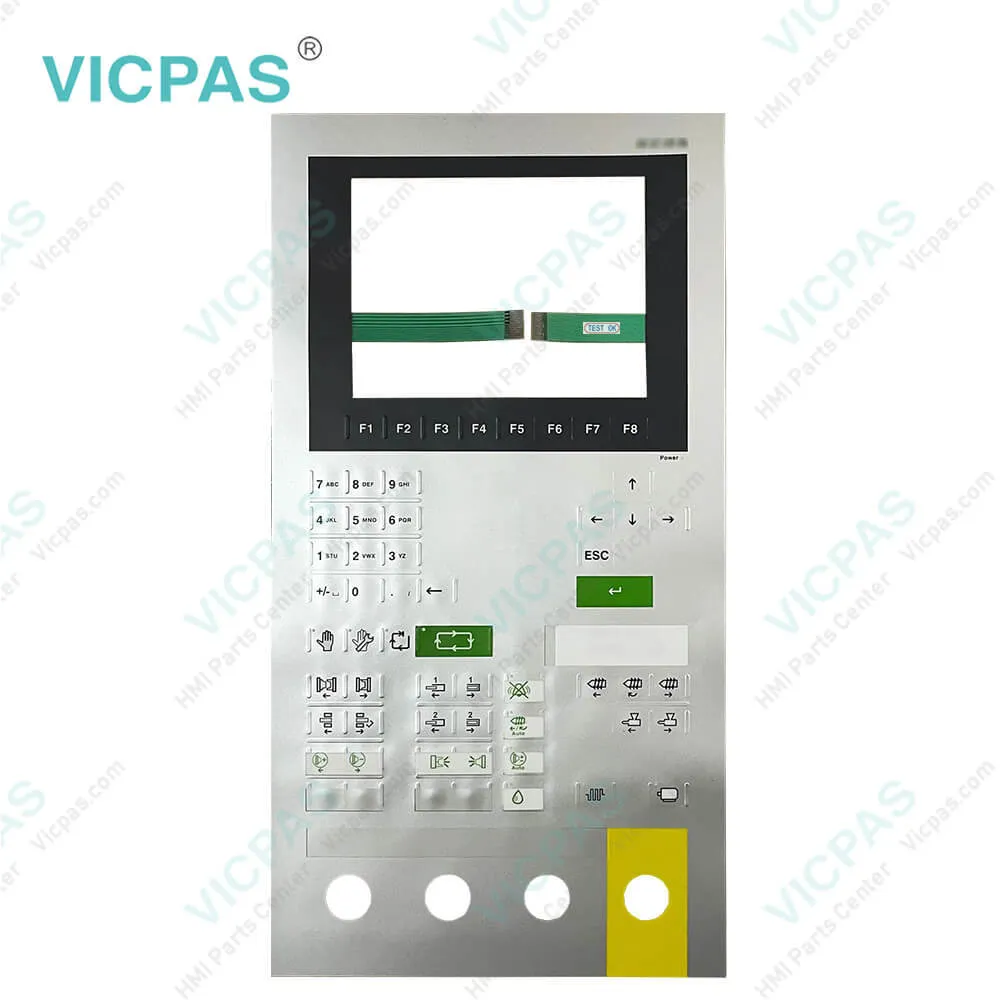
KEBA OP 321/C OP 331/C bzw. /E Keyboard Touch Glass
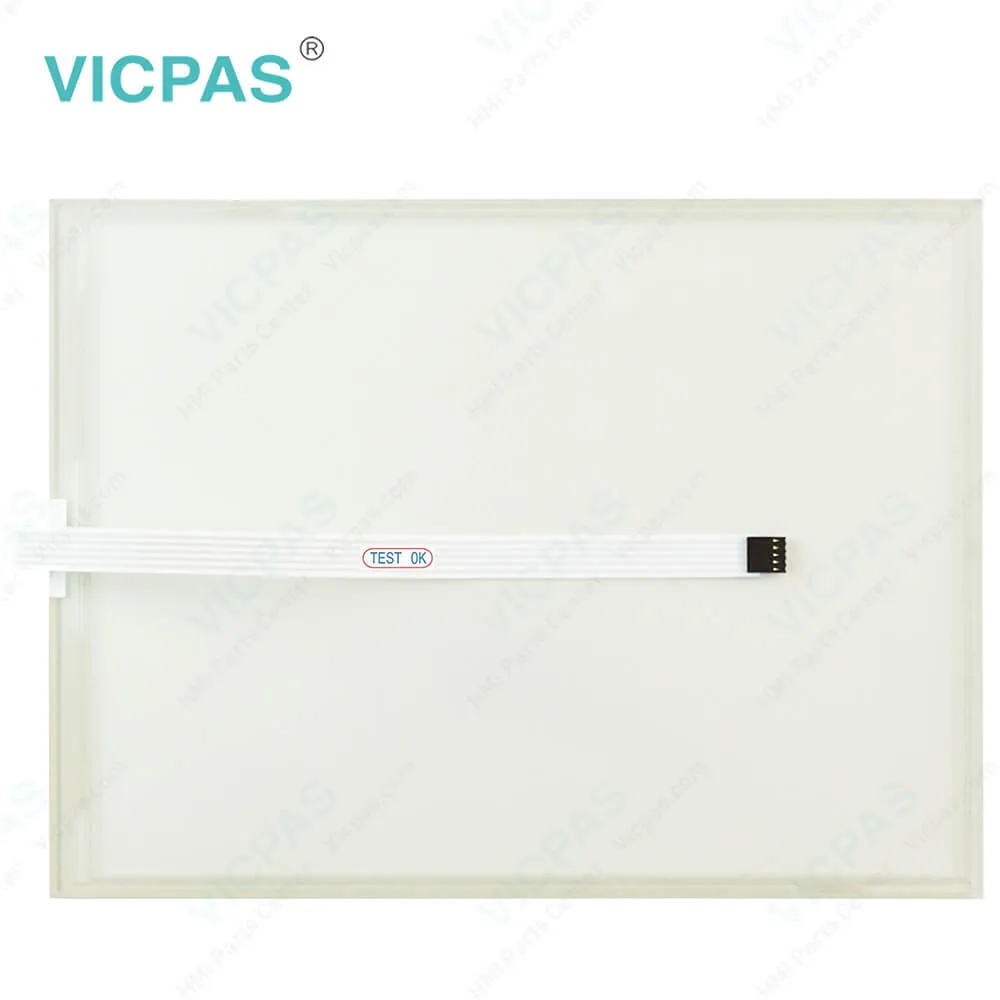
KEBA OP 321/C OP 331/C bzw. /E Keyboard Touch Glass
KEBA OP 321/C OP 331/C bzw. /E Keyboard Touch GlassKEBA OP 321/C OP 331/C bzw. /E Keyboard Touch Glass
BrandKEBA
ModelOP 321/C OP 331/C bzw. /E
Warranty365 Days
Product LineKEBA KeTop Series
SupplyOP 321/C OP 331/C bzw. /E Glass Membrane Keypad
Shipping2-4 workdays
Terms of PaymentWestern Union, T/T, PayPal, Credit Card
Download
Update Time2026-02-04 03:23:14
Leading Time{{selectedConditionObj.leading}}
{{item.value}}
{{nameObj.name}}{{nameObj.selectedValue}}
{{valueObj.name}}

Shipping

Free Shipping

Those shipping costs are only estimates, the actual shipping cost will be shown on the order page.

Detail Information

KEBA OP 321/C OP 331/C bzw. /E Operator Keyboard HMI Panel Glass Replacement

Order each part separately is available

KEBA OP 321/C OP 331/C bzw. /E Keypad Membrane Touch Screen Repair Replacement

The KEBA OP 321/C OP 331/C bzw. /E Membrane Keypad Touch Screen Monitor operating panel is designed for operating and visualization tasks and for the operation on a KeControl PLC (CP).
The control can be connected to maximally one operating panel. The connection to the control occurs via the graphic interface (graphics) of the operating panel.
The KEBA OP 321/C OP 331/C bzw. /E Touchscreen Switch Membrane operating panel consists of a housing with graphic display ready for installation, a front plate and has the following equipment:

The operating panel is designed for complex operating tasks in the industrial sector in conjunction with a control of the KeControl product family from the KEBA. The typical applications areas include injection molding machines, robots, presses, machine tools and similar.
The assembly must only be used for the above-mentioned applications and only in connection with recommended or approved third-party equipment.
The OP 321/C OP 331/C bzw. /E Touch Panel Membrane Keyboard operating panel was developed, manufactured, tested and documented in accordance with the appropriate safety standards. Therefore, the products do not pose any danger to the health of persons or a risk of damage to other property or equipment under normal circumstances, provided that the instructions and safety precautions relating to the intended use are properly observed.


Specifications:

Ambient Temperature:0°C (32°F) to 50°C (122°F)
Brand:KEBA
Product Line:KEBA KeTop
Storage Temperature:-20 to 60 °C (-4 to 140 °F)
Touch Size:7"/8.4"
Display Colors:16 million colors
Display Type:TFT Color LCD
Power Supply:24 V DC
Touch Screen:Resistive screen
Warranty:12-Month Warranty


Related BB Teach Pendant Part No. :

OP 321/C OP 331/C bzw. /EDescription Inventory status
COMAU SPA C5G-TP5WC2KEBA Membrane Keyboard HMI Touch Screen ReplacementIn Stock
KEBA 1075i OP341/C-1100KEBA Touch Panel Membrane Keypad Replacement RepairAvailable Now
KEBA C100D-CE 59718KEBA Membrane Switch Touchscreen Panel ReplacementIn Stock
KEBA C70-10Z-AA0-RBLKEBA Touch Screen Glass Membrane Keyboard Keypad ReplacementAvailable Now
COMAU SPA PN CR17910085 C5G-TP5WC2KEBA Membrane Keypad Switch Touch Screen Panel ReplacementIn Stock
Keba E-CON-CC100 KETOP C30E ENGELKEBA Touch Digitizer Operator Panel Keypad Replacement RepairIn Stock
KEBA E-CON-EC100 ENGELKEBA Operator Keyboard HMI Touch Glass Repair ReplacementIn Stock
KEBA ENGEL EC88 FOLIENSTASTATURKEBA Keyboard Membrane Touch Digitizer Glass RepairAvailable Now
KEBA HT401KEBA Handheld Terminal HMI Panel Glass Keypad MembraneAvailable Now
KEBA HT501-221 ENGEL 24244KEBA Handheld Terminal Touch Screen Monitor Switch MembraneIn Stock

KEBA OP 321/C OP 331/C bzw. /E Keyboard Touch Glass PDF Download:

  • KEBA
  • Kemro OP 350 C-1100 Operating panel Project engineering manual V2.00
  • Kemro OP 460-LD A Operating panel Project engineering manual V1.05
  • Keba_HMI Datasheet

  • FAQ:

    Question: How to remove the KEBA OP 321/C OP 331/C bzw. /E operating panel?

    Answer: 1) Disable the power supply.


    Common misspellings:

    KEBA

    OP

    321/C

    331/C

    bw.

    /E

    32/C

    bzw.

    PO

    3Z1/C

    3311/C

    Please send your message to us
    *Email
    Mobile Phone
    *Title
    *Content
    Upload
    • Only supports .rar/.zip/.jpg/.png/.gif/.doc/.xls/.pdf, maximum 20MB.
    Do you want to quickly know the product quotation you need?
    • Fast QuoteFast Quote
    • Worldwide ShippingWorldwide Shipping
    • 12 Months Warranty12 Months Warranty
    • Customize ServiceCustomize Service
    subscription
    KEEP IN TOUCH
    Please send your message to us
    *Email
    Mobile Phone
    *Title
    *Content
    Upload
    • Only supports .rar/.zip/.jpg/.png/.gif/.doc/.xls/.pdf, maximum 20MB.
    CONTACT US
    QR code
    Mobile Web
    1.419702s