Grideal.com-Leading global industrial mall.
Quick Service for Full HMI Parts Replacement
Touchscreen-Keypad-Display-Case & More Search 80000 Inventory
user photo
Account
Login
Cart
0
Home / All / Other Terminal Brand / Keyence / Keyence VT5-X15 Protective Film Touchscreen Repair
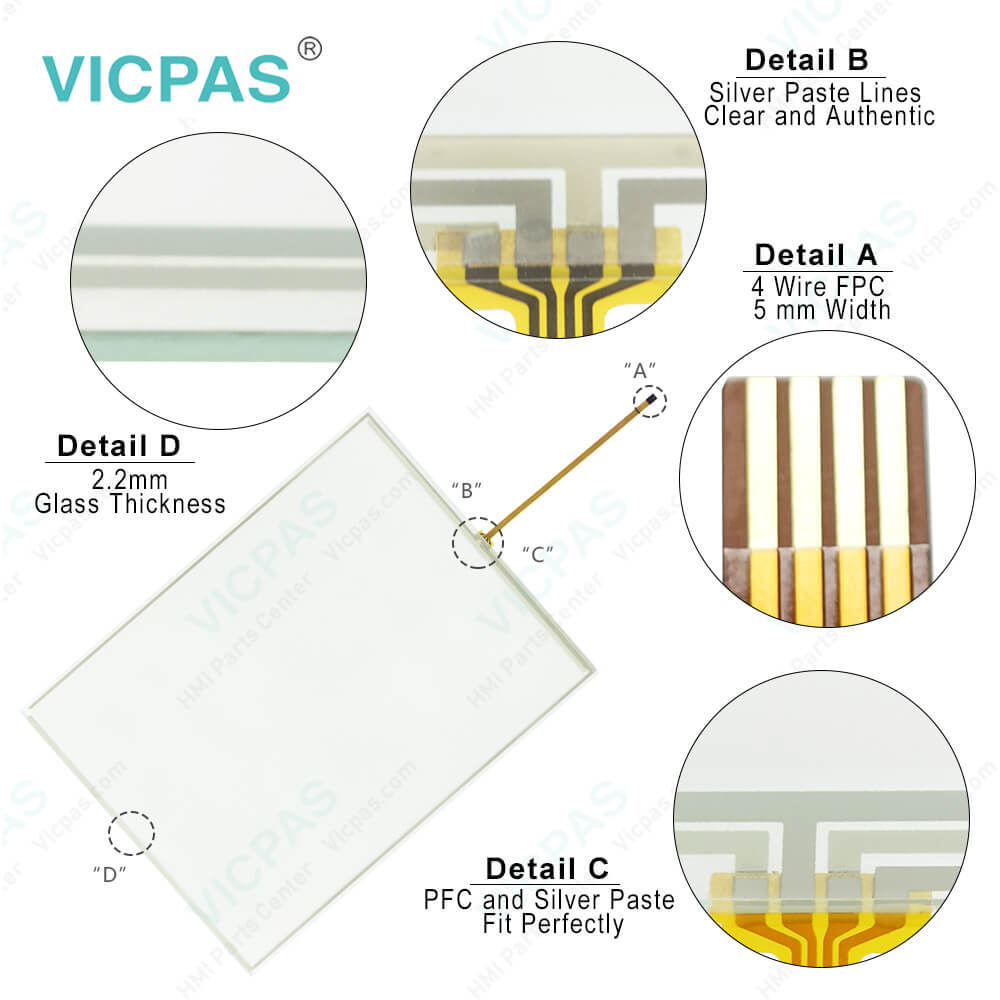
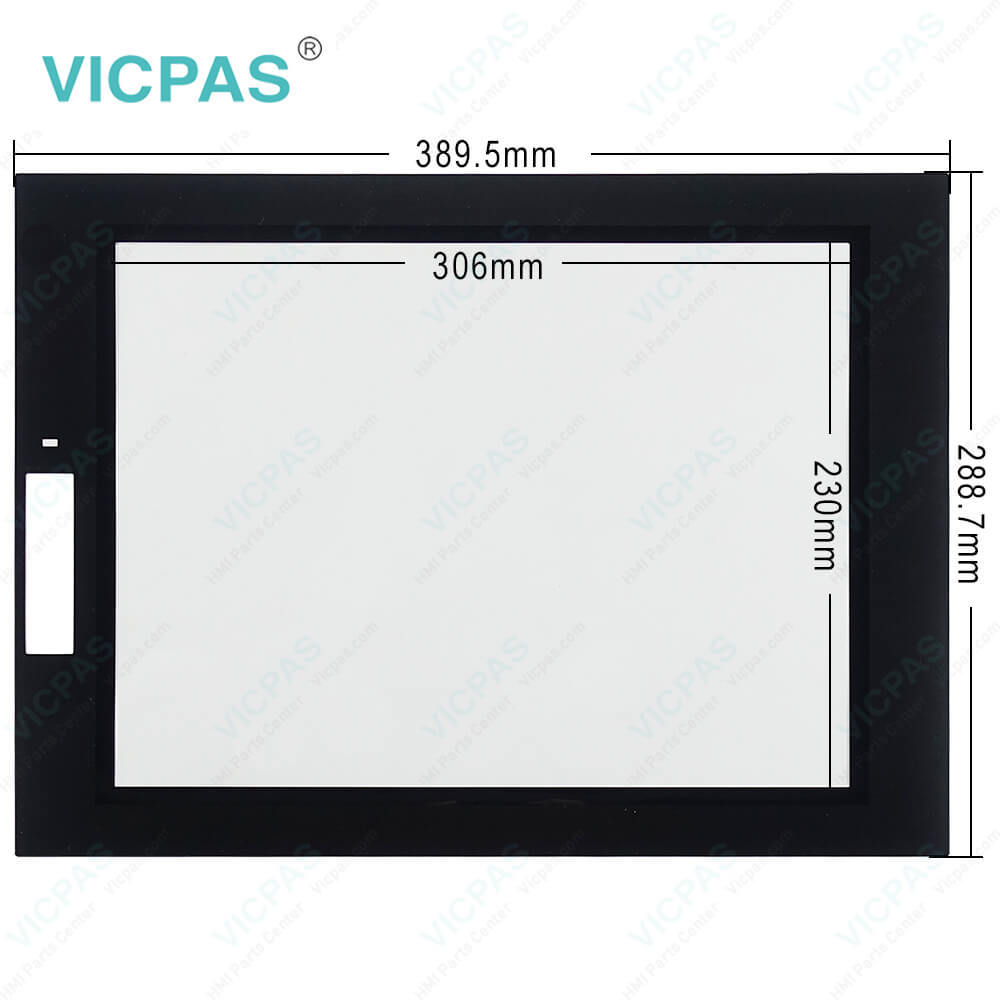
Keyence VT5-X15 Protective Film Touchscreen Repair
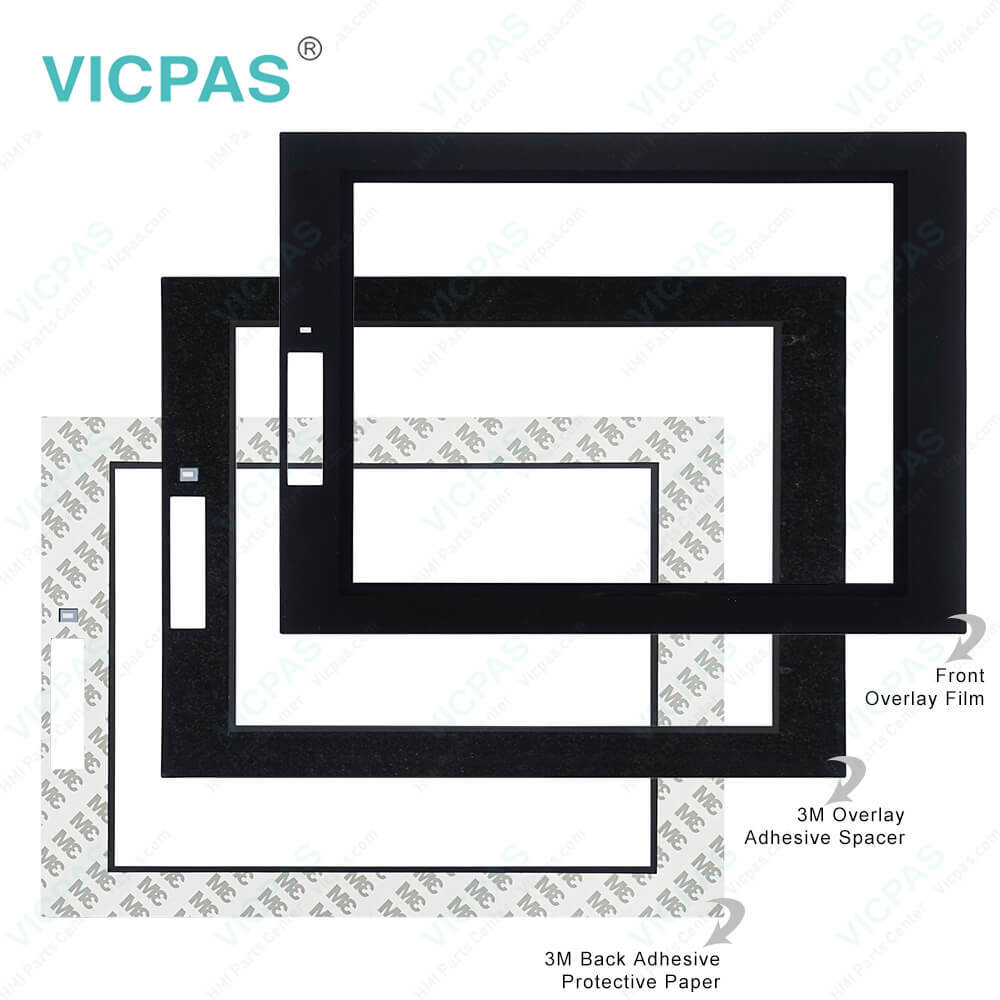
Keyence VT5-X15 Protective Film Touchscreen Repair
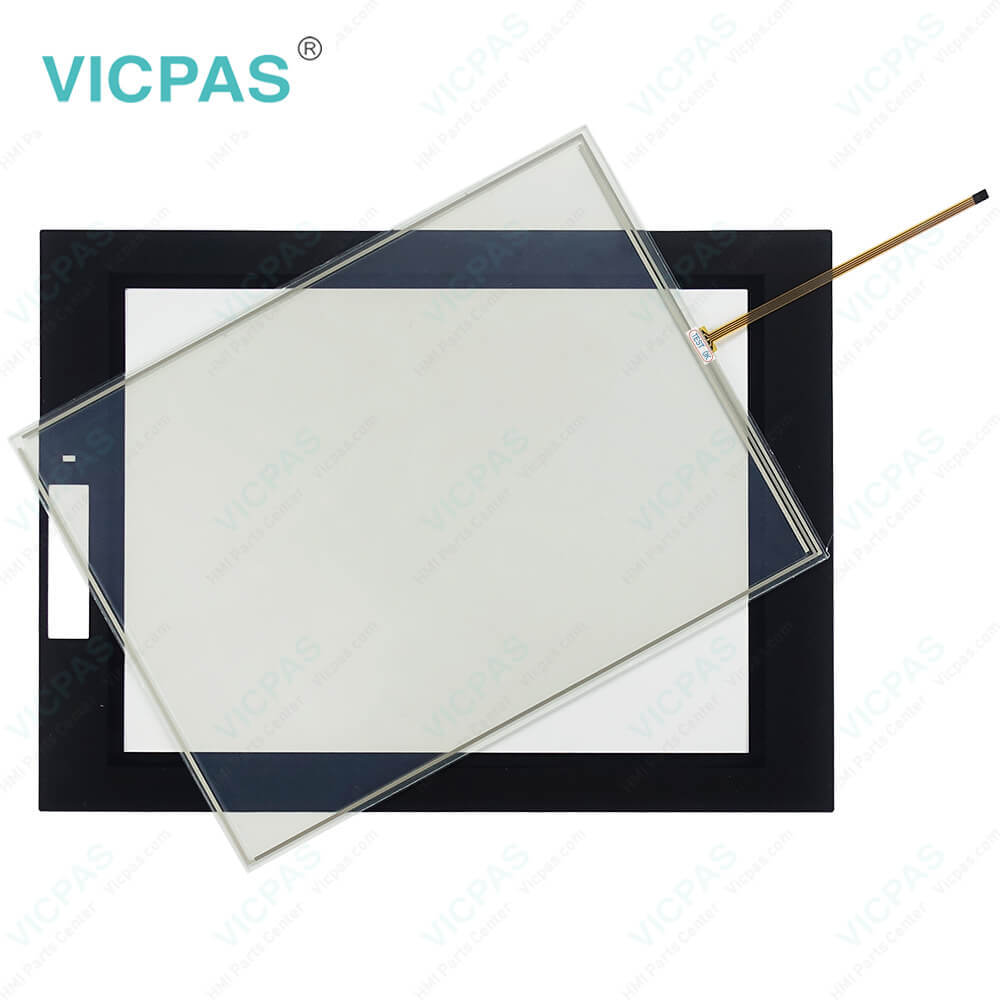
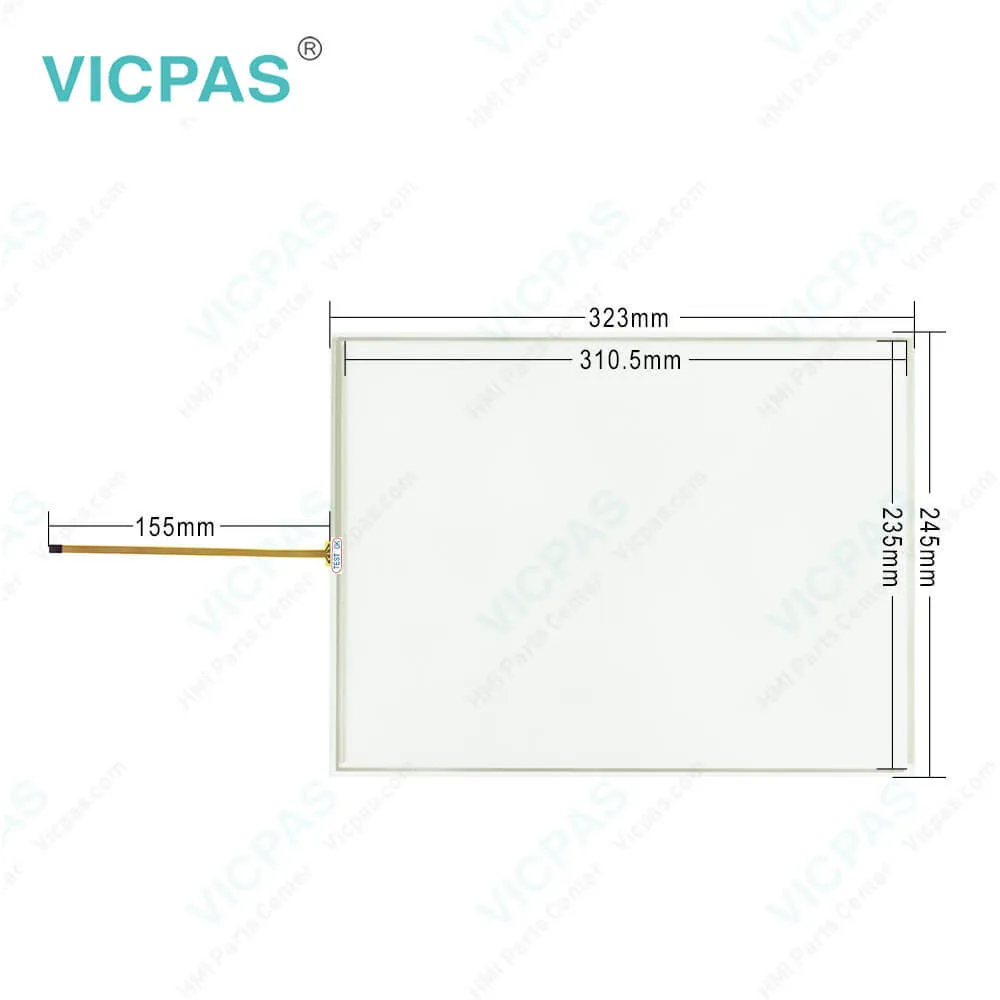
Keyence VT5-X15 Protective Film Touchscreen RepairKeyence VT5-X15 Protective Film Touchscreen RepairKeyence VT5-X15 Protective Film Touchscreen RepairKeyence VT5-X15 Protective Film Touchscreen RepairKeyence VT5-X15 Protective Film Touchscreen Repair
BrandKEYENCE
ModelVT5-X15
Warranty365 Days
Product LineKeyence VT5 Series
SupplyVT5-X15 Touch Screen Monitor Protective Film
Shipping2-4 workdays
Terms of PaymentWestern Union, T/T, PayPal, Credit Card
Download
Update Time2026-02-04 03:27:42
Leading Time{{selectedConditionObj.leading}}
{{item.value}}
{{nameObj.name}}{{nameObj.selectedValue}}
{{valueObj.name}}

Shipping

Free Shipping

Those shipping costs are only estimates, the actual shipping cost will be shown on the order page.

Detail Information

Keyence VT5 Series VT5-X15 Front Overlay Touch Screen Repair

Order each part separately is available

Keyence VT5 Series VT5-X15 Touch Screen Protective Film Repair Replacement

Request
When using the Keyence VT5-X15 Touch Screen Protective Film VT5 series under conditions and environment indicated below, use with sufficient margin with respect to ratings and functions, adopt safety countermeasures such as fail-safe measures, and consult your sales representative.
Use Keyence VT5-X15 Touch Digitizer Front Overlay VT5 product under conditions and environments not described in this manual.
Use for nuclear power control, railroad facilities, aircraft facilities, vehicles, combustion units, medical equipment, amusement machines, and safety devices.
Use Keyence VT5-X15 Protective Film HMI Touch Glass in applications where a major influence on human life or property is anticipated, and where safety in particular is required.
Before attaching extension units on the Keyence VT5-X15 Front Overlay Touch Panel VT5 product, be sure to turn the VT5 OFF. Also, make sure that screws are firmly secured before using the VT5 again.
Remove the seal of extension connector 1 on the rear of the VT5.
Align the Ethernet Unit with the VT5 as shown in the figure below, and gently insert the Ethernet Unit vertically into the Keyence VT5-X15 Touch Membrane Protective Film VT5 product while confirming the position of extension connector 1.
Secure the Ethernet Unit onto the Keyence VT5-X15 Touch Panel Front Overlay VT5 product using four screws.


Specifications:

Brand:Keyence
Display Version:TFT color LCD
Product Line:Keyence VT5 Series
Resolution:1024 x 768 pixels
Warranty:12 Months Warranty
Storage:256 MB
Touchscreen:Resistive
Current Consumption:1000 mA or less
Storage Temperature:-10 °C ~ +60 °C
Touch Size:15"


Related BB Teach Pendant Part No. :

VT5-X15Description Inventory status
VT5-W07Keyence VT5 Series Touch Screen Front Overlay RepairIn Stock
VT5-W07MKeyence VT5 Series Protective Film Touch Panel ReplacementAvailable Now
VT5-W10Keyence VT5 Series Touch Digitizer Front Overlay RepairIn Stock
VT5-X10Keyence VT5 Series Protective Film HMI Touch Screen ReplacementIn Stock
VT5-X12Keyence VT5 Series Front Overlay HMI Panel Glass RepairAvailable Now
VT5-X15Keyence VT5 Series Touch Membrane Protective Film ReplacementIn Stock

Keyence VT5-X15 Protective Film Touchscreen Repair PDF Download:
  • VT Series Instruction Manual
  • MT-450_Datasheet

  • FAQ:

    Question: Can I connect external devices to the Keyence VT5-X15?

    Answer: To calibrate the touch screen of Keyence VT5-X15, go to the calibration settings in the HMI menu. Follow the on-screen instructions to touch specific calibration points accurately. This process ensures accurate touch input across the screen.

    Question: What kind of environment is suitable for the VT5-X15?

    Answer: The operation environment of VT5-X15 must be free from severe dust and corrosive gas.

    Question: How can I create and modify screens on the Keyence VT5-X15 HMI?

    Answer: Keyence VT5 series VT5-X15 HMI usually come with dedicated software for screen development. Install the software on your computer, and then use it to design and customize screens with elements like buttons, images, text, and data display. The software often offers intuitive drag-and-drop interfaces for easy screen creation and modification.


    Common misspellings:

    T5-X15

    VT5X15

    VT5--X15

    VT-5X15

    VT5-X51

    Please send your message to us
    *Email
    Mobile Phone
    *Title
    *Content
    Upload
    • Only supports .rar/.zip/.jpg/.png/.gif/.doc/.xls/.pdf, maximum 20MB.
    Do you want to quickly know the product quotation you need?
    • Fast QuoteFast Quote
    • Worldwide ShippingWorldwide Shipping
    • 12 Months Warranty12 Months Warranty
    • Customize ServiceCustomize Service
    subscription
    KEEP IN TOUCH
    Please send your message to us
    *Email
    Mobile Phone
    *Title
    *Content
    Upload
    • Only supports .rar/.zip/.jpg/.png/.gif/.doc/.xls/.pdf, maximum 20MB.
    CONTACT US
    QR code
    Mobile Web
    1.414199s