Grideal.com-Leading global industrial mall.
Quick Service for Full HMI Parts Replacement
Touchscreen-Keypad-Display-Case & More Search 80000 Inventory
user photo
Account
Login
Cart
0
Home / All / Other Terminal Brand / Keyence / MT-250 MT-260 Protective Film Touch Screen Panel Repair
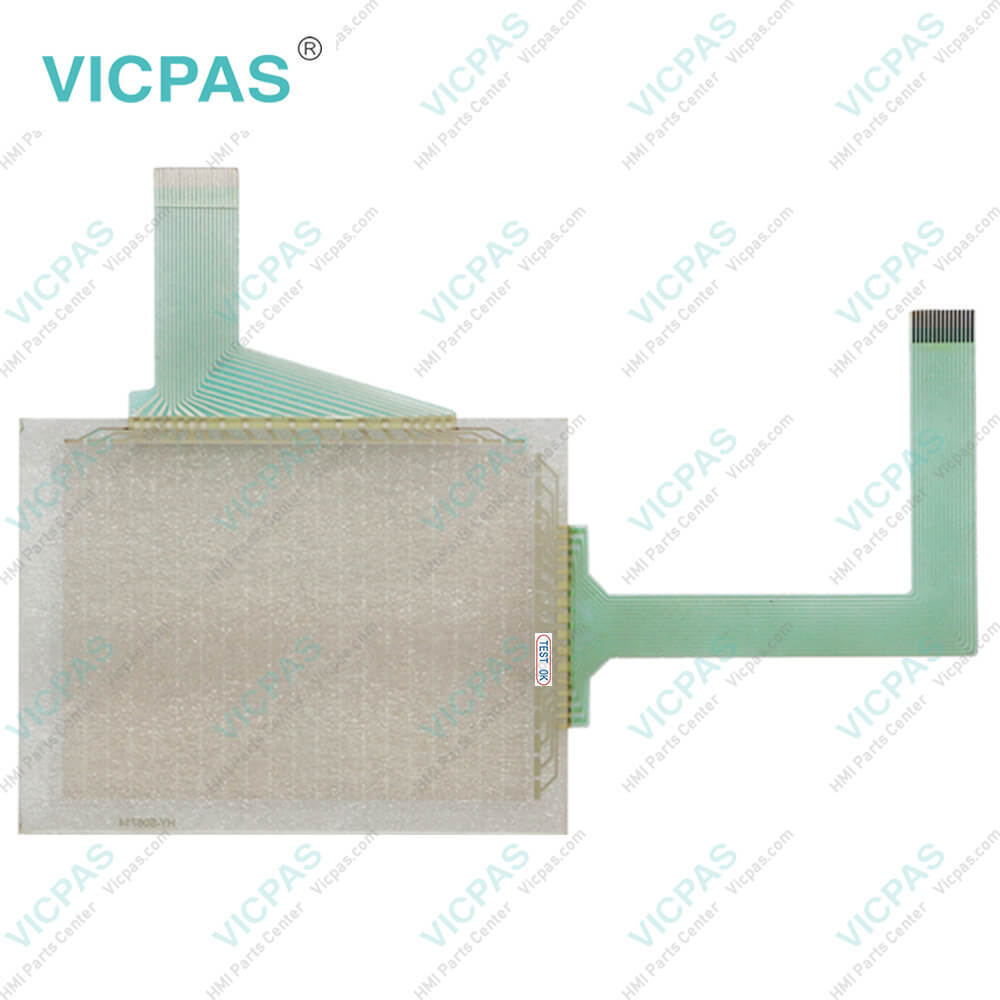
MT-250 MT-260 Protective Film Touch Screen Panel Repair
MT-250 MT-260 Protective Film Touch Screen Panel Repair
MT-250 MT-260 Protective Film Touch Screen Panel RepairMT-250 MT-260 Protective Film Touch Screen Panel RepairMT-250 MT-260 Protective Film Touch Screen Panel RepairMT-250 MT-260 Protective Film Touch Screen Panel RepairMT-250 MT-260 Protective Film Touch Screen Panel Repair
BrandKEYENCE
ModelMT-250 MT-260
Warranty365 Days
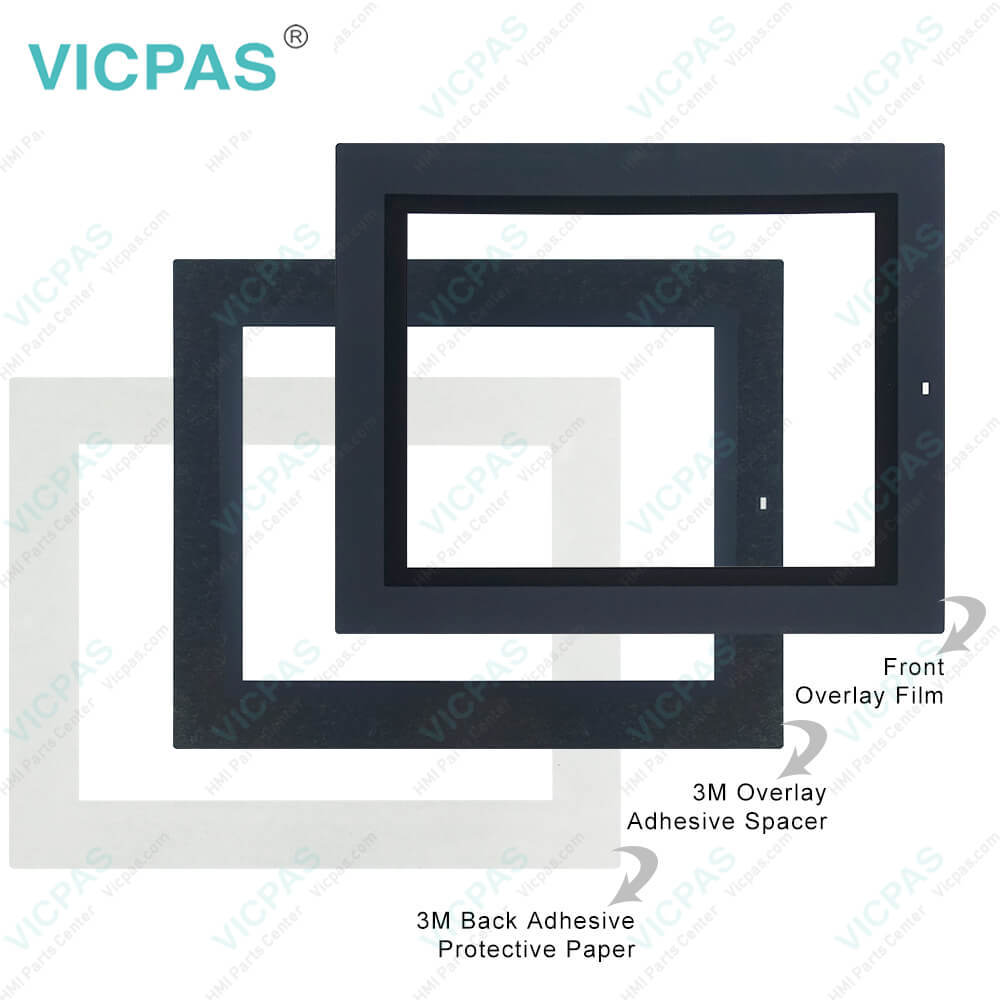
SupplyTouch Panel Front Overlay
Shipping2-4 workdays
Terms of PaymentWestern Union, T/T, PayPal, Credit Card
Download
Update Time2026-02-04 03:27:44
Leading Time{{selectedConditionObj.leading}}
{{item.value}}
{{nameObj.name}}{{nameObj.selectedValue}}
{{valueObj.name}}

Shipping

Free Shipping

Those shipping costs are only estimates, the actual shipping cost will be shown on the order page.

Detail Information

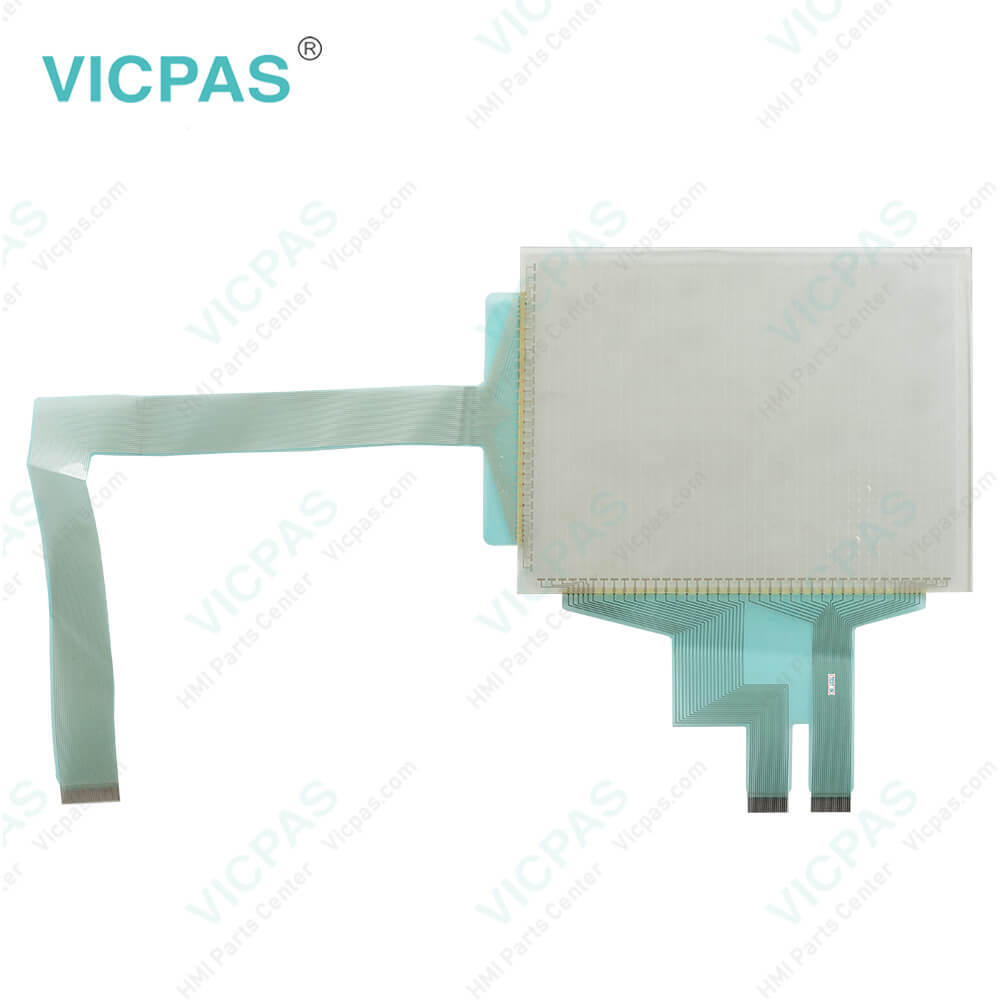
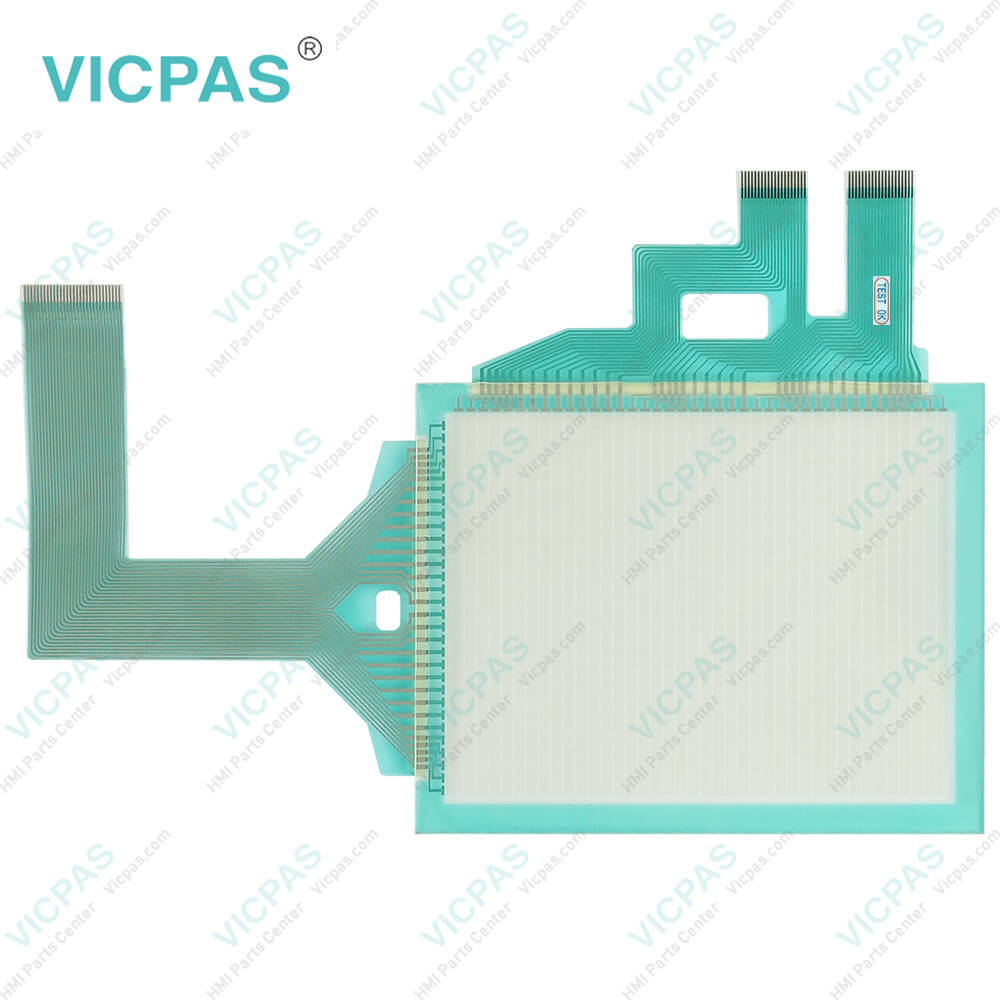
Keyence MT-250 MT-260 Touch Digitizer Glass Protective Film Repair Replacement

Order each part separately is available

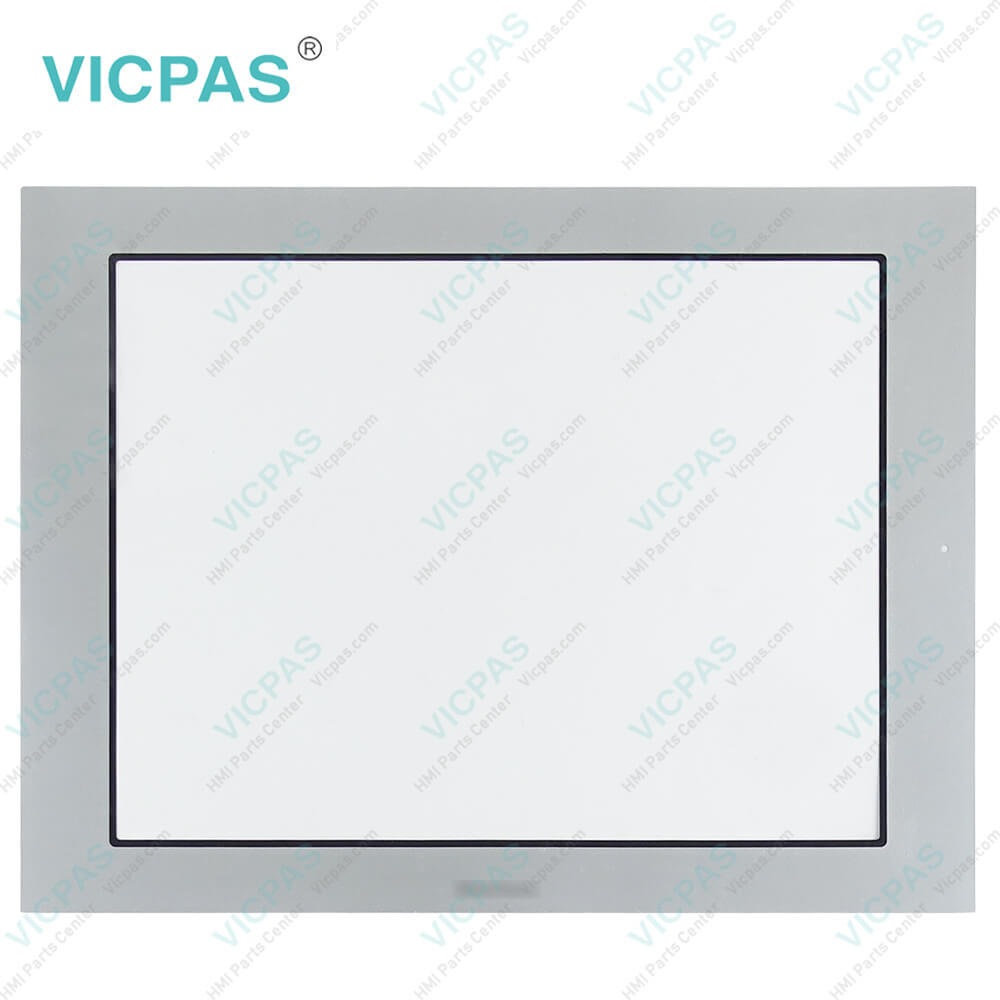
Keyence MT-250 MT-260 Touch Screen Front Overlay Repair Replacement

Kernfix supplies Keyence MT-250 MT-260 Protective Film and Touch Panel with 365 days warranty and supports Urgent Worldwide Shipping. Keyence MT-250 MT-260 Protective Film Touch Membrane HMIs offer a range of accessories to enhance their functionality and adaptability. Firstly, there are mounting brackets and stands available to securely position the HMI units in various orientations, such as wall-mounting or desktop placement. These accessories ensure proper installation and allow for convenient access to the HMIs during operation. Secondly, Keyence provides external USB memory devices for data storage and transfer. These memory devices enable users to easily backup and restore data, as well as transfer configuration files or firmware updates between the HMIs. Additionally, there are protective films and covers available to safeguard the HMI screens from scratches, dirt, and damage, ensuring their longevity and optimal performance.


Another notable accessory for the Keyence MT-250 MT-260 Touch Digitizer Protective Film HMIs is the remote I/O module. This module enables the HMIs to communicate with external devices and expand their input/output capabilities. It allows for remote monitoring and control of connected equipment, enhancing the HMI's functionality in complex automation setups. Additionally, Keyence offers communication cables and connectors to facilitate seamless connectivity with various industrial devices and systems. These accessories ensure reliable and efficient data exchange between the HMIs and other equipment, enabling seamless integration into existing automation architectures. Overall, these accessories enhance the versatility, convenience, and connectivity options of the Keyence MT-250 MT-260 Touch Digitizer Front Overlay HMIs, providing users with comprehensive solutions for their control and monitoring needs.


Specifications:

Backlight:LED
Display Resolution:320 x 240 pixels
Display Size:6 inches
Product Number:MT-250 MT-260
Touchscreen:Resistive
Brand:Keyence
Display Colour:8 colours
Power Supply:+24 VDC, (+18 ... 32 VDC)
Storage Temperature:-10 °C ~ +60 °C
Warranty:365 Days


Related BB Teach Pendant Part No. :

MT-250 MT-260Description Inventory status
LS-5501Keyence Protective Film Touch Screen Glass ReplacementIn Stock
LS-7001Keyence Membrane Keypad Switch ReplacementAvailable Now
MC-P1Keyence HMI Touch Glass Protective Film RepairIn Stock
MT-250Keyence Touch Digitizer Glass Front Overlay ReplacementAvailable Now
MT-260Keyence Touch Screen Panel Front Overlay RepairIn Stock
MT-450Keyence Touch Screen Monitor Protective FilmAvailable Now
VT-V10 VT-10FB VT-10TB VT-10SBKeyence Touch Screen Panel Front Overlay ReplacementAvailable Now

MT-250 MT-260 Protective Film Touch Screen Panel Repair PDF Download:
  • MT-450_Datasheet
  • VT Series Instruction Manual

  • FAQ:

    Question: How do I create and edit user interfaces on the MT-250/MT-260 human-machine interface?

    Answer: To create and edit user interfaces, you can use the dedicated software or development tools provided by Keyence. These tools typically offer an intuitive interface that allows you to customize screen layouts, add buttons, graphics, and data displays. Using these tools, you can design and configure user interfaces according to your application requirements to achieve the desired control and monitoring functions.

    Question: Does the MT-250/MT-260 human-machine interface support multi-language display?

    Answer: Yes, Keyence's MT-250/MT-260 human-machine interface generally supports multi-language display. You can choose and configure different language options as per your needs, allowing operators to interact and operate in their preferred language. This makes the interface more user-friendly and adaptable to the demands of globalization and multilingual environments.


    Common misspellings:

    MT-250

    MT-60

    T-250

    MT-260

    TM-260

    MT-2b0

    MT-2550

    Please send your message to us
    *Email
    Mobile Phone
    *Title
    *Content
    Upload
    • Only supports .rar/.zip/.jpg/.png/.gif/.doc/.xls/.pdf, maximum 20MB.
    Do you want to quickly know the product quotation you need?
    • Fast QuoteFast Quote
    • Worldwide ShippingWorldwide Shipping
    • 12 Months Warranty12 Months Warranty
    • Customize ServiceCustomize Service
    subscription
    KEEP IN TOUCH
    Please send your message to us
    *Email
    Mobile Phone
    *Title
    *Content
    Upload
    • Only supports .rar/.zip/.jpg/.png/.gif/.doc/.xls/.pdf, maximum 20MB.
    CONTACT US
    QR code
    Mobile Web
    1.410061s