



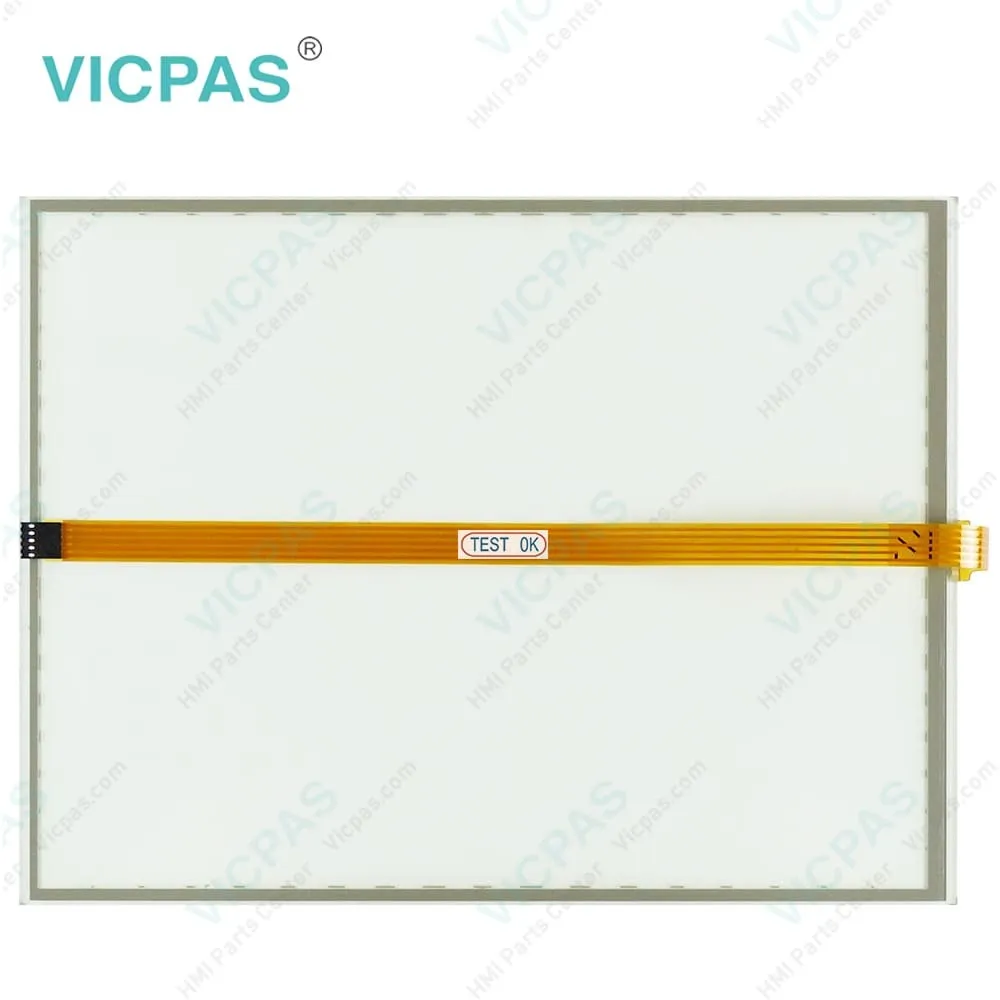
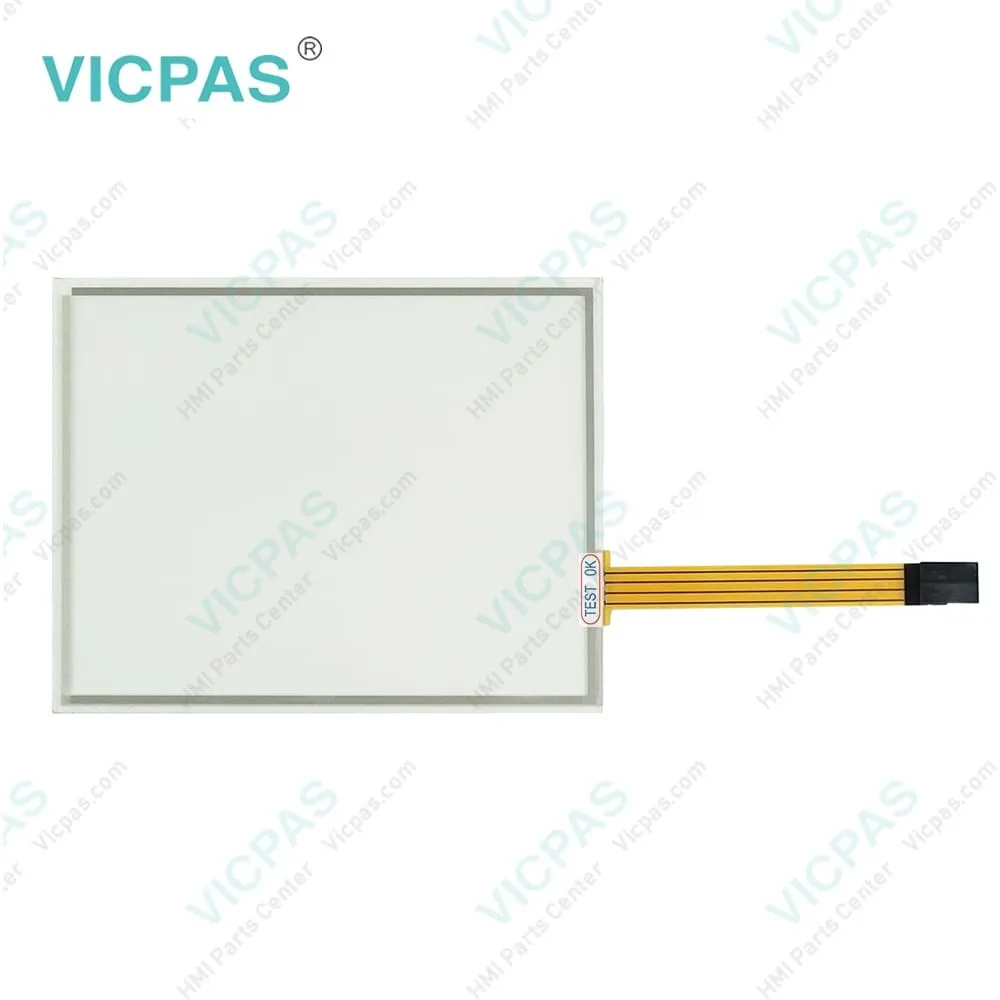
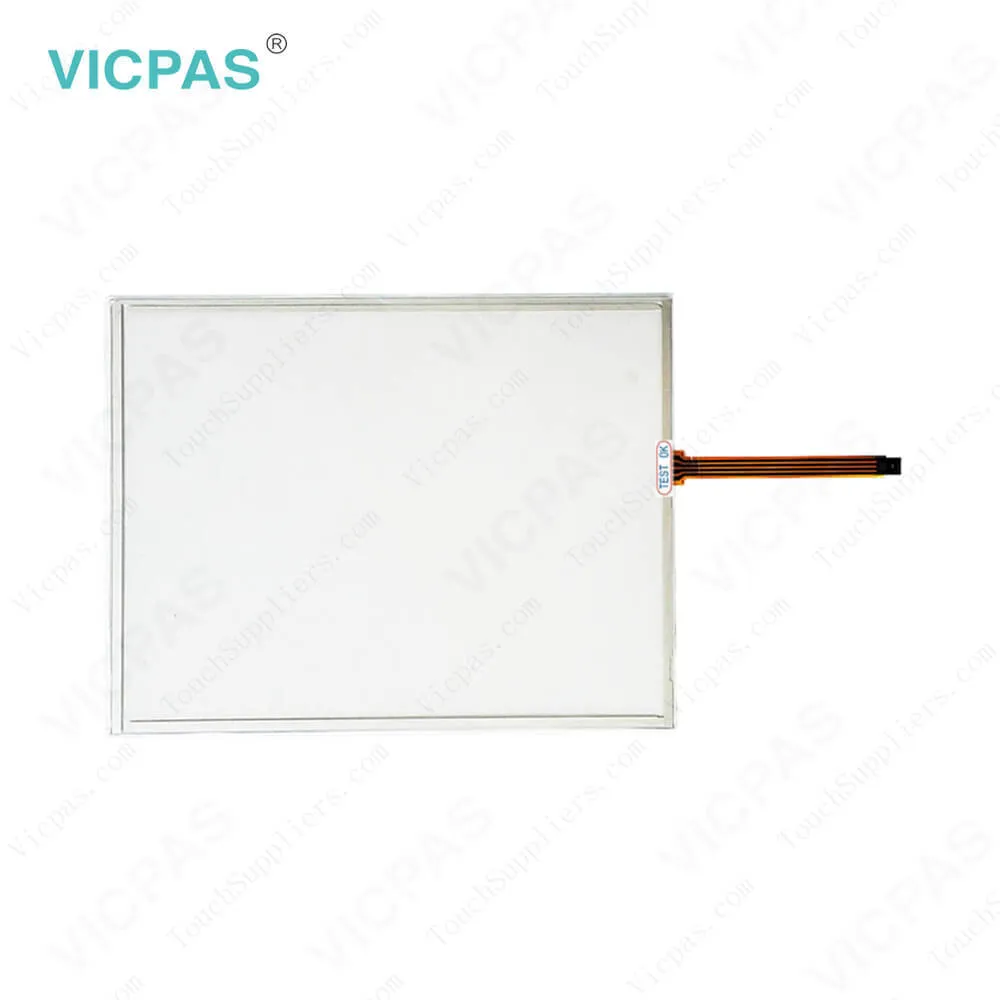
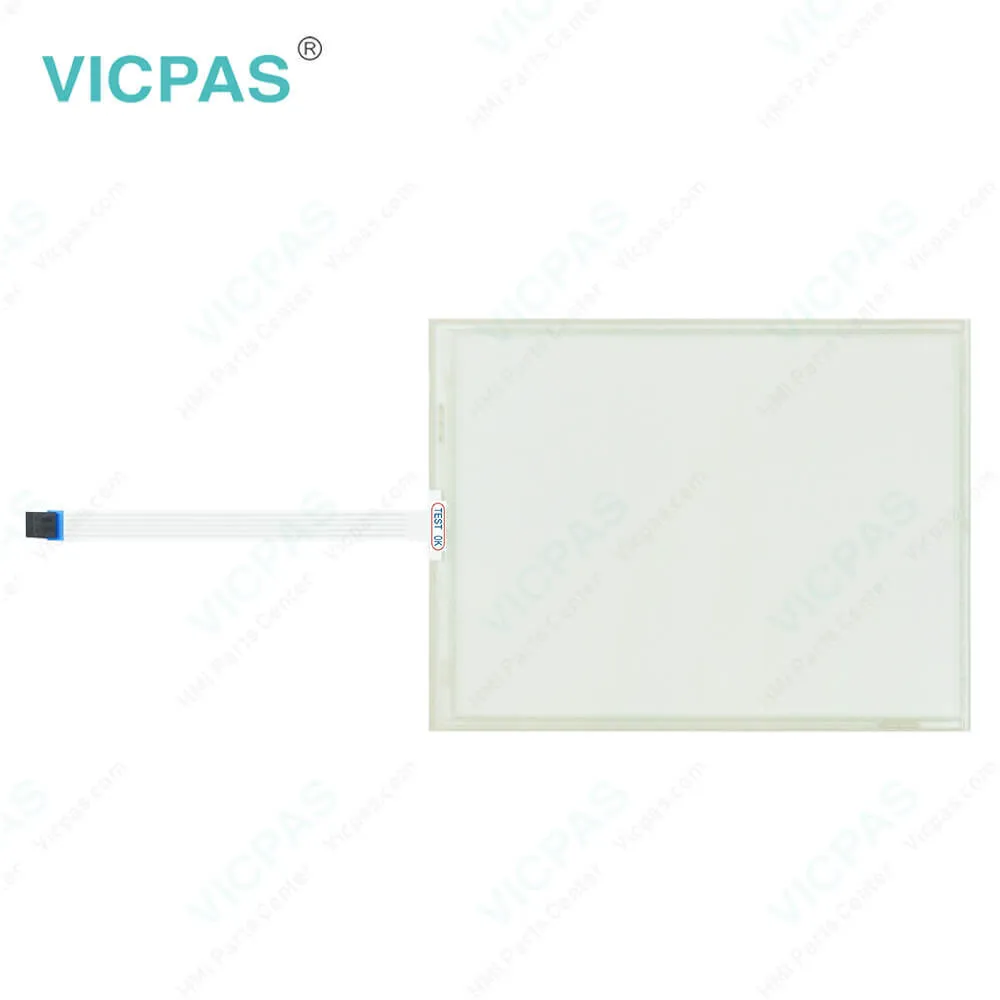
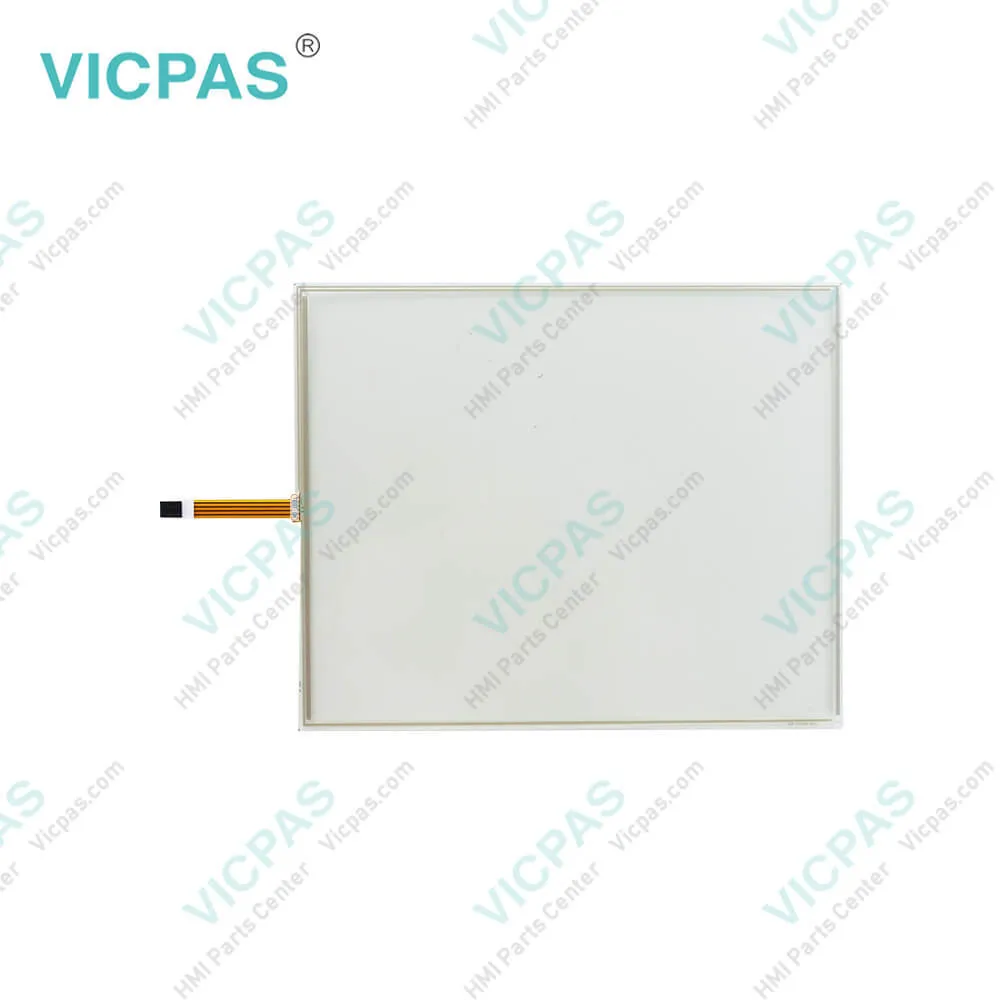
5801-J07A-01ALL

| Categories | Liyitec Touch Panel |
|---|---|
| Brand | Allen Bradley |
| Model | 5801-J07A-01ALL |
| Warranty | 365 Days |
| Touch Screen Panel Type | Resistance touch screen |
| Shipping | DHL/FedEx/UPS/TNT/EMS/Aramex /DPEX |
| FOB port | Guangzhou, Shenzhen, Hongkong |
| Terms of Payment | Western Union, MoneyGram, T/T, Paypal, PayPal, Credit Card |
| Download | |
| Update Time | 2026-02-04 03:47:24 |
Leading Time{{selectedConditionObj.leading}}
{{item.value}}
{{nameObj.name}}{{nameObj.selectedValue}}
{{valueObj.name}}
Shipping
Free Shipping
Those shipping costs are only estimates, the actual shipping cost will be shown on the order page.
Detail Information
Liyitec 5801-J07A-01ALL Touch Screen Glass Repair
To prevent malfunction as a result of improper handling of 5801-J07A-01ALL touch panel product, please make sure that the following instructions are followed:
1Wear gloves at all time upon handling touch panel, and hold 5801-J07A-01ALL touch panel only at the edge of the panel.
2Use only the standard polyacetal rod pen (with a radius of 0.8 at the end of the rod) for product testing. (Fig: 1,2,3)

3Do not lift 5801-J07A-01ALL touch panel via the connector (Tail). [Excess force applied on the Tail may cause displacement of the connector or cracks at the base of the panel.] (Fig: 4,5,6)
4Do not handle the 5801-J07A-01ALL touch panel via the surface of the panel. [Excess force applied on the touch panel may crack the glass layer of the touch panel.] (Fig: 7,8)
5Do not pile up 5801-J07A-01ALL touch panels together or place heavy substance on the touch panel. [Excess stress on the touch panel may scratch the surface of the touch panel, or crack the touch panel.] (Fig:9,10)
6Do not touch the surface of the 5801-J07A-01ALL touch panel via sharp objects. [Sharp objects may cause scratch on the surface of the touch panel.] (Fig: 11)
7Do not place the face of the film on the table or any other surface. [Various objects on the table may scratch the surface of the touch panel.] (Fig: 12)

1Wear gloves at all time upon handling touch panel, and hold 5801-J07A-01ALL touch panel only at the edge of the panel.
2Use only the standard polyacetal rod pen (with a radius of 0.8 at the end of the rod) for product testing. (Fig: 1,2,3)

3Do not lift 5801-J07A-01ALL touch panel via the connector (Tail). [Excess force applied on the Tail may cause displacement of the connector or cracks at the base of the panel.] (Fig: 4,5,6)
4Do not handle the 5801-J07A-01ALL touch panel via the surface of the panel. [Excess force applied on the touch panel may crack the glass layer of the touch panel.] (Fig: 7,8)
5Do not pile up 5801-J07A-01ALL touch panels together or place heavy substance on the touch panel. [Excess stress on the touch panel may scratch the surface of the touch panel, or crack the touch panel.] (Fig:9,10)
6Do not touch the surface of the 5801-J07A-01ALL touch panel via sharp objects. [Sharp objects may cause scratch on the surface of the touch panel.] (Fig: 11)
7Do not place the face of the film on the table or any other surface. [Various objects on the table may scratch the surface of the touch panel.] (Fig: 12)

Specifications:
5801-J07A-01ALL PDF Download:
FAQ:
Question: How long is the warranty period of Liyitec’s touch panel
Answer: 1 year.
Question: How do you distinguish between a 4-wire and 5-wire touch panel?
Answer: Always check the tail arrangement. If there are 4 lines, it is a 4-wire touch panel. If there are 5 lines, it is a 5-wire touch panel.
Common misspellings:
5801-J7A-01ALL
501-J07A-01ALL
5801-J07A-0A1LL
5801-J0TA-01ALL
5801-J007A-01ALL

Please send your message to us
- Mobile Phone
- *Title
- *Content


Fast Quote
Fast Quote
Worldwide Shipping
12 Months Warranty
Customize Service