Grideal.com-Leading global industrial mall.
Quick Service for Full HMI Parts Replacement
Touchscreen-Keypad-Display-Case & More Search 80000 Inventory
user photo
Account
Login
Cart
0
Home / All / Allen Bradley / PanelView Plus 1500 / 2711P-B15C4A1 Touchscreen 2711P-B15C4A1 Keypad Switch
2711P-B15C4A1 Touchscreen 2711P-B15C4A1 Keypad Switch
2711P-B15C4A1 Touchscreen 2711P-B15C4A1 Keypad Switch
2711P-B15C4A1 Touchscreen 2711P-B15C4A1 Keypad Switch2711P-B15C4A1 Touchscreen 2711P-B15C4A1 Keypad Switch2711P-B15C4A1 Touchscreen 2711P-B15C4A1 Keypad Switch2711P-B15C4A1 Touchscreen 2711P-B15C4A1 Keypad Switch2711P-B15C4A1 Touchscreen 2711P-B15C4A1 Keypad Switch
BrandRockwell Automation Allen Bradley
Model2711P-B15C4A1
Warranty365 Days
Product LinePanelview Plus 1500
SupplyPanelview Plus 1500 Terminals Membrane keypad
PartsTouchscreen Panel Glass Operator Panel Keypad
Terms of PaymentWestern Union, MoneyGram, T/T, Paypal, PayPal, Credit Card
Download
Update Time2026-02-09 15:48:26
Leading Time{{selectedConditionObj.leading}}
{{item.value}}
{{nameObj.name}}{{nameObj.selectedValue}}
{{valueObj.name}}

Shipping

Free Shipping

Those shipping costs are only estimates, the actual shipping cost will be shown on the order page.

Detail Information

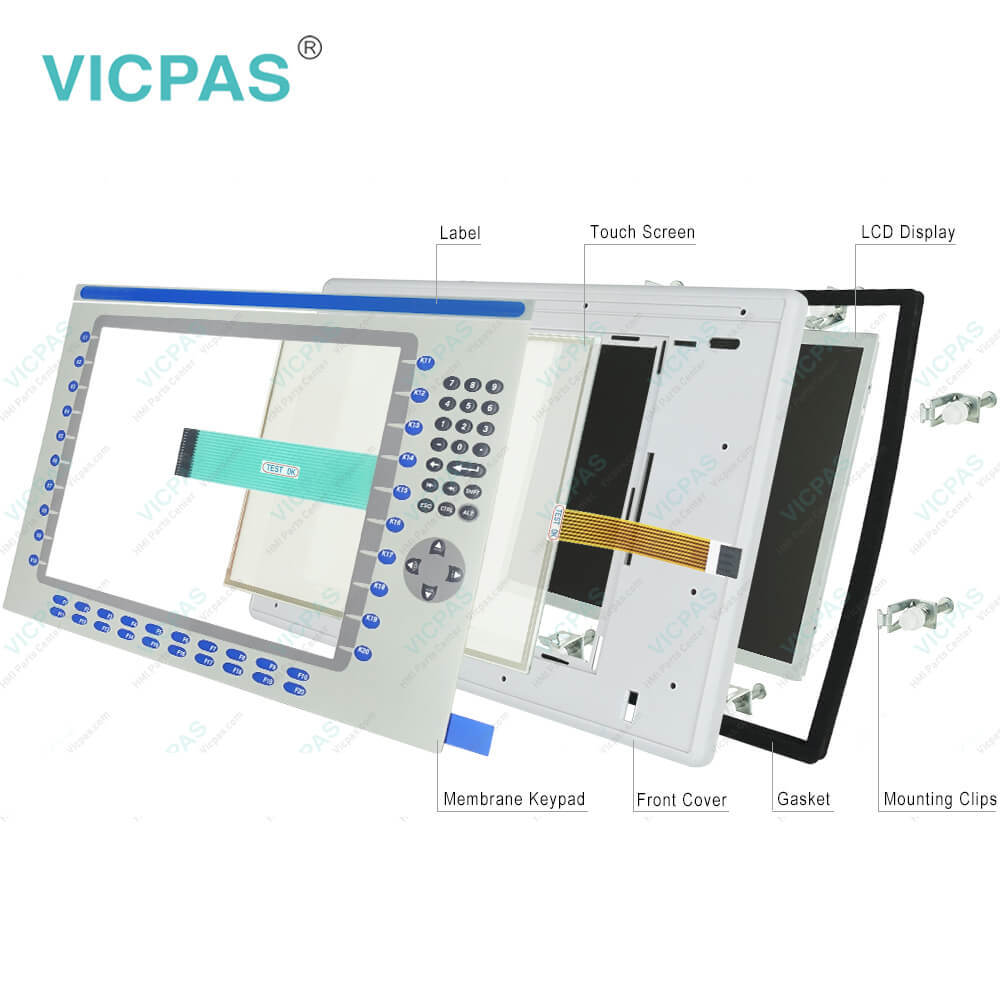
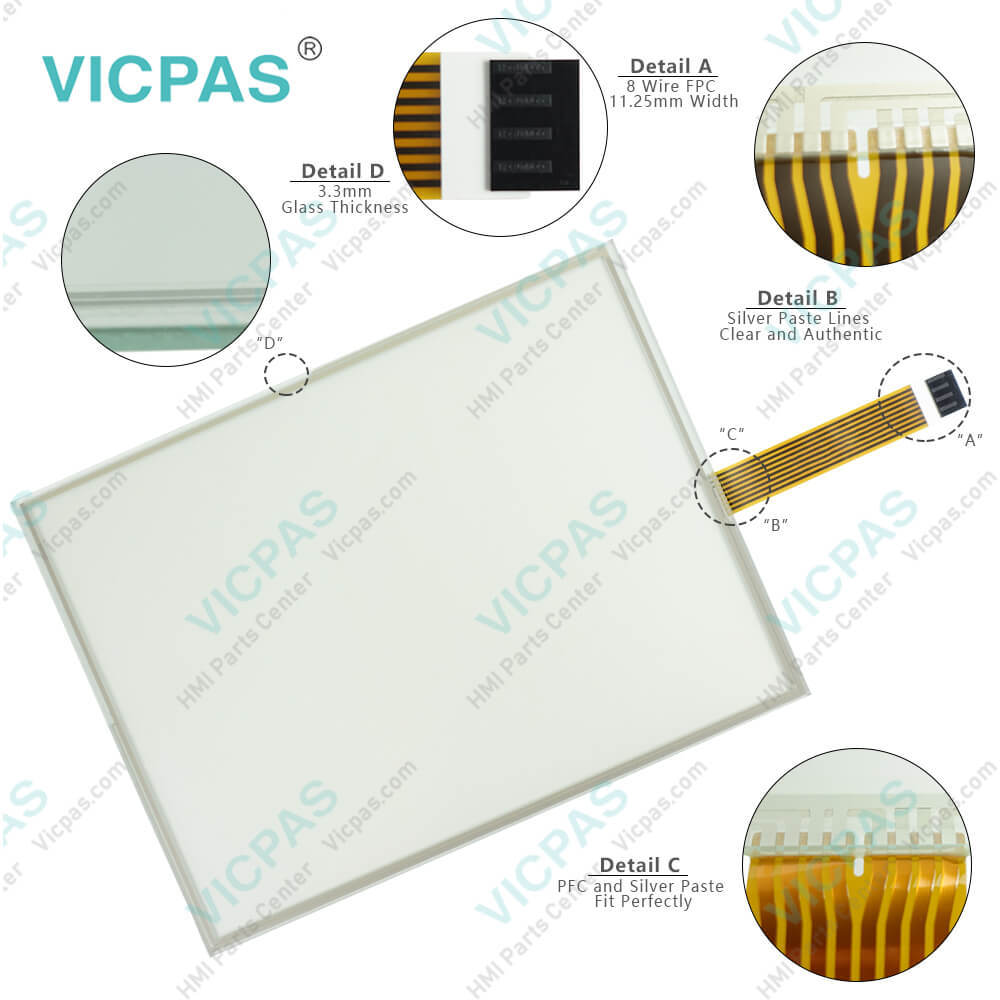
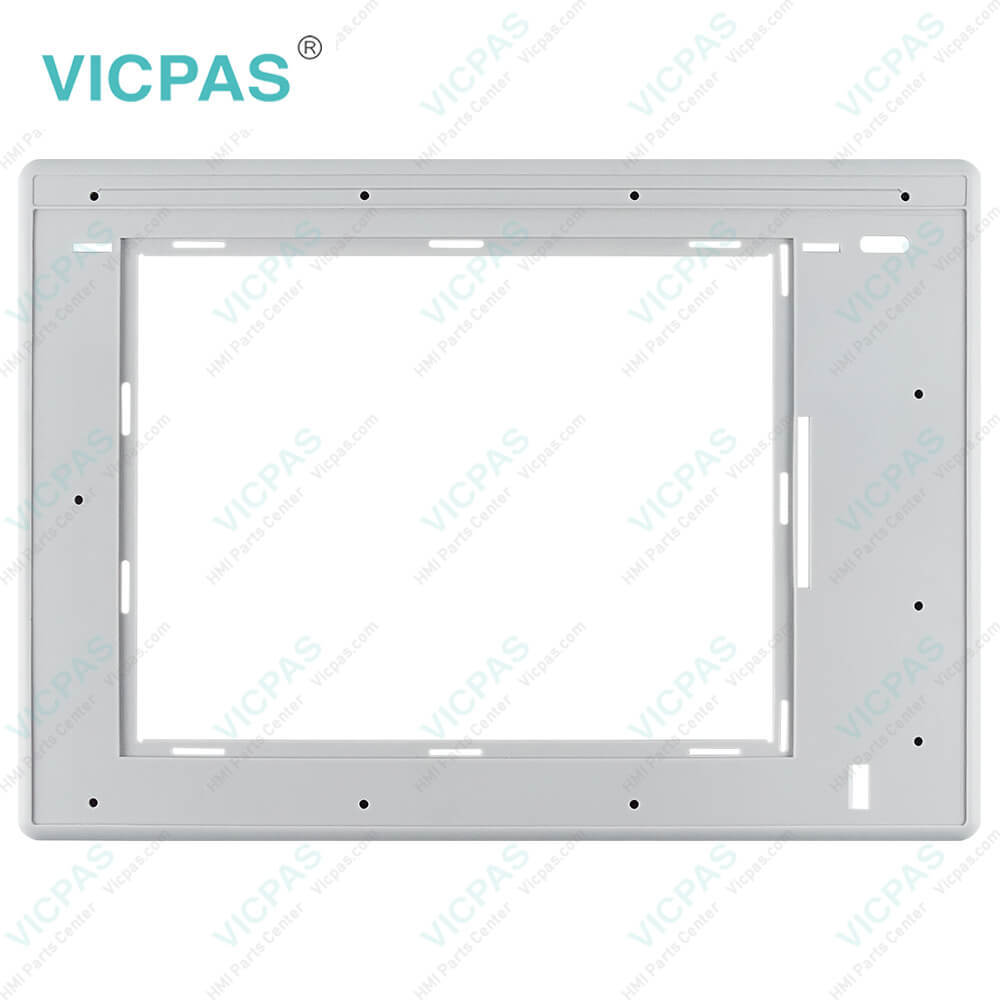
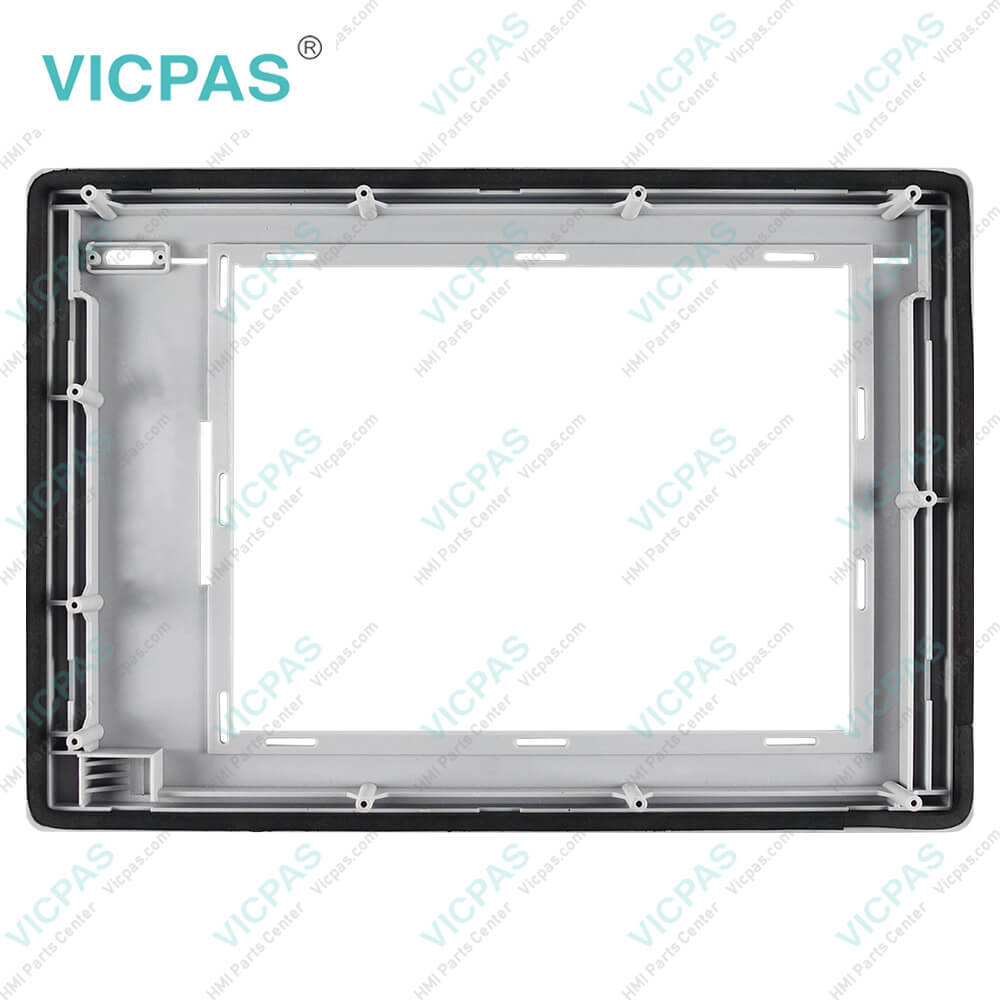
2711P-B15C4A1 Panelview Plus 1500 Touch Screen Panel, Membrane Keypad Switch, Label, LCD Display Panel, Plastic Case Body, Gasket and Mounting Clips Repair Replacement

Order each part separately is available

2711P-B15C4A1 Panelview Plus 1500 Membrane keypad switch, Touch Digitizer Glass, Label, LCD Display Panel, Housing, Gasket and Mounting Clips Repair Replacement


The terminals belonging to the PanelView Plus series are equipped with preloaded FactoryTalk View Machine Edition runtime and terminal configuration software, power terminal block, four to eight mounting clips, a panel cutout template, and user instructions for installation. In addition, users can choose to use the ViewPoint software, which can be used to view a running ME application in read-only mode through a Web browser.


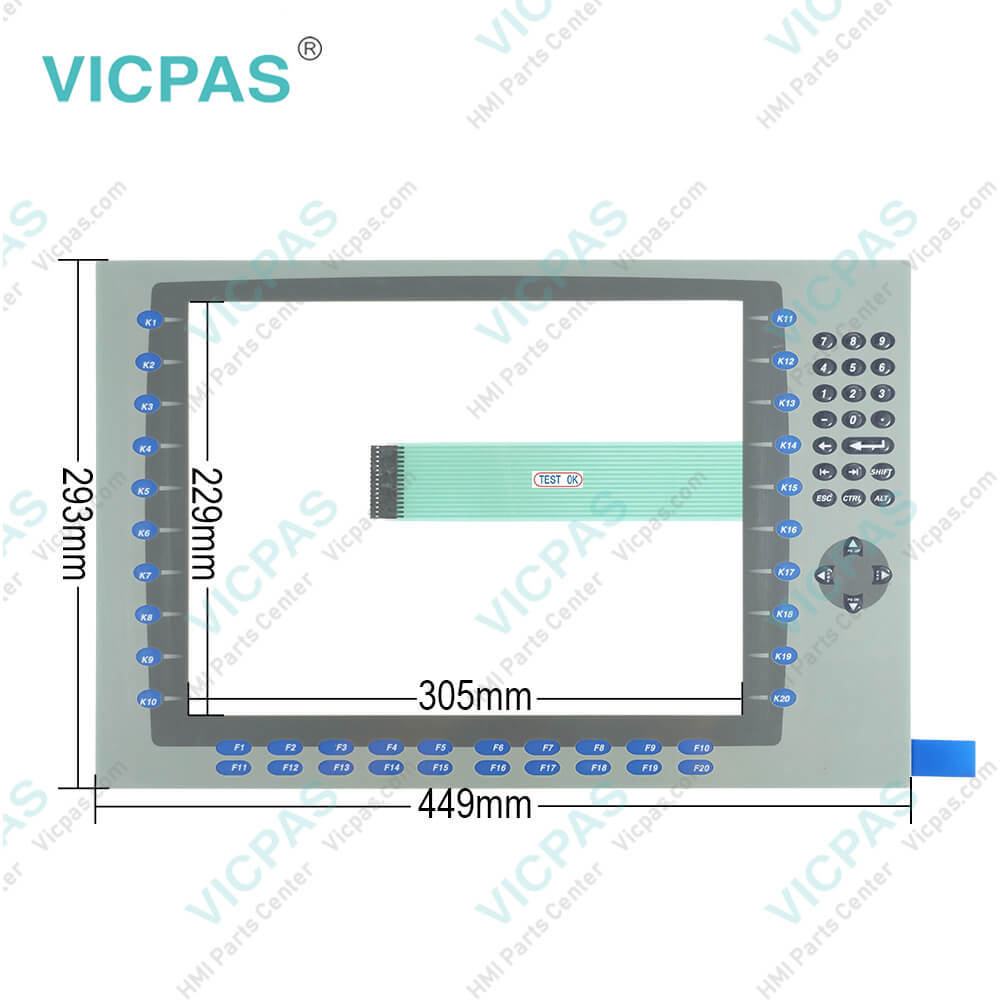
The 2711P-B15C4A1 Terminal has programmable F1 through F20, K1 through K20 function keys on the terminal display that comes with replaceable labels for the complete customization of keys. The B15C4A1 keypad provides a number of user input buttons, including a directional pad and a number pad. This enables the input of numbers and certain characters without having to rely on an on-screen keyboard. Users who require additional input methods can also make use of the side-panel keypad that also comes preinstalled in the 2711P-B15C4A1.


The Allen-Bradley 2711P-B15C4A1 membrane keypad keyboard and touch screen panel is a part of the PanelView Plus 1500 Graphic Terminal series. 2711P-B15C4A1 Touchscreen/Keypad Color terminal comes with a 15-inch flat-panel display with an integral anti-glare overlay. The 2711P-B15C4A1 15-inch Touchscreen/Keypad Input Terminal has a color active-matrix and a thin-film transistor (TFT) with a liquid crystal display (LCD). It has a display area (width x height) of 304 x 228 millimeters or 12.0 x 9.0 inches and resolution of 1024 x 768 with 18-bit color graphics.


The communication module is placed at the top of the logic module on the back side of the unit and can be installed with ease. Regarding hardware, the 2711P-B15C4A1 has an x86 650 MHz Intel Celeron CPU and 64/128/256 or 512 MB of PC100 SODIMM SDRAM with an 800 MiB per second peak. Besides that, the terminal has a solid choice of internal storage of either 64/128 or 256, and a Real-time clock (RTC) module supported by a battery in order to keep an accurate time.


Specifications:

Part Number:2711P-B15C4A1
Display Size:15 inches
Display Color:Amber
Warranty:365 days Warranty
Product Line:Panelview Plus 1500
Input Type:Touchscreen Keypad
Mounting Position:vertical
Communication:ControlNet
Software:FactoryTalk


Related BB Teach Pendant Part No. :

2711P-B15C4A1Description Inventory status
2711P-B15C4A1PanelView Plus 1500 Membrane Keypad Touch Screen Panel LCD Display EnclosureIn Stock
2711P-B15C4A2PanelView Plus 1500 Membrane Keyboard Touch Panel Glass LCD Screen Plastic ShellAvailable Now
2711P-B15C4A6PanelView Plus 1500 Keypad Touch Screen Panel LCD Display Plastic Cover BodyIn Stock
2711P-B15C4A7Panel View Plus 1500 Keypad Touch Screen LCD Display Screen Plastic Cover BodyIn Stock
2711P-B15C4B1PanelView Plus 1500 Membrane Keypad Touchscreen LCD Display Plastic CaseIn Stock
2711P-B15C4B2PanelView Plus 1500 Touch Panel Membrane Keyboard Keypad LCD Screen EnclosureIn Stock
2711P-B15C4D1PanelView Plus 1500 Membrane Keyboard HMI Touch Screen LCD Display Plastic ShellAvailable Now
2711P-B15C4D2PanelView Plus 1500 Keypad Touch Screen LCD Screen Plastic Cover BodyIn Stock
2711P-B15C4D6PanelView Plus 1500 Touchscreen Operator Panel Keypad LCD Display HMI CaseAvailable Now
2711P-B15C4D7Panel View Plus 1500 HMI Panel Glass Keypad LCD Screen Plastic Cover BodyIn Stock
2711P-B15C6A1Panel View Plus 1500 Keyboard Keypad Touch Screen LCD Display Plastic CaseIn Stock
2711P-B15C6A2PanelView Plus 1500 Touch Glass Membrane Keypad Switch LCD Screen HousingIn Stock
2711P-B15C6A6PanelView Plus 1500 Touch Screen Monitor Keyboard Keypad LCD Display HMI CaseAvailable Now
2711P-B15C6A7PanelView Plus 1500 Panel Glass Membrane Keyboard LCD Display Plastic CaseIn Stock
2711P-B15C6B1PanelView Plus 1500 Touch Screen Membrane Switch LCD Display Plastic ShellAvailable Now
2711P-B15C4A1PanelView Plus 1500 Membrane Keypad Touch Screen Panel LCD Display EnclosureIn Stock
2711P-B15C4A2PanelView Plus 1500 Membrane Keyboard Touch Panel Glass LCD Screen Plastic ShellAvailable Now
2711P-B15C4A6PanelView Plus 1500 Keypad Touch Screen Panel LCD Display Plastic Cover BodyIn Stock
2711P-B15C4A7Panel View Plus 1500 Keypad Touch Screen LCD Display Screen Plastic Cover BodyIn Stock
2711P-B15C4B1PanelView Plus 1500 Membrane Keypad Touchscreen LCD Display Plastic CaseIn Stock
2711P-B15C4B2PanelView Plus 1500 Touch Panel Membrane Keyboard Keypad LCD Screen EnclosureIn Stock
2711P-B15C4D1PanelView Plus 1500 Membrane Keyboard HMI Touch Screen LCD Display Plastic ShellAvailable Now
2711P-B15C4D2PanelView Plus 1500 Keypad Touch Screen LCD Screen Plastic Cover BodyIn Stock
2711P-B15C4D6PanelView Plus 1500 Touchscreen Operator Panel Keypad LCD Display HMI CaseAvailable Now
2711P-B15C4D7Panel View Plus 1500 HMI Panel Glass Keypad LCD Screen Plastic Cover BodyIn Stock
2711P-B15C6A1Panel View Plus 1500 Keyboard Keypad Touch Screen LCD Display Plastic CaseIn Stock
2711P-B15C6A2PanelView Plus 1500 Touch Glass Membrane Keypad Switch LCD Screen HousingIn Stock
2711P-B15C6A6PanelView Plus 1500 Touch Screen Monitor Keyboard Keypad LCD Display HMI CaseAvailable Now
2711P-B15C6A7PanelView Plus 1500 Panel Glass Membrane Keyboard LCD Display Plastic CaseIn Stock
2711P-B15C6B1PanelView Plus 1500 Touch Screen Membrane Switch LCD Display Plastic ShellAvailable Now

2711P-B15C4A1 Touchscreen 2711P-B15C4A1 Keypad Switch PDF Download:
  • PanelView Plus 1500
  • 2711P-B15C4A1 Terminals User Manuals
  • Allen Bradley PanelView Plus 1500 Terminals Operator Panel User Manual
  • panelview plus 1500 battery replacement Installation Instructions
  • PanelView Plus 1500 Terminals and Display Modules
  • PanelView Plus Operator Terminals 1500 dimensions datasheet manual
  • PanelView Plus 1500
  • 2711P-B15C4A1 Terminals User Manuals
  • Allen Bradley PanelView Plus 1500 Terminals Operator Panel User Manual
  • panelview plus 1500 battery replacement Installation Instructions
  • PanelView Plus 1500 Terminals and Display Modules
  • PanelView Plus Operator Terminals 1500 dimensions datasheet manual

  • FAQ:

    Question: How to isolate problems with the 2711P-B15C4A1 Touch Screen?

    Answer: • Check the catalog number of the unit. Verify that your terminal has a touch screen by looking at the label on the Display Module.• Perform a calibration of the touch screen. From Configuration Mode, open Terminal Settings>Input Devices>Touch Screen>Calibration. Follow the directions. The calibration requires 4 user screen touches. When the touches do not converge to a satisfactory calibration, you are asked repeatedly for additional screen touches and the calibration process never terminates. A touch screen that does not calibrate is not present or not functioning properly. Replace the bezel or the Display Module.• Check the Cursor Enable setting for the touch screen. Is the cursor visible? From Configuration Mode, open Terminal Settings>Input Devices>Touch Screen>Cursor.• Check the pointer input by attaching a USB mouse. If the mouse works, but the touch screen does not, then the touch driver or touch screen is not functioning properly. If both the mouse and the touch screen are not working, then it is an application problem.• Does touching or dragging on the screen appear to work? If yes, even if incorrectly, the touch screen is present and working but requires calibration.• Replace Bezel or Display Module if all other attempts do not resolve the problem. If replacing the Display Module or bezel corrects the problem, then the touch screen was not functioning properly.

    Question: What tools are required for panel 2711P-B15C4A1 installation?

    Answer: • Panel cutout tools.• Small, slotted screwdriver.• Torque wrench (lb•in) for tightening the mounting clips on the PanelView Plus 700 to 1500 and PanelView Plus CE terminals.

    Question: How to edit PanelView Plus 1500 2711P-B15C4A1 communication settings?

    Answer:


    Common misspellings:

    2711P-B15C4Al2711PB15C4A127l1P-B15C4A1271lP-B15C4A1271P-B15C4A1271P-B15C4A12711-B15C4A12711P-Bl5C4A12711P-B15CC4A1

    Please send your message to us
    *Email
    Mobile Phone
    *Title
    *Content
    Upload
    • Only supports .rar/.zip/.jpg/.png/.gif/.doc/.xls/.pdf, maximum 20MB.
    Do you want to quickly know the product quotation you need?
    • Fast QuoteFast Quote
    • Worldwide ShippingWorldwide Shipping
    • 12 Months Warranty12 Months Warranty
    • Customize ServiceCustomize Service
    subscription
    KEEP IN TOUCH
    Please send your message to us
    *Email
    Mobile Phone
    *Title
    *Content
    Upload
    • Only supports .rar/.zip/.jpg/.png/.gif/.doc/.xls/.pdf, maximum 20MB.
    CONTACT US
    QR code
    Mobile Web
    2.221427s