Grideal.com-Leading global industrial mall.
Quick Service for Full HMI Parts Replacement
Touchscreen-Keypad-Display-Case & More Search 80000 Inventory
user photo
Account
Login
Cart
0
Home / All / for Siemens / Simatic Mobile Panel / 6AV6645-7CF00-2AA0 Membrane Switch Touch Screen Panel
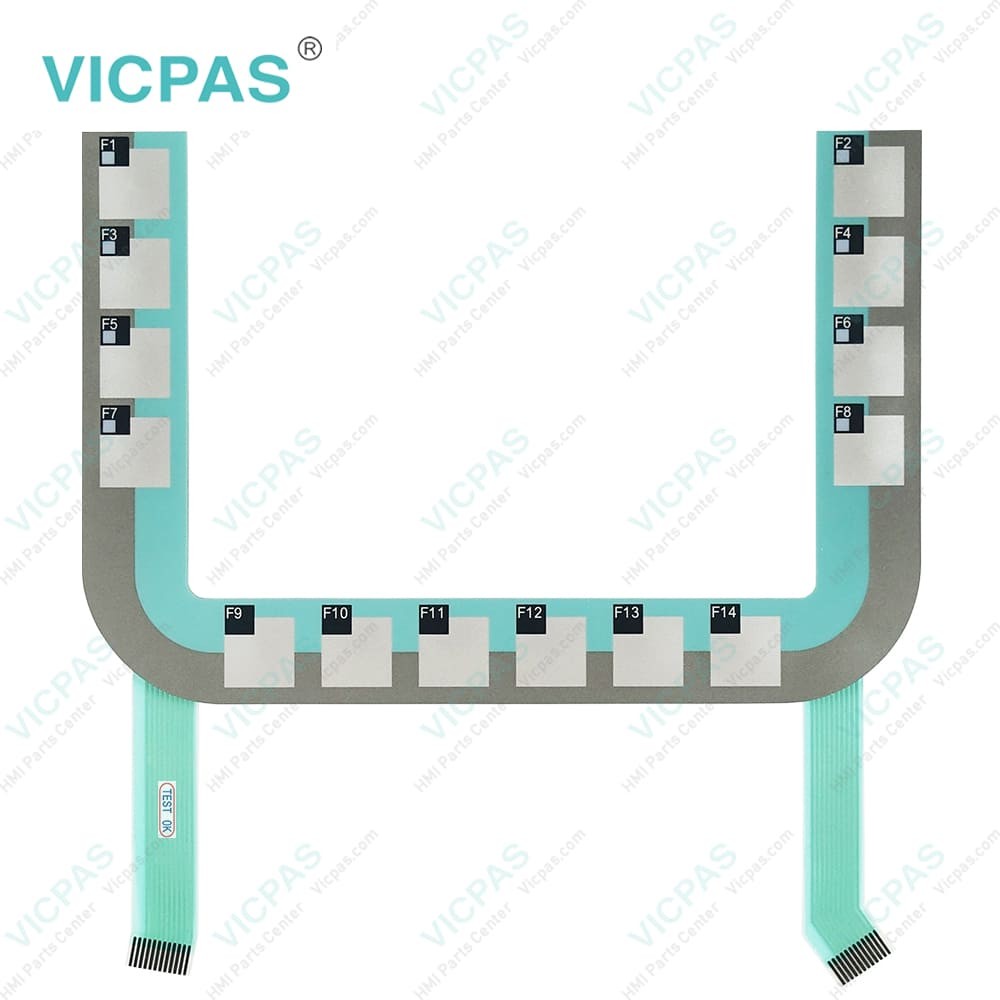
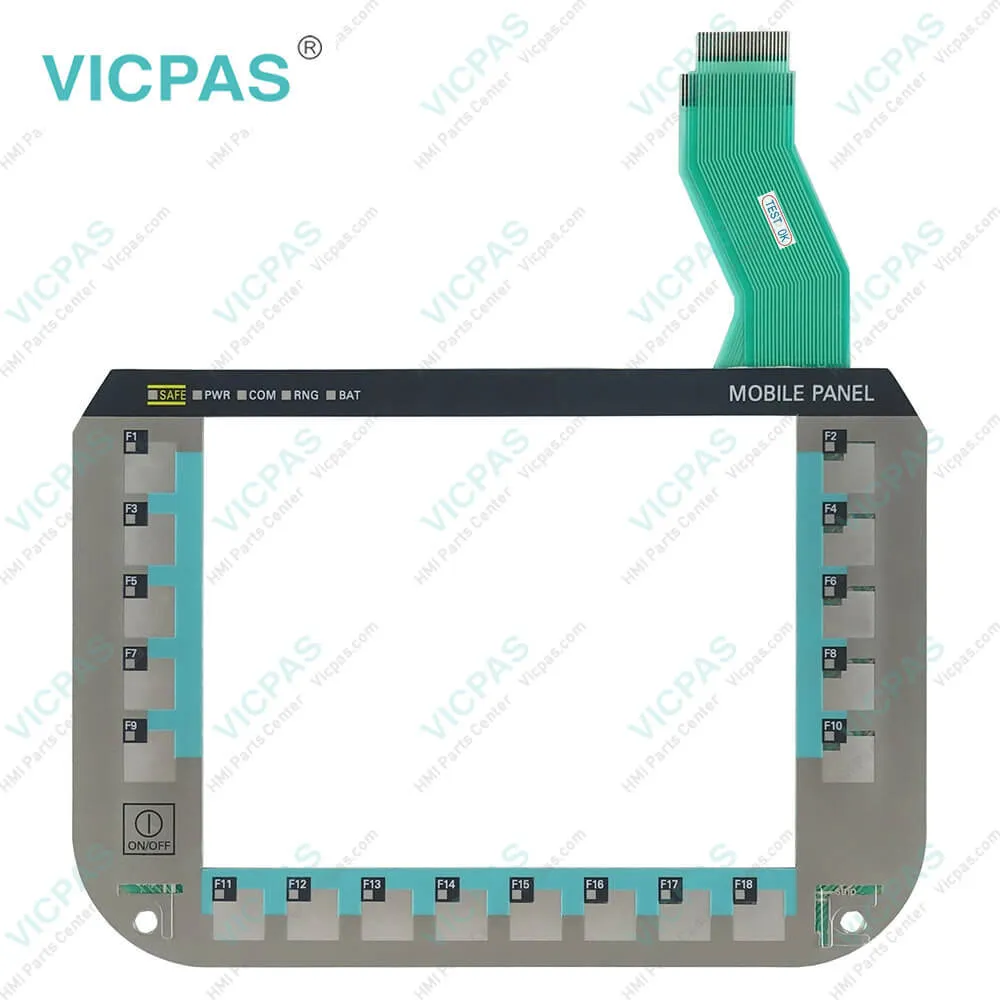
6AV6645-7CF00-2AA0 Membrane Switch Touch Screen Panel
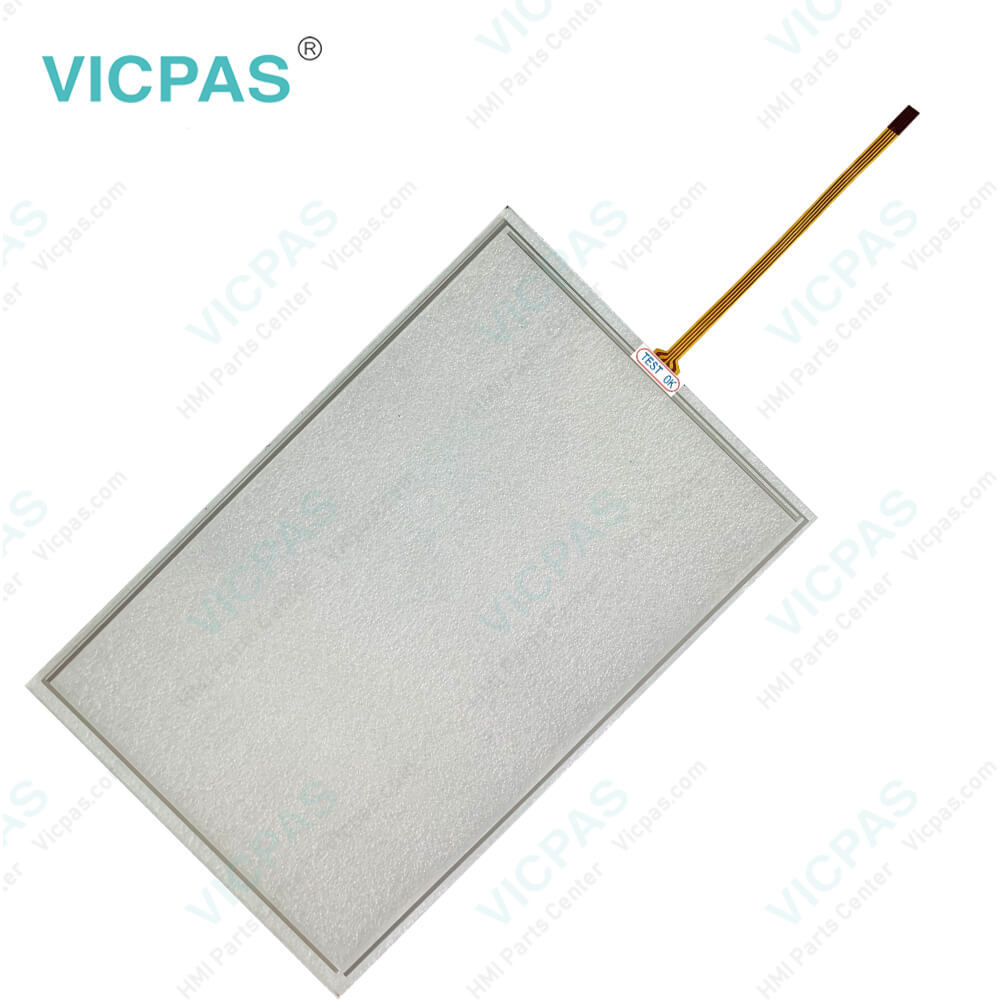
6AV6645-7CF00-2AA0 Membrane Switch Touch Screen Panel
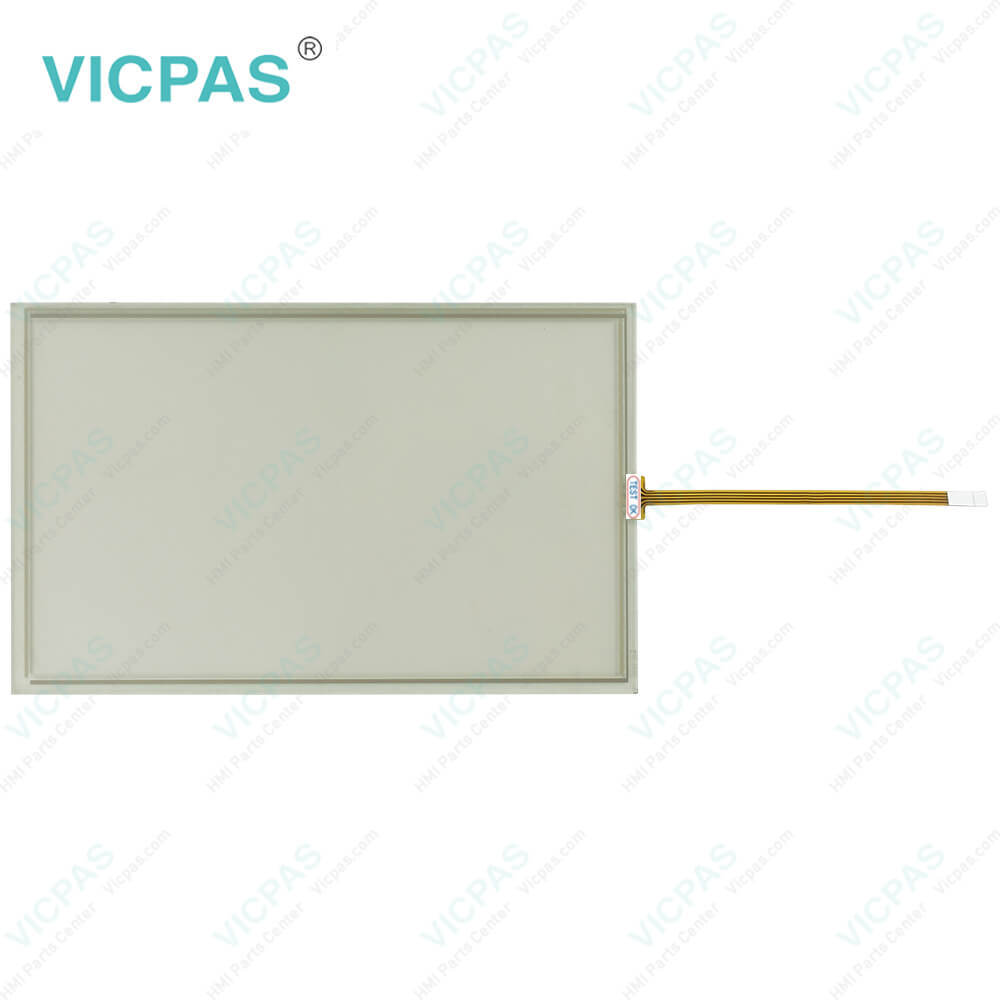
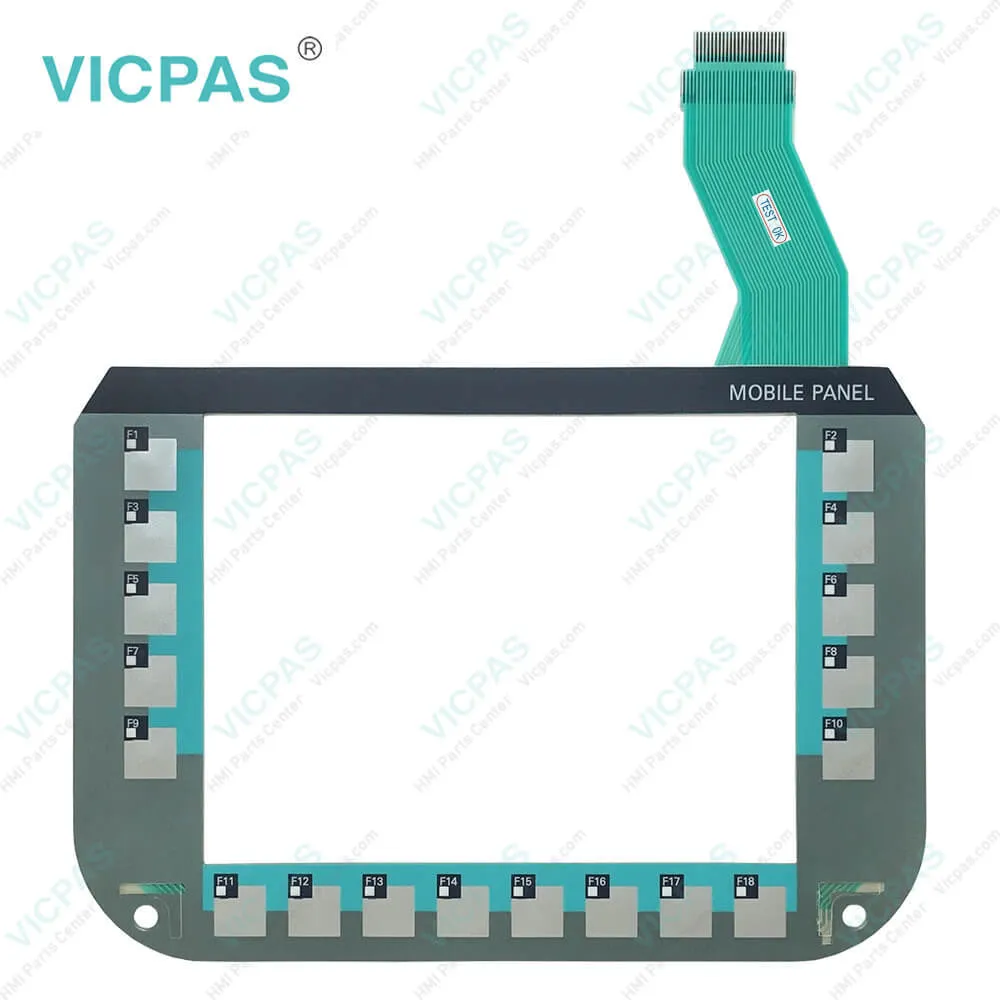
6AV6645-7CF00-2AA0 Membrane Switch Touch Screen Panel6AV6645-7CF00-2AA0 Membrane Switch Touch Screen Panel6AV6645-7CF00-2AA0 Membrane Switch Touch Screen Panel6AV6645-7CF00-2AA0 Membrane Switch Touch Screen Panel6AV6645-7CF00-2AA0 Membrane Switch Touch Screen Panel
BrandSIEMENS
Model6AV6645-7CF00-2AA0
Warranty365 Days
Product LineMobile Client 900
Touch Screen Panel TypeResistive
Touch size9''
ShippingDHL/FedEx/UPS/TNT/EMS/Aramex /DPEX
FOB portGuangzhou, Shenzhen, Hongkong
Terms of PaymentWestern Union, MoneyGram, T/T, Paypal, PayPal, Credit Card
Download
Update Time2026-01-30 20:35:09
Leading Time{{selectedConditionObj.leading}}
{{item.value}}
{{nameObj.name}}{{nameObj.selectedValue}}
{{valueObj.name}}

Shipping

Free Shipping

Those shipping costs are only estimates, the actual shipping cost will be shown on the order page.

Detail Information

6AV6645-7CF00-2AA0 Siemens Simatic HMI Mobile Client 900 Operator Keyboard Touch Panel Repair

Order each part separately is available

6AV6645-7CF00-2AA0 Siemens Simatic HMI Mobile Client 900 Membrane Keyboard Touchscreen Repair Replacement


Notice

The protective cover provides mechanical protection of the 6AV6645-7CF00-2AA0 Touch Screen Glass Operator Keyboard and is attached to both handles. It protects the device from being damaged when transported, for example, in a tool bag together with other tools.


If you use the protective cover when the HMI device is on, the device may overheat. Make sure the HMI device is off before you fit the protective cover. Damage to the 6AV6 645-7CF00-2AA0 Touch Screen Panel Membrane Keypad Particles of dirt can scratch the touch screen when you attach the protective cover. Clean the 6AV66457CF002AA0 Touch Membrane Terminal Keypad before attaching the protective cover or use a protective sheet.


The inclination can be adjusted in the range from almost parallel to almost perpendicular to the mounting surface. To adjust the inclination, loosen the wing screws located on both sides of the wall bracket. With very large inclinations, the device cannot be removed from the wall bracket. In this case, reduce the inclination in order to remove the device safely from the wall bracket and make sure not to drop 6AV6 645-7CF00-2AA0 Touch Screen Display Membrane Keyboard.


Kernfix supply 6AV66457CF002AA0 Siemens Mobile Client 900 Touch Digitizer Membrane Switch Keypad. All of them with Kernfix 365 days warranty and support Urgent Worldwide Shipping.


Specifications:

Touch Size:9''
Warranty:365 Days
Product Line:Mobile Client 900
Environment:Free From Corrosive Gases
Brand:Siemens
Part Number:6AV6645-7CF00-2AA0
Mounting Position:Vertical
MTBF backlighting (at 25 °C):50 000 h
Number of Languages:16
Touch Type:Resistive


Related BB Teach Pendant Part No. :

6AV6645-7CF00-2AA0Description Inventory status
6AV6645-7CF00-2AA0SIMATIC Mobile Client 900 Touch Panel Membrane Keyboard RepairAvailable Now
6AV6645-7CF30-1WP1SIMATIC Mobile Client 900 Touchscreen Operator Keyboard ReplacementIn Stock
6AV6645-7CF30-2AA0SIMATIC Mobile Client 900 Touch Digitizer Glass Membrane Keypad RepairAvailable Now
6AV6645-7CG00-2AA0SIEMENS Mobile Client 900 HMI Panel Glass Terminal Keypad ReplacementIn Stock
6AV6645-7CG30-1WP1SIMATIC Mobile Client 900 Touch Screen Monitor Membrane Switch RepairAvailable Now
6AV6645-7CG30-2AA0SIEMENS Mobile Client 900 Touch Screen Membrane Keyboard RepairIn Stock
6AV6645-7CJ00-2AA0SIMATIC Mobile Client 900 HMI Touch Glass Membrane Switch RepairAvailable Now
6AV6645-7CJ30-2AA0SIEMENS Mobile Client 900 Touch Membrane Terminal Keypad RepairIn Stock

6AV6645-7CF00-2AA0 Membrane Switch Touch Screen Panel PDF Download:
  • Simatic Mobile Panels
  • hmi_mobile_client900wxn_operating_instructions_en-US
  • hmi_mobile_client900rxa_operating_instructions_en-US
  • hmi_mobile_client900rfn_operating_instructions_en-US

  • FAQ:

    Question: What is the ambient conditions of 6AV6 645-7CF00-2AA0 MMI Panel Screen Terminal Keypad?

    Answer: Indoor use protected from weather and its ambient temperature range 0 ... 45 °C. Never place 6AV66457CF002AA0 Touch Panel Membrane Keyboard on unsteady surfaces. It could fall down and be damaged. Make sure that it is sufficiently ventilated. Do not cover it. Never operate it with the protective cover on.

    Question: How do I calibrate the Touchscreen on the Siemens Mobile Client 900 HMI?

    Answer: To calibrate the touch screen, go to the calibration settings in the HMI menu. Follow the on-screen instructions to touch specific calibration points accurately. This process ensures accurate touch input across the screen.


    Common misspellings:

    6AV6645-CF007-2AA0

    6AV645-6CF00-2AA0

    6AV6645-7CF00-A2A0

    6AV6645-7CF00-1AA0

    6AV66445-7CF00-2AA0

    Please send your message to us
    *Email
    Mobile Phone
    *Title
    *Content
    Upload
    • Only supports .rar/.zip/.jpg/.png/.gif/.doc/.xls/.pdf, maximum 20MB.
    Do you want to quickly know the product quotation you need?
    • Fast QuoteFast Quote
    • Worldwide ShippingWorldwide Shipping
    • 12 Months Warranty12 Months Warranty
    • Customize ServiceCustomize Service
    subscription
    KEEP IN TOUCH
    Please send your message to us
    *Email
    Mobile Phone
    *Title
    *Content
    Upload
    • Only supports .rar/.zip/.jpg/.png/.gif/.doc/.xls/.pdf, maximum 20MB.
    CONTACT US
    QR code
    Mobile Web
    1.382058s