



Grideal.com-Leading global industrial mall.
Quick Service for Full HMI Parts Replacement
Touchscreen-Keypad-Display-Case & More Search 80000 Inventory
user photo
Account
Login
Cart
0
Home / All / for Siemens / Simatic Industrial PC / 6AV7230-0EA20-0CA0 Siemens IPC377E 19 Overlay Touch
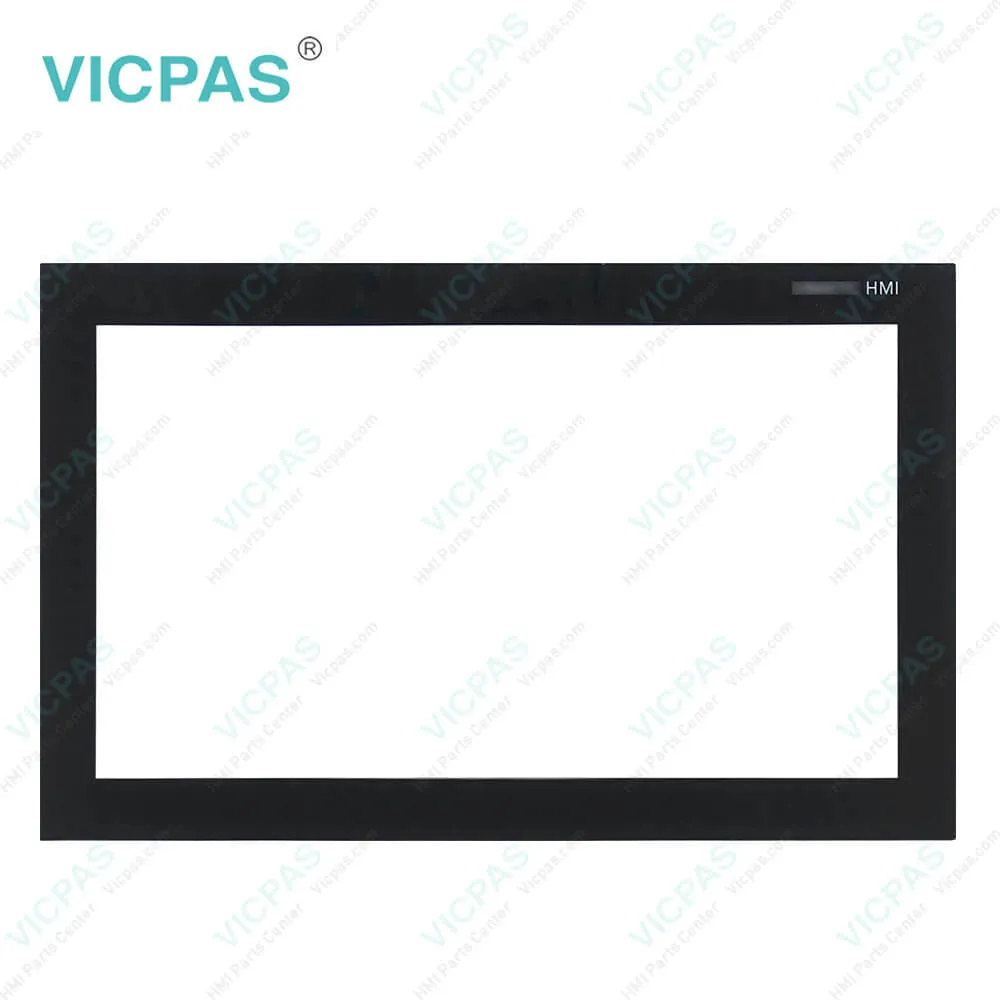
6AV7230-0EA20-0CA0 Siemens IPC377E 19 Overlay Touch
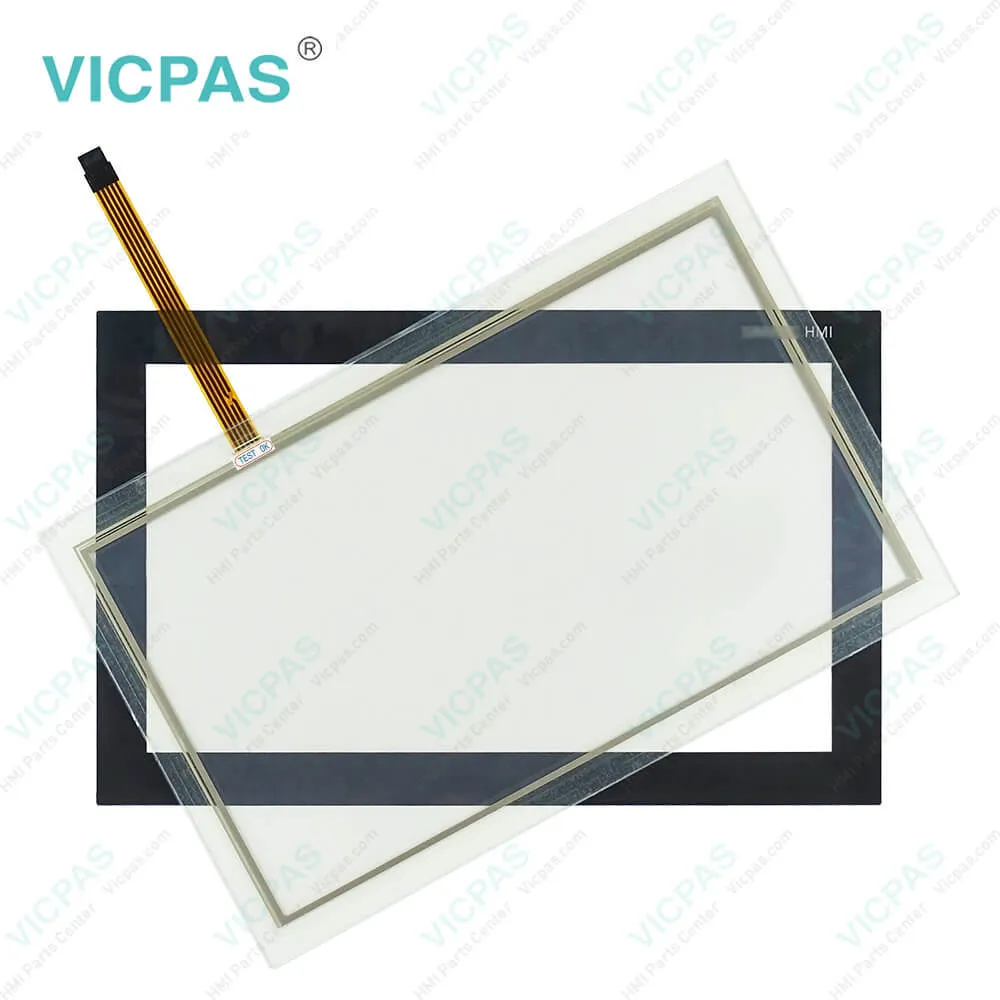
6AV7230-0EA20-0CA0 Siemens IPC377E 19 Overlay Touch
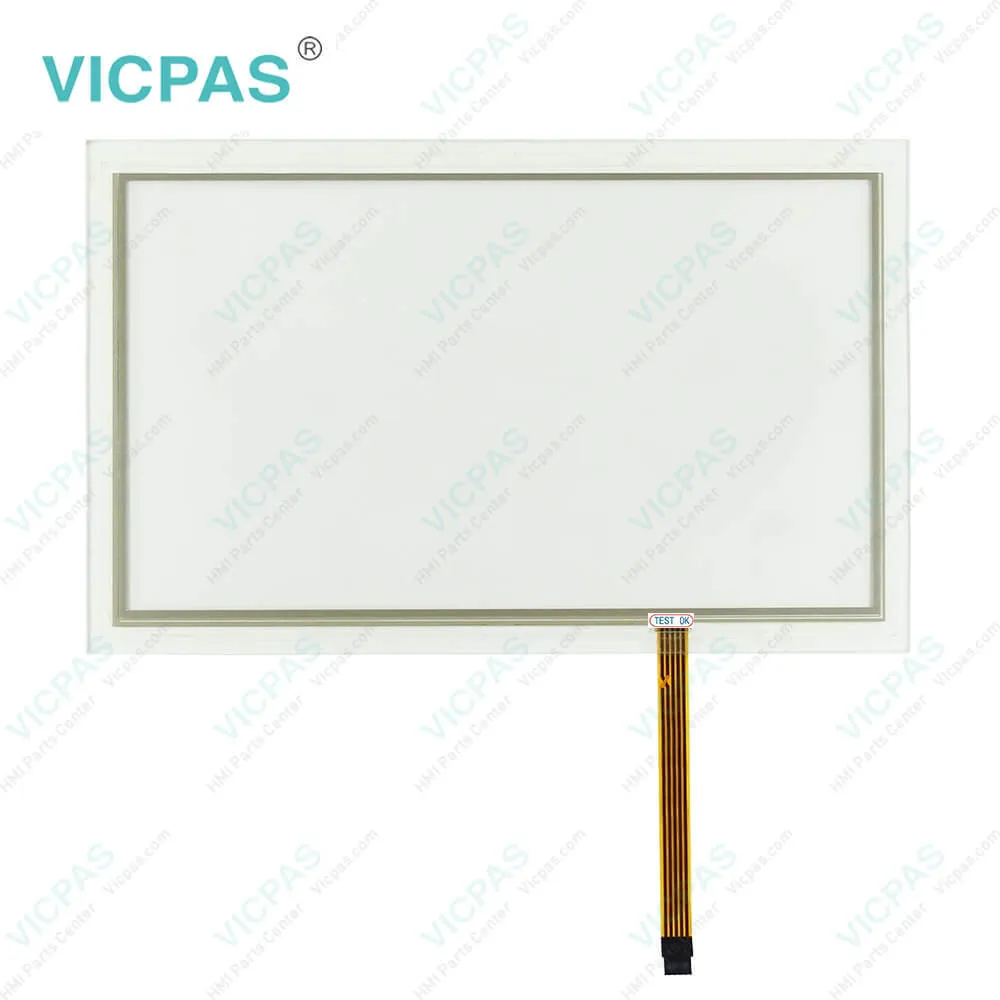
6AV7230-0EA20-0CA0 Siemens IPC377E 19 Overlay Touch6AV7230-0EA20-0CA0 Siemens IPC377E 19 Overlay Touch6AV7230-0EA20-0CA0 Siemens IPC377E 19 Overlay Touch
BrandSIEMENS
Model6AV7230-0EA20-0CA0
Warranty365 Days
Product LineIPC 377E
SupplyIPC 377E HMI Touch Panel and Overlay
Terms of PaymentWestern Union, T/T, PayPal, Credit Card
Download
Update Time2026-01-30 20:38:42
Leading Time{{selectedConditionObj.leading}}
{{item.value}}
{{nameObj.name}}{{nameObj.selectedValue}}
{{valueObj.name}}

Shipping

Free Shipping

Those shipping costs are only estimates, the actual shipping cost will be shown on the order page.

Detail Information

6AV7230-0EA20-0CA0 Siemens SIMATIC HMI IPC377E 19 Touch Screen Panel Overlay Repair Replacement

Order each part separately is available

6AV7230-0EA20-0CA0 Siemens SIMATIC HMI IPC377E 19 Touch Screen Panel Protective Film Repair Replacement

Electric shock and risk of fire.
High voltage may be present in a defective the Siemens SIMATIC 6AV7230-0EA20-0CA0 Touch Screen Display Front Overlay HMI IPC377E 19 device, which can cause fire or an electric shock if touched. Death and serious bodily injury can result.
● Connect the 6AV7 230-0EA20-0CA0 Touch Screen Glass Front Overlay Siemens SIMATIC HMI IPC377E 19 device to the function earth before you put it into operation.
● The FE terminal on the Siemens SIMATIC 6AV72300EA200CA0 Touch Screen Digitizer Protective Film HMI IPC377E 19 device must be connected to the function conductor of the control cabinet or system in which the Siemens SIMATIC 6AV7230-0EA20-0CA0 Touchscreen Protective Film HMI IPC377E 19 device is installed.
● Never operate the 6AV7 230-0EA20-0CA0 Touch Screen Panel Overlay Siemens SIMATIC HMI IPC377E 19 device without function earth.
● If a 6AV7230-0EA20-0CA0 Touch Screen monitor Front Overlay Siemens SIMATIC HMI IPC377E 19 device is defective, remove it from operation without delay and label it accordingly.

The Siemens SIMATIC 6AV7 230-0CA20-0CA0 Touch Screen Digitizer Protective Foil HMI IPC377E 19 has been designed for use in a normal industrial environment in accordance with IEC 60721-3-3 (pollutant class 3C2 for chemical influences, 3S2 for sand and dust). If the 6AV72300EA200CA0 Touch Screen Panel Overlay Siemens SIMATIC HMI IPC377E 19 is subjected to low temperatures or extreme fluctuations in temperature during transportation, for example in cold weather, moisture could build up on or inside the device. Moisture causes a short circuit in electrical circuits and damages the device.

You can also fasten the 6AV7 230-0CA20-0CA0 Touch Screen monitor Protective Film Siemens SIMATIC HMI IPC377E 19 using a VESA (Video Electronics Standards Association) adapter. Different models of VESA adapters are offered by third-party manufacturers. The Siemens SIMATIC 6AV72300EA200CA0 Touch Screen Glass Protective Film HMI IPC377E 19 is VESA compliant and can be mounted on all kinds of applications utilizing the standard VESA100 mounting interfaces. Fasten the VESA adapter with the designated screws (M4).


Specifications:

Mains buffering:10ms
Part Number:6AV7230-0EA20-0CA0
Processor type:Intel Celeron N3160
Storage temperature:-20℃-60℃
Type of memory:DDR3L
Operation temperature:0℃-40℃
Product Line:Siemens IPC 377E
Size:19 inch
Type of supply voltage:24 V DC
Warranty:365 days Warranty


Related BB Teach Pendant Part No. :

6AV7230-0EA20-0CA0Description Inventory status
6AV7230-0EA20-0BA0Siemnens IPC 377E Touch Screen Panel Glass Protective FilmIn Stock
6AV7230-0EA20-0CA0IPC377E Touch Panel Glass Front Overlay ReplacementAvailable Now
6AV7230-0EA20-1BA0Siemnens IPC377E Touch Screen Panel Front Overlay Repair KitIn Stock
6AV7230-0EA20-1CA0Simatic IPC 377E Touch Digitizer Overlay ReplacementIn Stock
6AV7230-0EA20-2BA0IPC377E HMI Touch Screen Organizer Protective FilmIn Stock
6AV7230-0EA20-2CA0IPC 377E Touch Panel Protective Film Overlay RepairIn Stock

6AV7230-0EA20-0CA0 Siemens IPC377E 19 Overlay Touch PDF Download:

  • 6AV7230-0EA20-0CA0 Siemens HMI IPC 377E datasheet manual pdf
  • 6AV7230-0EA20-1BA0 Siemens HMI IPC 377E datasheet manual pdf
  • 6AV7230-0EA20-1CA0 Siemens HMI IPC 377E datasheet manual pdf
  • Siemens Simatic IPC 377E Operating Instructions

  • FAQ:

    Question: How to switch on the 6AV7 230-0CA20-0CA0 HMI Touch Screen Protective Film Siemens SIMATIC HMI IPC377E 19?

    Answer: 1.Press the on/off switch.The module carries out a self-test. During the self-test, the following message appears:Press ESC for boot options

    Question: How to replace the drive of a 6AV72300EA200CA0 Siemens SIMATIC HMI IPC377E 19 Touch Screen Panel Front Overlay basic device?

    Answer: 1. Pull out the connection plug.


    Common misspellings:

    6AV730-0EA20-0CA0

    6A7V230-0EA20-0CA0

    6AV7230-E0A20-0CA0

    6AV7230-0E2A0-0CA0

    6AV72330-0EA20-0CA0

    Please send your message to us
    *Email
    Mobile Phone
    *Title
    *Content
    Upload
    • Only supports .rar/.zip/.jpg/.png/.gif/.doc/.xls/.pdf, maximum 20MB.
    Do you want to quickly know the product quotation you need?
    • Fast QuoteFast Quote
    • Worldwide ShippingWorldwide Shipping
    • 12 Months Warranty12 Months Warranty
    • Customize ServiceCustomize Service
    subscription
    KEEP IN TOUCH
    Please send your message to us
    *Email
    Mobile Phone
    *Title
    *Content
    Upload
    • Only supports .rar/.zip/.jpg/.png/.gif/.doc/.xls/.pdf, maximum 20MB.
    CONTACT US
    QR code
    Mobile Web
    1.453611s