




0005-4050-950 Siemens OP177B Keypad Touch LCD Case
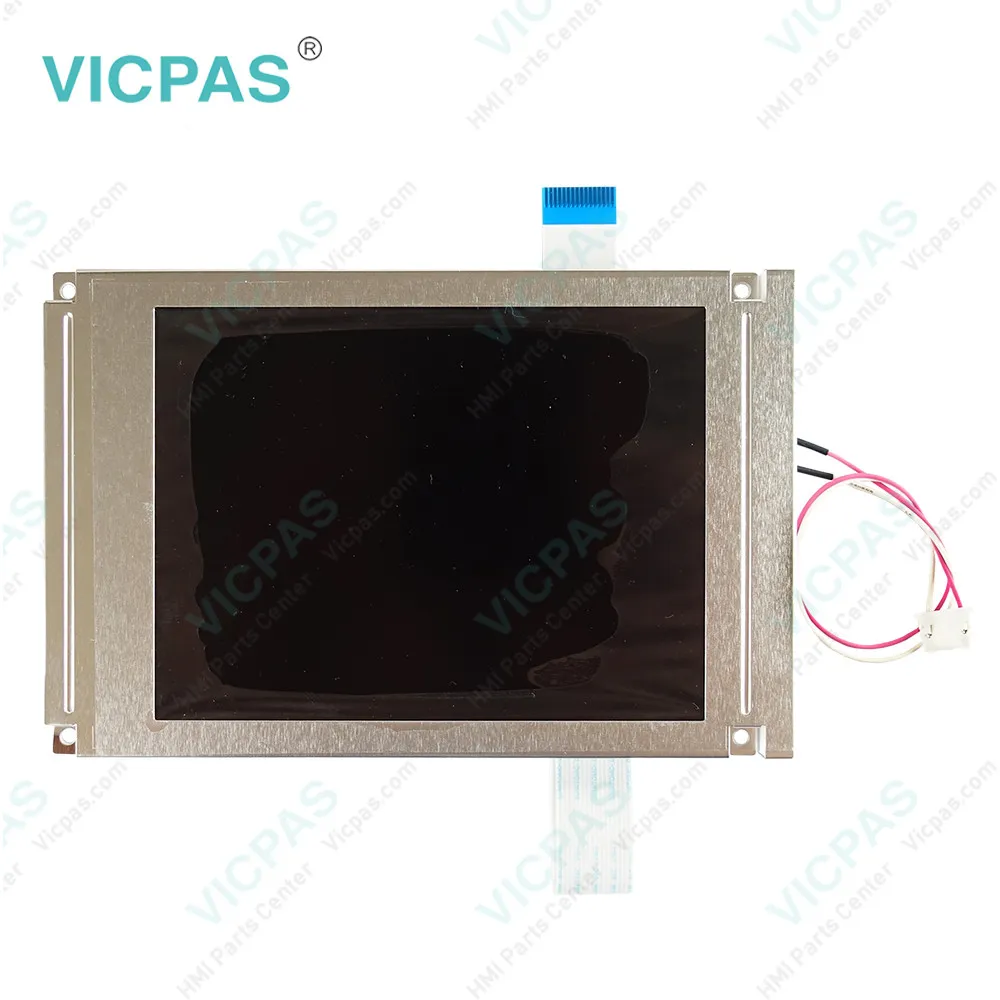
| Categories | Siemens Operator Panel Keypad |
|---|---|
| Brand | SIEMENS |
| Model | 0005-4050-950 |
| Warranty | 12 Months |
| Product Line | Siemens OP177b Operator Panel |
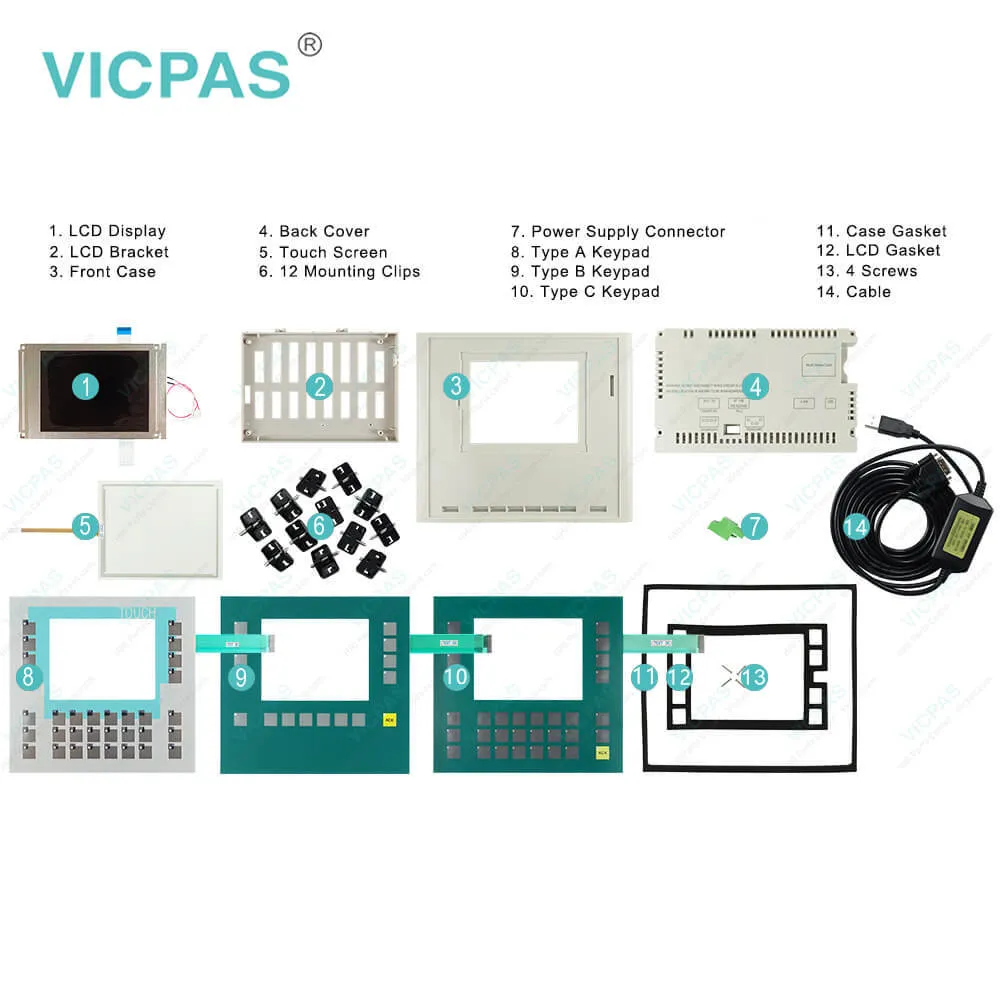
| Supply | SIMATIC HMI OP177b Repair Kit |
| FOB port | Guangzhou, Shenzhen, Hongkong |
| Terms of Payment | Western Union, MoneyGram, T/T, Paypal, PayPal, T/T ,Credit Card, Western Union |
| Update Time | 2026-01-30 20:47:04 |
Shipping
Specifications:
| Part Number : | 0005-4050-950 |
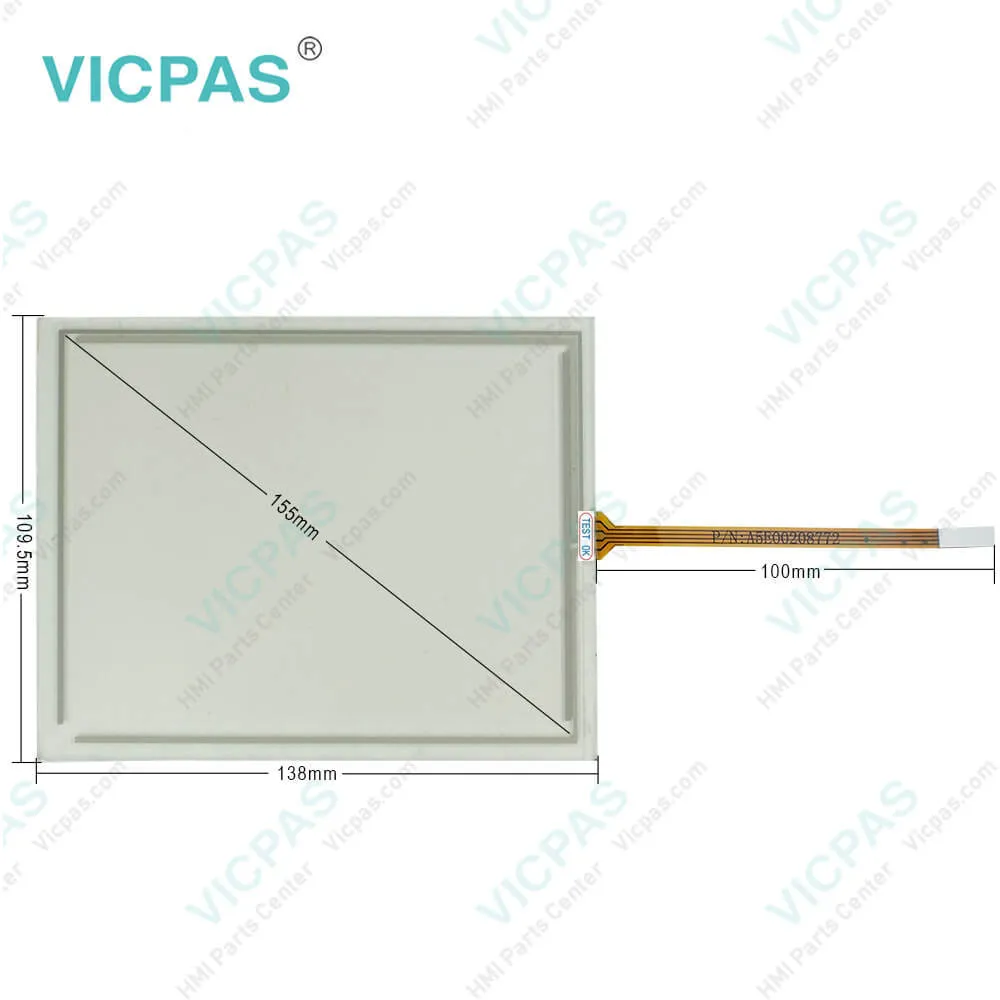
| Screen diagonal: | 5.7 in |
| Character size: | 5 mm |
| Warranty: | 6-Months Warranty |
| Product Line: | Siemens OP177B |
| Number of digital outputs: | 16 |
| Color Depth: | 4 Blue Levels |
| Resolution: | 320 * 240 |
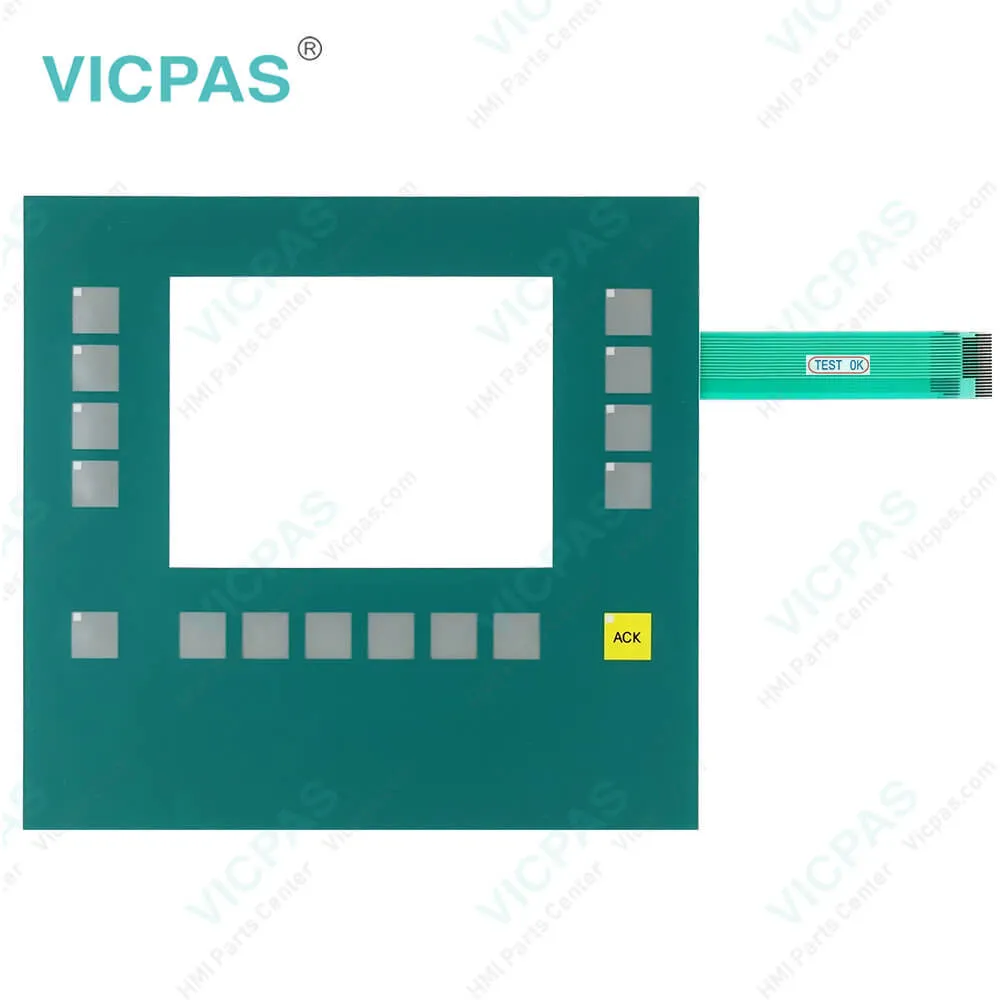
| Membrane keyboard: | Yes |
| Design of display: | STN display |
Related BB Teach Pendant Part No.:
| 0005-4050-950 | Description | Inventory status |
| 6AG1642-0BC01-4AX0 | OP177B PN/DP COLOR | In Stock |
| 6AG1642-0DA01-4AX0 | Siemens OP177B | In Stock |
| 6AG1642-0DA01-4AX1 | SIPLUS OP177B | In Stock |
| 6AG1642-0DC01-4AX0 | SIPLUS OP177B | In Stock |
| 6AG1642-0DC01-4AX1 | SIPLUS HMI OP177B | In Stock |
| 6AV6551-2HA01-1AA0 | SIPLUS OP177B | In Stock |
| 6AV6642-0DA01-1AX0 | SIPLUS OP177B | In Stock |
| 6AV6642-0DA01-1AX1 | SIPLUS HMI OP177B | In Stock |
| 6AV6642-0DC01-1AX0 | OP177B | In Stock |
| 6AV6642-0DC01-1AX1 | Siemens OP177B | In Stock |
| 6AV6642-5DC10-1AC0 | OP177B DP MONO | In Stock |
| 0005-4050-710 | Simatic OP177B GEA | In Stock |
| 0005-4050-810 | OP177B Simatic GEA | In Stock |
| 0005-4050-818 | Siemens OP177B GEA | In Stock |
| 0005-4050-950 | Simatic OP177B GEA | In Stock |
0005-4050-950 Siemens OP177B Keypad Touch LCD Case PDF Download:
FAQ:
Question: What is the dimension of 0005-4050-950 Siemens OP177B membrane switch??
Answer: The SIMATIC HMI OP177B touchscreen is 5.7 inch.
Question: what the software options for Siemens OP177B?
Answer: The following software options are available for the TP 177B and the OP 177B:• WinCC Flexible/Sm@rtServiceThe Sm@rtService option enables you to access a remote HMI device from theHMI device or PC via Ethernet.• WinCC Flexible/Sm@rtAccessThe Sm@rtAccess option enables you to set up communication between differentHMI systems.The following software options are available for the TP 177B 4":• Uninterruptable Power Supply (UPS) with USB supportWhen interfacing an uninterruptible power supply, the HMI device is shut down in acontrolled manner after a buffer time in the event of a power failure. The TP 177B 4"supports SITOP DC UPS modules connected via the USB port.
Question: What is the 0005-4050-950 Siemens OP177B mebrane switch and shell HMI parts price?
Answer: Submit a fast quote, send Kernfix an email for best price.
Common misspellings:
0005-4050-90
0005-050-950
0005-4005-950
0005-4050-95O
0005-4050--950

- Mobile Phone
- *Title
- *Content
 Fast Quote
 Fast Quote
 Worldwide Shipping
 12 Months Warranty
 Customize Service