




PH41225728 PH60227251 LQ070Y3LG02 Touchscreen LCD Screen
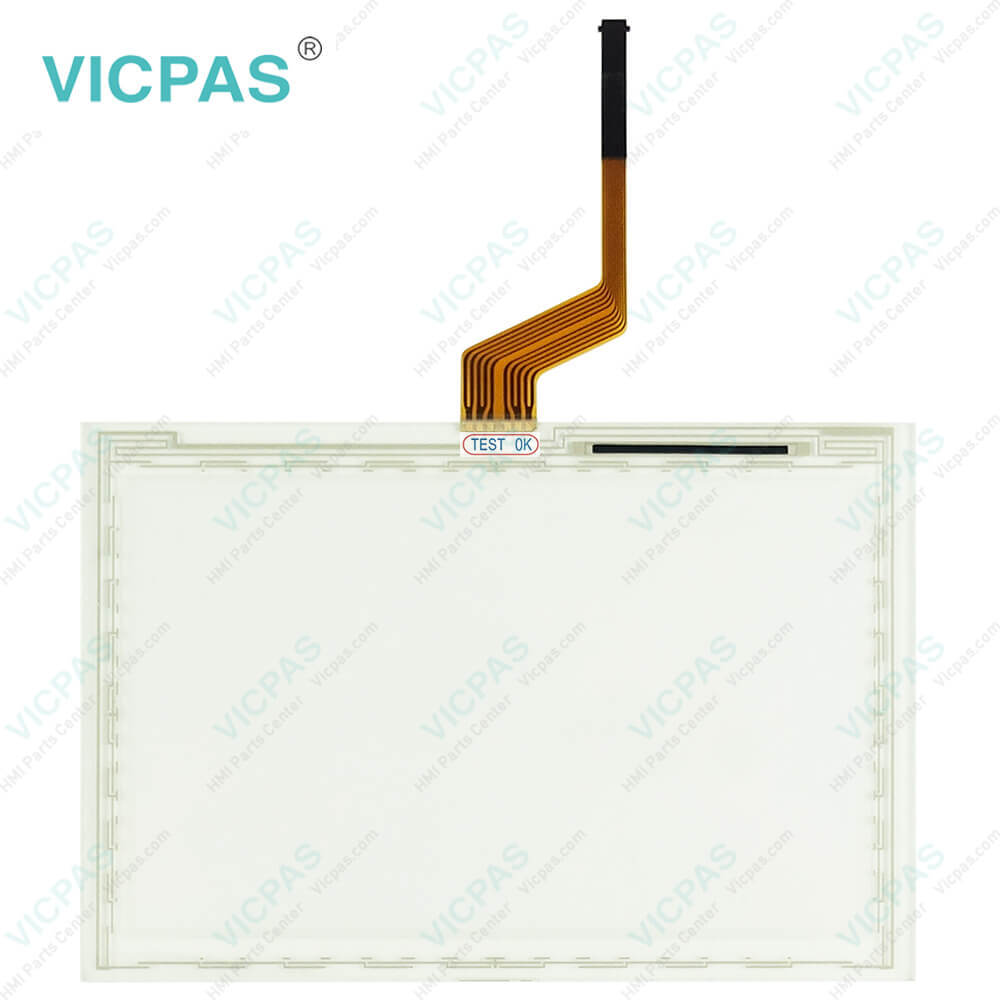
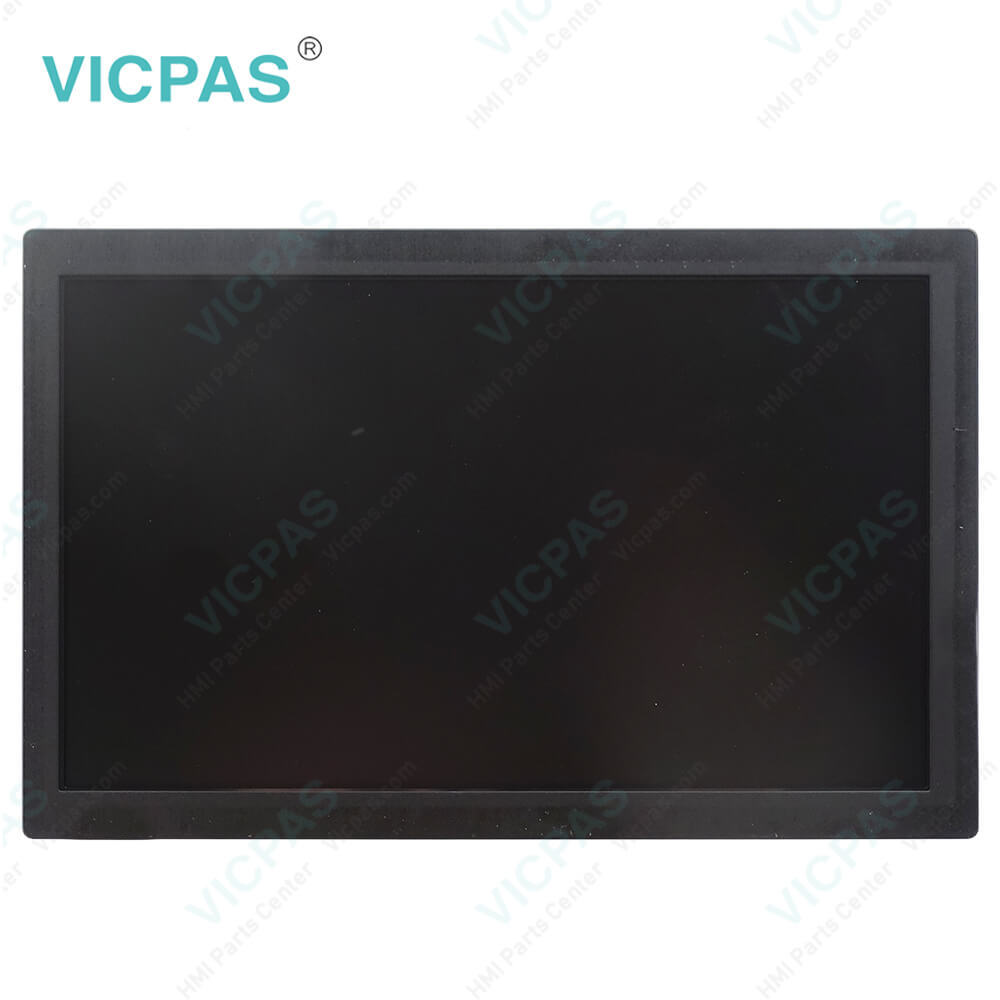
| Categories | John Deere |
|---|---|
| Brand | JOHN DEERE |
| Model | PH41225728 PH60227251 LQ070Y3LG02 |
| Warranty | 365 Days |
| Product Line | PH41225728 PH60227251 LQ070Y3LG02 |
| Supply | PH41225728 PH60227251 Touch Screen Glass |
| Parts | LQ070Y3LG02 LCD Display |
| Diagonal screen size | 7'' touchscreen |
| FOB port | Guangzhou, Shenzhen, Hongkong |
| Terms of Payment | Western Union, MoneyGram, T/T, Paypal, PayPal, Credit Card |
| Update Time | 2026-01-30 20:56:26 |
Leading Time{{selectedConditionObj.leading}}
{{item.value}}
{{nameObj.name}}{{nameObj.selectedValue}}
{{valueObj.name}}
Shipping
Detail Information
Specifications:
| Part Number : | PH41225728 PH6022725 |
| Product Line: | John Deere |
| Screen diagonal: | 7'' |
| Warranty: | 365 days Warranty |
| Input Power: | 24 VDC |
| Patient type: | Adult, paediatric |
| Inspiration time: | 0.2 to 10 s |
| Input Type: | Touchscreen |
| Power Consumption: | Typically approx. 125 W |
| Digital output: | RS 232 C interface |
Related BB Teach Pendant Part No.:
| PH41225728 PH60227251 LQ070Y3LG02 | Description | Inventory status |
| G5 CommandCenter™ John Deere | John Deere G5 CommandCenter™ Touch Screen Glass | In Stock |
| G5 Plus Universal John Deere | John Deere G5 Plus Universal Touch Screen Panel Repair | Available Now |
| G5 Universal John Deere | John Deere G5 Universal Touch Panel Repair | In Stock |
| G5Plus CommandCenter™ John Deere | John Deere G5Plus CommandCenter™ HMI Touch Glass | Available Now |
| JOHN DEERE-4240 MIDSPEC DISPLAY PFA11378 | John Deere Touch Screen Panel LCD Display Repair | In Stock |
| PH41206431 | John Deere HMI LCD Screen Touch Membrane Replacement | In Stock |
| PH41216083 Rev.A P1B22-1117-5309 | John Deere LCD Display Screen Touch Glass Replacement | In Stock |
| PH41216083 REV.A P2163-0207-01468 | John Deere Touch Digitizer Glass LCD Display Panel | Available Now |
| PH41217524 - Rev.B P3932-0911-0219 | John Deere LCD Display Touch Digitizer Glass Replacement | Available Now |
| PH41225728 PH60227251 LQ070Y3LG02 | John Deere LCD Screen Touch Screen Monitor Repair | In Stock |
| PH41230101 Rev.B | John Deere MMI Touch Screen LCD Display Screen Replacement | In Stock |
| PH41231525 Rev.B P7459-0407-0672 | John Deere HMI Touch Screen LCD Display Panel | In Stock |
| PH90227224 | John Deere LCD Display Touch Screen Panel Repair | In Stock |
FAQ:
Question: How to use Screen Protector in PH41225728 PH60227251 LQ070Y3LG02 Touchscreen panel?
Answer: The use of a screen protector is recommended to prevent wear to the touchscreen surface. Screen protector kits, made specifically for GS2 displays, can be purchased through your local John Deere dealer.Screen protector has been preinstalled on the touch panel of your display. Removing the protector reduces the sunlight readability of the display. Please see the instructions for replacement when necessary.
Question: What is the John Deere PH41225728 PH60227251 LQ070Y3LG02 touchscreen LCD Display price?
Answer: Submit a fast quote, send Kernfix an email for best price.

Please send your message to us
- Mobile Phone
- *Title
- *Content
 Fast Quote
 Fast Quote
 Worldwide Shipping
 12 Months Warranty
 Customize Service