




CP630-WEB 1SAP530200R0001 HMI Touch Panel Film Repair
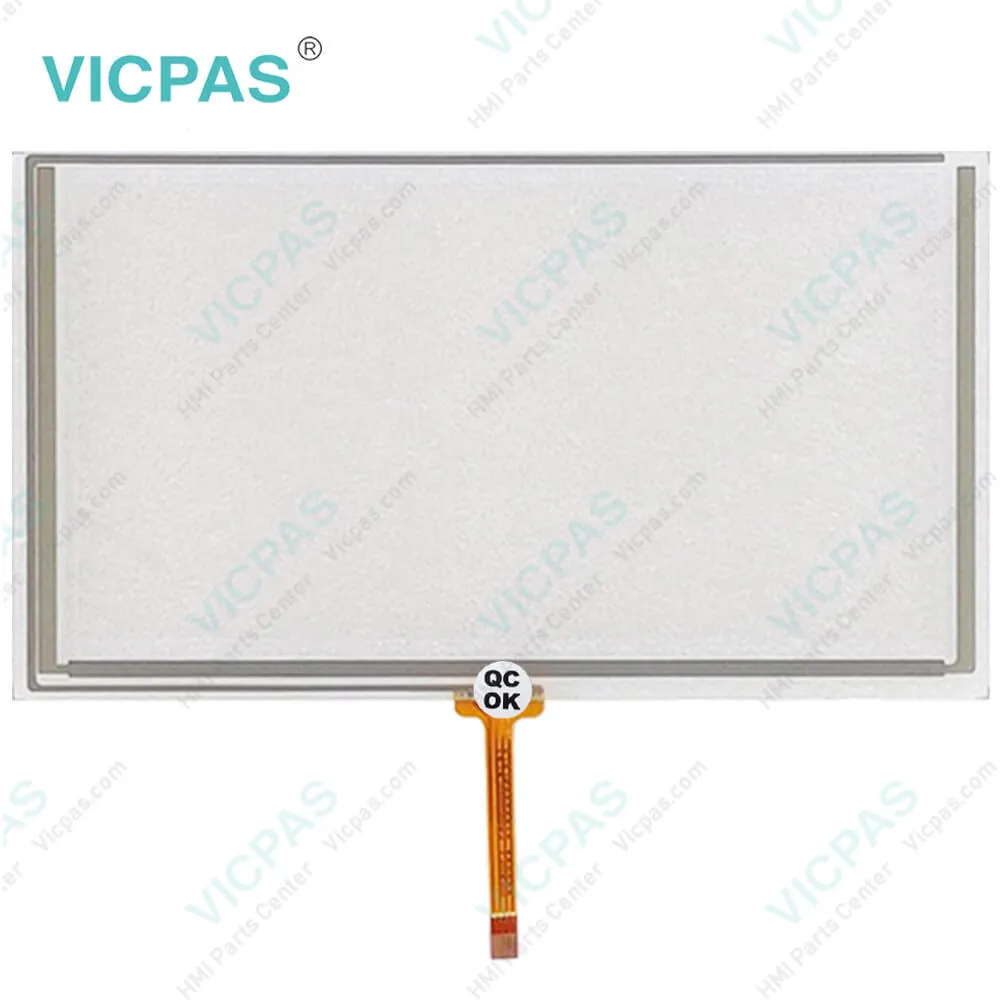
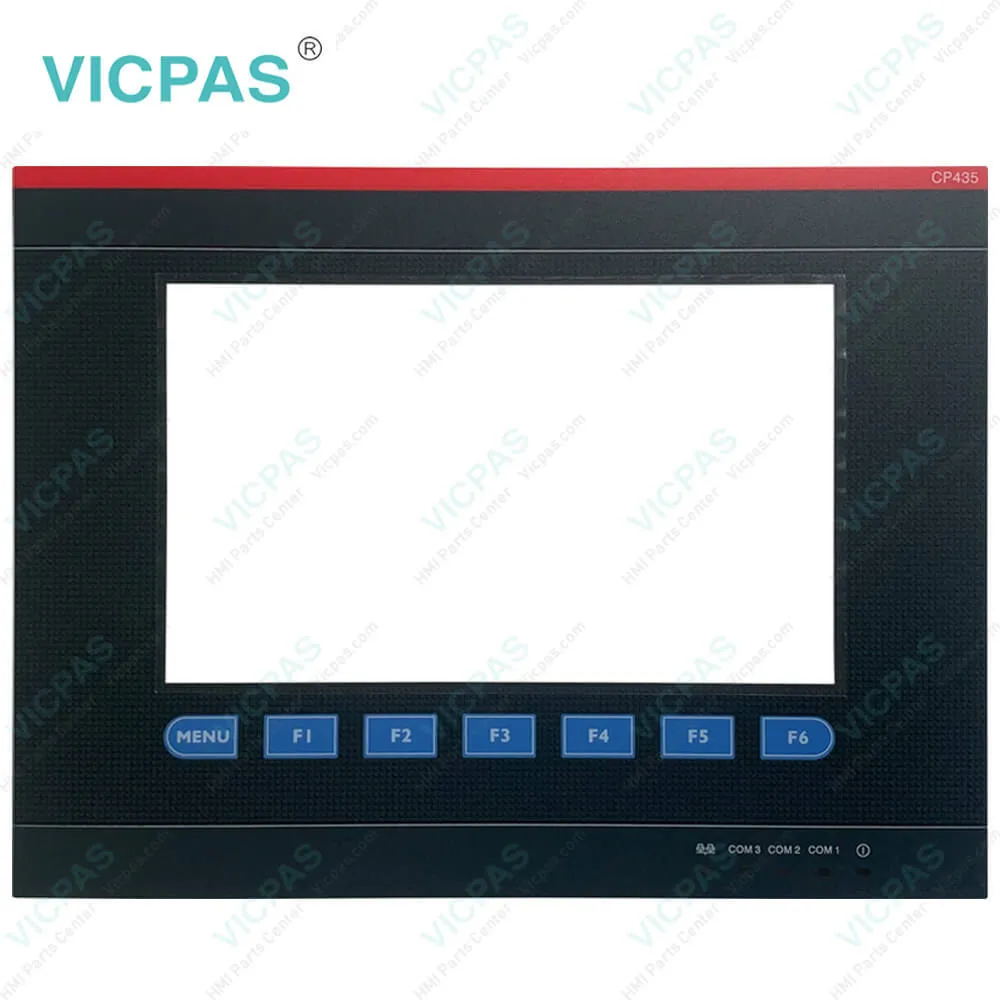
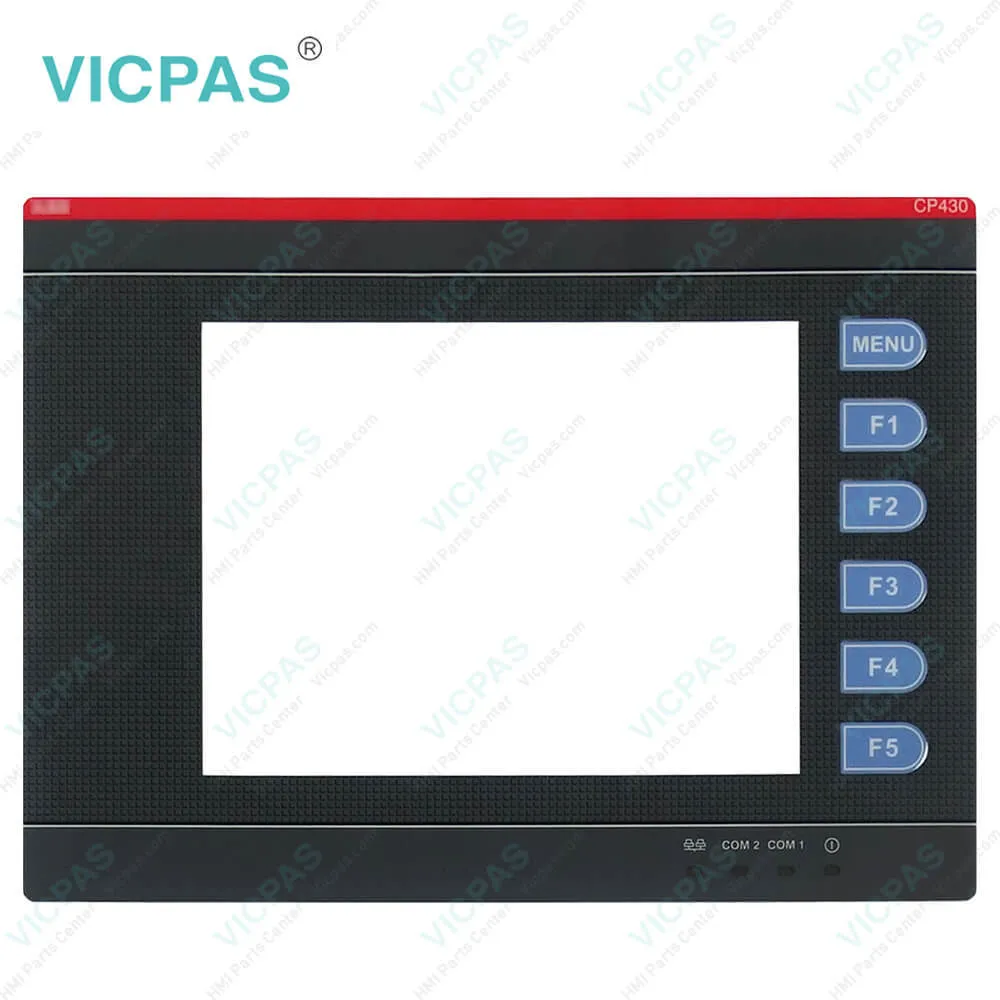
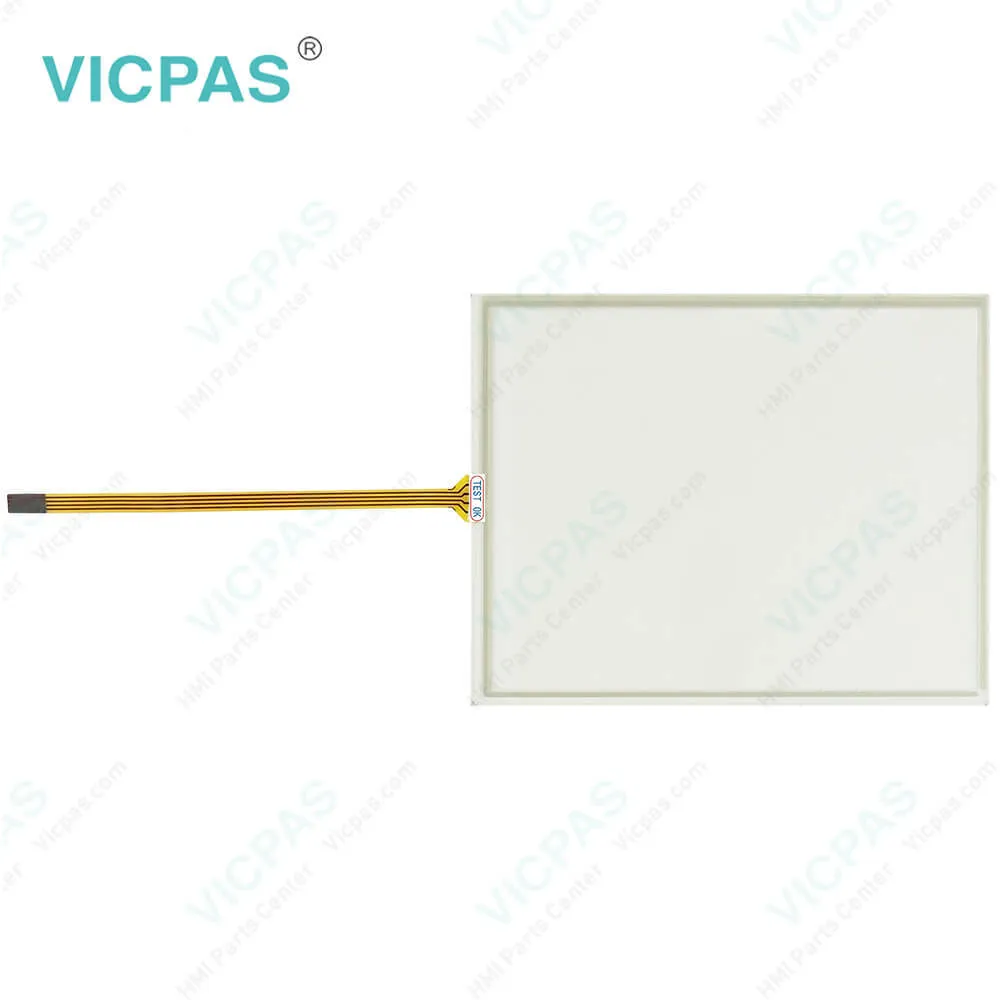
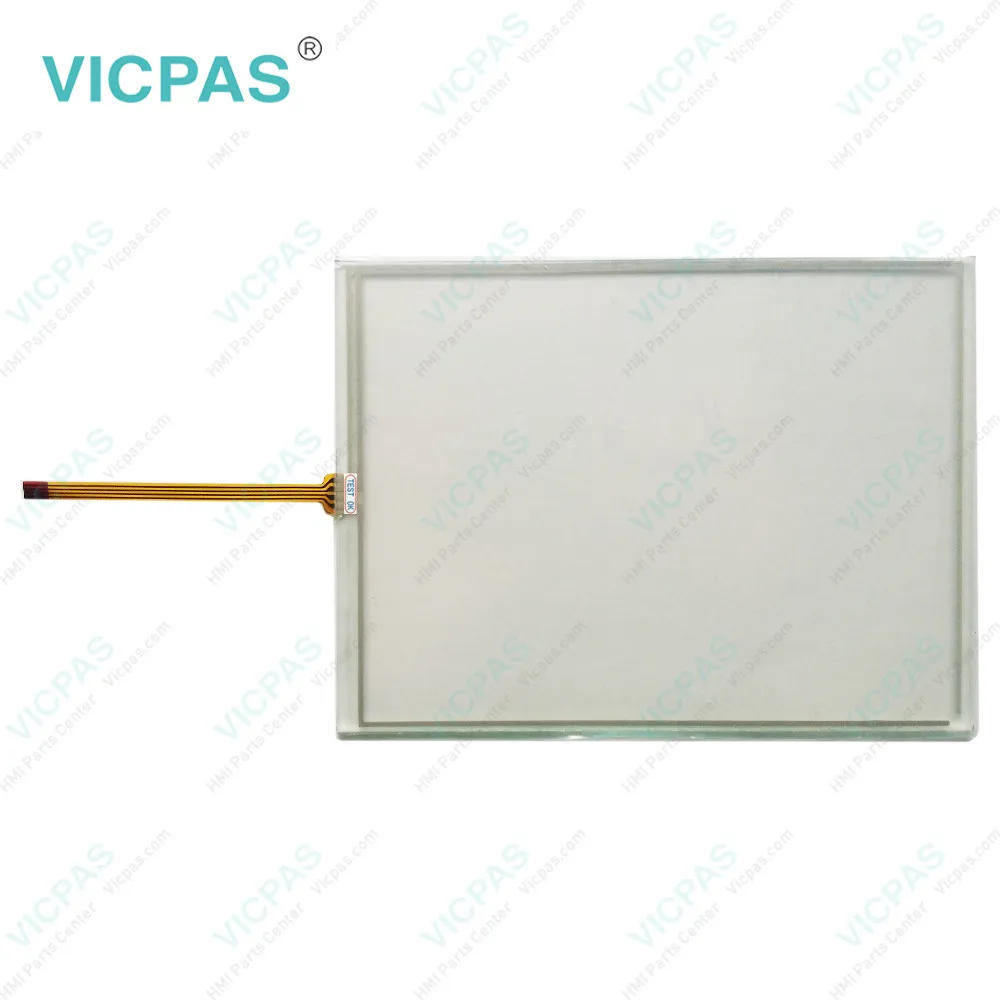
| Categories | Control Panel 600 |
|---|---|
| Model | CP630-WEB 1SAP530200R0001 |
| Warranty | 365 Days |
| Supply | Front Overlay and HMI Touch Panel |
| Shipping | 2-3 workdays |
| FOB port | Guangzhou, Shenzhen, Hongkong |
| Terms of Payment | Western Union, MoneyGram, T/T, Paypal, PayPal, Credit Card |
| Update Time | 2026-01-30 21:12:06 |
Leading Time{{selectedConditionObj.leading}}
{{item.value}}
{{nameObj.name}}{{nameObj.selectedValue}}
{{valueObj.name}}
Shipping
Detail Information
Specifications:
| Part Number : | CP630-WEB |
| Ambient Humidity: | 20 - 90% RH non-condensed |
| Operating Temperature: | 0 … +50 °C |
| Storage Temperature: | -20 … +70 °C |
| Warranty: | 365 Days |
| Diagonal (inches): | 5.7” widescreen |
| Model: | 1SAP530200R0001 |
| Brightness: | 200 cd/m2 |
| Touch Type: | Resistive touch screen, 4 wires |
| Material: | Glass, covered by plastic film |
Related BB Teach Pendant Part No.:
| CP630-WEB 1SAP530200R0001 | Description | Inventory status |
| CP604 1SAP504100R0001 | CP604 1SAP504100R0001 4.3'' Touch Glass Panel Repair | Available Now |
| CP604-B 1SAP504100R2001 | CP604-B 1SAP504100R2001 Touch Digitizer Glass Repair | In Stock |
| CP607 1SAP507100R0001 | CP607 1SAP507100R0001 7'' Touch Panel Film Repair | In Stock |
| CP607-B 1SAP507100R2001 | CP607-B 1SAP507100R2001 Front Overlay Glass Repair | Available Now |
| CP610 1SAP510100R0001 | CP610 1SAP510100R0001 Touch Digitizer Overlay Repair | Available Now |
| CP610-B 1SAP510100R2001 | CP610-B 1SAP510100R2001 Overlay HMI Glass Monitor Repair | In Stock |
| CP620 1SAP520100R0001 | CP620 1SAP520100R0001 Panel Glass Protective Film | In Stock |
| CP620-WEB 1SAP520200R0001 | CP620-WEB 1SAP520200R0001 Film Glass Touch Repair | Available Now |
| CP630 1SAP530100R0001 | CP630 1SAP530100R0001 5.7'' Overlay Panel Glass Repair | Available Now |
| CP630-WEB 1SAP530200R0001 | CP630-WEB 1SAP530200R0001 HMI Touch Panel Film Repair | In Stock |
| CP635 1SAP535100R0001 | CP635 1SAP535100R0001 7'' Touchpanel Digitizer Overlay | Available Now |
| CP635-B 1SAP535100R2001 | CP635-B 1SAP535100R2001 Panel Glass Front Film Repair | In Stock |
| CP635-WEB 1SAP535200R0001 | CP635-WEB 1SAP535200R0001 Protective Film Glass Repair | Available Now |
CP630-WEB 1SAP530200R0001 HMI Touch Panel Film Repair PDF Download:
FAQ:
Question: How the unit is grounded to earth?
Answer:
Question: How to install the CP630-WEB 1SAP530200R0001 operator terminal correctly?
Answer:
Common misspellings:
CP30-WEB
1SAP530200R0001CP630-WEB
1SAP50200R0001CP360-WEB
1SAP532000R0001CP630-WEBB
1SAP530200R0001

Please send your message to us
- Mobile Phone
- *Title
- *Content
 Fast Quote
 Fast Quote
 Worldwide Shipping
 12 Months Warranty
 Customize Service