




CP7132-0000-0040 CP7132-0000-0050 CP7132-0001-0040 Touch Screen Glass Operator Keyboard
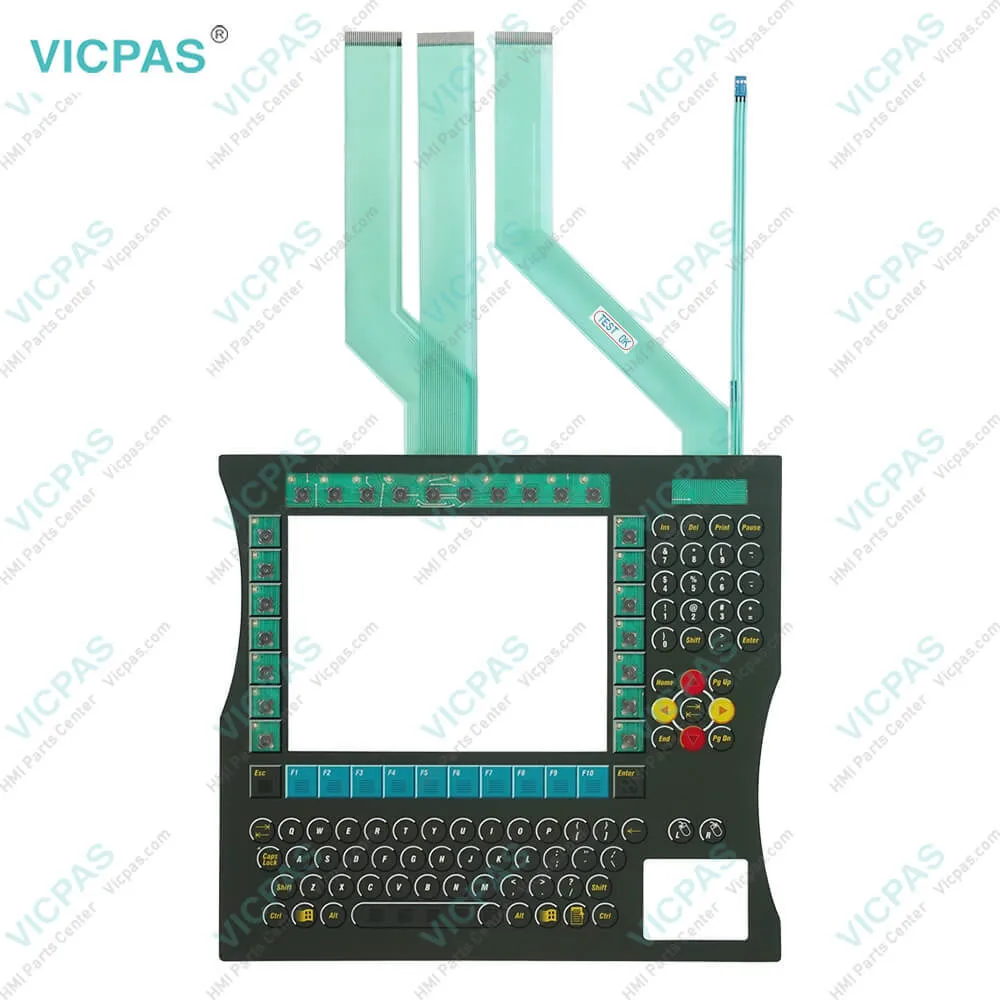
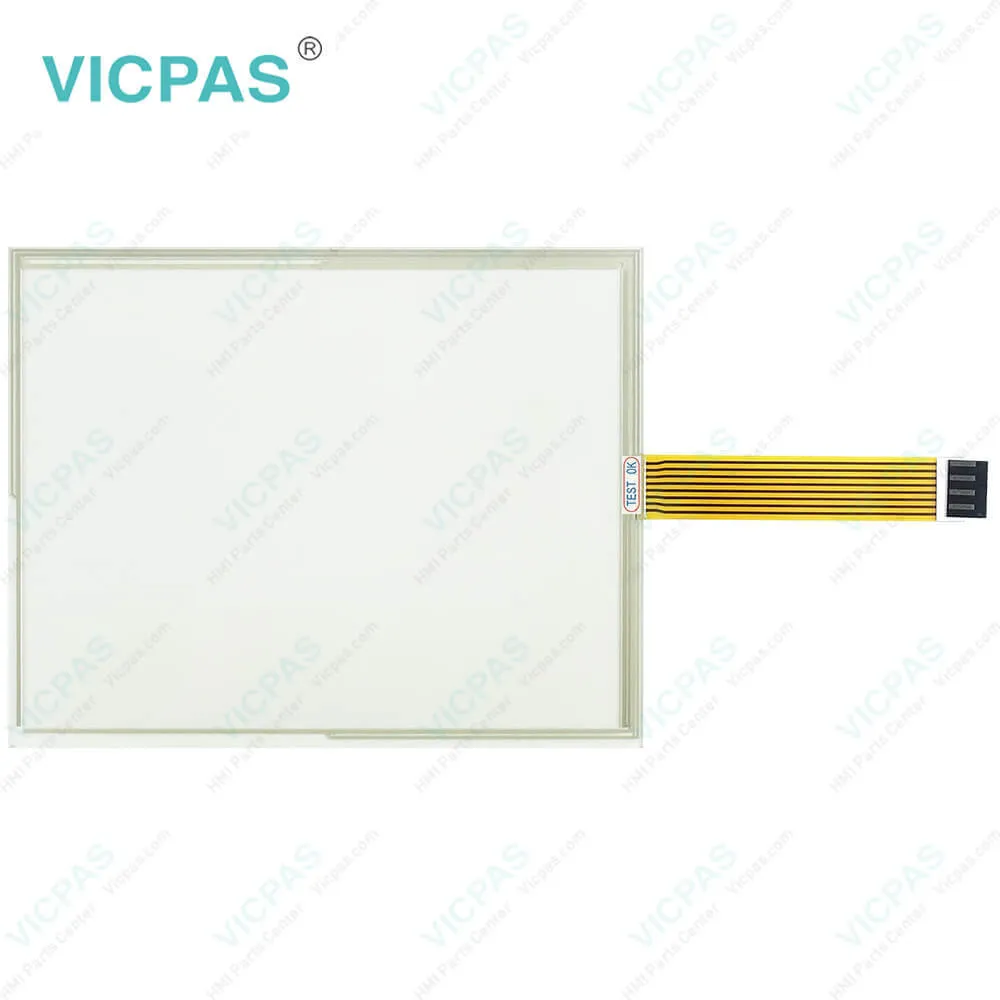
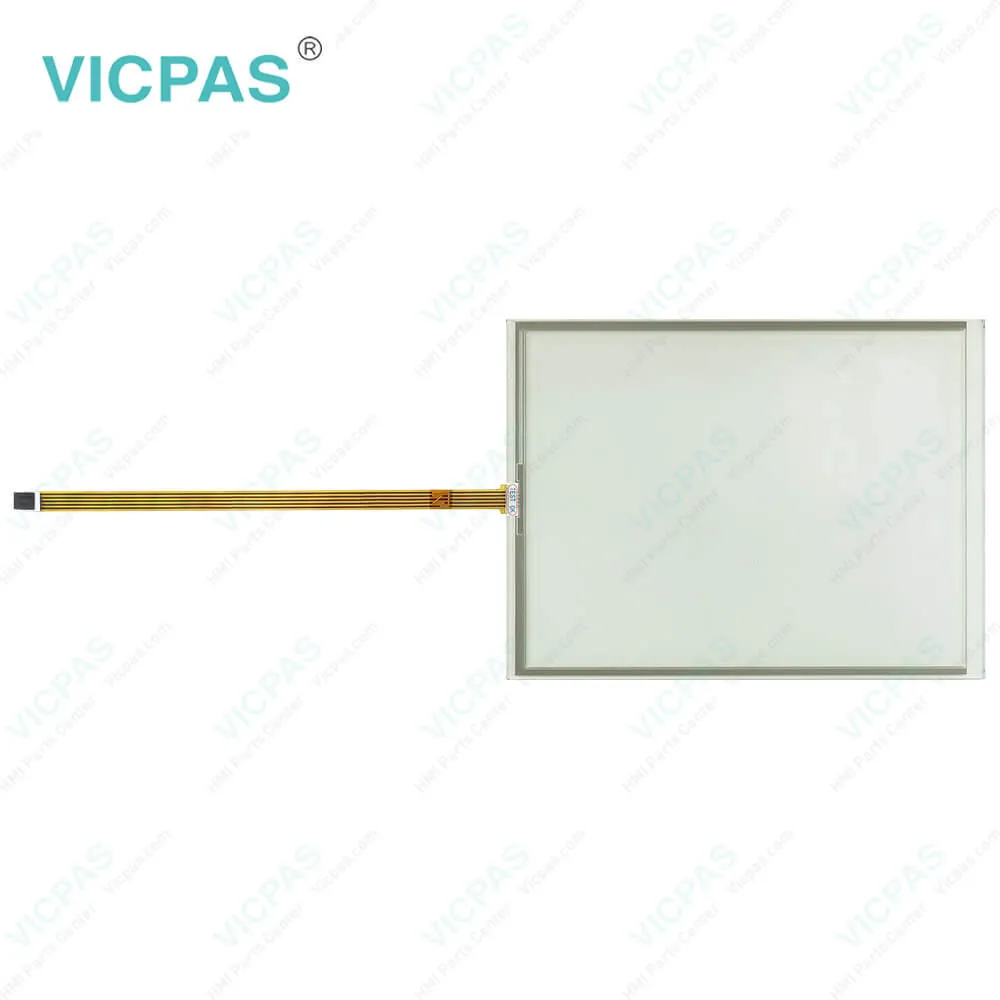
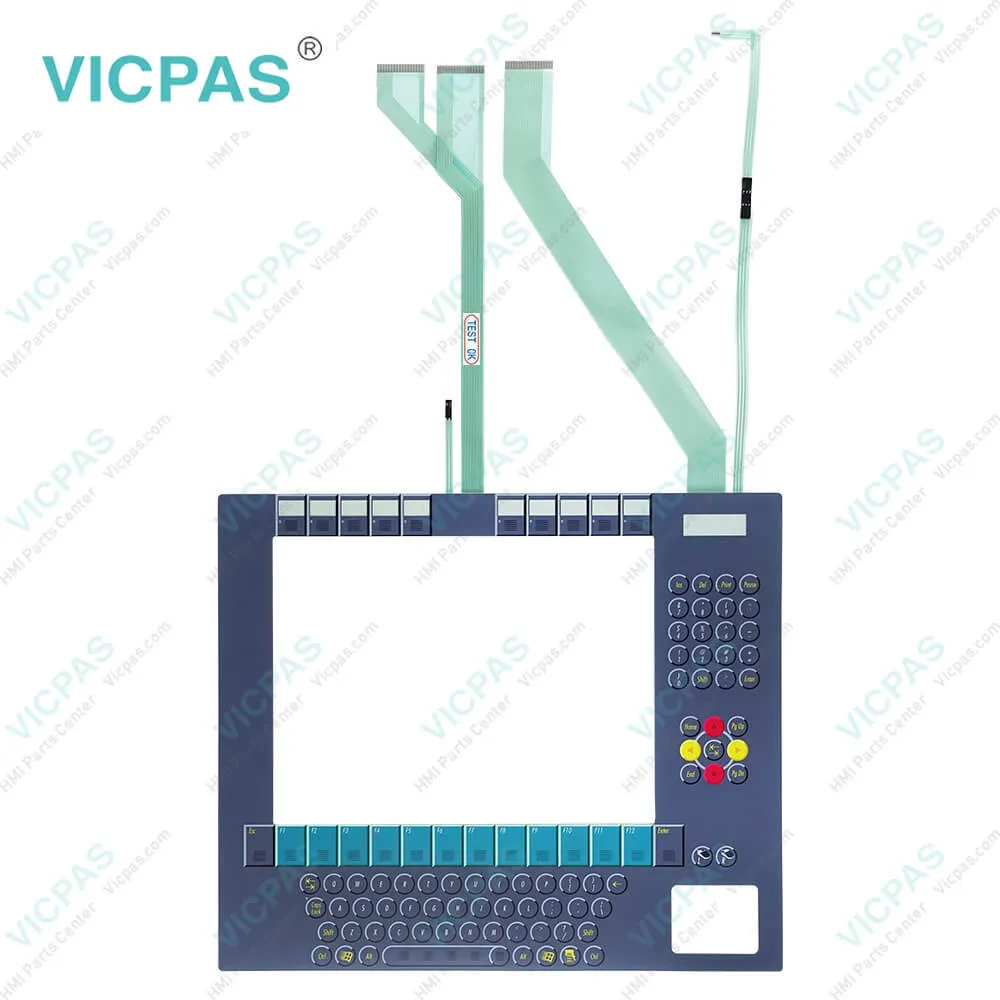
| Categories | CP71XX |
|---|---|
| Model | CP7132-0000-0040 CP7132-0000-0050 CP7132-0001-0040 |
| Product Line | CP71XX |
| Supply parts | Keypad Membrane Touch Panel |
| FOB port | Guangzhou, Shenzhen, Hongkong |
| Terms of Payment | Western Union, T/T, PayPal, Credit Card |
| Update Time | 2026-01-31 00:28:28 |
Shipping
Specifications:
| Storage Temperature: | -25 °C ... +65 °C |
| Cooling Method: | Natural Air Cooling |
| Operating Temperature: | 0 °C ... +55 °C |
| Brand: | VICPAS |
| Light Transmission: | Above 75% |
| Product Line: | CP71XX |
| Environment: | Free From Corrosive Gases |
| Warranty: | 365 Days |
| relative humidity: | 95% |
| Design of Display: | TFT |
Related BB Teach Pendant Part No.:
| CP7132-0000-0040 CP7132-0000-0050 CP7132-0001-0040 | Description | Inventory status |
| CP7130-1007 | Beckhoff CP71XX Terminal Keypad Touch Screen Display Replacement | In Stock |
| CP7130-1016-0010 | Beckhoff CP71XX Touch Screen Monitor Membrane Switch Repair | Available Now |
| CP7130-1019-0010 | Beckhoff CP71XX Keyboard Membrane LCD Display Touch Screen Film Replacement | In Stock |
| CP7130-1020-0015 | Beckhoff CP71XX LCD Panel Touch Digitizer Glass Operator Keyboard Repair | Available Now |
| CP7131-0000-0040 | Beckhoff CP71XX Keypad Membrane Touch Screen Monitor Replacement | In Stock |
| CP7131-0000-0050 | Beckhoff CP71XX HMI Touch Glass Operator Keyboard Repair | Available Now |
| CP7131-0001-0040 | Beckhoff CP71XX Keypad Membrane Touch Digitizer Glass Replacement | In Stock |
| CP7131-0001-0050 | Beckhoff CP71XX Touch Screen Tablet Terminal Keypad Repair | Available Now |
| CP7131-0002-0040 | Beckhoff CP71XX Membrane Switch Touch Screen Glass Replacement | In Stock |
| CP7131-0002-0050 | Beckhoff CP71XX Touch Screen Panel Switch Membrane Repair | Available Now |
| CP7131-1009-0020 | Beckhoff CP71XX Membrane Keyboard Touch Screen Glass Replacement | In Stock |
| CP7132-0000-0040 | Beckhoff CP71XX Touch Screen Film Operator Panel Keypad Repair | Available Now |
| CP7132-0000-0050 | Beckhoff CP71XX Terminal Keypad Touch Screen Tablet Replacement | In Stock |
| CP7132-0001-0040 | Beckhoff CP71XX Touch Screen Monitor Operator Keyboard Repair | Available Now |
CP7132-0000-0040 CP7132-0000-0050 CP7132-0001-0040 Touch Screen Glass Operator Keyboard PDF Download:
FAQ:
Question: What should I do when unpacking CP7132-0000-0040 CP7132-0000-0050 CP7132-0001-0040 Touch Screen Display Terminal Keypad?
Answer: You must first have disconnected the power supply and the cables. If the panel PC is suspended from the ceiling and you undo the cap nut of the mounting arm adapter without securing it, the panel PC will fall down. Make sure the panel PC is secured against falling down before you undo the slotted nut of the mounting arm adapter.
Question: What should I pay attention to when installing CP7132-0000-0040 CP7132-0000-0050 CP7132-0001-0040 HMI Touch Glass Membrane Keypad?
Answer: • Position the Panel PC in such a way that reflections on the screen are avoided as far as possible.
Common misspellings:
CP7132-1000-0040
CP7123-0000-0040
CP7132-0000-0020
CP7132-00000-0050
CP7132-0000-050
CP71312-0000-0050
CP7132-0002-0040
CP7132-0001-0044
CP7134-0001-0040

- Mobile Phone
- *Title
- *Content
 Fast Quote
 Fast Quote
 Worldwide Shipping
 12 Months Warranty
 Customize Service