




CP7911-1012-0000 CP7932-1222-0000 Touch Screen Display Replacement
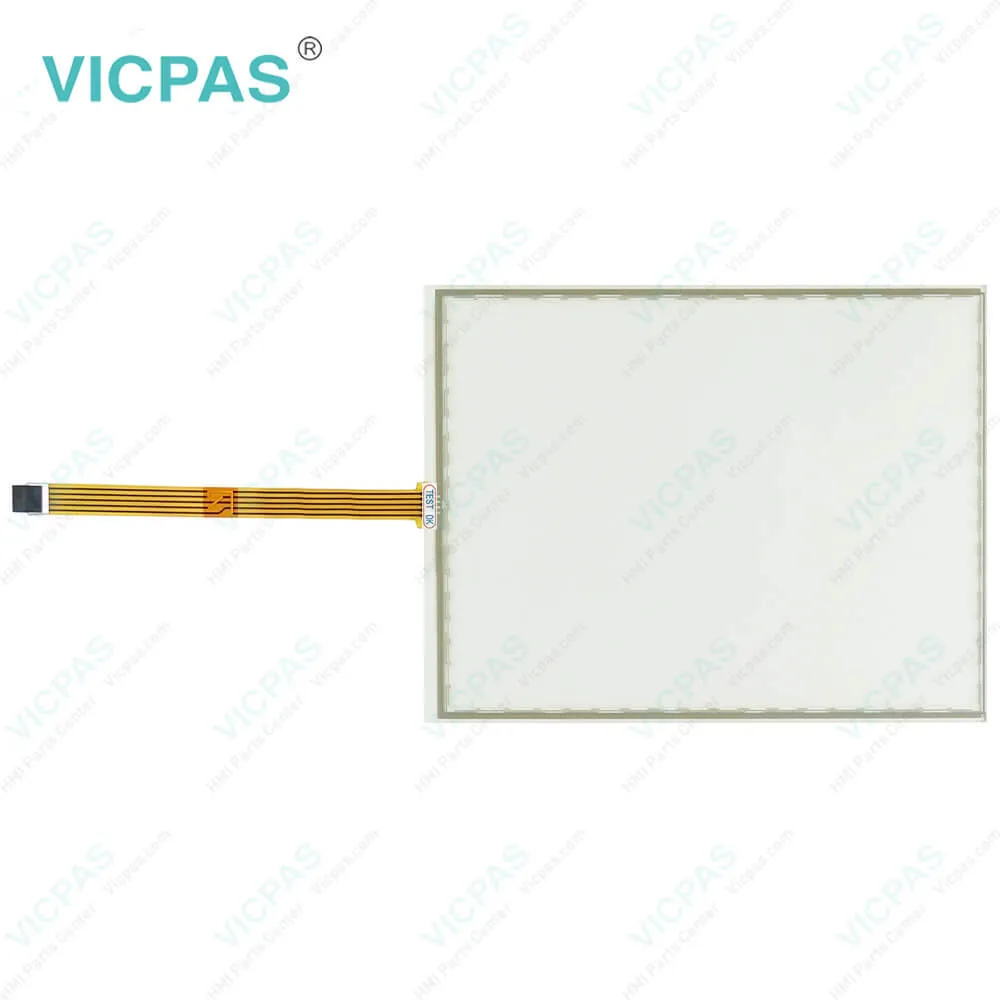
| Categories | CP78XX CP79XX |
|---|---|
| Model | CP7911-1012-0000 CP7932-1222-0000 |
| Product Line | CP78XX CP79XX |
| Supply parts | Touch Screen Monitor |
| FOB port | Guangzhou, Shenzhen, Hongkong |
| Terms of Payment | Western Union, MoneyGram, T/T, Paypal, PayPal, Credit Card |
| Update Time | 2026-01-31 00:39:08 |
Leading Time{{selectedConditionObj.leading}}
{{item.value}}
{{nameObj.name}}{{nameObj.selectedValue}}
{{valueObj.name}}
Shipping
Detail Information
Specifications:
| Environment: | Free From Corrosive Gases |
| Light Transmission: | Above 75% |
| Design of Display: | TFT |
| Storage Temperature: | -25 °C ... +65 °C |
| relative humidity: | 95% |
| Operating Temperature: | 0 °C ... +55 °C |
| Warranty: | 365 Days |
| Cooling Method: | Natural Air Cooling |
| Product Line: | CP78XX CP79XX |
| Brand: | VICPAS |
Related BB Teach Pendant Part No.:
| CP7911-1012-0000 CP7932-1222-0000 | Description | Inventory status |
| CP7909-0000-0010 | Beckhoff CP79XX Touch Digitizer Glass Replacement | In Stock |
| CP7909-0001-0010 | Beckhoff CP79XX HMI Touch Glass Repair | Available Now |
| CP7911-0000-0000 | Beckhoff CP79XX Terminal Keypad Touch Screen Panel Replacement | In Stock |
| CP7911-0000-0010 | Beckhoff CP79XX Touch Digitizer Glass Membrane Keyboard Repair | Available Now |
| CP7911-0001-0000 | Beckhoff CP79XX Switch Membrane Touch Screen Display Replacement | In Stock |
| CP7911-0001-0010 | Beckhoff CP79XX Touch Screen Tablet Operator Panel Keypad Repair | Available Now |
| CP7911-1012-0000 | Beckhoff CP79XX Touch Membrane Replacement | In Stock |
| CP7911-1022-0000 | Beckhoff CP79XX LCD Display Touch Screen Panel Operator Keyboard Repair | Available Now |
| CP7911-1024-0000 | Beckhoff CP79XX Keypad Membrane Touchscreen LCD Screen Replacement | In Stock |
| CP7921-0000-0000 | Beckhoff CP79XX Touch Screen Film Membrane Switch Repair | Available Now |
| CP7921-0000-0010 | Beckhoff CP79XX Keyboard Membrane Touch Screen Display Replacement | In Stock |
| CP7921-0001-0010 | Beckhoff CP79XX HMI Touch Glass Operator Panel Keypad Repair | Available Now |
| CP7932-1222-0000 | Beckhoff CP79XX Touch Screen Monitor Replacement | In Stock |
CP7911-1012-0000 CP7932-1222-0000 Touch Screen Display Replacement PDF Download:
FAQ:
Question: How to replace Beckhoff CP7911-1012-0000 CP7932-1222-0000 fluorescent lamps in the display?
Answer:
Question: Does CP7911-1012-0000 CP7932-1222-0000 Touch Screen Glass have any operation precautions?
Answer: Yes. Since The operation of the Panel PC occurs via the touch screen, the touch screen may only be actuated by finger tips or with the touch screen pen. The operator may wear gloves but there must be no hard particles such as metal shavings, glass splinters embedded in the glove.
Common misspellings:
CP7911-1021-0000
CP7911-1012-0001
CP7911-1112-0000
CP79111-1012-0000
CP7932-122-0000
CP7932-1222-0100
CP7932-1222-0002
CP7932-2222-0000

Please send your message to us
- Mobile Phone
- *Title
- *Content
 Fast Quote
 Fast Quote
 Worldwide Shipping
 12 Months Warranty
 Customize Service