




Delta DOP-AE57BSTD Front Overlay Touch Glass Repair
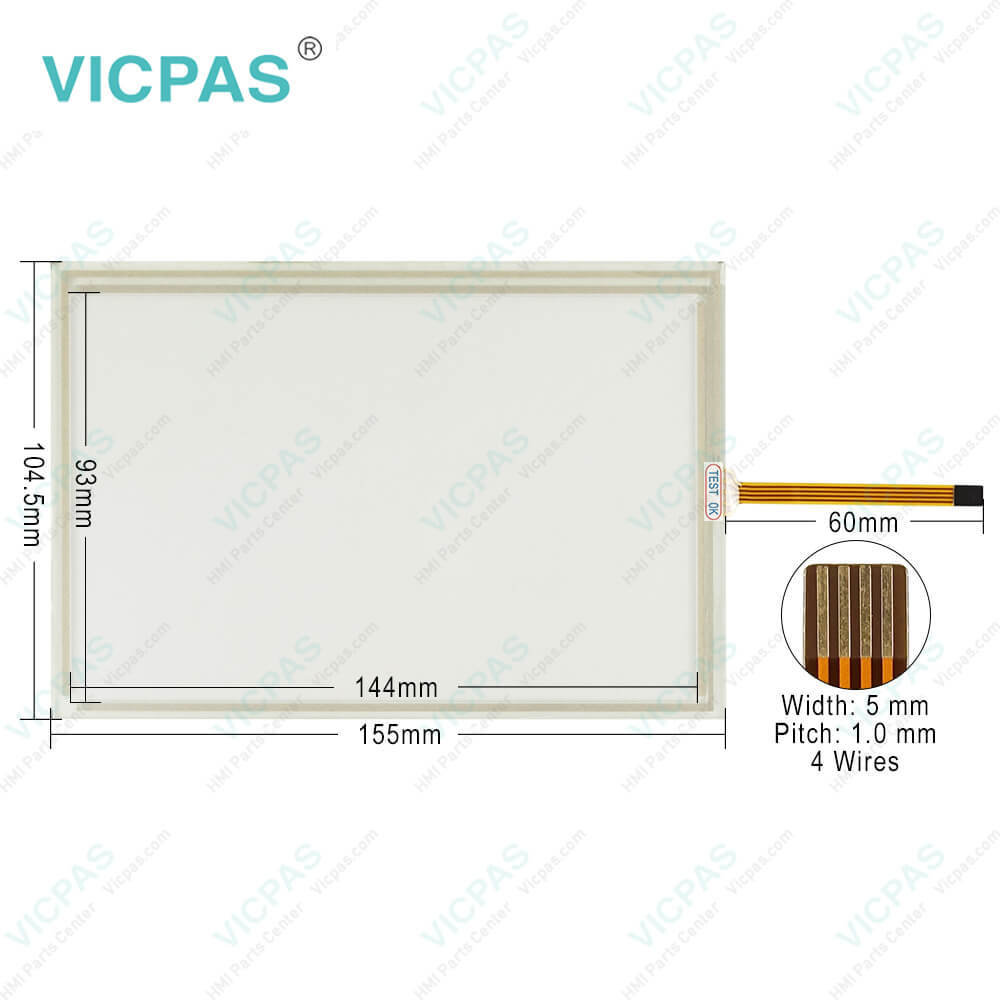
| Categories | Delta DOP-A Series HMI |
|---|---|
| Brand | DELTA |
| Model | DOP-AE57BSTD |
| Warranty | 365 Days |
| Product Line | Delta DOP-A Series |
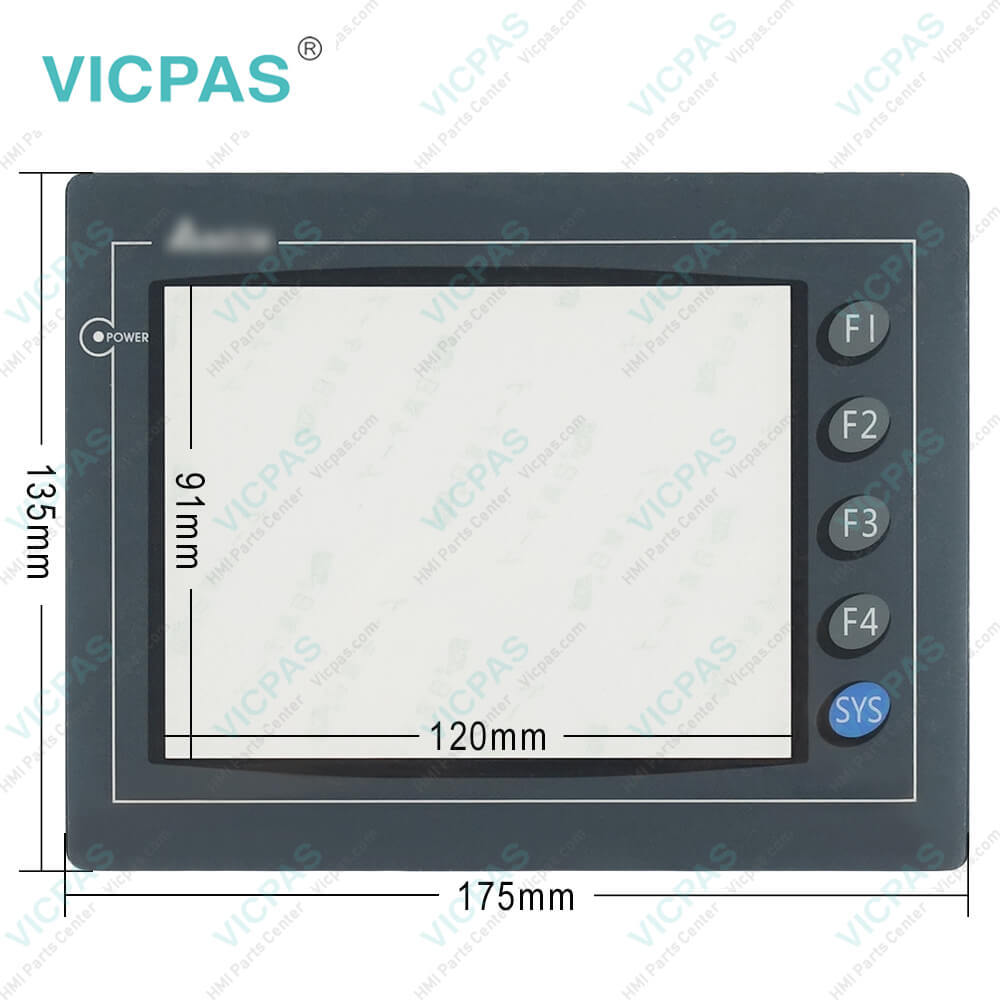
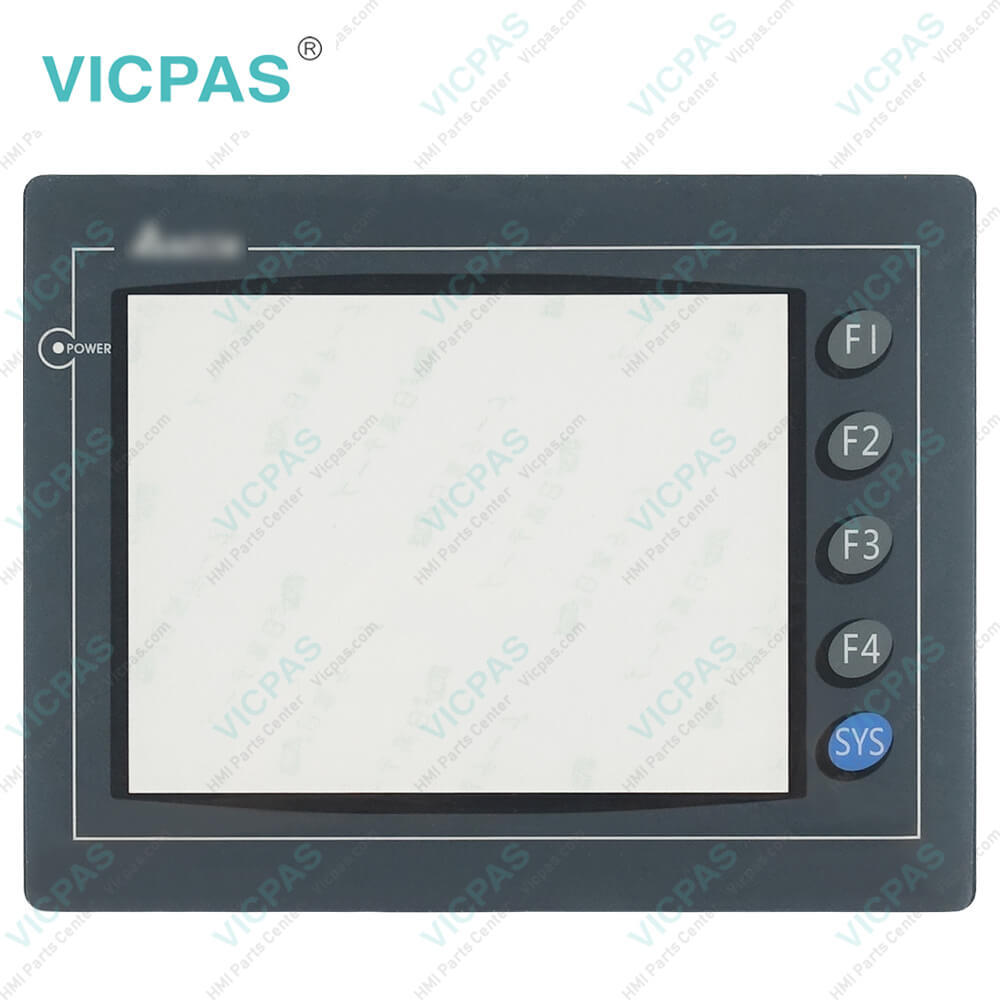
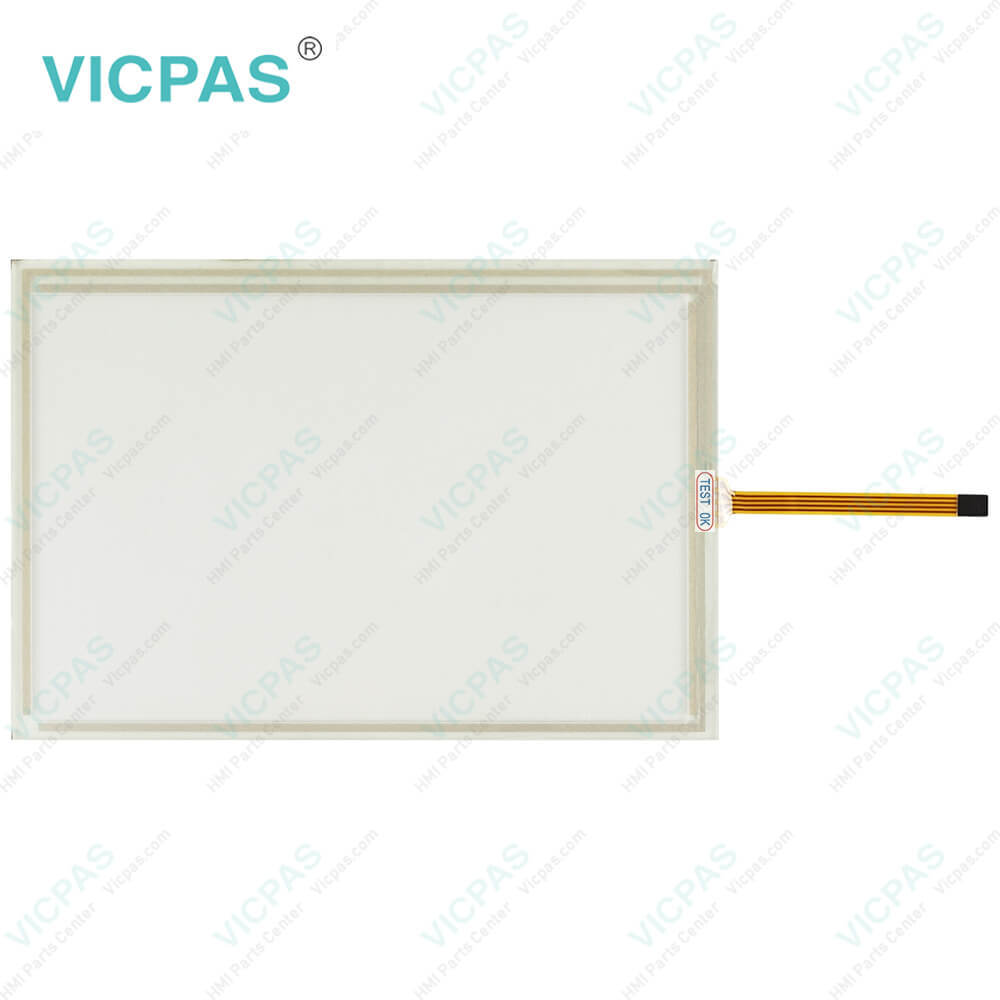
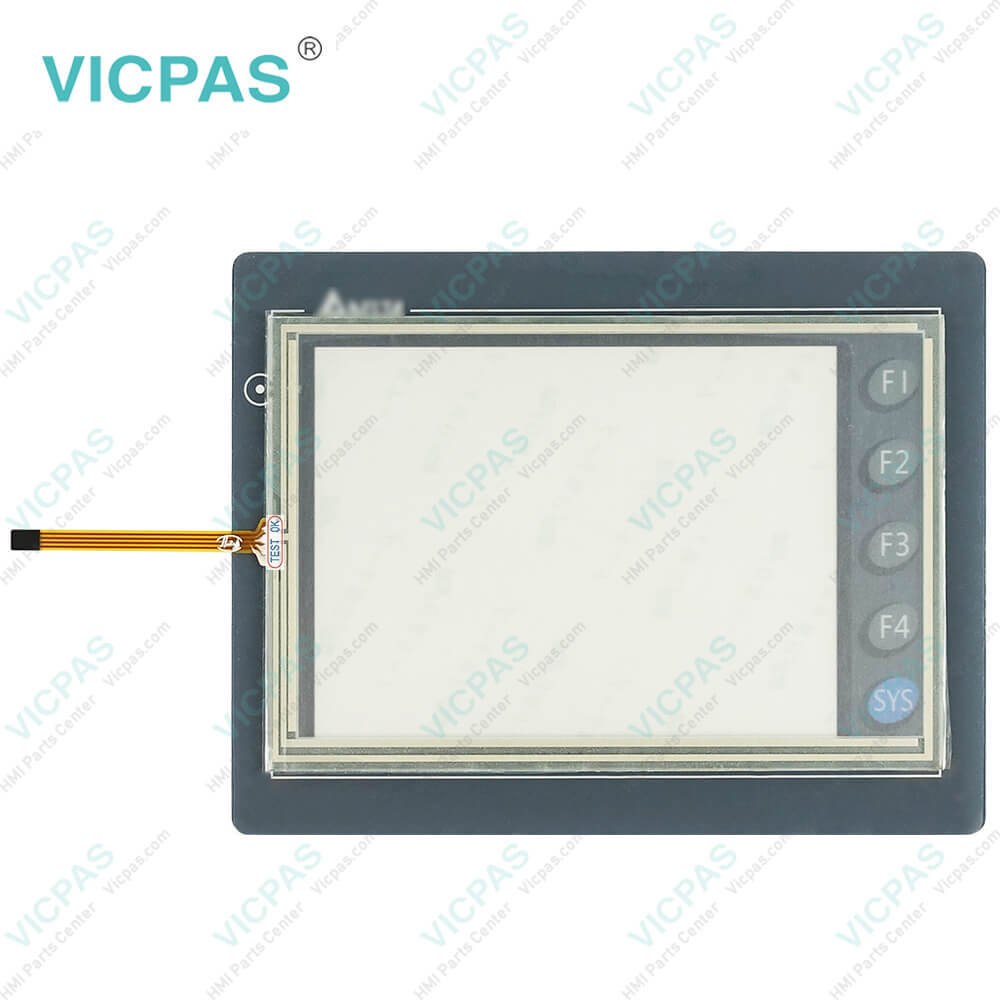
| Supply | DOP-AE57BSTD Front Overlay Touch Digitizer Glass |
| Shipping | 2-4 workdays |
| Terms of Payment | Western Union, T/T, PayPal, Credit Card |
| Update Time | 2026-01-31 01:09:27 |
Leading Time{{selectedConditionObj.leading}}
{{item.value}}
{{nameObj.name}}{{nameObj.selectedValue}}
{{valueObj.name}}
Shipping
Detail Information
Specifications:
| Display Color: | 8 Grays |
| Backlight: | LED Back Light |
| Brand: | Delta |
| Product Line: | Delta DOP-A |
| Display Size: | 5.7" |
| Operation Voltage: | DC +24V (-10%~+20%) |
| Display Type: | STN LCD |
| Operation Temp.: | 0 °C ~ 50 °C |
| Resolution: | 320 x 240 pixels |
| Warranty: | 12-Month Warranty |
Related BB Teach Pendant Part No.:
| DOP-AE57BSTD | Description | Inventory status |
| DOP-AE57BSTD | Delta DOP-A Series Touch Screen Protective Film Replacement | In Stock |
| DOP-AE57CSTD | Delta DOP-A Series Protective Film Touch Panel Repair | Available Now |
| DOP-AE57GSTD | Delta DOP-A Series Touchscreen Protective Film Repair | In Stock |
| DOP-AE80THTD | Delta DOP-A Series Protective Film HMI Panel Glass | Available Now |
| DOP-AE94BSTD | Delta DOP-A Series Front Overlay Touch Screen Monitor | In Stock |
| DOP-AE10THTD1 | Delta DOP-A Series HMI Touch Screen Glass Protective Film | Available Now |
| DOP-AS35THTD | Delta DOP-A Series Touch Screen Panel Front Overlay Repair | In Stock |
| DOP-AS38BSTD | Delta DOP-A Series Front Overlay Touch Membrane | In Stock |
| DOP-AS57BSTD | Delta DOP-A Series Touch Glass Front Overlay Repair | In Stock |
| DOP-AS57CSTD | Delta DOP-A Series Touch Digitizer Glass Overlay Repair | Available Now |
| DOP-AS57GSTD | Delta DOP-A Series Protective Film Touchscreen Panel | Available Now |
Delta DOP-AE57BSTD Front Overlay Touch Glass Repair PDF Download:
FAQ:
Question: Is it possible to replace the DOP-AE57BSTD series with the newer model DOP-B05S111 series?
Answer: Yes. Both the hardware and the software can be directly transferred.
Question: After updating the firmware of Delta's DOP-AE57BSTD Touch Screen Protective Film Human Machine Interface (HMI), the language display on the system menu becomes Chinese. How do I switch it back to English?
Answer: Please go to taskbar Options > Configuration and find the “Main” tab in the Configuration dialog box. Under the “Main” tab bar, go to the “System Message Language” box to set the desired System Message Language.
Common misspellings:
DOP-AE57BTD
OP-AE57BSTD
DOP-AE5B7STD
DOP-AE57BS7D
DOPP-AE57BSTD

Please send your message to us
- Mobile Phone
- *Title
- *Content
 Fast Quote
 Fast Quote
 Worldwide Shipping
 12 Months Warranty
 Customize Service