




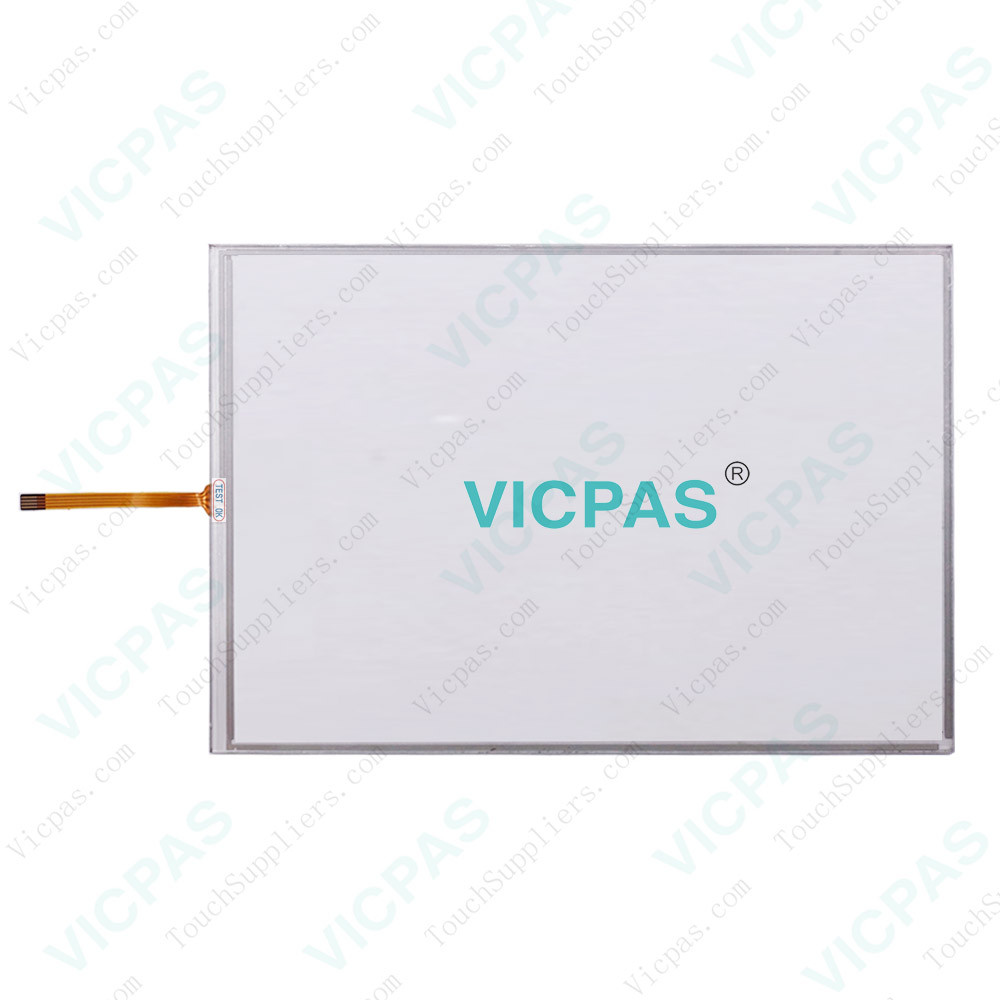
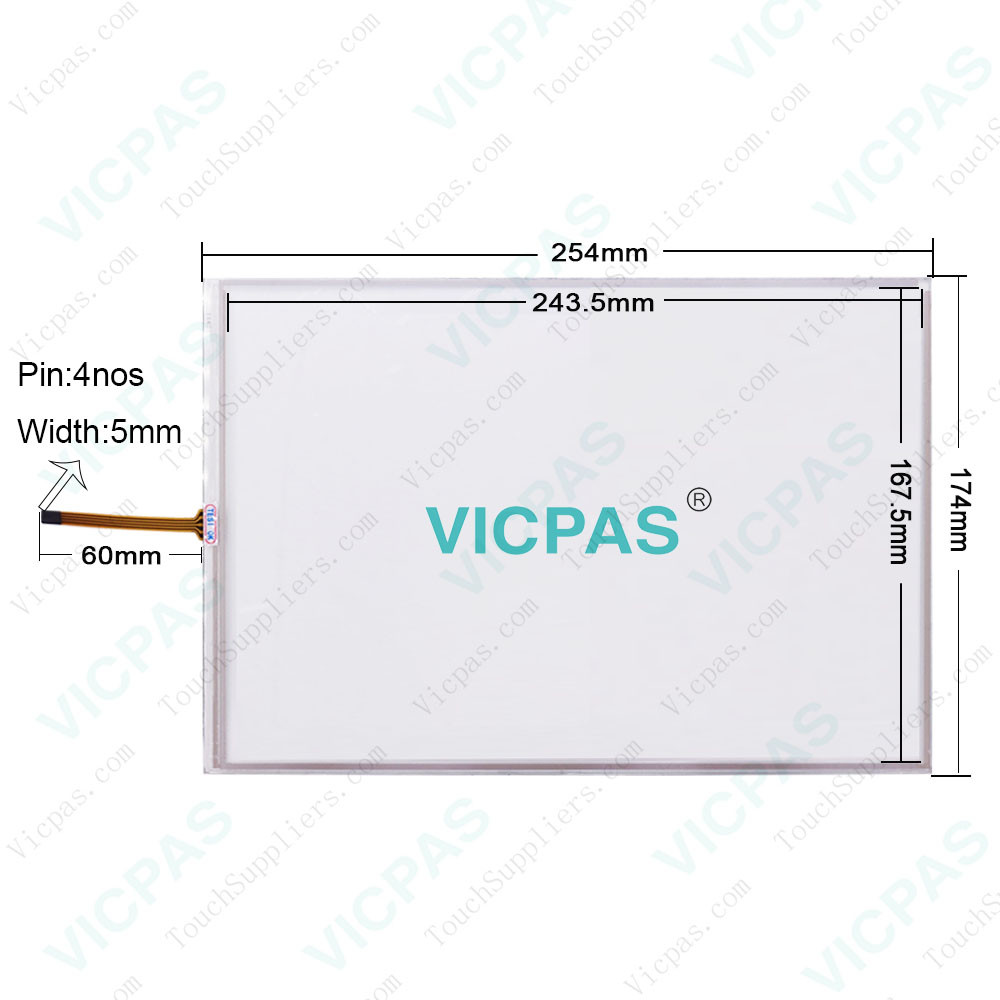
Delta DOP-AE94BSTD Touch Screen Protective Film
| Categories | Delta DOP-A Series HMI |
|---|---|
| Brand | DELTA |
| Model | DOP-AE94BSTD |
| Warranty | 365 Days |
| Product Line | Delta DOP-A Series |
| Supply | DOP-A Series Touch Screen Protective Film |
| Shipping | 2-4 workdays |
| Terms of Payment | Western Union, T/T, PayPal, Credit Card |
| Update Time | 2026-01-31 01:09:35 |
Leading Time{{selectedConditionObj.leading}}
{{item.value}}
{{nameObj.name}}{{nameObj.selectedValue}}
{{valueObj.name}}
Shipping
Detail Information
Specifications:
| Backlight: | LED Back Light |
| Display Resolution: | 640 x 480 Pixels |
| Part Number : | DOP-AE94BSTD |
| Product Line: | Delta DOP-A Series |
| Touch Size: | 8" |
| Brand: | Delta |
| Display Type: | TFT LCD |
| Type of Supply Voltage: | 24 V DC |
| Storage Temperature: | -20 °C ~ +60 °C |
| Warranty: | 365 Days |
Related BB Teach Pendant Part No.:
| DOP-AE94BSTD | Description | Inventory status |
| DOP-AE57BSTD | Delta DOP-A Series Touch Screen Protective Film Replacement | In Stock |
| DOP-AE57CSTD | Delta DOP-A Series Protective Film Touch Panel Repair | Available Now |
| DOP-AE57GSTD | Delta DOP-A Series Touchscreen Protective Film Repair | In Stock |
| DOP-AE80THTD | Delta DOP-A Series Protective Film HMI Panel Glass | Available Now |
| DOP-AE94BSTD | Delta DOP-A Series Front Overlay Touch Screen Monitor | In Stock |
| DOP-AE10THTD1 | Delta DOP-A Series HMI Touch Screen Glass Protective Film | Available Now |
| DOP-AS35THTD | Delta DOP-A Series Touch Screen Panel Front Overlay Repair | In Stock |
| DOP-AS38BSTD | Delta DOP-A Series Front Overlay Touch Membrane | In Stock |
| DOP-AS57BSTD | Delta DOP-A Series Touch Glass Front Overlay Repair | In Stock |
| DOP-AS57CSTD | Delta DOP-A Series Touch Digitizer Glass Overlay Repair | Available Now |
| DOP-AS57GSTD | Delta DOP-A Series Protective Film Touchscreen Panel | Available Now |
Delta DOP-AE94BSTD Touch Screen Protective Film PDF Download:
FAQ:
Question: How do I set up the initial page for the DOP-AE94BSTD Touch Screen Monitor Protective Film HMI?
Answer: Select Options > Configuration, and click the Others tab. Uncheck the checkbox for “It will display initial screen at startup” to disable the default initial Delta page from running at startup.
Common misspellings:
DOP-AE9BSTD
DP-AE94BSTD
DOP-AE9B4STD
DOP-AE948STD
DOP-AE94BSTTD

Please send your message to us
- Mobile Phone
- *Title
- *Content
 Fast Quote
 Fast Quote
 Worldwide Shipping
 12 Months Warranty
 Customize Service