



Grideal.com-Leading global industrial mall.
Quick Service for Full HMI Parts Replacement
Touchscreen-Keypad-Display-Case & More Search 80000 Inventory
user photo
Account
Login
Cart
0
Home / All / EATON Micro Panel / Micro Innovation XV100 / XV-102-B5-35MQR-10-PLC Touch Screen HMI Panel
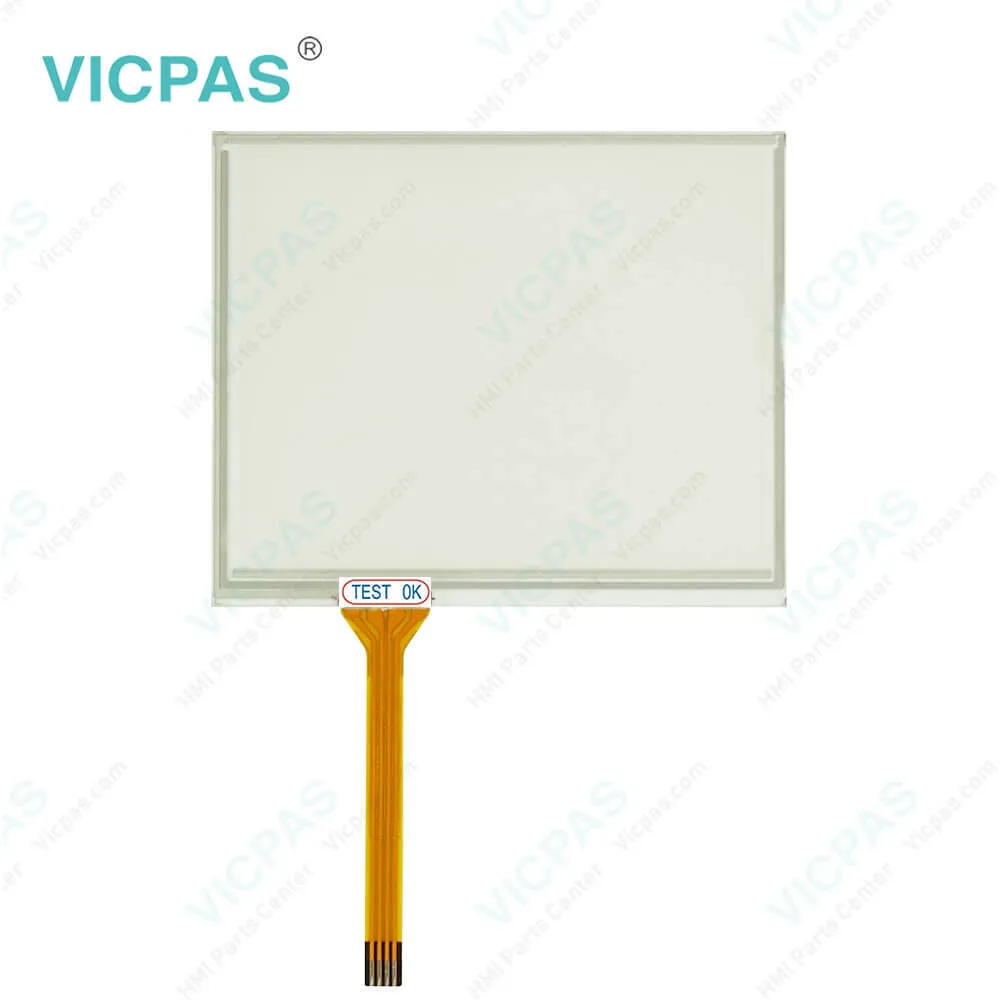
XV-102-B5-35MQR-10-PLC Touch Screen HMI Panel
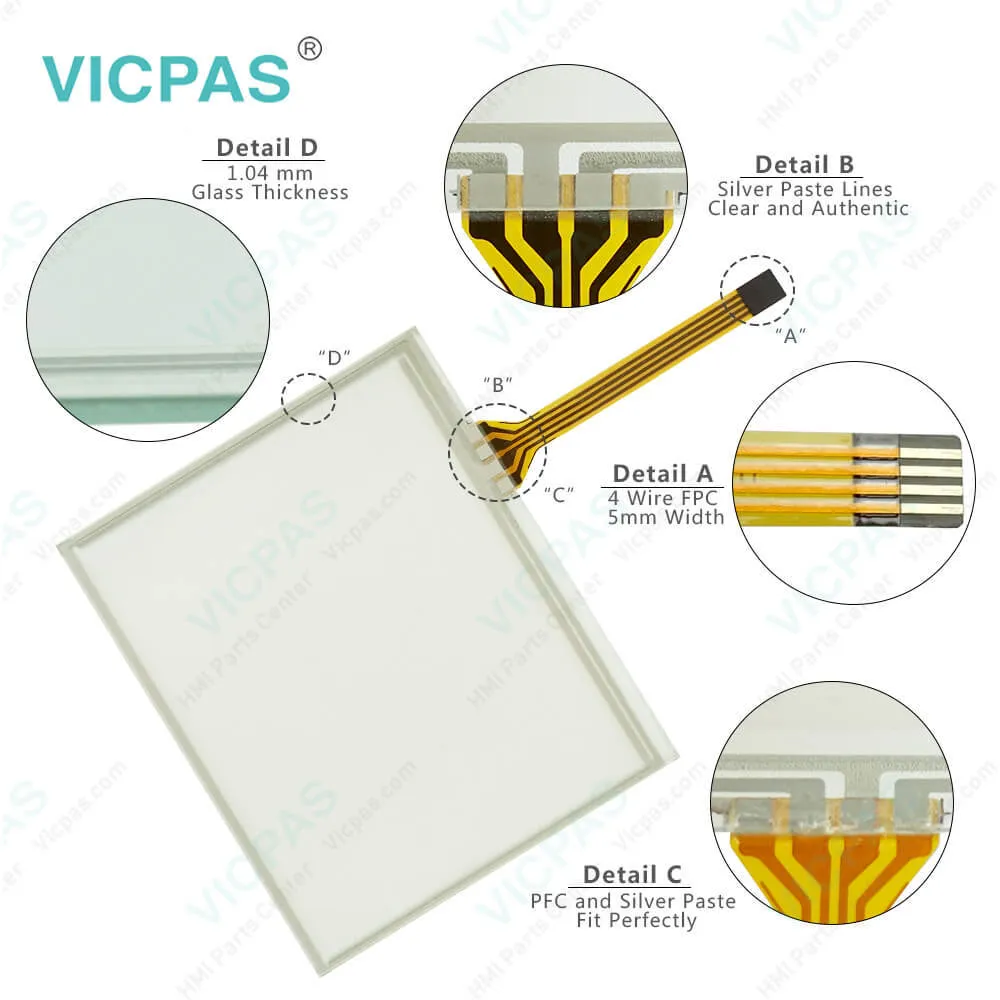
XV-102-B5-35MQR-10-PLC Touch Screen HMI Panel
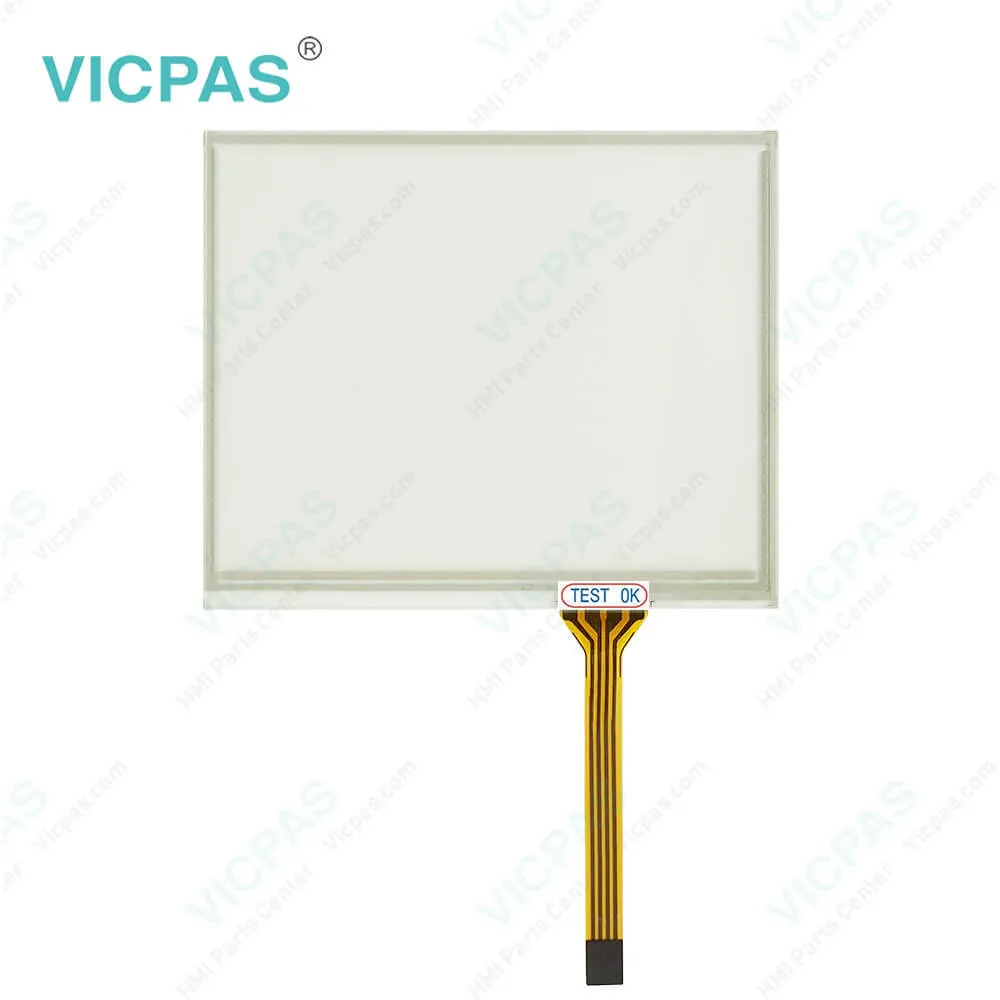
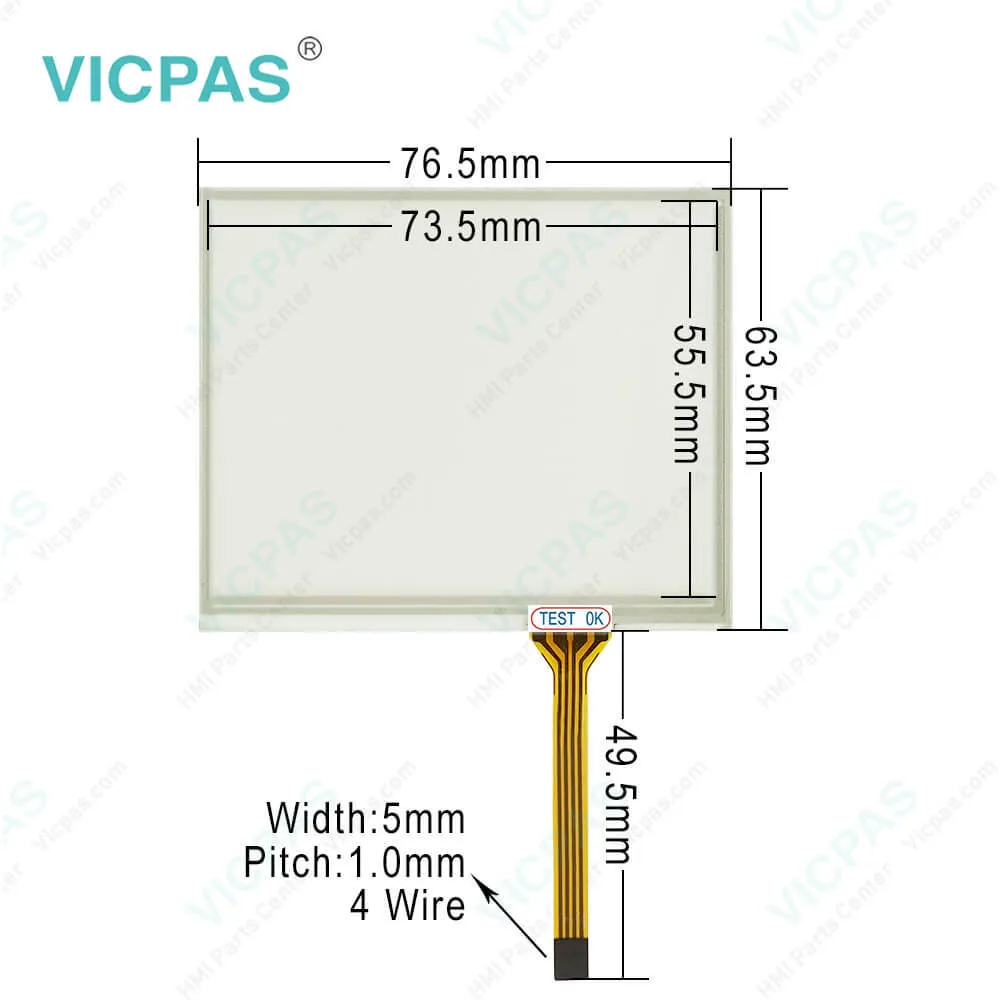
XV-102-B5-35MQR-10-PLC Touch Screen HMI PanelXV-102-B5-35MQR-10-PLC Touch Screen HMI PanelXV-102-B5-35MQR-10-PLC Touch Screen HMI PanelXV-102-B5-35MQR-10-PLC Touch Screen HMI Panel
BrandEATON
ModelXV-102-B5-35MQR-10-PLC
Warranty365 Days
Product LineEaton XV100
SupplyEaton XV100 Touch Screen and Overlay Repair
PartsTouchscreen Panel Glass Front Ovrerlay
FOB portGuangzhou, Shenzhen, Hongkong
Terms of PaymentWestern Union, MoneyGram, T/T, Paypal, PayPal, Credit Card
Download
Update Time2026-01-31 01:16:53
Leading Time{{selectedConditionObj.leading}}
{{item.value}}
{{nameObj.name}}{{nameObj.selectedValue}}
{{valueObj.name}}

Shipping

Free Shipping

Those shipping costs are only estimates, the actual shipping cost will be shown on the order page.

Detail Information

Micro Innovation XV-102-B5-35MQR-10-PLC 140015 Eaton XV100 Touch Screen Panel, Protective Films Overlay, and LCD Display Repair Replacement

XV-102-B5-35MQR-10 140015 Eaton XV100 Touch Screen Panel Repair Replacement


The range of functions possible for each device is determined by means of license points that are uniquely assigned to the device concerned. Additional license points can be assigned to the device by means of license product papers (see Accessories XV license product papers). Licensing is carried out via the Internet at www.eaton-automation.com/license.Entering the license product paper and device series number on the web page provides you with the license code and a license confirmation via email for your production documents. You enter the license code via the licensing menu on the device and thus increase the number of internal license points on the device.


Compact MICRO PANELs XV-102 operator interface with lots of power
• Full graphical 3.5“, 5.7“ or 7“-Widescreen TFT display with resistive touch screen
• High performance 400MHz RISC-Processor for PLC applications
• Onboard memory of 128MB on demand expandable with a SD card
• Nominal installation depth
• Ethernet interface onboard, furthermore CAN, Profibus, RS232 or RS485 possible
• integrated gateway function


Requirements for the MICRO PANELs XV-102 mounting position
The device is designed for mounting in control cabinets, control panels or control desks. It can be mounted horizontally or vertically. The following requirements must be fulfilled when selecting a suitable mounting position:\
1. The device should not be exposed to direct sunlight (when exposed to UV light, plastic parts of the device can embrittle and the lifespan of the device is reduced).
2. If the device is to be used in potentially explosive atmospheres, the device must not be subjected to hazardous knocks.
3. The inclination angle for vertical mounting without forced ventilation must be max.±45°.
4. The operating elements on the service side of the device and the cable connections are accessible after the device has been mounted.
5. The ambient conditions stated must be observed.
6. Sufficient ventilation (cooling) must be ensured by means of:
a) Clearance of at least 3 cm to the ventilation slots
b) Clearance of at least 15 cm from heat radiating components such as heavily loaded transformers
c) The expected temperatures should be within the permissible range.
7. Properties of the mounting surfaces:
a) Material thickness at the mounting cutout 2…5 mm
b) Flatness≤0.5 mm
(this requirement must also be fulfilled when the device is mounted!)


MICRO PANELs XV-102 can be used as HMI devices or as integrated HMI/PLC devices. MICRO PANELs XV-102 is primarily used in machine and system building. They are designed exclusively for the visualization, operation and control of machines and systems. Any other use must be agreed beforehand with the manufacturer.


Specifications:

Part Number:XV-102-B5-35MQR-10
Display Size:3.5 inches
Warranty:365 days Warranty
Product Line:Eaton XV100
Input Type:Touchscreen
Retain Memory:Without
Operating System:WinCE 5.0 Core(included)
Touch:Resistive


Related BB Teach Pendant Part No. :

XV-102-B5-35MQR-10-PLCDescription Inventory status
XV-102-B4-35MQR-10-PLCEATON ELECTRIC Touch Panel XV-102-B4-35MQR-10-PLCIn Stock
XV-102-B4-35TQR-10Touch Panel Eaton XV-102-B4-35TQR-10 140010Available Now
XV-102-B4-35TQR-10-PLCXV-102-B4-35TQR-10-PLC Eaton Touch Screen GlassIn Stock
XV-102-B5-35MQR-10-PLCXV-102-B5-35MQR-10-PLC EATON ELECTRIC XV100 TouchIn Stock
XV-102-B5-35TQR-10XV-102-B5-35TQR-10 140011 EATON Touch ScreenIn Stock
XV-102-B5-35TQR-10-PLCXV-102-B5-35TQR-10-PLC Eaton XV100 Touch Panel GlassIn Stock
XV-102-B6-35MQR-10-PLCXV-102-B6-35MQR-10-PLC Touch Screen ReplacementAvailable Now
XV-102-B6-35TQR-10-PLCMicro Innovation Eaton XV-102-B6-35TQR-10-PLCIn Stock
XV-102-B8-35MQR-10-PLCHMI Panel Glass XV-102-B8-35MQR-10-PLC 140017 EatonAvailable Now
XV-102-B8-35TQR-10-PLCXV-102-B8-35TQR-10-PLC Eaton HMI Panel GlassIn Stock

XV-102-B5-35MQR-10-PLC Touch Screen HMI Panel PDF Download:
  • Micro Innovation XV100
  • Eaton HMI Catalog
  • Communications User Manual
  • XV-102 Touchdisplay Handbuch
  • XV-102 Micro Panel Operating Instructions
  • Touch Panel HMI-PLC Product Guide
  • XV-102 installation Instructions

  • FAQ:

    Question: What is the Eaton XV100 XV-102-B5-35MQR-10 visible display area?

    Answer: 70 mm×53 mm (3.5" screen diagonal).

    Question: What is the size of XV-102-B5-35MQR-10 Toucshcreen Panel Glass?

    Answer: The XV-102-B5-35MQR-10 Touch Screen Panel is 3.5-inch.

    Question: How to validating Eaton XV100 XV-102-B5-35MQR-10 license product papers?

    Answer: The validation of license product paper couldn’t be simpler. Once you have entered the license product paper and the device series number on the Internet page www.eaton-automation.com/license the license code is issued immediately for activating the device functions required. After the license code is entered on the XV100, XV150, XV200, XVS400 or XV400 device, the additional license points are added directly to the device.


    Common misspellings:

    XV-l02-B5-35MQR-10XV-1o2-B5-35MQR-10XV-102-B5-35MQR-l0XV-102-B5-35MQR-1o

    Please send your message to us
    *Email
    Mobile Phone
    *Title
    *Content
    Upload
    • Only supports .rar/.zip/.jpg/.png/.gif/.doc/.xls/.pdf, maximum 20MB.
    Do you want to quickly know the product quotation you need?
    • Fast QuoteFast Quote
    • Worldwide ShippingWorldwide Shipping
    • 12 Months Warranty12 Months Warranty
    • Customize ServiceCustomize Service
    subscription
    KEEP IN TOUCH
    Please send your message to us
    *Email
    Mobile Phone
    *Title
    *Content
    Upload
    • Only supports .rar/.zip/.jpg/.png/.gif/.doc/.xls/.pdf, maximum 20MB.
    CONTACT US
    QR code
    Mobile Web
    1.446734s